


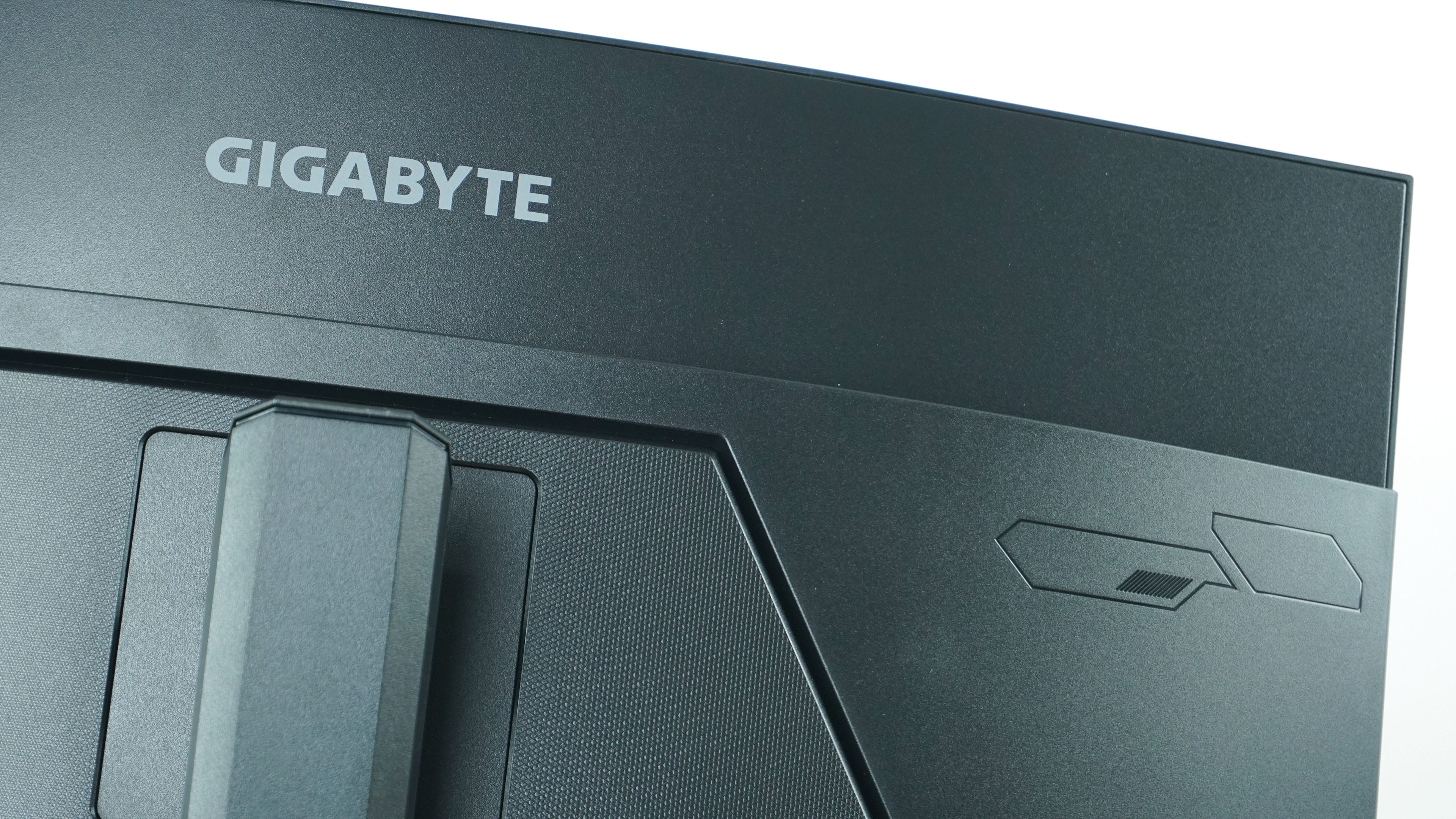
Monitors at the moment are probably dominated by 27-inch models, which is logical given their price and availability. The next step in the evolution are 32-inch models, which include the tested M32UC from Gigabyte. This one is very similar to the recently tested G32QC. However, appearance is the only thing they are similar in, as the M32UC is a bit of a “different animal”. 4K at 160Hz and KVM are just the tip of the iceberg of what the monitor offers.
Basic parameters
| Parameters | Gigabyte |
| M32UC | |
| 27E1N5600HE | |
| Display | 32" SS VA, 16:9, curved 1500R, matte |
| Resolution | 3840 × 2160 px |
| Refresh rate | 144 Hz (160 Hz OC – DP) |
| Colors | 8-bit |
| AMD FreeSync Premium Pro | yes |
| Response time | 2 ms GTG, 1 ms MPRT |
| Brightness | 350 nits |
| Contrast | 3000:1 |
| Color spaces | sRGB: 123 %, DCI-P3: 93 % |
| Outputs | 2× HDMI 2.1, 1× DisplayPort 1.4, 1× USB-C |
| USB hub | yes |
| Audio input/output | no/yes |
| Speakers | yes, 2× 3 W |
| VESA | yes (100 × 100) |
| Approximate price | 750 EUR |
Packaging and accesories
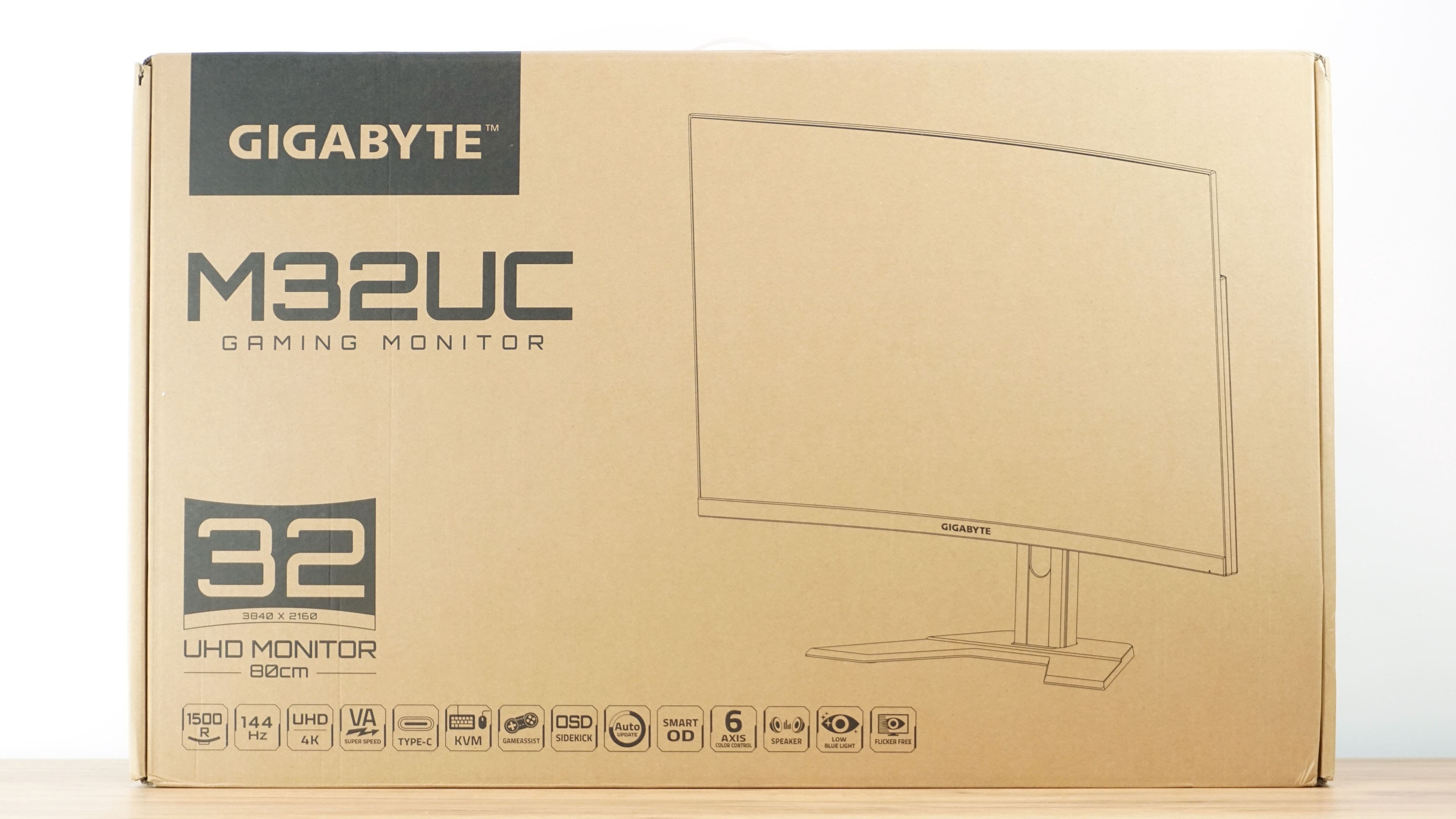
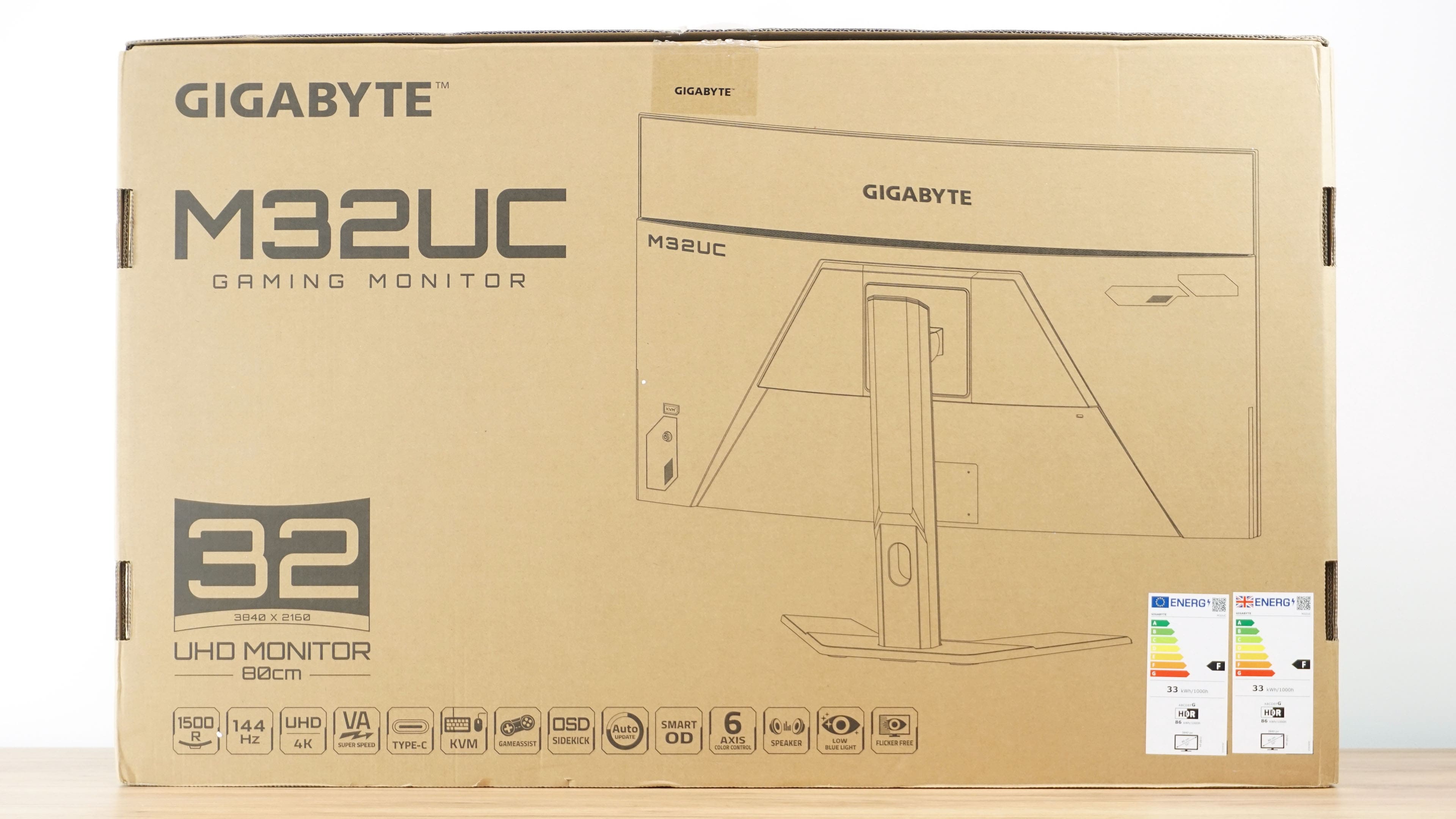
The similarity to the G32QC starts with the box, which is virtually identical in terms of graphics and design. So again we see the silhouette of the monitor made of outlines in black on the cardboard packaging.
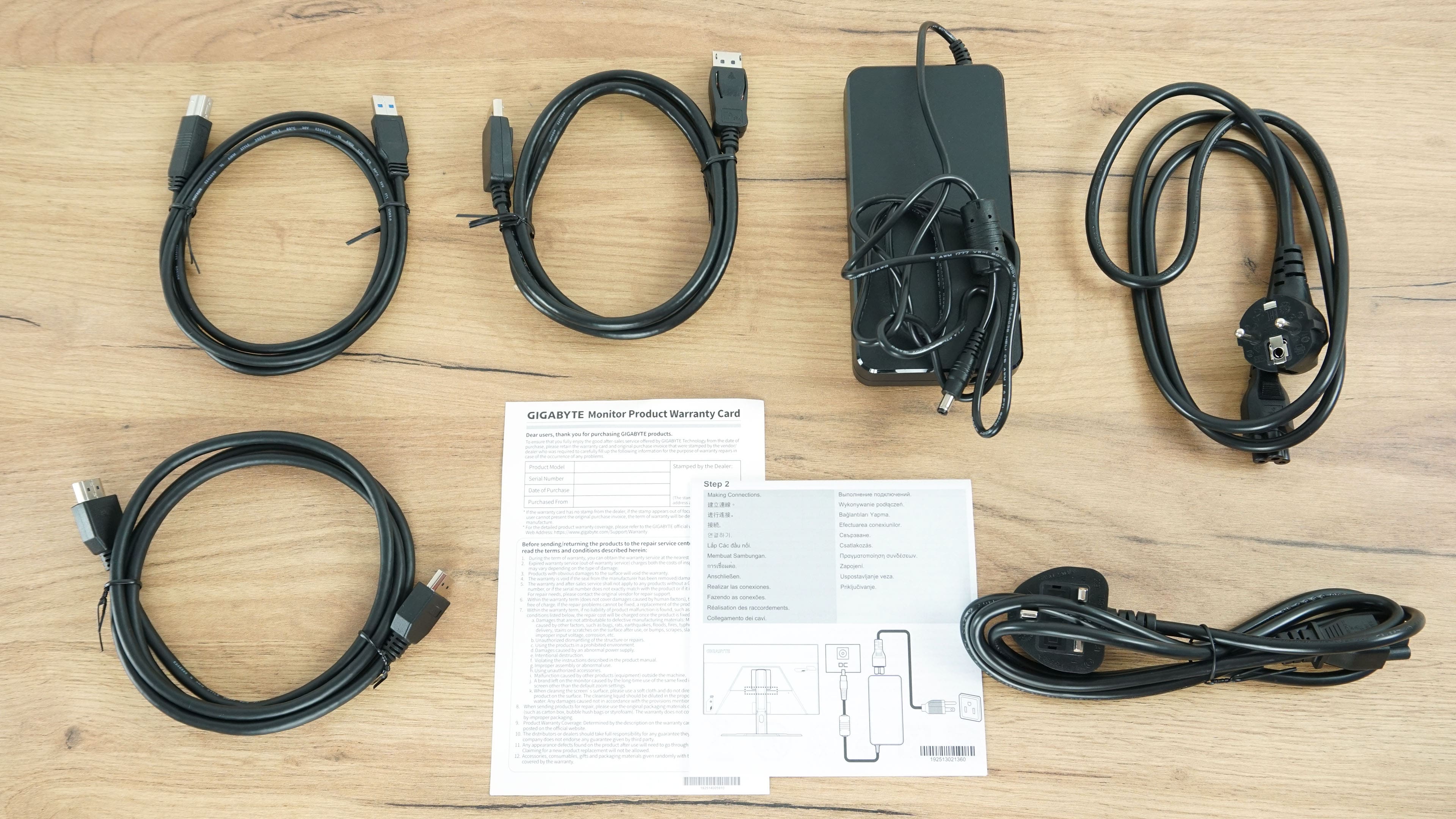
The contents of the package are also almost identical. There are HDMI and DisplayPort video cables and a USB cable to connect the hub to your computer. The difference from its older sibling is in the size of the power adapter, which is roughly twice as big.
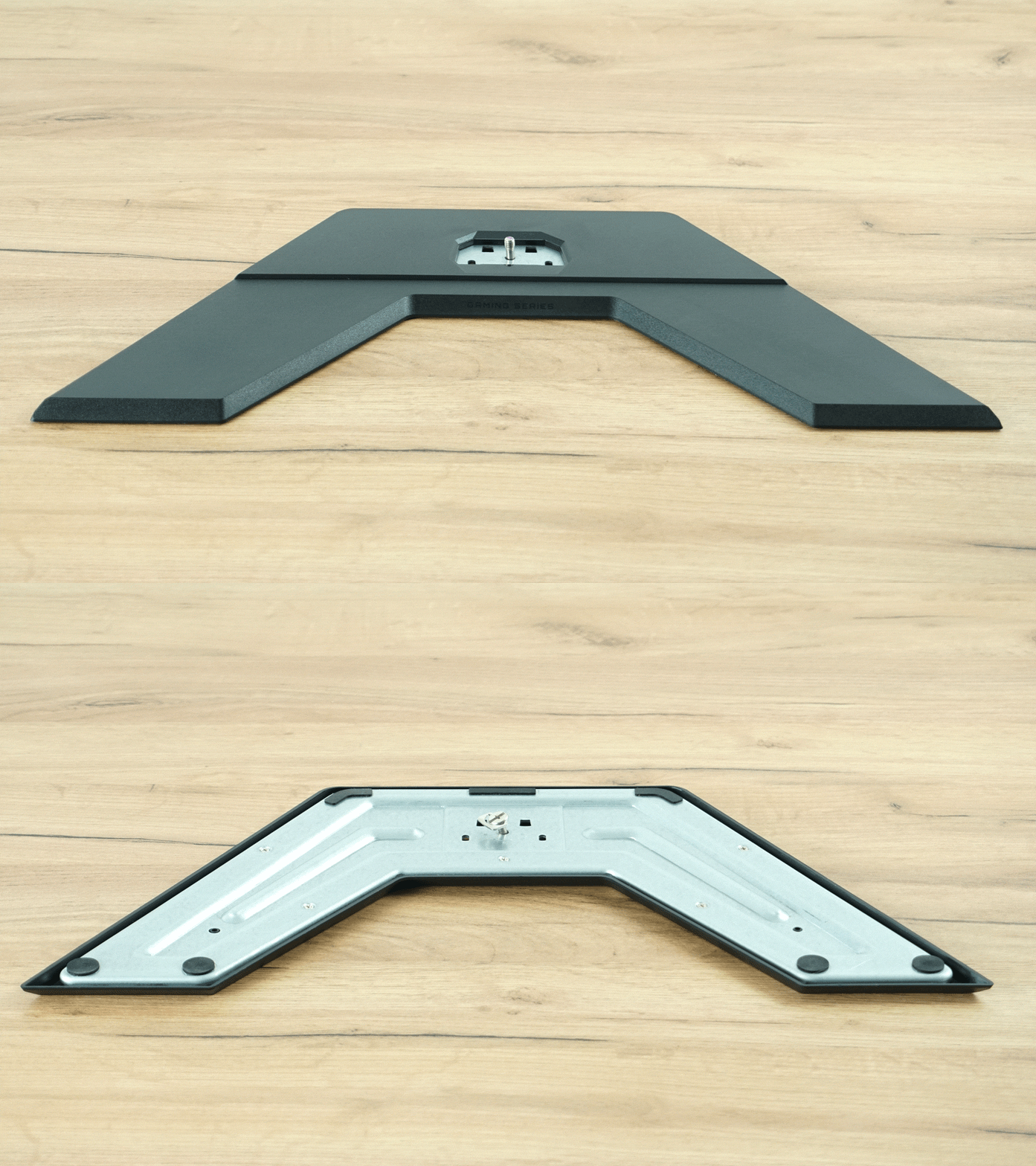
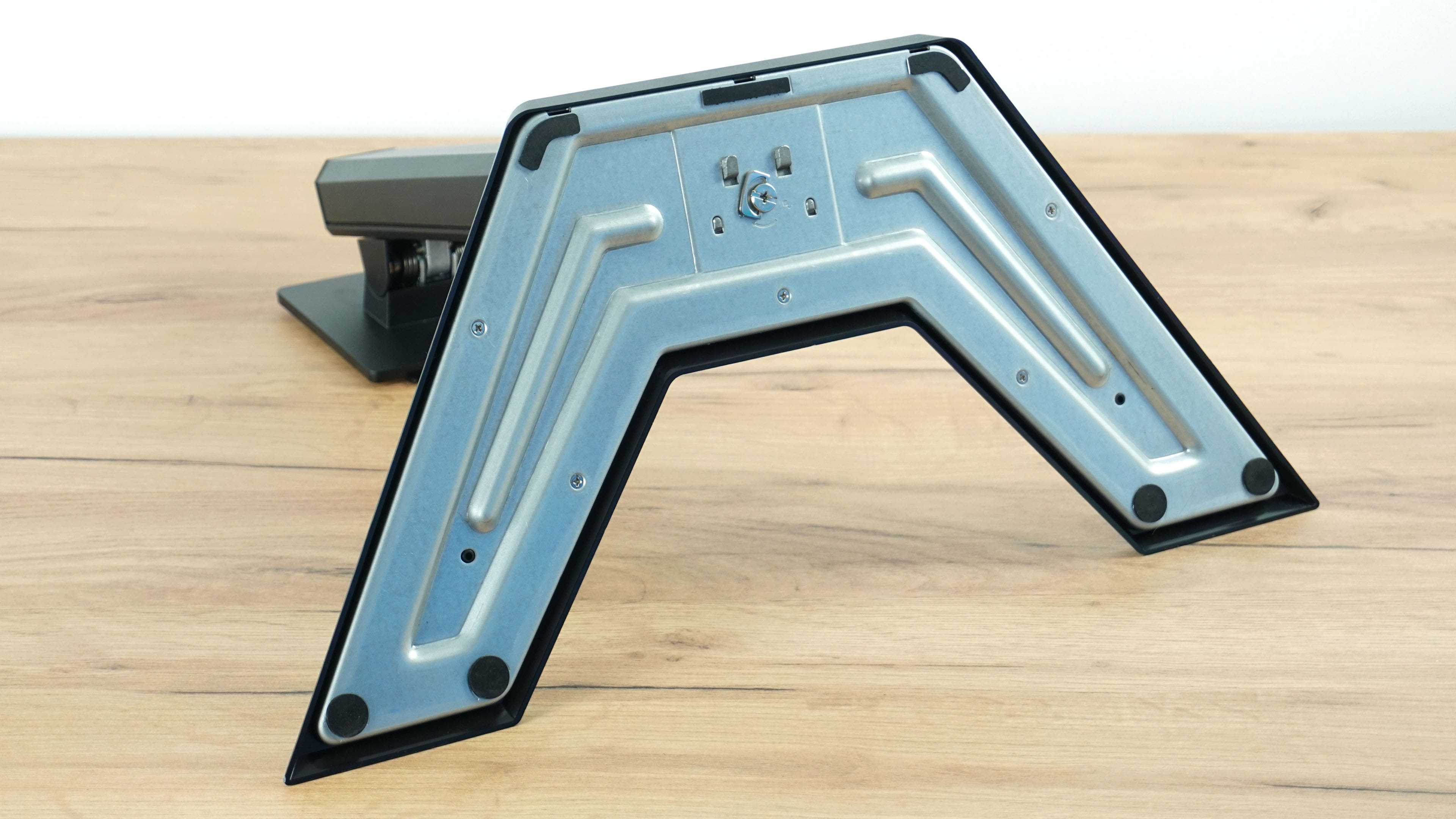
The bottom of the stand is virtually identical and I found no difference in design or workmanship.
The second part of the stand also looks the same at first glance, but some changes have been made. We’ll talk about what they are in a moment during assembly.
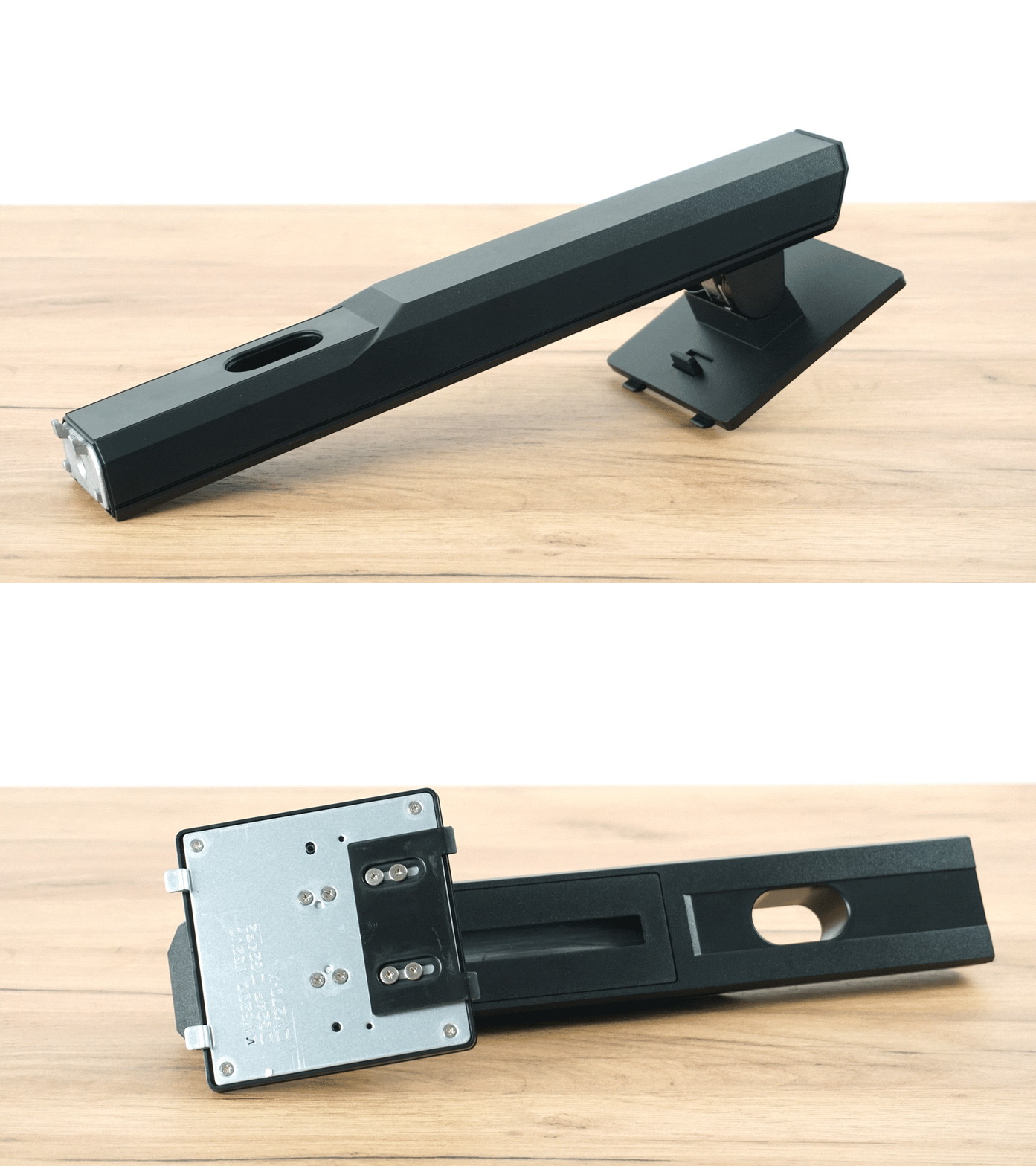
Connecting the two parts of the stand is quick and easy, as you just push the two parts of the stand together and tighten the screw with your fingers, without the need for a screwdriver.
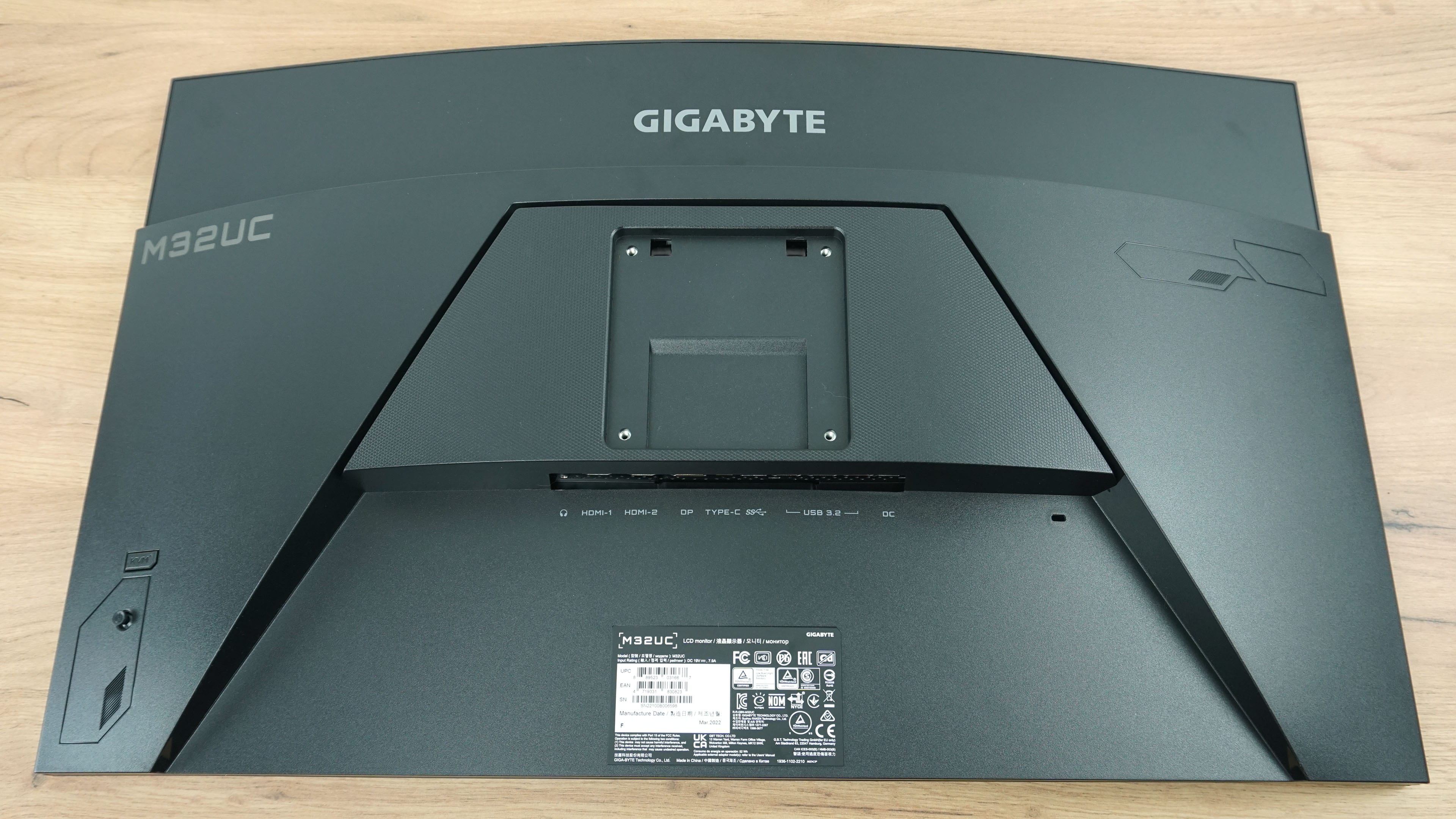
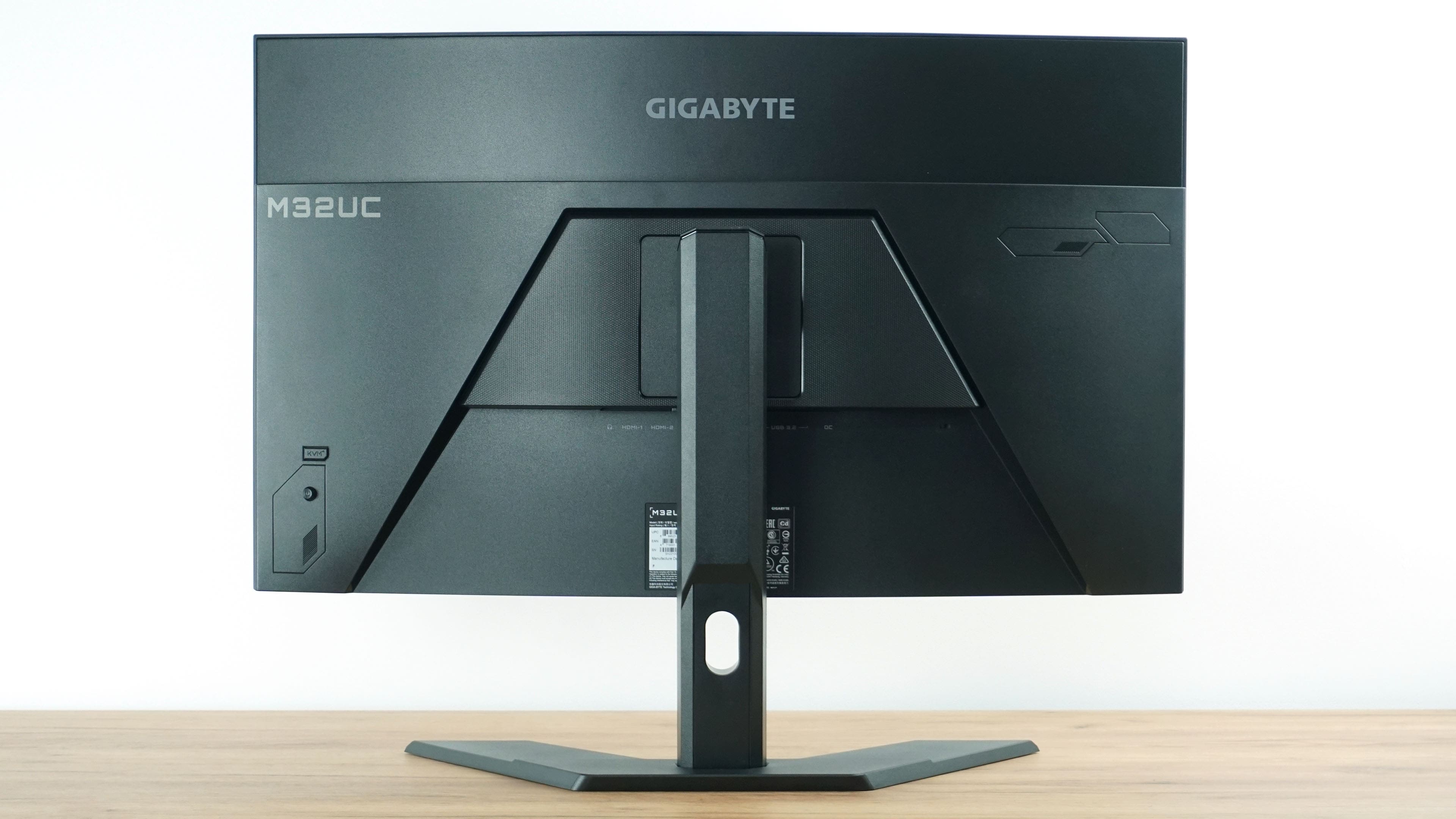
The design of the backside is very similar to the G32QC, only the placement of the manufacturer’s logo and model designation has changed.
We placed the monitor on a flat surface to get a better idea of what the 1500R curve looks like in real life.
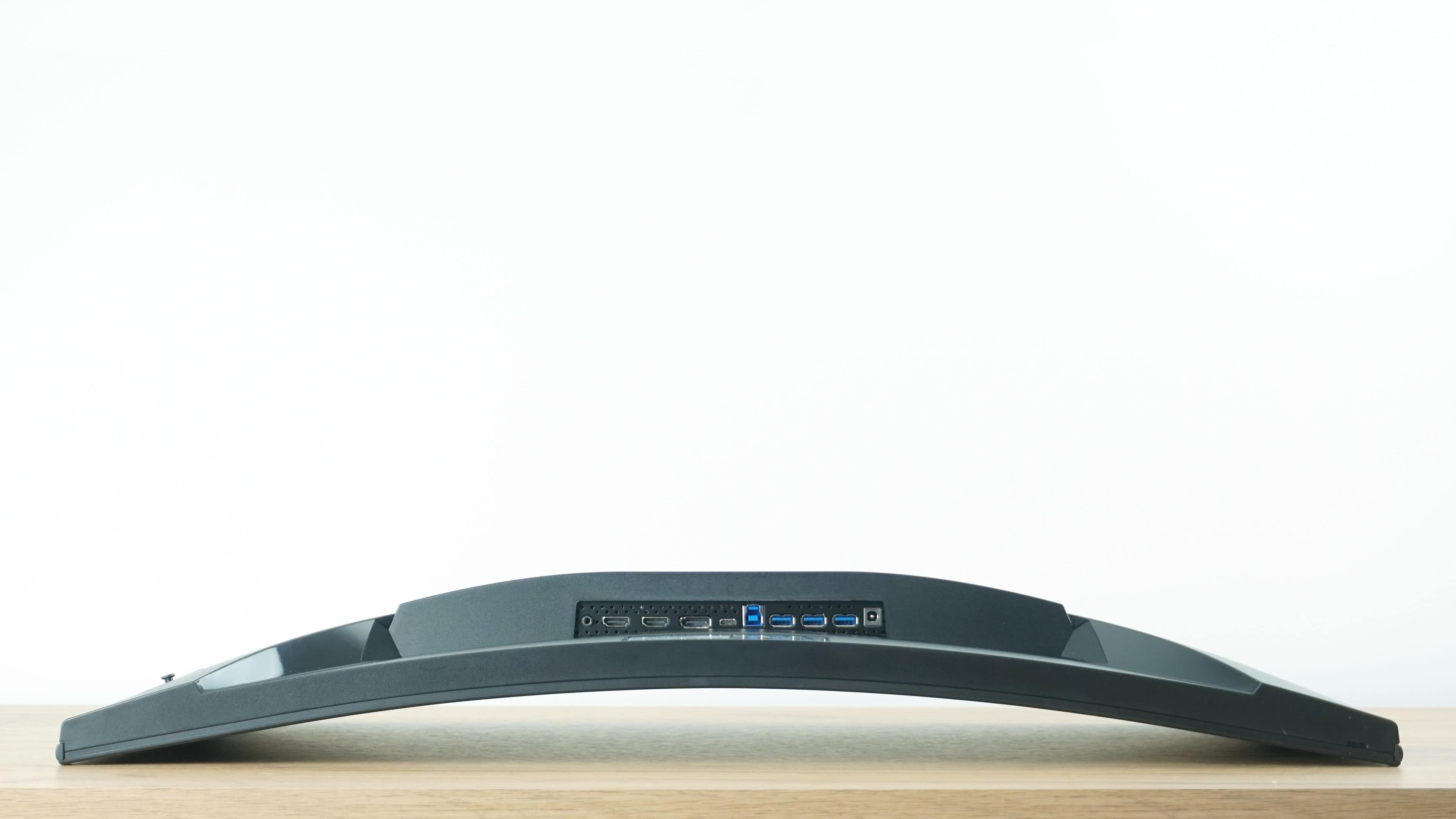
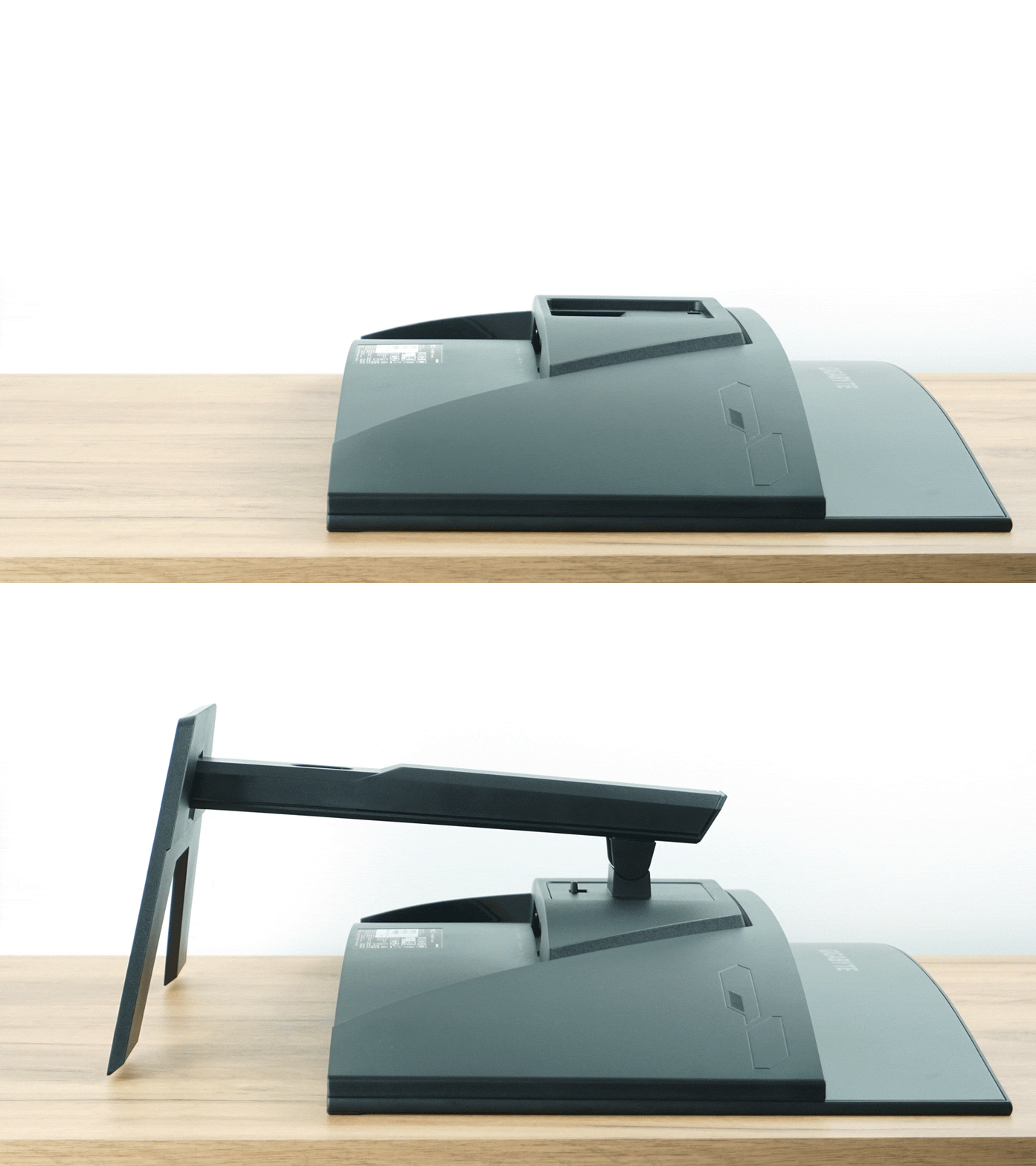
The first major difference the new product offers is easier installation of the stand to the monitor body. The G32QC required the use of a screwdriver and four screws to attach the stand, the new product no longer requires any tools. As a result, installation has been greatly simplified and sped up. In doing so, the M32QC has caught up with the competition.
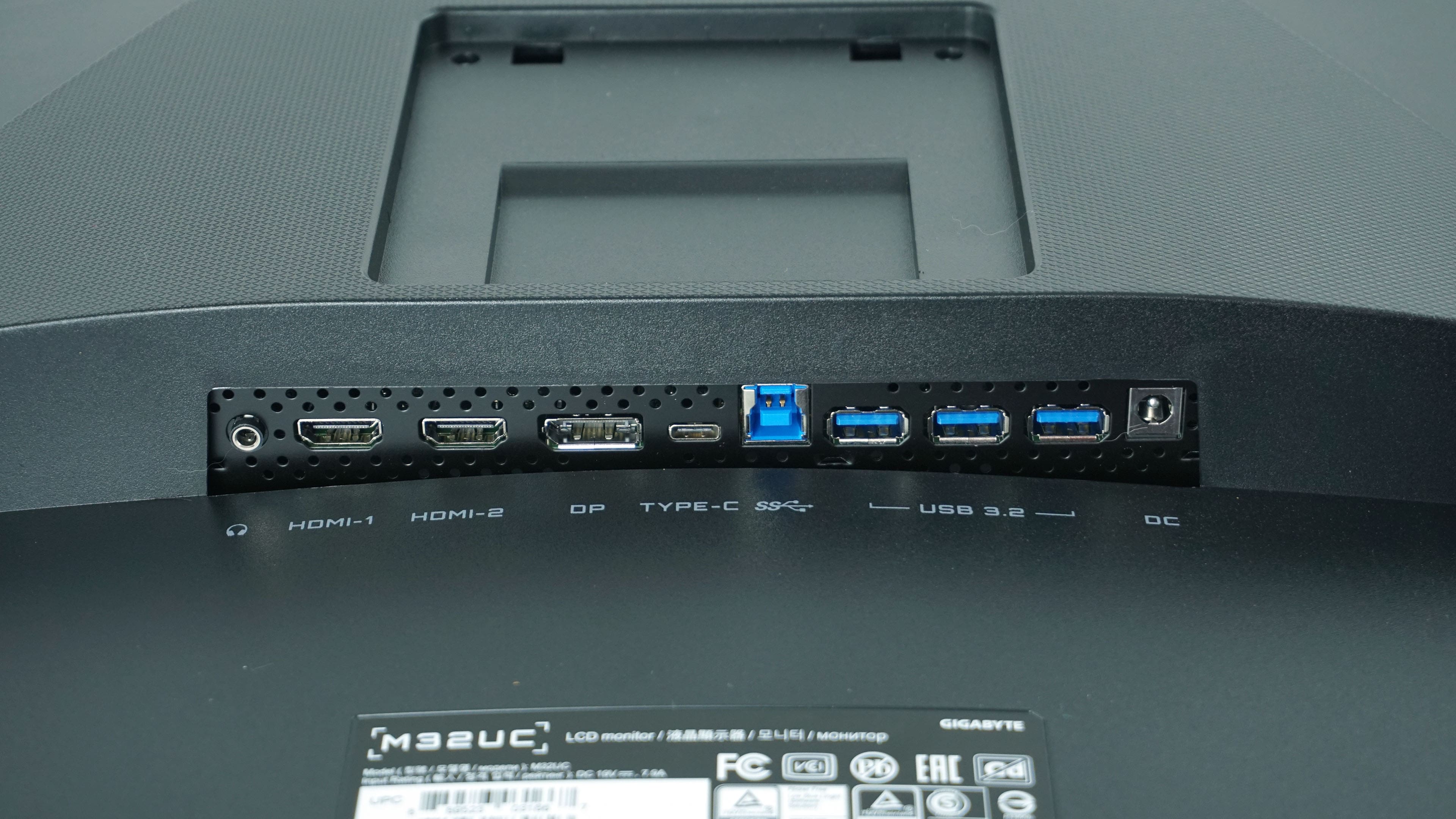
The second significant difference can be observed in connectivity, both in quantity and quality. Again, there are two HDMI connectors, one DisplayPort, but a USB-C connector has been added, and there’s also one more USB-A connector (three in total). Video inputs have also seen an improvement, DisplayPort has improved from 1.2 to 1.4 with DSC. These changes are inevitable given the presence of a fast 4K panel.
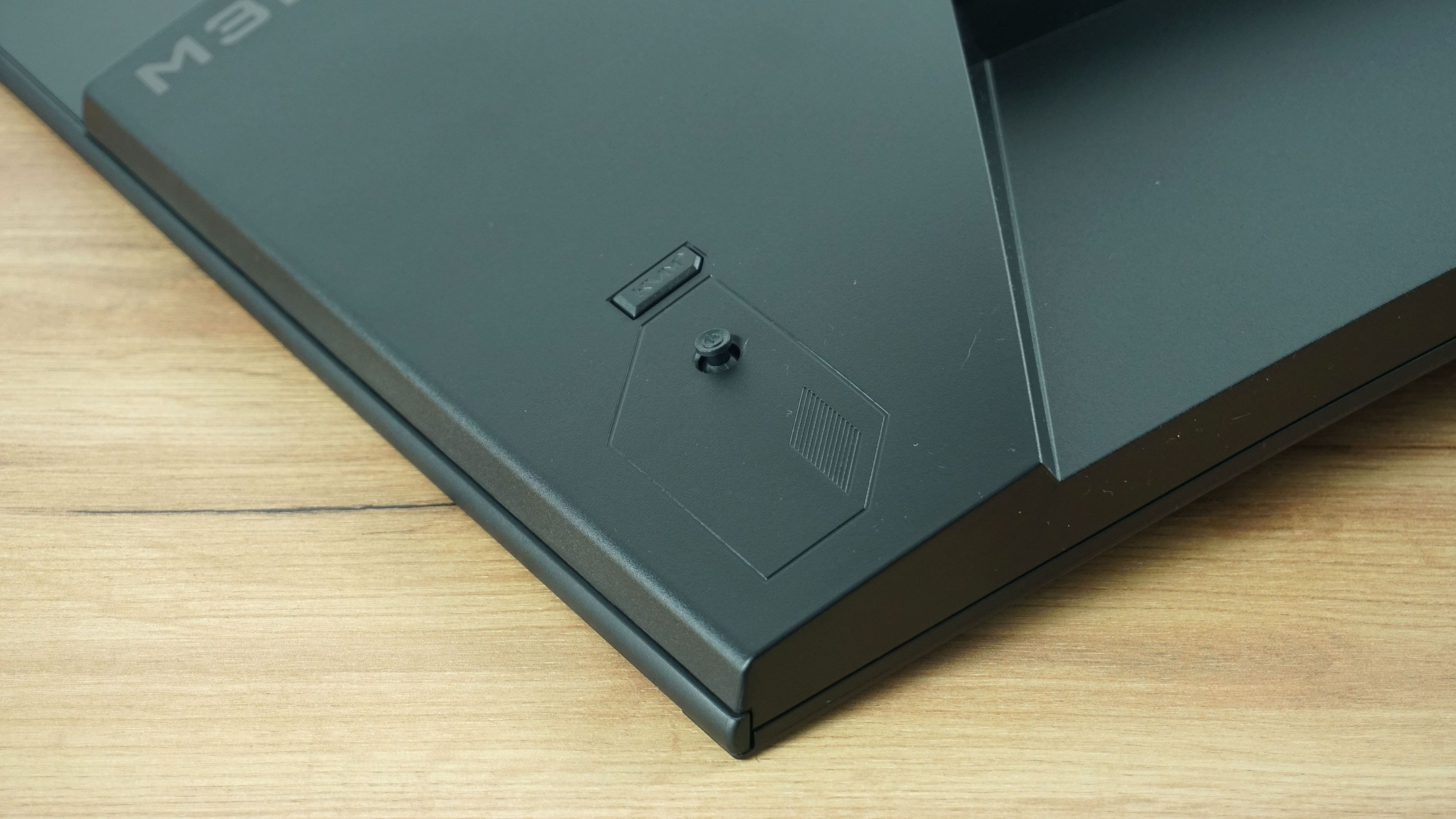
The third significant change is a new button on the back, which we haven’t seen before on the G32QC.
After putting the monitor on its “feet” again, you can see that the differences from the G32QC are really hard to spot, and on the outside there are only a few.
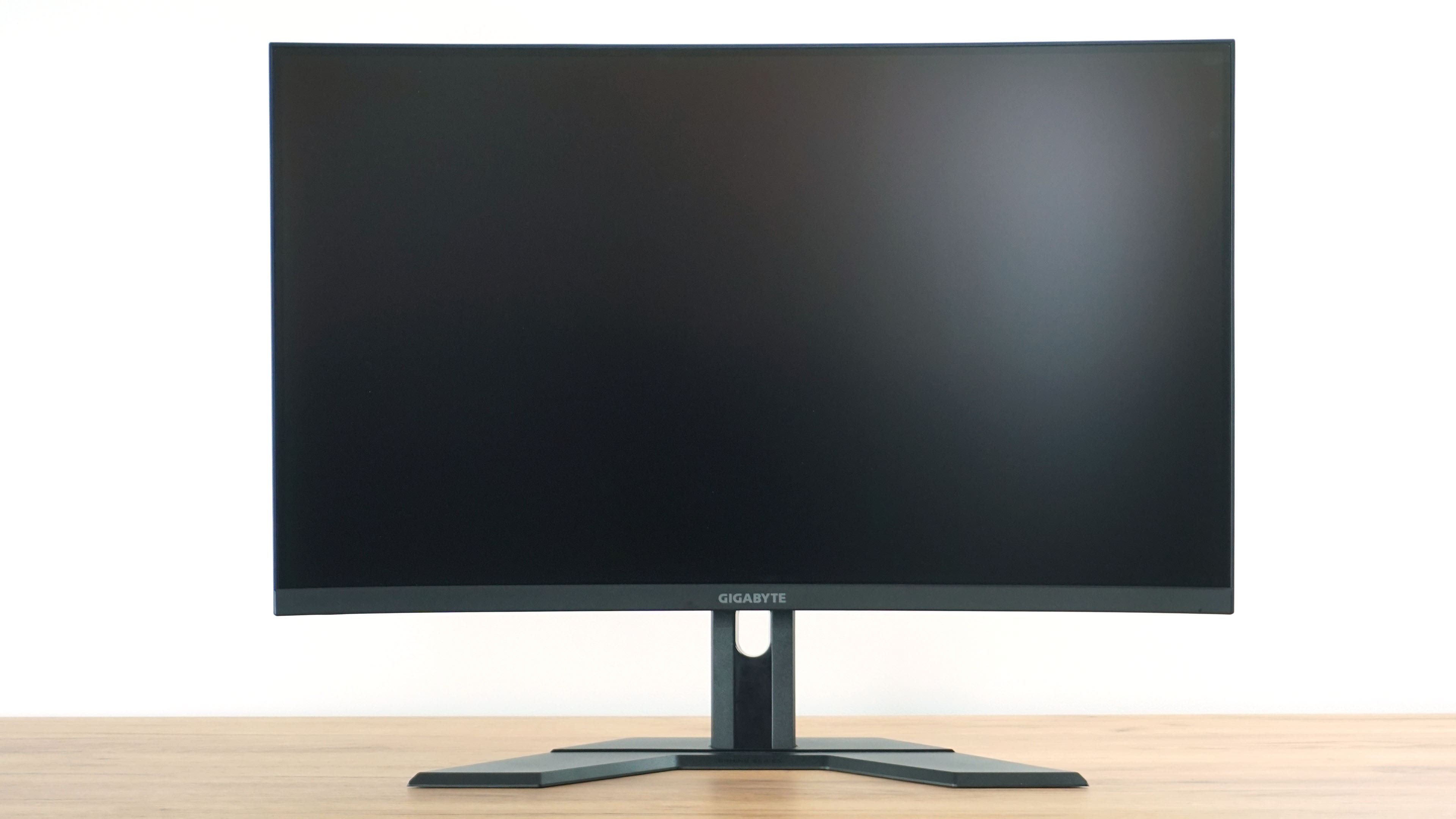
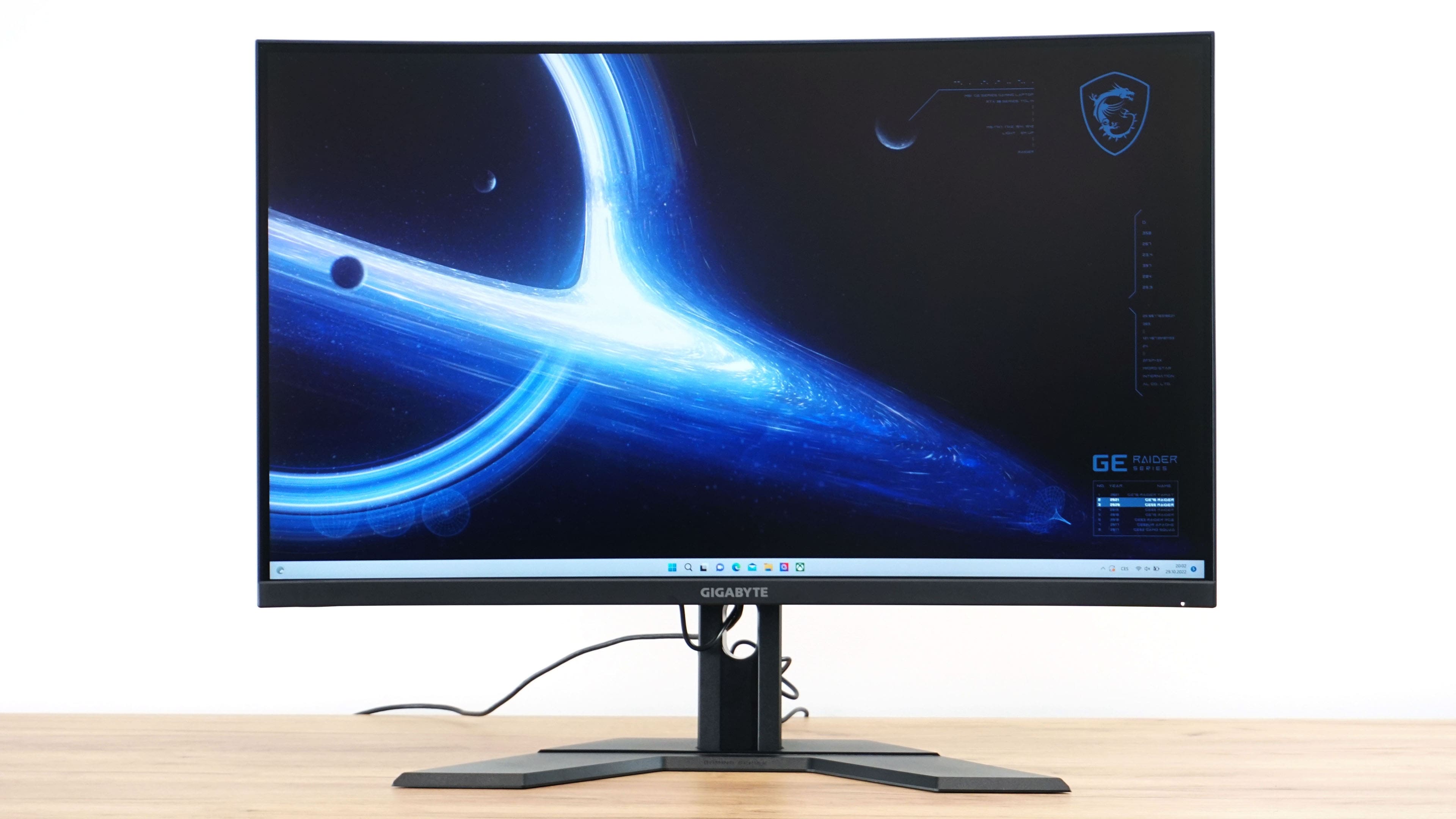
When you turn on the display, you can look forward to very thin bezels on three sides and a relatively acceptably thick bottom chin.
The monitor has a height adjustment range of 100 mm.
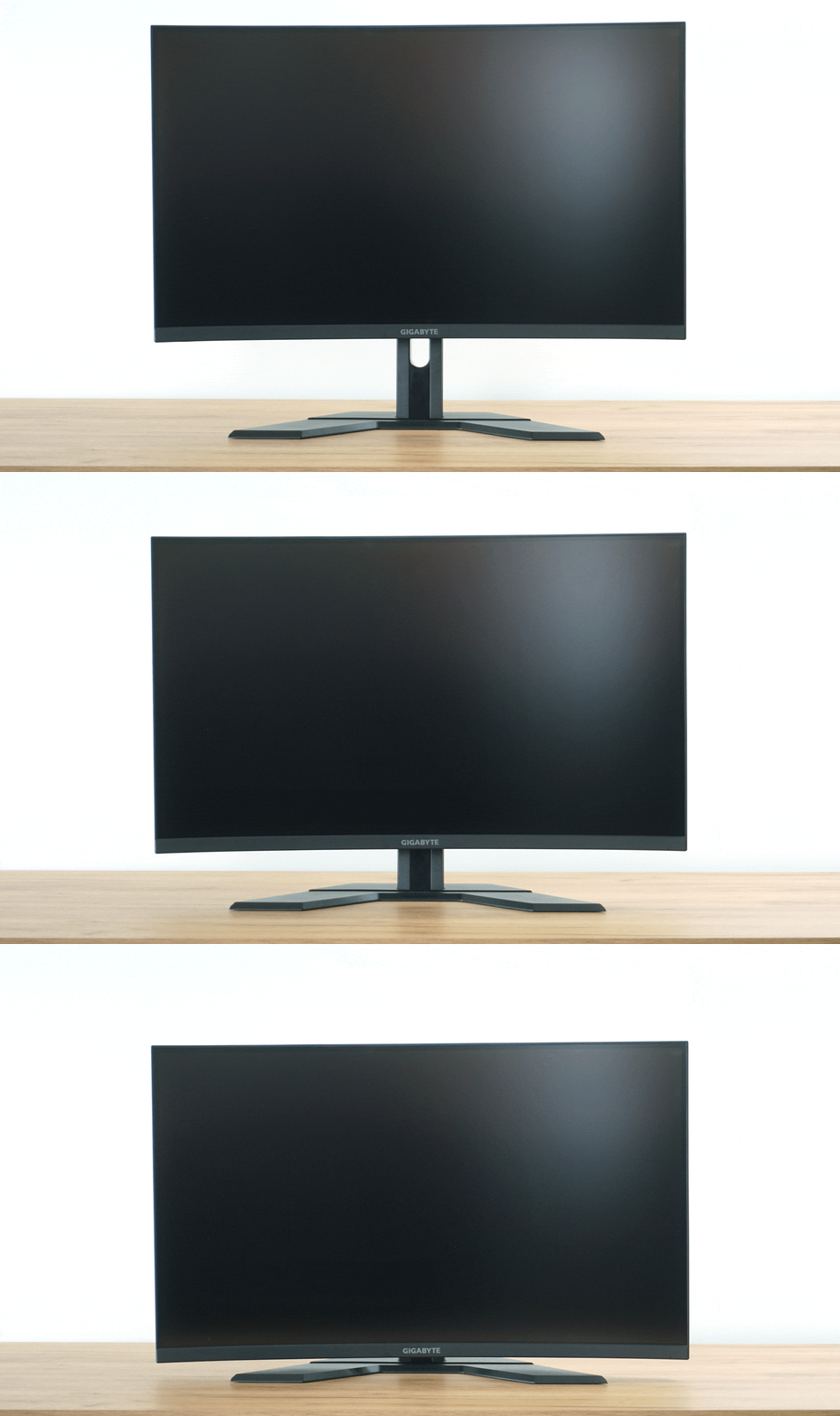
At the lowest point, the monitor is 25 mm from the desk with the bottom edge, the top edge is then at a height of 445 mm. In the highest position it is 125 mm, and 545 mm for the top of the display. The panel itself has a height of 420 mm.
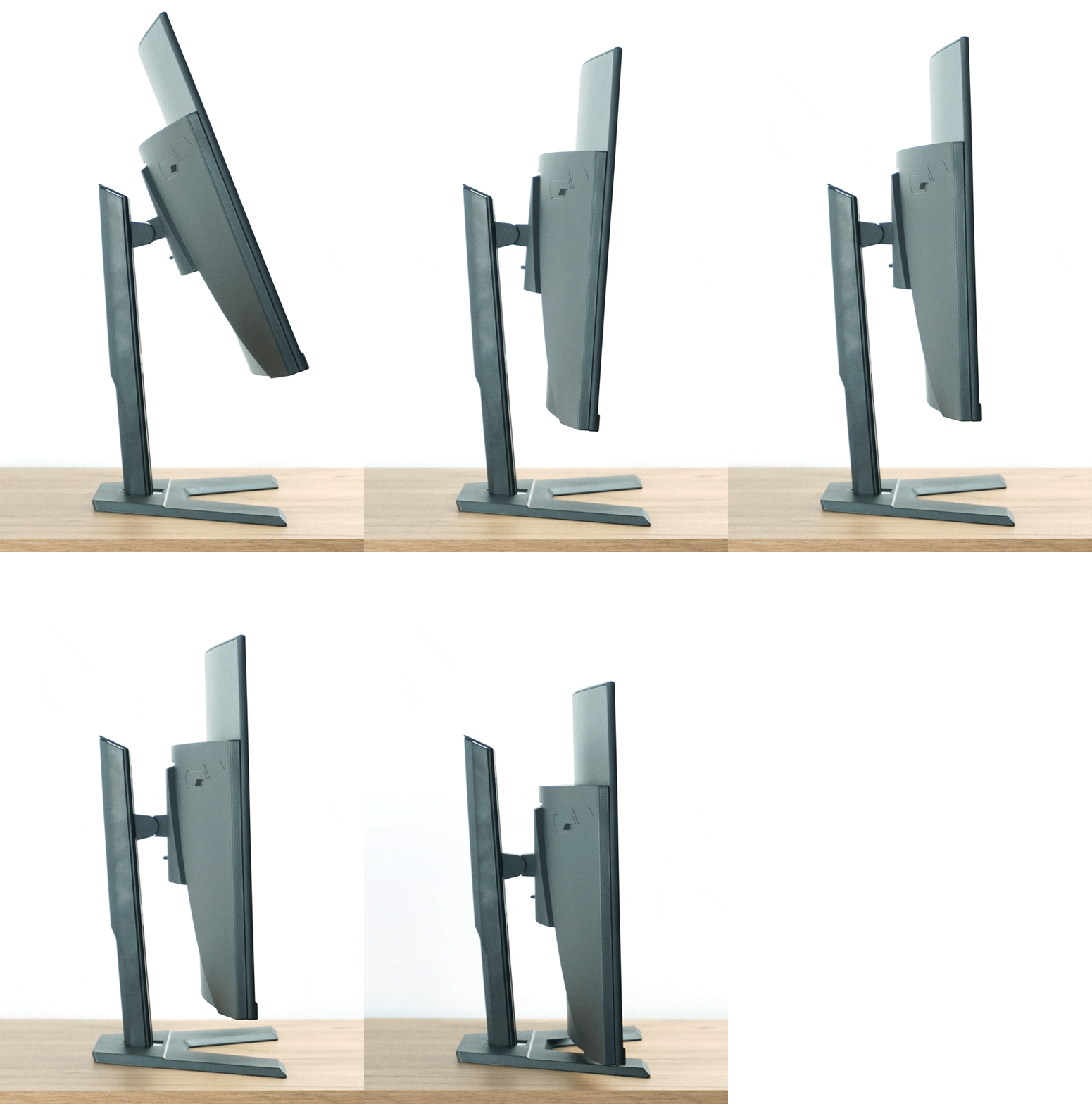
You can also tilt the display between -5 and +20 degrees, which are fairly common values. The monitor doesn’t offer sideways rotation or pivot.
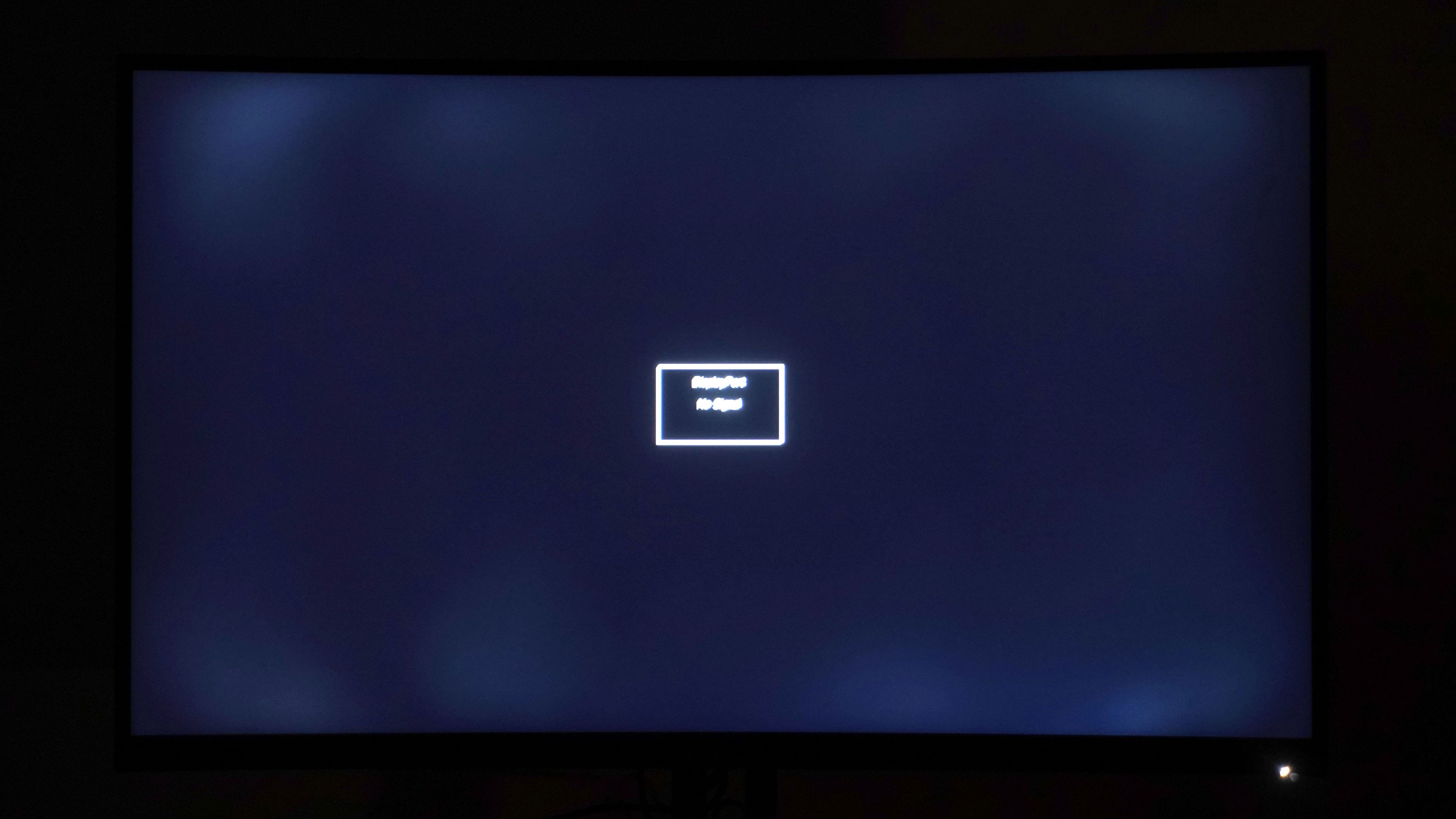
The Backlight bleed of the G32QC was one of the worse ones, and although the M32QC is slightly better, it’s still not ideal. So even the SS (Super Speed) version of the VA panel didn’t solve the problem. Of course, as always, every panel is different and your piece may be better, but it may also be worse. We’ll measure uniformity with a colorimetric probe in the next chapter.



That’s a beautiful Batman in black uniformity test. I blame mostly Samsung that we needed to wait over 2 years for this curved screen “comfort” and “gaming immersion” fad in 27″ and 24″(!!) VA screens to be over. So many luminance and other problems for questionable gains.