


The new GeForce RTX 5070 Ti goes on sale as the most affordable GeForce model with the Blackwell architecture to date. We’re looking at one of the best-equipped versions—the MSI GeForce RTX 5070 Ti 16G Vanguard SOC, a top-tier model from MSI. It features an extremely powerful cooler with massive headroom and excellent performance but comes at a price comparable to the RTX 4080 Super from the previous generation.
GeForce RTX 5070 Ti is built on the same foundation as the more powerful RTX 5080. Its GB203 graphics chip has been slightly cut down, but importantly, it retains the 256-bit bus and 16 GB of memory, similar to the RTX 4070 Ti Super.
Compared to the higher-end RTX 5080, which features a fully enabled graphics chip, some compute units in the RTX 5070 Ti have been deactivated. As a result, it offers 8,960 shaders, 280 texture units, and 96 ROPs. Additionally, it includes 280 tensor cores for AI computations and 70 cores for ray tracing. The base clock speed is 2,300 MHz, with a boost of up to 2,452 MHz, while the DDR7 memory runs at 1,750 MHz (28 Gb/s).
The GeForce RTX 5070 Ti 16G VANGUARD SOC is the highest-clocked RTX 5070 Ti model in MSI’s lineup. Among all versions, it has the largest and heaviest cooler, and in the Launch Edition—meant to better promote MSI’s new Vanguard series—it also comes with the most extensive set of accessories.

The card features a dual BIOS with two modes—Silent and Gaming. By default, the Gaming mode is active. The difference lies in fan control and behavior, while all other parameters and settings remain identical.
The listed boost clock speed is increased on both BIOS modes from the reference 2,452 MHz to 2,588 MHz, but the actual operating clock speeds under gaming load are even higher. The performance difference between the two BIOS modes is nearly negligible, so I recommend switching to the Silent mode, which we will also use for testing. However, we will measure operating characteristics in detail in both modes.
The power limit is set to a reference 300 W, but you can increase it by 17% to 350 W. Alternatively, you can decrease it by 17% to 250 W.


And this is what the Gaming BIOS looks like. The power limit is set the same way, as are the boundaries for increasing it.


In addition to the monitoring values from GPU-Z, I’ll also include a host of additional data that HWiNFO can currently read from the card. It’s definitely worth noting that all three fans have their own connectors with independent control and monitoring. Unlike cards with two or three fans connected via a splitter to a single connector, this allows you to monitor and adjust the speeds of all three fans individually.

The box for the launch edition is easily three times larger than usual. The front and sides are extremely minimalist in design.


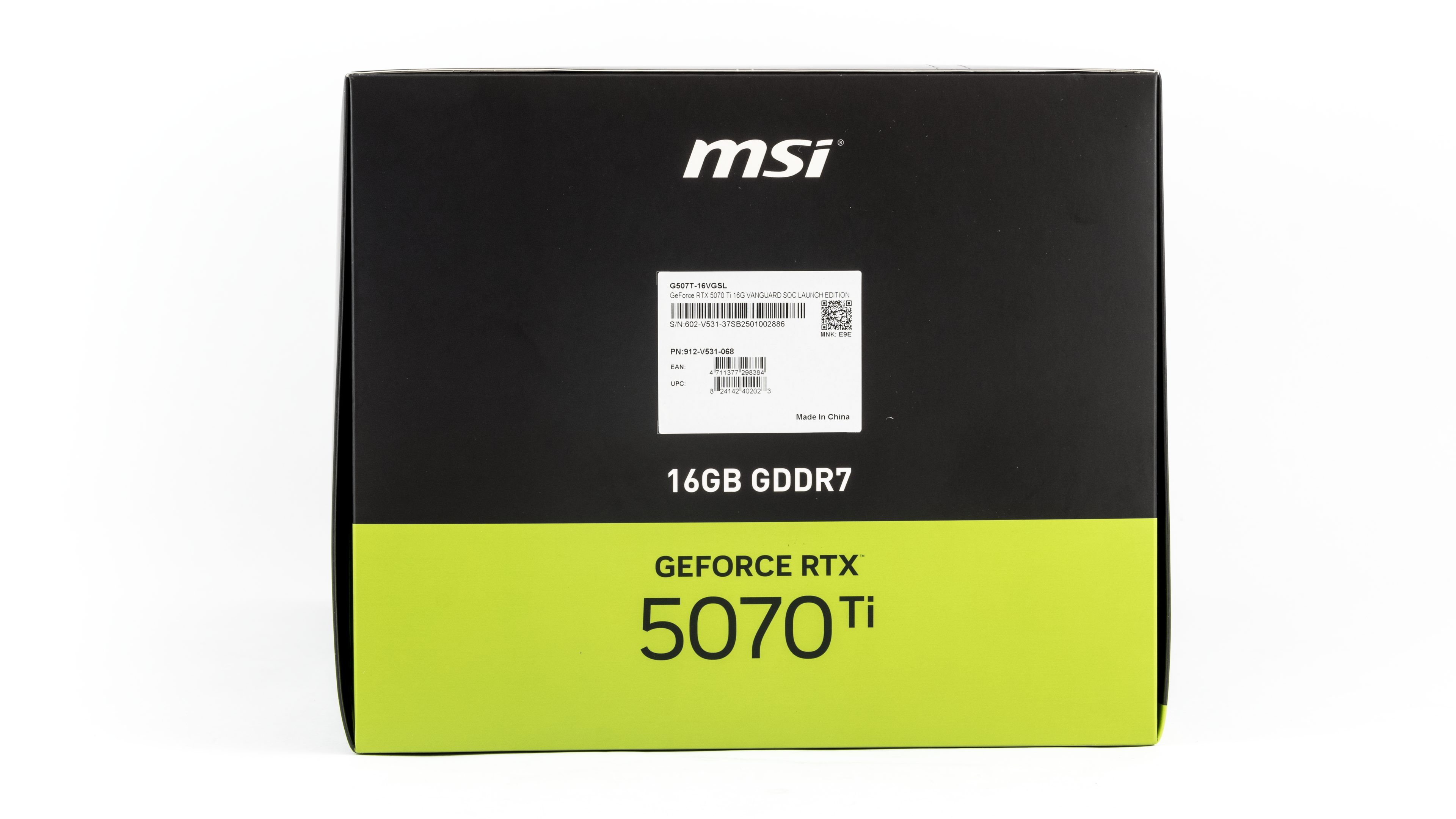
On the back, there is a list of key MSI technologies utilized by the card as well as supported Nvidia technologies. The card supports Hyper Frozr technology, enabling passive cooling under low load. It is equipped with Stormforce fans and features an advanced vapour chamber cooler that dissipates heat from the GPU and memory. Heat from the chamber is transferred via heatpipes with a square cross-section, which increases the contact area with the chamber for better heat dissipation.

To open the box, you need to tear off the tape. Once you do, it unfolds, revealing a black treasure chest filled with all the goodies.
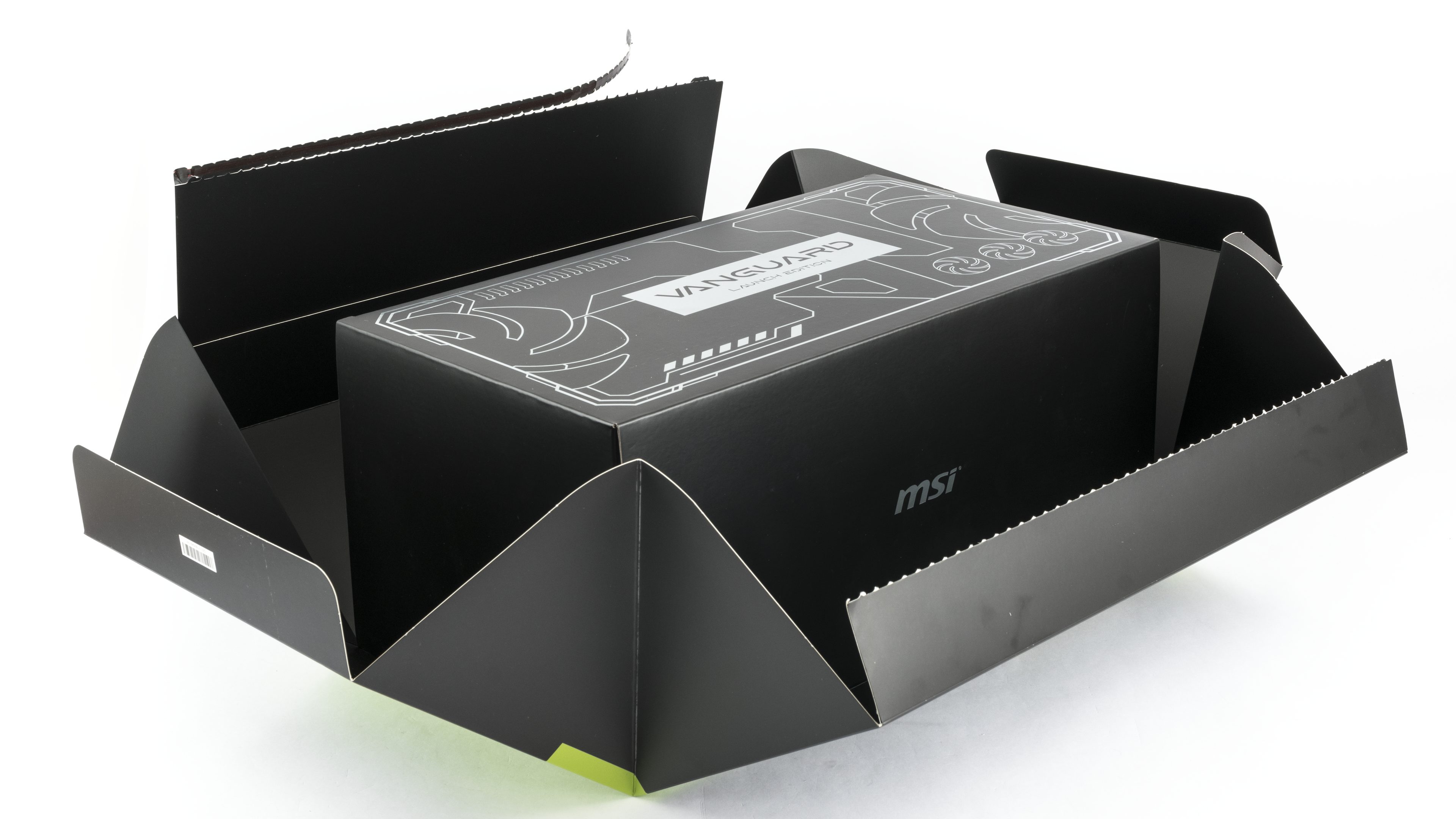


In addition to the usual brief installation guide and the still-essential power adapter, the package also includes a GPU support bracket and a “lootbox” containing one randomly selected figurine of the company’s dragon mascot.


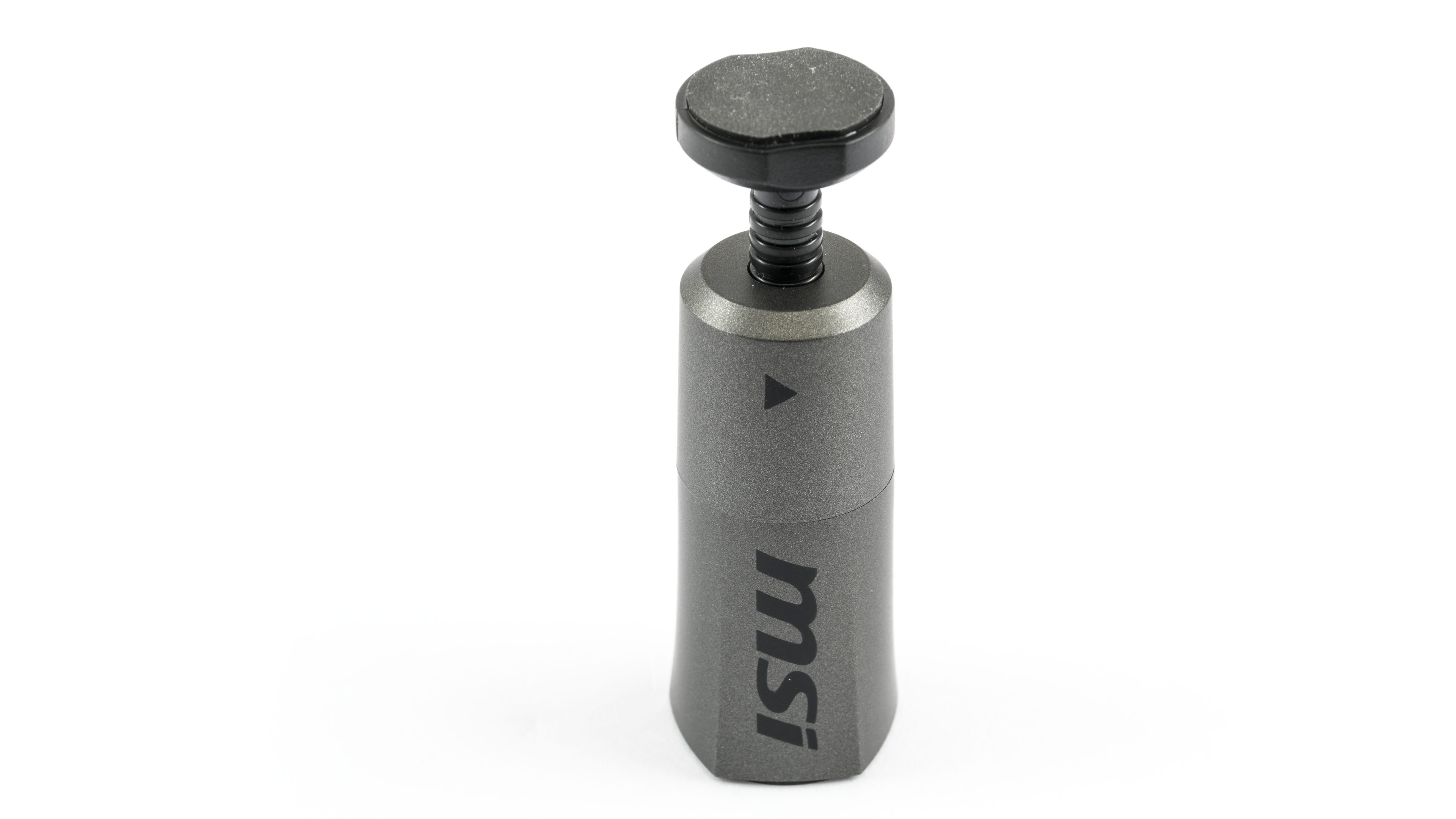
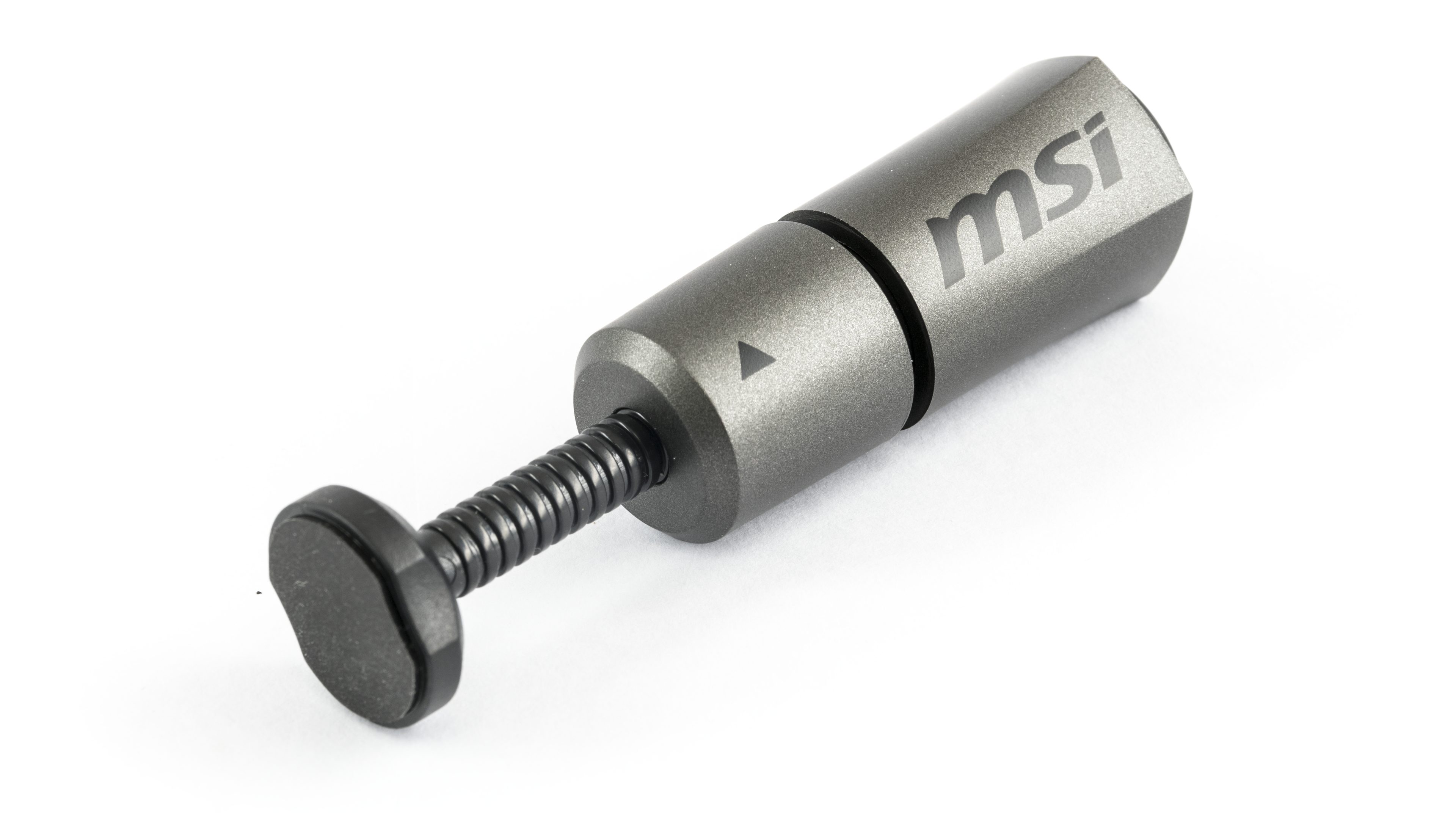
The GPU support post has a unique and practical design. The top plate features a soft foam pad for cushioning. What appears to be a threaded section on the upper part is actually just a textured grip. To adjust the height, simply loosen the lower part in the direction of the arrow, move it up or down, and then tighten it back into place. This method is quicker and more convenient than a screw-based mechanism. At the bottom, a built-in magnet keeps the post securely attached to the metal tunnel beneath the card.


⠀






No coil whine charts anymore? 🙁
I’d like to start measuring it again in a few months in some form, but right now, that’s almost impossible because I’d need to measure all relevant cards for comparison with new ones and add more games and benchmarks. Plus, we’d also need to buy another Umik for that.
I believe that sooner or later, spectral sound analysis will return to graphics card testing. However, as Adam writes, there are currently other priorities, and the methodology will evolve and become more refined over time. And let’s trust that, within this framework, we will once again have an exact overview of coil whine noise level as well. 🙂
Hey man thanks for the deep analysis. Out of all the 5070 Ti, if you had to pick one and price is not an issue, which one would it be?