


Thermal conductive pads are useful wherever a thermal paste cannot be reasonably applied. A good example are power supply circuit of graphics cards and processors, so the choice of test subjects was unambiguous. It was less clear, however, what thickness of pads is most effective, if it is better to pay for more expensive ones, and what improvement to expect.
Details
Heating of voltage regulators does not determine just lifespan, but also stability of the system. And we do not even have to think about extremes – it is enough to demand a high performance and low noise level at the same time. The final result can be improved with each Celsius degree.
We have ordered probably the most popular thermal conducting pads for this test – from Arctic. They can be characterized by a relatively low price and great expectations. The manufacturer states on the website that they are significantly more effective than Phobya pads. They come in two sizes (we will be interested in the most common, for one or two uses – 50 × 50 mm) and in three thicknesses: 0.5, 1, and 1.5 mm. We have tested all of them.
Arctic has quite rich specifications on the web, from which you can get a pretty good idea about properties of the material. Thermal conductivity (6 W/mK) and thermal load (-40 ~ +200 ºC) are the key attributes for a better orientation. The opponent from Thermal Grizzly, Minus Pad, should work well in frost (up to -100 ºC) too, making it attractive for extreme overclocking. The upper limit is also somewhat higher (+ 250 ° C), but difficult to fully exploit in real situations. In addition to the higher thermal range and thermal conductivity (8 W/mK), the price is also higher. It costs about 15 € (120 × 20 mm), which is few times more than an Arctic pad with comparable size and thickness.
Thermal Grizzly revealed its composition too – ceramic silicon and nano-aluminum. As well as Arctic pads, they have a relatively low elasticity and higher stiffness. On the other hand, default pads of our test motherboard, Gigabyte Aorus AX370 Gaming 5, are more flexible with lower density.
Test procedures
We measured the temperatures in the CPU Vcore section (the next SOC circuit is heating half less) and subtracted them from four different sources. The first is the internal sensor on the board, the second is just above the base of the heatsink, where we installed a thermocouple, and the remaining two are surface temperatures captured via our thermal imager. Through Fluke SmartView, we were looking for maximum and average temperatures. Except for the temperatures from the internal sensor, the higher the temperature, the better (the more the pad transfers the heat into the heatsink).
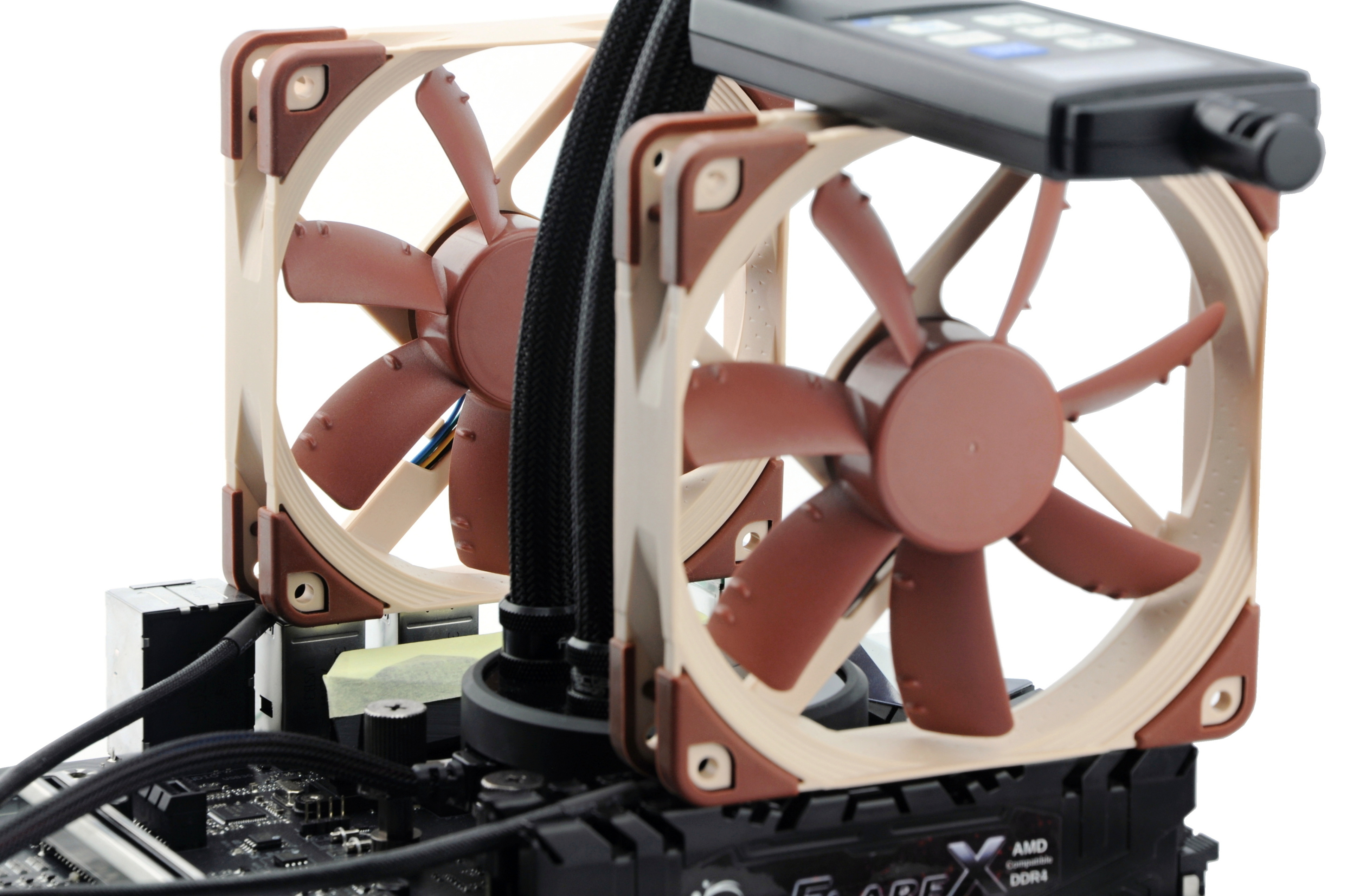
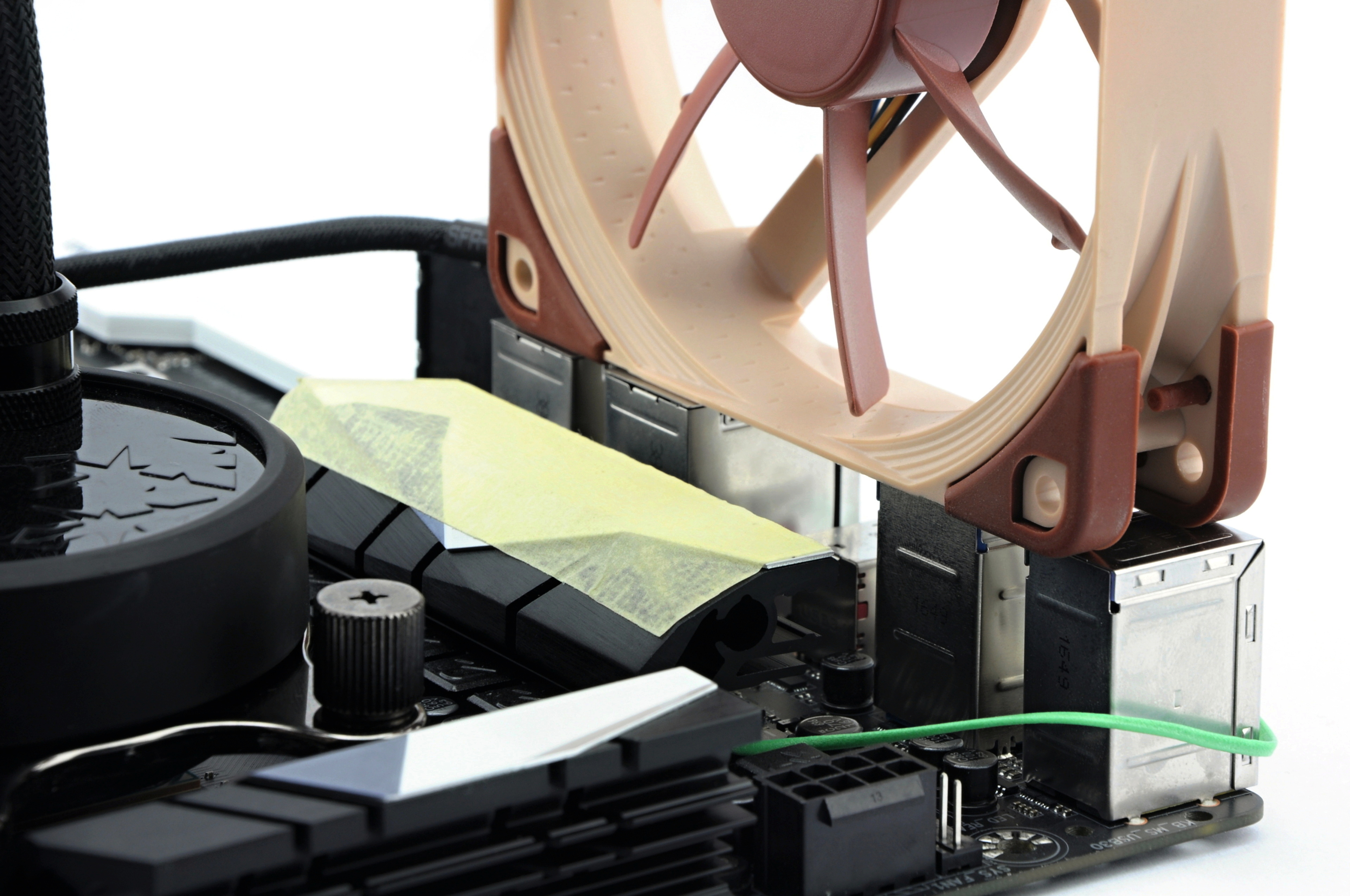

In order to test pads properly, Vcore was set to 1.45 V (R7 1800X with 4.03 GHz). This time, tests took place in an open space on a benchtable, but with the powerful airflow of two Nocua NF-A12S fans with max. RPM (~ 1200). You can see the layout in the photo. As usual, we tested with constant air temperature 21 – 21.3 ºC. The burn was simulated in IntelBurnTest (12 GB) for 900 seconds.




Great test, well done!
Thanks for share!
Thank you for such quality review!
Infrared thermometers are useless for temperature testing. You guys should study what GamersNexus is doing on Youtube and beef up your testing criteria significantly.
Thank you for your comment. Don’t take offence, but we don’t consider the mentioned source to be relevant, on the contrary it is misleading tabloid. Wasn’t it GN who used a thermal imaging camera to spread demagoguery about melting 12VHPWR connectors and used IR imaging for that (but with inappropriately set emissivity number for the material of the critical point/metal hollows)?
If you have studied this, we would be glad if you could give us a technical lesson on why IR sensing is useless for temperature analysis. 🙂
GamersNexus lol. GamersNexus is a silly entertainment channel where the tech dude bro guy throws Nvidia GPU’s in the trash to please AMD cultist viewers. It has long sacrificed it’s tech pro nature at the altar of clickbait cheap entertainment for zoomer kids.