


Cheaper, yet decent cases are not completely gone from the market yet. One such case is the Prime AP201 from Asus’ lower-end. Considering the price well under 100 EUR, you get a case with a above-standard build quality, which is characterized by the “infinite” perforation. Cool air is thus available to components theoretically from all sides. But this also means that it doesn’t damp noise too much. The question is what weighs more in the bigger picture.
Test methodology
The case only comes with one pre-installed fan, which Asus doesn’t even offer separately. In addition to the supplied fan in the rear exhaust position, we will also test adding two more 120mm Oxal 120 fans from Genesis. Specifically under the ceiling in the role of exhausting warm air, and we will also mount them on the ground floor under the graphics card for sucking in cool air.
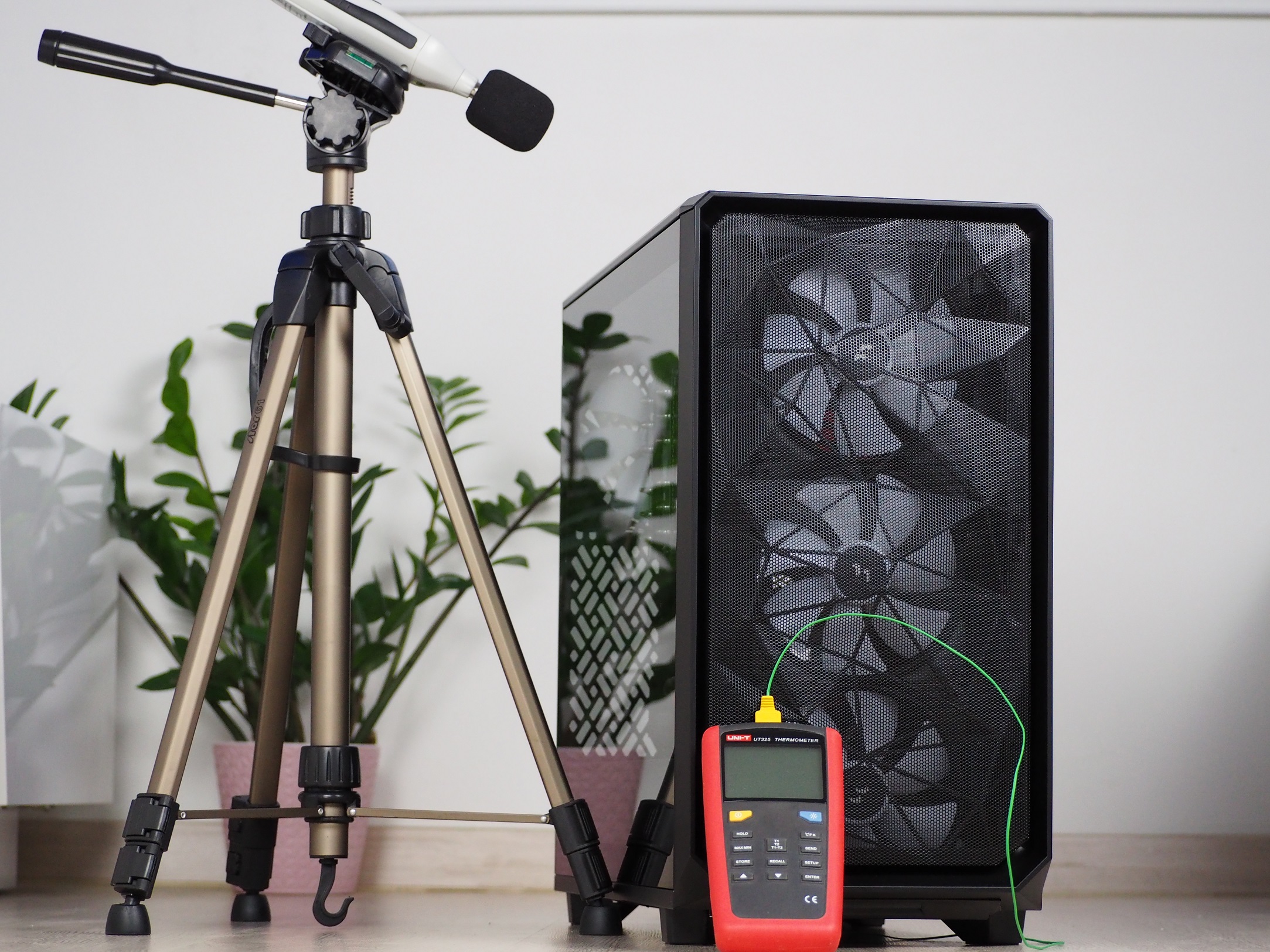
Testing is done in a home environment where I strive for the most accurate results possible. In the room during testing, the air temperature in front of the case is 23 degrees Celsius and the minimum noise level I can measure with the Voltcraft SL-100 noise meter is 32.4 dBA. The sensor of the noise meter is aligned to the center of the top of the case at a distance of 10 cm, for the best measurement of the speed difference of the fans, which I change using the motherboard. For easy comparison to other cases, they are always regulated to fixed noise levels.
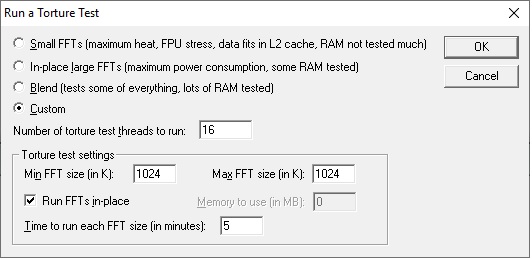
Individual components are heated for 10 minutes in FurMark synthetic stress tests and with Prime95 (custom settings) at the same time. This time is long enough to allow all components to warm up sufficiently. There are then 15-minute cooling breaks between tests, during which the component temperatures (and the case air temperature as well) are brought back to default.
Noise mode levels:
- 36 dBA
- 38 dBA
- 39 dBA
| Test setup | |
| Processor | AMD Ryzen 7 3700X |
| Motherboard | Asus ROG Strix X470-I Gaming |
| CPU cooler | Scythe Fuma rev. 2 (single fan) |
| Thermal compound | Noctua NT-H2 |
| Graphics card | Asus RTX 2060 Super Dual |
| RAM | Patriot, 2× 8GB, 3600 MHz/CL17 |
| SSD | Western Digital Blue 500GB (2280) |
| Power supply | Corsair RM750X |




I am curious why adding two fans blowing air to the GPU worsened its temps. Perhaps it’s because the fans have to spin slower overall to achieve the same noise level? The bottom panel plus the filter do look quite restricted so the bottom fans might be providing fairly low airflow.
I like them applying the front PSU mount (more commonly seen in SFF cases) to mainstream cases though, it saves lots of space and airflow can still be great. 3 top fans exhausting air + flipping the CPU cooler to take air in from the back will likely lead to the best balance of CPU/GPU thermals when using air coolers.
The reason is probably quite simple. In a single-fan configuration, at equal noise levels, the fan on the exhaust is significantly faster than in a three-fan configuration. Not only the cooling of the graphics card, but the overall cooling (including the CPU, power delivery surroundings and SSD) is weaker probably due to more heat build-up when the fan on the exhaust is slower. This behaviour is quite typical and at equal noise levels, we usually measured a higher efficiency in a negative pressure configuration in this test of different system cooling configurations as well.