


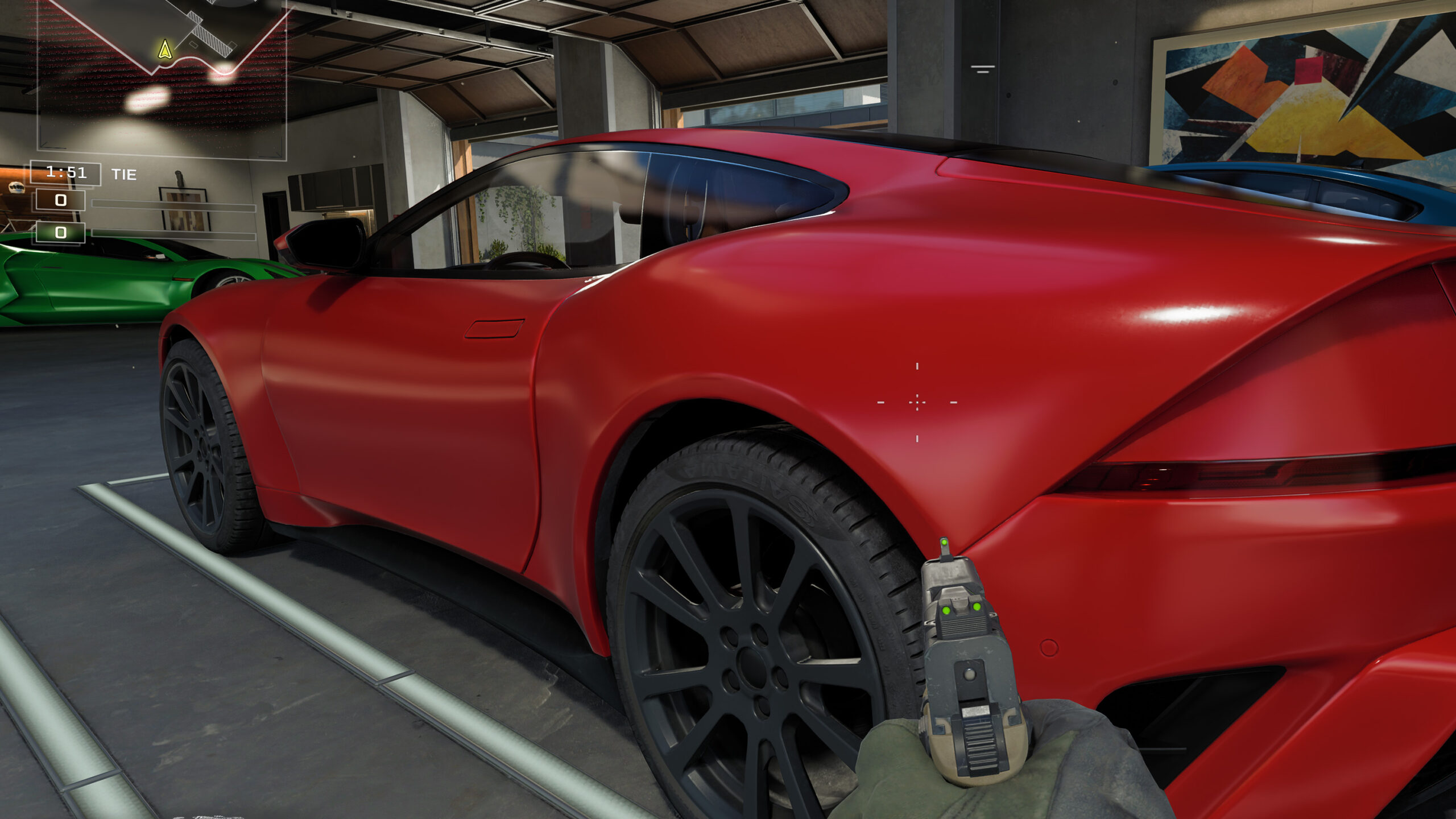
With the launch of the Radeon RX 9060 XT, AMD announced a second-half upgrade to its FSR suite, codenamed Project Redstone. Although the official debut is slated for December 10, we’ve already had an early look thanks to enhanced ray-traced reflection reconstruction shipped with Call of Duty: Black Ops 7. In this preview, we assess the impact on image quality and benchmark performance on the Radeon RX 9060 XT and RX 9070 XT.
Let’s quickly look at whether and how performance differs with active ray-traced reflections at maximum detail in native resolution, with FSR 3 and FSR 4, and frame generation.
For all tests, we will use global detail settings on Extreme with active ray traced reflections.


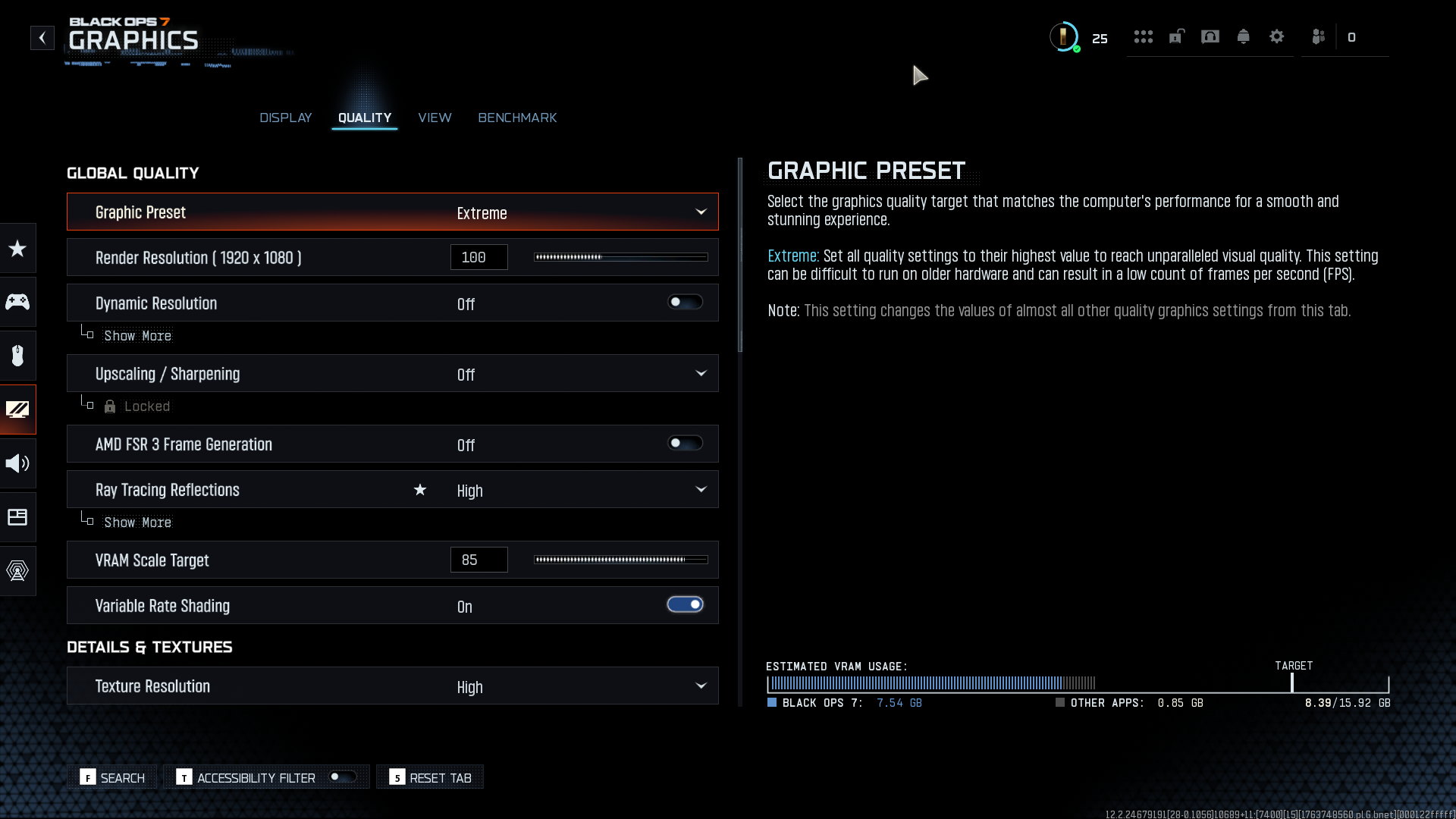


FSR 4 offers significantly higher image quality. Meanwhile, the frame rate is only lower by single-digit frames per second. With the Performance mode, even the weaker RX 9060 XT can achieve an average of 92 fps at Full HD with ray tracing at maximum quality. If you add FSR3 frame generation on top of that, you get values around 170 fps in the benchmark (without V-Sync) with 1% lows above 100 fps.

The images below further compare image quality and anti-aliasing. When you compare them, make sure you zoom in integer pixel multiples so the image isn’t resampled. Resampling with smoothing introduces extra blur, and the picture won’t look as sharp as it does on your monitor at a 1:1 view. This can be caused not only by the browser, but also by an image viewer or non-standard display scaling. If you view the images in the comparison widget, remember that you should also have the page zoom in your browser set to 100%.
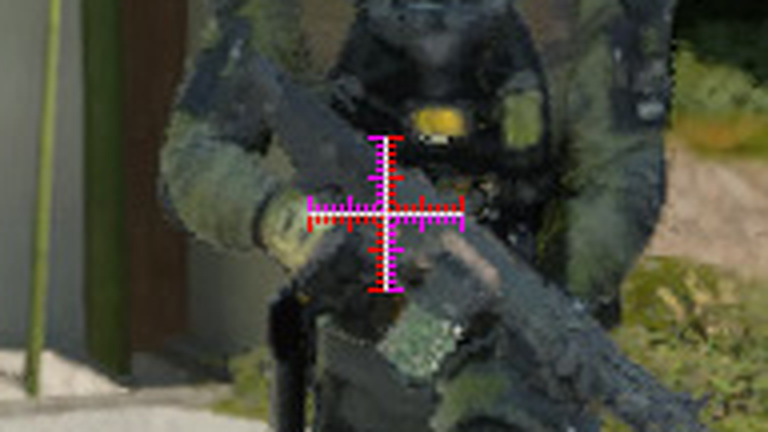
That’s why I added a 40×40-pixel “crosshair” to the image, which makes it easy to see whether the zoom is by integer multiples (sharp) or resampled (blurred). When scaled correctly, you should see the scale perfectly crisp, like in this image.

If you see the scale blurred like in the next image, the picture is being resampled with smoothing and appears less sharp than it really is.
The first pair of images, at a slightly unusual 2560 × 1080 resolution, compares a native-resolution image with AMD FidelityFX CAS (Contrast Adaptive Sharpening) set to 50% against an image upscaled by FSR4 in Quality mode. At native resolution there are a number of artifacts that FSR4 can suppress, and in some areas FSR4 even shows more detail thanks to multi-frame reconstruction and higher-quality filtering. All that at nearly double the frame rate.
What more proof do you need that native resolution isn’t necessarily the benchmark for image quality?
Upscaling Off + CAS 50% | FSR4 Quality


Native resolution, CAS 50% (full resolution) | FSR4 Quality (full resolution)
You’ll get even higher image quality if you use native resolution as the base for FidelityFX Super Resolution. In that case, rendering is effectively at full native resolution. Thanks to AI-assisted frame reconstruction you get higher-quality anti-aliasing, and with more samples per frame you also see finer detail—most visible on foliage and the soldier’s eyes.
FSR4 Quality | FSR4 Native

FSR4 Quality (full resolution) | FSR4 Native (full resolution)
The last pair then compares the older FSR3 in Quality mode with the newer FSR4, also in Quality. Frame rate is practically the same, but the difference in image quality and detail is dramatic.
FSR3 Quality | FSR4 Quality

FSR3 Quality (full resolution) | FSR4 Quality (full resolution)
⠀
⠀




interesting, when I check benchmarks on youtube I see people running RT high 1080p at Extreme in high 50s with this setup. That must be because they enable upscaling with FSR4 and that just upscales instead of creating true 1080p frames.