


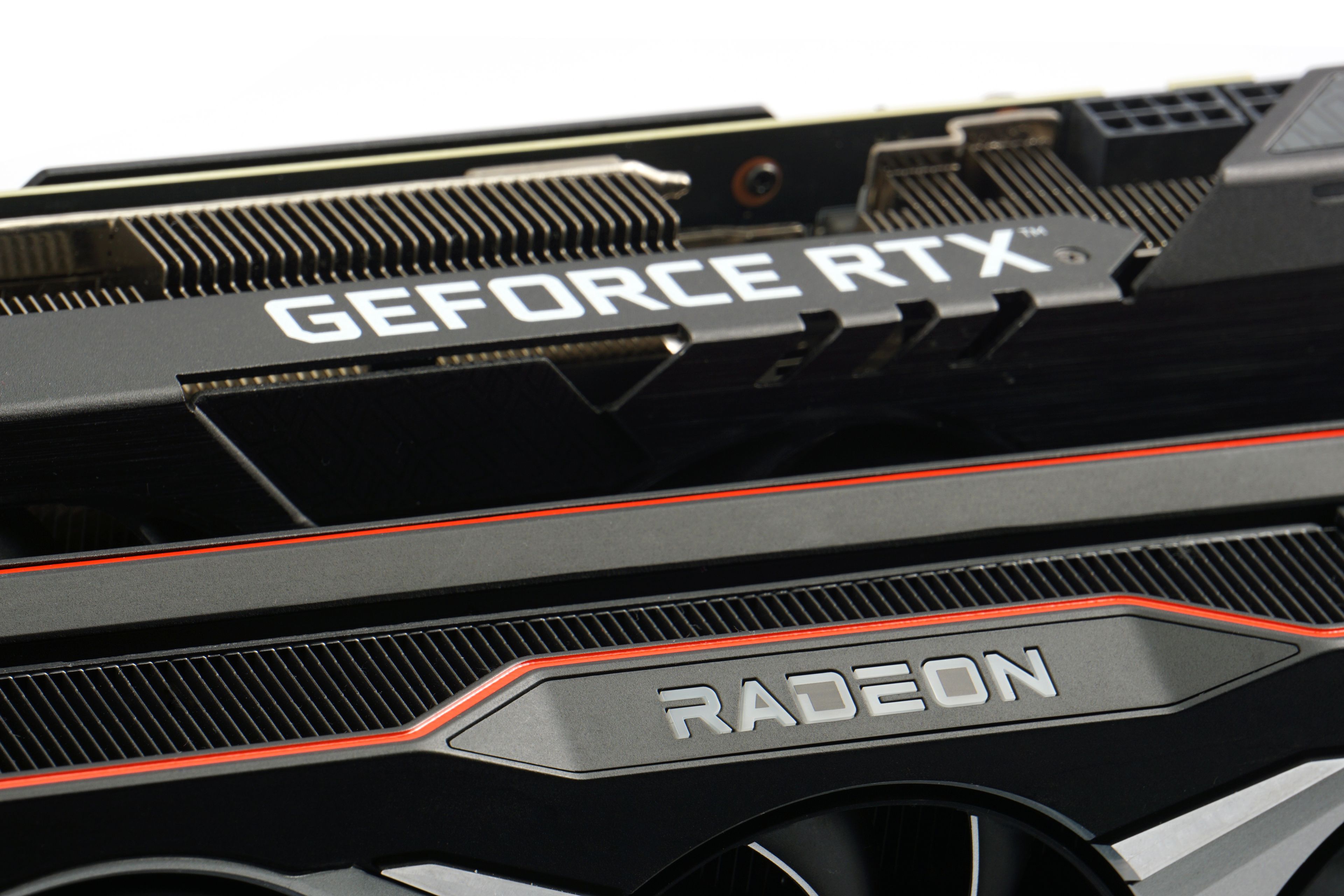
A graphics card is a computer component that processes graphics in games but can also serve for compute or various professional graphics tasks. Besides compute units, it has another simpler role—it provides the actual video output to the monitor connected to the graphics card’s ports. This role can also be handled by a GPU integrated in the processor (or earlier, in the chipset). Here, however, we will focus on discrete graphics cards.
The term “graphics card” comes from the era when it was merely an add-in card providing video output to a monitor, including displaying raster graphics on its screen. In the 1990s, graphics cards (also called video cards) were combined with previously separate 3D accelerators, which initially existed as standalone components. These accelerators contained chips designed for demanding game graphics calculations and professional 3D visualization. Around the turn of the millennium, the concept of the GPU (Graphics Processing Unit) with expanded functions became widespread. In a narrower sense, the term GPU may also refer specifically to the chip that forms the core of the graphics card.
Modern discrete GPUs almost always come in the form of an expansion card for a PCI Express ×16 slot. Historically, other interfaces such as ISA, VESA Local Bus, PCI, and AGP were used. You may also encounter GPUs incorporated directly on the motherboard, which is common in laptops. Especially in the past, swappable MXM modules were used—they served a similar role in laptops as PCI Express cards in desktops.

A graphics card can also be external. In this case, the component is housed in an enclosure connected via USB4 or Thunderbolt. However, the dominant standard remains the PCI Express card installed inside a desktop PC, i.e., a discrete graphics card in the true sense of the word.

Cards for PCI Express slots come in different sizes. The most powerful gaming models require robust cooling, which takes up more than one slot in a PC case. Single-slot graphics cards do exist but are rare today, as this design constraint makes cooling considerably more difficult.

Most graphics cards are of “full-height” design, with a standard-sized PCB. However, there are also so-called low-profile graphics cards. These have a reduced-size PCB with a maximum height of 6.44 cm, which the cooler also does not exceed. They may still take up more than one slot in thickness, though. Such cards are intended for cases that provide less vertical clearance for expansion cards. In these cases, a shorter expansion slot bracket is used. Low-profile cards can also be installed in standard PC cases, but a full-height bracket must then be used. Many cards include both bracket types in the box, allowing the original to be swapped after removing the screws.
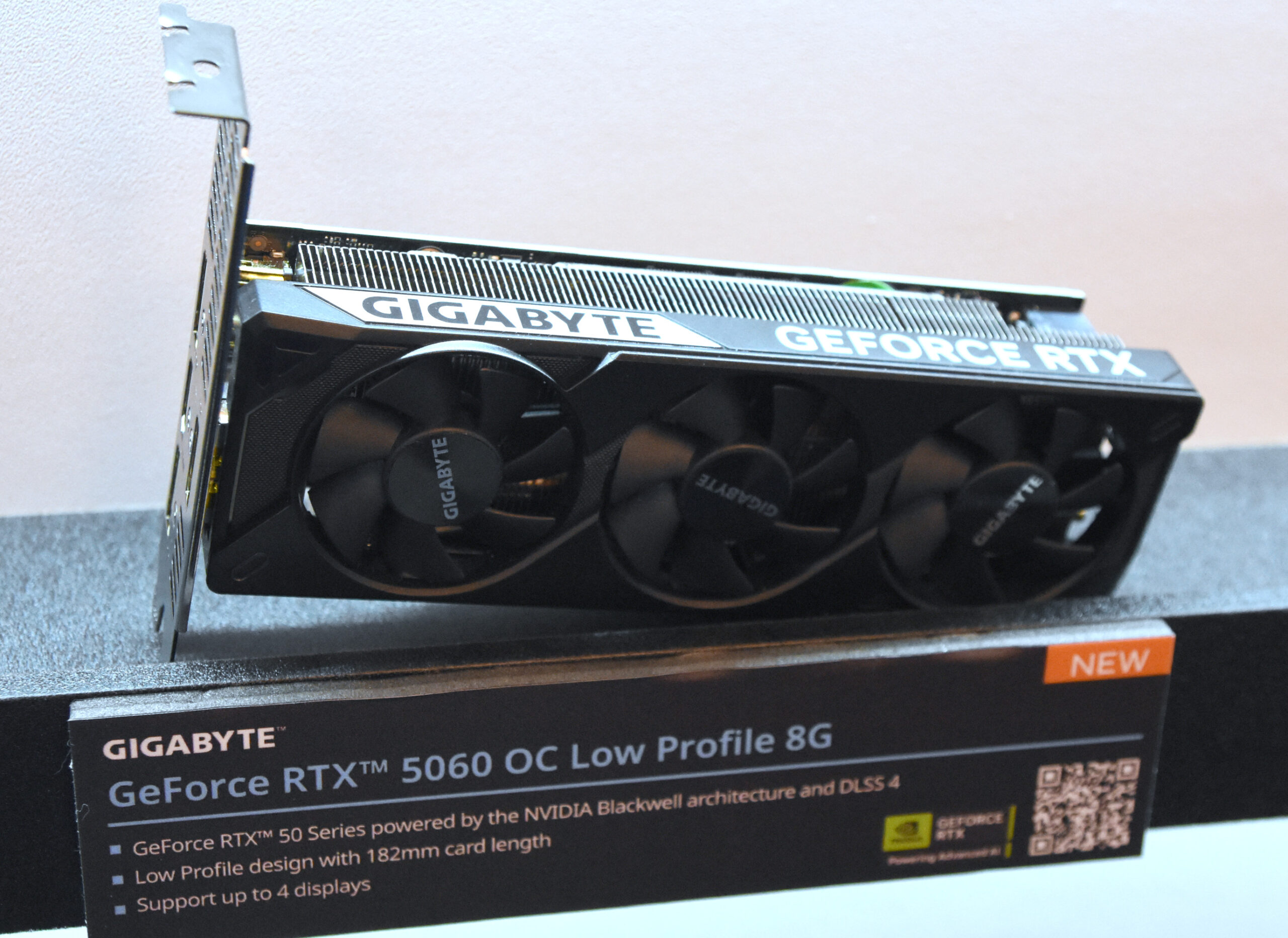
In recent years, the size of high-performance graphics cards has grown, which places greater demands on PC cases. Older case models may not allow the installation of exceptionally long graphics cards that are often manufactured today (over 30 cm in length is not uncommon). When building a PC, it’s important to choose components with compatibility in mind to ensure the graphics card fits inside the case. It’s also advisable to leave some clearance—for example, aditional space is needed for routing power cables.
Besides size, weight is also a concern. Powerful graphics cards are heavy enough that they often sag when mounted in the case. This can lead to damage to the card or the motherboard, and it’s wise to prevent this with various brackets or supports, which are often included with the graphics card or even with the PC case.
Please note: The article continues in the following chapters.


