


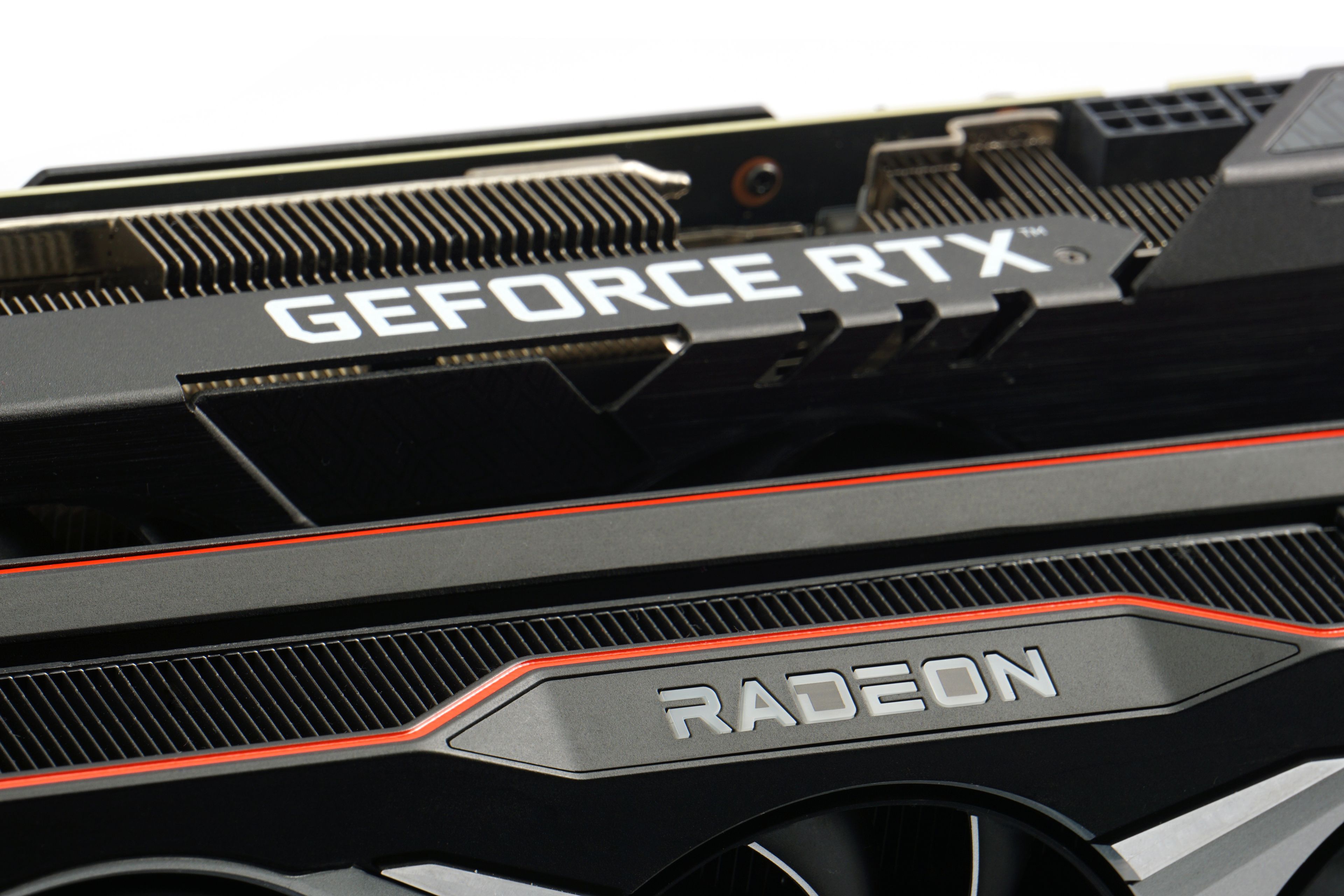
A graphics card is a computer component that processes graphics in games but can also serve for compute or various professional graphics tasks. Besides compute units, it has another simpler role—it provides the actual video output to the monitor connected to the graphics card’s ports. This role can also be handled by a GPU integrated in the processor (or earlier, in the chipset). Here, however, we will focus on discrete graphics cards.
GPU
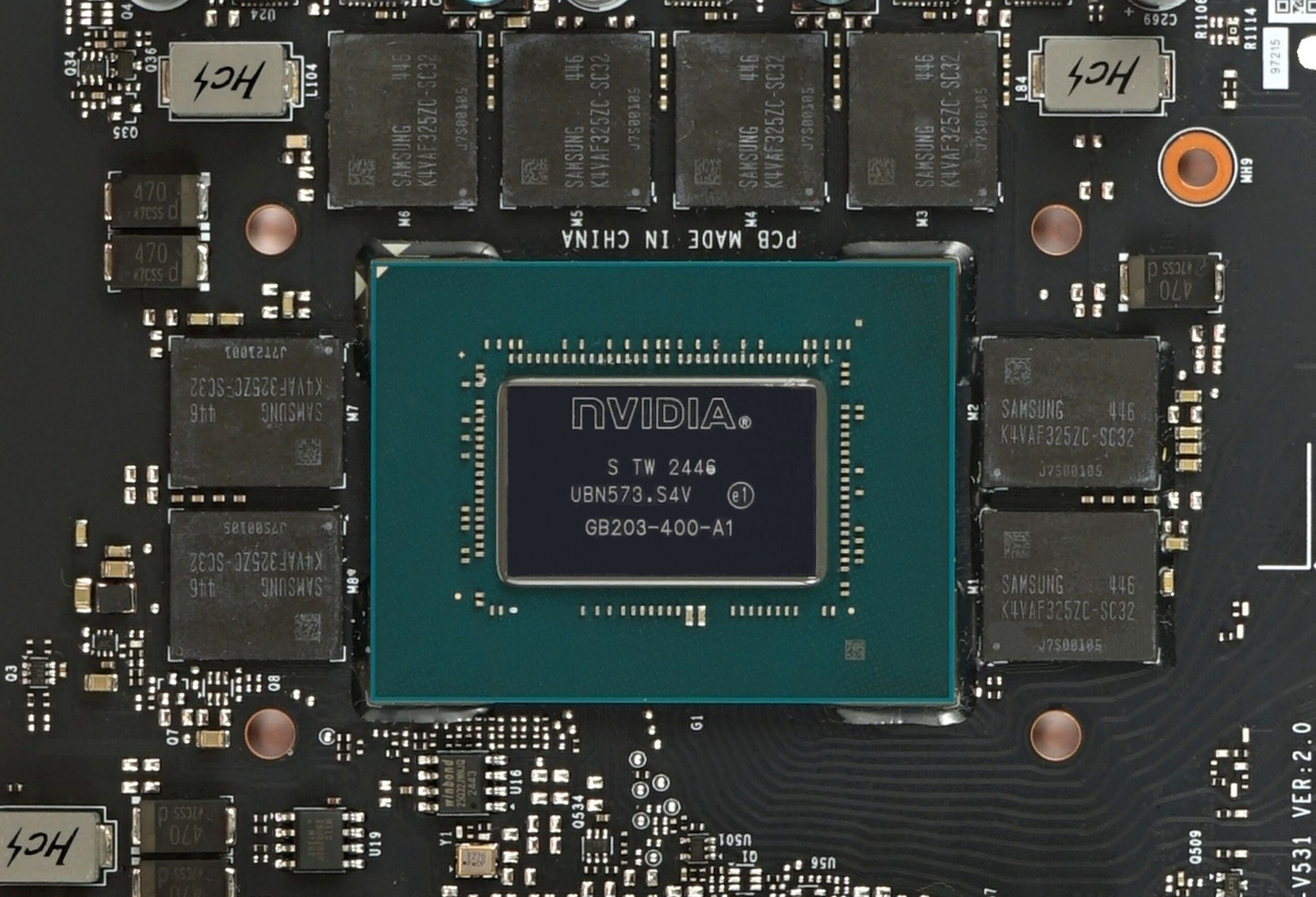
The most important component of a graphics card is the GPU (Graphics Processing Unit). It handles all of the card’s compute and graphics processing functions, much like the CPU (processor) does for the rest of the computer. We will cover its role in more detail in the next chapter. GPUs are manufactured in BGA (Ball Grid Array) packages. That means the substrate of the chip has solder balls on the underside, which permanently attach it to the PCB that carries and interconnects all the graphics card components. They are therefore not mounted in any kind of socket, and the GPU cannot simply be replaced or upgraded on the card.
Modern GPUs are among the most advanced and complex chips produced. Their size can reach the maximum silicon die area currently achievable with modern manufacturing lines—around 600–800 mm2 (the limit is often referred to as the reticle limit).
Memory or VRAM
The GPU requires dedicated memory for its operation (integrated GPUs instead use part of the system’s main memory). It’s often referred to as VRAM (video RAM), or graphics memory. Graphics cards use a special type of memory called GDDR—currently GDDR7, alongside the previous GDDR6 generation. These memory chips operate at higher transfer rates (per pin of the memory bus) than standard system RAM technology such as DDR5 chips. GPUs demand very high memory bandwidth to perform well—this allows them to read large amounts of texture and object data per second.
For the same reason, the overall width of the memory bus (often referred to as the memory controller width) is also higher than the width of the system RAM. While system RAM typically uses a 128-bit bus, GPUs commonly use 192-bit, 256-bit, or even 384-bit interfaces. The most powerful GPUs even use 512-bit buses today. Memory bandwidth is the product of bus width and transfer rate per bit (sometimes also referred to simply as “effective clock speed”). GDDR-type memory packages are usually placed closely around the GPU—short length of the traces is critical for achieving the high data transfer rates required between GPU and graphics memory. The PCB traces connecting GPU and GDDR-type memory must meet strict signal integrity requirements.
In rare cases, GPUs may use high-tech HBM (High Bandwidth Memory), such as HBM2, HBM3, or HBM3E. These are multi-layers memory packages that are integrated onto the GPU package using advanced 2.5D packaging, which is costly. This is why, with few exceptions in the past, HBM has not been used in gaming graphics cards. Instead, it is found in compute GPUs designed for datacenters and AI acceleration.

On the graphics card, there is also a non-volatile Flash memory that stores the card’s BIOS. This functions similarly to the BIOS on a motherboard: it contains code to initialize the graphics card during system boot as well as other firmware-level functions. Permanent settings such as voltages, clock speeds, or power limits can also be stored there. Some graphics cards even feature two BIOS chips, selectable via a switch on the card. Typically, one BIOS is tuned for higher cooling performance (for lower temperatures during load) while the other favors quieter operation through lower fan speeds.
The GPU is connected to the computer’s CPU through the PCI Express bus, and the CPU controls the GPU like other peripherals. Commands and data are sent to the GPU over PCIe, and from the GPU the video outputs are provided to connect a monitor or other display device.
Voltage regulators
The GPU and its memory have relatively high power demands, so a graphics card requires dedicated power delivery. A significant portion of the PCB is therefore occupied by voltage regulators (sometimes referred to as the power delivery subsystem or VRMs—Voltage Regulator Modules), which operate on the principle of a switching power supply (switching regulator). The VRM consists of MOSFETs for switching, as well as inductors and capacitors for smoothing voltage. These components step down the 12 V supply from the PSU to lower voltages (typically around 1 V) required by the GPU. Modern cards need several separate voltage rails for the GPU, memory, and possibly some sub-blocks of the chip.

The VRM receives the input 12 V from the PSU via cables. On newer Nvidia cards, this is done through 12V-2×6 connectors with 12 power and 4 signal pins, while AMD, Intel, and older Nvidia models typically use 8-pin PCI Express power connectors. These cables deliver 12 V to the card. Low-power graphics cards may instead draw all their power directly from the PCI Express ×16 slot, which per specification can supply up to 75 W (combined across the 3.3 V, 5 V, and 12 V rails).


Because of the high power consumption, cooling is an integral part of every graphics card. The cooler is factory-mounted to the PCB so that its base makes direct contact with the GPU die, memory chips, and usually the power MOSFETs. Heat is conducted from the base into the heatsink fins, which are cooled by fans. The fans are connected to the PCB, and the GPU typically has the ability to control their speed. The cooler usually has a shroud, which not only serves a decorative purpose but also provides mounting points for brackets or supports to stabilize the card in its slot.
Some graphics cards use a liquid cooler instead of an air cooler. In that case, a cold plate transfers heat from the GPU to liquid circulating within a cooling loop, which the graphics card must then be connected to.
Please note: The article continues in the following chapters.


