


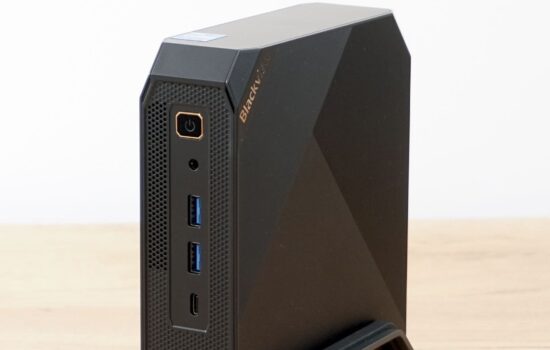
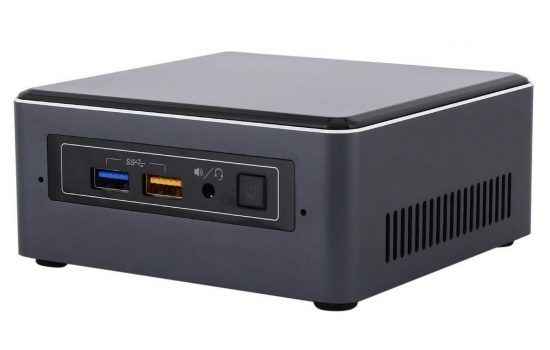
There is an increasing trend to shrink hardware that does not need to be unnecessarily large. A good example of this is the Cubi 5 computer in a case with a volume of only three quarters of a liter. You don’t have to worry about storing it. It will not take much space on the table and I can imagine it hanging on one of the monitors. It performs very well functionally, but the question remains whether it is worthy of its purchase price.
Testing methodology
Cubi 5 is placed on a work table, in a room with a temperature of about 24 °C. The tests focus primarily on performance, component temperatures and power consumption. If necessary, you can help the performance by adding another RAM module. To determine the maximum consumption and the maximum temperature, two stress tests are running in parallel, more precisely Prime95 (Small FTTs mode) and FurMark for 10 minutes.
From the synthetic performance tests, I used the 3DMark program and specifically the Night Ride test (for devices with integrated graphics card using DirectX 12). Another synthetic test was performed in Cinebench R15.
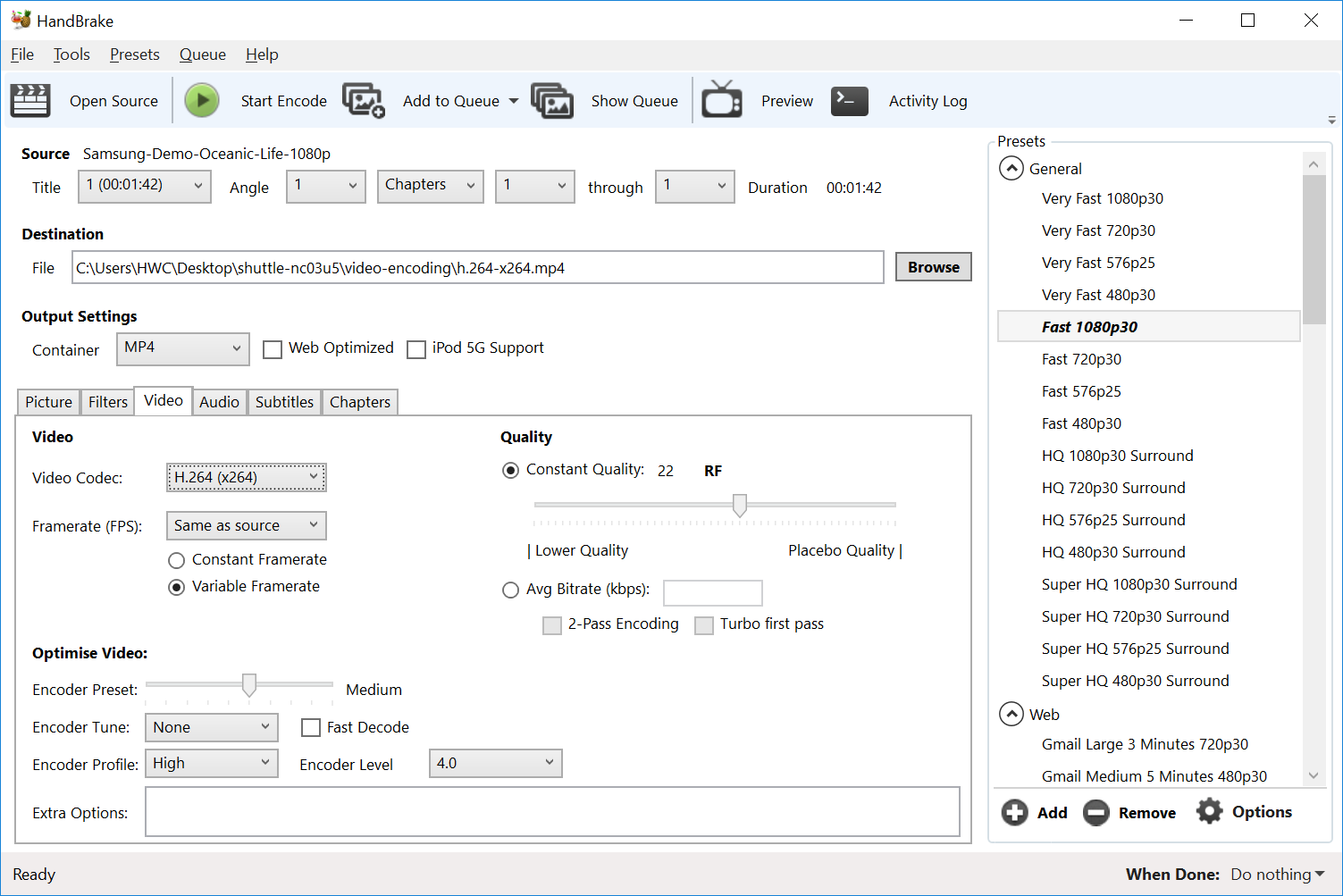
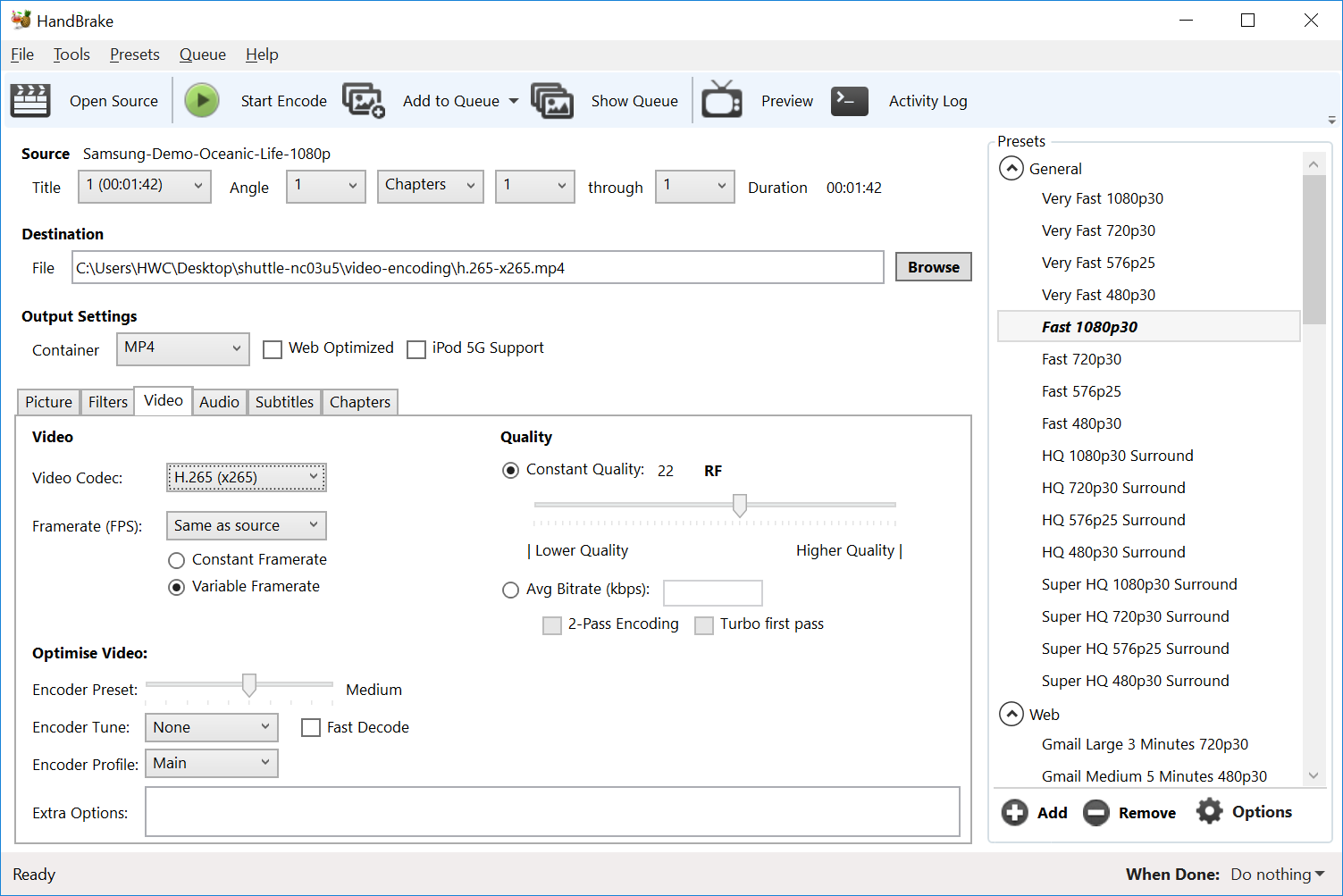
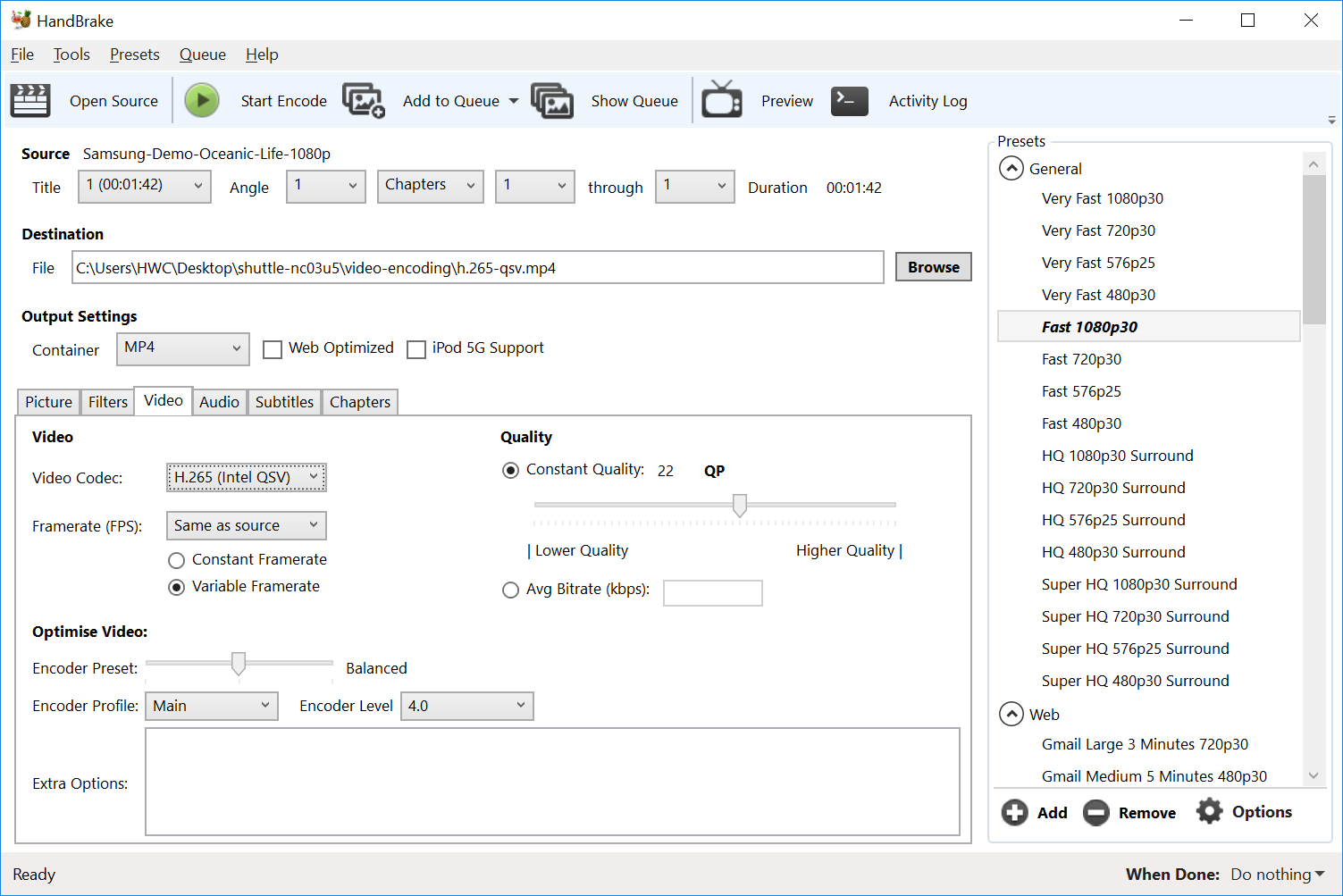
To demonstrate practical performance, I used a 7-zip benchmark that indicates the decompression speed of a 32 MB library. The 40Mb FHD video encoding is also added to the practical tests with codecs H.264 and H.265 with all available encoders. You can see the exact HandBrake settings where the transcoding was done in the screenshots below.



Bom dia,
como posso adquirir o botão de alimentação para o MSI Cubi 5 ???
The external button is not sold separately, it is part of the accessory. However, all Cubi computers do not support it – they do not have a two-pin connector for it, which is on the side of the case.