


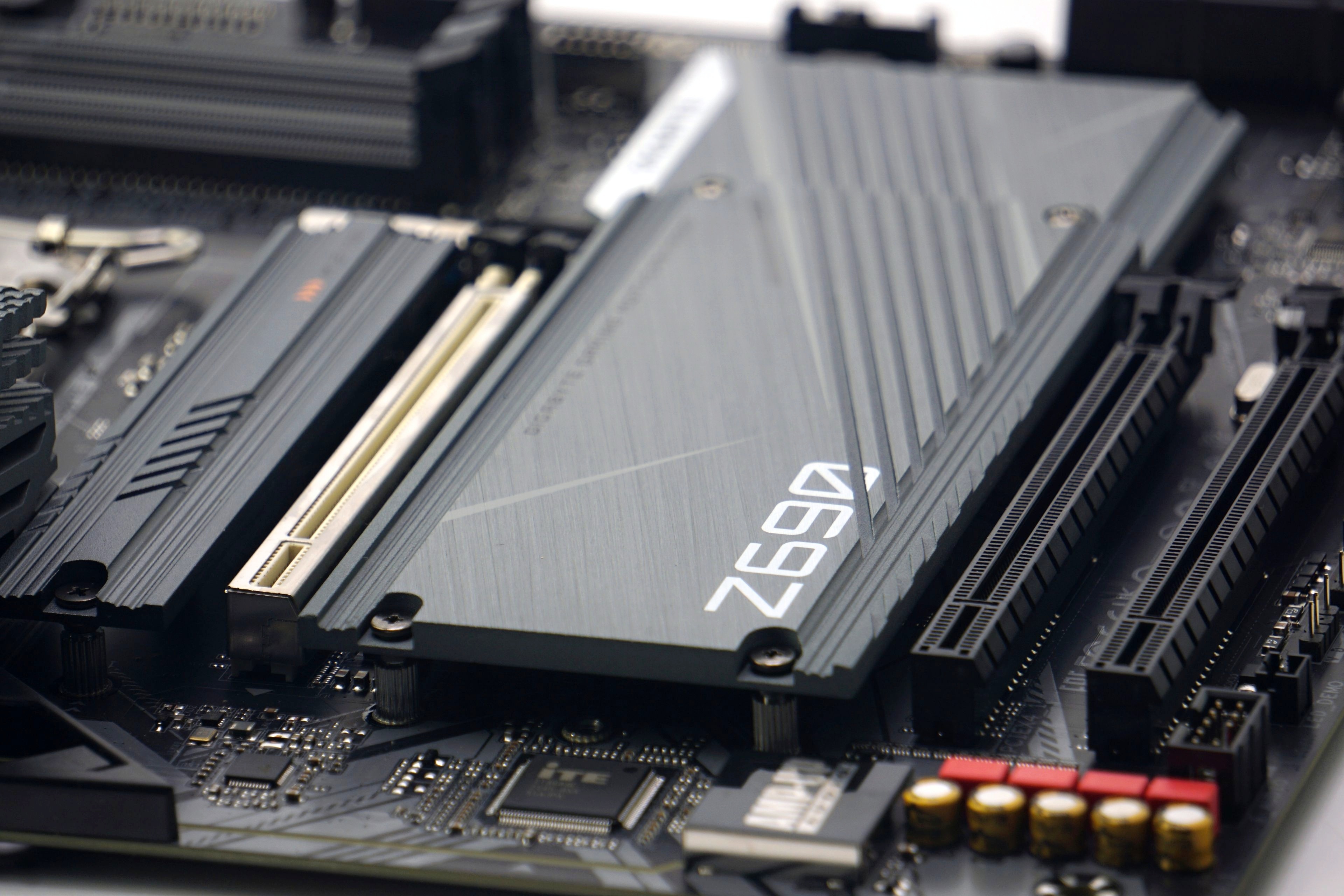
Over time, we have tested ten motherboards with Intel B660 and Z690 chipsets in great detail. From more than 5000 different measurements, we can thus confidently deny some speculations that are usually spread on the Internet from the ignorance of the authors of articles or comments (in discussions). But this is natural. The less substantial the reviews are, the more fertile ground they create for various confusions.
Motherboards are also network, slots and…
In addition to the impact of the motherboard on CPU and graphics card performance, we also measure the bandwidth of Ethernet, M.2 SSD slots and USB ports. Here it is nice to note that in the vast majority of cases there are no big performance differences across the boards and the performance is usually at the limit of the bus bandwidth (or the test device).
Ethernet adapters tests
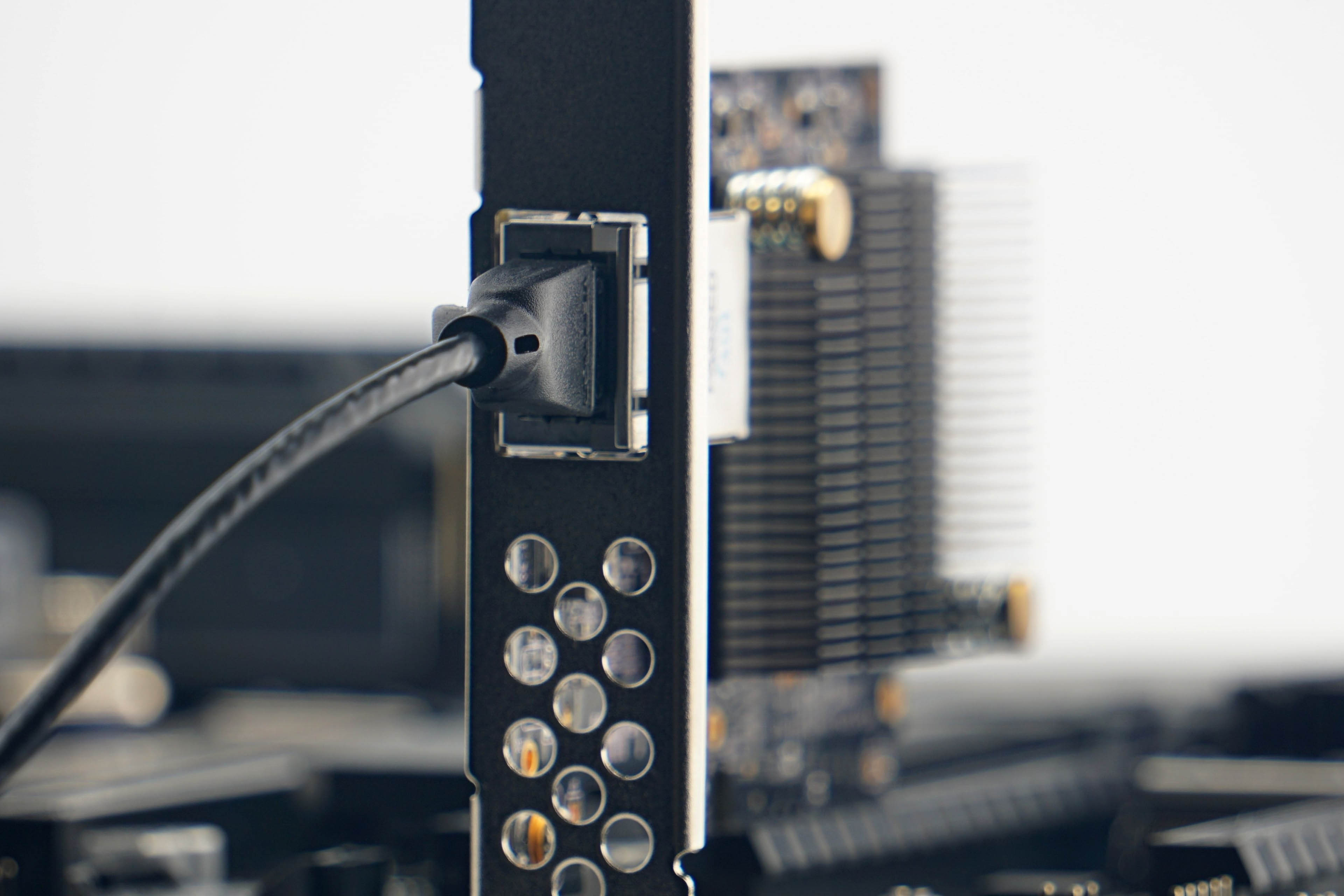
We use a Sonnet Solo 10G 10-gigabit card to test network adapters within a local area network, and nine of the ten boards with 2.5 Gb adapters achieve speeds of 286–295 MB/s in both directions. These are very close to the limits of 2.5-gigabit connectivity.
We only saw significantly slower speeds with the MSI MAG B660M Mortar WiFi board with slow uploads. What exactly is behind this is hard to say. The chip used is a Realtek 8125BG similar to other boards that achieved expected speeds. When we encounter something similar again, we will subject it to a more rigorous analysis.

SSD slot tests
M.2 SSD speeds are virtually identical across the board, and the difference between the fastest and slowest SSD is 2 %. Significantly slower speeds like 6700 MB/s (sequential read) and 4950 MB/s (sequential write) with the Samsung 980 Pro SSD are only achieved in slots that either only support PCI Express 3.0 or are only connected from the chipset by two lanes, or a combination of both. This is the situation, for example, on the ASRock B660 Steel Legend (in the second M.2 slot on the SSD).




Thanks for the article, quite interesting.
I wonder how much of a difference makes where the M.2 SSD is installed. I ask because the topmost slot is right above the GPU which under stress produces a lot of heat.
Would having the SSD on the lower slot make it considerably cooler?
https://www.hwcooling.net/en/what-s-the-best-position-for-your-ssd-m-2-en/ 🙂
Thanks. Those results make sense.