





The purpose of a CPU cooler is to transfer enough heat away from the processor so that it can operate within its optimal parameters, for example clock speeds. These are only achieved within the expected range if the processor, in combination with the cooler being used, does not heat up more than is desirable for achieving attractive performance. Yes, everything usually revolves around speed, but that is also associated with factors such as power consumption.
What is a CPU cooler?
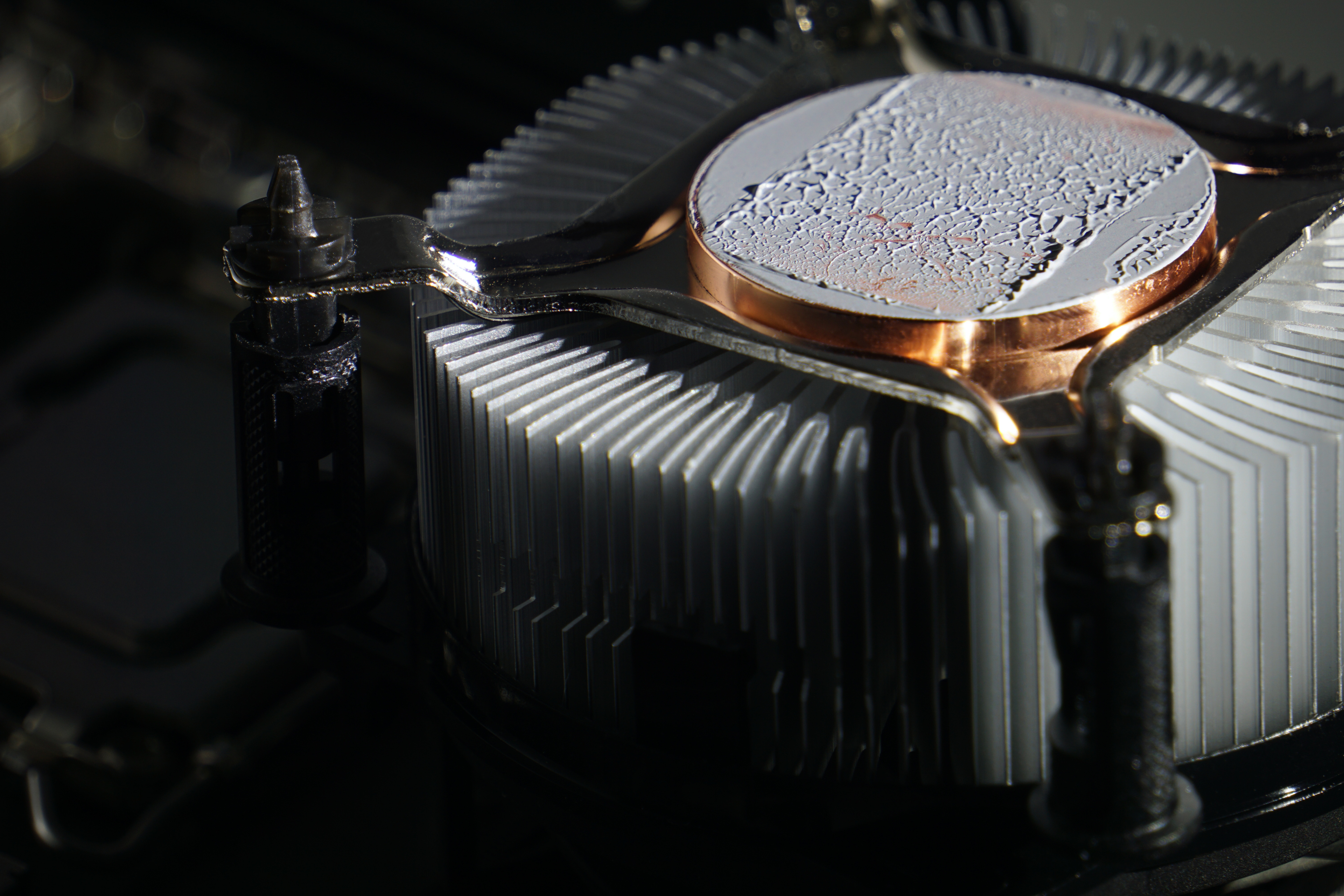
A CPU cooler is a computer component in contact with the processor (typically using thermal paste) for the purpose of cooling it. The heat generated by the processor during operation is typically transferred into the heatsink fins, from which it is dissipated into the surrounding environment by a fan. That is the case for an “active” cooler. With passive solutions, heat is radiated from the heatsink fins. To some extent, heat is also removed by convection, because PC cases (their operation is explained in this article) have their own fans that create airflow (and thus air circulation through the case), but the fundamental objective is always to transfer the processor’s heat through the cooler into the surrounding environment.

And while we are discussing concepts such as heat transfer by convection and thermal radiation, we can add another one: “thermal conduction.” This occurs at the processor-cooler interface, where their heat spreaders (connected by thermal paste or a thermal pad) are in physical contact.
The most important characteristic of a cooler is the surface area of its fins, into which heat is transferred. In addition to varying fin thicknesses, different surface finishes are also used. A thin metal coating can help prevent oxidation (of the aluminum used), while aesthetic considerations may also come into play, with the goal of achieving a finish different from the natural appearance. There is also an effort to increase this surface area while keeping the cooler’s overall dimensions unchanged, so that its height, width, and depth remain compatible with as many surrounding components as possible. This is achieved through various surface structures and articulations.
The photo below shows a close-up of a fin with embossed protrusions that increase its surface area compared to a smooth fin of comparable dimensions. This increases the cooler’s contact with the flowing air, which can improve cooling performance—which is the objective.

Please note: The article continues in the following chapters.



