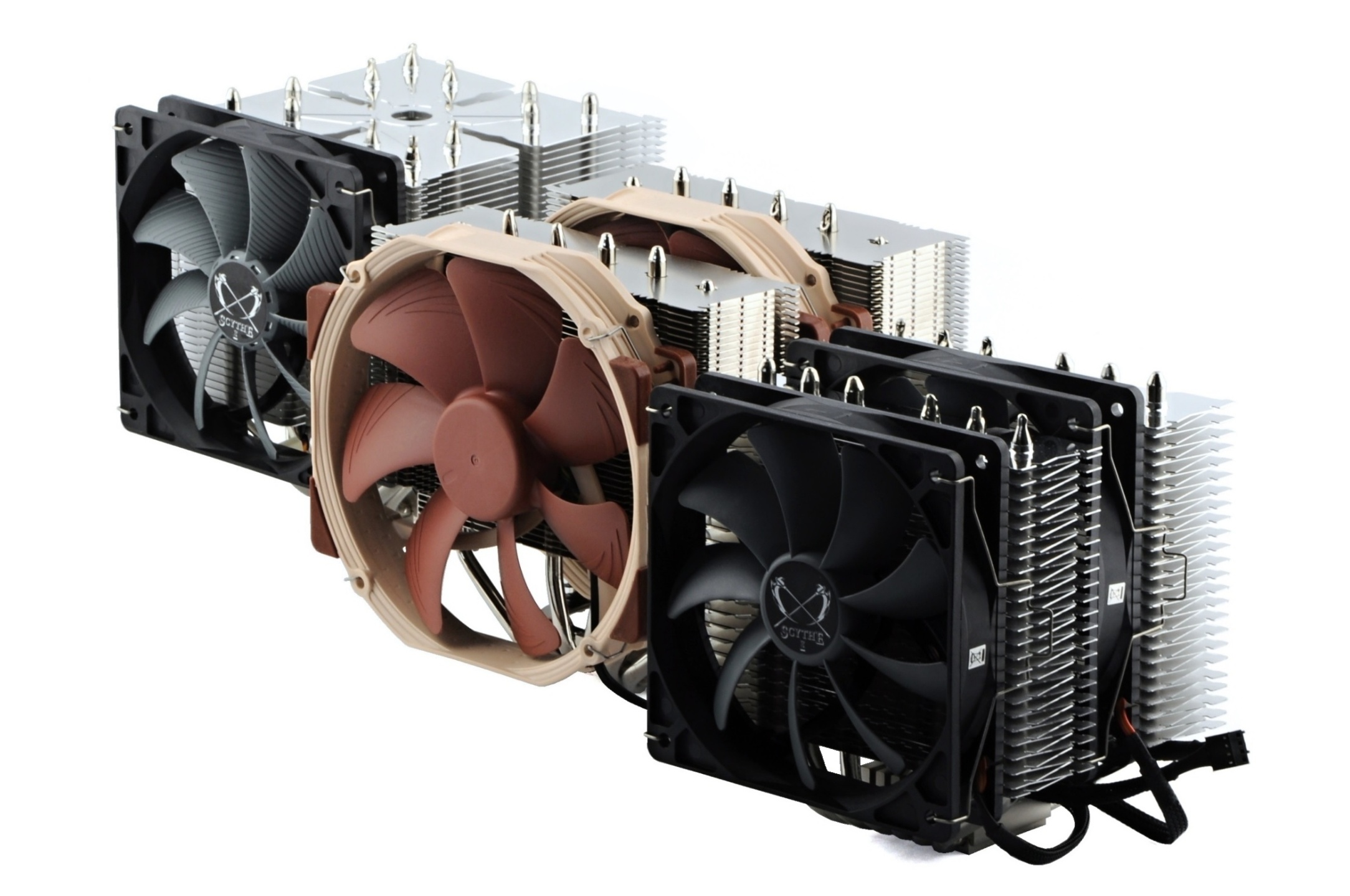
How a CPU Cooler Works. Intended for Secondary Schools

The purpose of a CPU cooler is to transfer enough heat away from the processor so that it can operate within its optimal parameters, for example clock speeds. These are only achieved within the expected range if the processor, in combination with the cooler being used, does not heat up more than is desirable for achieving attractive performance. Yes, everything usually revolves around speed, but that is also associated with factors such as power consumption.

How it works (heat dissipation)

The basic principle is that heat is transferred from the processor into the cooler. That heat is then dissipated into the surrounding environment—either “actively” (by a fan on the radiator/heatsink) or “passively” (naturally). This is a very simplified explanation, but it is sufficient for now. Although in practice you will encounter terms such as “liquid cooler” and “air cooler,” air plays an important role in both cases.

The heat transferred into the radiator must then be removed from the radiator (or the heatsink—the terms are essentially interchangeable) and released into the surrounding environment, for example by a fan. The difference lies in the transfer medium used. While liquid coolers (“water coolers”) use coolant to transport heat through tubes to the radiator, “air” coolers (tower coolers) use heat pipes, which have already been discussed.
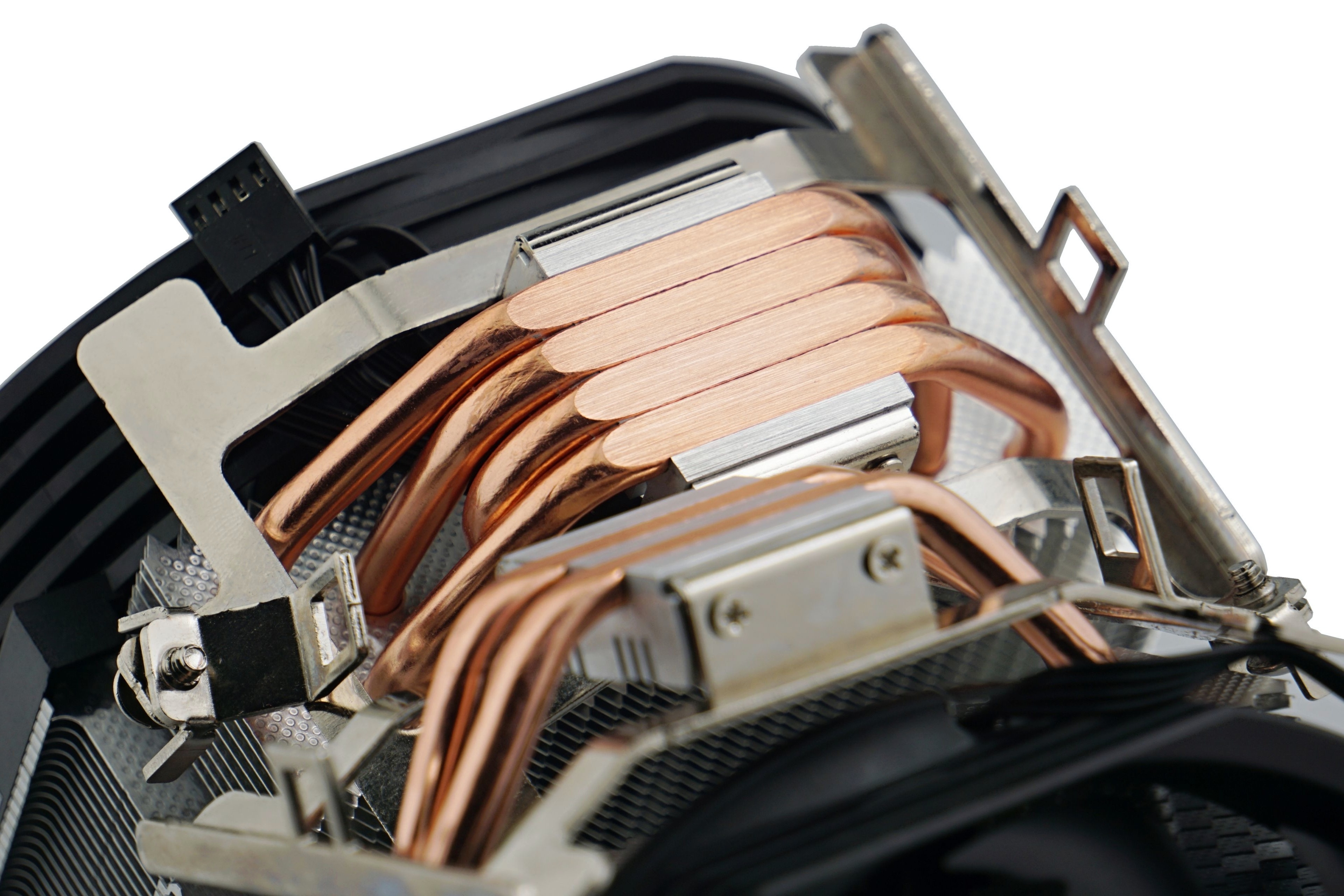
Base of the Endorfy Spartan Max cooler. The heat pipes are in direct contact with the processor

To ensure even heat distribution, these heat pipes are arranged in different configurations (the more effectively this is done, the more “efficient” the cooler becomes…). In liquid coolers, a network of channels inside the radiator is used, through which the coolant flows, transferring the heat it carries into the radiator fins. In the end, however, it is always the fan that removes the absorbed heat into the surrounding environment—unless it is a purely passive cooler that does not use any fans.

A fan blade, behind which cooler fins are visible
Expand the content in the comments: This article certainly does not cover everything you consider important. However, you can expand on it by posting one or more comments in the discussion below.

English translation and edit by Jozef Dudáš


DeepCool LP360: Performance peak even with ARGB LEDs

This DeepCool liquid cooler combines impressive aesthetics with exceptional cooling efficiency (and overall high cooling performance). It features lighting on both the fans and display-equipped water block, while maintaining the capability to cool the most powerful consumer desktop processors available. This is achieved without performance compromises and even with considerable headroom to spare. Read more “DeepCool LP360: Performance peak even with ARGB LEDs” »

Test: MSI Z890 Ace (and CU9 285K) with CoreLiquid I360 cooler

What would be the results of standard motherboard tests if we used the MSI MAG CoreLiquid I360 cooler with them? Better. Specifically, lower temperatures would be achieved for the CPU cores, which would then run at higher clock speeds, which naturally means higher computing performance. Not dramatically, but if we are to illustrate the situation with plates of scales, their position is quite clear. Read more “Test: MSI Z890 Ace (and CU9 285K) with CoreLiquid I360 cooler” »

Endorfy Fortis 5 Black: Six heatpipes for Intel CPUs

In addition to the standard variant, the Fortis 5 is also available in a completely black version. Compared to the lower-end series (Fera 5), it has two more heatpipes which increase the cooling performance of this cooler. In practice, however, it only does better in some cases. When the processor can benefit from the “extra material” available in the Fortis 5 cooler. How so? We’ll break everything down in this detailed analysis. Read more “Endorfy Fortis 5 Black: Six heatpipes for Intel CPUs” »

Leave a Reply

Your email address will not be published. Required fields are marked *