





The purpose of a CPU cooler is to transfer enough heat away from the processor so that it can operate within its optimal parameters, for example clock speeds. These are only achieved within the expected range if the processor, in combination with the cooler being used, does not heat up more than is desirable for achieving attractive performance. Yes, everything usually revolves around speed, but that is also associated with factors such as power consumption.
Types of coolers
Together with the processor (as part of the retail package), you may receive a bundled cooler. Such a cooler is usually simpler in design and intended to provide relatively modest cooling performance. However, it is sufficient for the processor it is paired with. More precisely, it is capable of cooling the processor well enough for it to achieve its baseline specifications. These usually correspond to the values associated with the TDP, meaning they do not represent the maximum performance the processor is capable of delivering. The processor will still function, although the system may operate with higher noise levels or lower performance. These coolers included with processors are often referred to as “boxed” coolers.
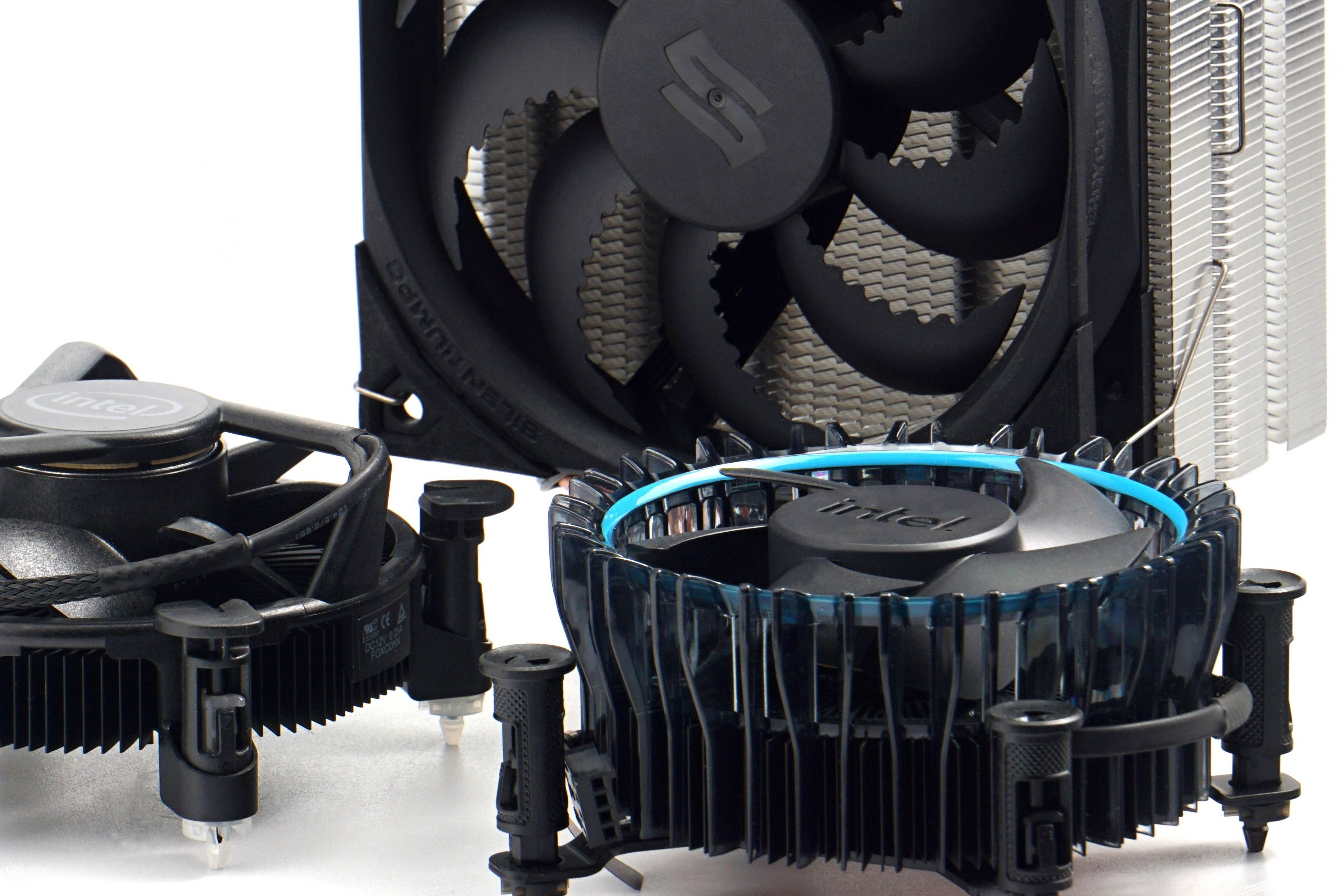
More demanding users who require not only high cooling performance but also lower noise levels often opt for aftermarket coolers. Their construction is usually more sophisticated. Besides being larger, they also employ more advanced technologies such as heat pipes. The purpose of these tubes is to distribute heat more evenly throughout the heatsink fin stack while also rapidly transferring heat away from the processor into the cooler. The heat pipes pass through the fin stack at various locations. In the simplest manner, a heat pipe can be imagined as a hermetically sealed tube containing a liquid with a relatively low boiling point. The boiling point is chosen so that the liquid vaporizes even at relatively low temperatures (typically corresponding to the processor’s power consumption under light load). Even in such situations, the cooler already performs its function, although the heat pipe’s capacity is only partially utilized and still has considerable thermal headroom.

All-in-one (AIO) liquid coolers are also popular. They consist of a radiator, pump, water block, and tubes connecting everything into a closed loop. This concept is therefore referred to as a “closed-loop liquid cooling system,” sometimes with the addition of “maintenance-free.” This means that, in most cases, the cooler requires no maintenance such as coolant replacement or similar servicing. Such maintenance is only necessary with custom modular liquid-cooling solutions.
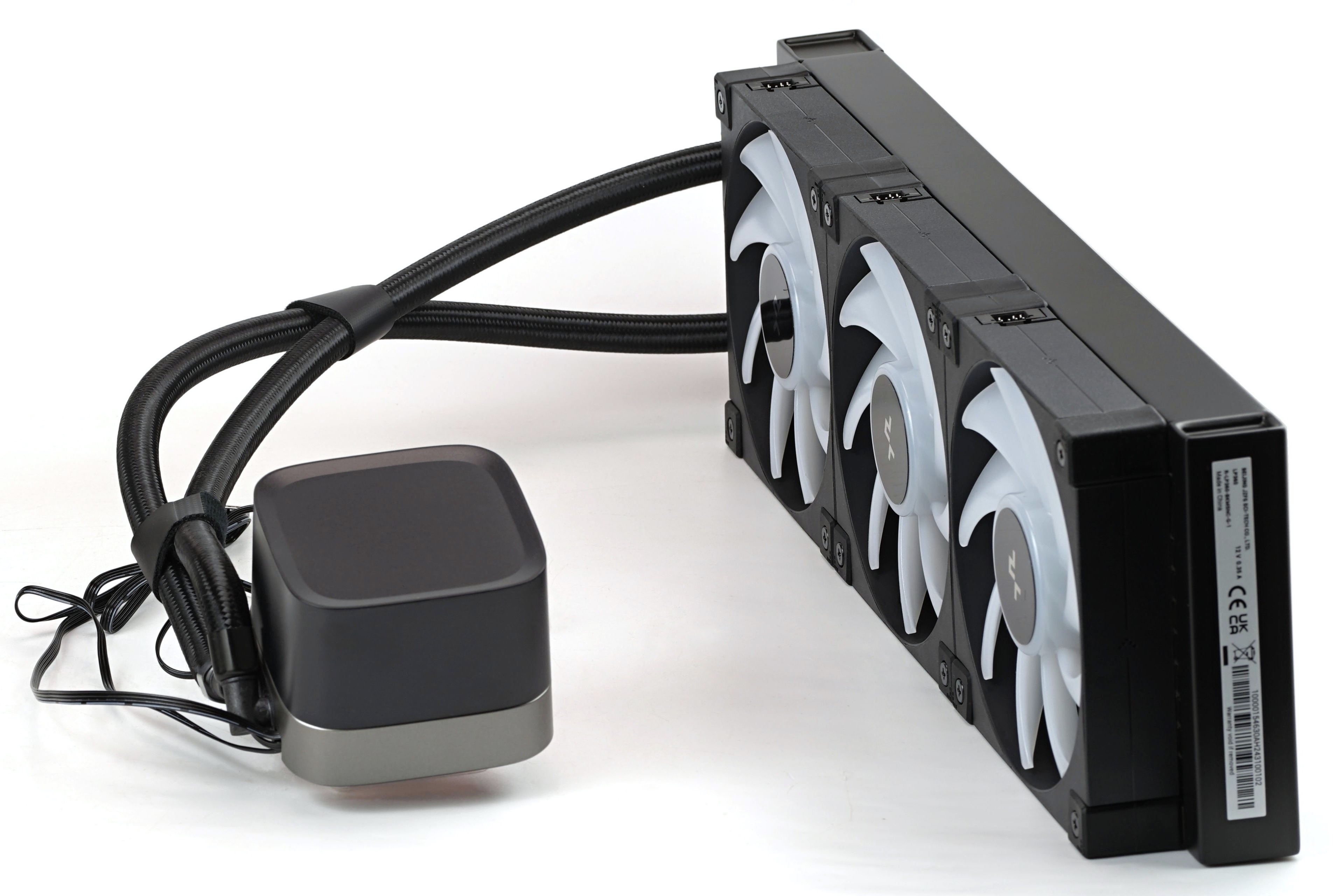
With more complex custom loops, you select each component individually (including small items such as fittings), whereas with “AIO liquid coolers” this is not necessary. The cooler comes fully assembled and only needs to be installed onto the processor. If you are unsure how to do this, you can refer to the included manual, which usually provides step-by-step instructions.
Please note: The article continues in the following chapters.



