


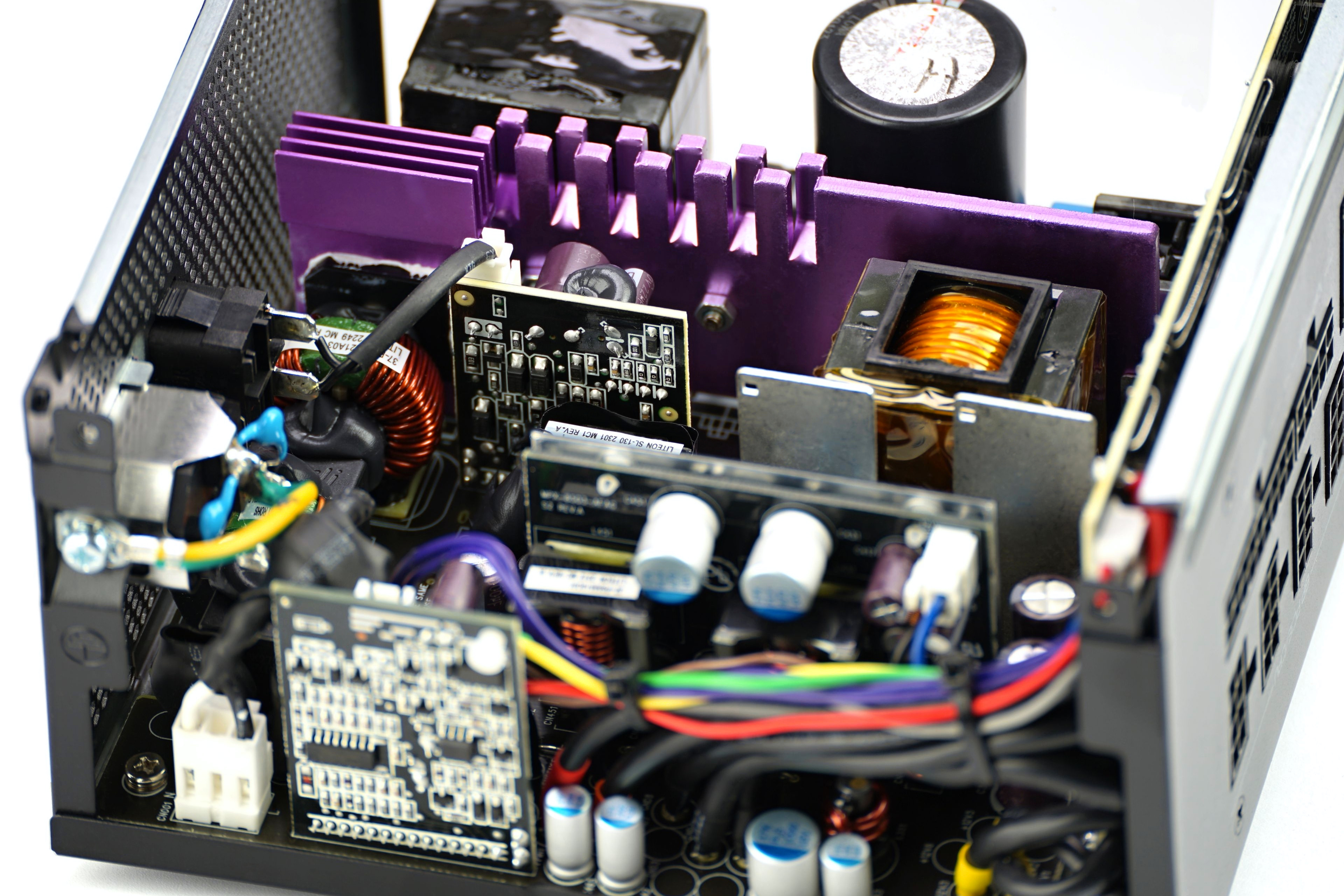
In this article we cover the basic details of power supplies intended for PCs. That means the content will explain how supplies are classified by size and electrical standards, what connectors they use to power computer components, and what lies behind their operation. Why does something like a computer power supply exist—why isn’t the computer powered directly from the mains (without a PSU)?
Properly seating connectors is essential
When connecting cables, it is important to make sure they are pushed in all the way. This applies both to the connectors on the PSU side (for models with detachable cabling) and on the device side, for example on the graphics card. The connector should be inserted fully so that maximum contact is achieved between the pins (on the powered device) and the hollows (in the cables).
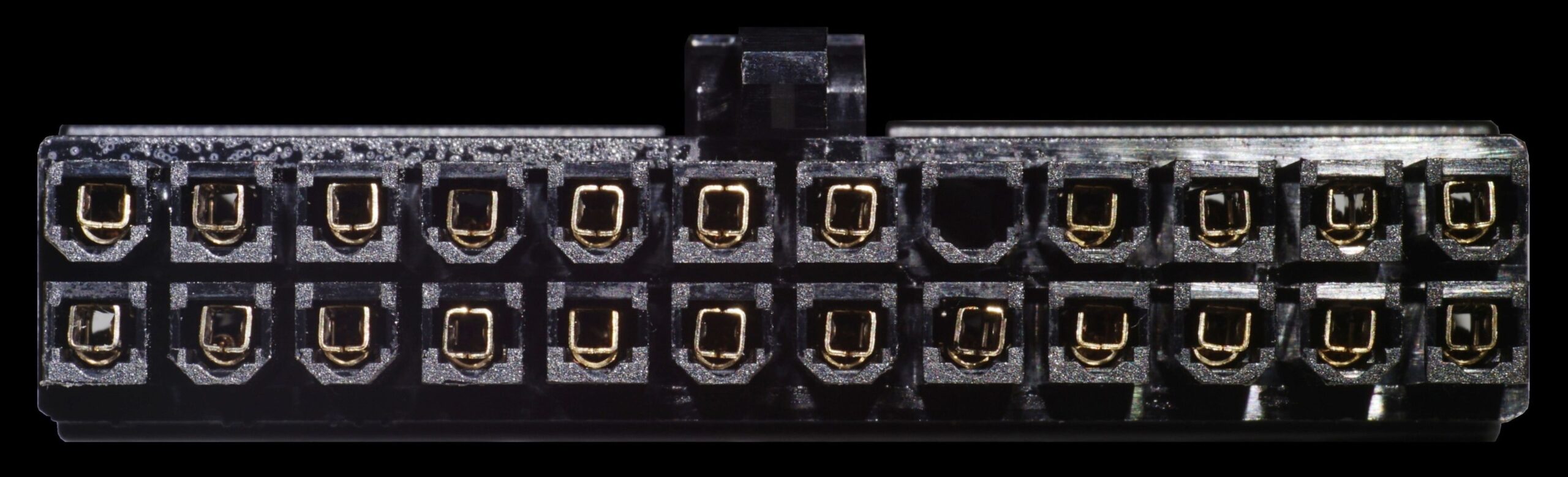

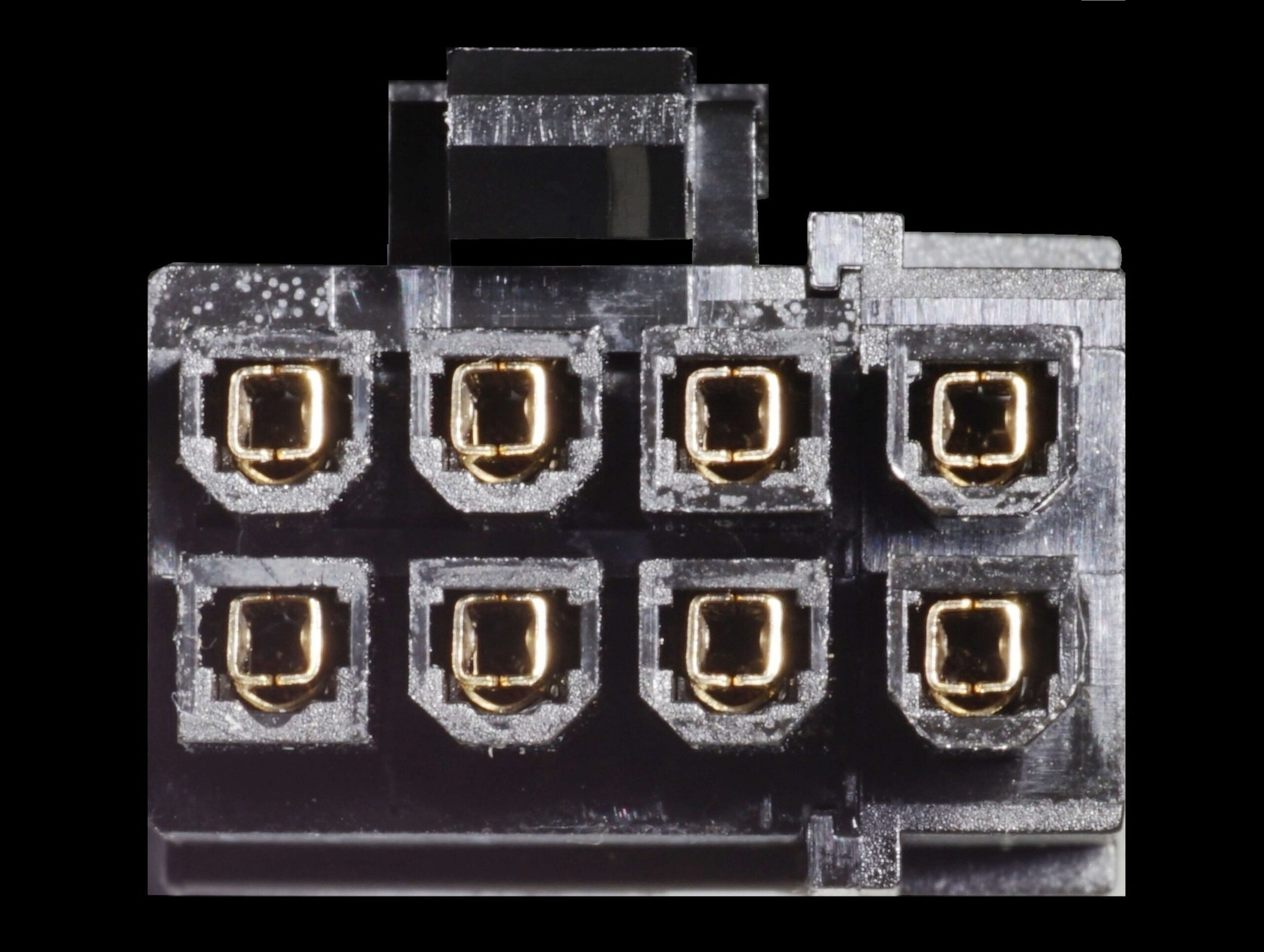
With maximum contact area, the contact resistance is kept as low as possible, which directly affects how much the connector heats up. When the connector is properly seated, the resulting temperature at critical points is also minimized. This is important in order to rely on the rated specifications of the connectors, especially their maximum current load. In the case of 16-pin PCI Express connectors, the load can be quite high, since even GeForce RTX 5090 graphics cards (with power consumption approaching 600 W) are powered through a single connector. At 12 V, this equals 50 A, which is substantial.

The 12V-2×6 connectors (ATX 3.1 and newer) differ from the older 12VHPWR connectors (ATX 3.0) in that the signal pins are shortened, so that current only flows into the card once the connector is fully seated. This serves as a safeguard against incomplete insertion, which would otherwise lead to higher than optimal heating. This, of course, applies to all connectors, but it is emphasized here because the 12V-2×6 can carry the highest currents. Consequently, heating is more intense. For this reason, these cables also use thicker conductors (typically AWG 16, i.e. 1.31 mm2), which further reduces resistance and heat.

Always make sure the connector is pushed in all the way. A locking latch, included in some connector housings, can provide additional assurance that it is properly seated. This applies not only to the 12V-2×6 connector, but also to 6+2-pin PCIe connectors, 8-pin EPS connectors (for CPUs), and the 24-pin motherboard connector. These are the connectors where high current per wire is most likely.
1x (detail poistky na 24-pine)


Further material for studying:
English translation and edit by Jozef Dudáš
Why ATX 3.0? Features and advantages of the new PSU standard
12VHPWR cable thermal imaging: Different PSU, different temps



