A relatively pricier B850 motherboard. But one that outperforms both equally priced and X870(E) motherboards in several ways. It does so with features that are not directly related to the chipset used, but those are often what matters. The ROG Strix B850-F Gaming WiFi motherboard may thus end up being exactly what you’re looking for in a powerful and timeless setup. This can include, for example, two M.2 slots with PCIe 5.0 support.
What it looks like in the BIOS
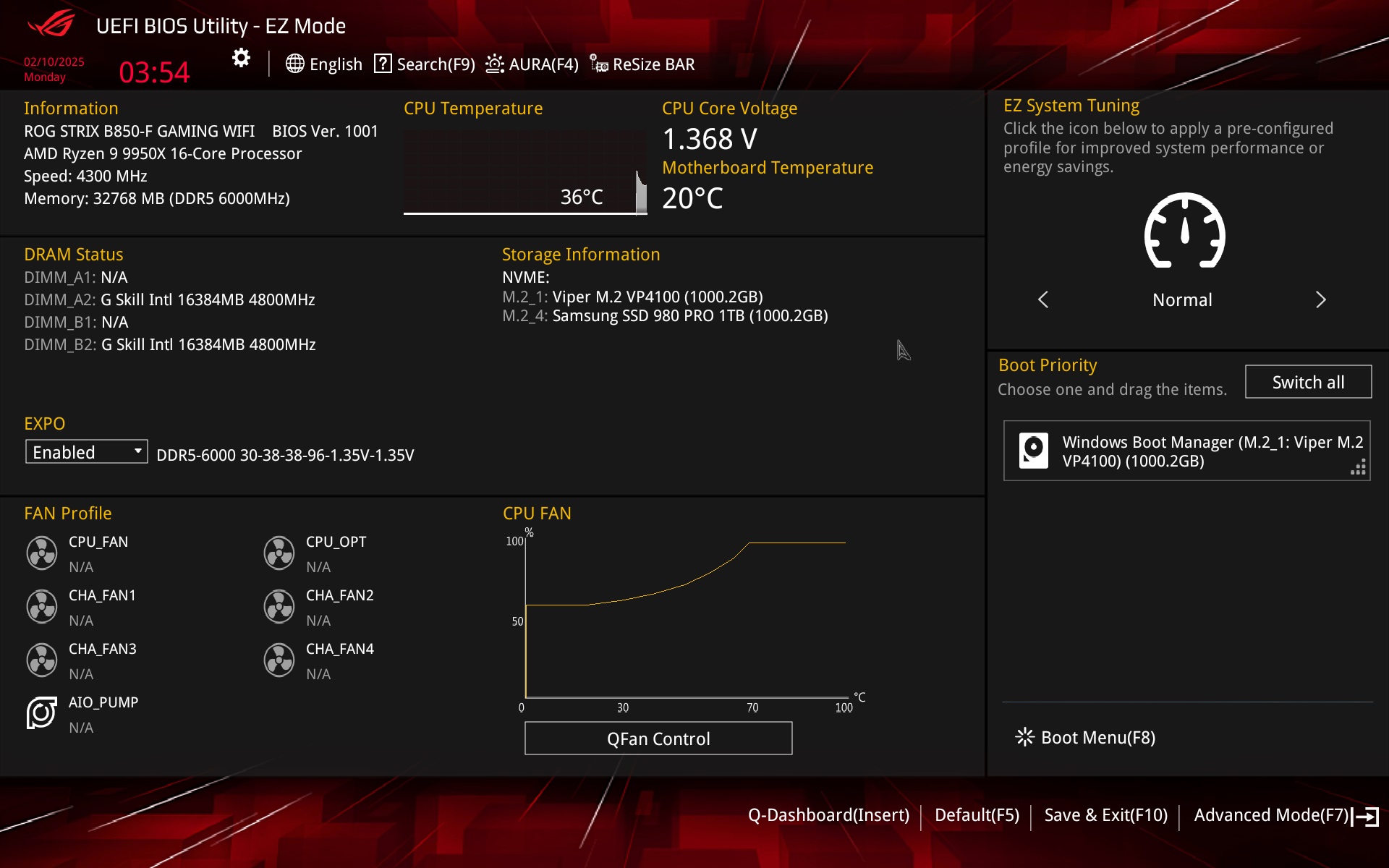
The EZ Mode graphical interface is divided into several logical blocks the layout of which is very intuitive. You can set up all the basics here (including the EXPO memory profile, which can also be enabled in advanced UEFI mode) and also get an overview of the connected components, be they CPU, memory or fans.
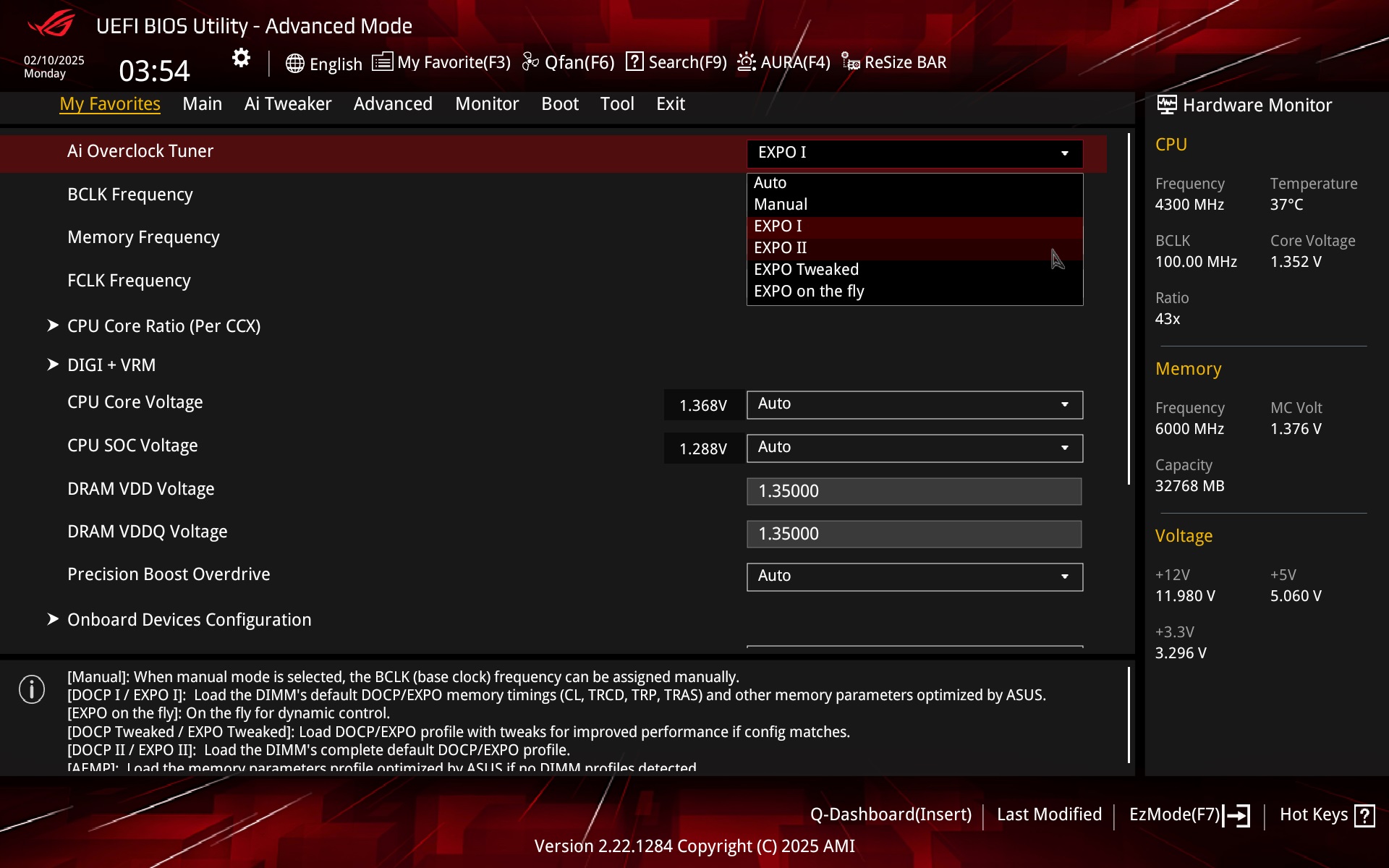
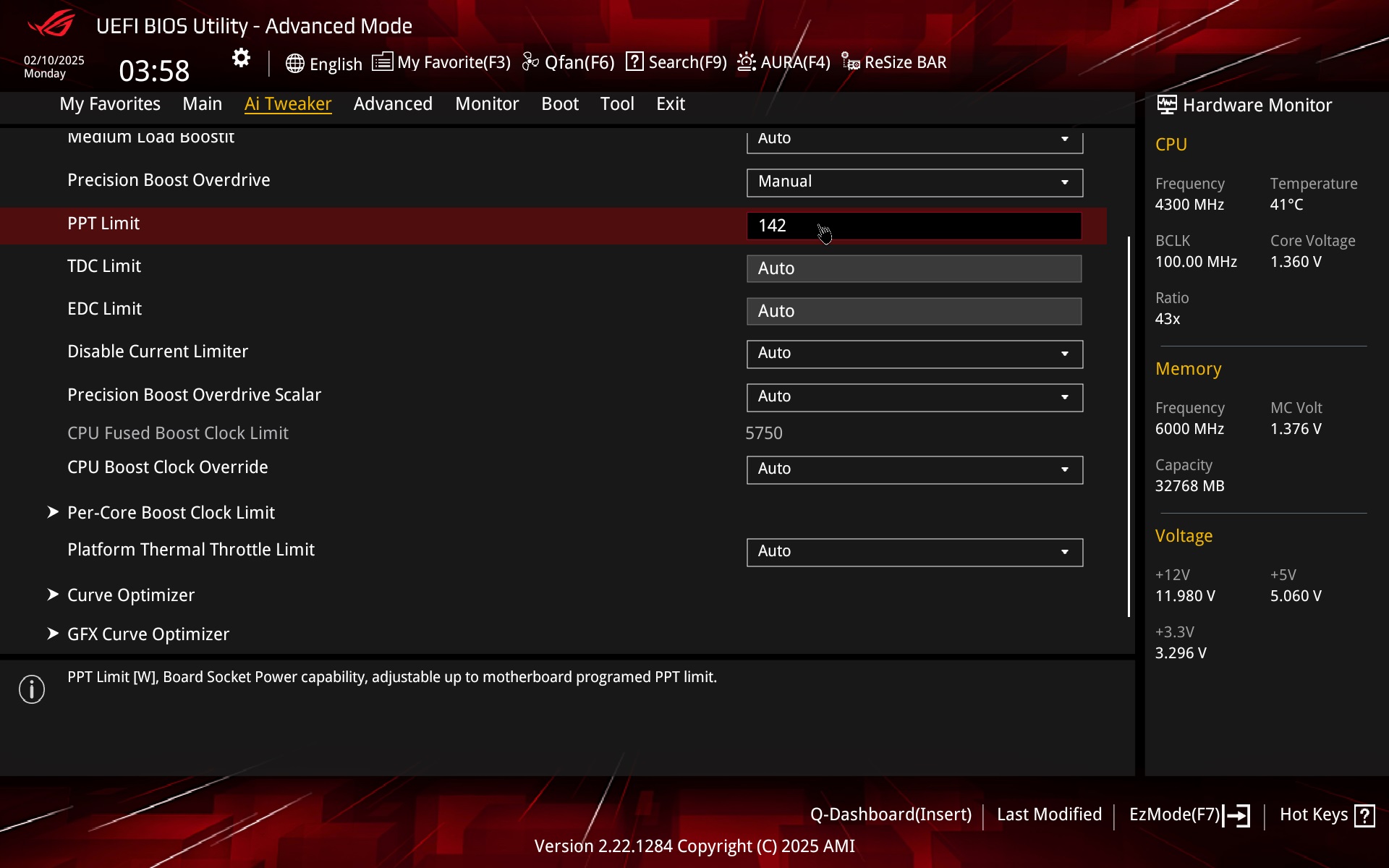
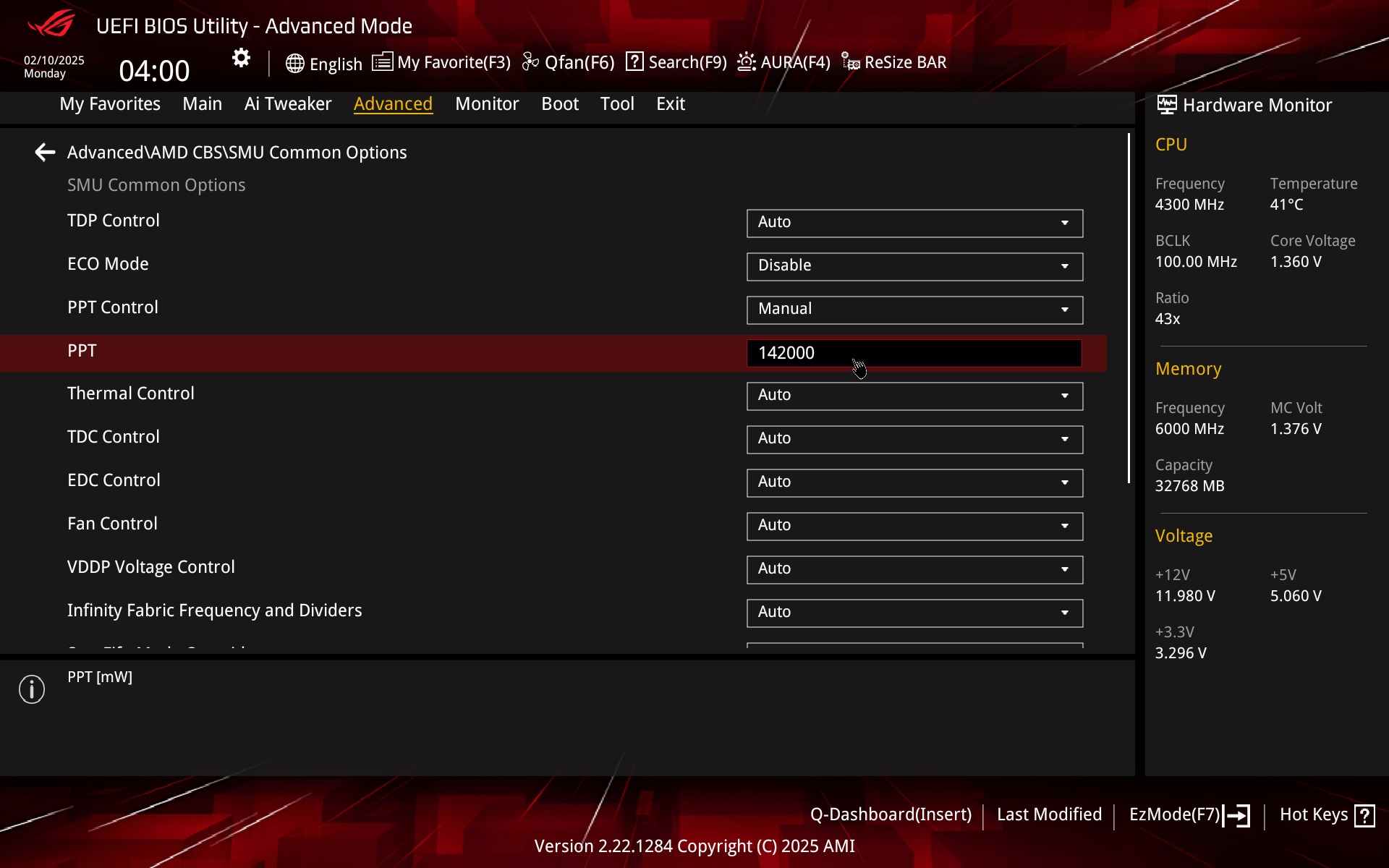
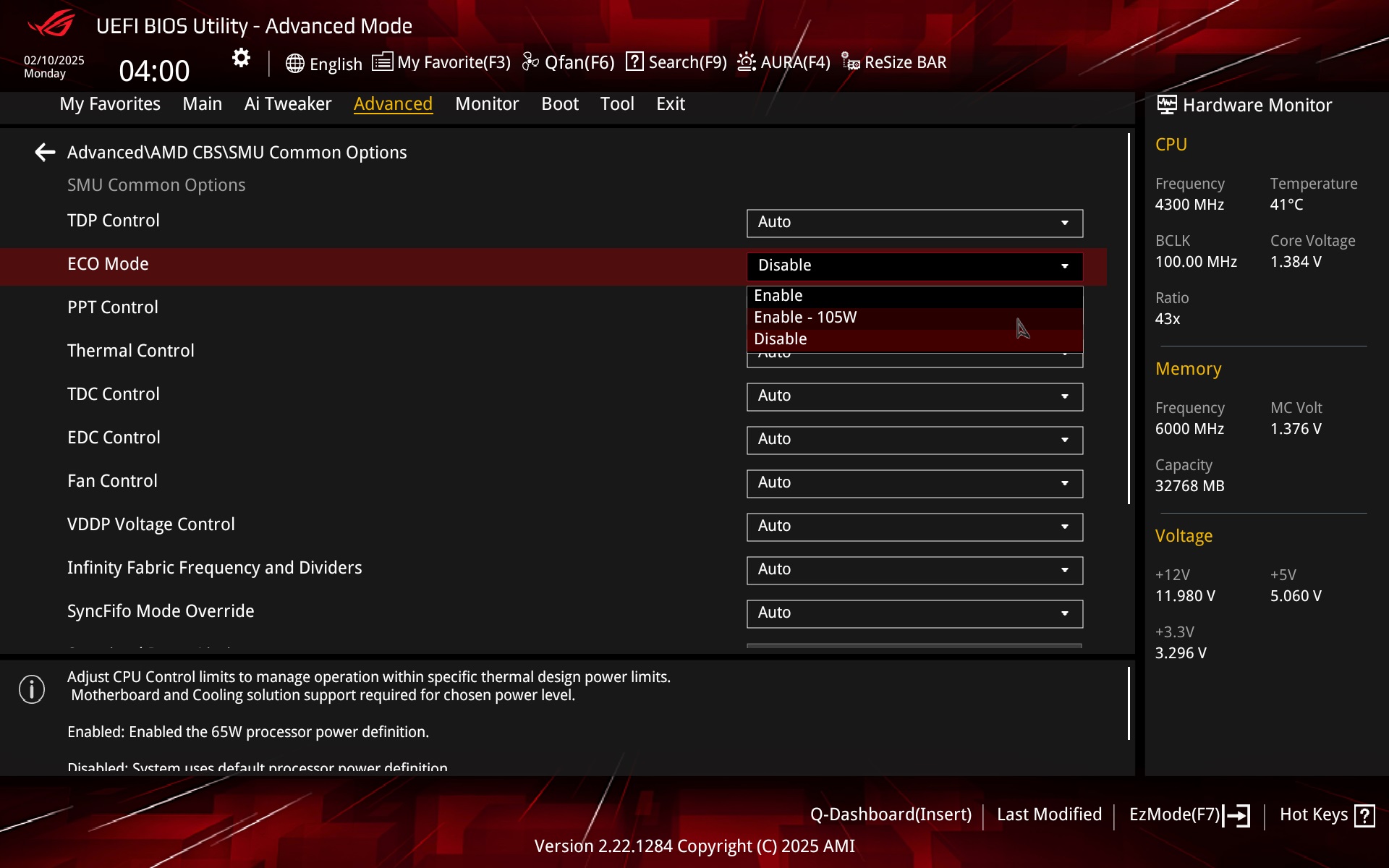
The way to adjust the power limits is for example via PBO on the Ai Tweaker tab by selecting manual mode and entering the exact numerical data. “142” = 142 W, so a TDP of 105 W. You can also set this (105-watt TDP) via enabling the Eco Mode preset profiles. For example, in the SMU Common Options section (Advanced\AMD CBS).

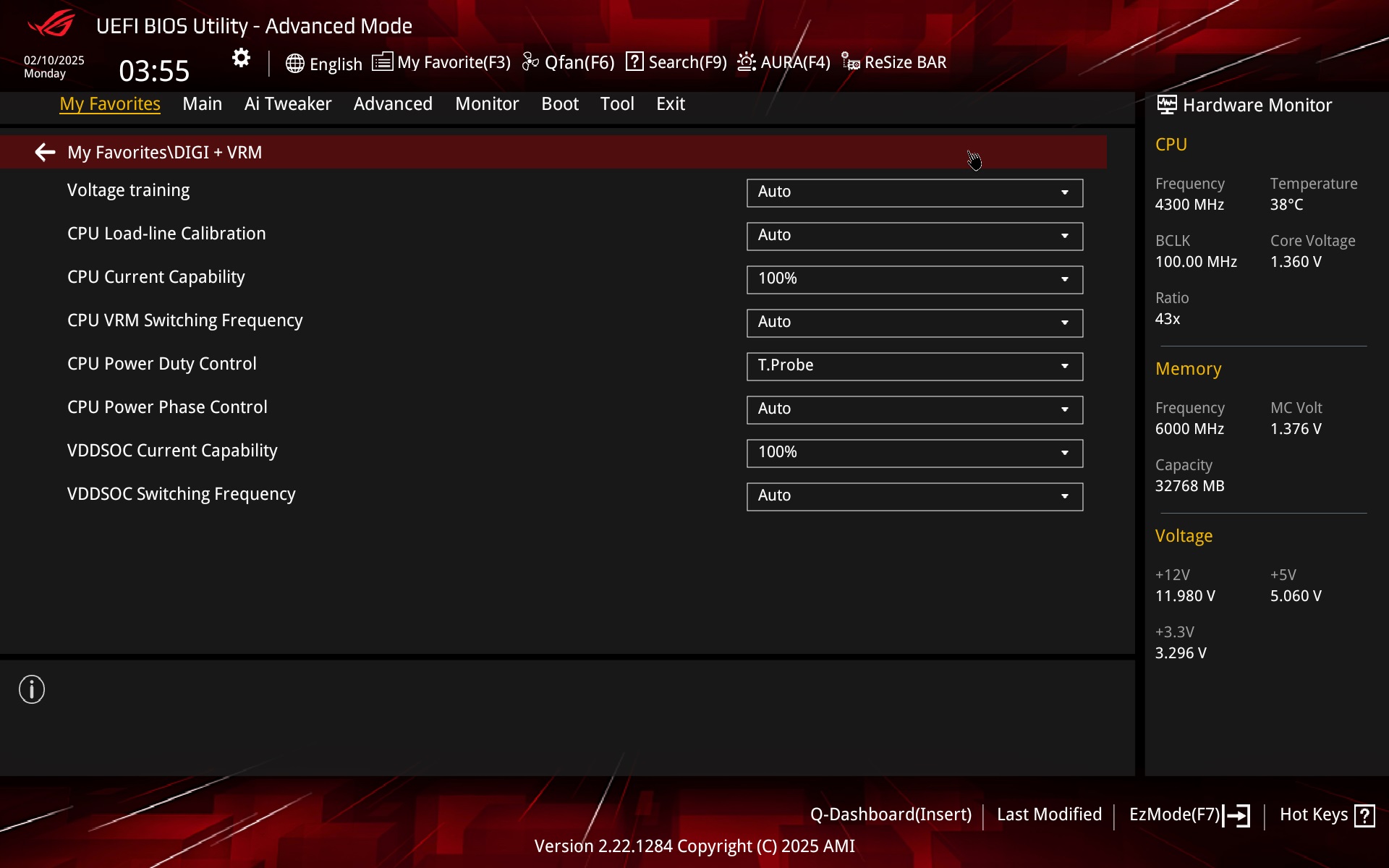
We do not interfere with the VRM operation management settings and the LLC thus remains in the factory settings for testing purposes as well.
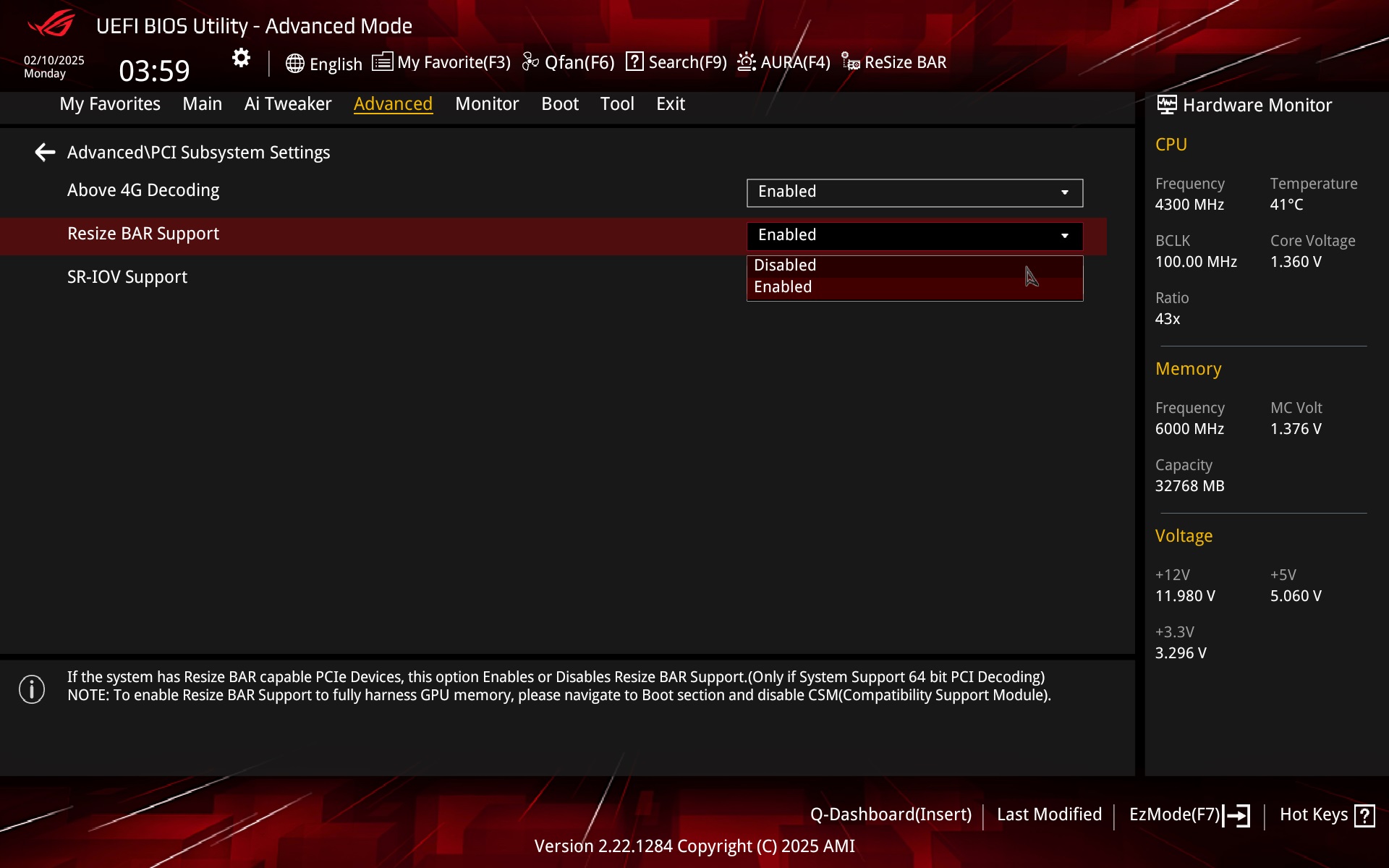
You can also disable or enable Resizable BAR in the advanced settings of the PCI subsystem. Or then in EZ Mode, Asus has a button for this in it for quick selection.
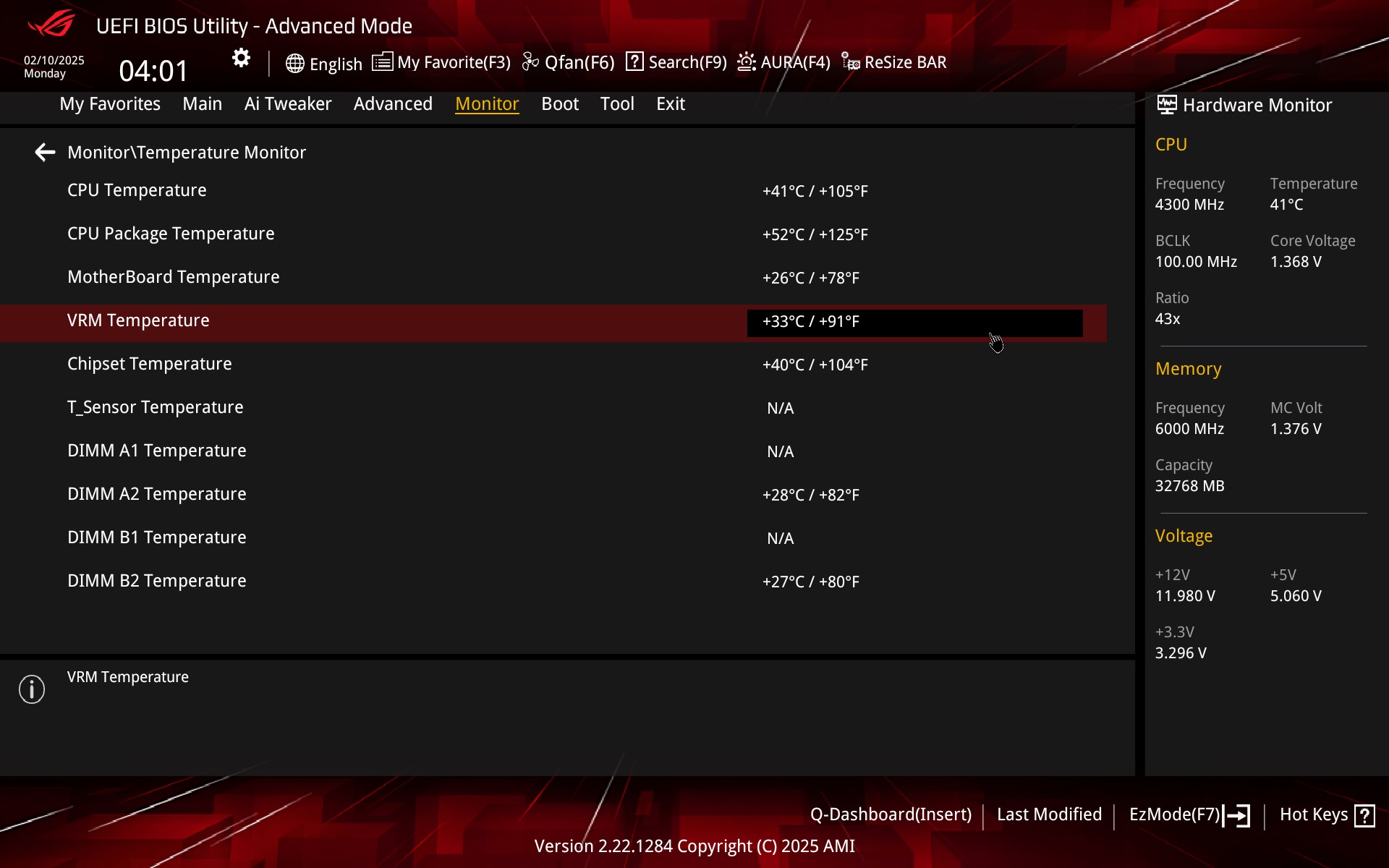
The Monitor tab contains several sensors and among others temperature sensors – CPU, CPU package, MB, VRM, chipset, or one optional (T_Sensor) requiring a thermocouple connection.
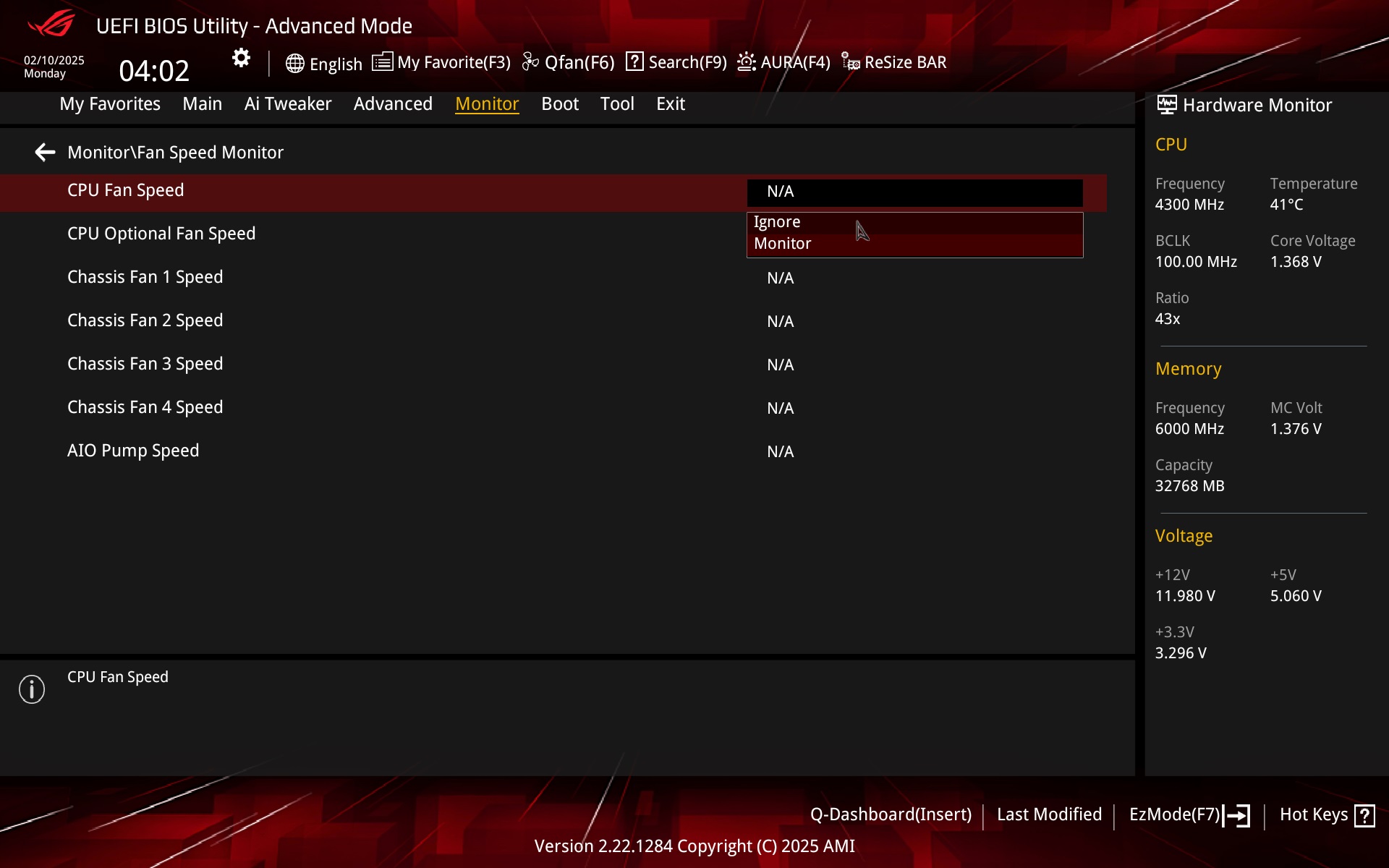
Fans are also monitored. Not only in terms of their speed, but also in terms of functioning. If there is nothing being detected on the CPU_fan header (no fan), the board will not POST until fan speed monitoring is disabled for that header (this is enabled by default).
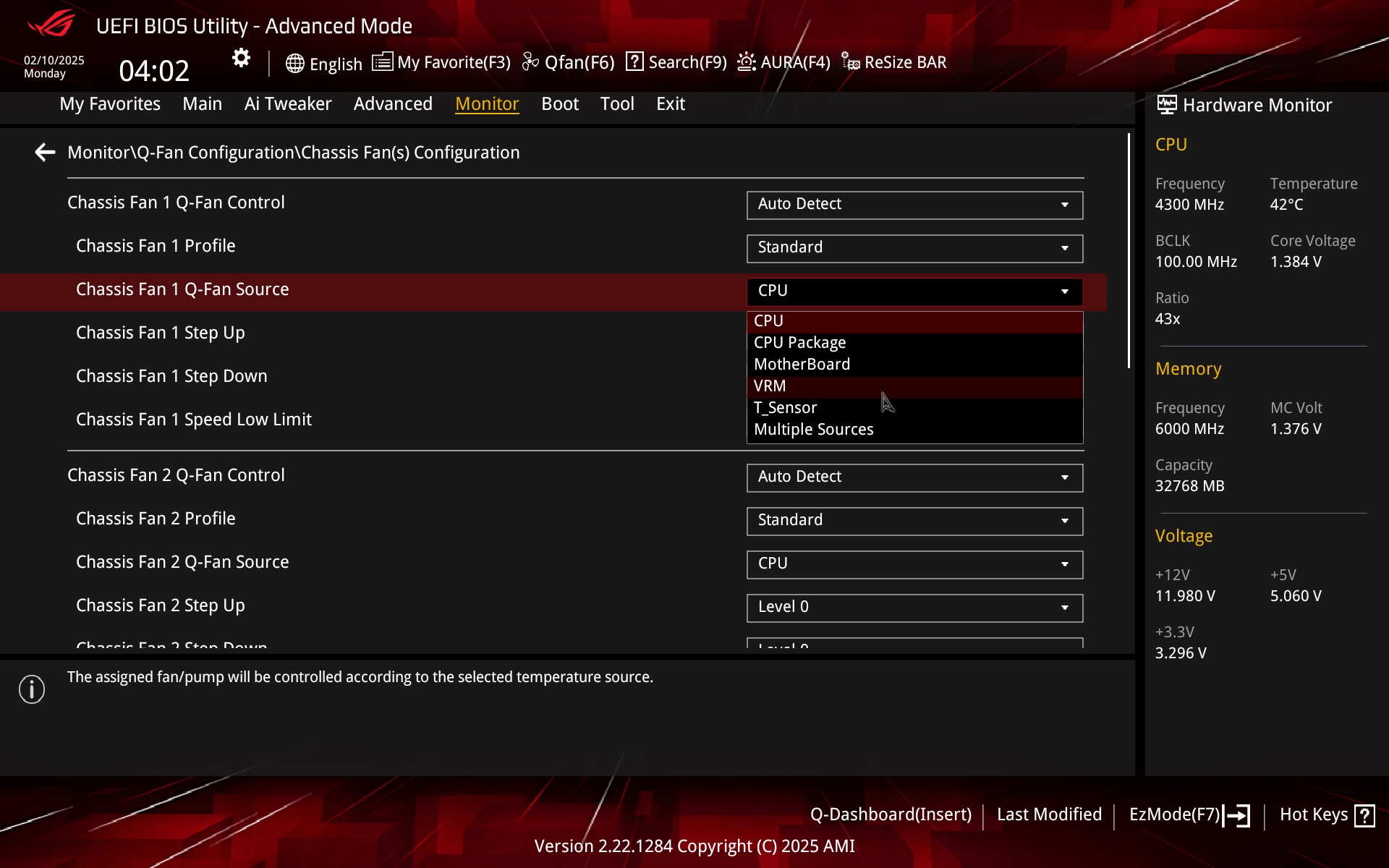
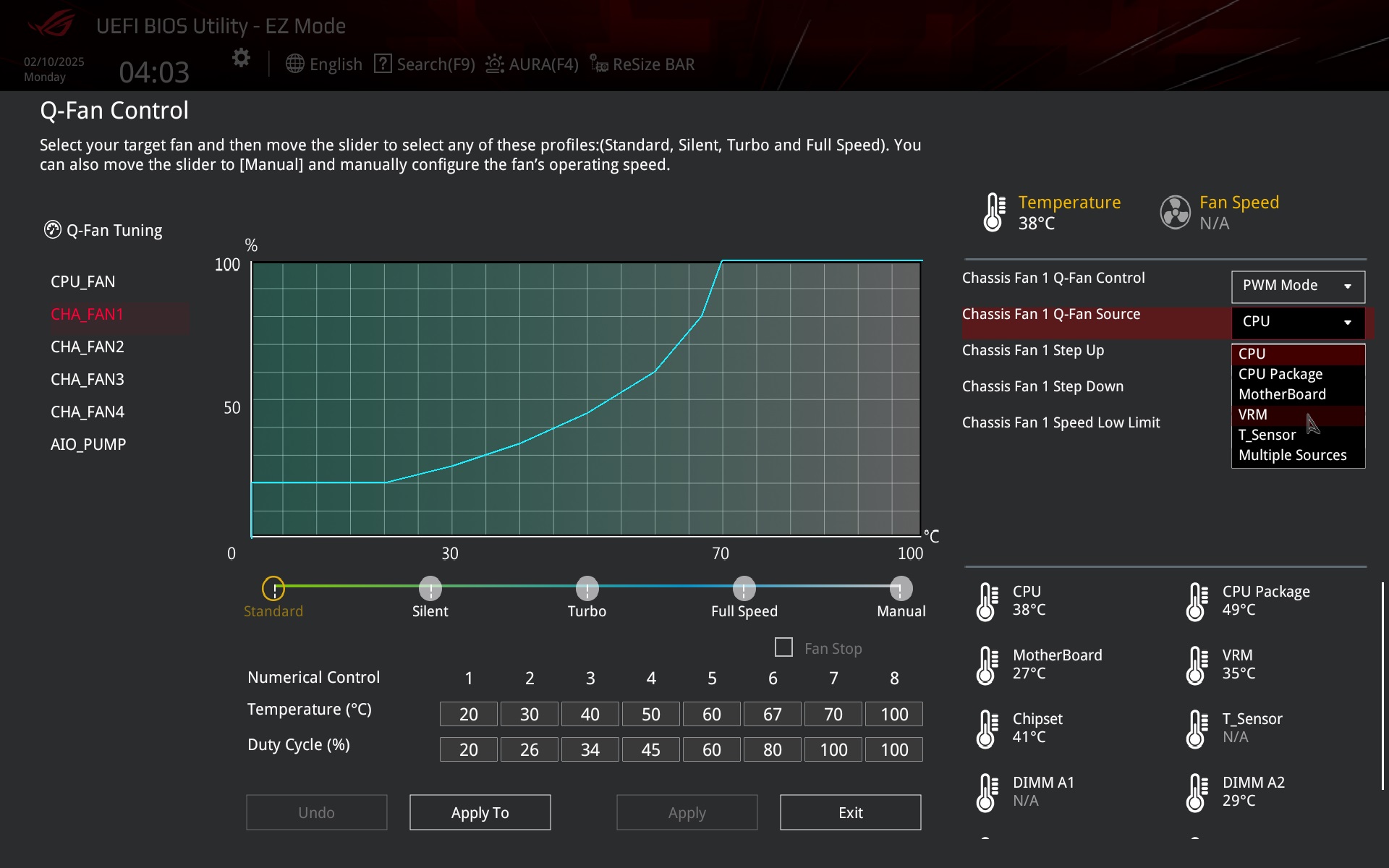
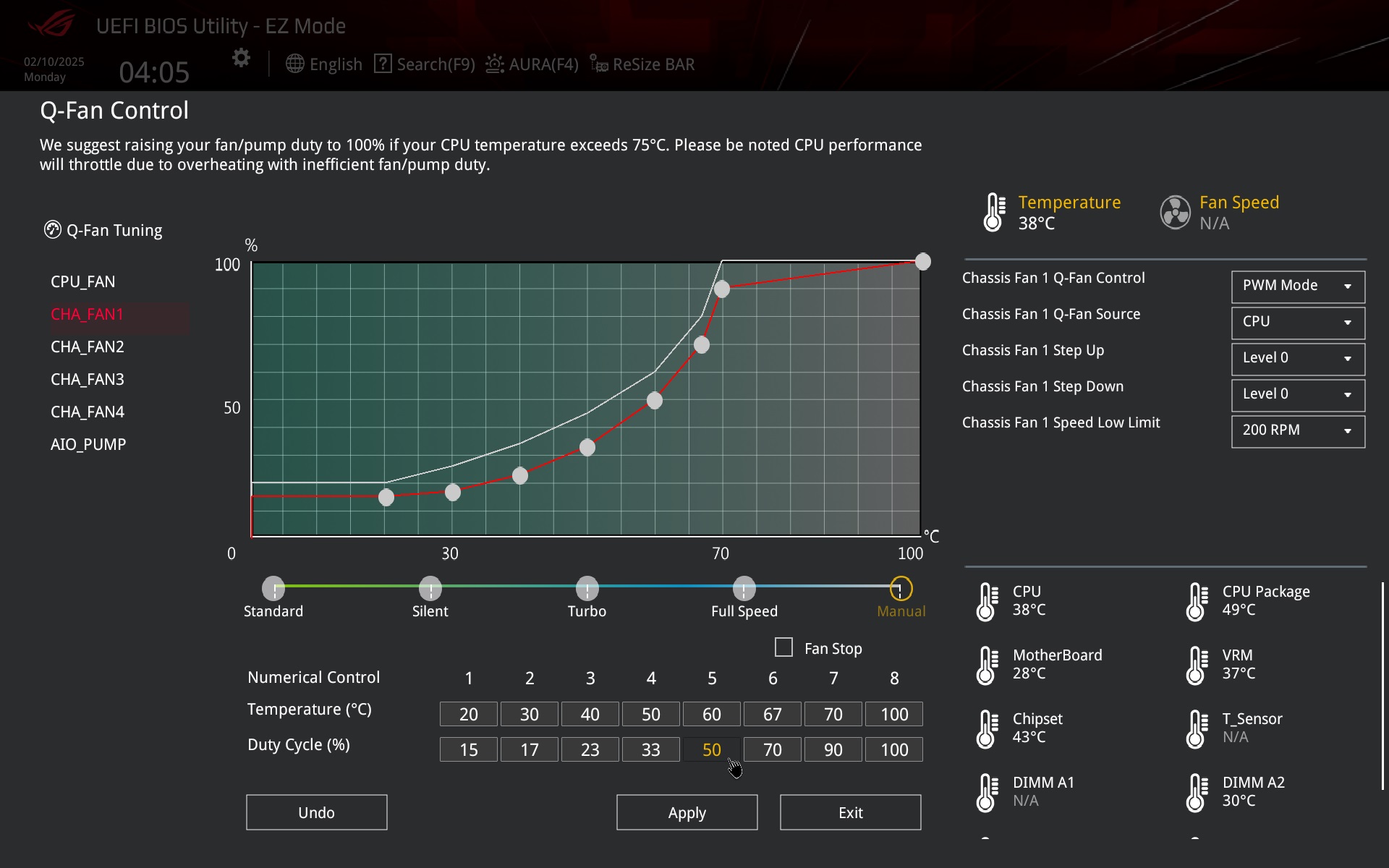
Q-Fan control has undergone major changes in the recent past. Or rather, its user interface is different (than it used to be) and new options have been added. The ones you had to look for in other places before.
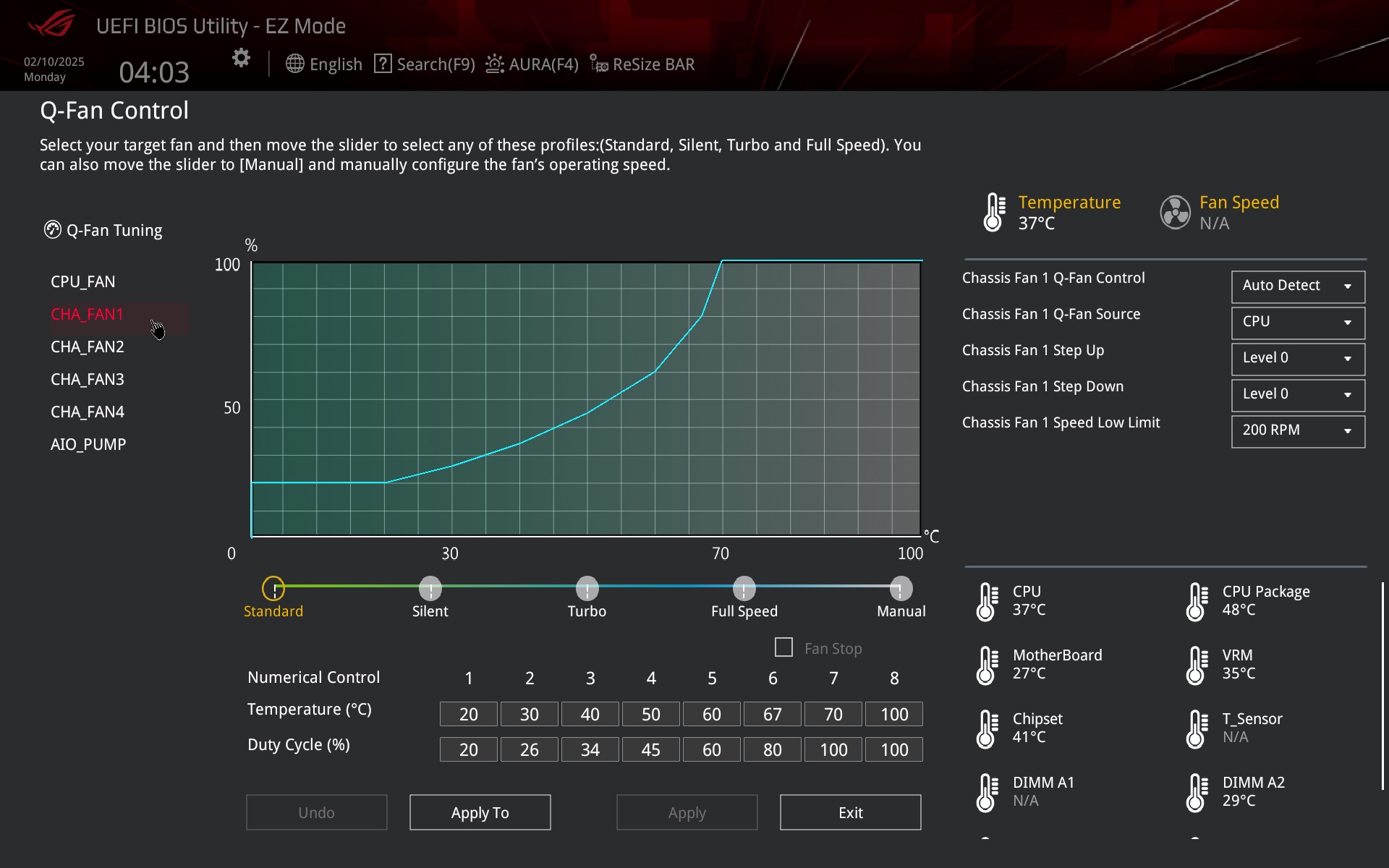
Also close at hand is the option to change the temperature source (once on another tab, outside of this screen) from which the control is to be based, and to adjust the curve there is already a two-dimensional table for entering the temperature and PWM values, or DC ( in the case of linear voltage fan control) in addition to the drag and drop technique.