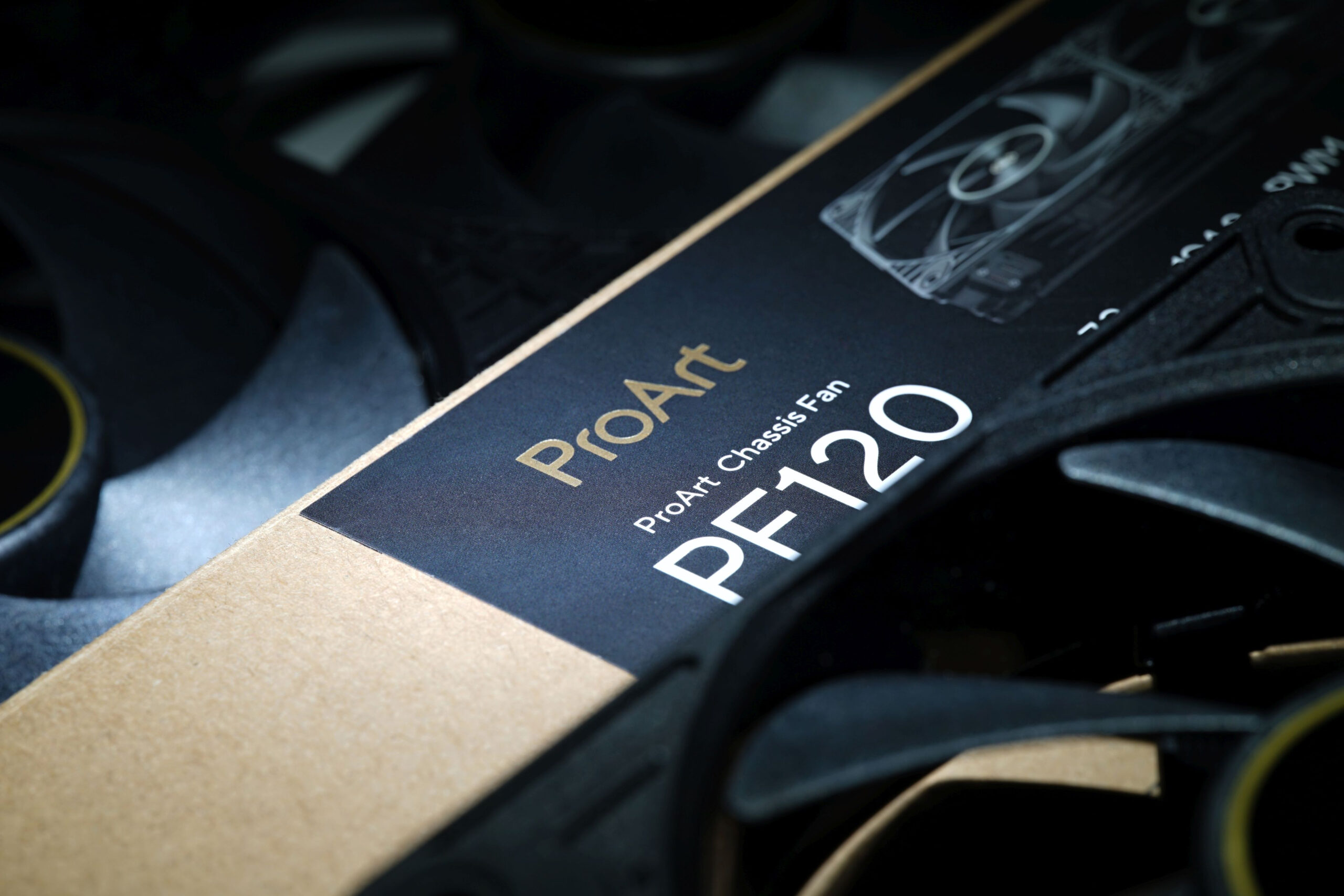
It wants to go head‑to‑head with the Phanteks T30-120 fan, while also having a slight edge in every respect. That’s Asus’s marketing—and now comes reality in HWCooling’s in‑depth analysis. The ProArt PF120 fans are truly something exceptional and worth paying attention to. High cooling efficiency and elegant daisy‑chaining are just the beginning. The overall design of Asus’s fans is impressive.
How we measure power consumption…
Is it worth addressing the power consumption of fans? If you have seven of them in your computer (three on the radiator of the cooler and four for system cooling in the case) and they are also backlit, the power consumption starts at tens of watts. This makes it worth dealing with.
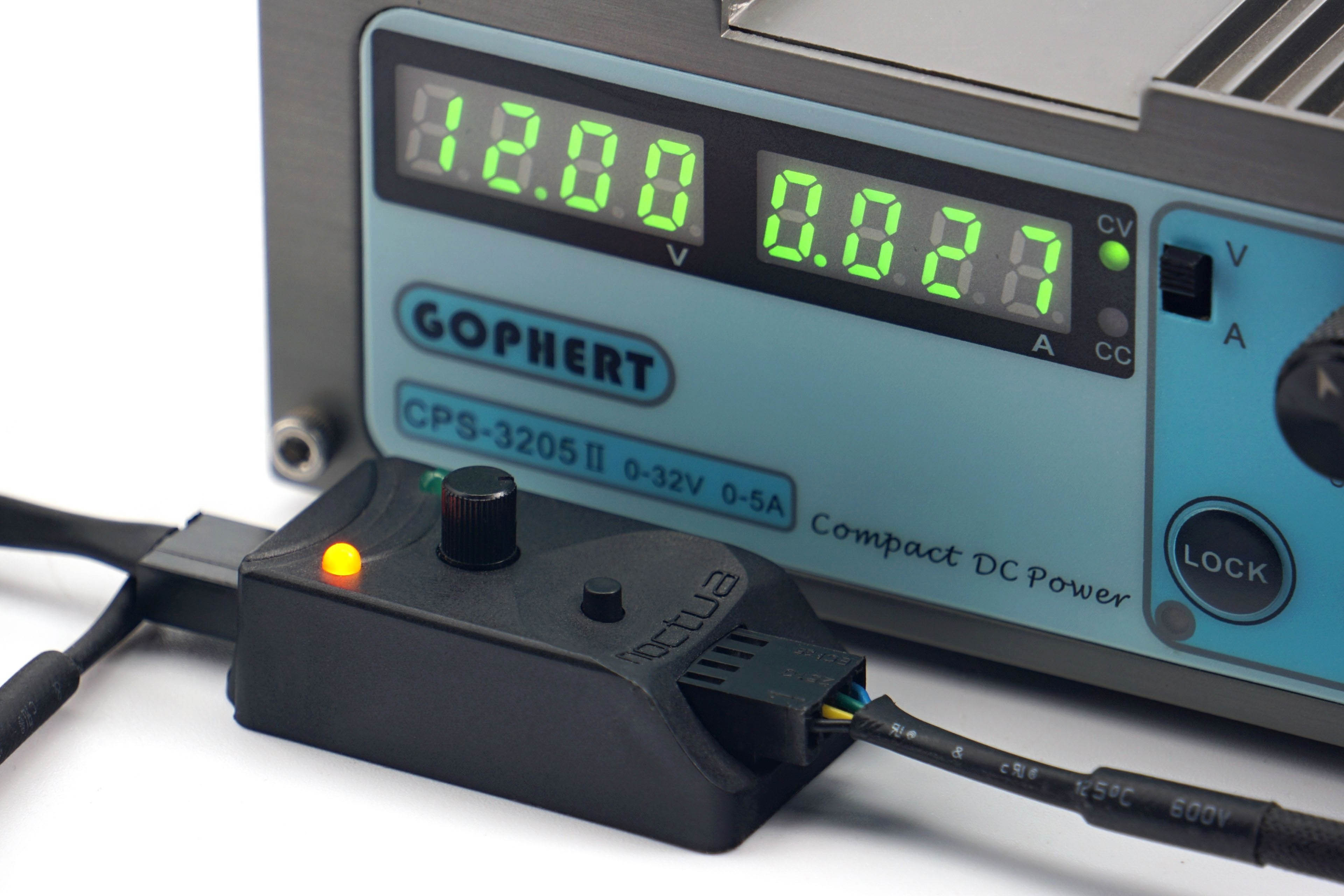
All fans are powered by Gophert CPS-3205 II laboratory power supply. It is passive and virtually noiseless, so it does not distort our noise level measurements. However, for the PWM fans, a Noctua NA-FC1 controller is connected through which the fans are regulated. We also have a shunt between the power supply and the Noctua controller. On it, we read the voltage drop, from which we then calculate the current. However, the voltage on the power supply is set so that 12 V goes to the Noctua NA-FC1. We then also set the exact 12 V to measure the maximum power of the 3-pin linear power supply fans.
In the power consumption tests, we will be interested in the power consumption in fixed noise level modes in addition to the maximum power consumption at 12 V or 100% PWM. That is, at those settings at which we also measure other parameters. Finally, in the graphs you will also find the power consumption corresponding to the start-up and minimum speeds. The difference between these two settings is that at start-up speed you need to overcome the frictional forces, so the power consumption is always higher than at minimum speed. At these, the fan is already running and just reduces power to just before a level where it stops.

These start-up and minimum power consumption data are a substitute for the start-up and minimum voltage information. You often encounter this when reading about fans, but with PWM fans there is no point in dealing with it. And although it is possible to power a PWM fan linearly, it will always perform better with PWM control—lower starting and minimum speeds. Therefore, it would be unfair to compare these parameters for all fans using linear control. That way, fans with PWM would be disadvantaged and the results distorted.
…and motor power
In addition to power consumption, it is important to consider one more parameter that is related to the power supply—the power of the motor. This is usually listed on the back on a label and is often mistaken for power draw. However, the voltage and current indication here is usually not about power draw, but about the power of the motor. The latter must always be well above the operating power consumption. The higher it is, the longer the life expectancy of the fan.
Over time and with wear, fan friction increases (through loss or hardening of the lubricant, dust contamination or abrasion of the bearings, etc.). However, a more powerful motor will overcome the deteriorating conditions of the fan to some extent, albeit at a higher power consumption, but somehow it will cope. However, if the difference between the motor power and the operating power consumption of a new fan is small, it may no longer be able to exert sufficient force to turn the impeller under increased friction due to adverse circumstances.

To test the power of the motor, we set the fan to full power (12 V/100 % PWM) and increase the mechanical resistance by braking the impeller in the middle. This is a higher load for the motor, with which the power consumption naturally increases. But this is only up to a point, until the impeller stops. The power of the motor in our tests corresponds to the highest achieved power consumption that we observed when the fan was being braked.
We use the Keysight U1231A high sample rate precision multimeters to analyse motor power (as well as normal operating power consumption). In addition, the individual samples are recorded in a spreadsheet, from which we then graph the maximum. The final value is the average of three measurements (three maximums).