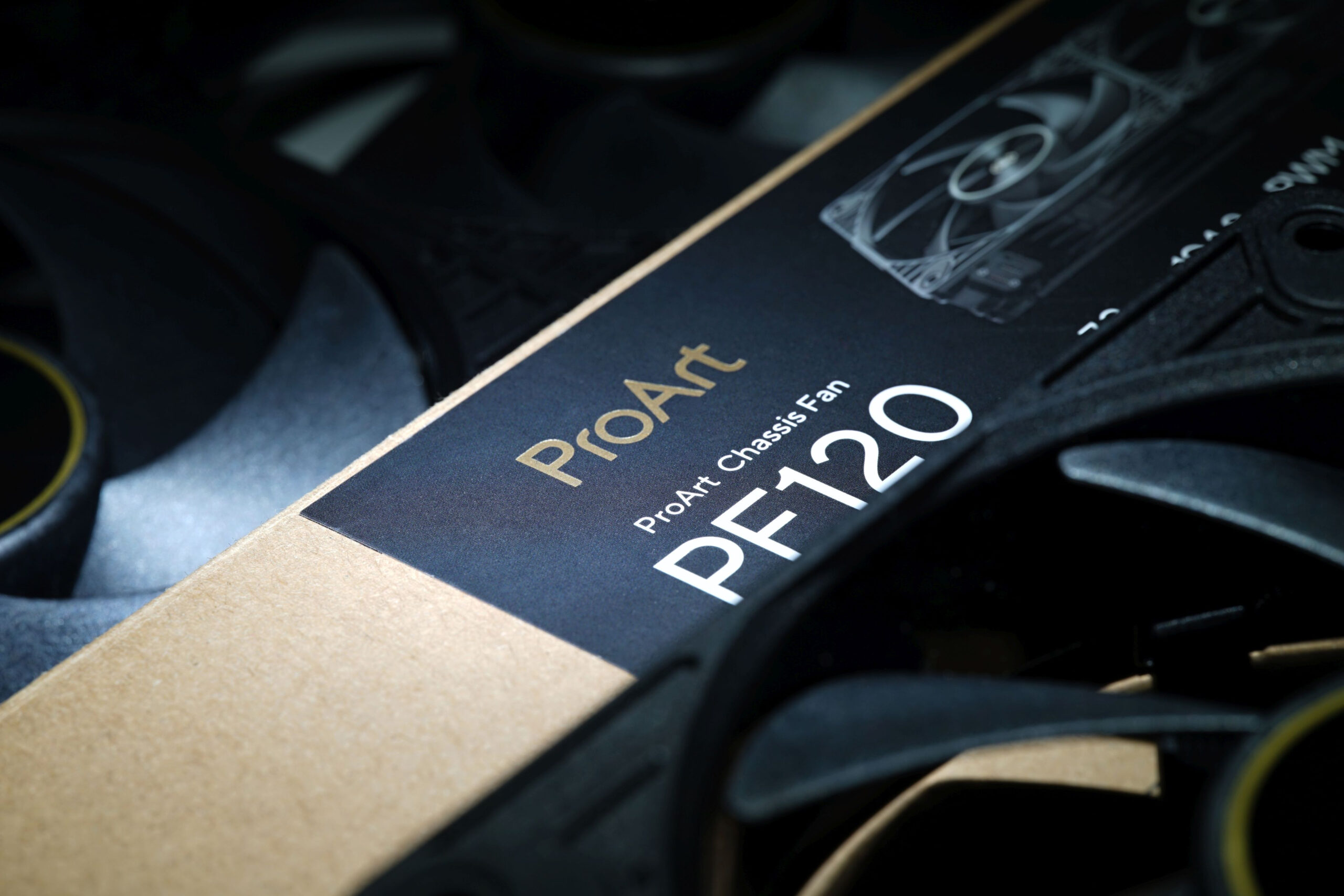
It wants to go head‑to‑head with the Phanteks T30-120 fan, while also having a slight edge in every respect. That’s Asus’s marketing—and now comes reality in HWCooling’s in‑depth analysis. The ProArt PF120 fans are truly something exceptional and worth paying attention to. High cooling efficiency and elegant daisy‑chaining are just the beginning. The overall design of Asus’s fans is impressive.
Measuring the intensity (and power consumption) of lighting
Modern fans often include lighting. This is no longer a “cooling” parameter, but for some users the presence of (A)RGB LEDs is important. Therefore, we also measure how intense this lighting is in our tests. These tests are the only ones that take place externally, outside the wind tunnel.
We record the luminosity of the fans in a chamber with reflective walls. This internal arrangement is important to increase the resolution for us to measure anything at all with lower luminosity fans. But also so that the readings do not blend together and it is obvious which fan is emitting more light and which one less.
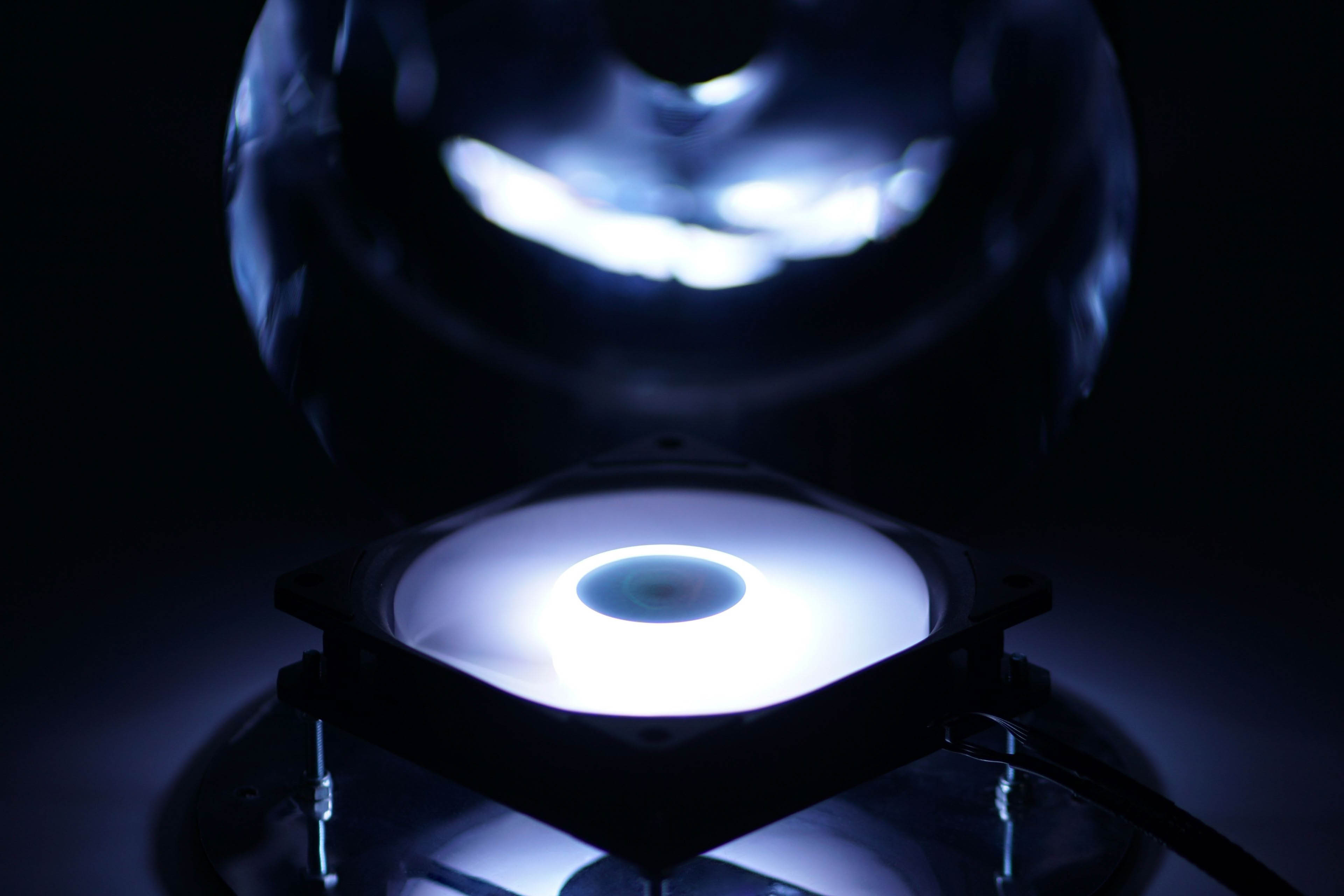
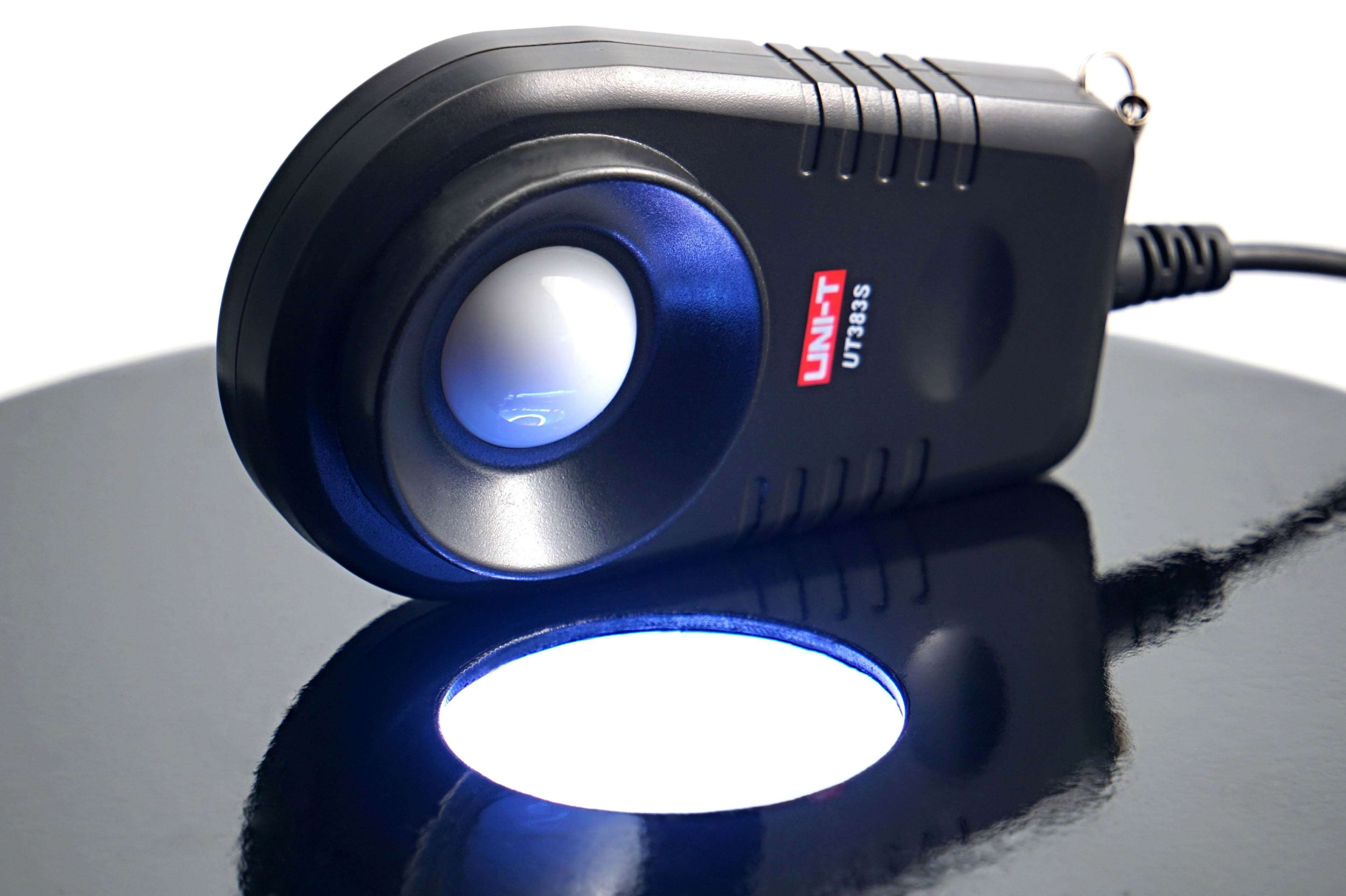
The illumination intensity is measured in the horizontal position of the fan, above which is the lux meter sensor (UNI-T UT383S). This is centered on the illumination intensity sensing chamber.
The illumination is controlled via an IR controller and the hue is set to RGB level 255, 255, 255 (white). We record the brightness at maximum and minimum intensity. According to this, you can easily see if the brightness is high enough, but conversely also if the lower level is low enough for you.
In addition to the brightness intensity, we also measure the power consumption that it requires. This is again through the shunt, which is between the Gophert CPS-3205 power supply and the (A)RGB LED driver. After this we get a reading of the lighting power consumption. In the graphs we show it separately, but also in sum with the motor power consumption as the total maximum fan power.