





Asus cards such as the Prime GeForce RTX 5070 allow easy removal of the shroud with the fans, without removing the heatsink itself. This opens room for experimentation with cooling.We will find out how much you can gain by replacing stock fans with a pair of 120mm Arctic P12 Pro A-RGB fans. We will measure operating characteristics from 20 to 100% fan speed and see how much the card’s noise level drops at identical temperatures.
Details of individual settings (stock, 3× Asus Axial-Tech Fan)
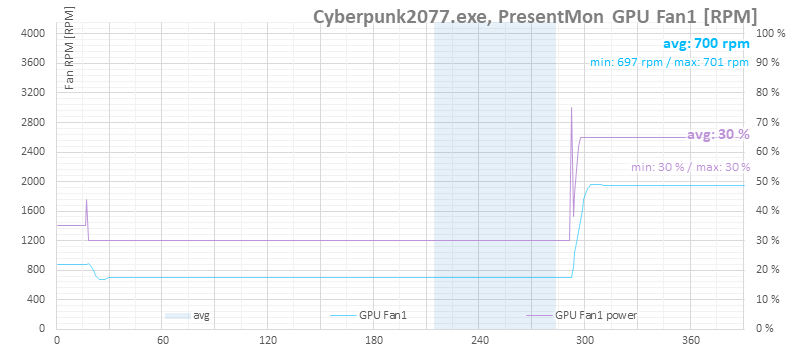
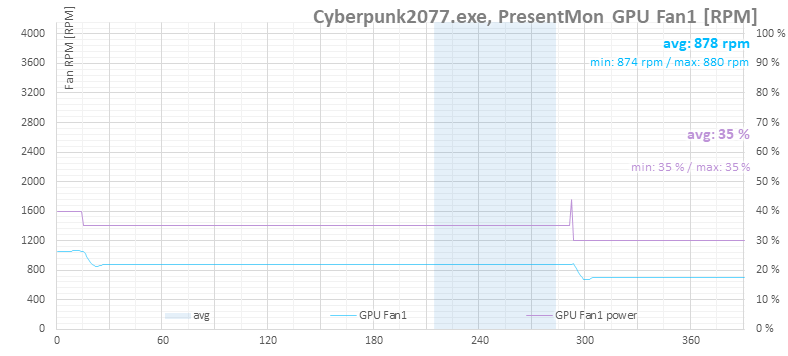
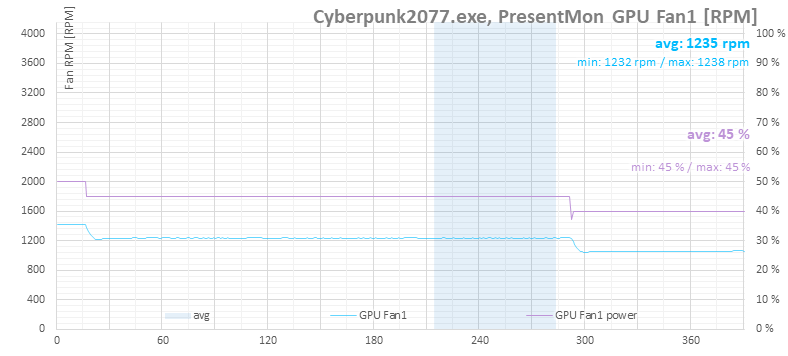
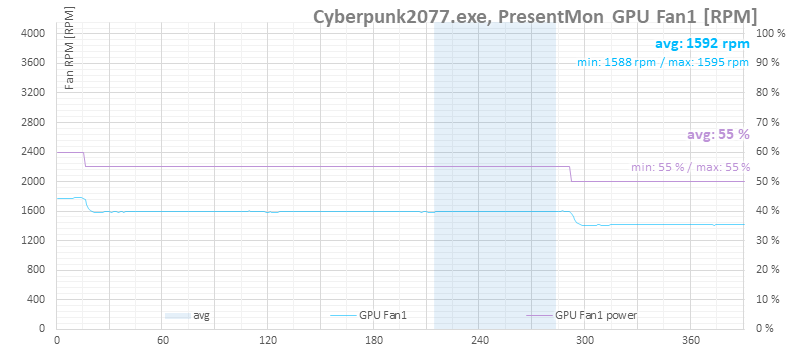
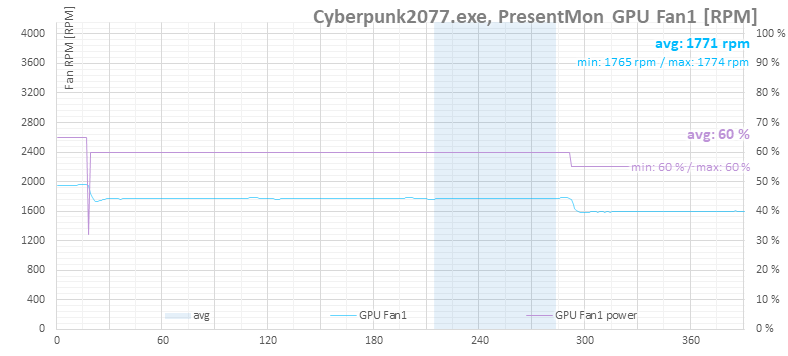
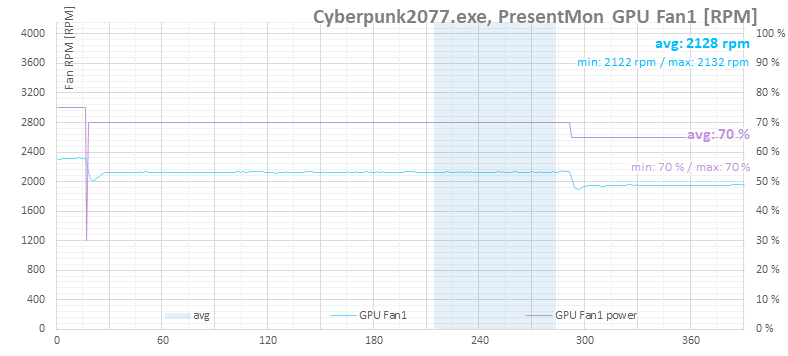
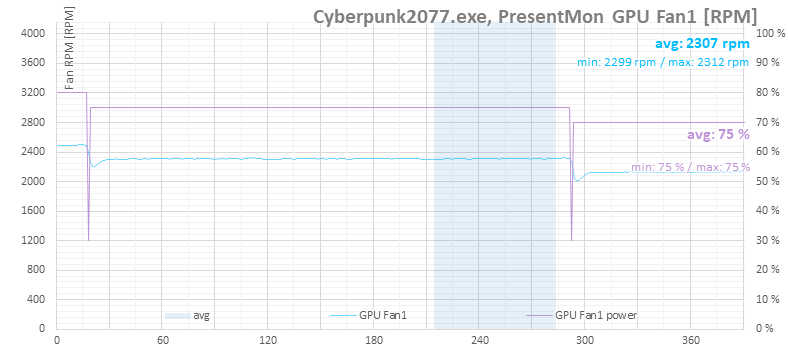
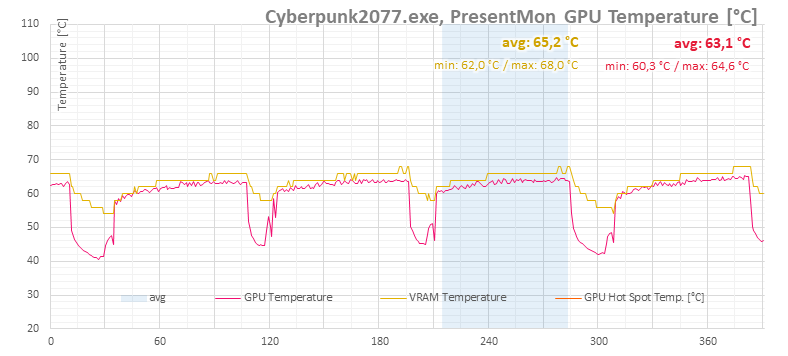
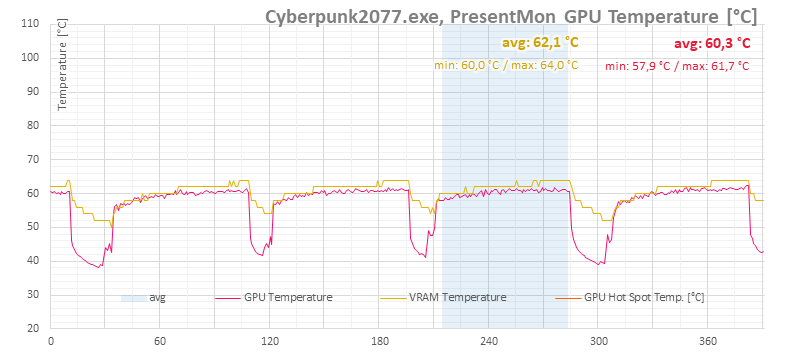
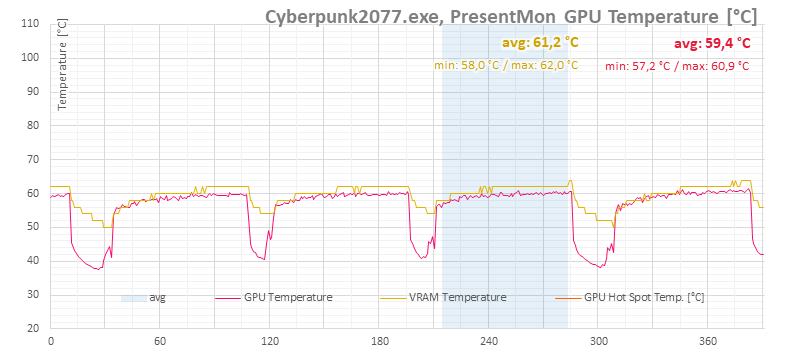
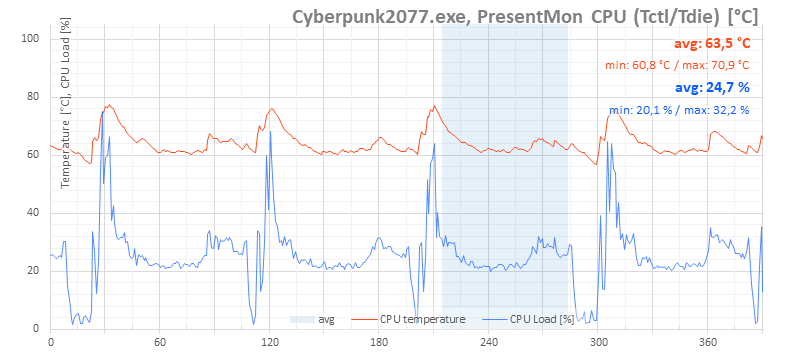
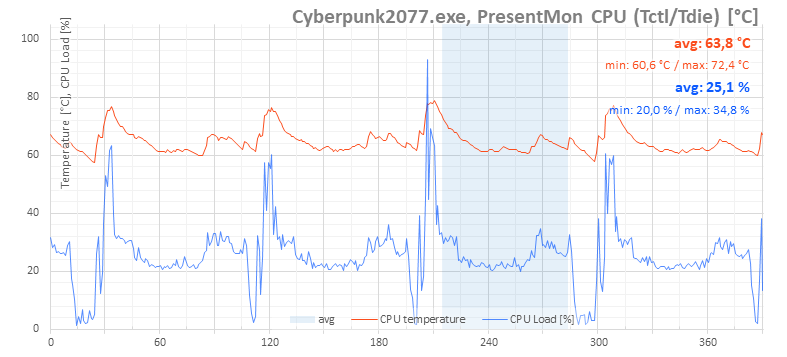
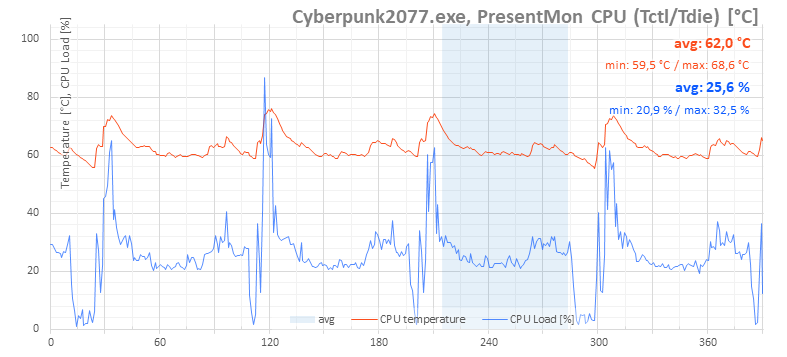
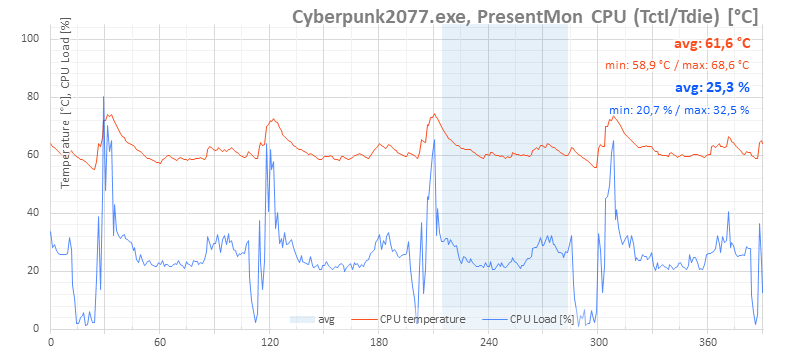
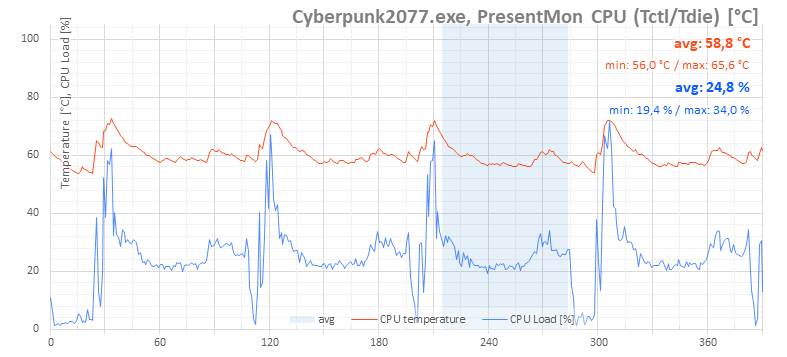
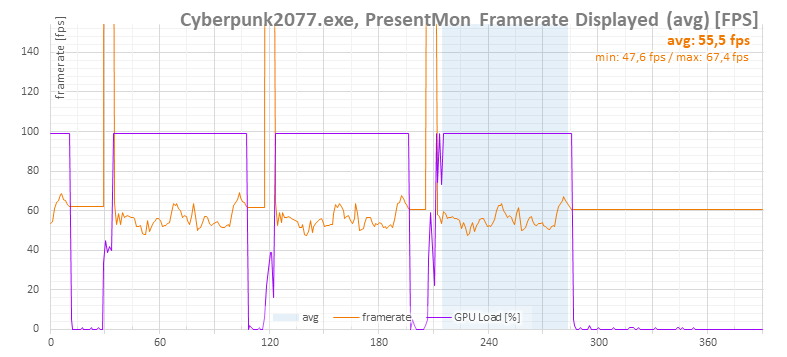
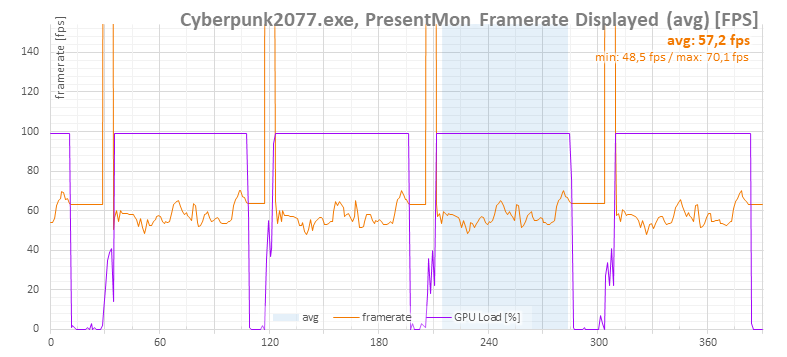
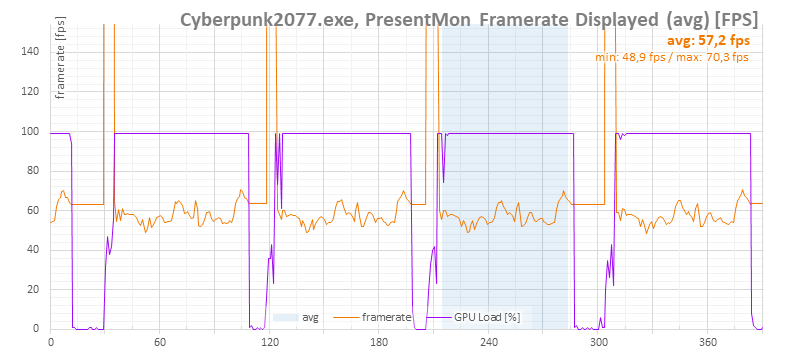
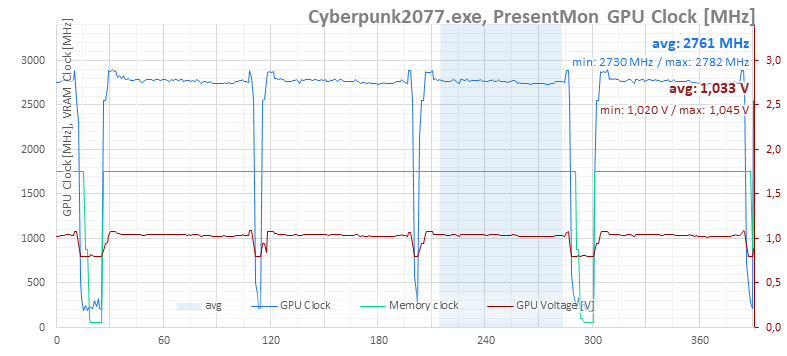
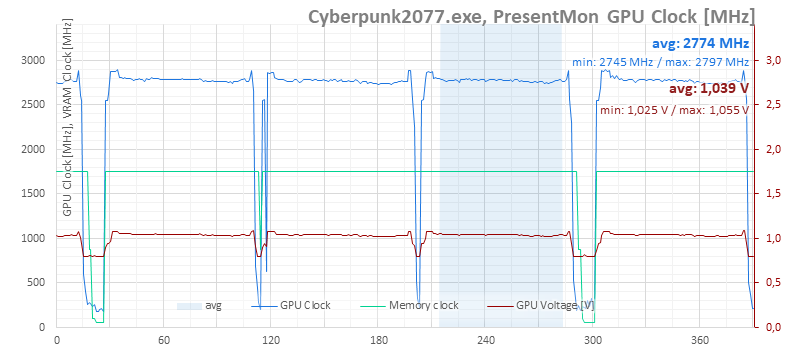
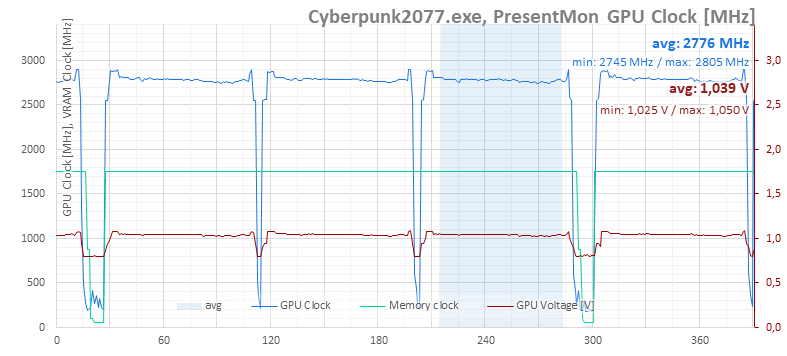
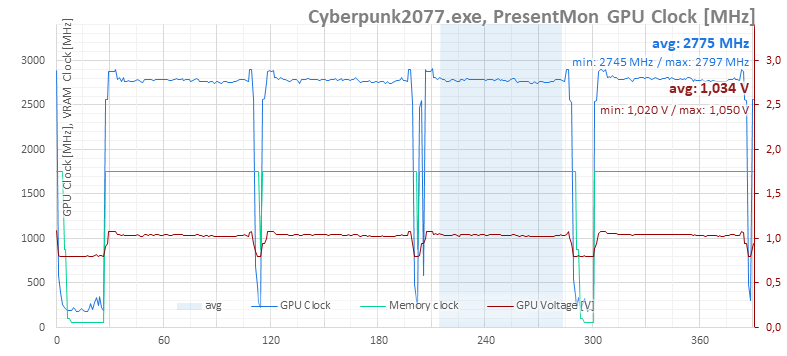
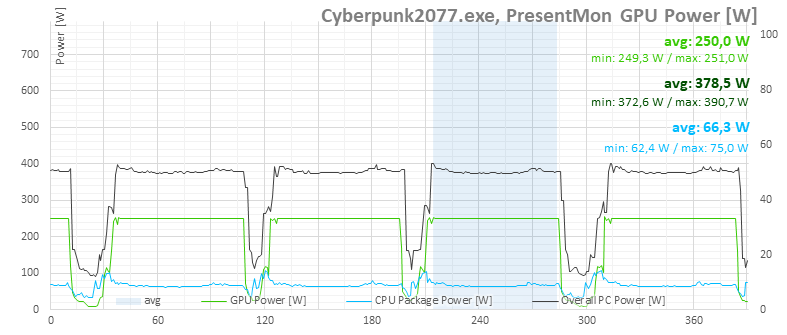
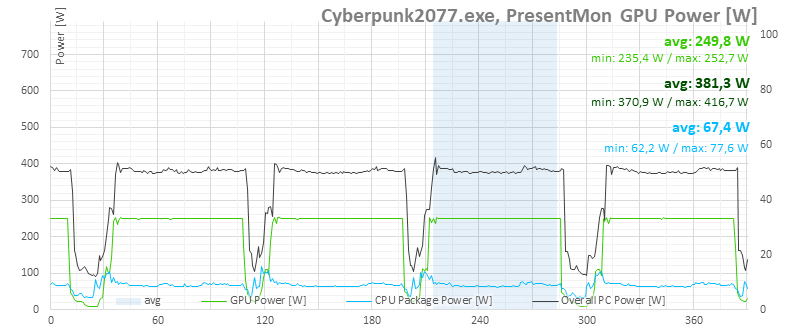
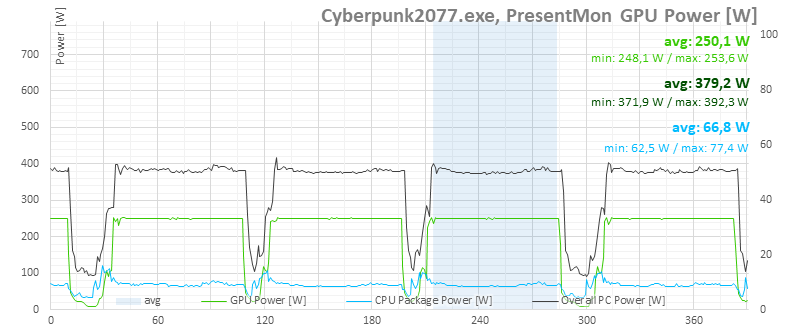
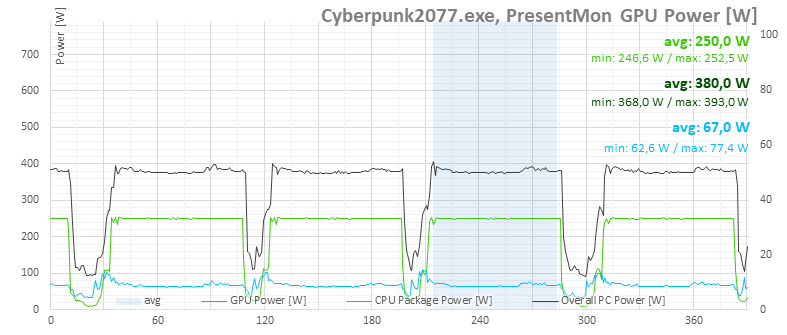
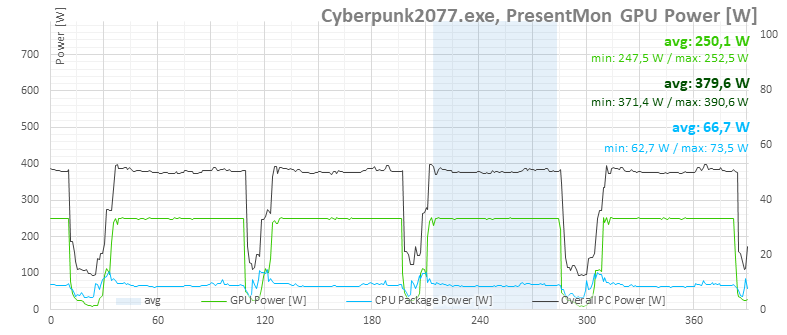
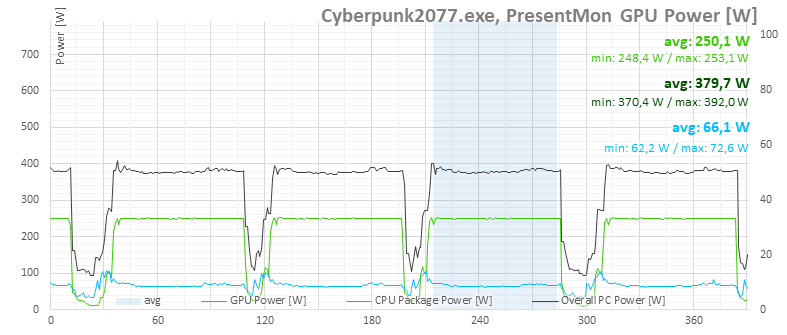
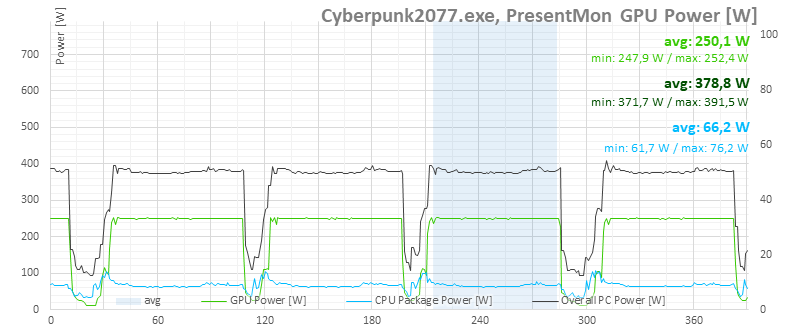
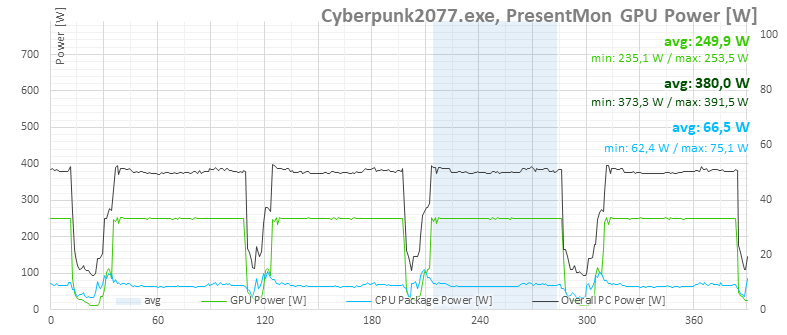
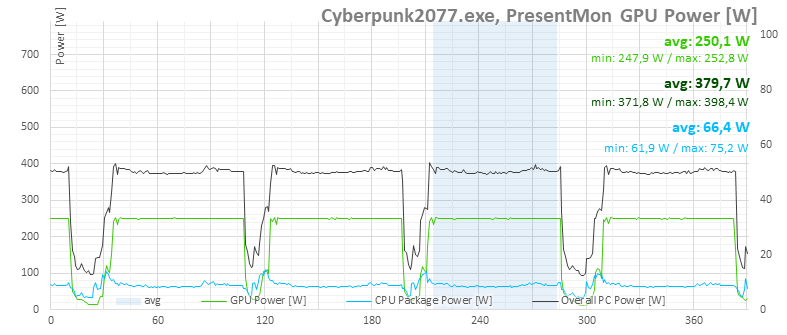
In the following graphs, you can already see detailed measurement timelines. There are always four runs for a single setting, with average values taken from the highlighted section. When moving the cursor across the interactive graph from left to right, the values measured within the given fan performance range should be displayed.

If the interactive graphs do not work for you, classic expandable images for individual settings are also provided below them. These are steps from 30 to 100% fan output in 5% increments, with the set value also visible in the image title.





























⠀




Thats a realy interesting build! Great job! I would like to use this for my newest build. Are the files available? Oh, and would you please provide the final dimensions of the card after installation of the kit? width, hight, length. Or better, by how much inceses the cards width and hight? I can fit 151mm width cards to my case.
Thanks for the compliment. Yes, Adam designed a really nice fan mount. But if I’m not mistaken, the issue was that it couldn’t be exported directly from the software he used? I vaguely remember something like that being mentioned somewhere. At the same time, he did promise that he could provide the files. Personally, I don’t have any further details on this and can’t promise anything, but it’s possible that Adam will see this comment and share the 3D model files himself. It’s a bit up in the air—we’ll see. Adam no longer works for HWCooling, so it mainly depends on when (and if) he finds the time for it. 🙂
A few years ago I managed to get a cheap Acer-branded OEM RTX 3080 and did a similar deshroud mod. I had fond memories of that card, was quite a fun mod to do (I did also make a custom copper backplace for it and managed to re-use the decorative Geforce logo). I didn’t do much controlled testing, but subjectively, with a slight undervolt and overclock, the card under full load was no louder than the rest of the components in the case.
Picture for reference:
https://i.imgur.com/IHUrmV4.jpeg
Thank you for the info and for sharing the photos. The result looks great. The cooler shroud looks very presentable, and I can easily imagine that a lot of effort went into its production. 🙂
This cannot be real ! I bought a Asus Prime 5070 and was looking for a benchmark about 3x92mm Arctic vs 3x92mm Noctua vs 2x120mm Arctic pro vs 2x120mm Noctua vs stock in terms of noise-normalized performance. Lo and behold exactly this has been extensively tested by hwcooling ! I so thankful ! I’ll go for 2x120mm Arctic pro.
BTW for those looking for 3d print files there are very similar prints at makerworld.com
like this one https://makerworld.com/fr/models/1792416-asus-prime-5080-deshroud-5070-5070ti-kit?from=search
or this one (should be compatible, not specifically mentioned to be 5070 compatible) https://makerworld.com/fr/models/1161117-asus-prime-rtx-5070-ti-5080-deshroud-bracket?from=search#profileId-1167385
but if anyone finds the exact files for this review please answer me.
Thanks for the comment. You definitely won’t make a mistake with the Arctic P12 Pro fans. If the shroud or fan mount is well sealed against the heatsink fins, the results should be very attractive. 🙂