




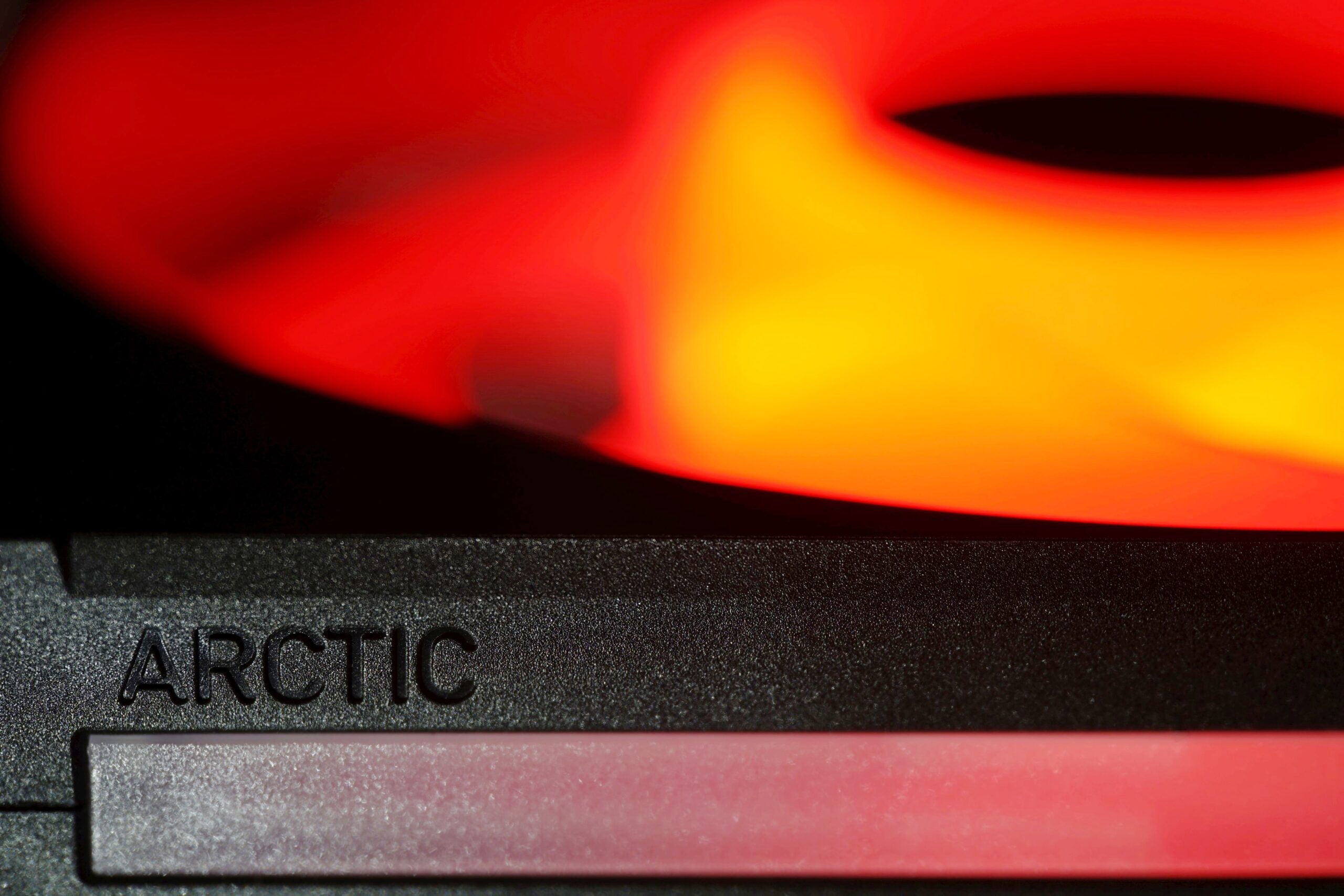
High cooling efficiency is the foundation, but with the BioniX P14 A-RGB fans, Arctic has also made efforts on other fronts. In addition to the clever daisy-chaining method (with the aim of reducing cabling to a minimum), this includes, for example, illumination as intense as possible. The light is guided not only through the entire impeller, but also through the surface of the frame, from the side. There are light guides in these areas as well.
33 dBA or 33 dBA
The noise level, given as a single dBA value, is good for quick reference, but it doesn’t give you an idea of exactly what the sound sounds like. That’s because it averages a mix of noise levels of all frequencies of sound. One fan may disturb you more than the other, even though they both reach exactly the same dBA, yet each is characterized by different dominant (louder) frequencies. To analyze thoroughly with an idea of the “color” of the sound, it is essential to record and assess noise levels across the entire spectrum of frequencies that we perceive.

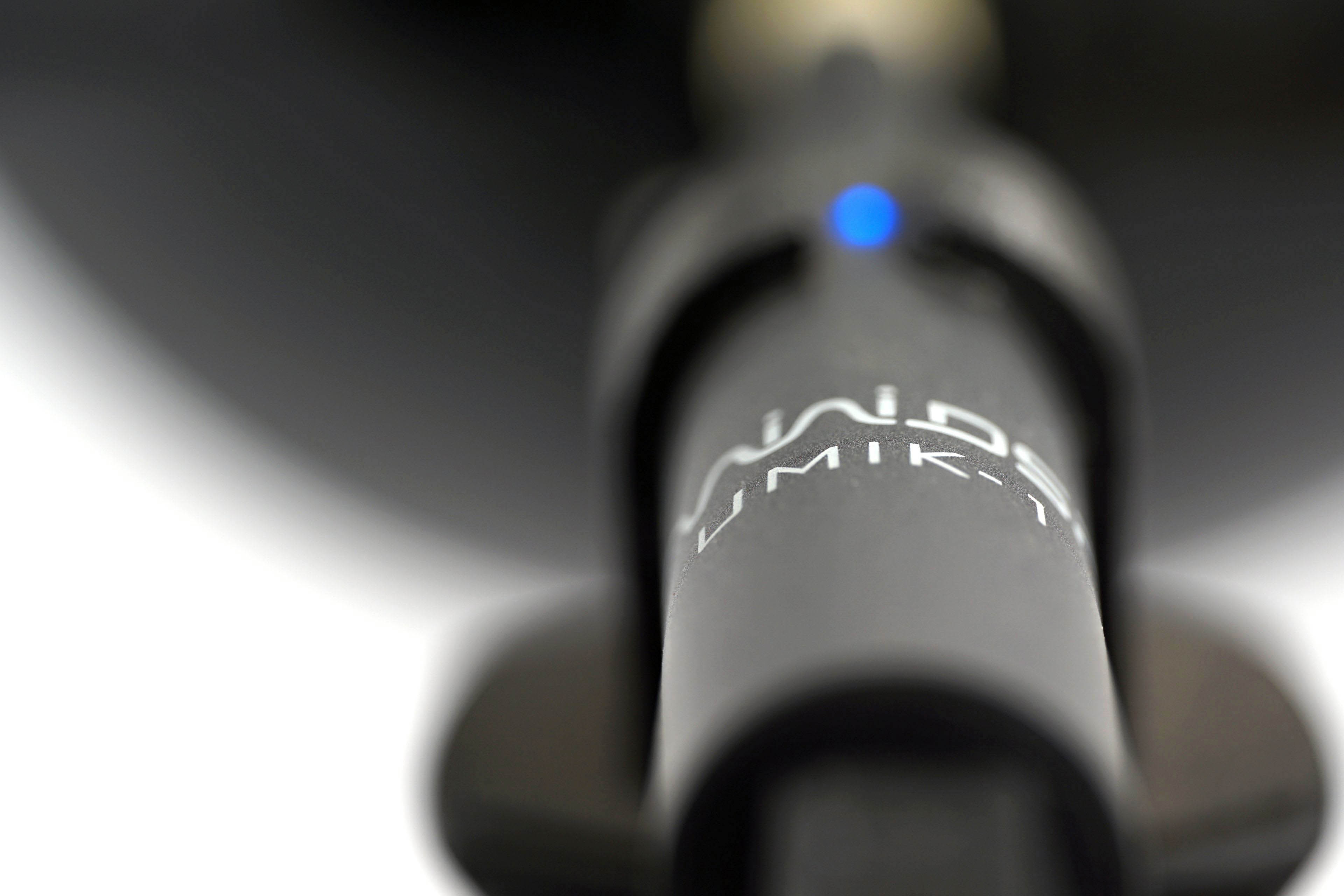
We already do this in graphics card tests, and we’ll do it for fans too, where it makes even more sense. Using the UMIK-1 miniDSP microphone and TrueRTA’s mode-specific, fixed dBA application, we also measure which frequencies contribute more and which contribute less to the sound. The monitored frequency range is 20-20,000 Hz, which we’ll work with at a fine resolution of 1/24 octave. In it, noise levels from 20 Hz to 20 000 Hz are captured at up to 240 frequencies.
The information captured in the spectrograph is a bit more than we will need for clear fan comparisons. While you’ll always find a complete spectrograph in the tests, we’ll only work with the dominant frequencies (and their noise intensities) in the low, mid, and high bands in the comparison tables and charts. The low frequency band is represented by 20–200 Hz, the medium by 201–2000 Hz and the high by 2001–20 000 Hz. From each of these three bands, we select the dominant frequency, i.e. the loudest one, which contributes most to the composition of the sound.
To the dominant frequency we also give the intensity of its noise. However, in this case it is in a different decibel scale than those you are used to from noise meter measurements. Instead of dBA, we have dBu. This is a finer scale, which is additionally expressed negatively. Be careful of this when studying the results—a noise intensity of -70 dBu is higher than -75 dBu. We discussed this in more detail in the article Get familiar with measuring the frequency response of sound.
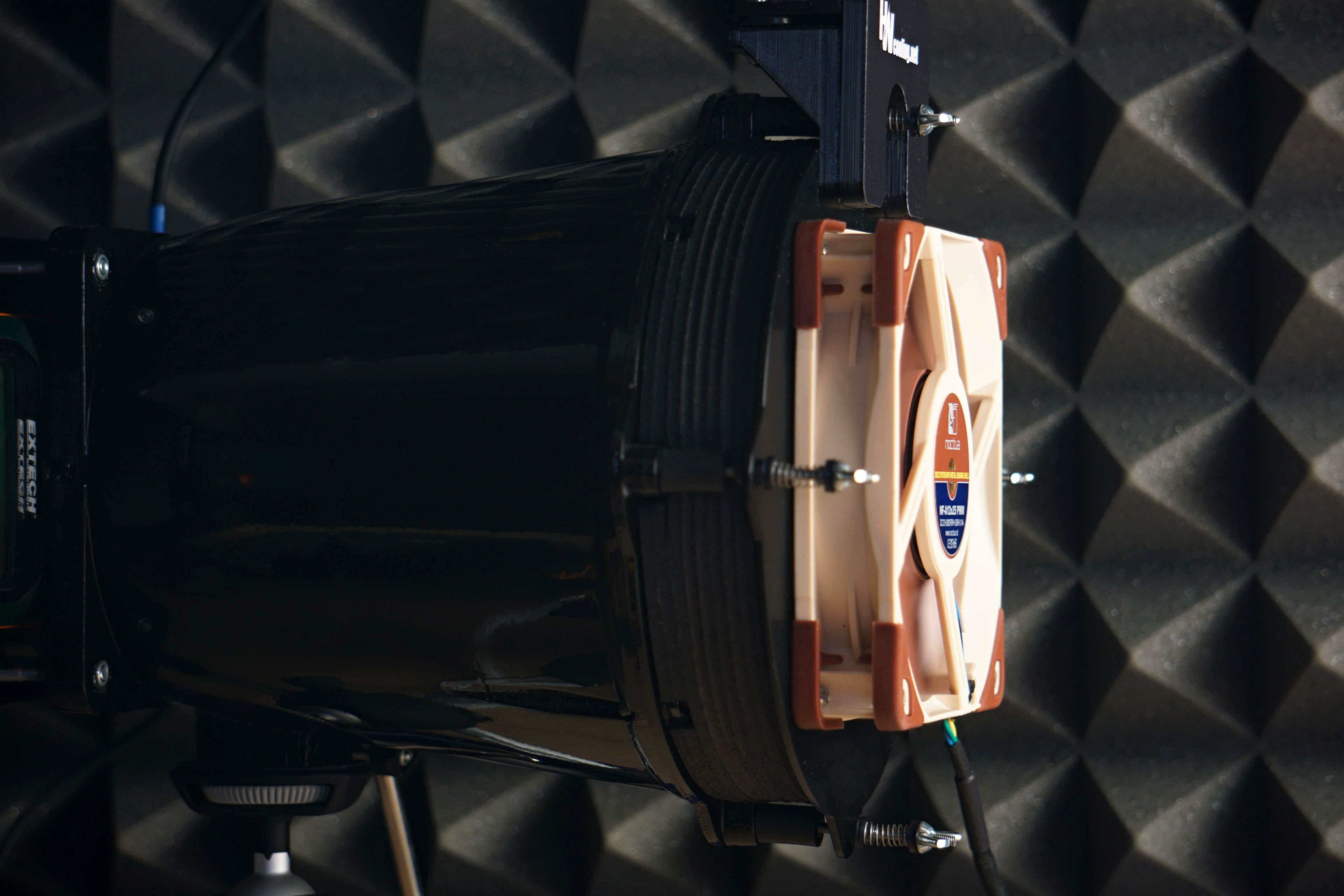
Strict acoustic safeguards are required to ensure that these measurements can be carried out with satisfactory repeatability at all. We use acoustic panels to measure the same values at all frequencies across repeated measurements. These ensure that the sound is always reflected equally to the microphone regardless of the distribution of other objects we have in the testlab. The baseline noise level before each measurement is also naturally the same. The room in which we measure is soundproofed.
Like the noise meter, the microphone has a parabolic collar to increase resolution. The latter is specially in this case not only to amplify but also to filter out the noises that occur whether we want them or not behind the microphone. We are talking about the physical activity of the user (tester). Without this addition, human breathing, for example, would also be picked up by the spectrograph. However, this is successfully reflected off the microphone sensor by the back (convex) side of the collar. As a result, the spectrogram only contains information about the sound emitted by the fan itself.




And next time, shall we do the Seasonic MaxFlow fan? 🙂
Me again. Still none of tables do show up. Instead only error messages show. I did check using three devices and two different browsers. Only your newest Arctic BioniX test is affected.
Could you please give me some examples of pages where the charts aren’t displaying correctly? I’ll take a look afterwards and we’ll incorporate the fix—I’ll fix them. Thanks! 🙂
Hey, it might be an issue on my end but several pages of this test don’t load correctly on two devices of mine. Apart from that, thanks a lot for the test. It did perform exceptionally well in the hwbusters-test, too.
Personally, I would like to see a test of the “Noiseblocker NB-eLoop X B14-P ARGB”, since I own several of them. However, testing them probably wouldn’t be interessting to you, since they are really old and I know only of one vendor still selling them
https://www.caseking.de/search?q=eloop+B14&search-button=&lang=de_DE
They used to cost 25 or even 30€ per fan, if I remember correctly. I think, the noiseblocker fans were one of the first to use an outer ring on the impeller.
Thanks for the contribution. Yeah, there were a few charts that weren’t displaying correctly, or weren’t showing up at all. If you spot anything like that, please let me know. Everything should be there completely now, but…
The NB-eLoop X B14-P ARGB is definitely worth testing, of course, but our capacity… Anyway, one Noiseblocker fan will definitely appear in our tests down the line, as it has been planned for quite some time and we already have the samples. 🙂
The issue regarding the results pages not loading is still ongoing – even without VPN and no ad blocker.
The div-container usually containing the result tables shows:
“Oops! That page can’t be found.
It looks like nothing was found at this location. Maybe try one of the links below or a search?”
Everything should be fine now. The issue was on our end. The charts were being linked to URLs with the wrong month in them, which we’ve corrected (from 08 to 09), and they’re working now, haha. 🙂
Just a small addition: In the case of the three-pack, you can connect only one fan separately to a single motherboard header. But, of course, you can connect all three if the fans are daisy-chained with the tokens. 🙂