




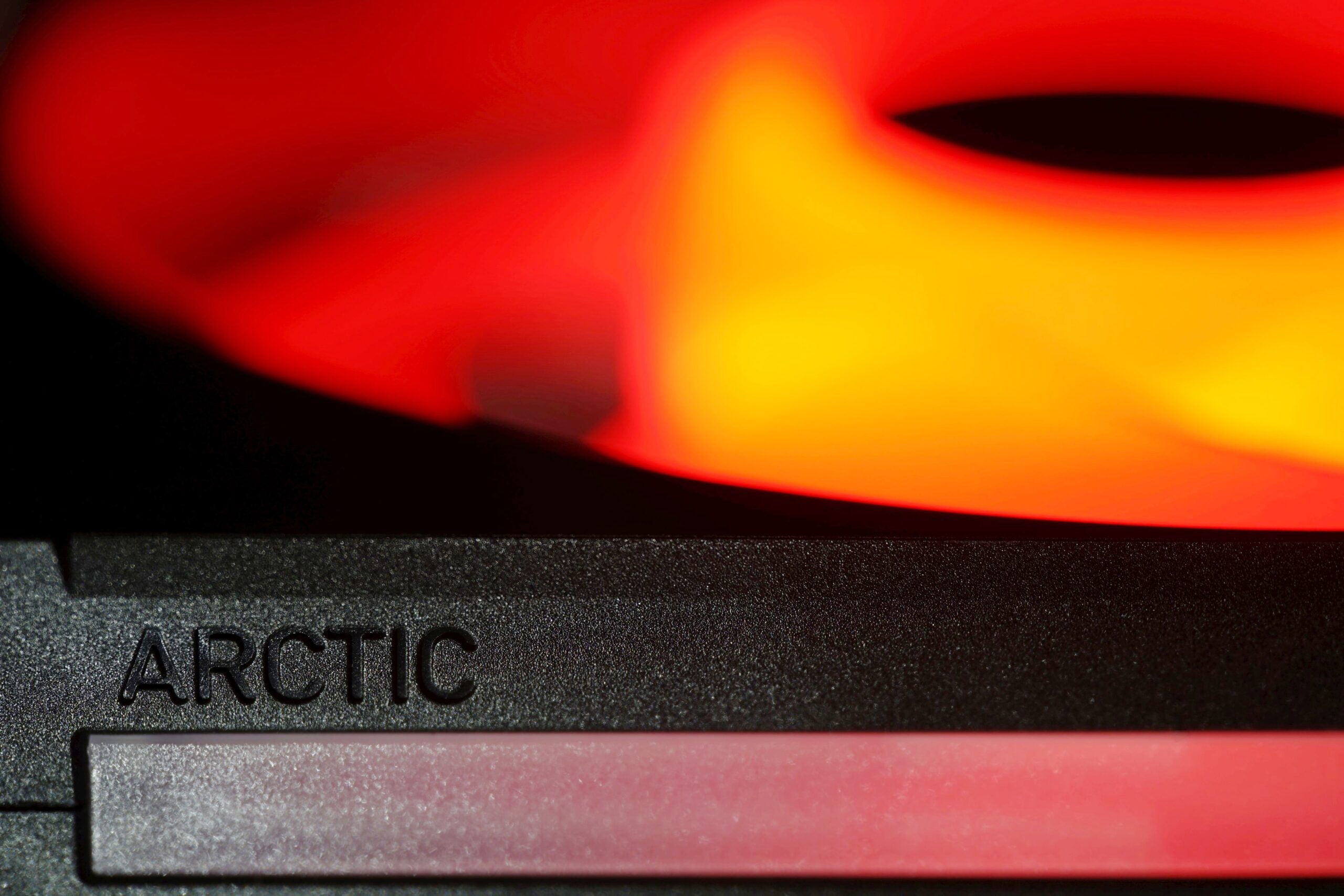
High cooling efficiency is the foundation, but with the BioniX P14 A-RGB fans, Arctic has also made efforts on other fronts. In addition to the clever daisy-chaining method (with the aim of reducing cabling to a minimum), this includes, for example, illumination as intense as possible. The light is guided not only through the entire impeller, but also through the surface of the frame, from the side. There are light guides in these areas as well.
Evaluation
There is no doubt that this is one of the most attractive (if not the most attractive) 140 mm fans with (A-)RGB LEDs, combining exceptionally high aerodynamic efficiency with very simple linking of multiple fans through their frames. The price is also set relatively low, and if there are any negatives, they are genuinely difficult to find.
Despite the above, it is worth noting that operation on a grille can be noisier—tonal peaks occur in the 340 Hz range. On your particular grille, this may not happen, or operation may be quieter, but it may also be noisier. It depends on the specific structure through which the air from the BioniX P14 A-RGB flows.
In terms of airflow results through virtually any obstacle, we cannot have any significant complaints. If only because the Arctic fan consistently ends up at the very top of the charts, especially considering its lower purchase price and the added value provided by its above-standard interconnection of multiple fans. Fans of the highest possible brightness will then appreciate the truly high illumination intensity. The lower limit is also quite low, so the BioniX P14 A-RGB fan performs very well in this respect too.
For completeness, and to make everything specific, here are also the airflow measurements through filters (nylon, plastic), hexagonal grille and radiators (thinner, thicker). Everything is traditionally mapped out, and it is on the basis of these characteristics that the praise discussed above is warranted.

You also cannot go wrong with this fan when it comes to vibrations. They are negligible even at higher speeds, and lower (per one 1-amp motherboard connector) than critical is also the current draw of three such fans connected through a single cable.
If you are considering which fans to use on a cooler radiator or in a case as part of the system cooling, the BioniX P14 A-ARGB will be a good choice.
Of course, these are still cheaper fans with higher manufacturing tolerances, so it can probably happen that some units will be, let’s say, “weaker,” exhibiting various technical anomalies or shortcomings that deviate from the optimal state, or however you want to put it…
English translation and edit by Jozef Dudáš
| Arctic BioniX P14 A-RGB |
| + Suitable for any use |
| + Cooling efficiency (airflow/pressure per unit of noise) at a very high level |
| + Attractive price-to-airflow ratio |
| + High airflow and static pressure even through a restrictive obstacle |
| + Extremely wide speed range |
| + Very elegant daisy-chaining of multiple fans |
| + Quiet motor and bearing operation |
| + Exceptionally low, negligible vibrations |
| + Very intense ARGB LED illumination |
| + Relatively pleasant acoustic profile... |
| – … with the exception of operation on the test grille (on this grille, the fan produces excessive noise at frequencies around 340 Hz |
| Approximate retail price: 15 EUR |





And next time, shall we do the Seasonic MaxFlow fan? 🙂
Me again. Still none of tables do show up. Instead only error messages show. I did check using three devices and two different browsers. Only your newest Arctic BioniX test is affected.
Could you please give me some examples of pages where the charts aren’t displaying correctly? I’ll take a look afterwards and we’ll incorporate the fix—I’ll fix them. Thanks! 🙂
Hey, it might be an issue on my end but several pages of this test don’t load correctly on two devices of mine. Apart from that, thanks a lot for the test. It did perform exceptionally well in the hwbusters-test, too.
Personally, I would like to see a test of the “Noiseblocker NB-eLoop X B14-P ARGB”, since I own several of them. However, testing them probably wouldn’t be interessting to you, since they are really old and I know only of one vendor still selling them
https://www.caseking.de/search?q=eloop+B14&search-button=&lang=de_DE
They used to cost 25 or even 30€ per fan, if I remember correctly. I think, the noiseblocker fans were one of the first to use an outer ring on the impeller.
Thanks for the contribution. Yeah, there were a few charts that weren’t displaying correctly, or weren’t showing up at all. If you spot anything like that, please let me know. Everything should be there completely now, but…
The NB-eLoop X B14-P ARGB is definitely worth testing, of course, but our capacity… Anyway, one Noiseblocker fan will definitely appear in our tests down the line, as it has been planned for quite some time and we already have the samples. 🙂
The issue regarding the results pages not loading is still ongoing – even without VPN and no ad blocker.
The div-container usually containing the result tables shows:
“Oops! That page can’t be found.
It looks like nothing was found at this location. Maybe try one of the links below or a search?”
Everything should be fine now. The issue was on our end. The charts were being linked to URLs with the wrong month in them, which we’ve corrected (from 08 to 09), and they’re working now, haha. 🙂
Just a small addition: In the case of the three-pack, you can connect only one fan separately to a single motherboard header. But, of course, you can connect all three if the fans are daisy-chained with the tokens. 🙂