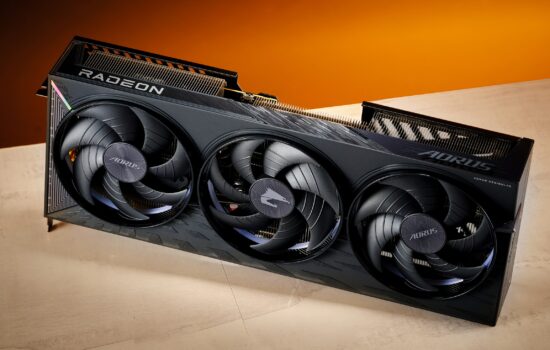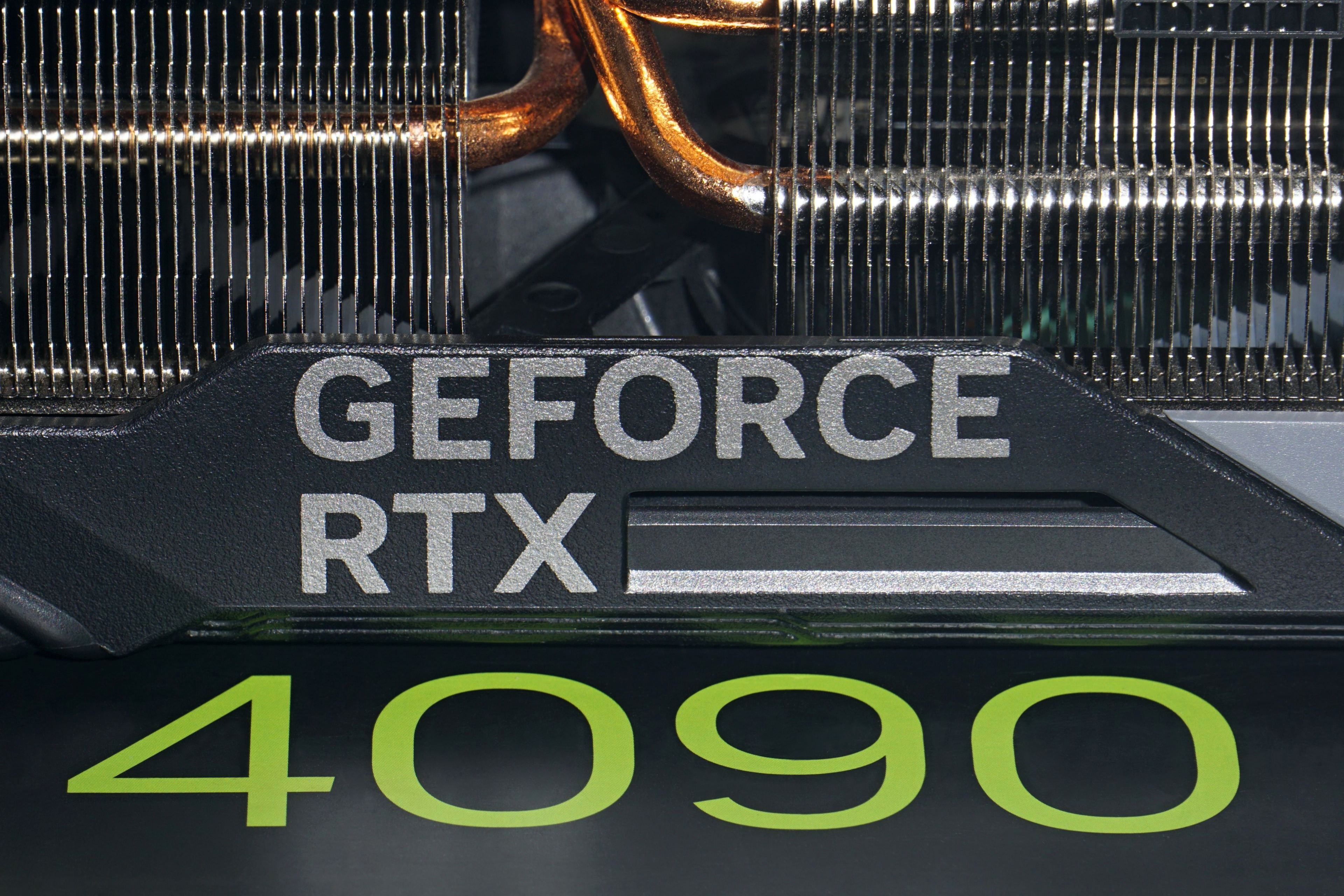
For a long time they were missing in our test database, but now we are adding them – the results of a GeForce RTX 4090. When it comes to gaming performance, graphics cards with AD102 GPUs have no competition, but it often costs an extreme 450 W. The Gigabyte Windforce cooler handles such an onslaught by a wide margin though, on top of, and now hold on to your hats, non-loud coils, somewhere on the level of the RTX 3060 (Ti). Really.
Methodology: temperature tests
We’re also bringing you temperature tests. You are at HWCooling after all. However, in order to make it sensible at all to monitor temperatures on critical components not only of the graphics card, but anything in the computer, it is important to simulate a real computer case environment with healthy air circulation. The overall behavior of the graphics card as such then follows from this. In many cases, an open bench-table is inappropriate and results can be distorted. Therefore, during all, not only heat tests, but also measurement of consumption or course of graphics core frequencies, we use a wind tunnel with equilibrium flow.
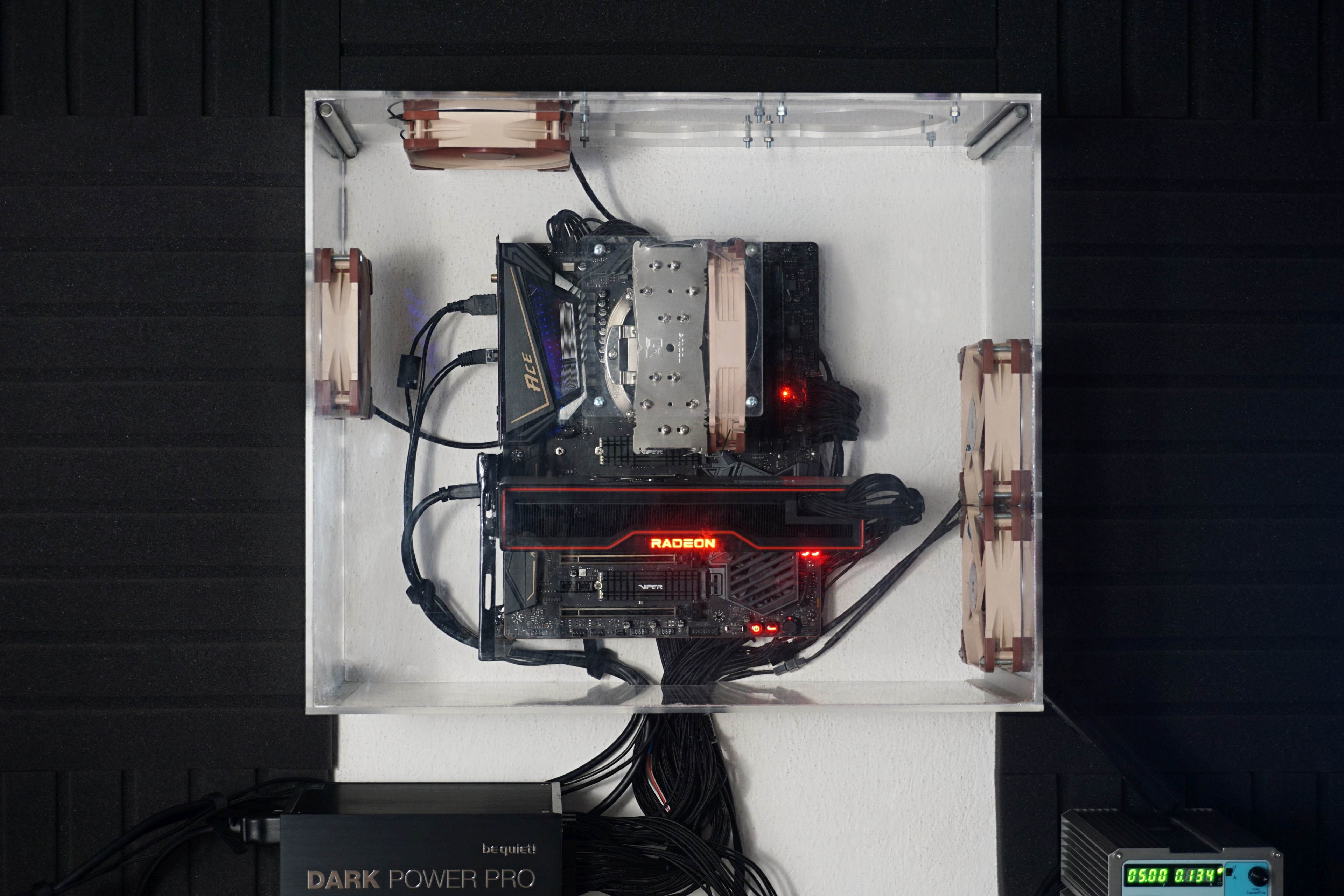
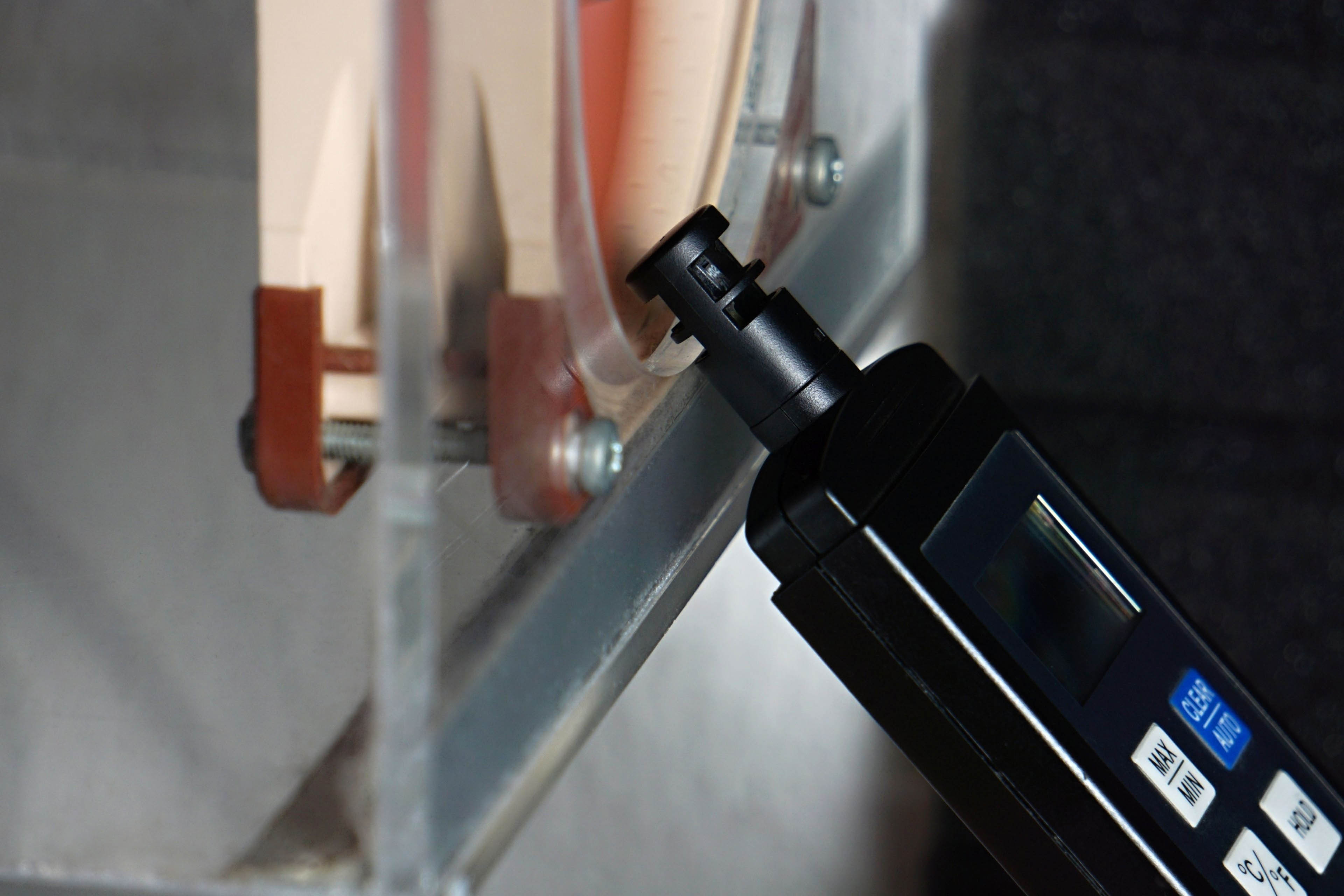
Two Noctua NF-S12A fans are at the inlet and the same number is on the exhaust. When testing various system cooling configurations, this proved to be the most effective solution. The fans are always set to 5 V and the speed corresponds to approx. 550 rpm. The stability of the inlet air is properly controlled during the tests, the temperature being between 21 and 21.3 °C at a humidity of ±40 %.
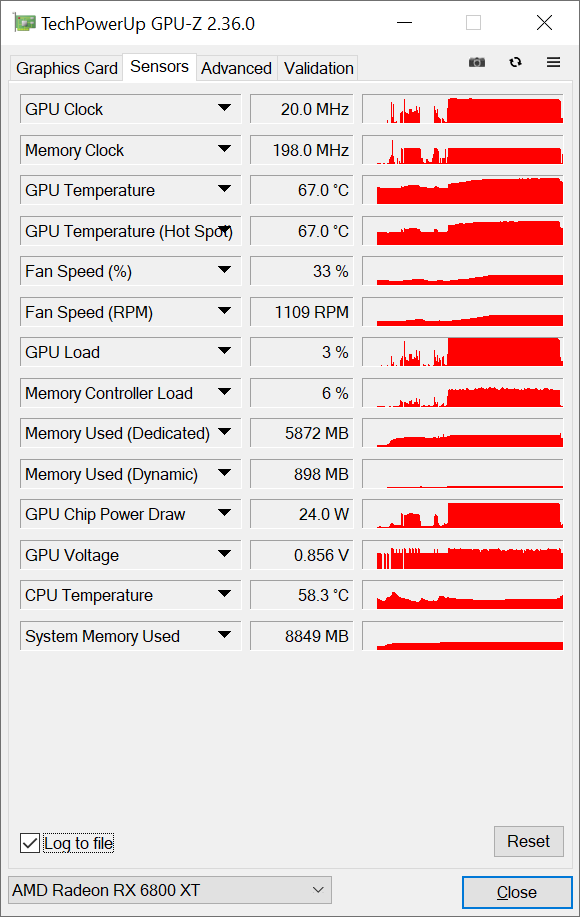
We read the temperature from the internal sensors via GPU-Z. This small, single-purpose application also allows you to record samples from sensors in a table. From the table, it is then easy to create line graphs with waveforms or the average value into bar graphs. We will not use the thermal camera very much here, as most graphics cards have a backplate, which makes it impossible to measure the PCB heating. The key for the heating graphs will be the temperature reading by internal sensors, according to which, after all, the GPU frequency control also takes place. It will always be the heating of the graphics core, and if the sensors are also on VRAM and VRM, we will extract these values into the article as well.