


The ROG Strix GeForce RTX 5070 Ti 16GB OC Edition targets enthusiasts of premium products. It impresses with its refined design, significantly oversized cooling, and ARGB lighting that stands out in a glass case. Extras include headers for system fans and a fifth display output. It offers a Q mode for quiet cooling fans and gives tuners ample headroom for boosting performance and and fine-tune acoustics.
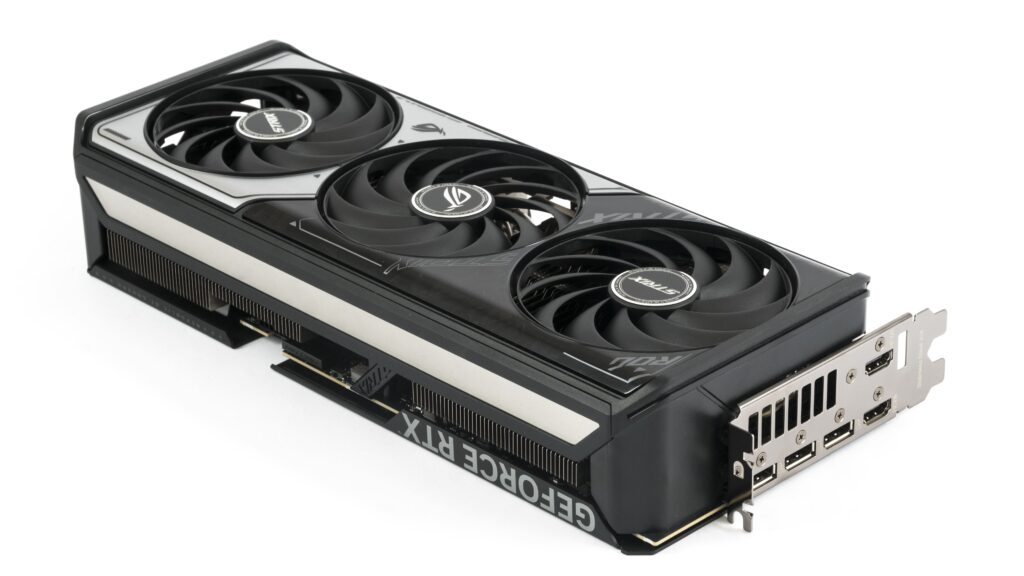
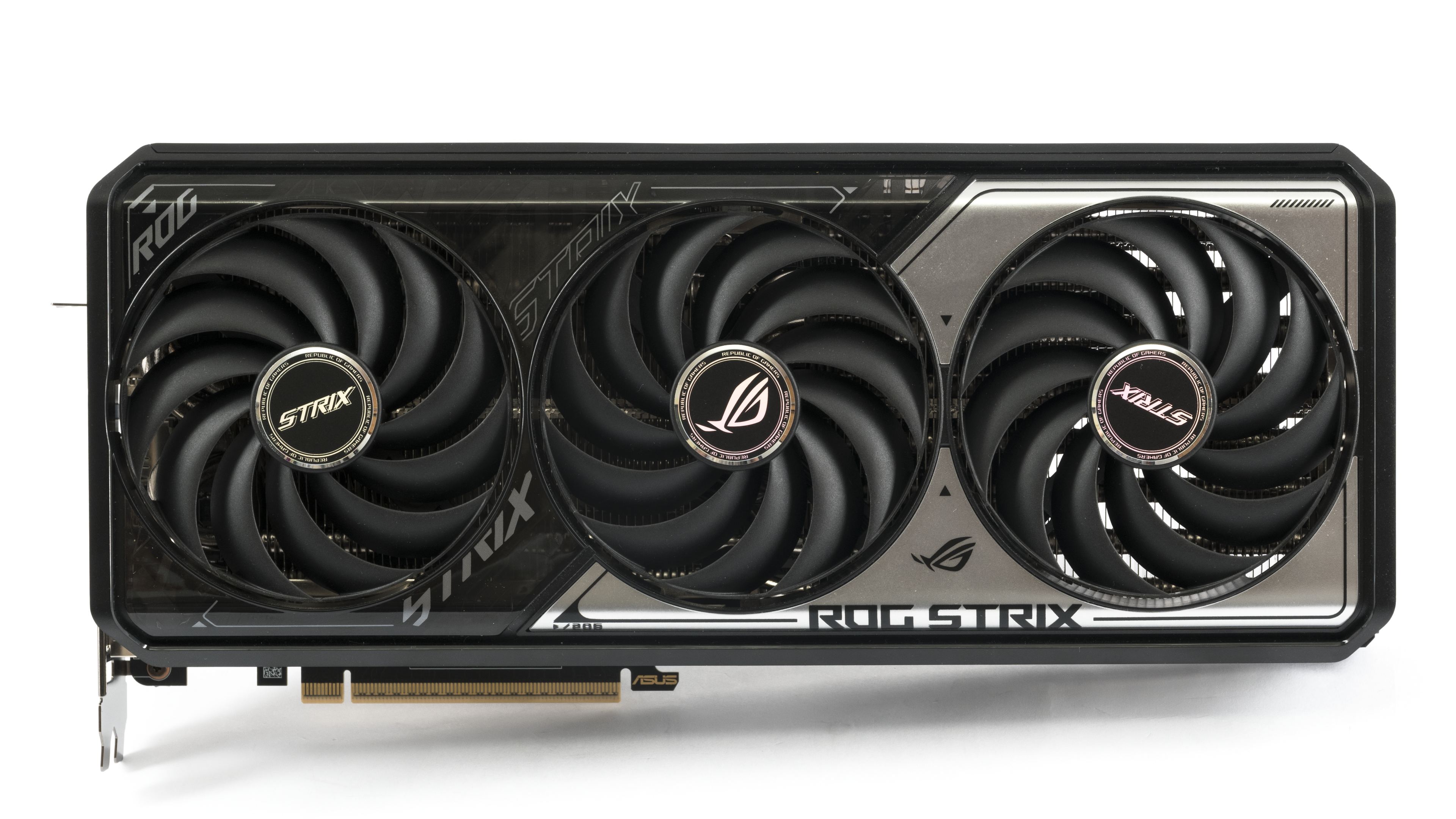
The card is equipped with a 3.2-slot cooler. Design-wise, it is probably the most successful model in Asus’s entire RTX 5070 Ti series. The shroud is made from a combination of different plastic types. The base is black, while the top surface and side edge are made of translucent plastic with a silver tint and black and silver printing. Three Axial-tech fans are set into the shroud.



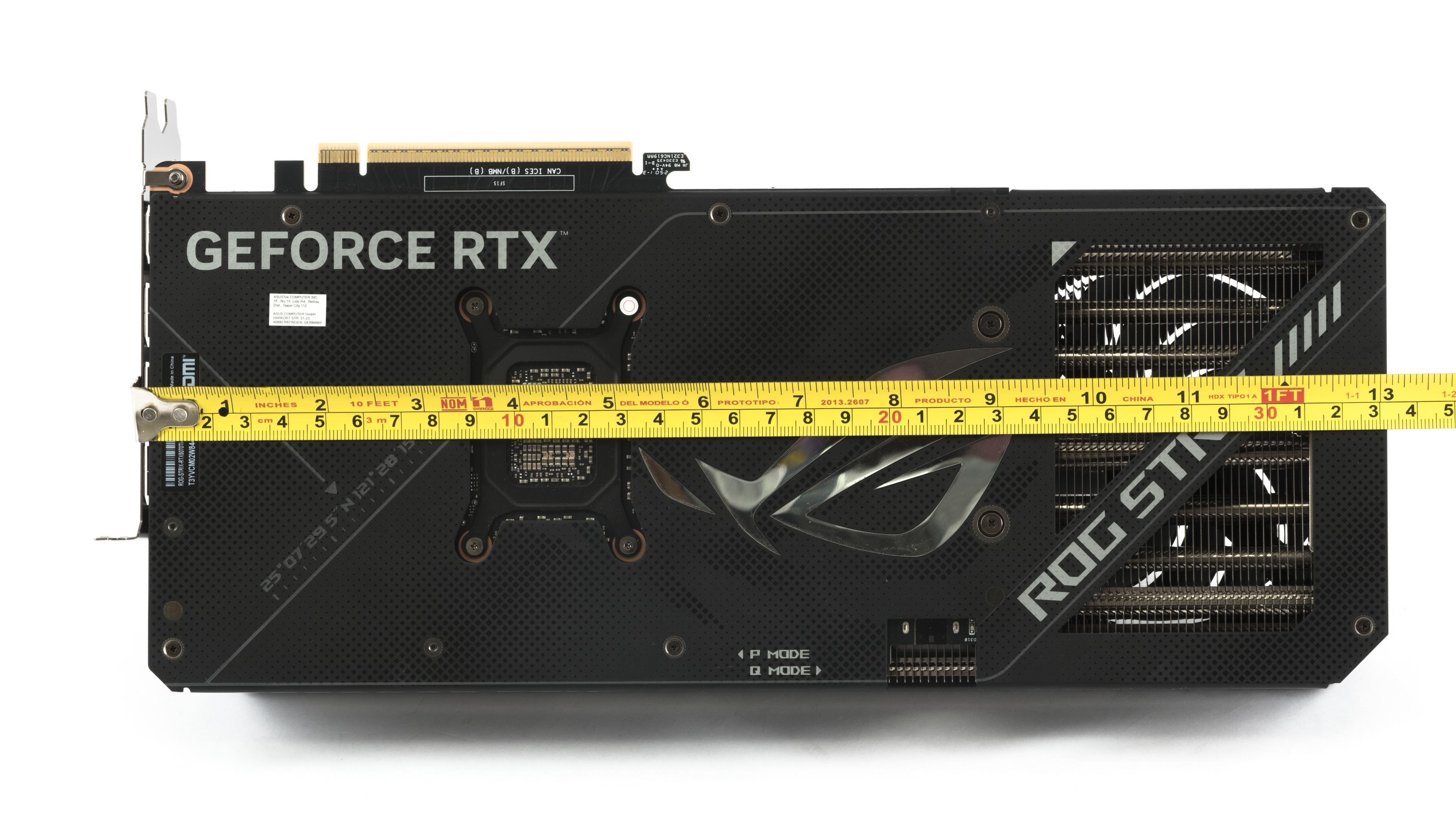
The rear of the PCB is protected by a metal backplate. In its rear section, there is an open-pass-through cutout, so roughly a quarter of the heatsink is open-pass-through.


The card will please RGB enthusiasts; addressable RGB LEDs are located along the entire side edge of the shroud and on the outer edge of its top section. The lighting is even and subtle, not a glaring spectacle.

From a top view, it’s clearly visible that the middle fan has the opposite rotation direction. Coolers with counter-rotating fans tend to have more stable RPMs and a more refined acoustic profile. This is because, in the area where the blades of adjacent fans pass each other, they don’t push air against each other but move it in the same direction. Asus didn’t skimp on the number of heat pipes in the heatsink, but it charges a king’s ransom for it.

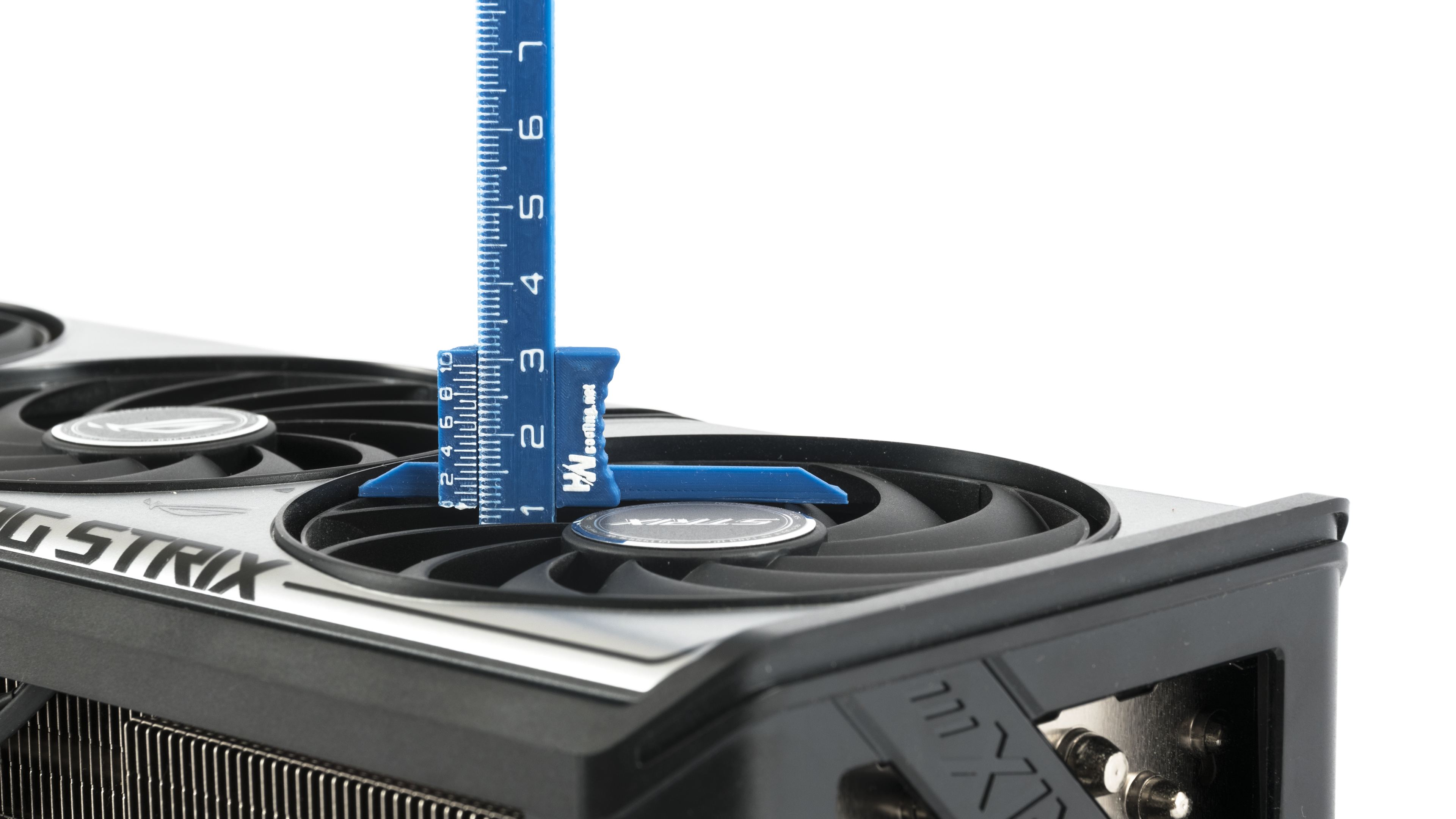
The low-profile Axial-tech fans have a rotor diameter of 10 cm and a height of 10 mm.

The transverse fin stack heatsink fills most of the space under the shroud. In the rear part of the heatsink, which is behind the PCB, the fins have a slightly larger surface area because they are extended closer to the backplate.


The card’s length from the bracket is 33.2 cm. From the edge of the bracket, the cooler extends beyond the card by 4 cm, and its height is about 6.5 cm. Therefore, expect to allocate four slots for it in your case

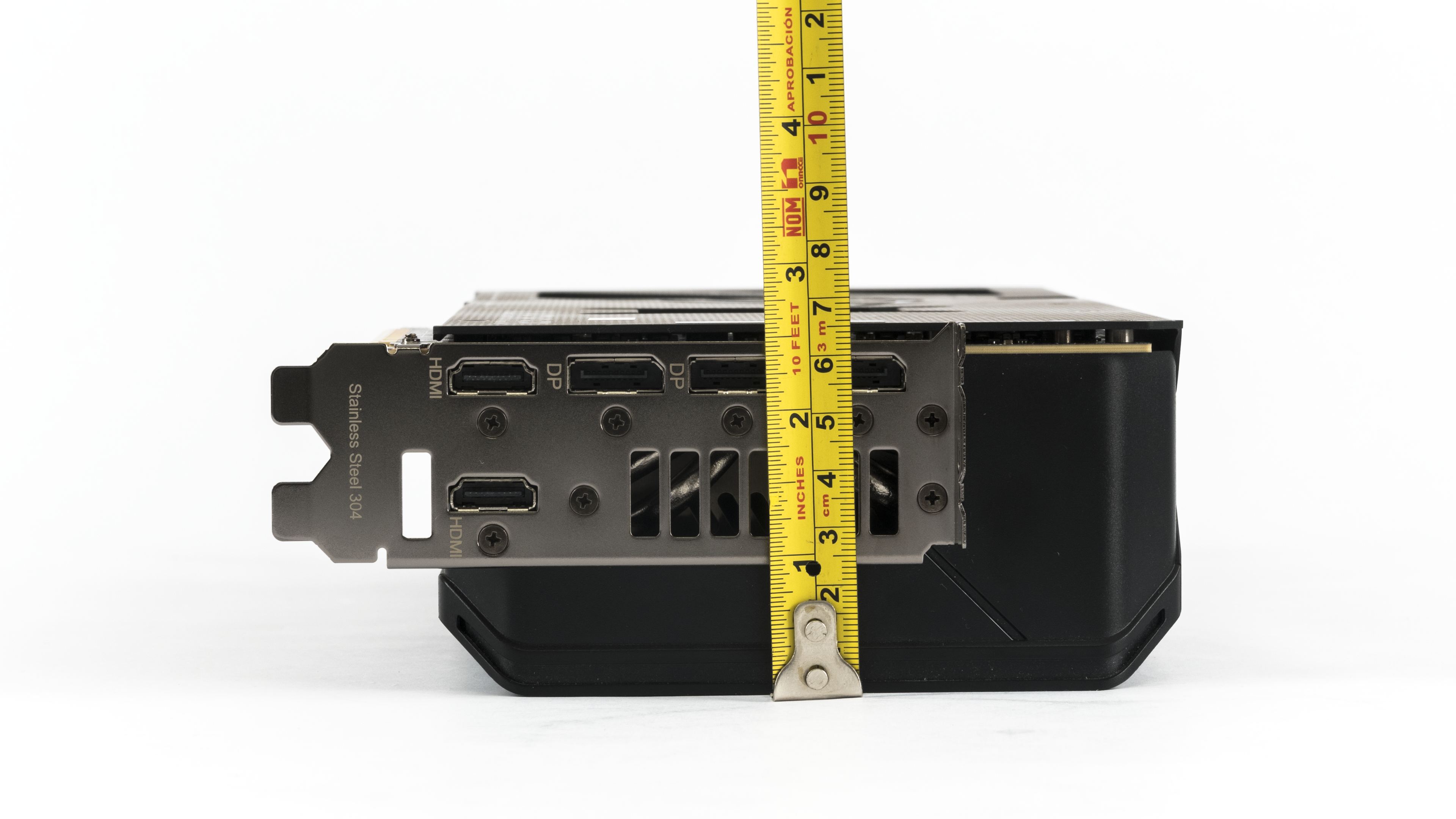
The card’s weight is 1.68 kg without the power adapter. Among the GeForce RTX 5070 Ti models, it is one of the heavier ones.

The standard port selection for GeForce cards is typically three DisplayPort 2.1b connectors with UHBR20 and one HDMI 2.1b. Asus, on its more expensive models, adds a second HDMI connector, which can save you needing an adapter when connecting more than two displays. However, a maximum of four outputs can be active simultaneously.

A 12V-2×6 connector is used for auxiliary power. It is oriented with the latch facing up. Using the supplied adapter, the card can be powered via three 8-pin connectors. A thermal pad is placed between the connector and the backplate for better heat dissipation. A diagnostic LED on the PCB signals power supply issues. To the left of the connector is the BIOS switch and a cover, beneath which are the two fan headers.

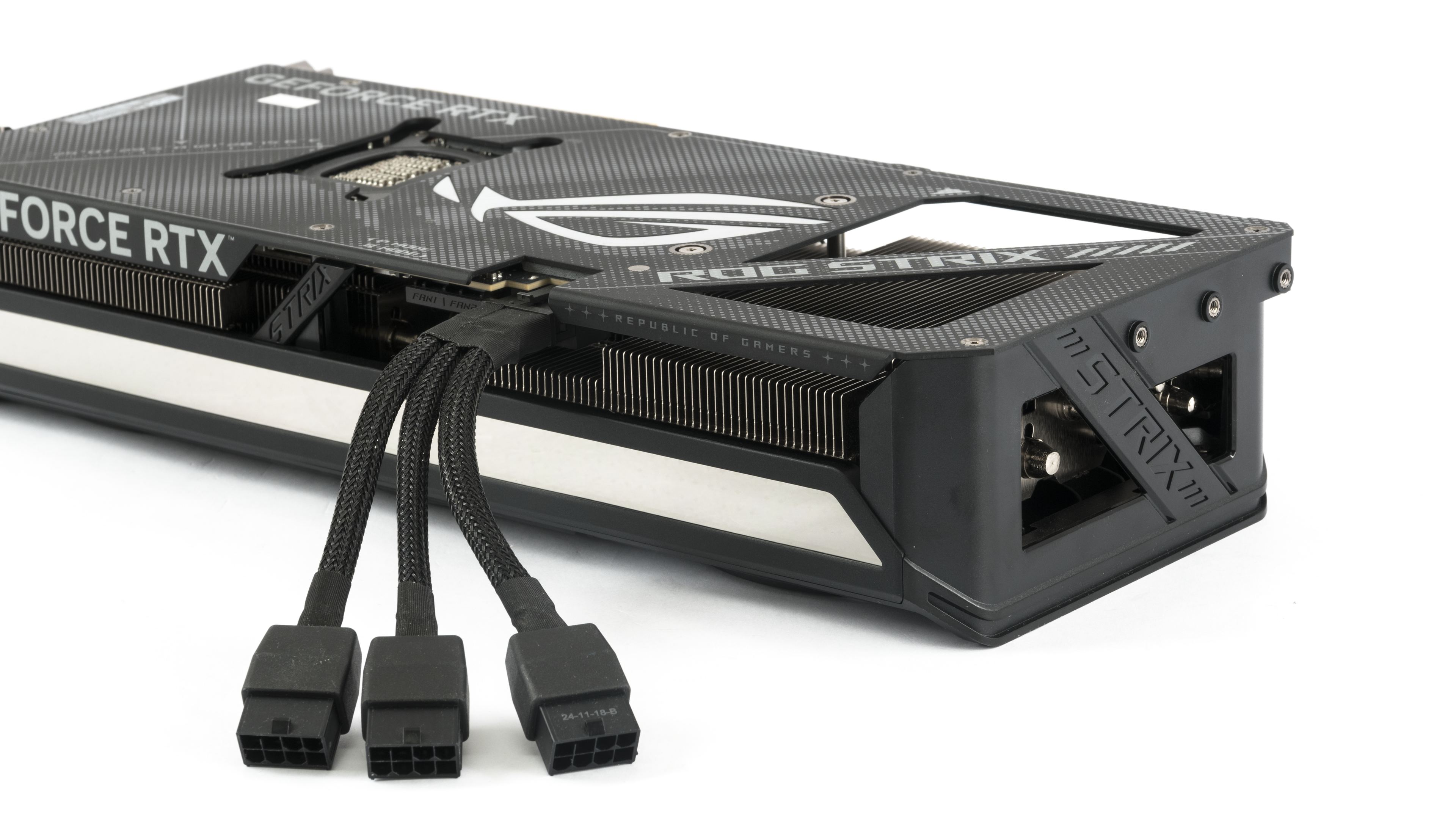
These headers are part of the premium extra features of the Strix series. They are standard 4-pin fan headers. When you connect case fans to them, you can control them directly from the graphics card, allowing them to react to GPU load faster than if the regulation were based on temperatures from sensors on the motherboard.

Now that we’ve covered the card’s design, let’s move on to the test build and results.
⠀




