


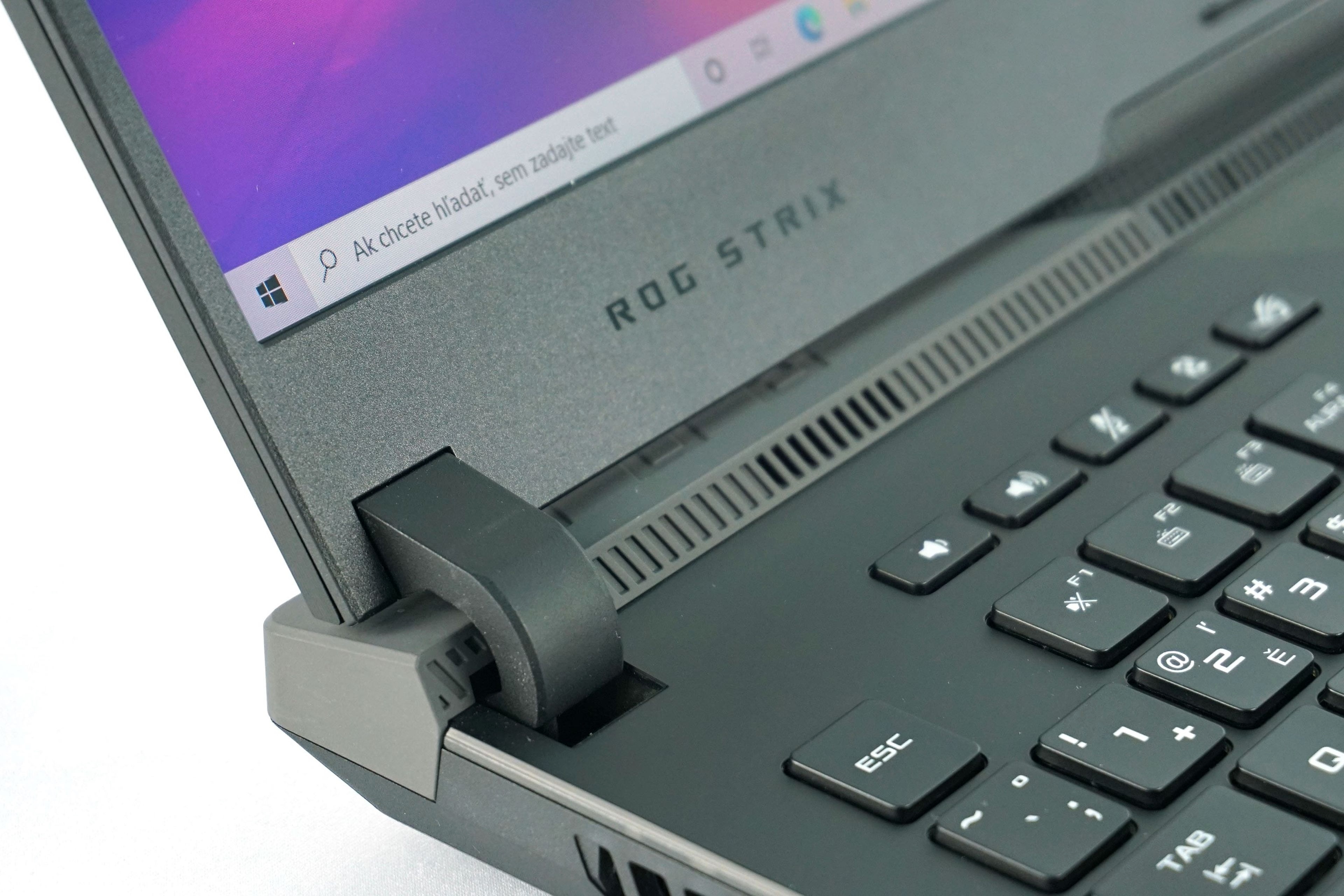
Asus has taken a very bold and quite surprising step this year with its gaming laptop portfolio. It switched extensively to Ryzen 5000 processors and combined them with the new GeForce RTX 3000 mobile graphics cards. The new ROG Strix SCAR 17 is thus the first look at a new stage of mobile gaming, in the highest configuration with 8-core processor and a 16-gigabyte RTX 3080.
MyAsus
The already known MyAsus application is used to adjust the settings.
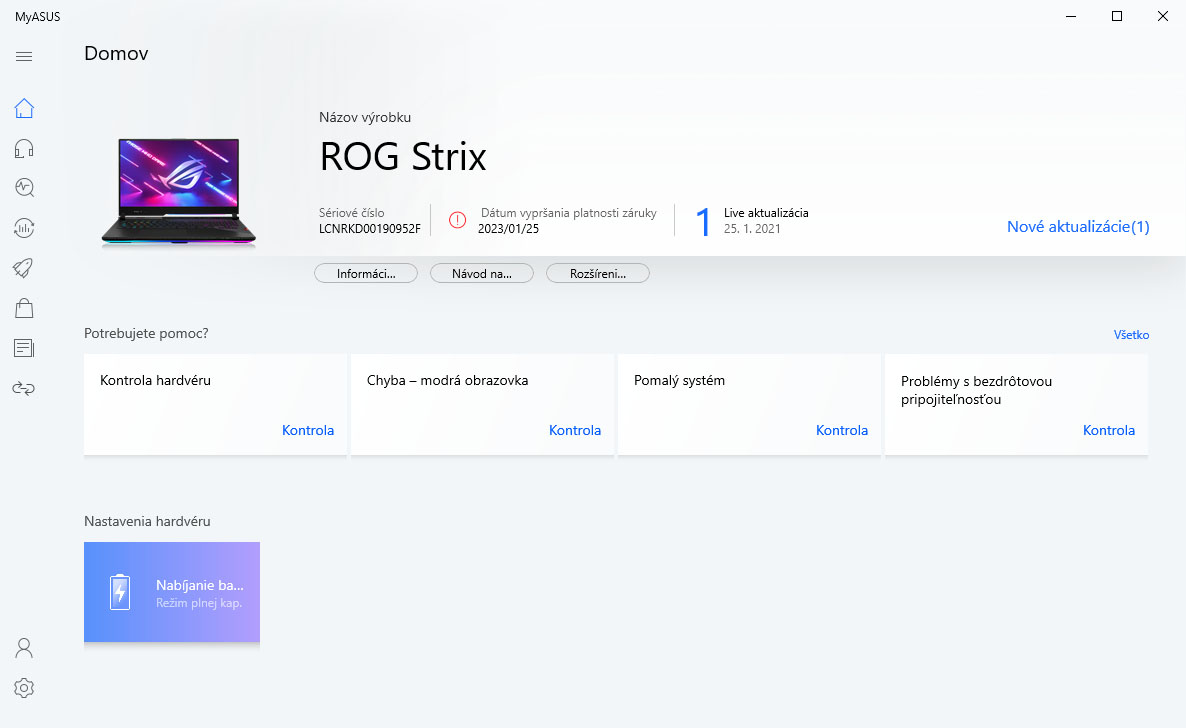
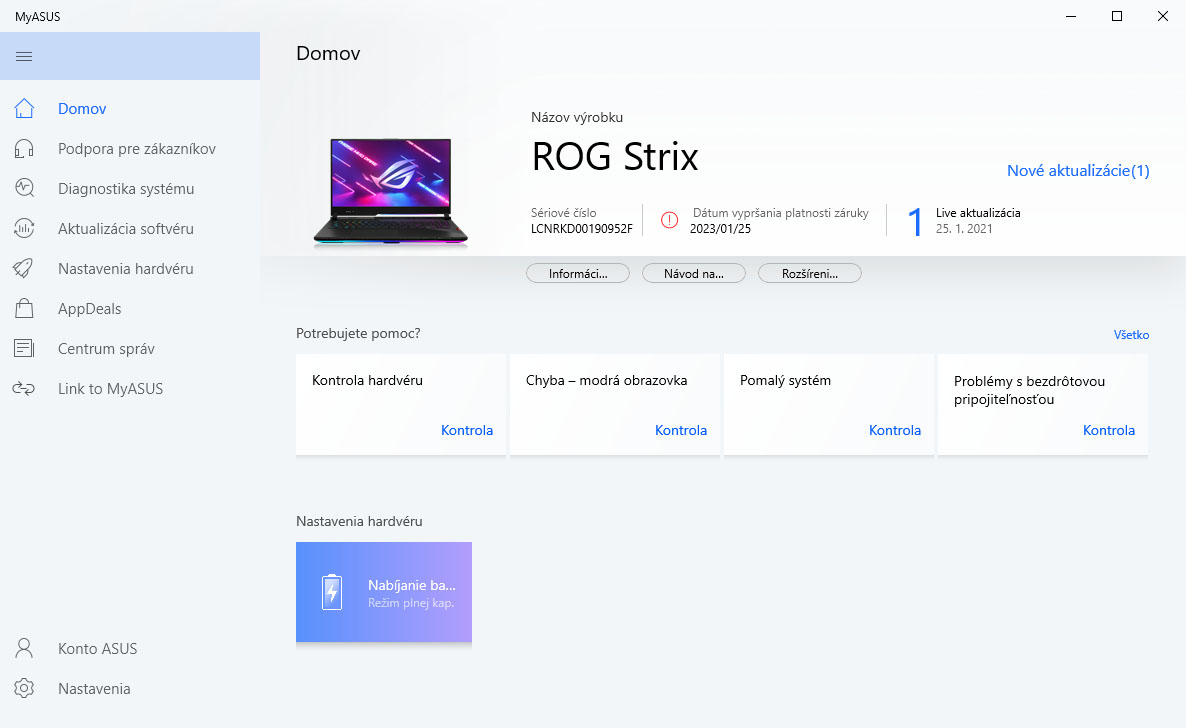
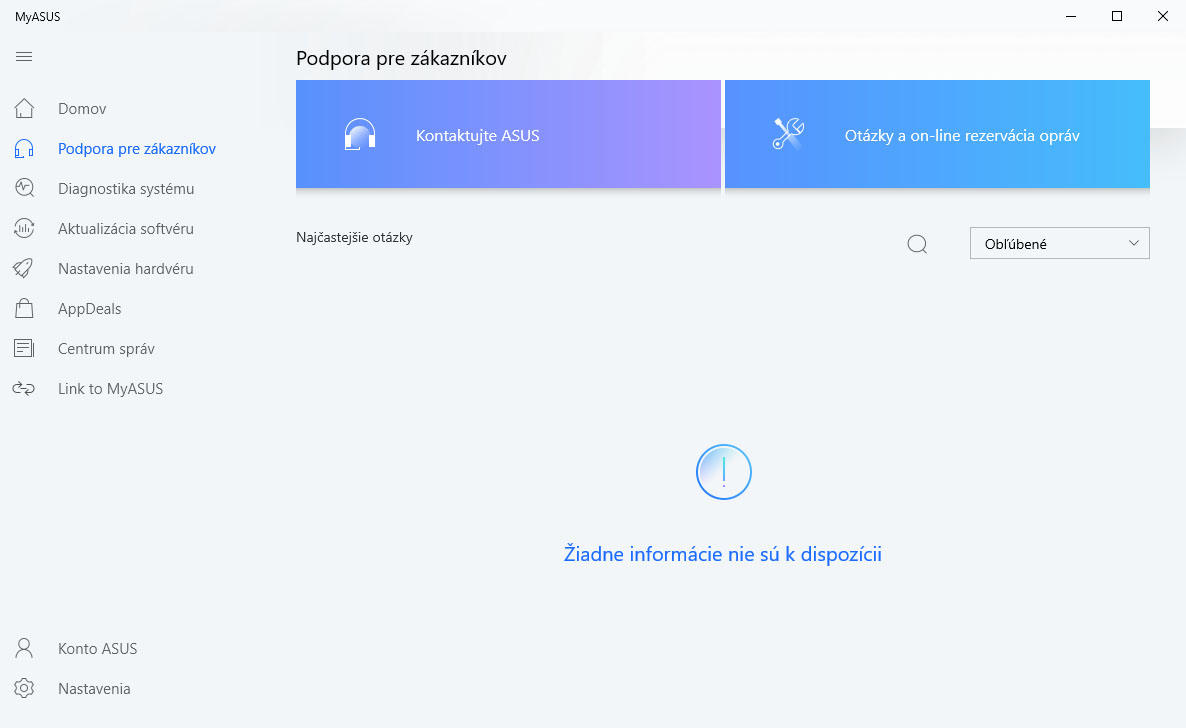
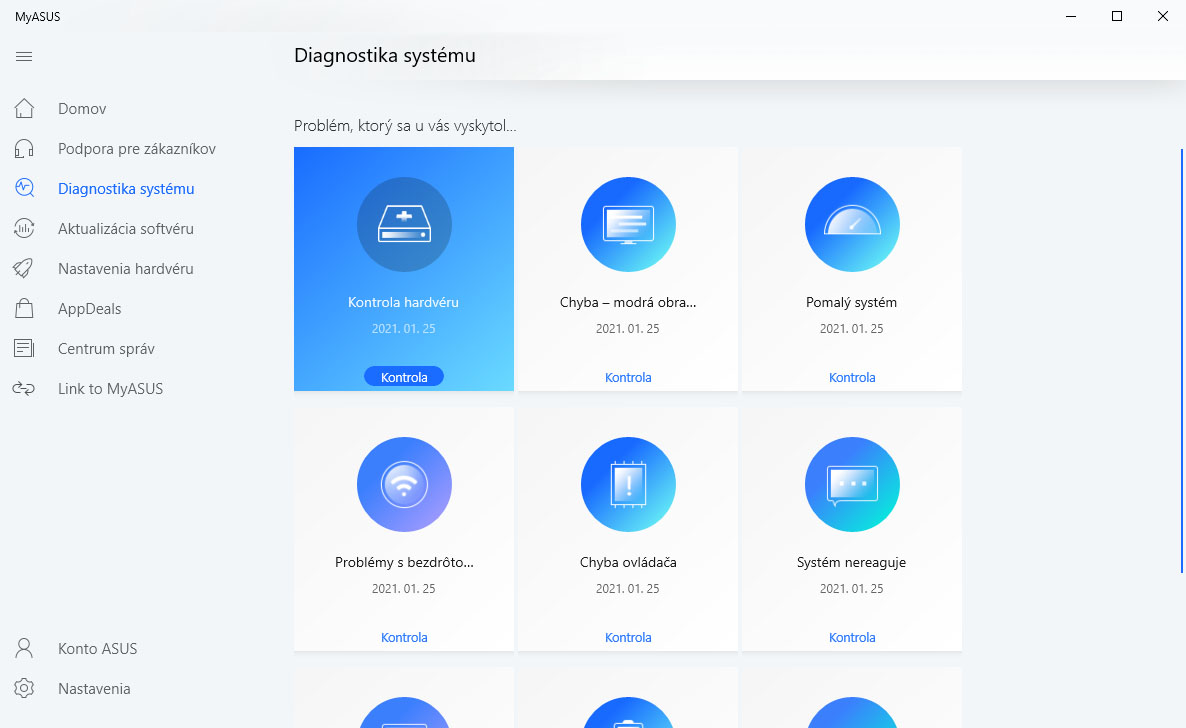
Here you will find basic information about the notebook, diagnostic options or driver updates.
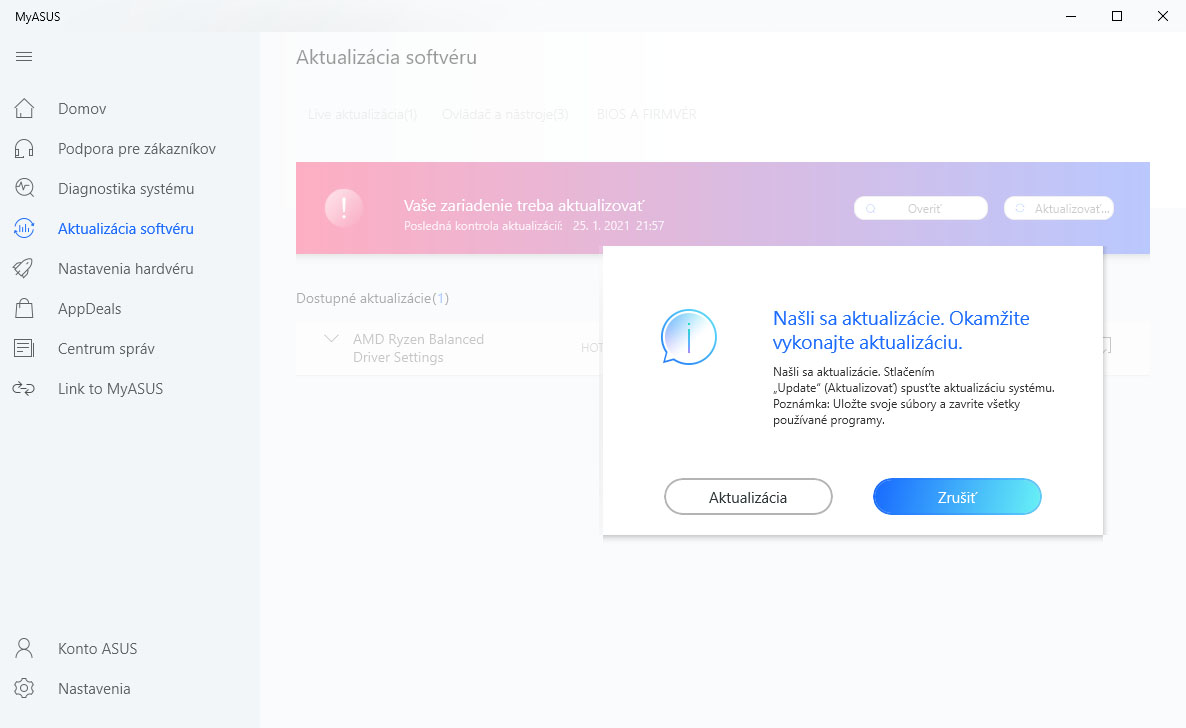
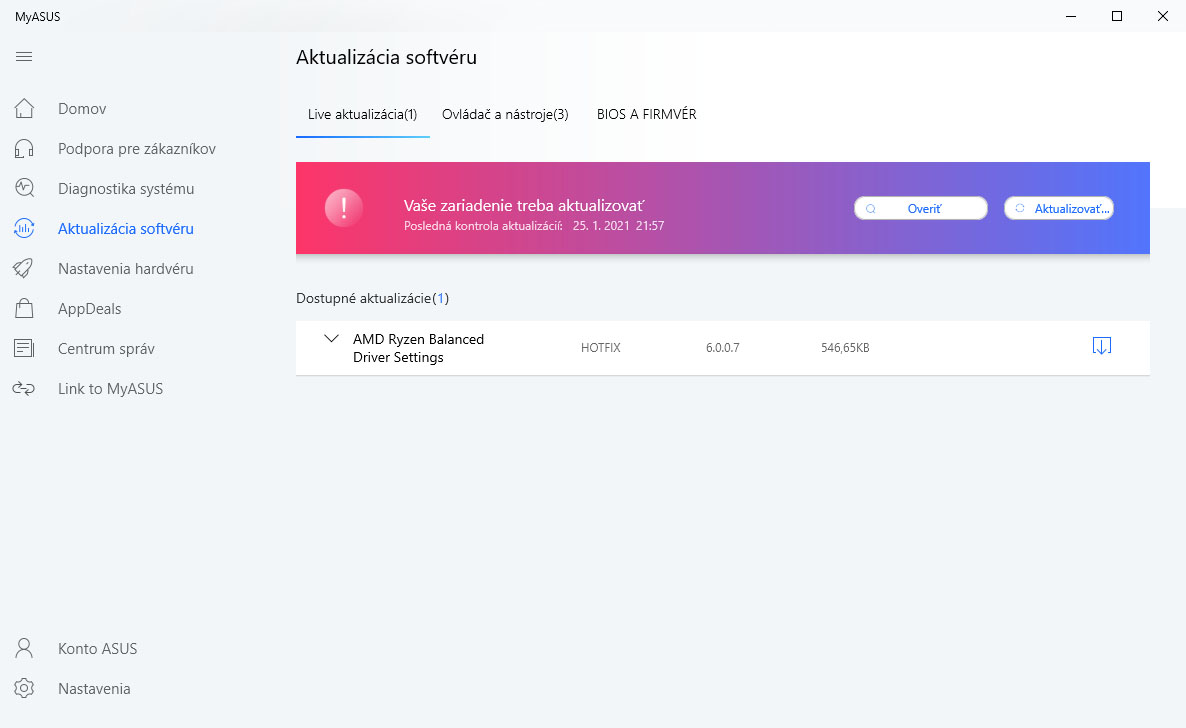
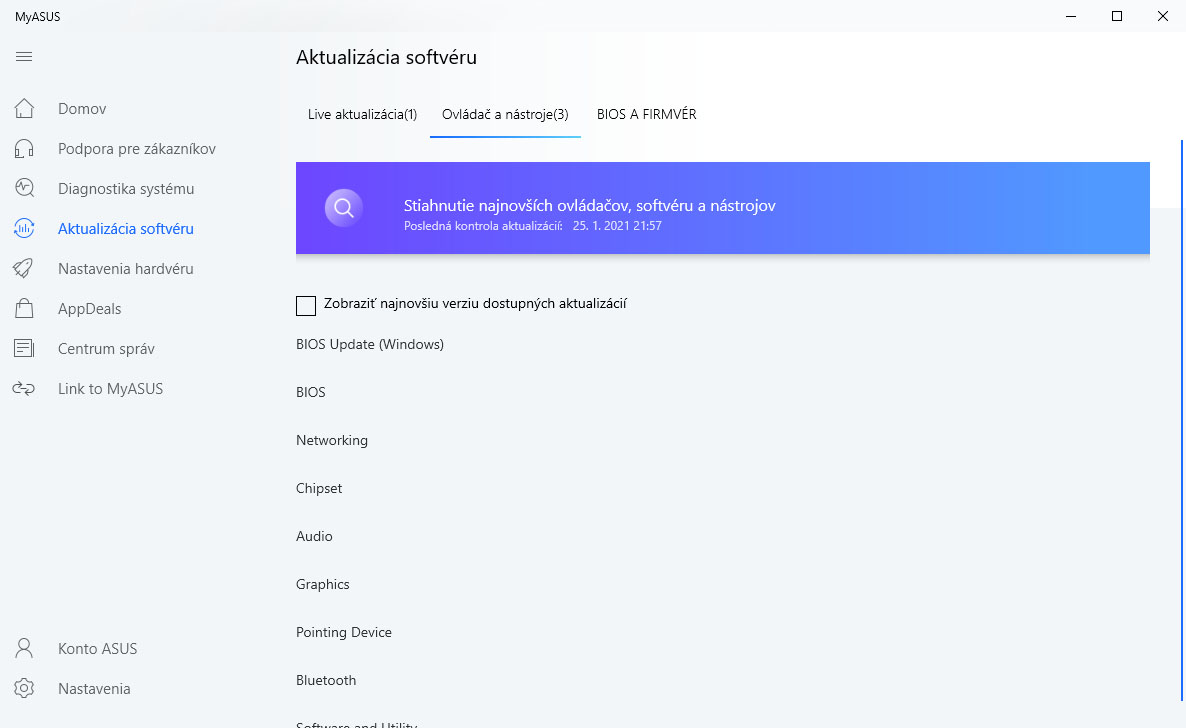
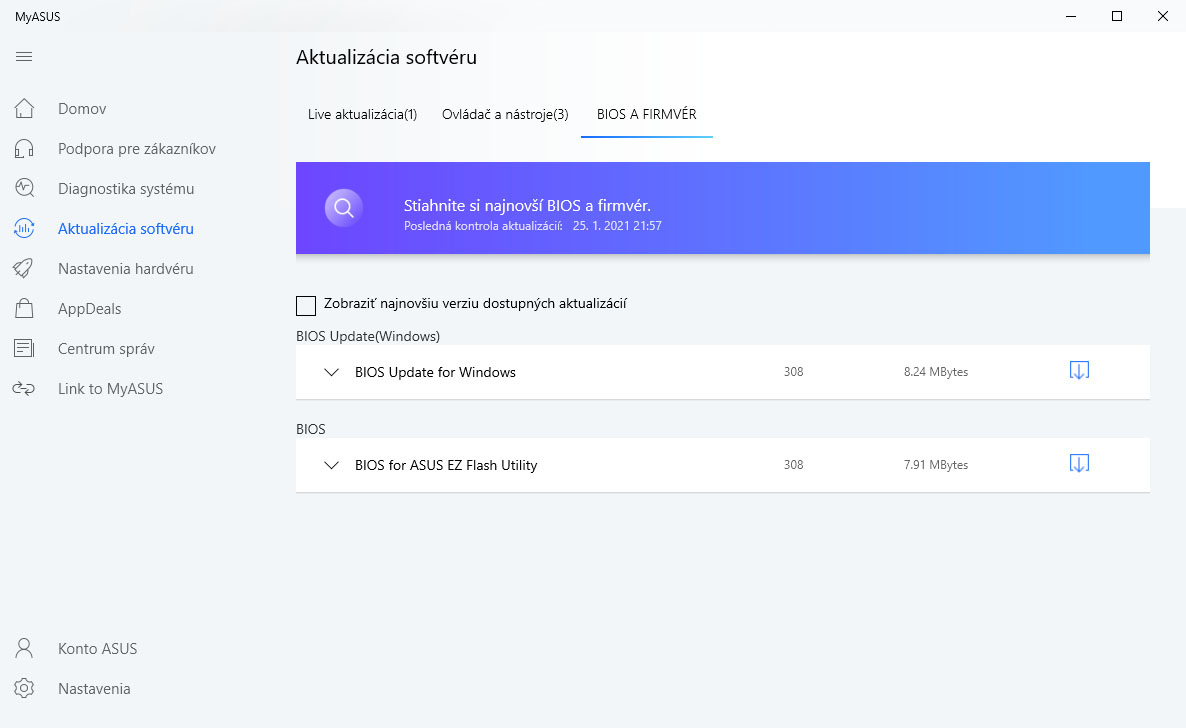
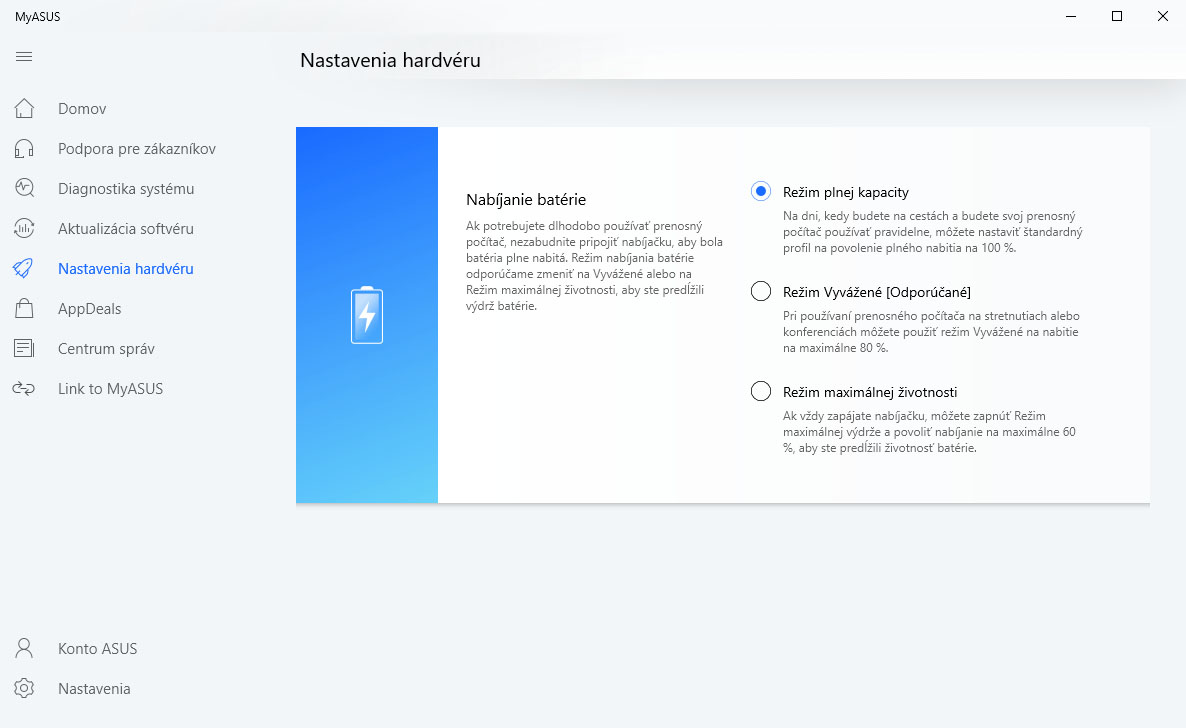
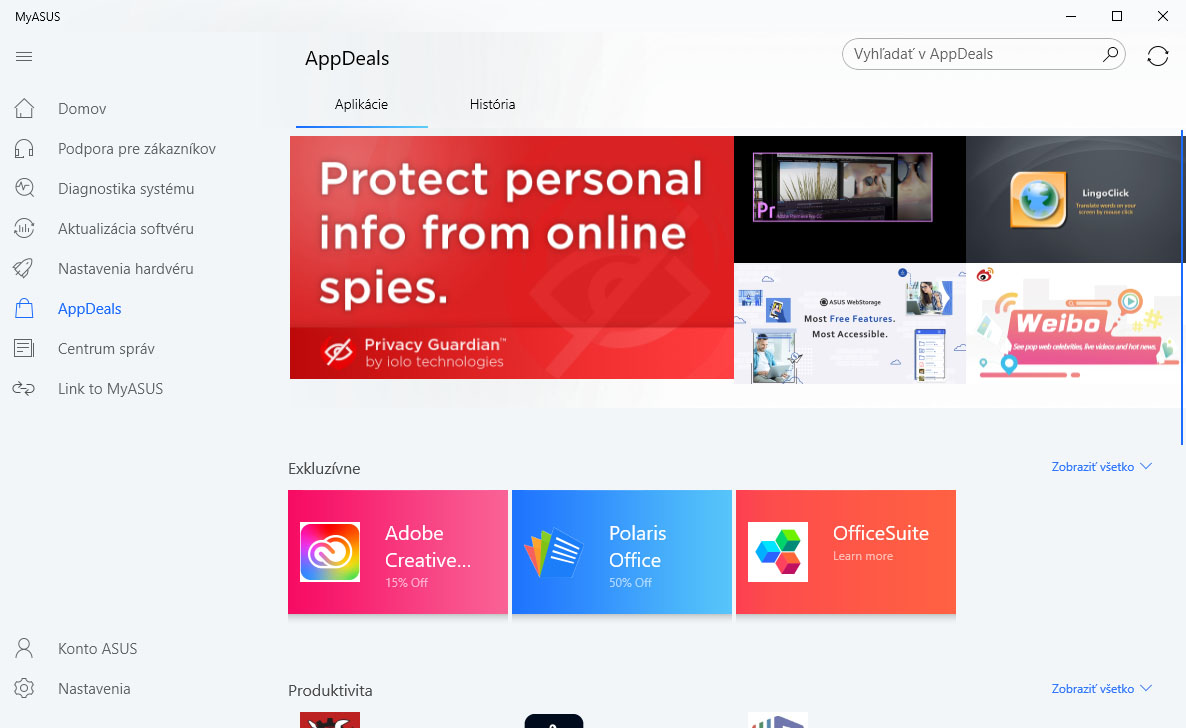
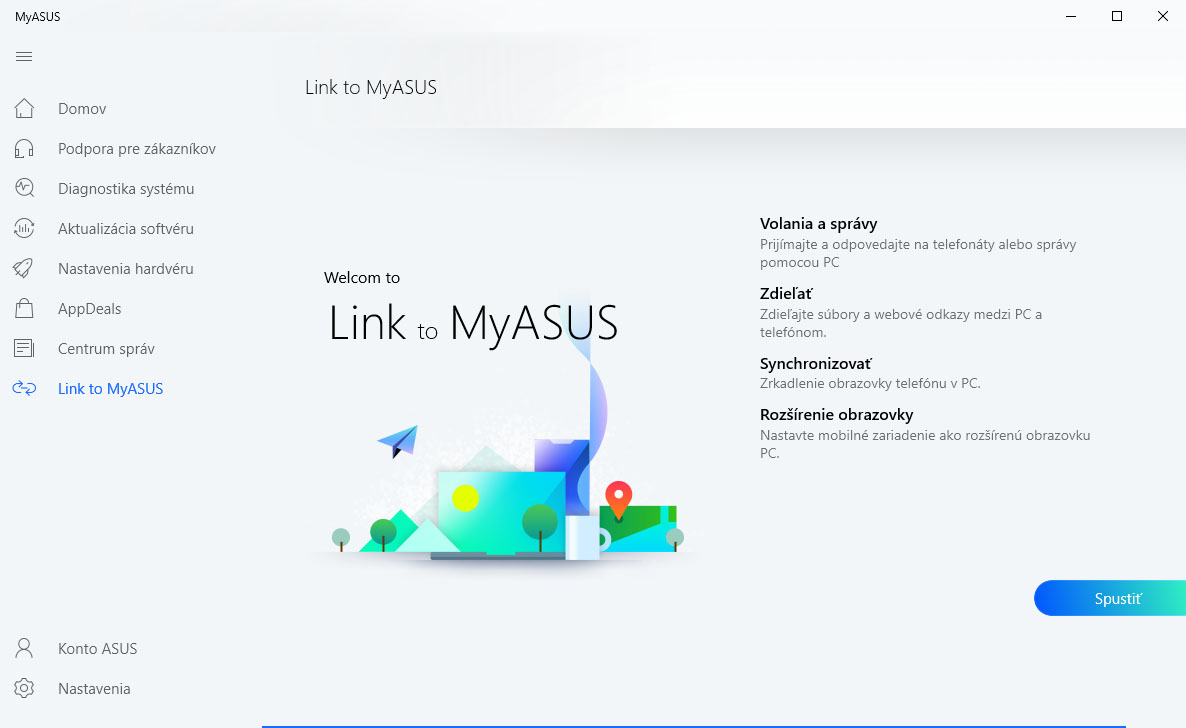
The application is also used to adjust the power supply to save the battery. Other application options include Link to MyAsus to connect your computer to your smartphone. In this case, MyAsus is limited in functionality compared to ZenBooks.
Armoury Crate
The reason is simple. The SCAR is also equipped with another application, namely Armory Crate. It is used to control the gaming aspects of the laptop.
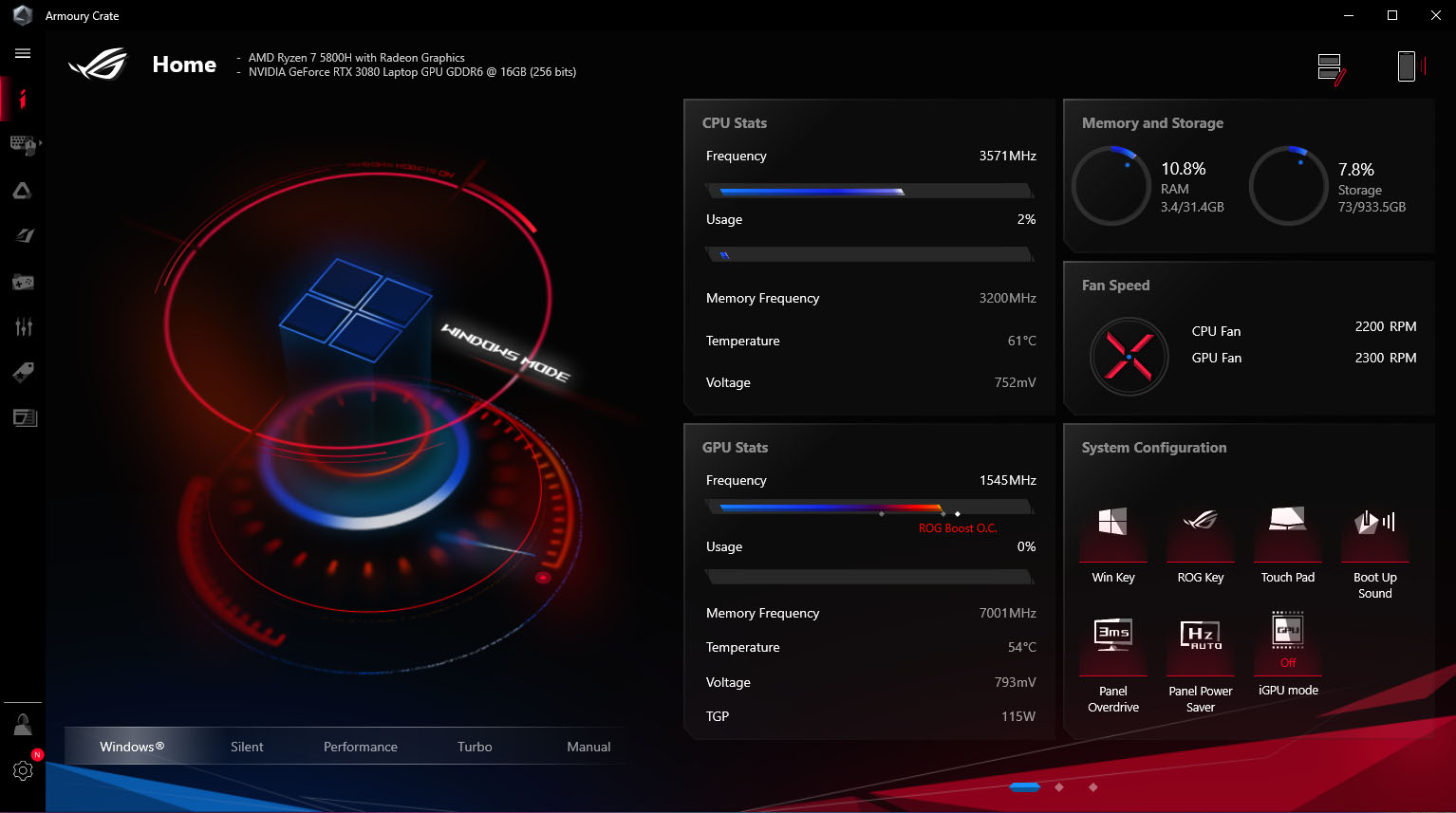
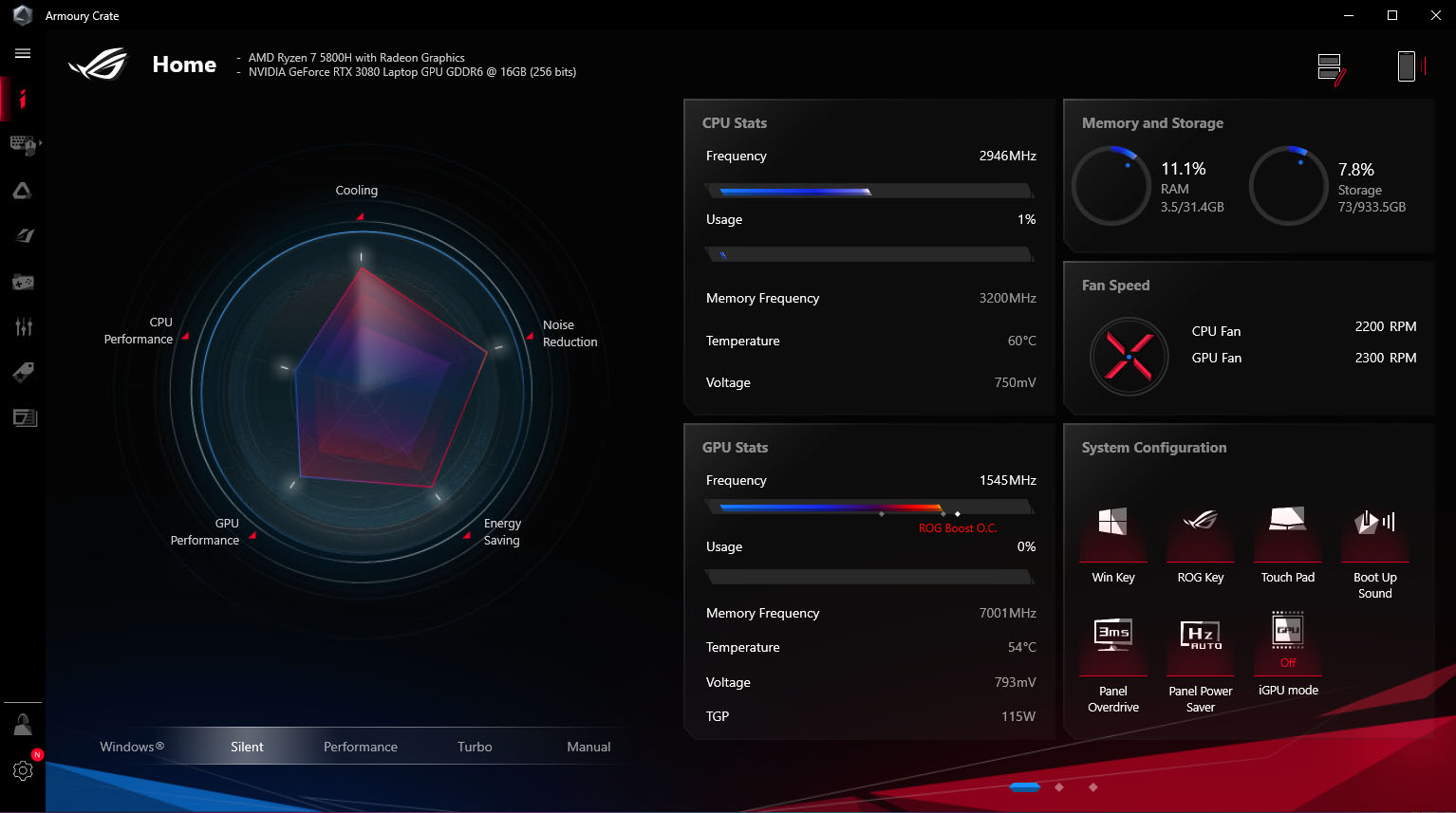
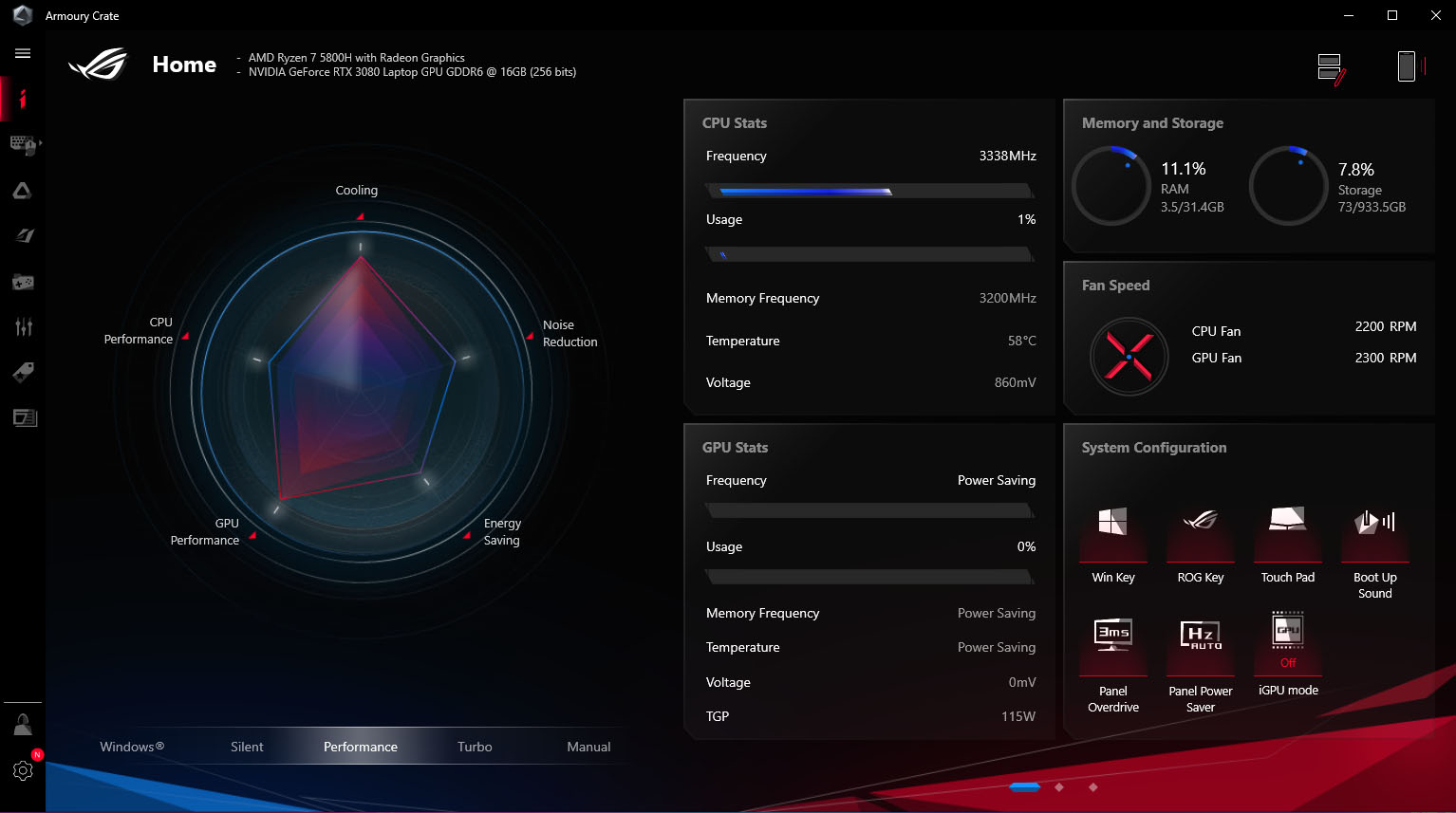
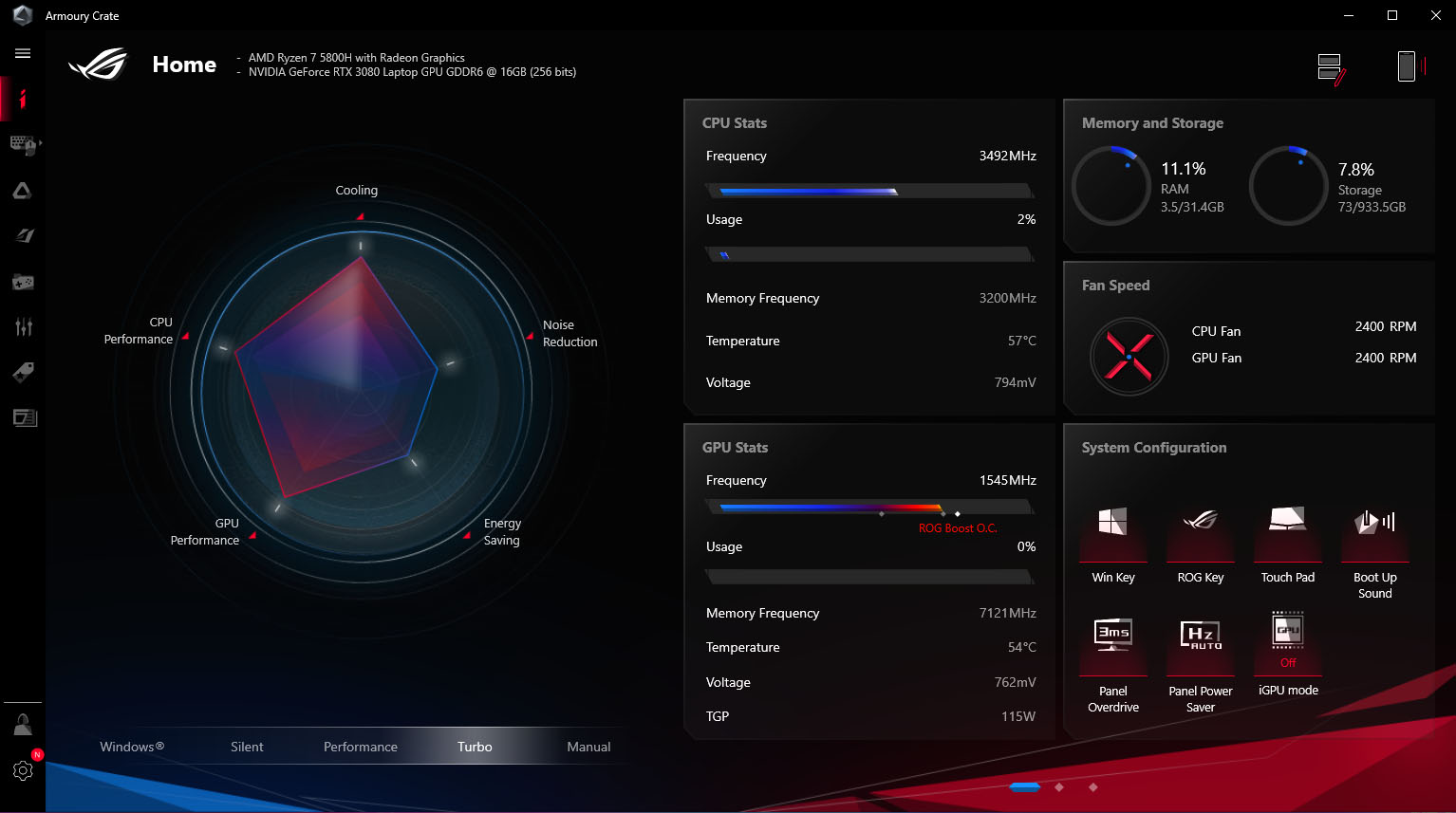
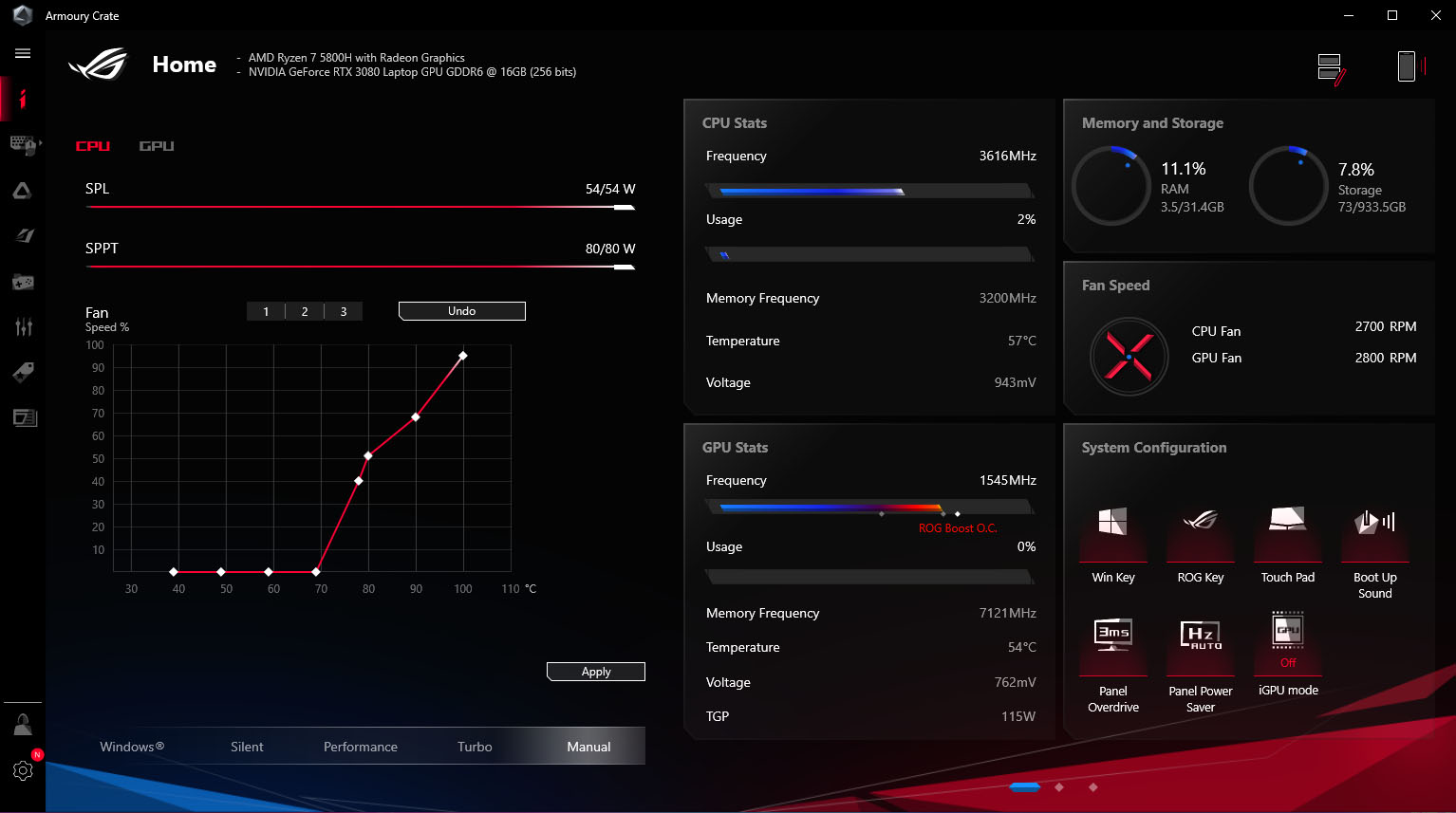
Here you will find the option to select performance modes.
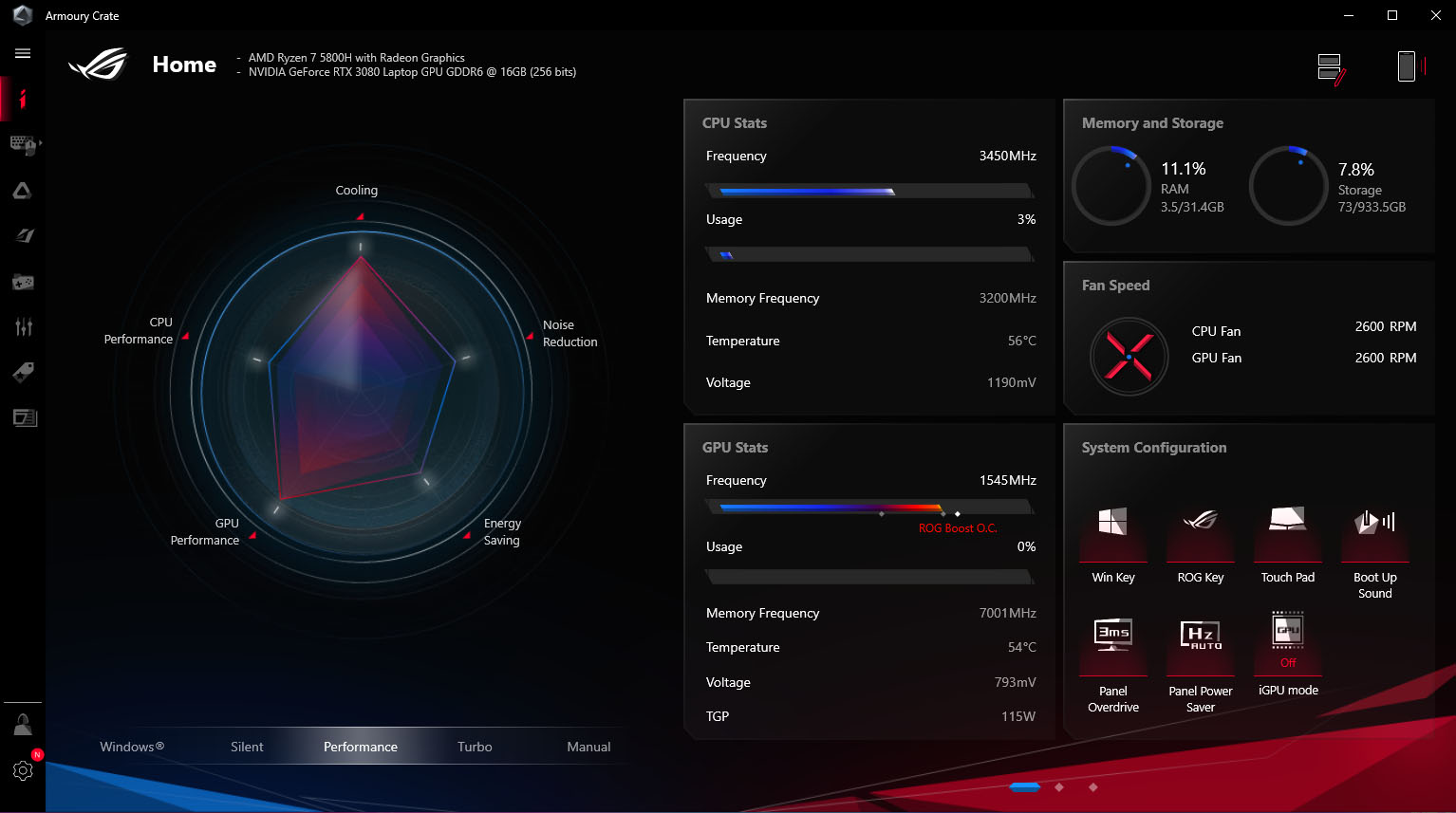
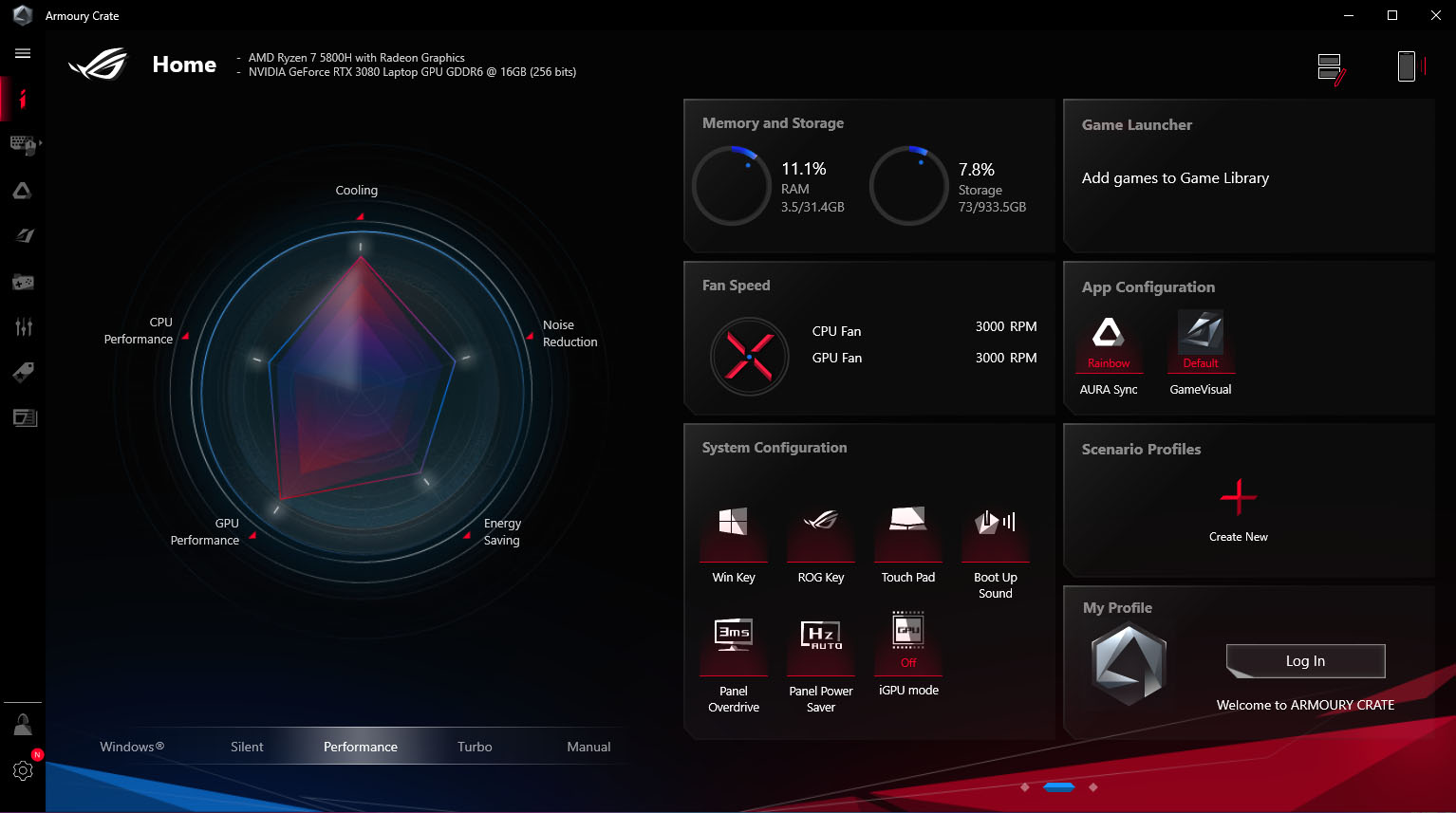
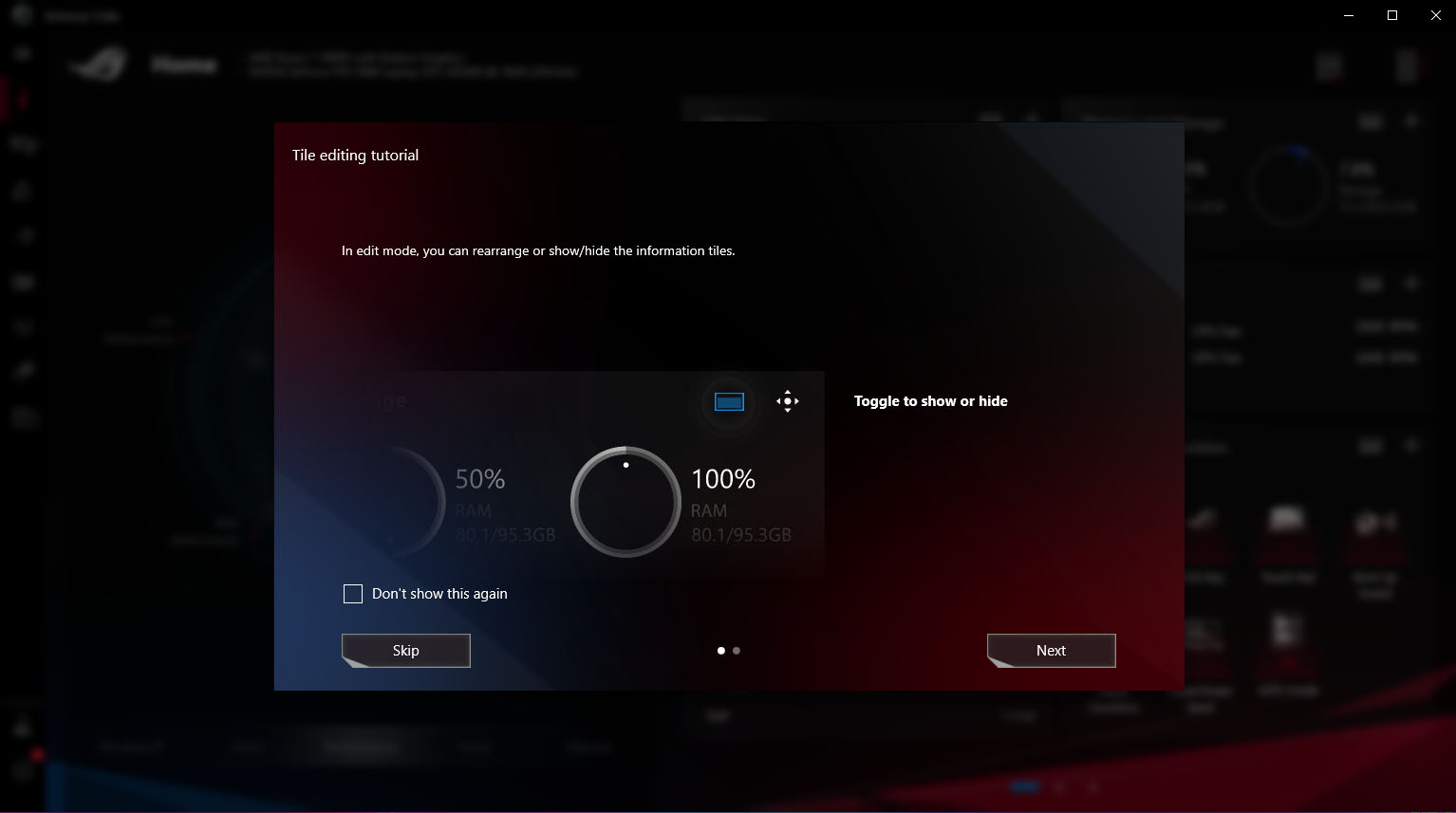
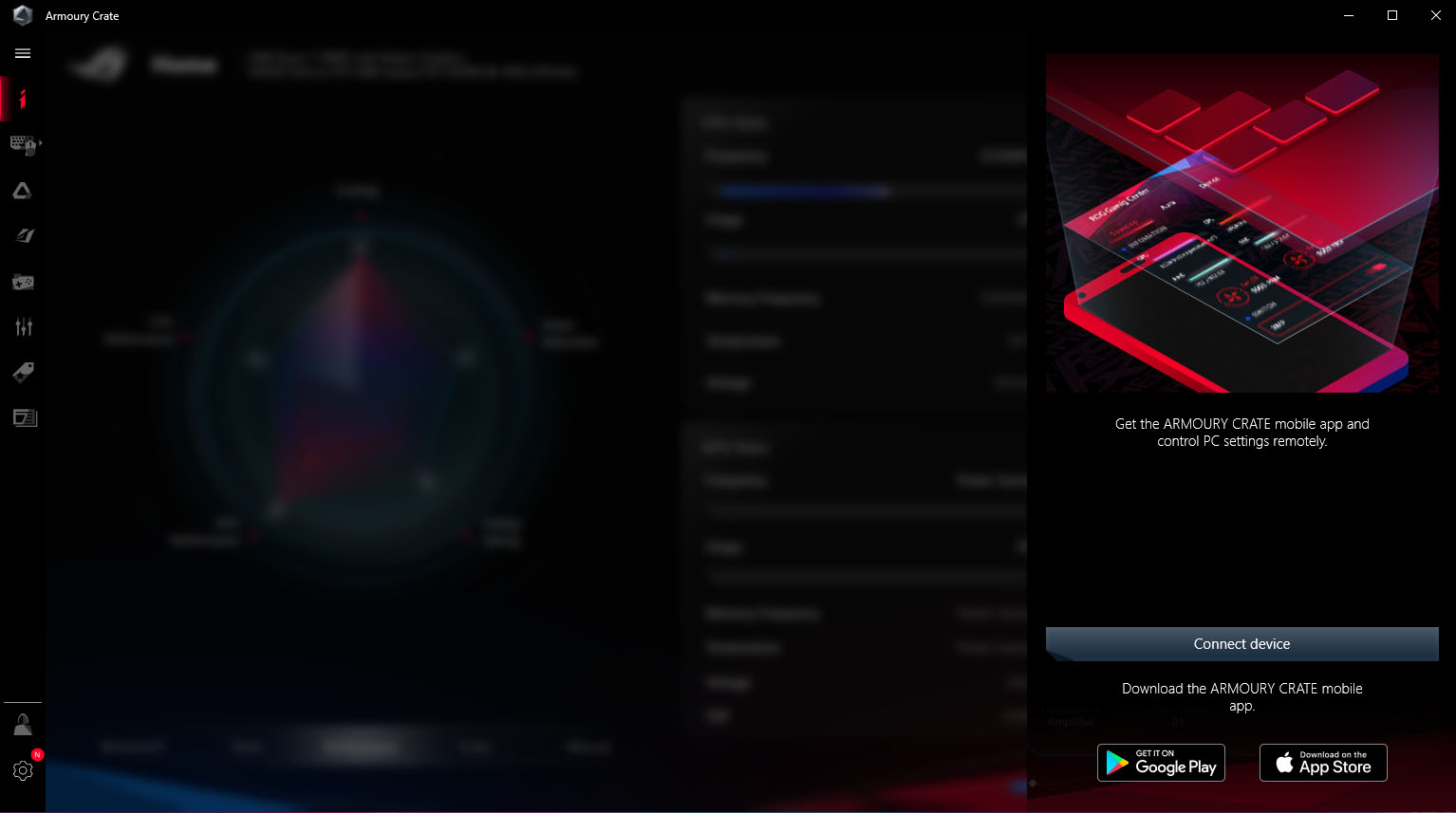
You can also customize the display on your desktop or connect a smartphone to monitor the specs of the notebook.
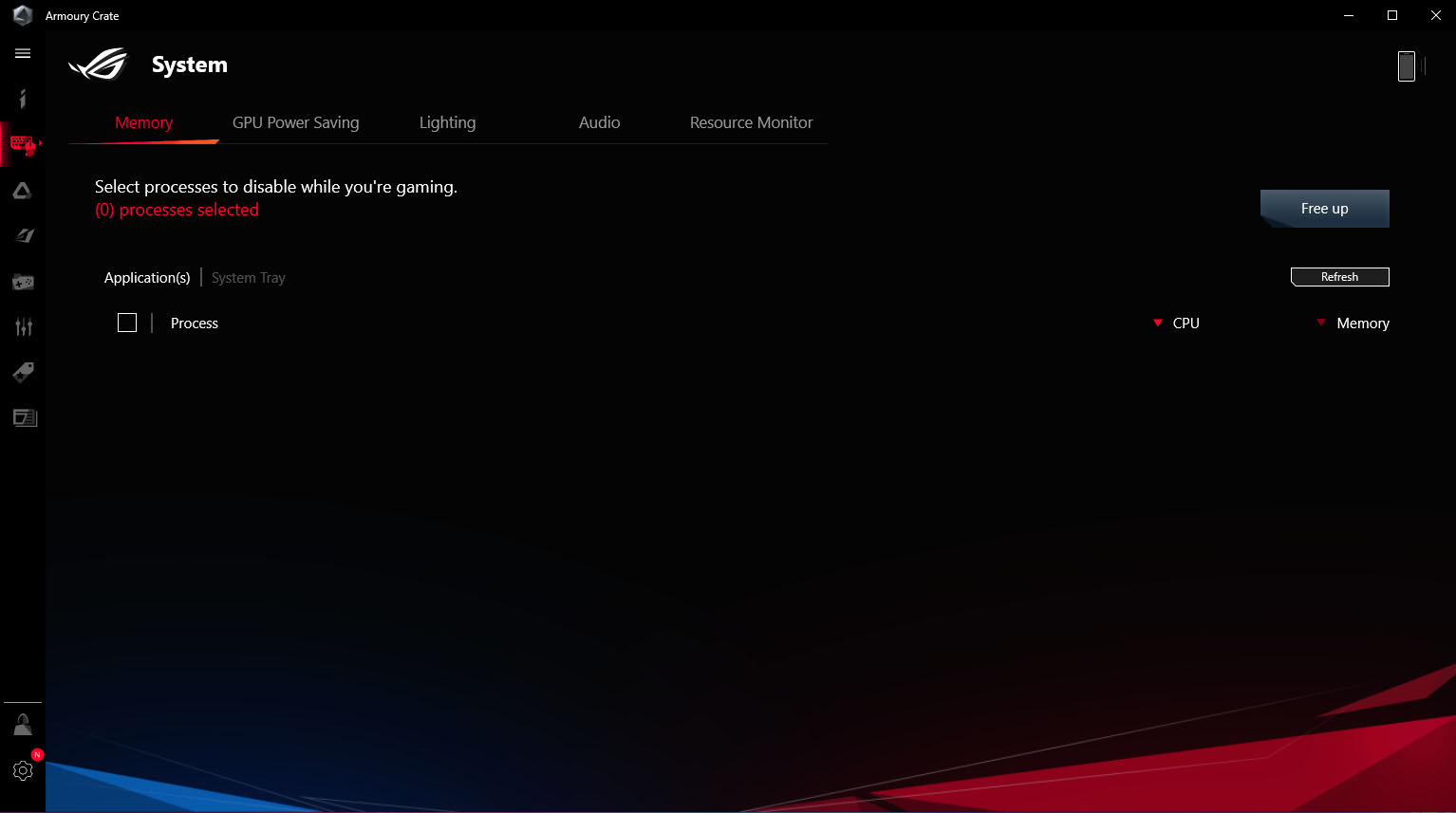
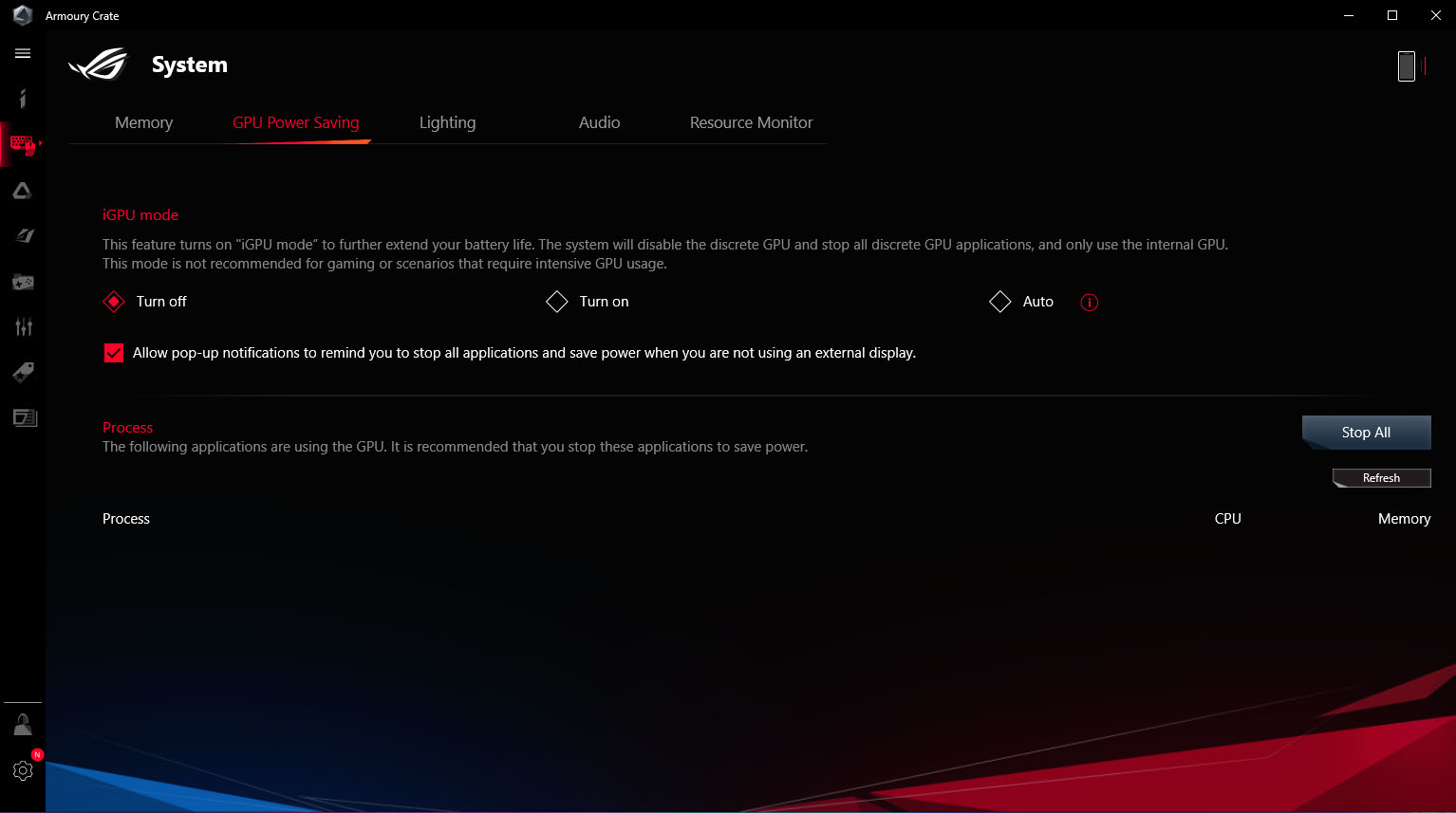
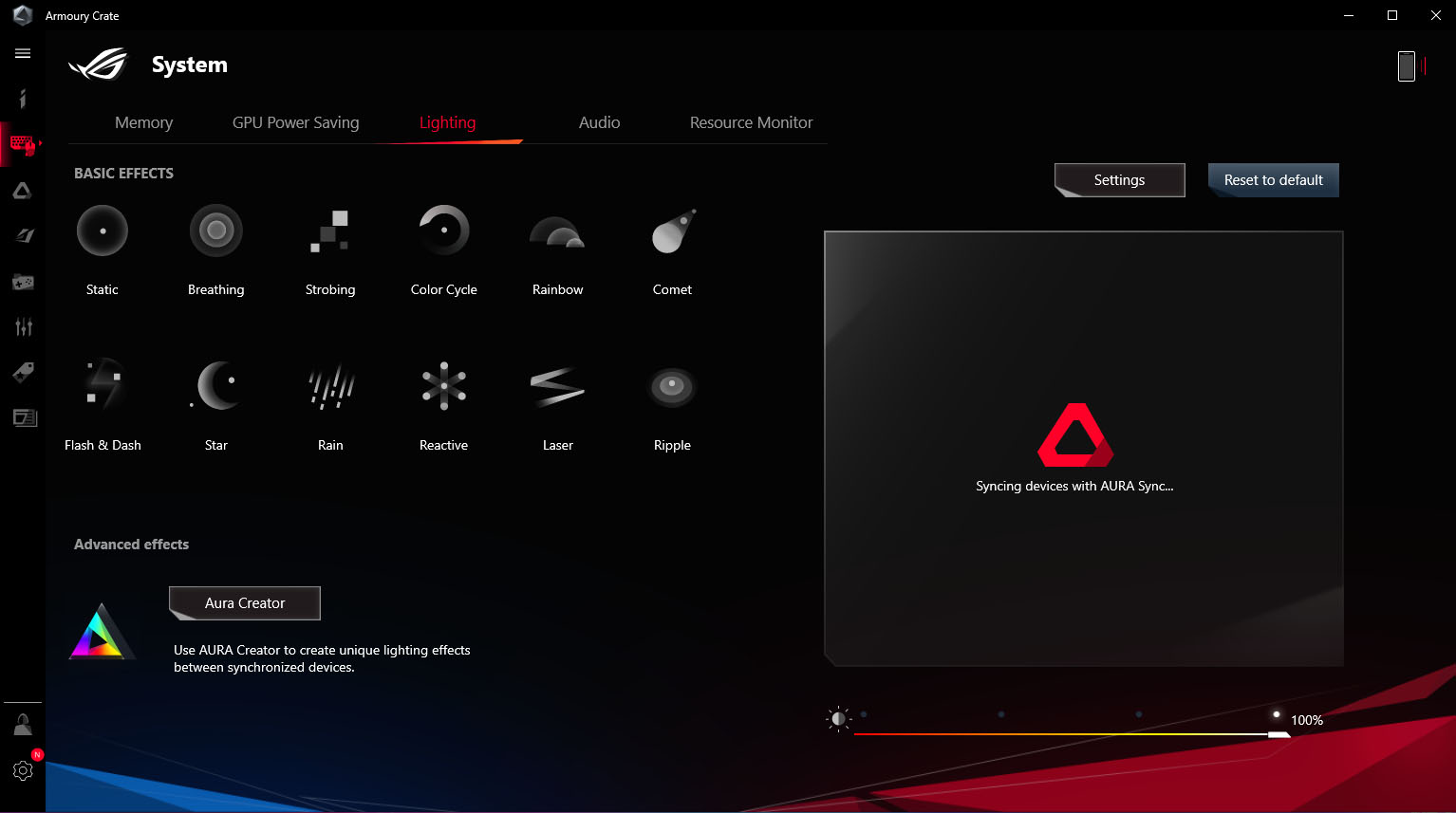
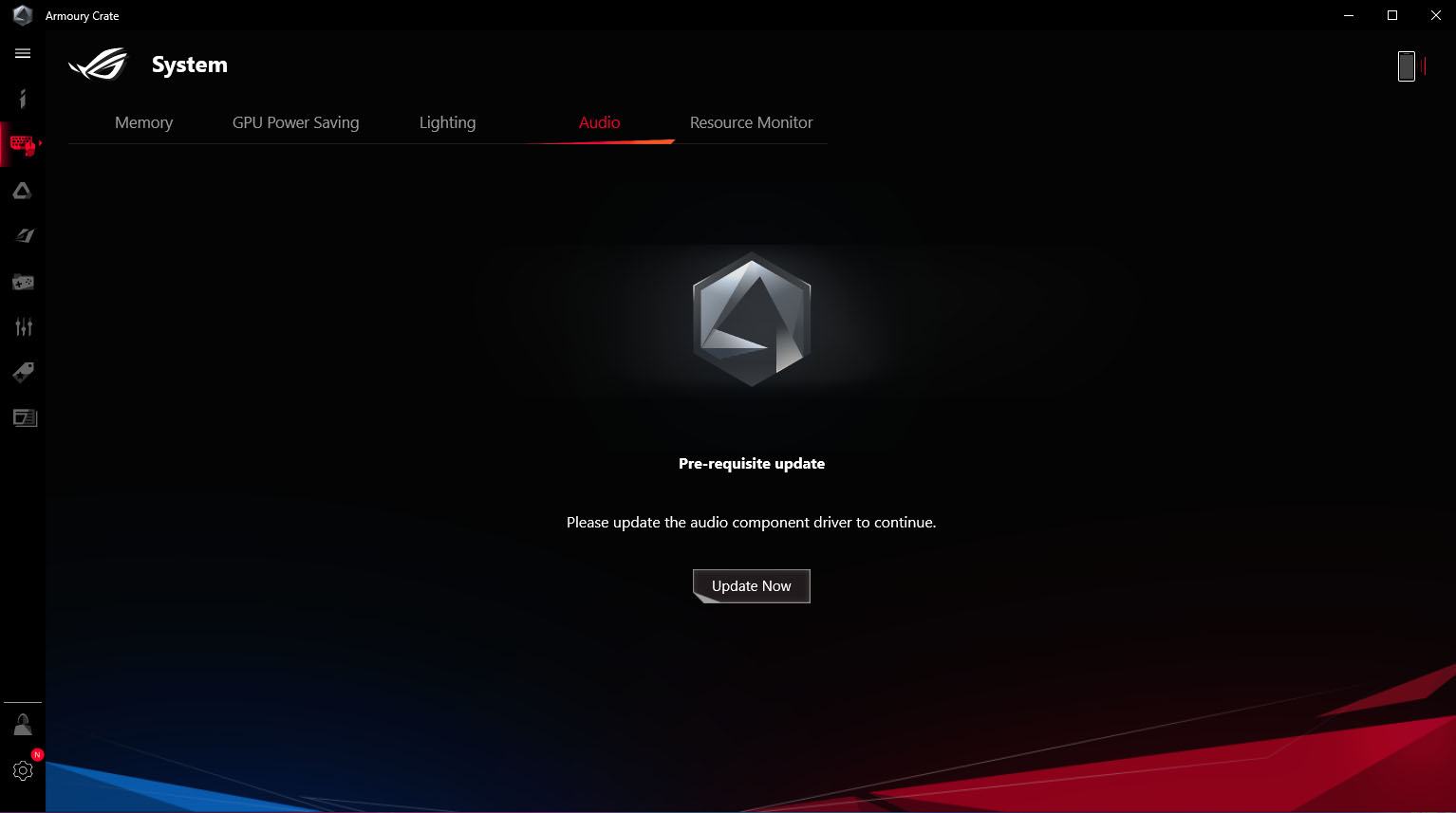
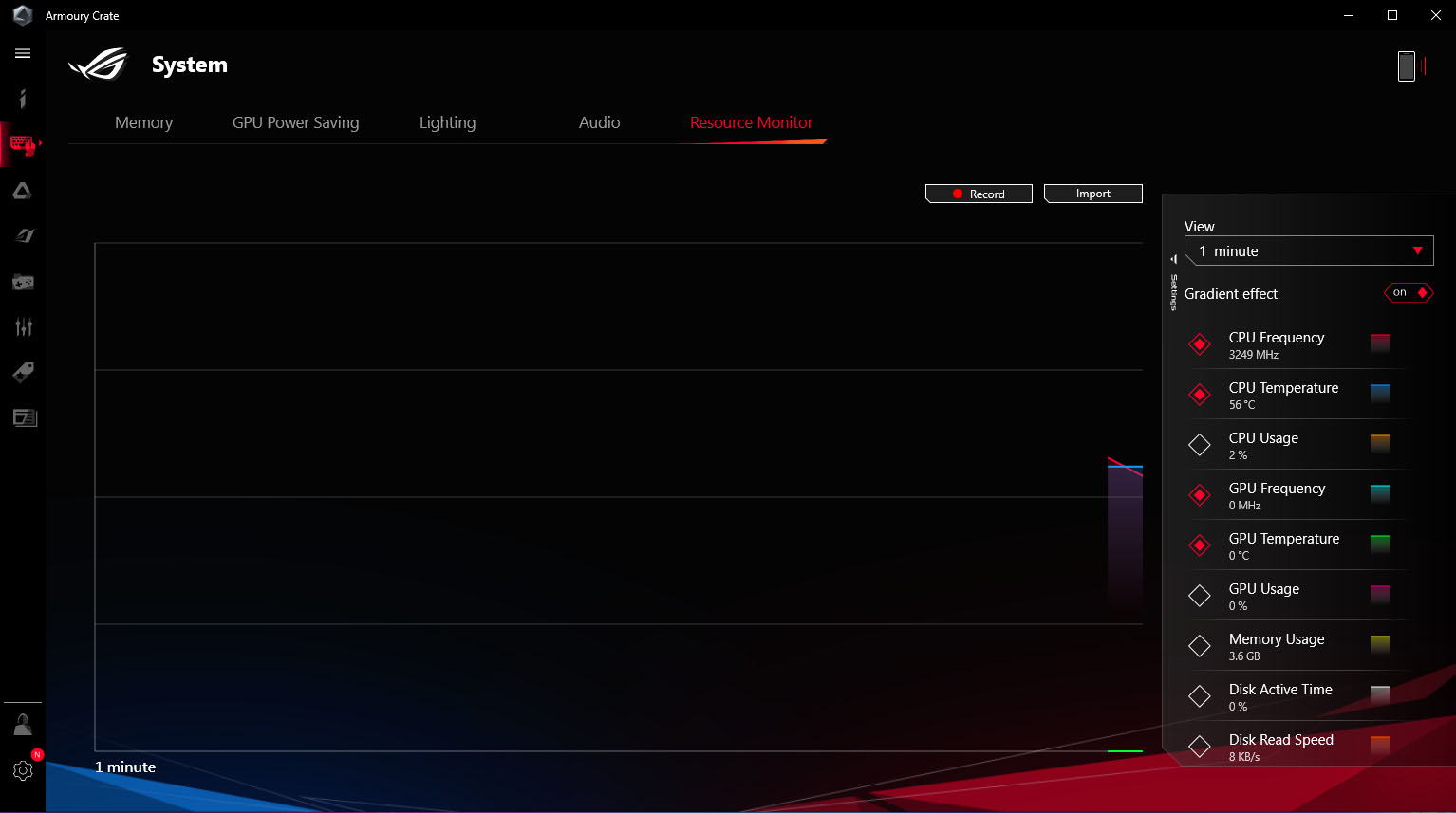
You can monitor the utilization of individual components or manage iGPU mode.
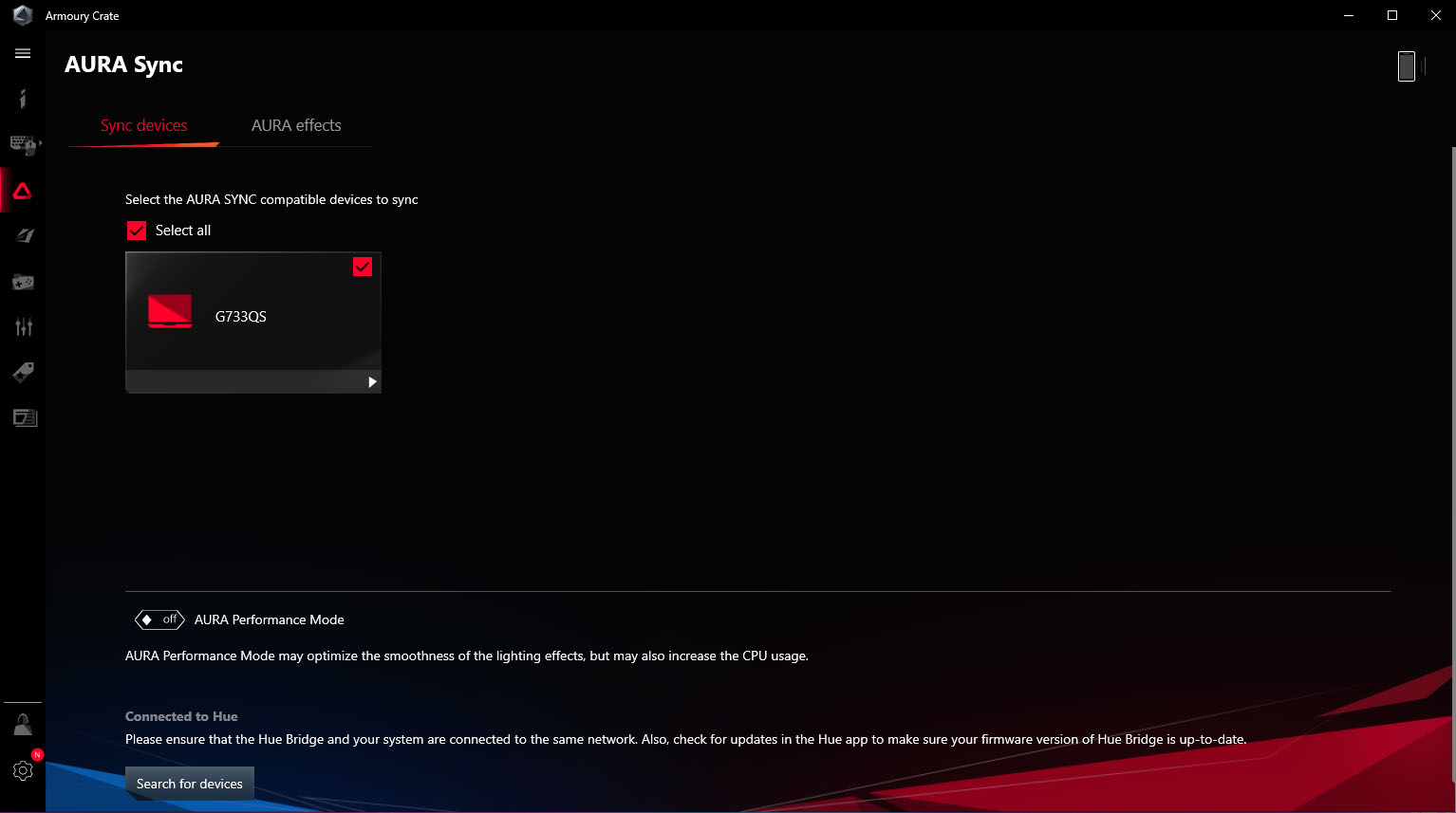
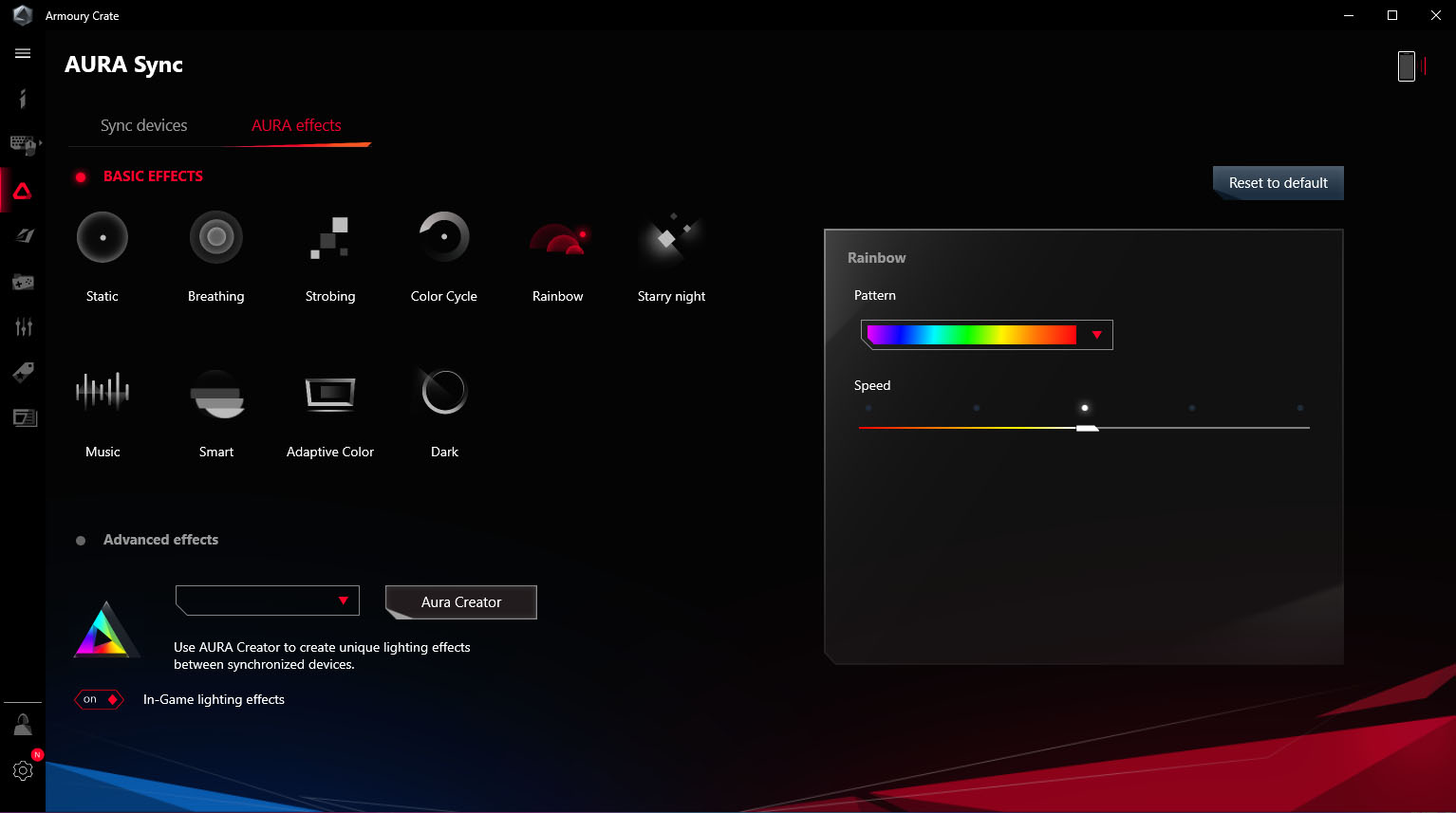
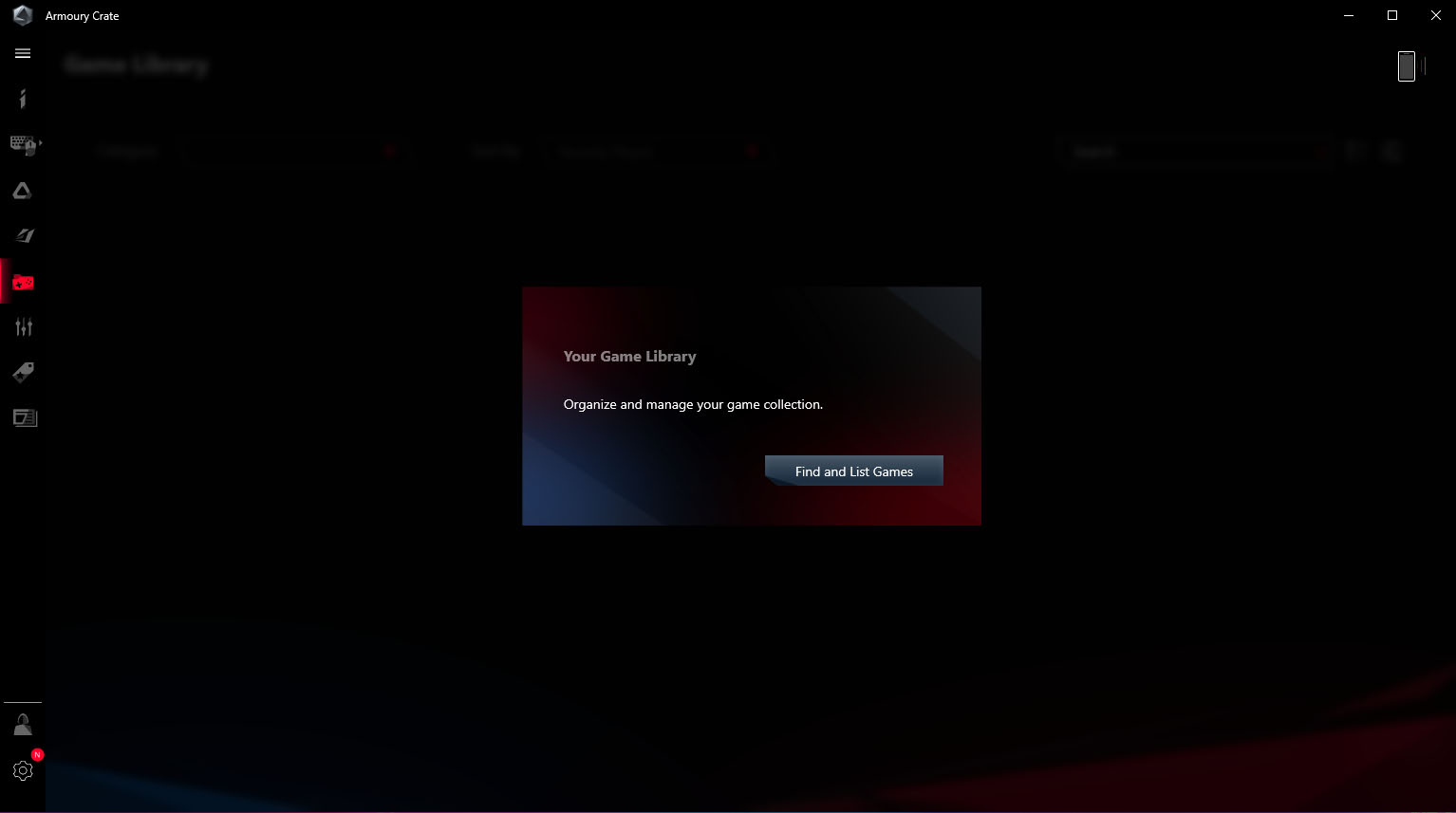
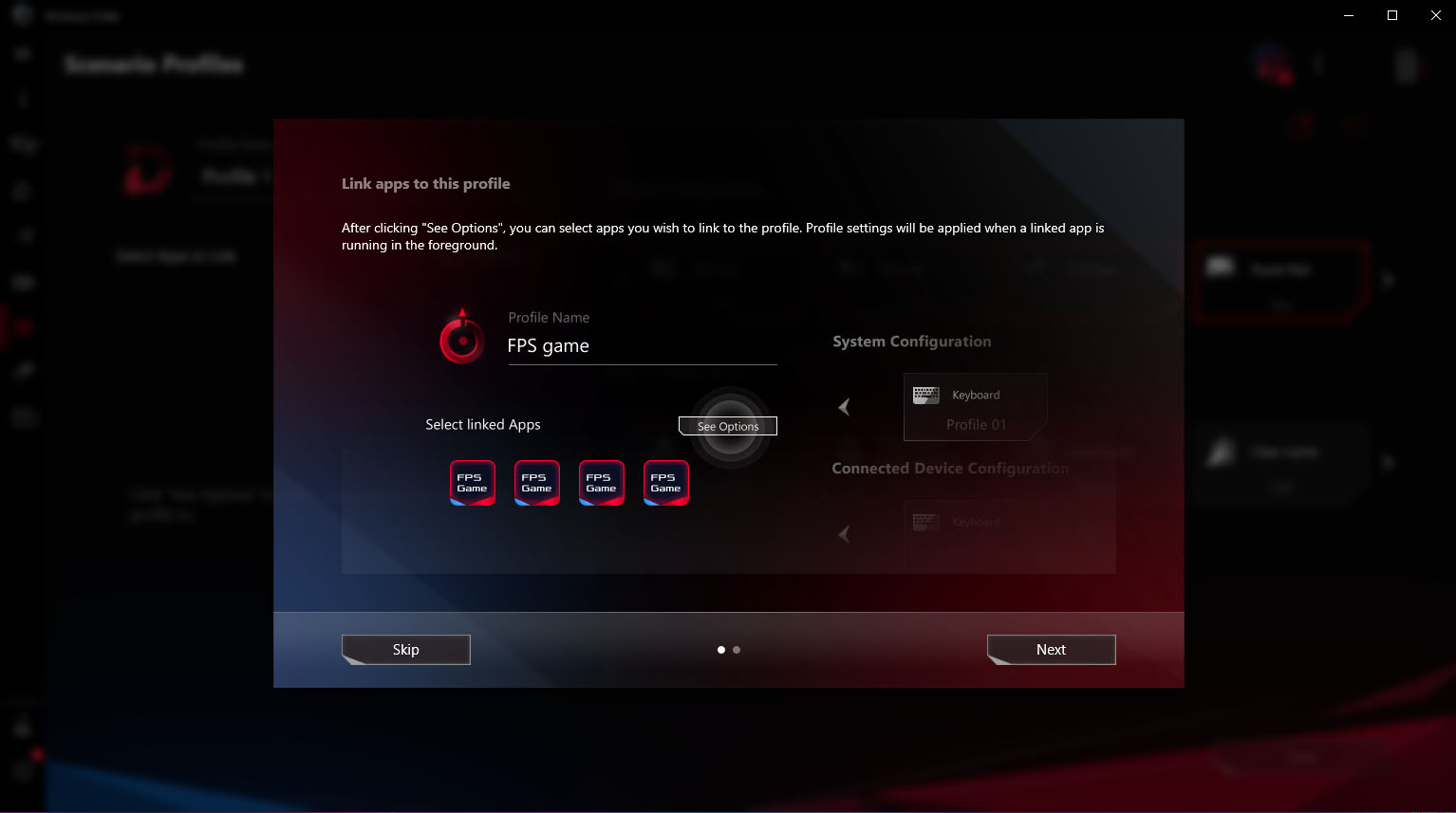
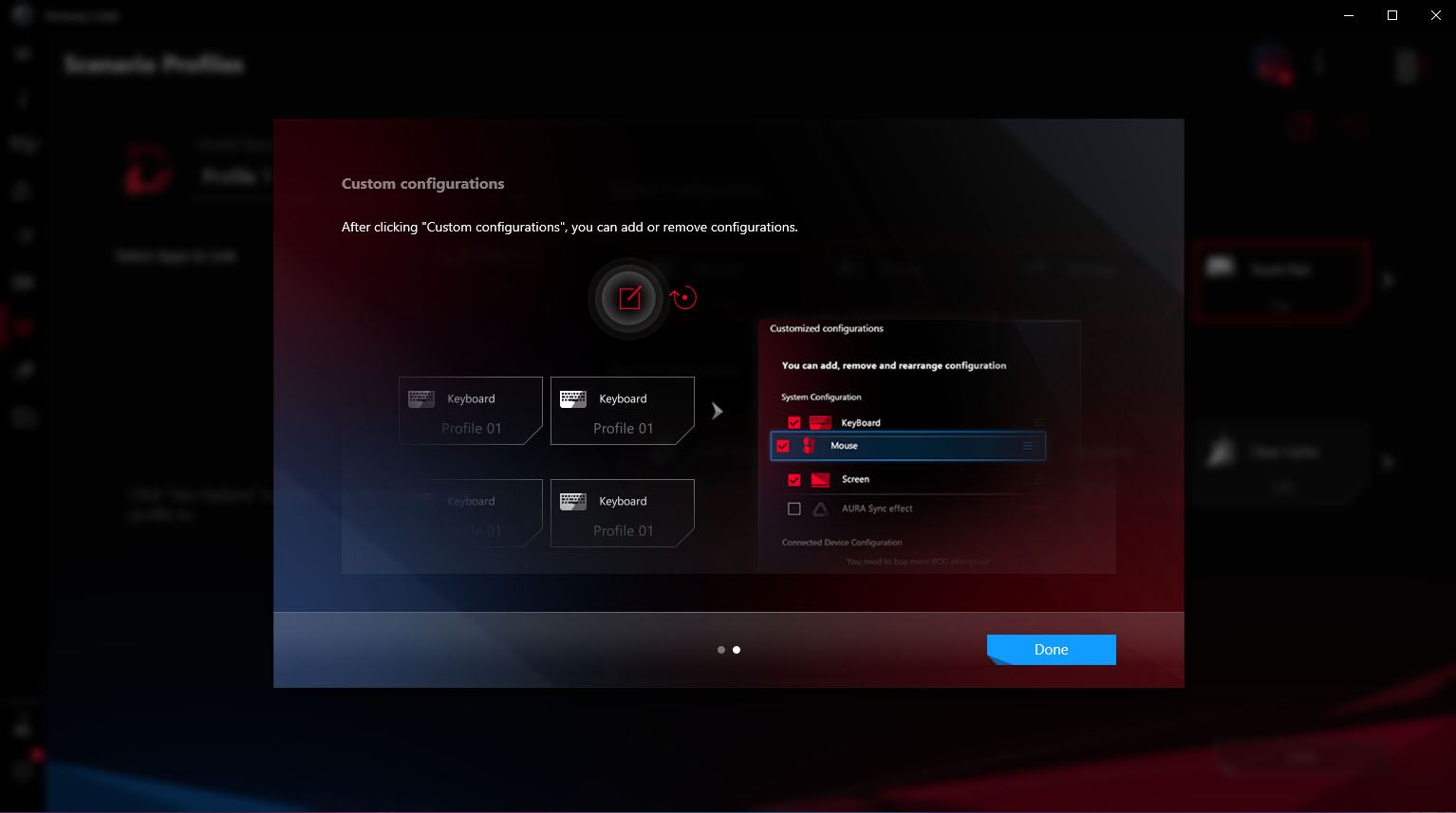
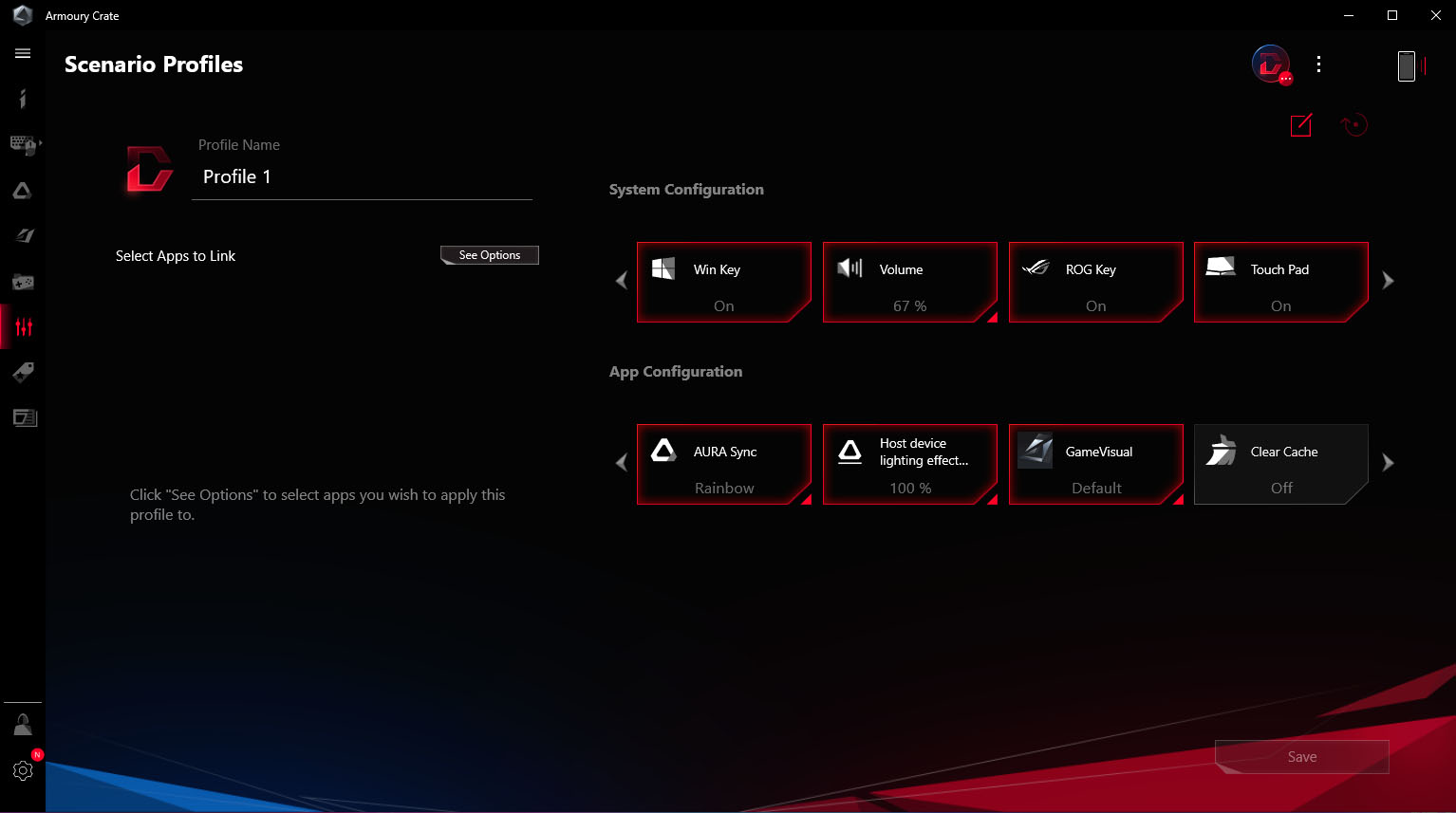
Of course, you can also adjust the RGB backlight and synchronization with other Aura devices. You can also create different preset profiles and link them to specific games.
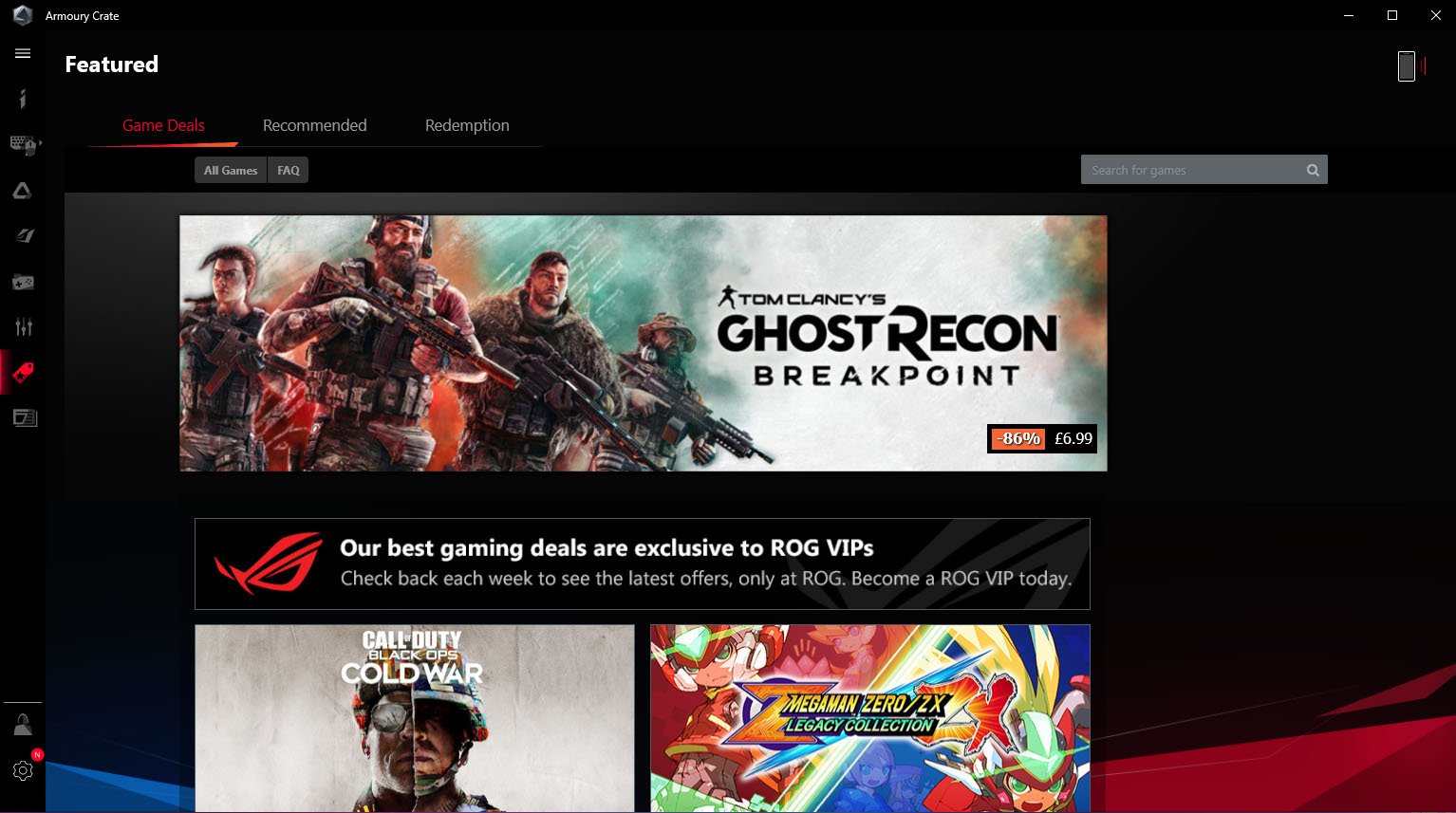
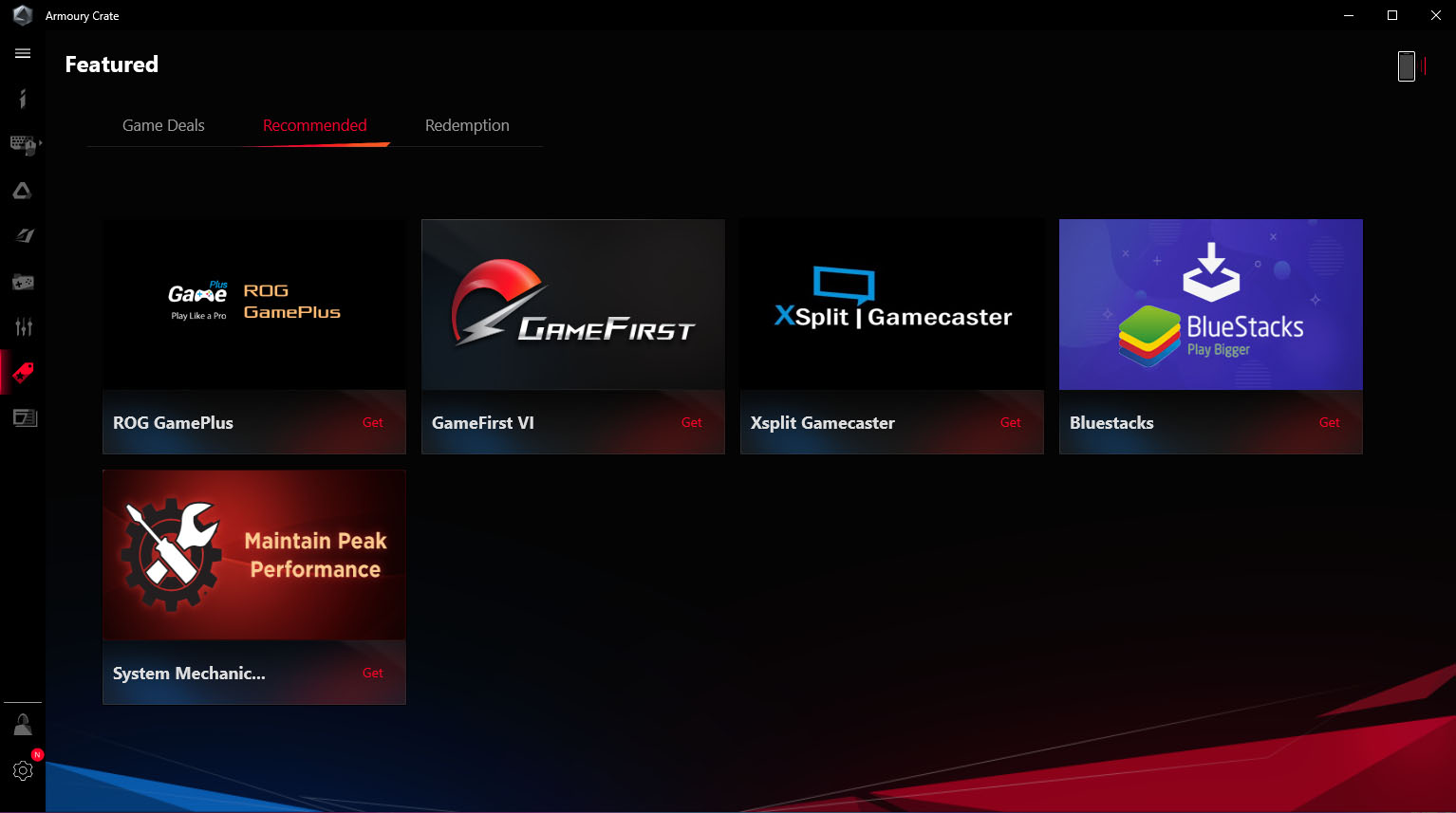
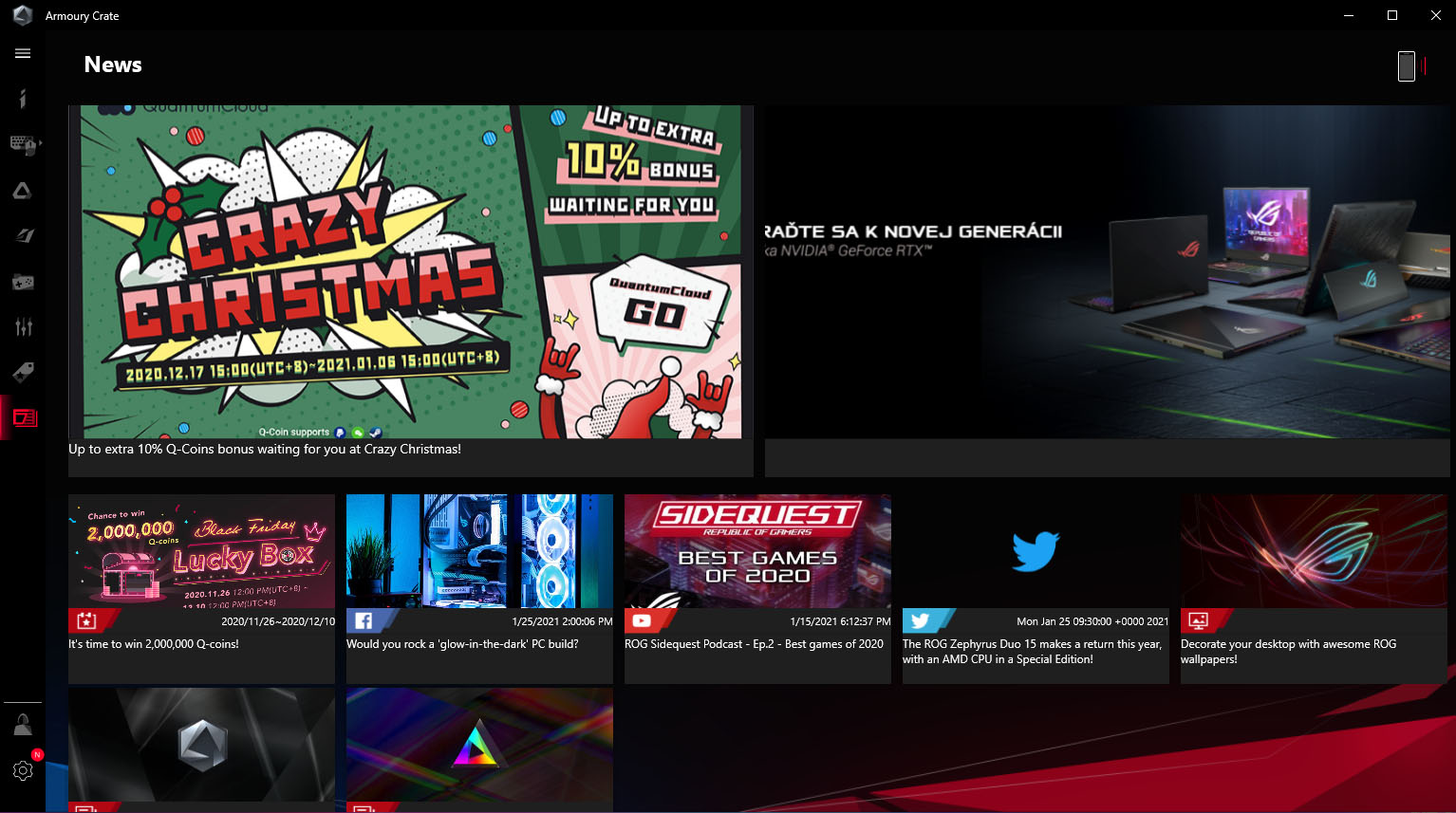
In the application you will also see recommended games or software for players and various other offers.
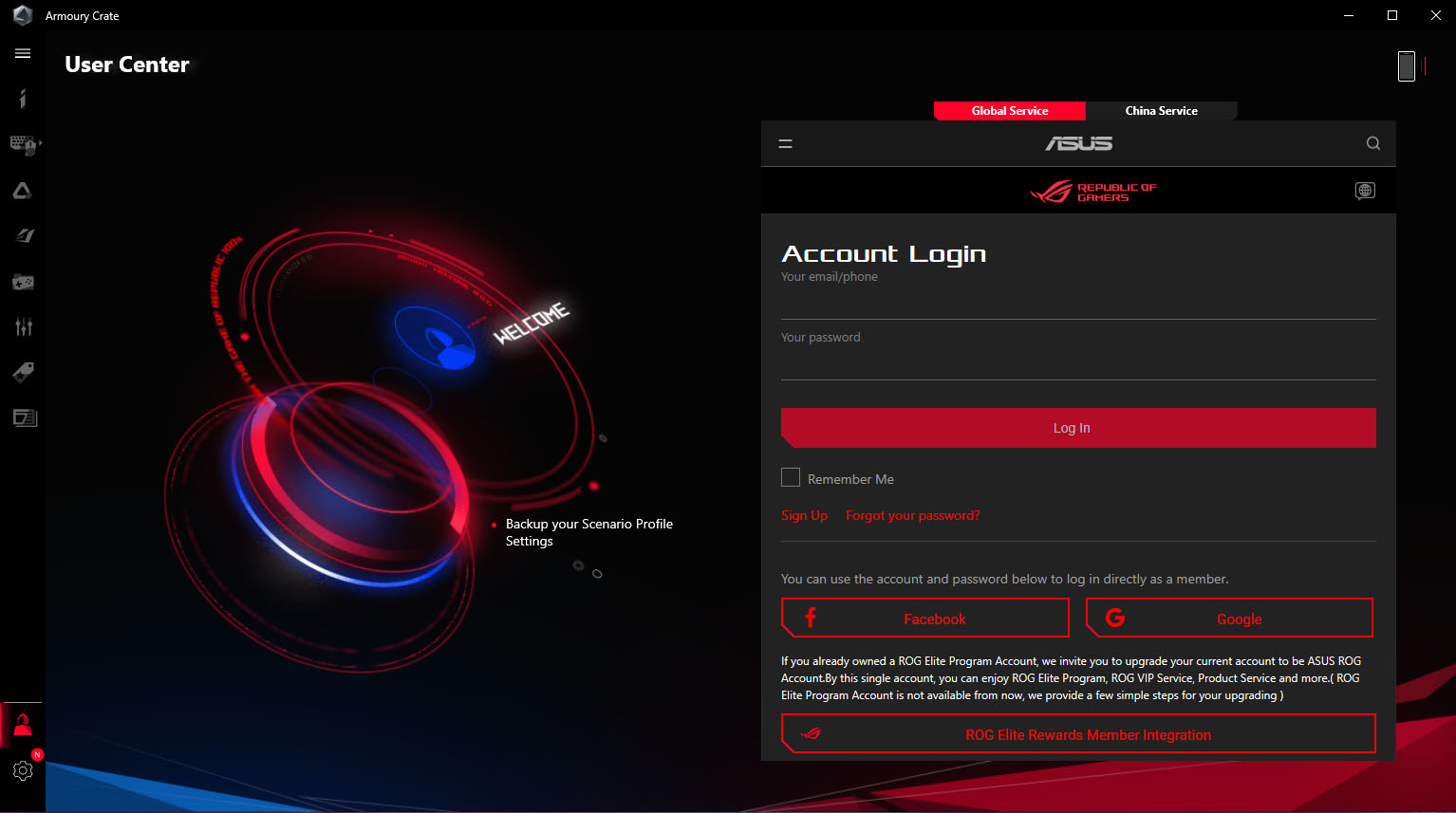

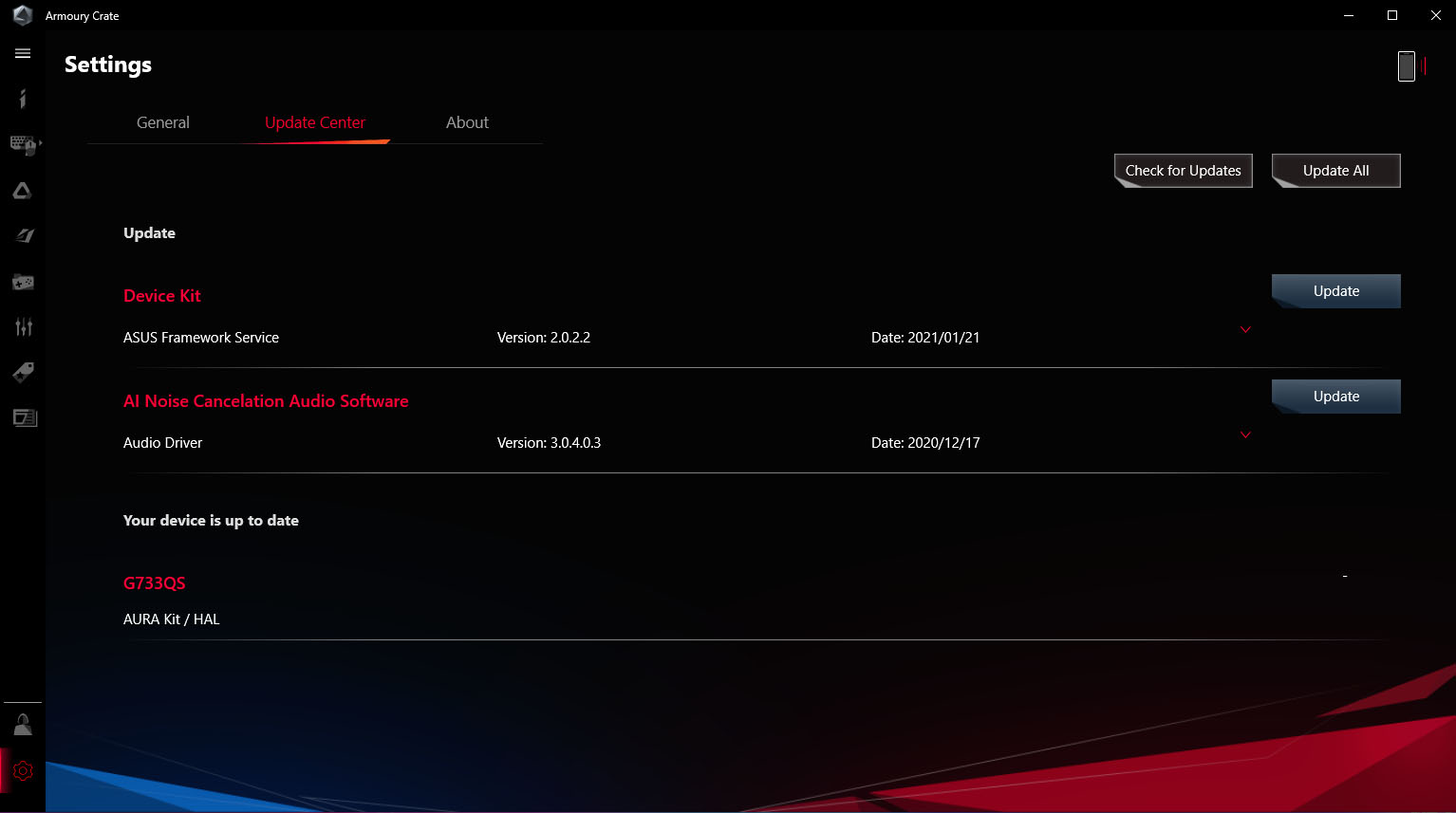

Again, you can link your account and save your settings as well as switch the application theme.
But we’re not done yet.
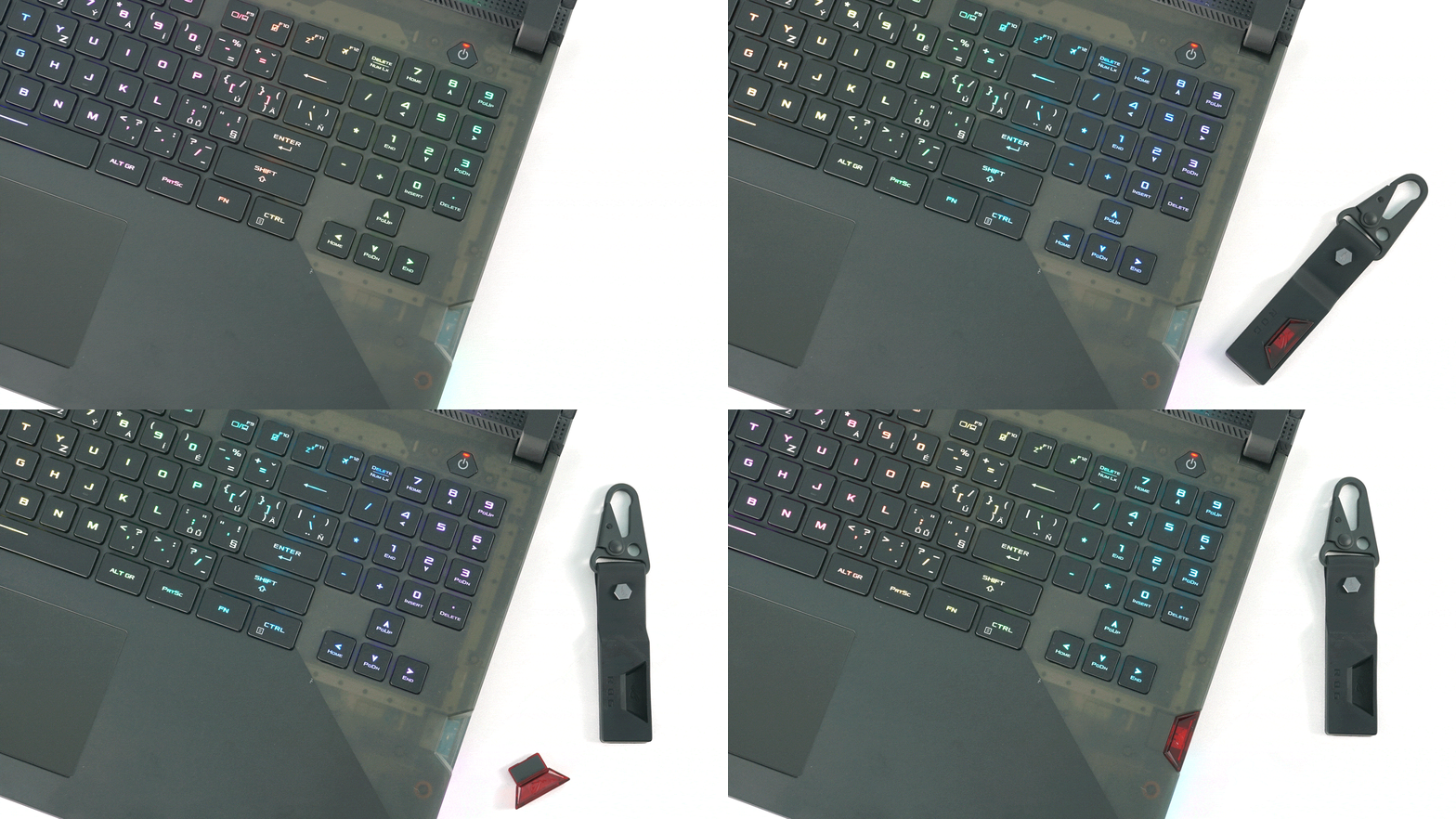
We still have to look at one aspect of the laptop, which is the Keystone II. 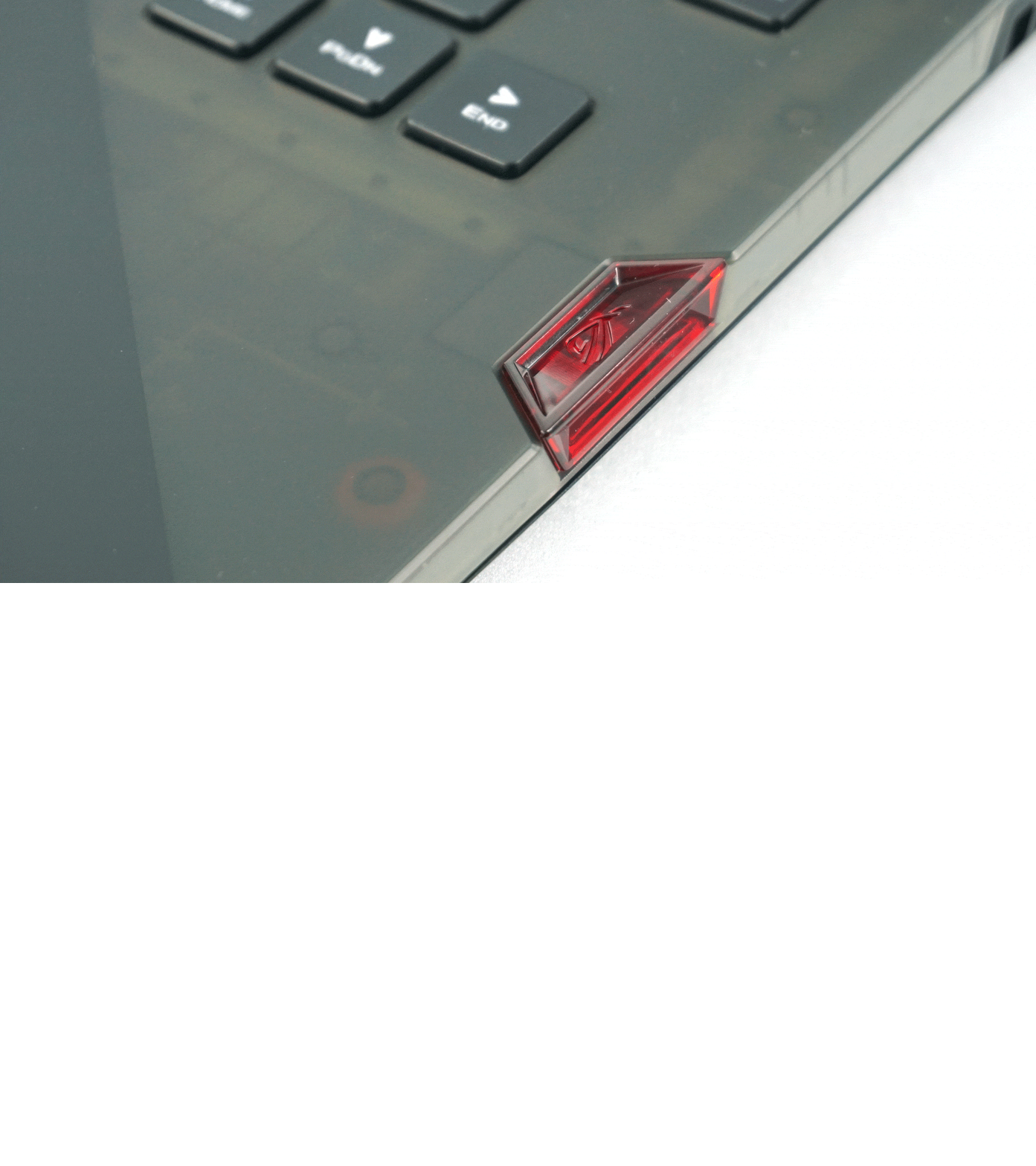
It is a small NFC key that can be inserted into the right side of the notebook. It’s used to adjust settings as well as save profiles.
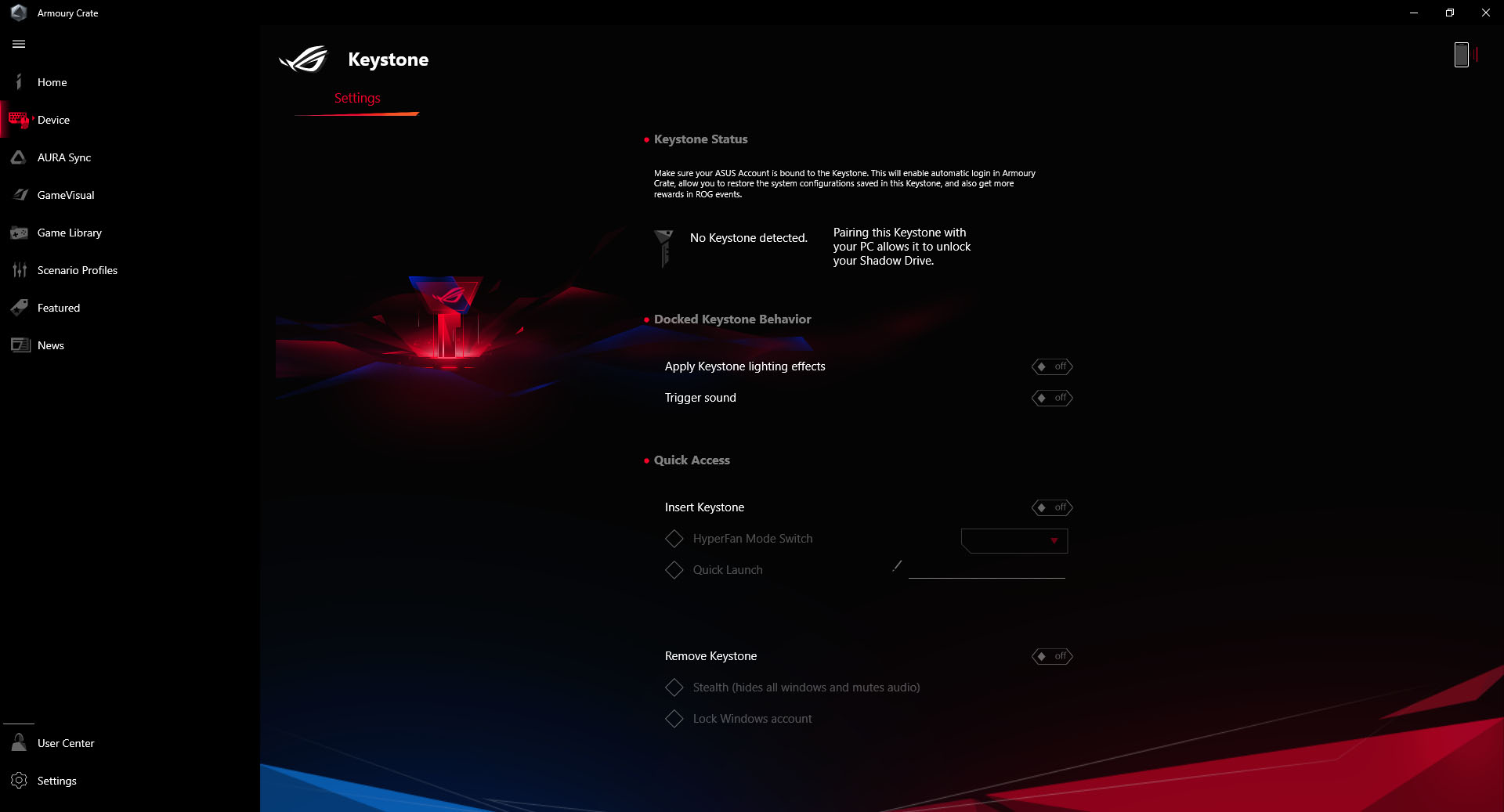
You can set the audio and RGB chime to start after inserting the key. Subsequently, the key can be used to switch between performance modes or start a specific application.
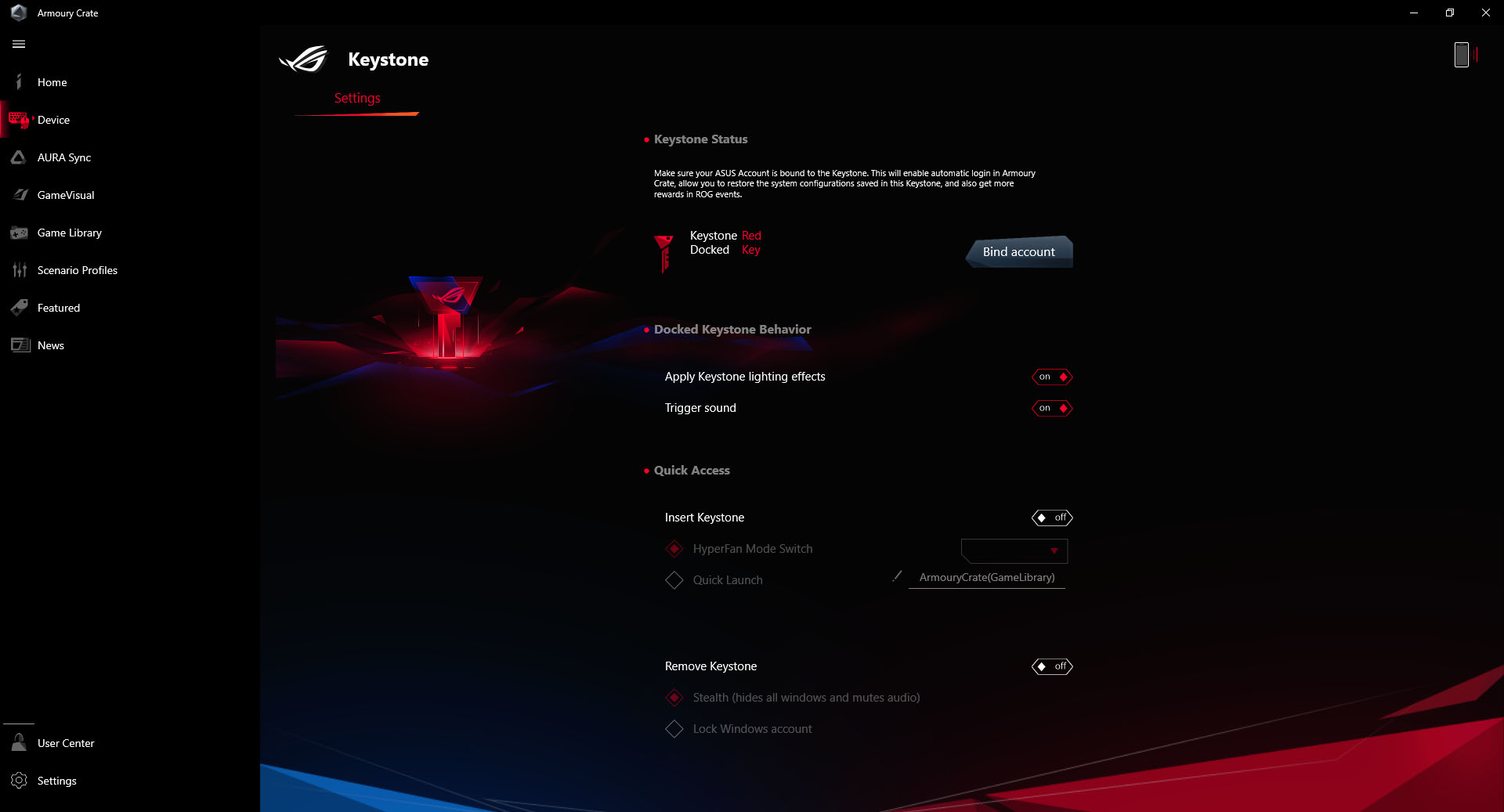
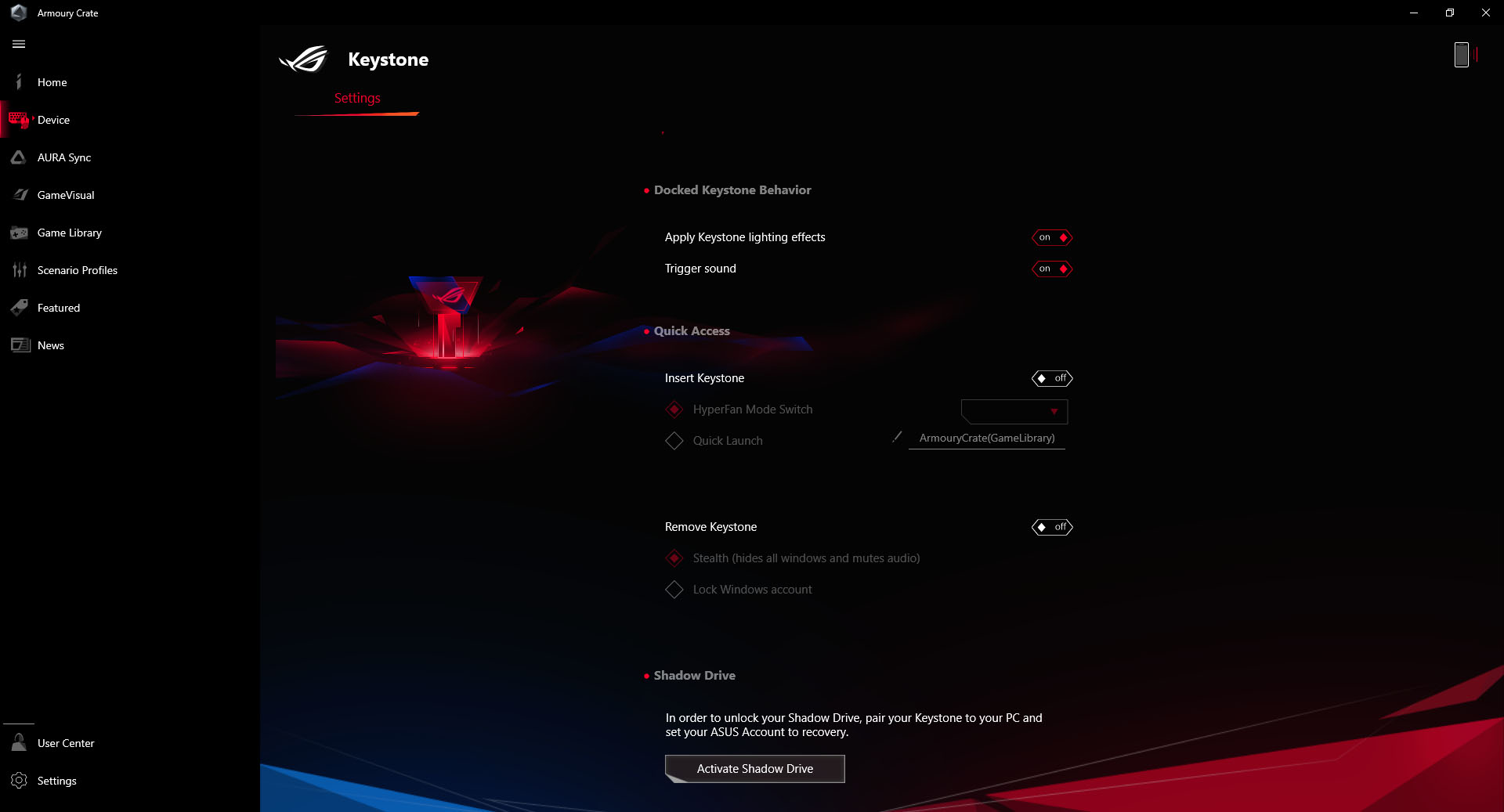

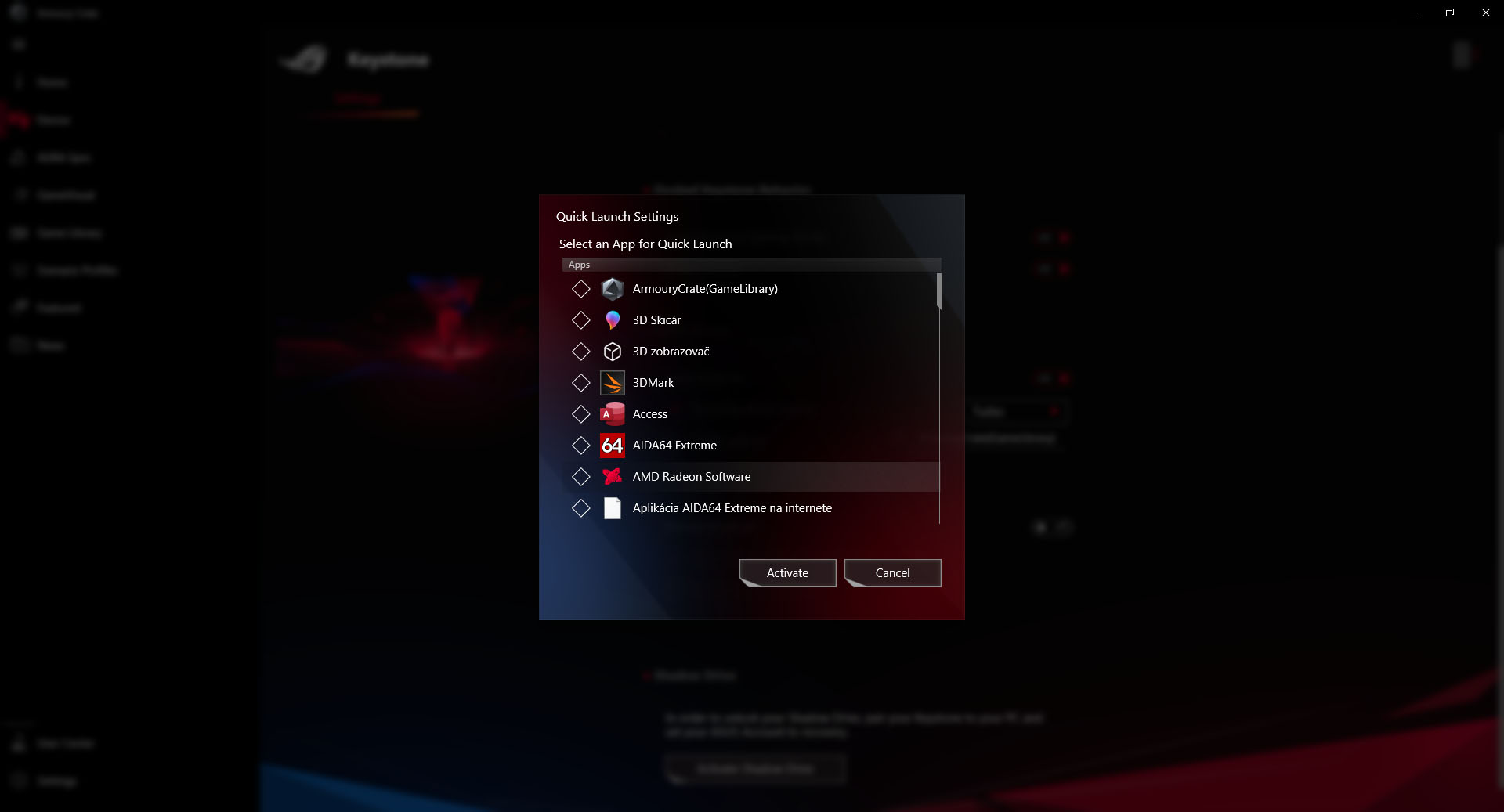
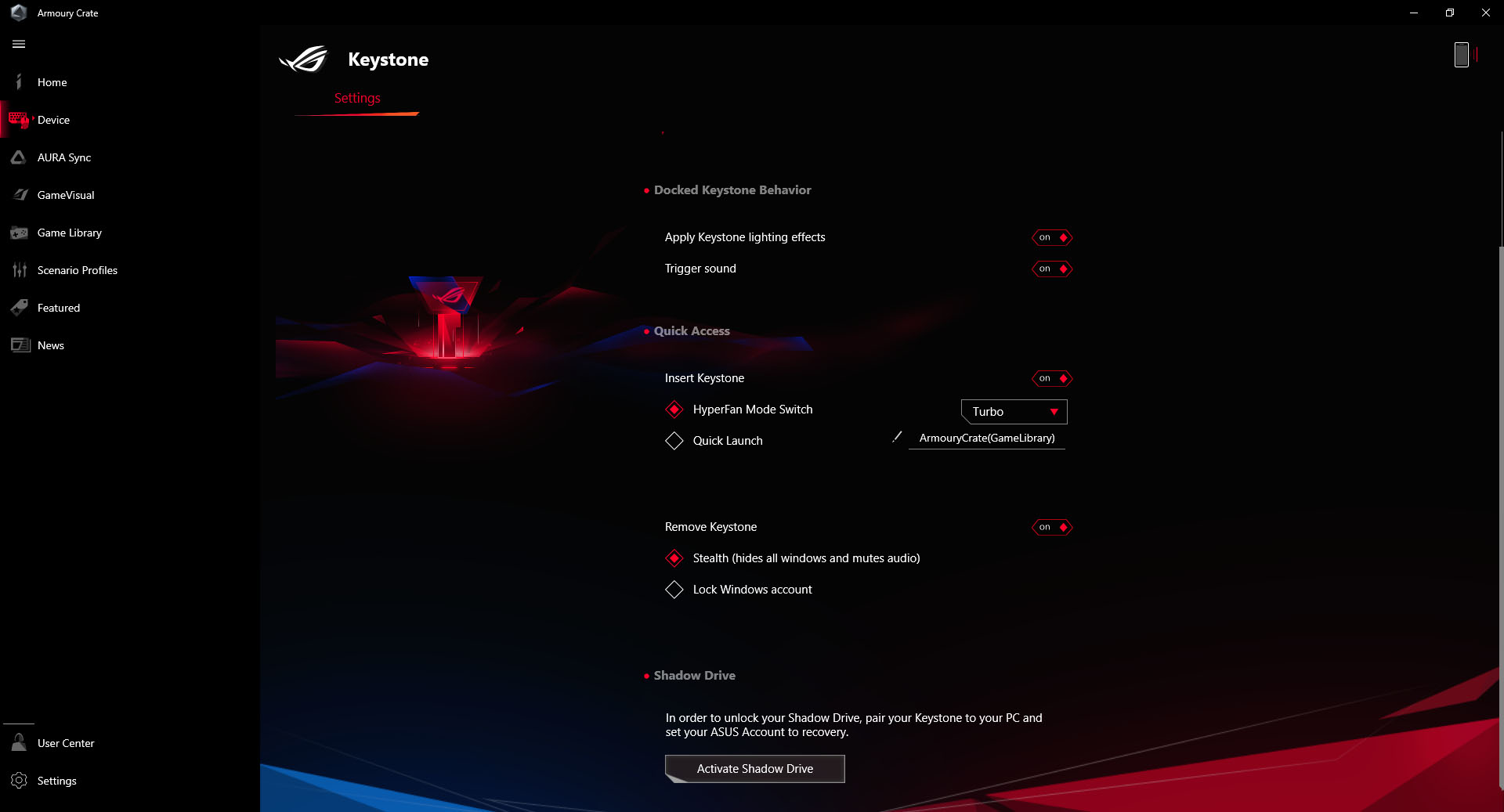
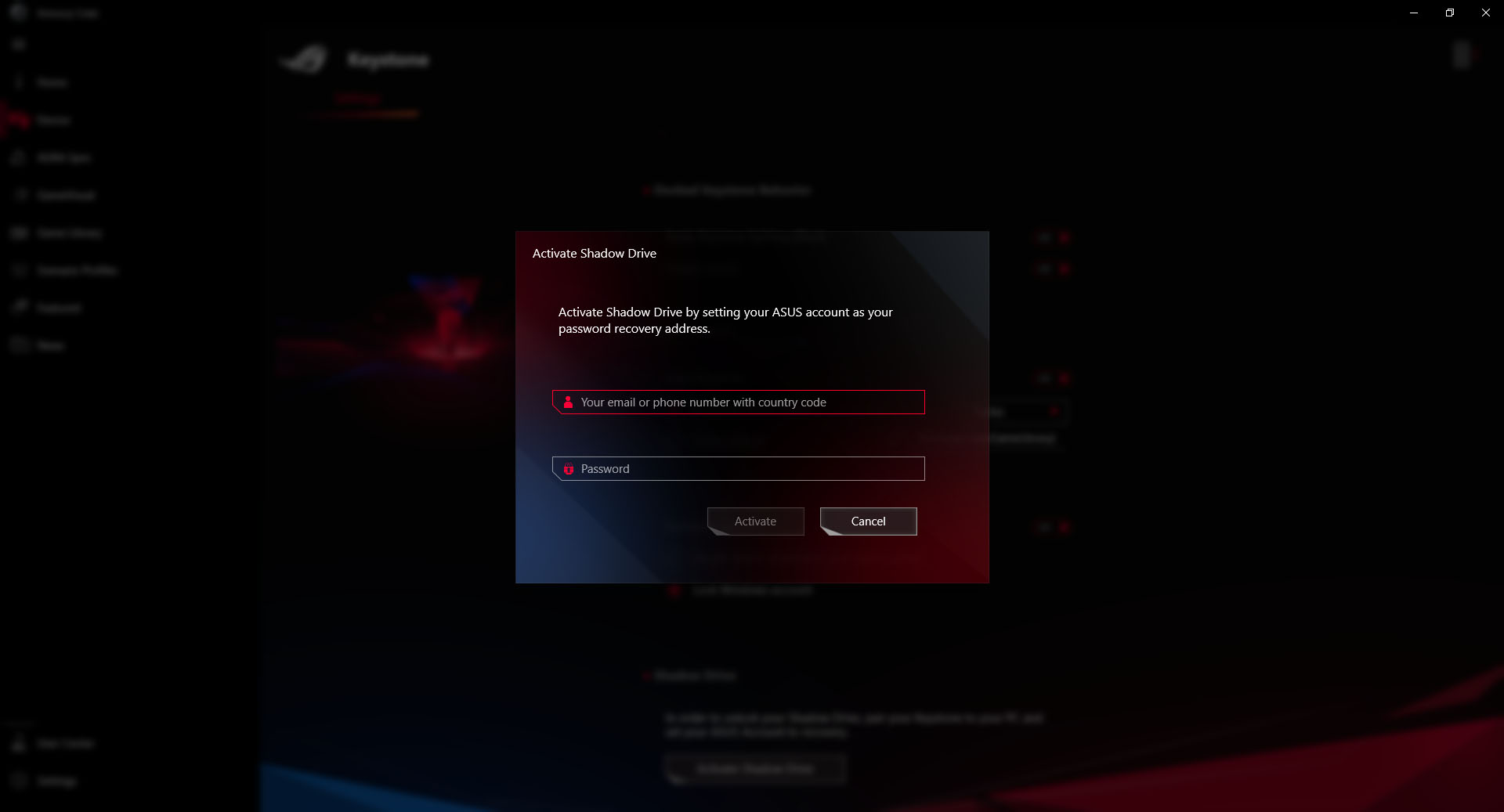
Also, something can happen after disconnecting it, either hiding all the open tabs or locking the Windows account. Last but not least, the key can serve as an encrypted data storage.





