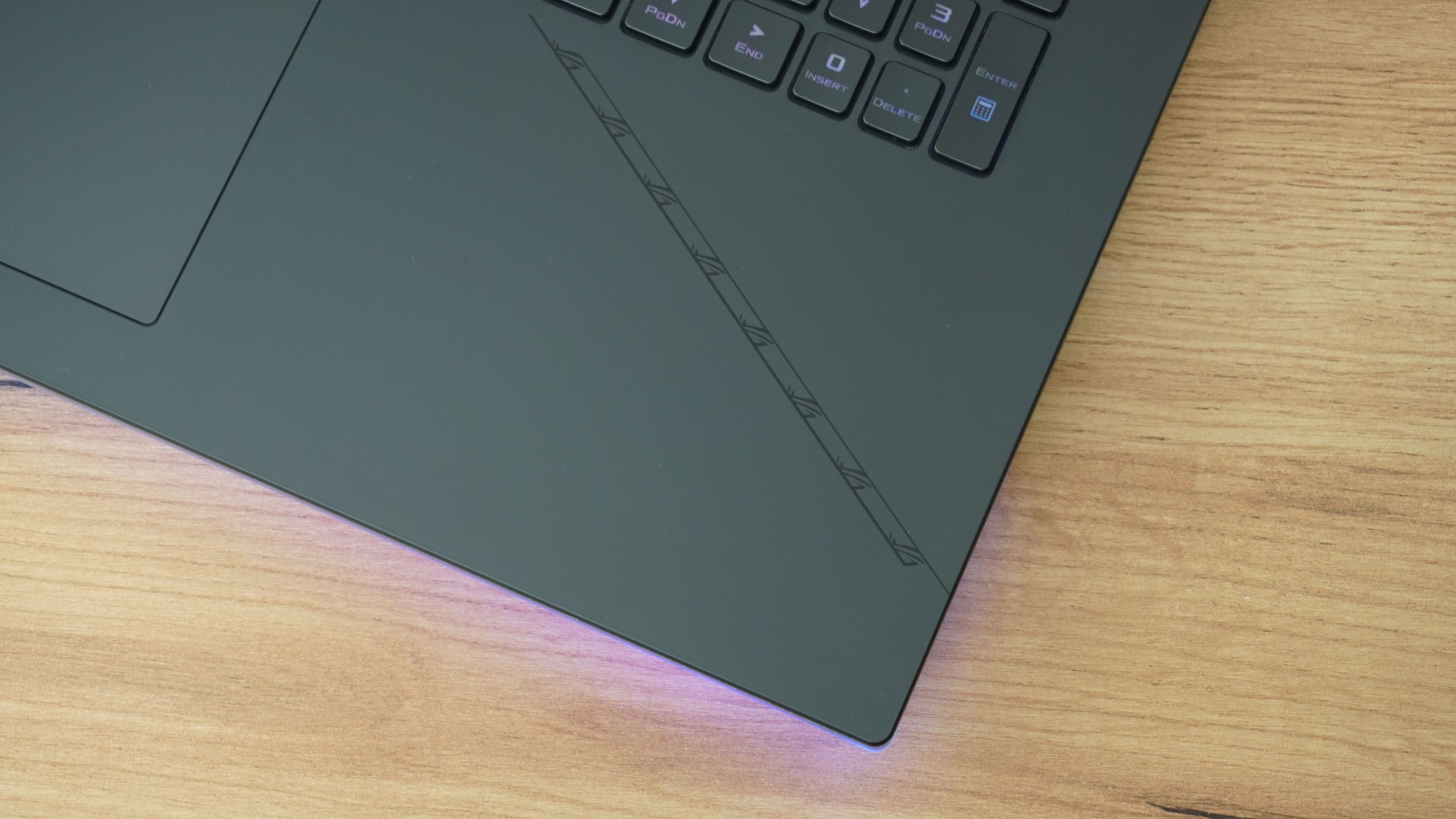
ROG Strix SCAR 18 or a test of RTX 4090/Core i9-13980HX combo

Processors and graphics cards of the latest generations are already available in laptops nicely together, side by side, which also applies to the Asus model series – SCAR 18. We are talking about powerful hardware, or the most powerful, as far as the configuration we tested is concerned. This one features both a top-notch CPU and GPU . Meanwhile, the Scar 18 is a relatively compact laptop considering its high performance.

Armoury Crate

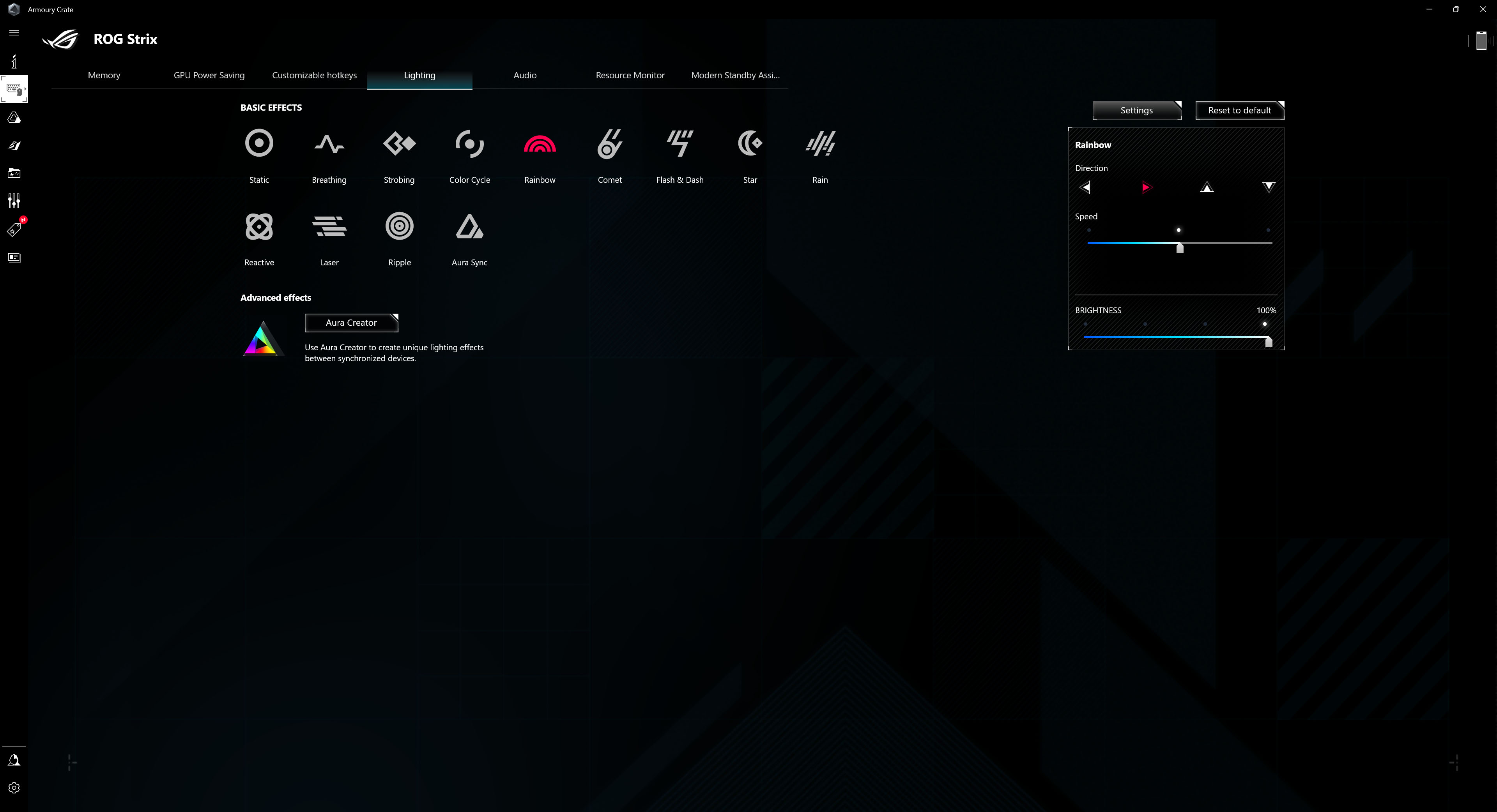
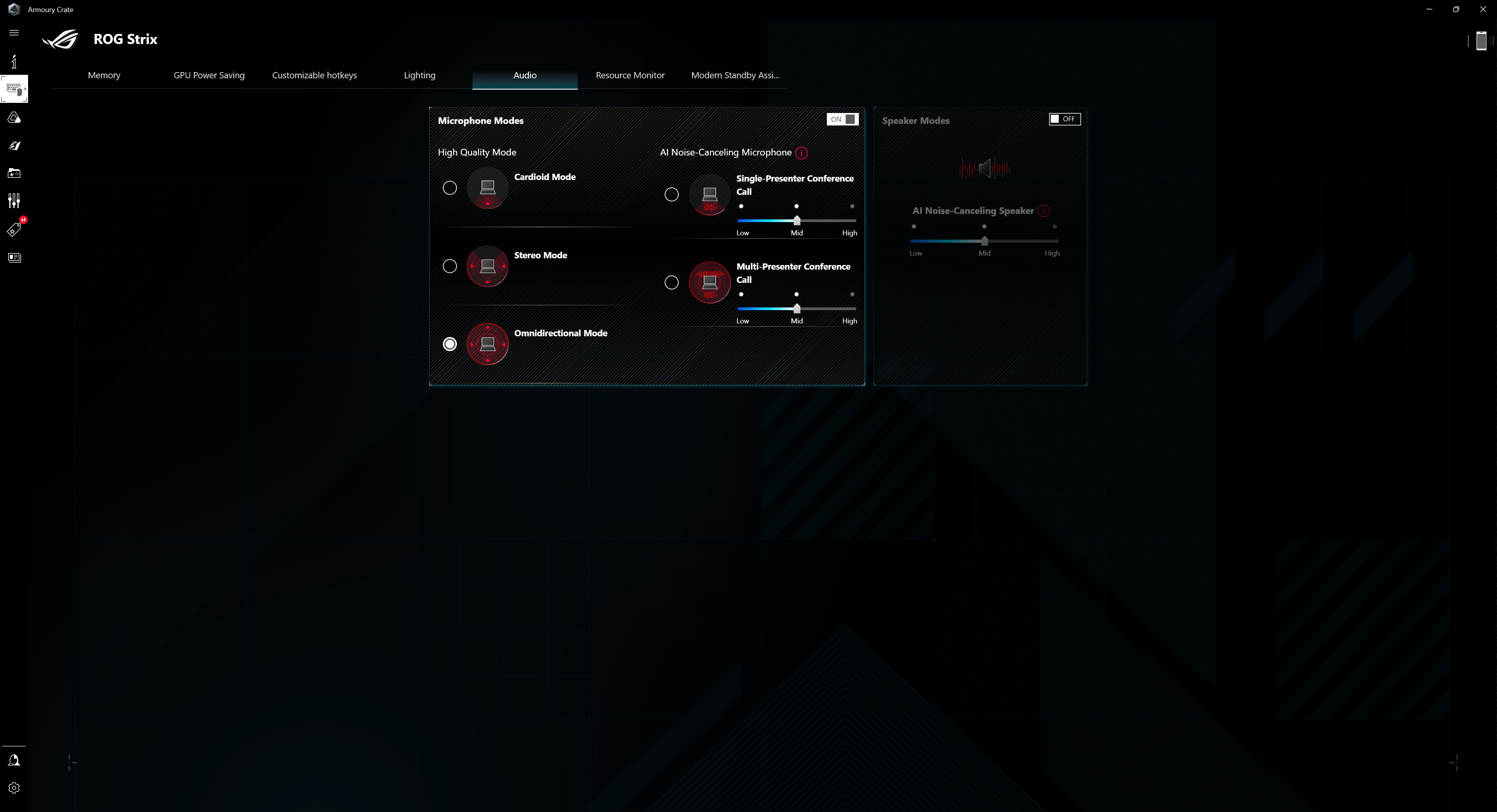
Traditionally, we can manage ROG products using the Armoury Crate app.
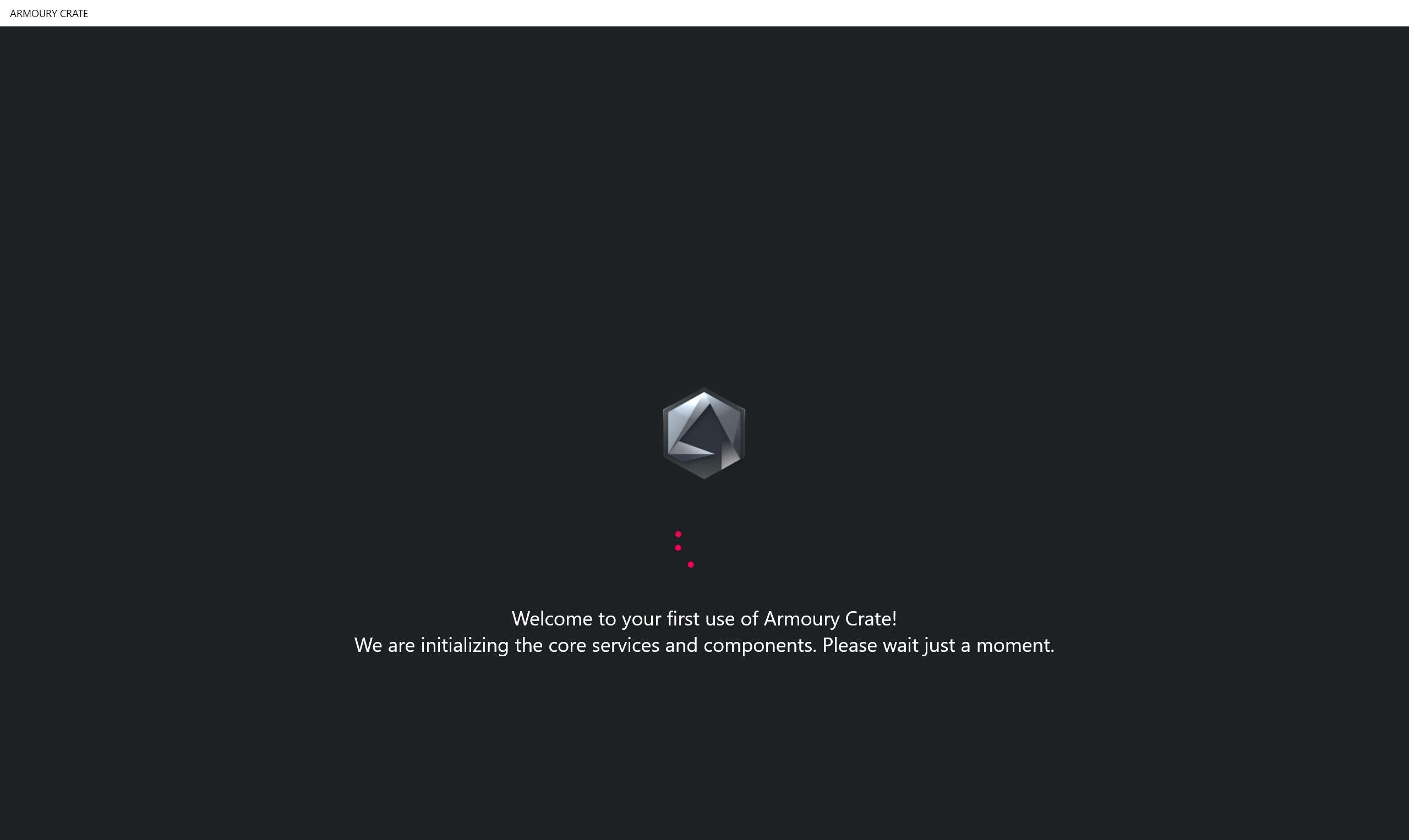
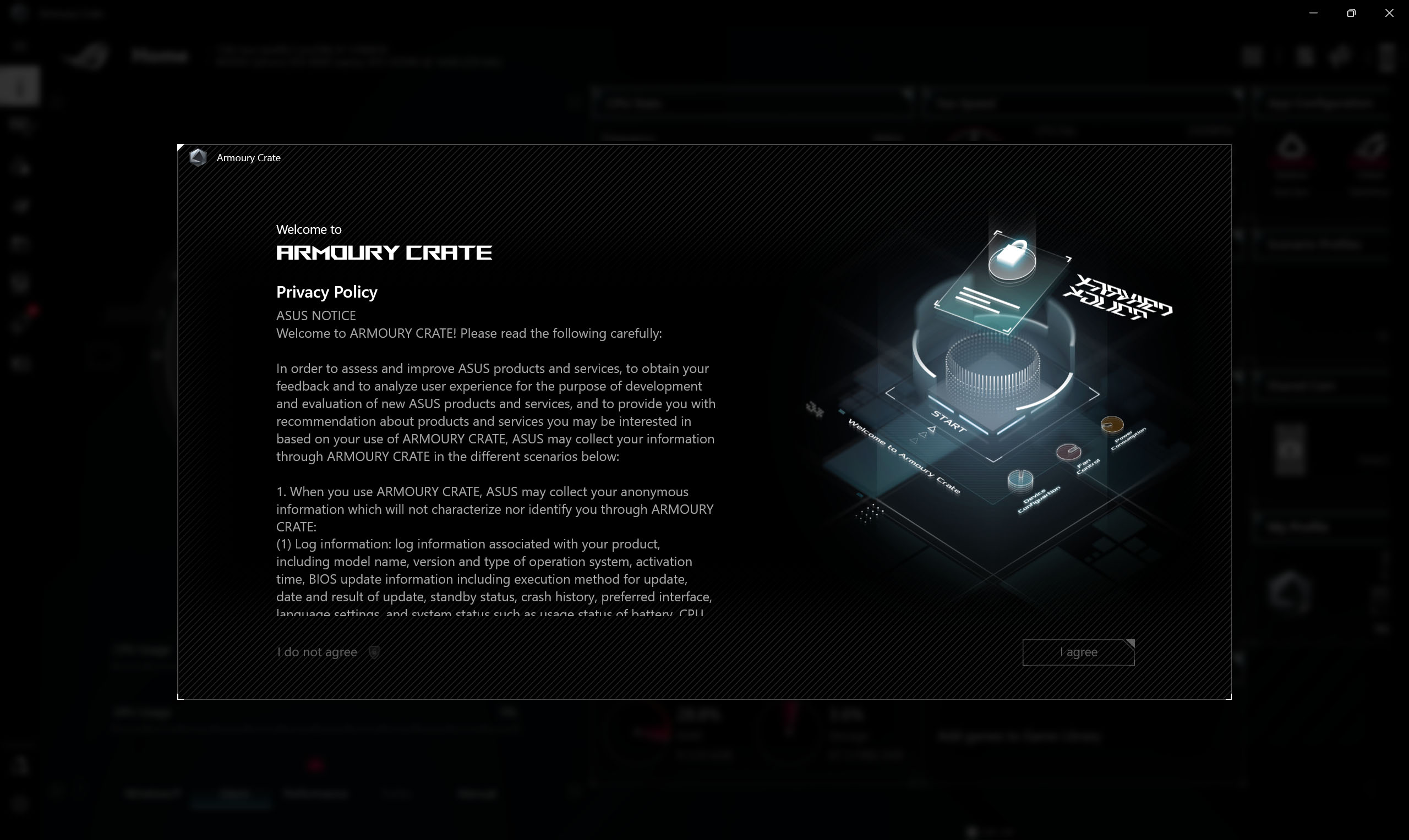
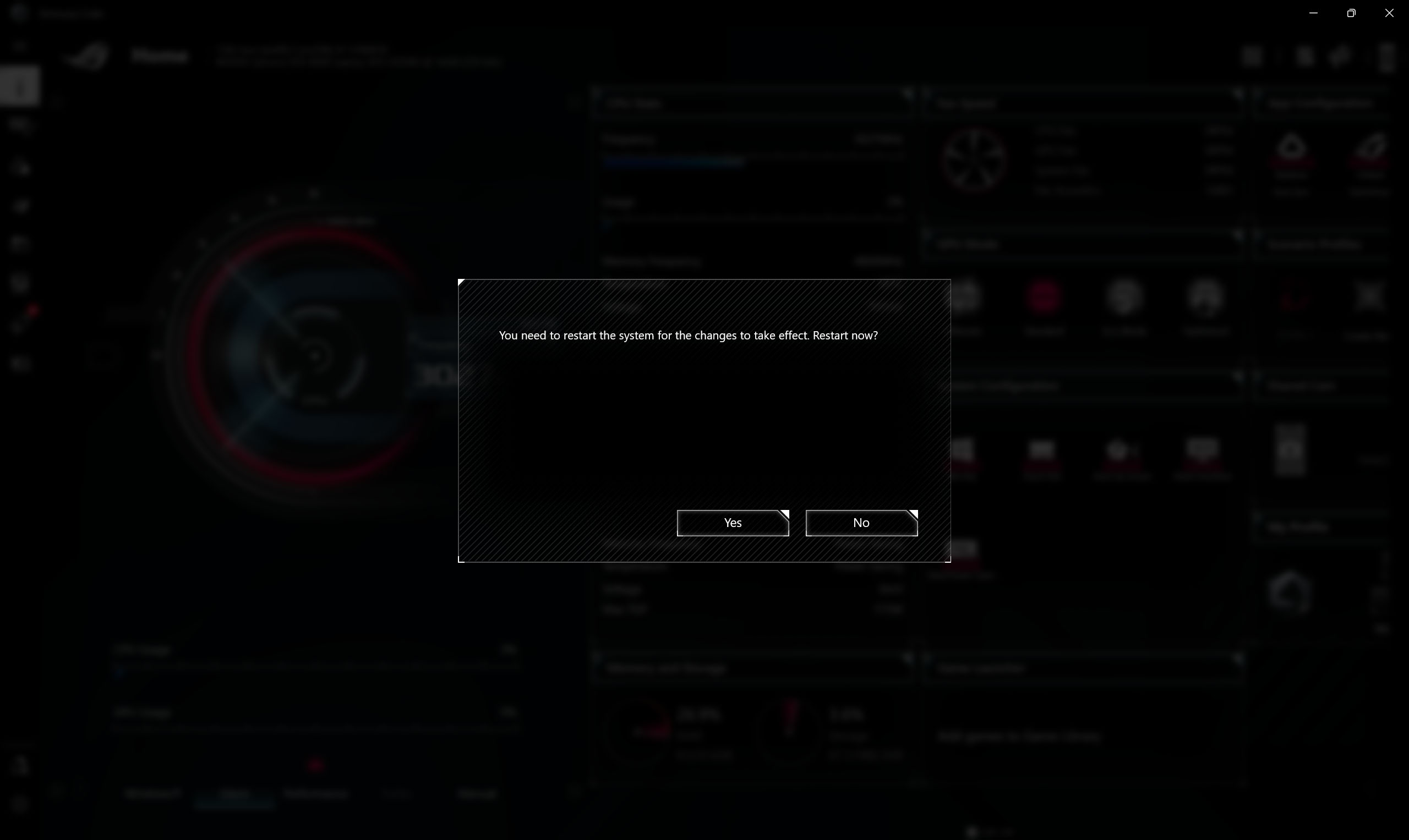
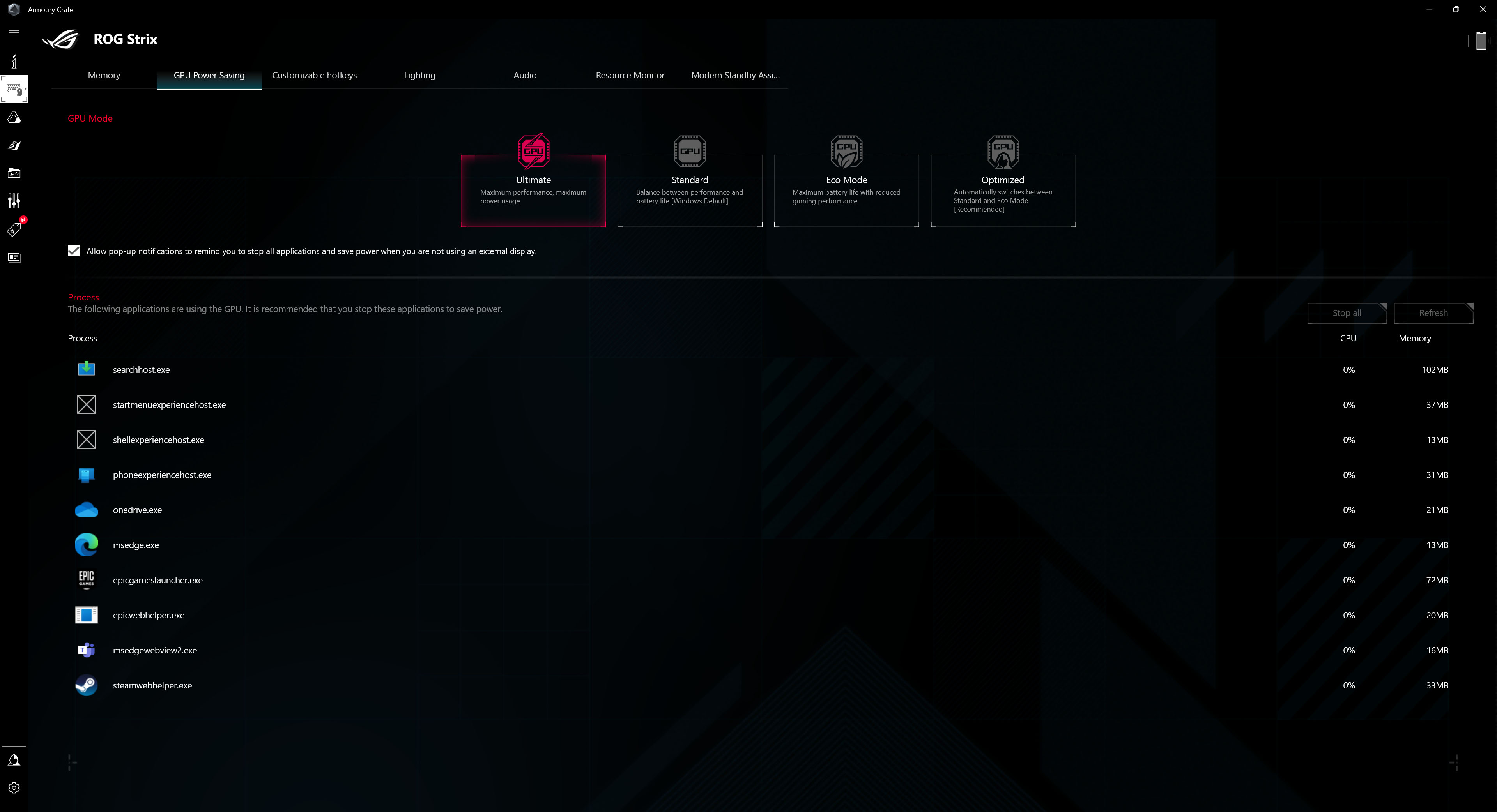
After an initial introduction to the features, you’ll be taken to the main page with a choice of modes and quick settings. A restart is required to change the GPU mode.
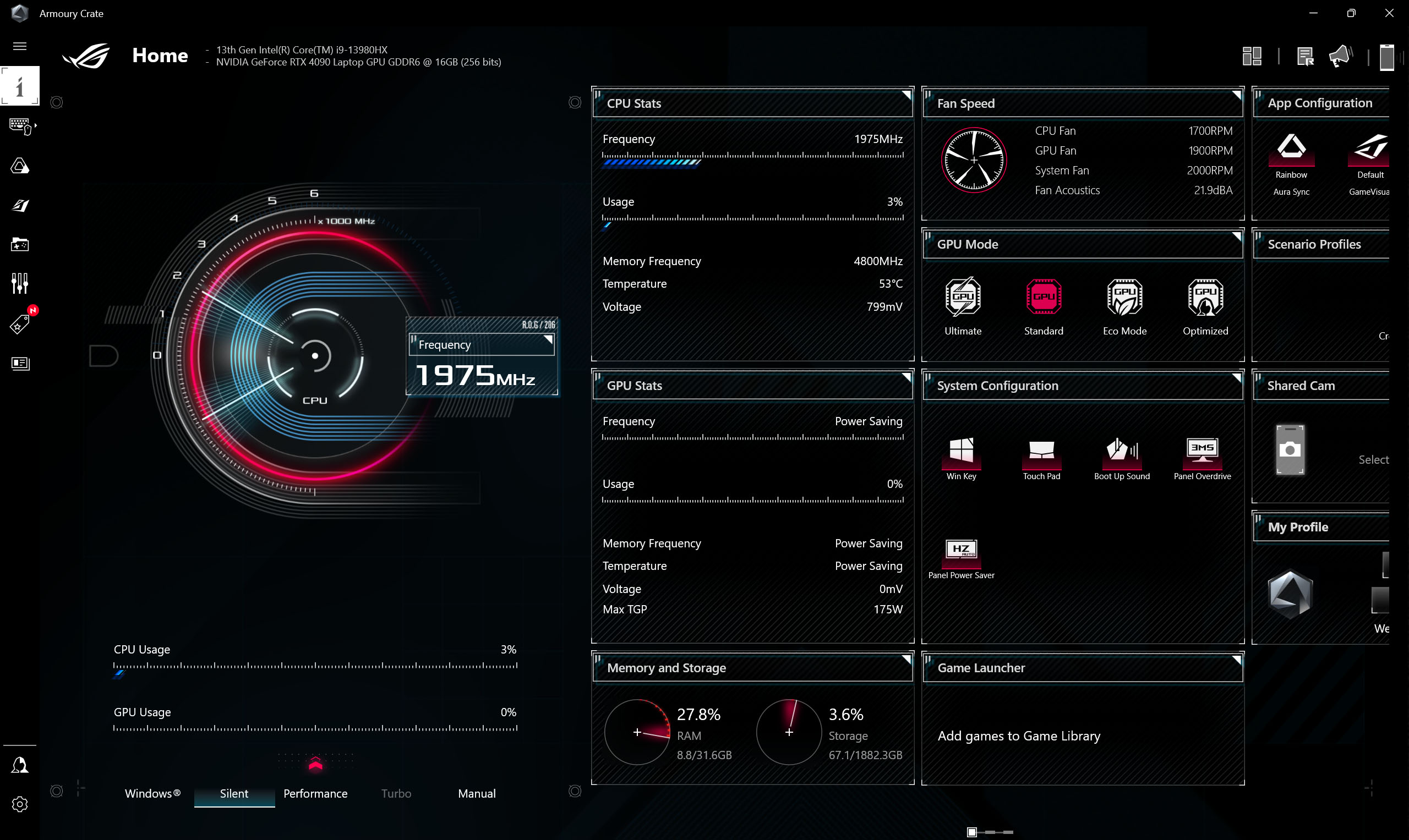
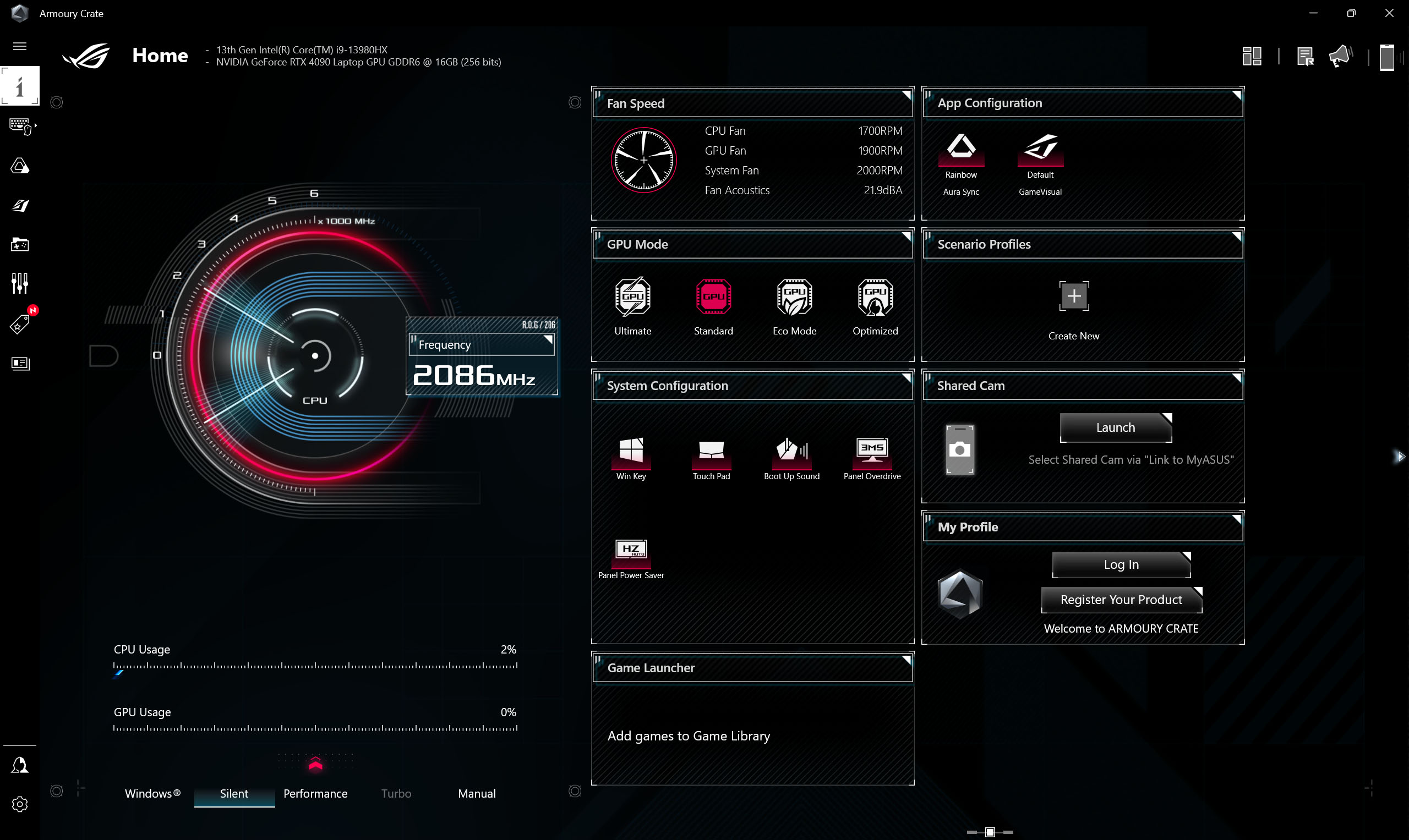
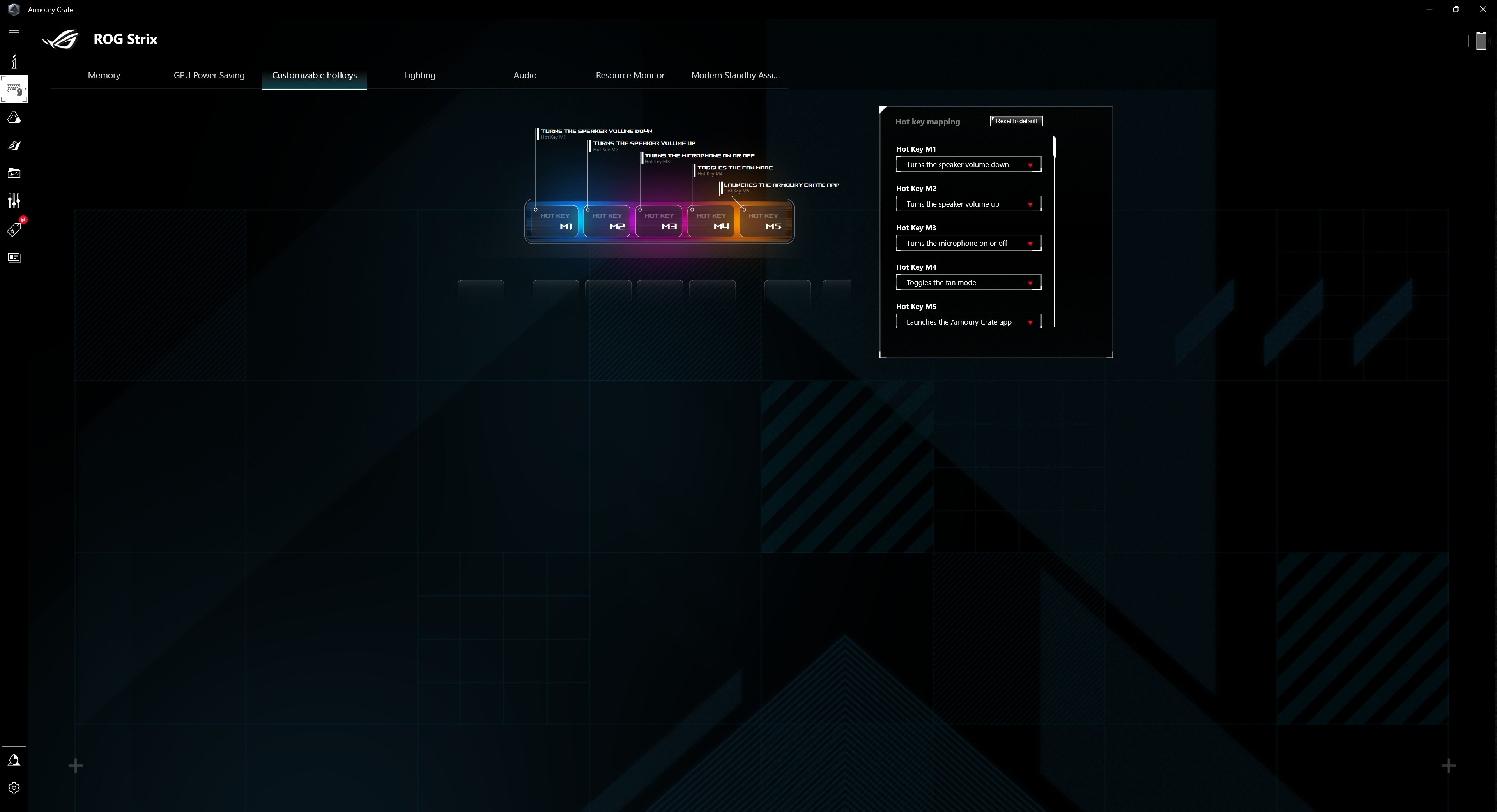
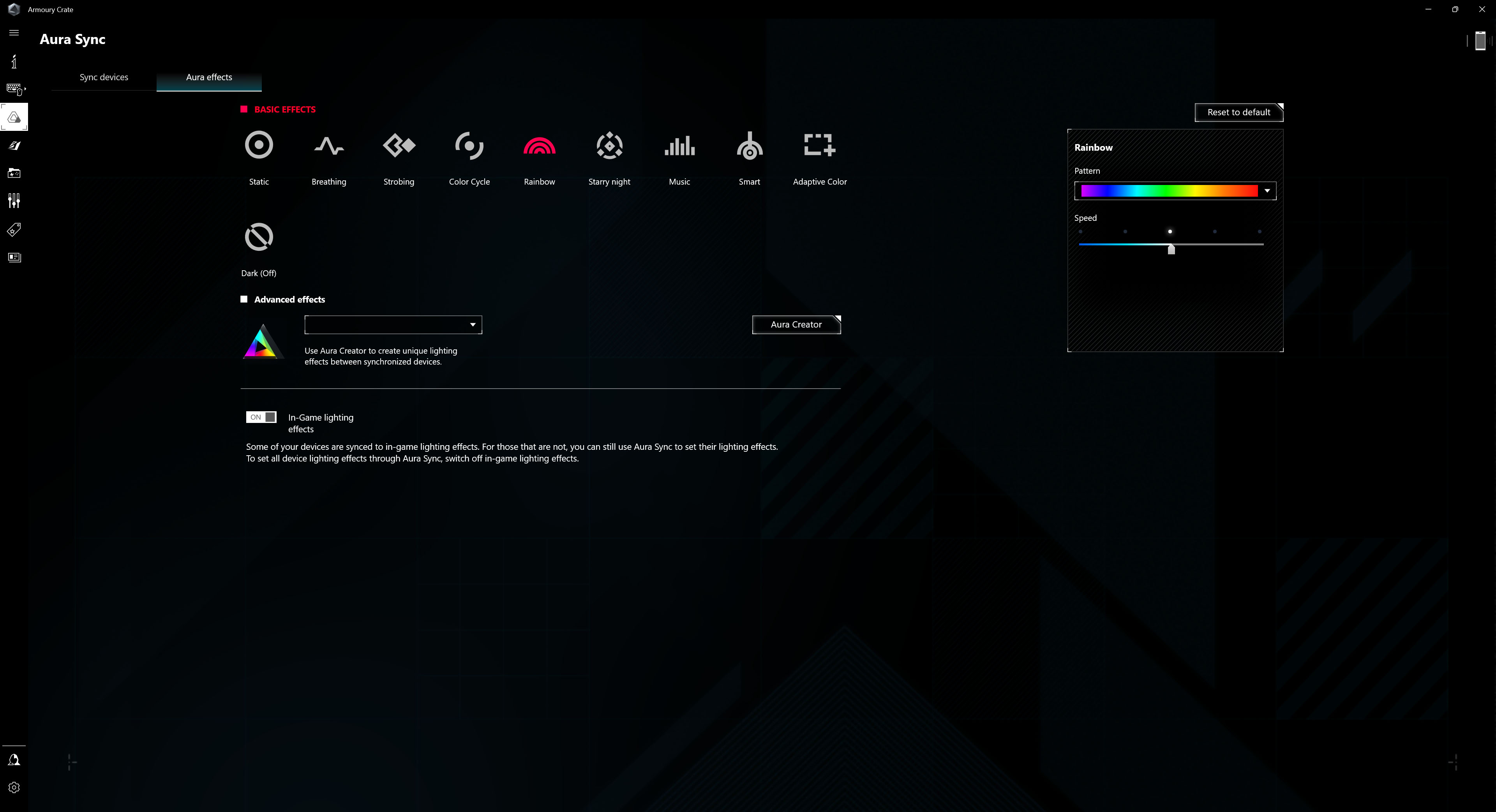
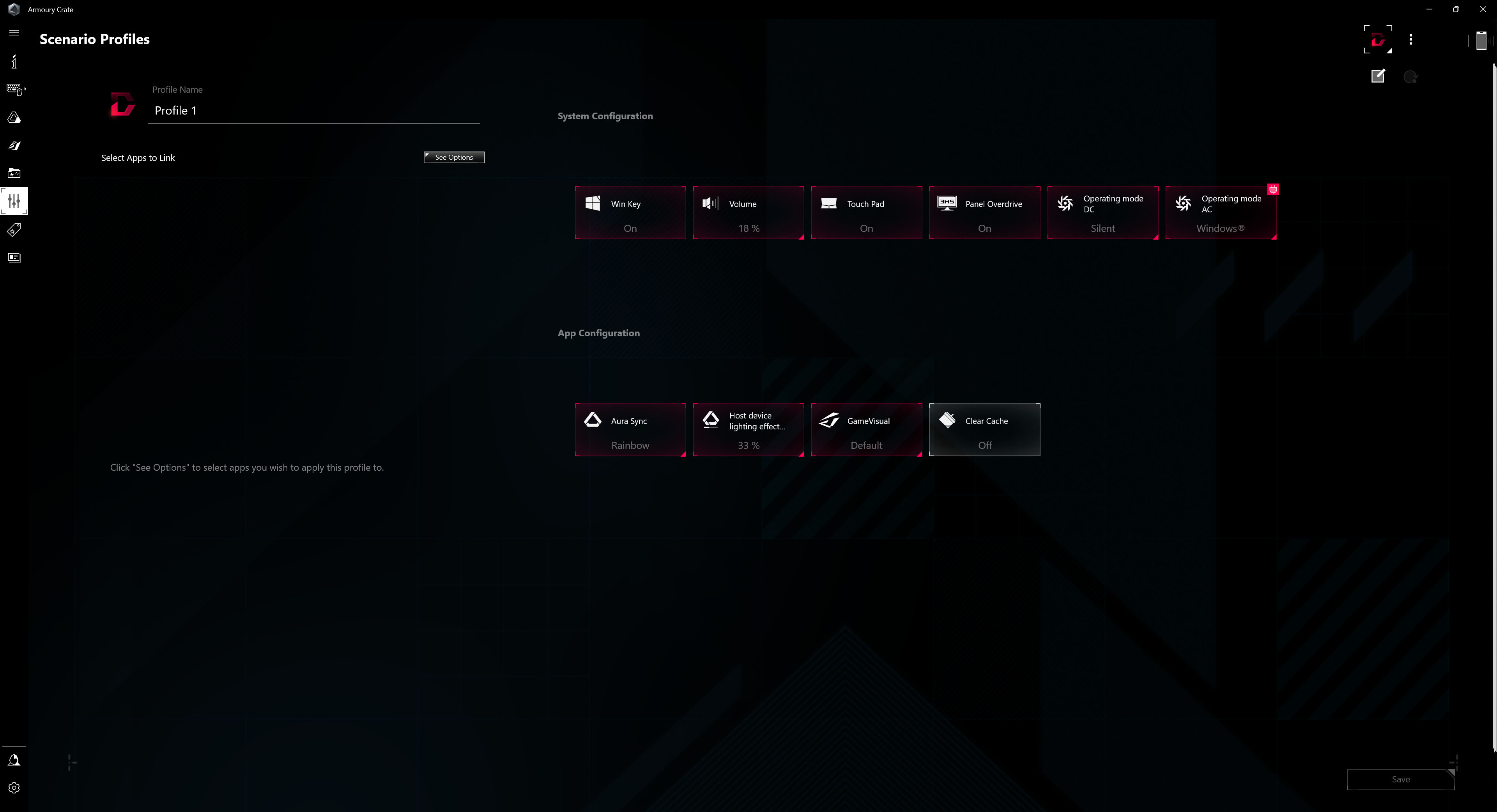
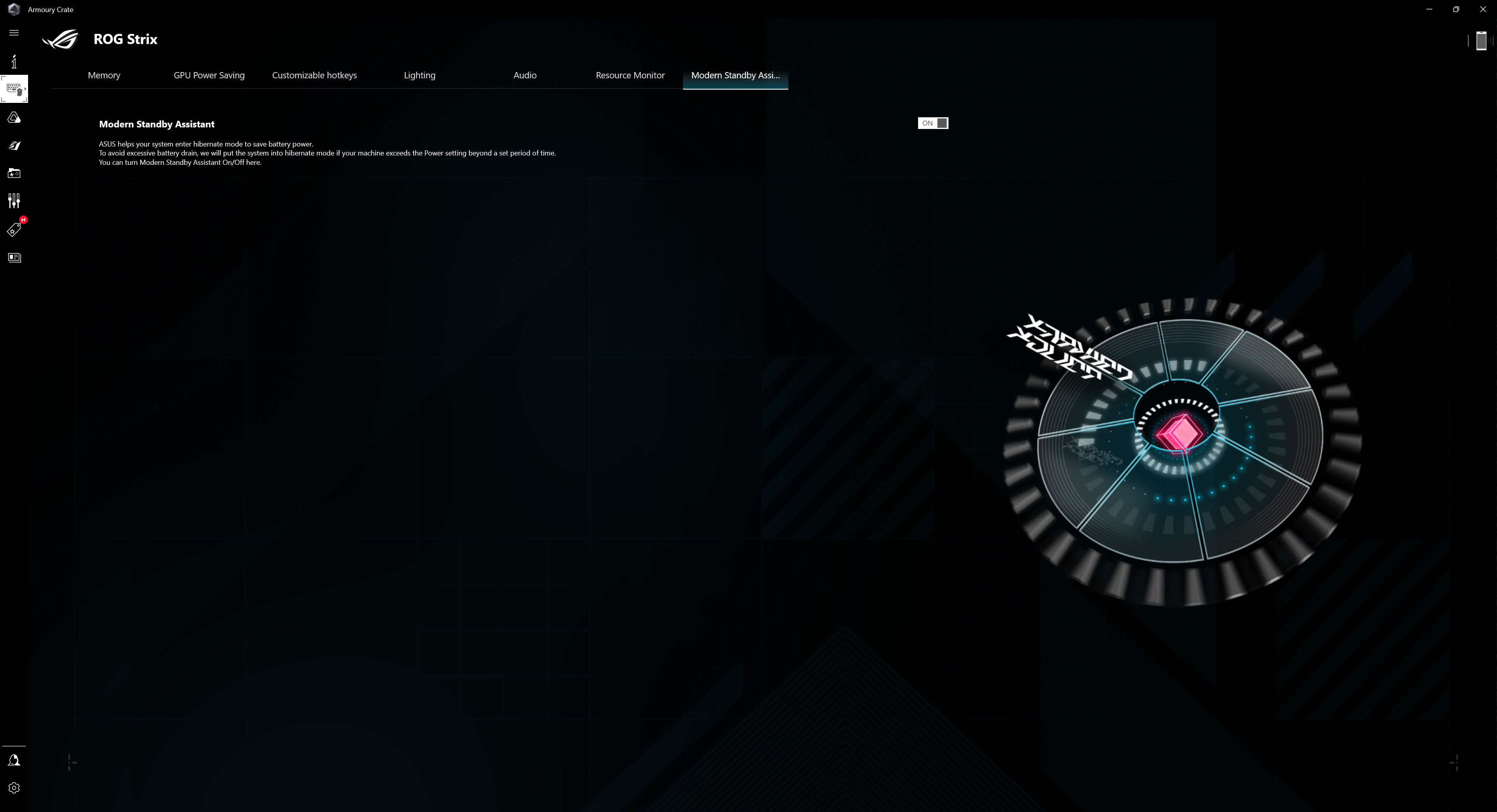
There are options for adjusting quick buttons, lighting, sound, resource monitoring or changing the GPU mode, and a sleep assistant.

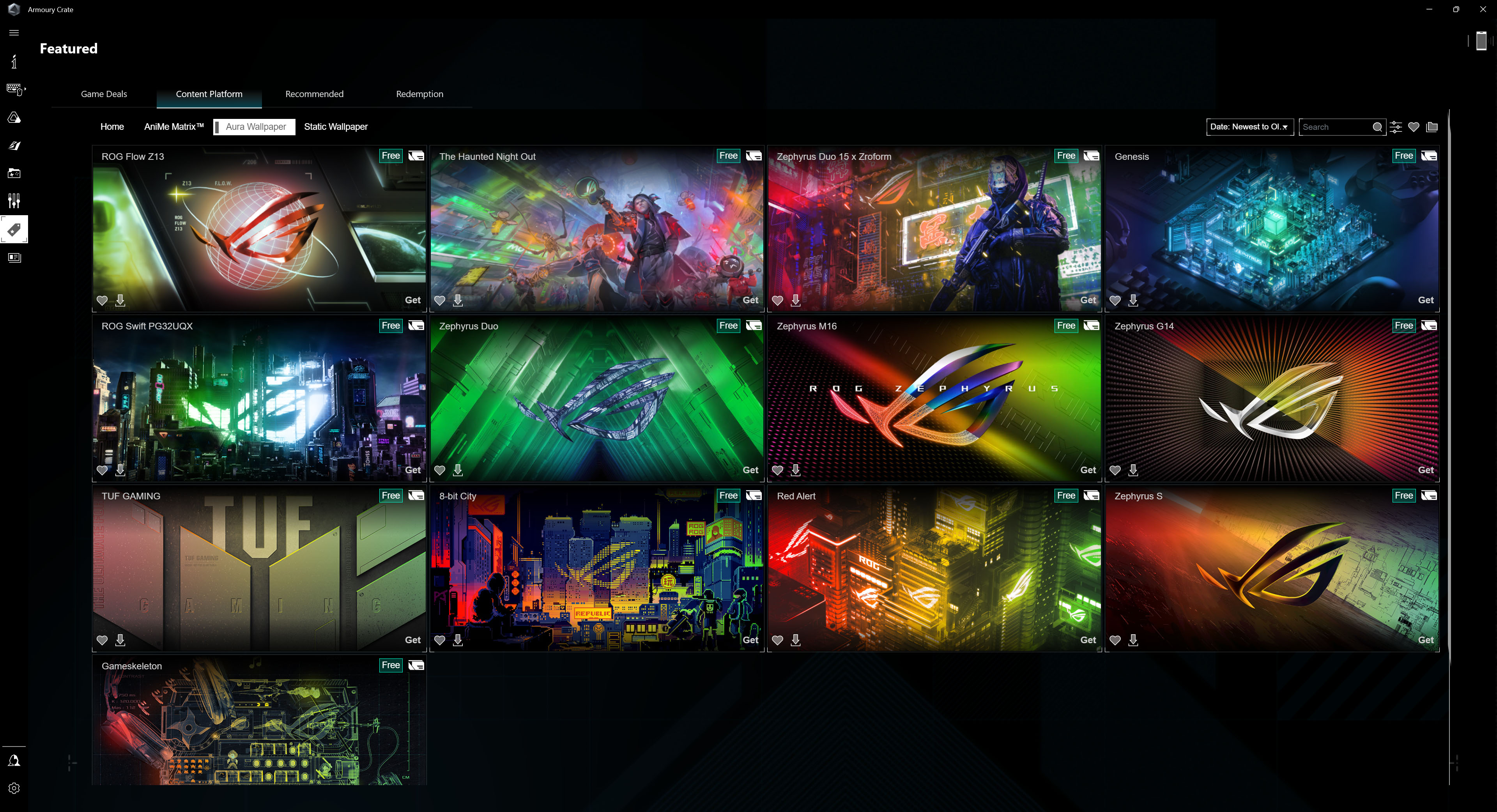
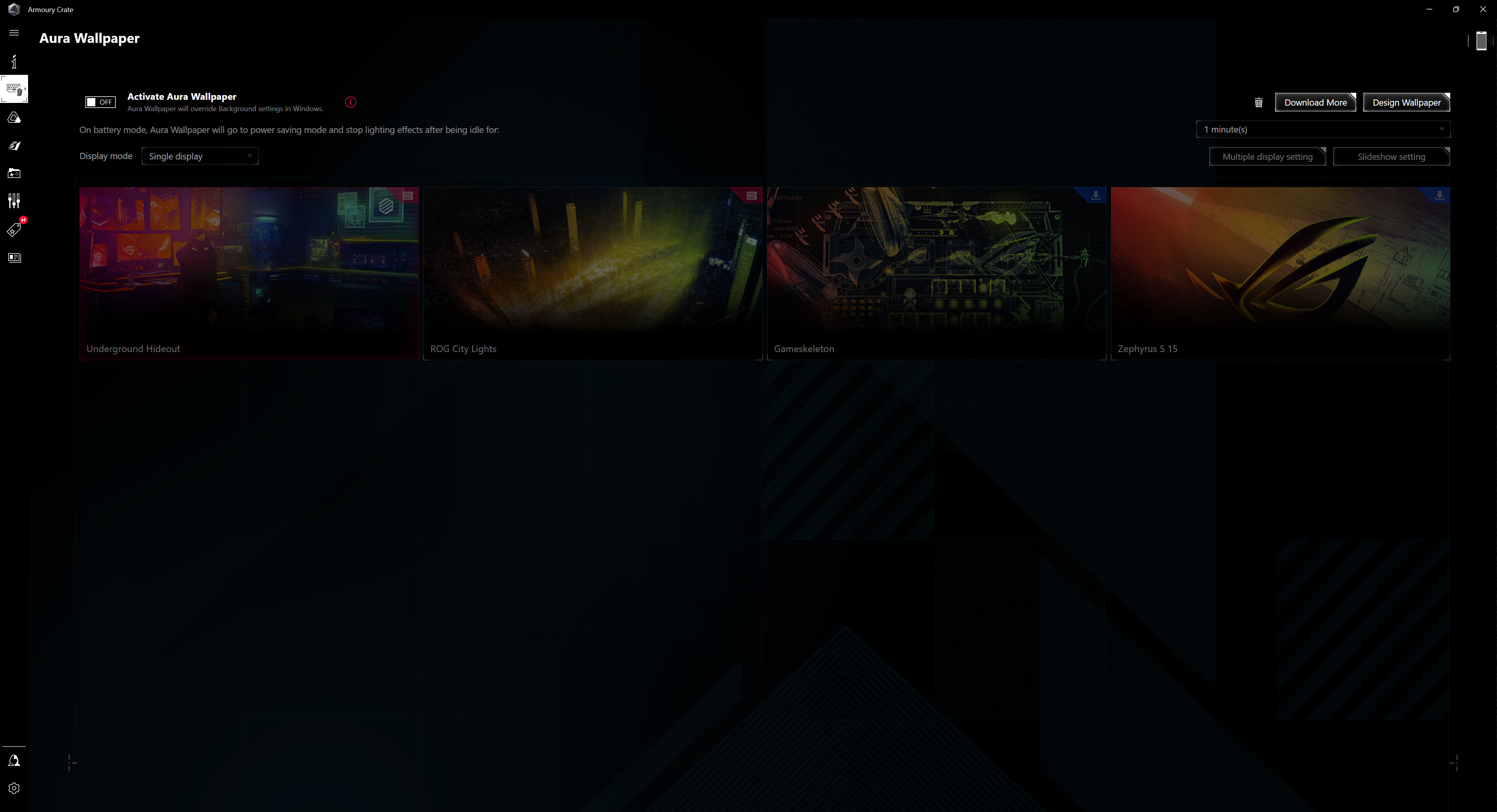
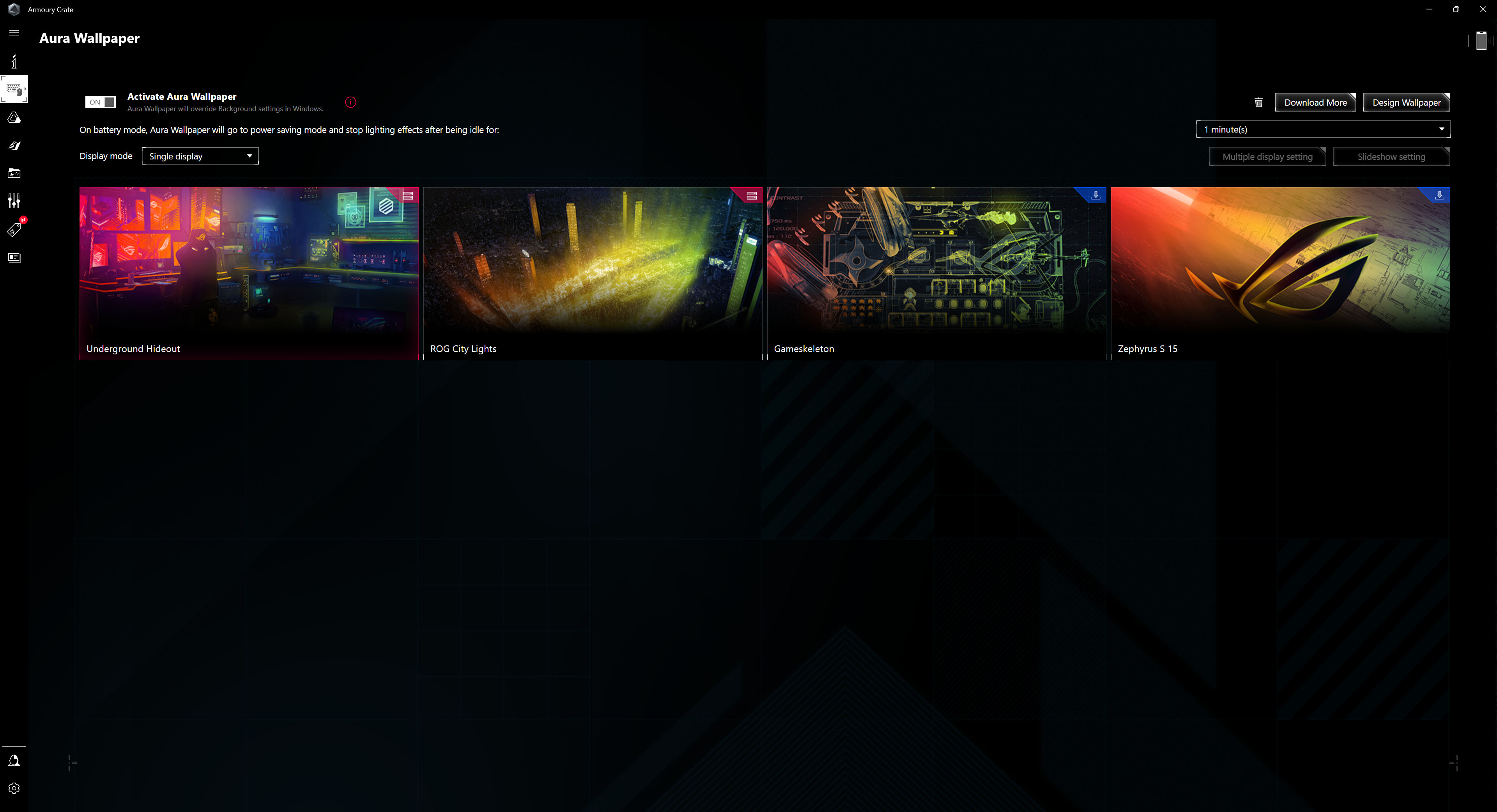
One of the interesting things is definitely the Aura live wallpapers that you can download. They look really fancy, but they will use more power.
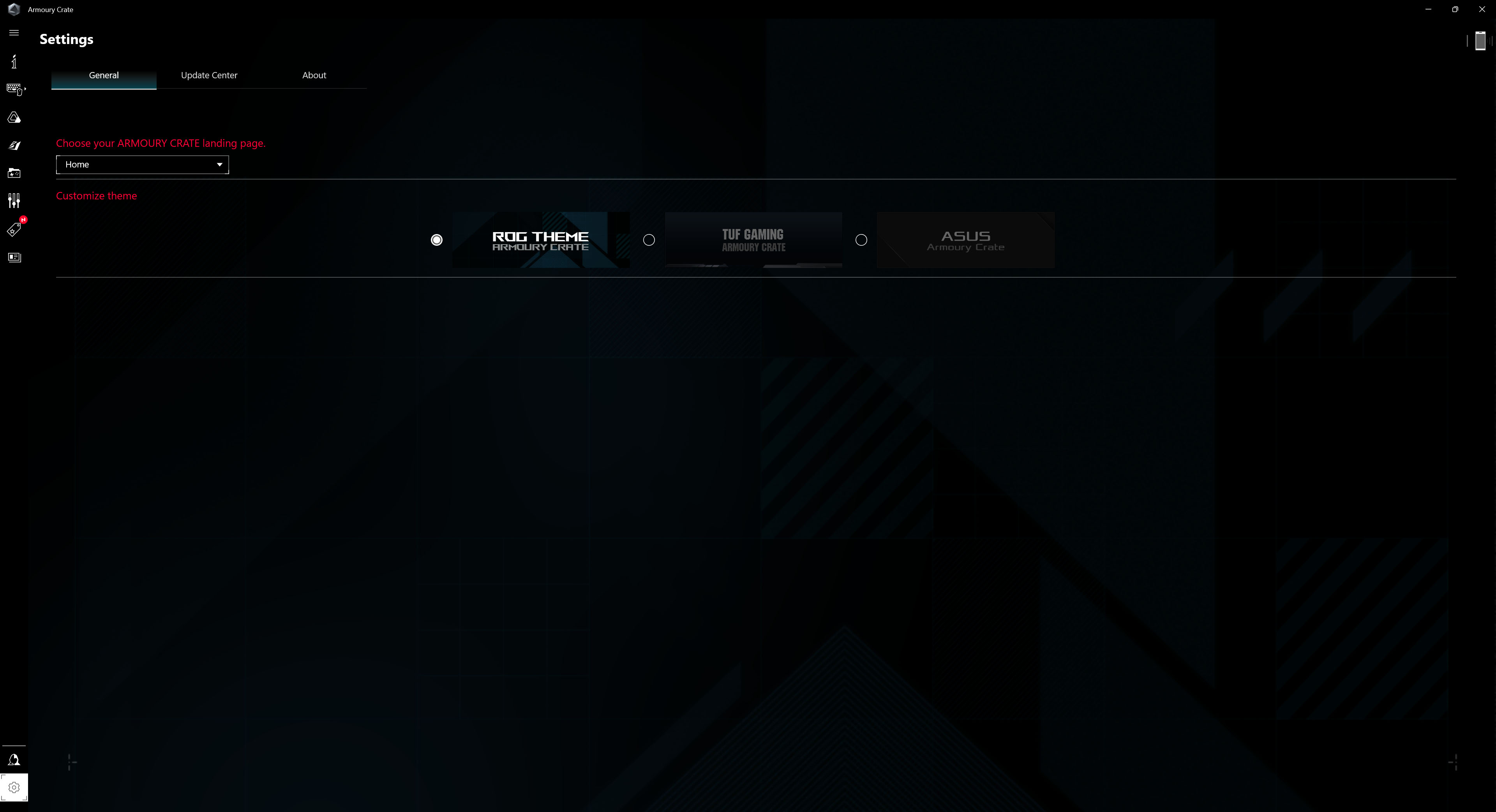
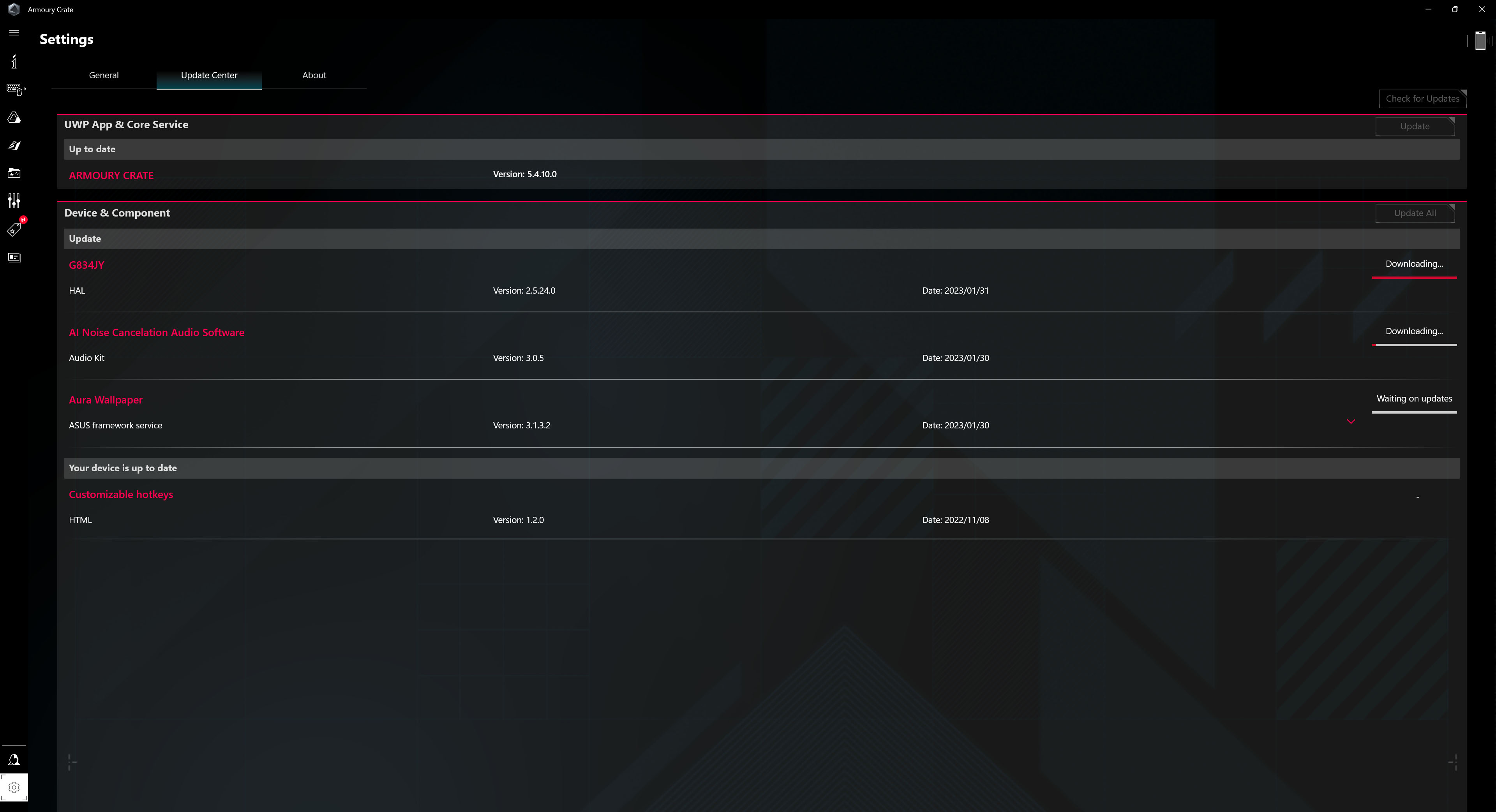
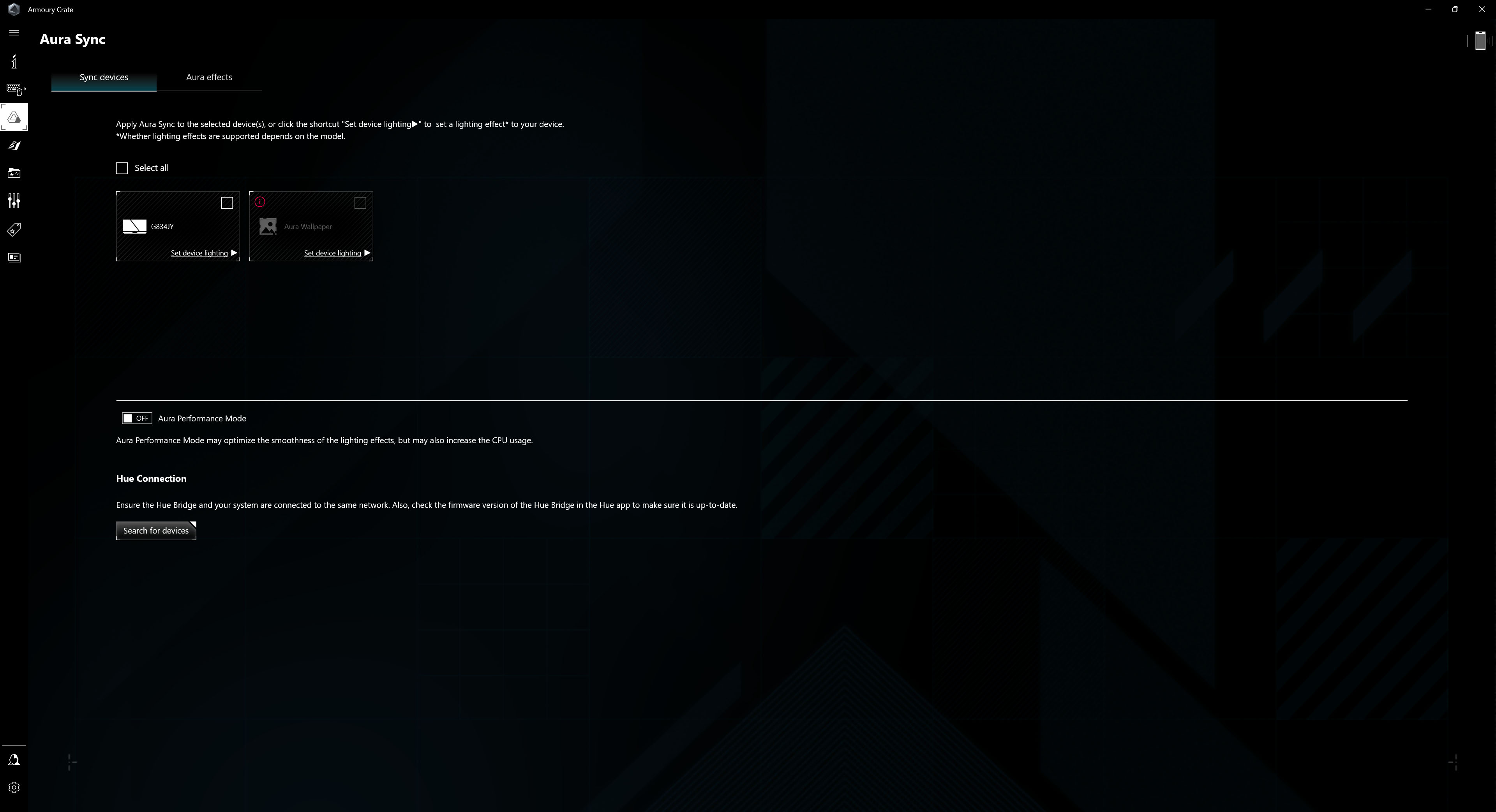
There’s also syncing with other devices, updating drivers and changing the app’s theme.
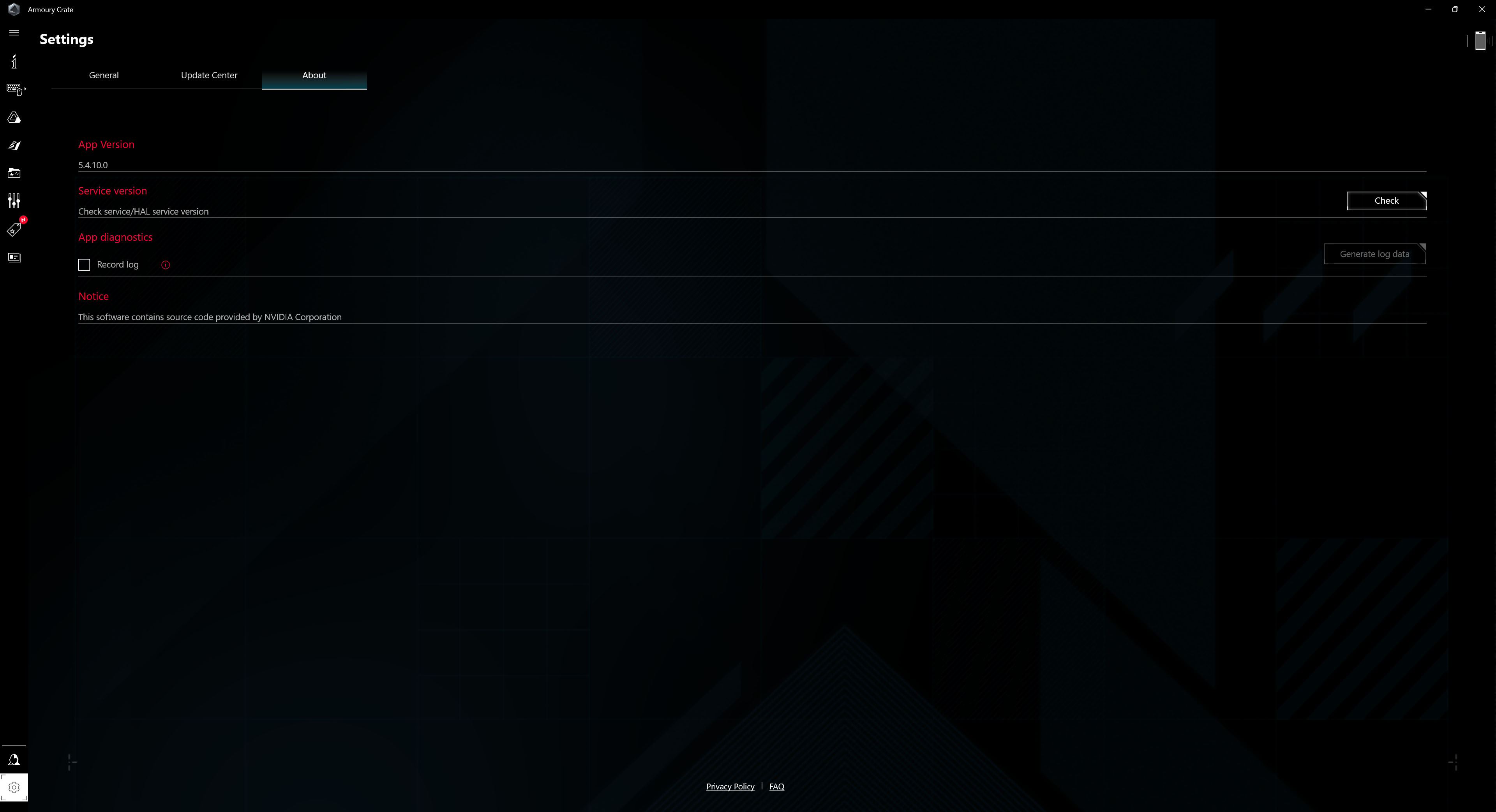
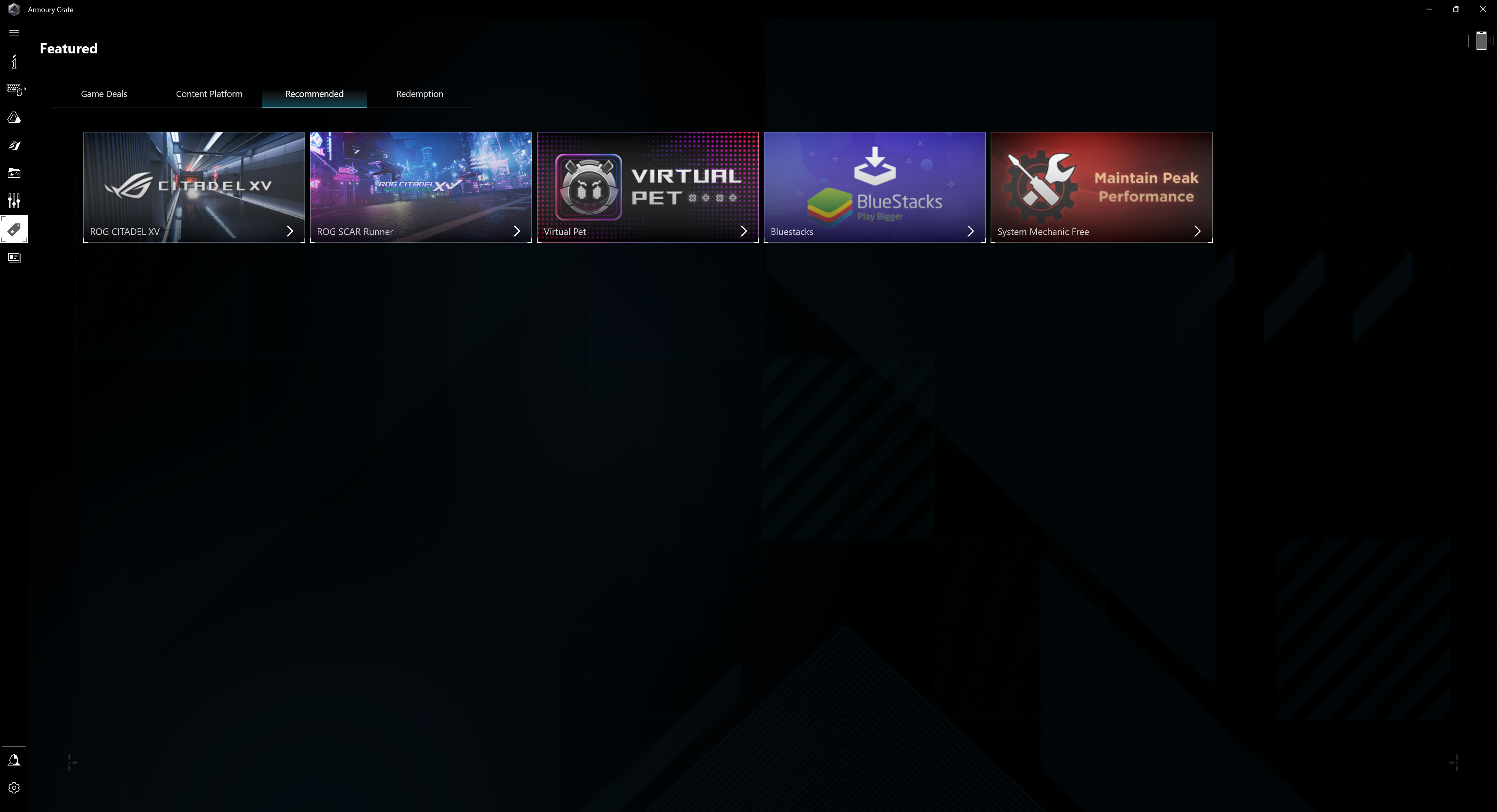
You can also manage your gaming library and set up different modes for specific titles or discover different news and benefits for ROG family members.
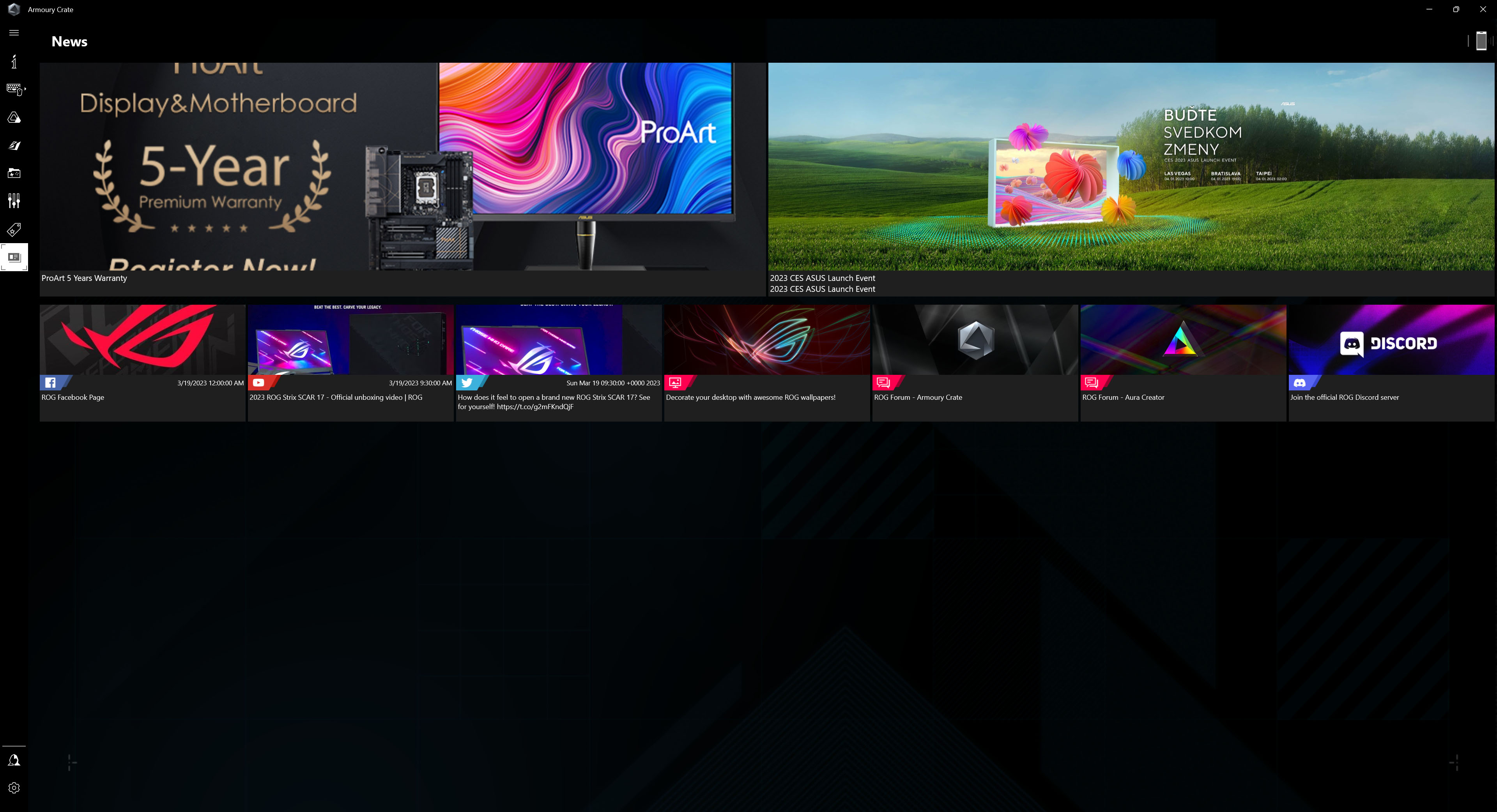

The app offers everything you need to control your laptop and customise it to your needs.

The most interesting (and craziest) Asus hardware at Computex

The Computex tradeshow this year seems to involve various anniversaries for many companies. In the case of Asus, the company is celebrating 20 years of its “premium” gaming brand, ROG. We visited the booth Asus has at the trade show as well and will show you some of the new hardware the company brought to its booth—because of this anniversary, much of it is quite extraordinary and forms a celebratory lineup called ROG Edition 20. Read more “The most interesting (and craziest) Asus hardware at Computex” »

Asus ROG Equalizer: Robust 12+4pin connectors that don’t burn?

Failures of the 12V‑2×6 power cable (formerly 12VHPWR) have become the scourge of recent GPU generations. Especially for Nvidia cards pushing this power standard, but also for a few Radeon models using these connectors. Various attempts to work around or mitigate the risks have popped up; this time, Asus is introducing the Equalizer special‑purpose cable for its power supplies, that aim to prevent connector melting in several ways. Read more “Asus ROG Equalizer: Robust 12+4pin connectors that don’t burn?” »

Asus ProArt PF120: The most efficient fan at low noise level

It wants to go head‑to‑head with the Phanteks T30-120 fan, while also having a slight edge in every respect. That’s Asus’s marketing—and now comes reality in HWCooling’s in‑depth analysis. The ProArt PF120 fans are truly something exceptional and worth paying attention to. High cooling efficiency and elegant daisy‑chaining are just the beginning. The overall design of Asus’s fans is impressive. Read more “Asus ProArt PF120: The most efficient fan at low noise level” »

One comment Add comment

Leave a Reply

Your email address will not be published. Required fields are marked *