


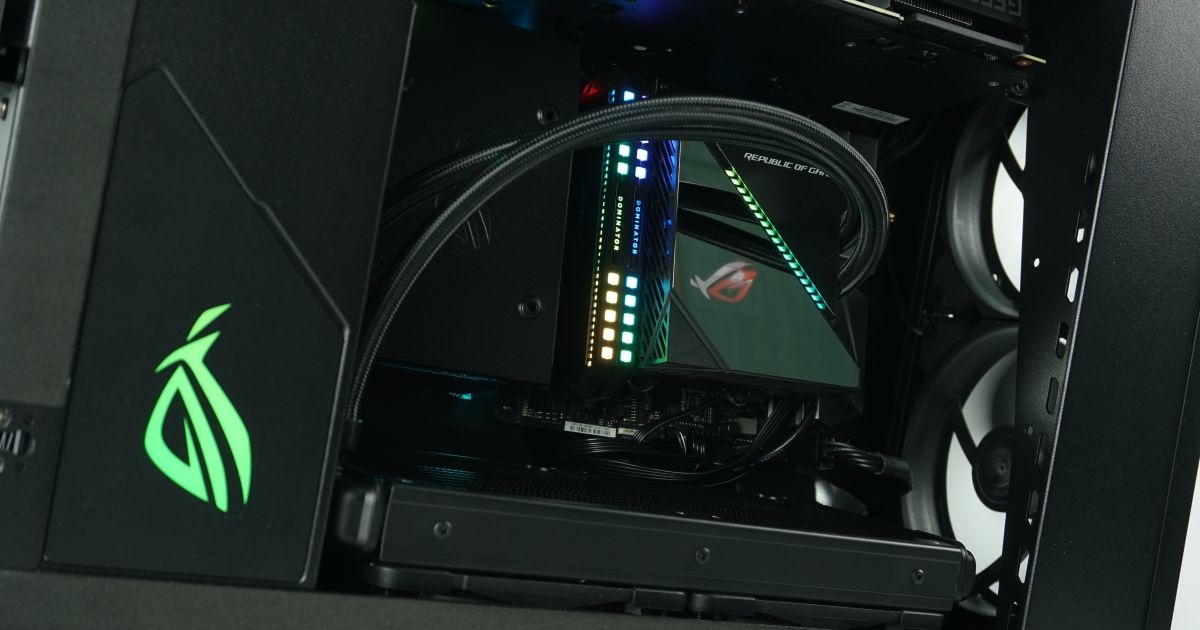
A very untraditional and relatively unique case has come to our editorial office. It is the ROG Z11, which the manufacturer introduced at the beginning of the year at CES 2020. The case hides several specialties, such as the possibility of vertical and horizontal positioning or a slightly curved motherboard tray. To make matters better, we fitted the case more or less exclusively with ROG components, thus creating a kind of full-on Asus build.
Basic specs
| Parameters | Asus ROG |
| Z11 | |
| Parametre | |
| Supported motherboard formats | Mini-ITX, Mini-DTX |
| Supported PSU format | ATX, up to 160 mm |
| CPU cooler | up to 130 mm |
| Graphics cards | up to 320 mm |
| Fan | 5× 120 mm, 3× 140 mm |
| Supported liquid radiators | 2× 120 mm, 1× up to 240mm |
| 2,5" positions | 4 |
| 3,5" positions | 1 |
| 5,25" positions | none |
| Dimensions [H/D/W] (and volume) | 531 × 386 × 196 mm (40 l) |
| Weight | 8.7 kg |
| Materials | steel + aluminium + tempered glass + plastics |
| Connectivity | 2× USB 3.1 gen 1 5 Gb typ A + 2× USB 3.1 gen 2 10 Gb typ C + 2× USB 2.0 typ A |
| Approximate price (czc.cz) | 6499 Kč/249 € |
Details
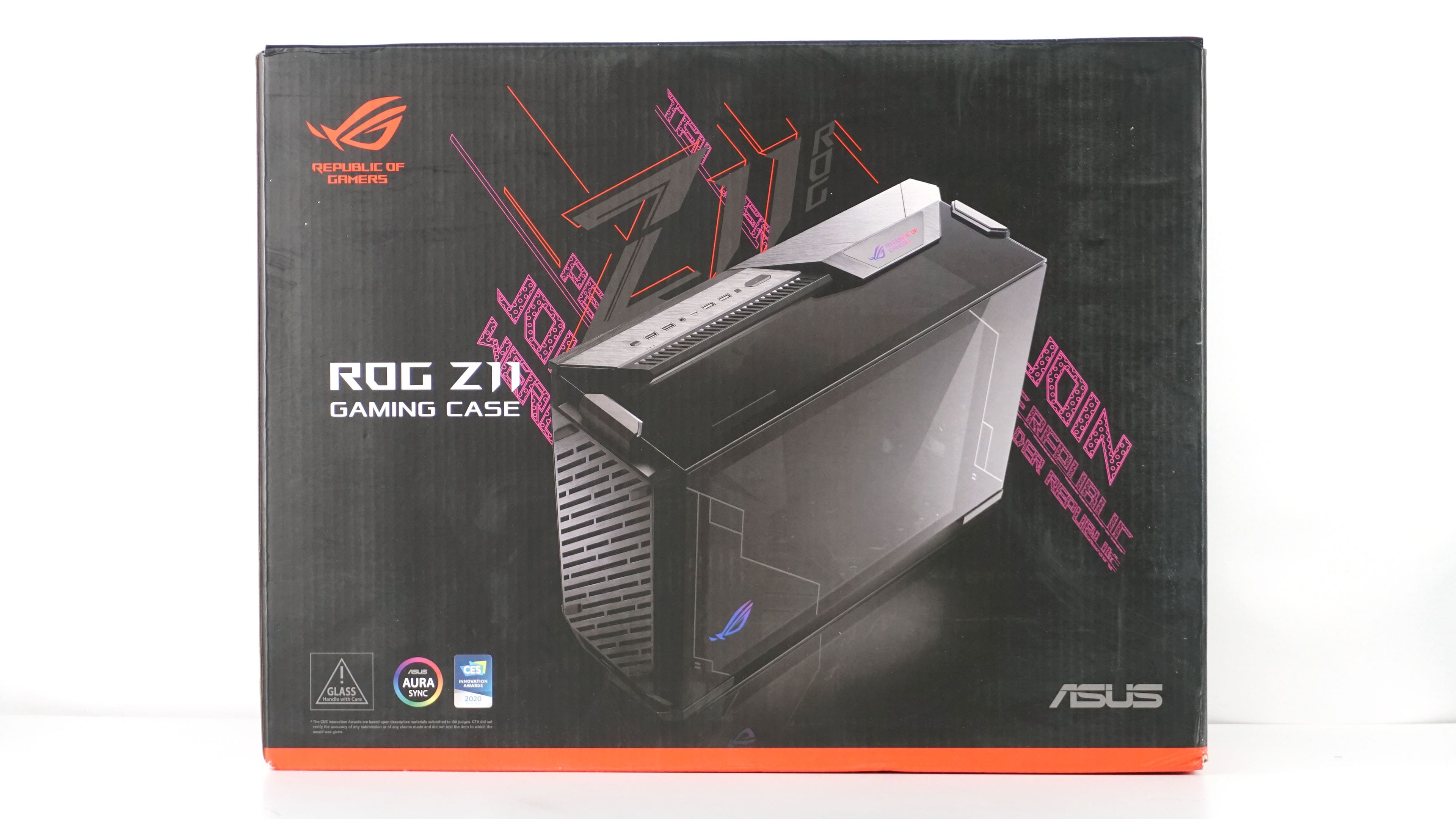
As is usual with Asus products, the box has sophisticated visual and displays the case in both vertical and horizontal positions.


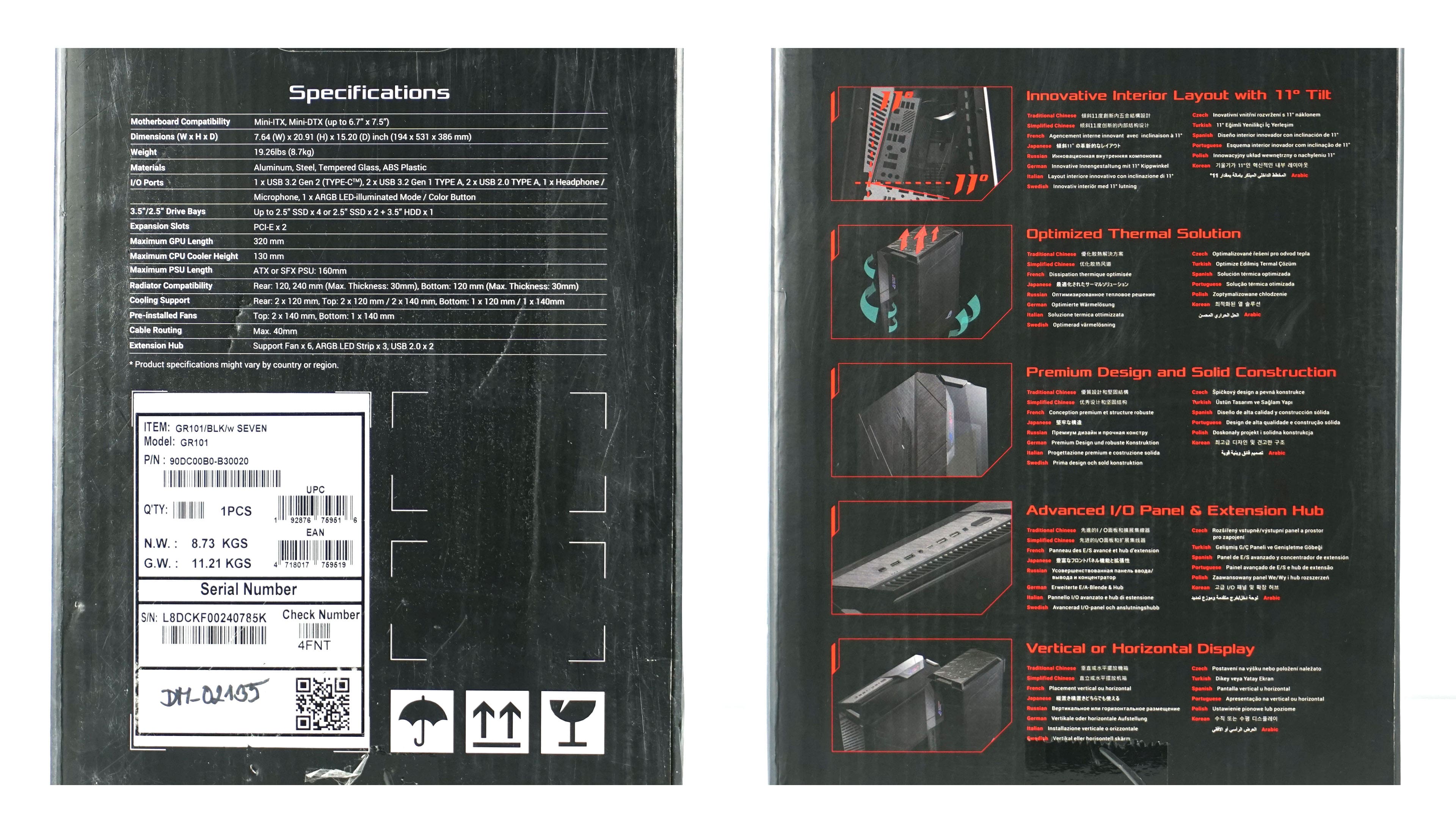
On the sides of the box, the specifications as well as the basic functions and gimmicks are displayed.
The packaging is also redesigned inside, where you will find a smaller box with accessories.
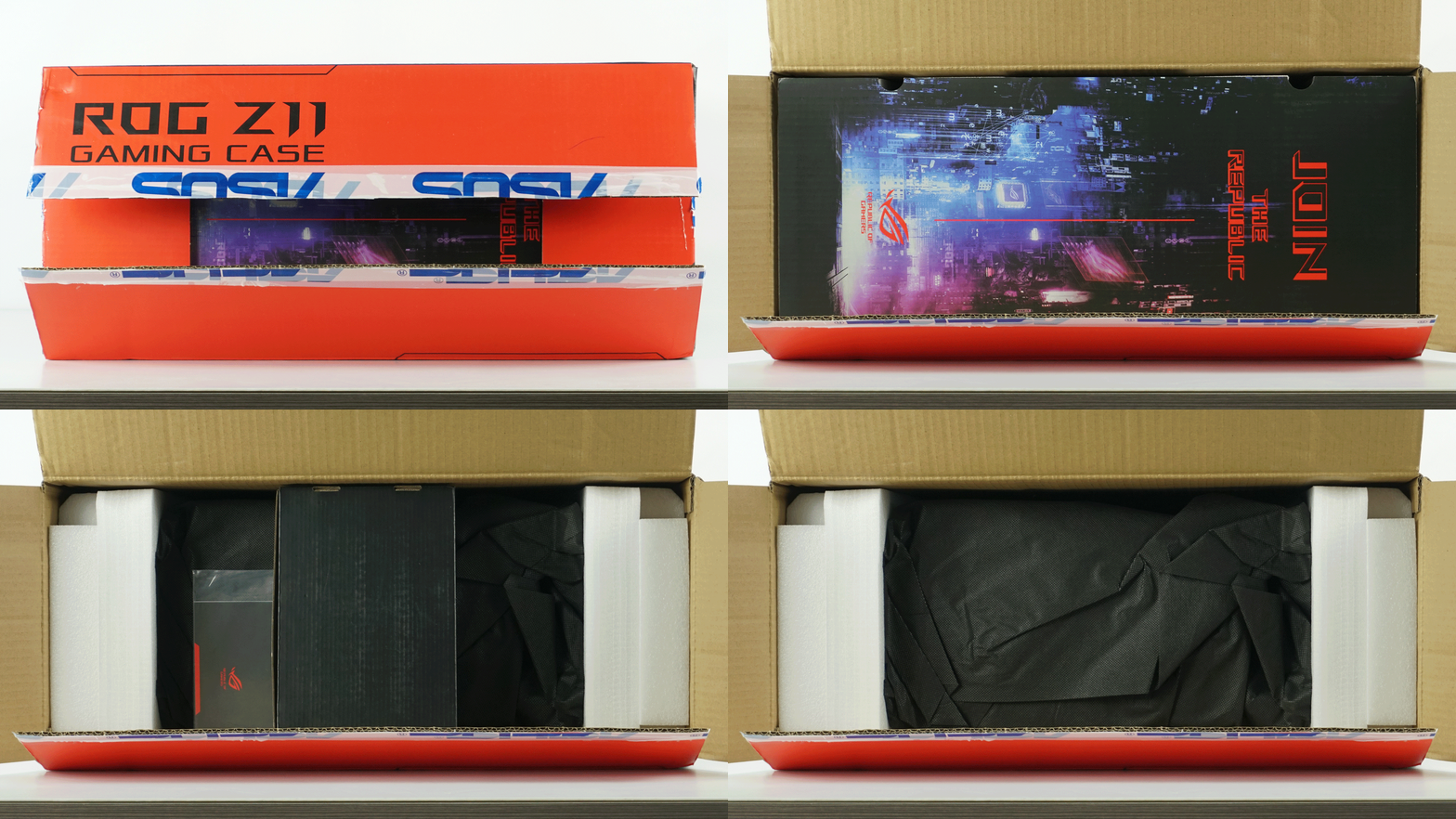
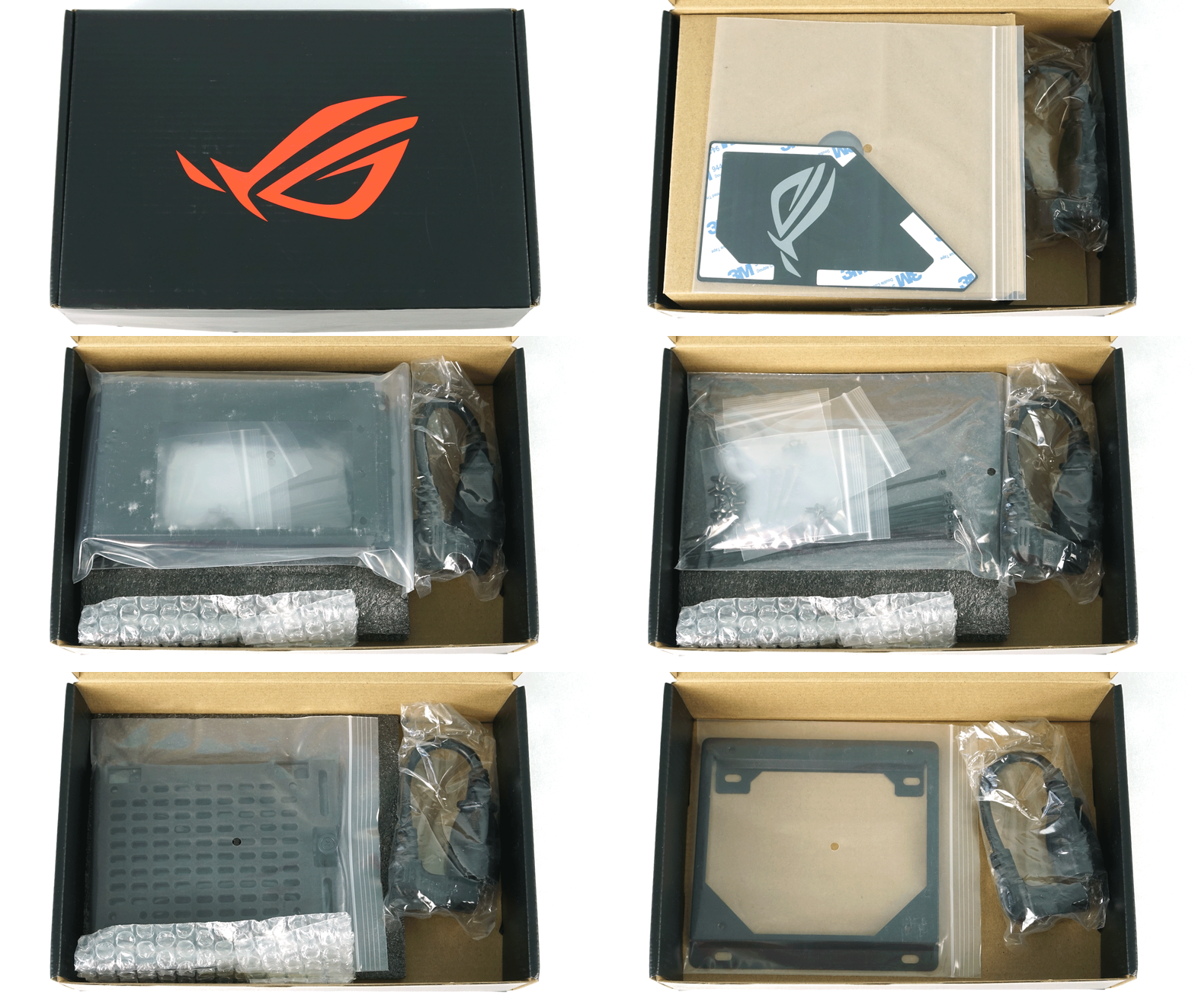
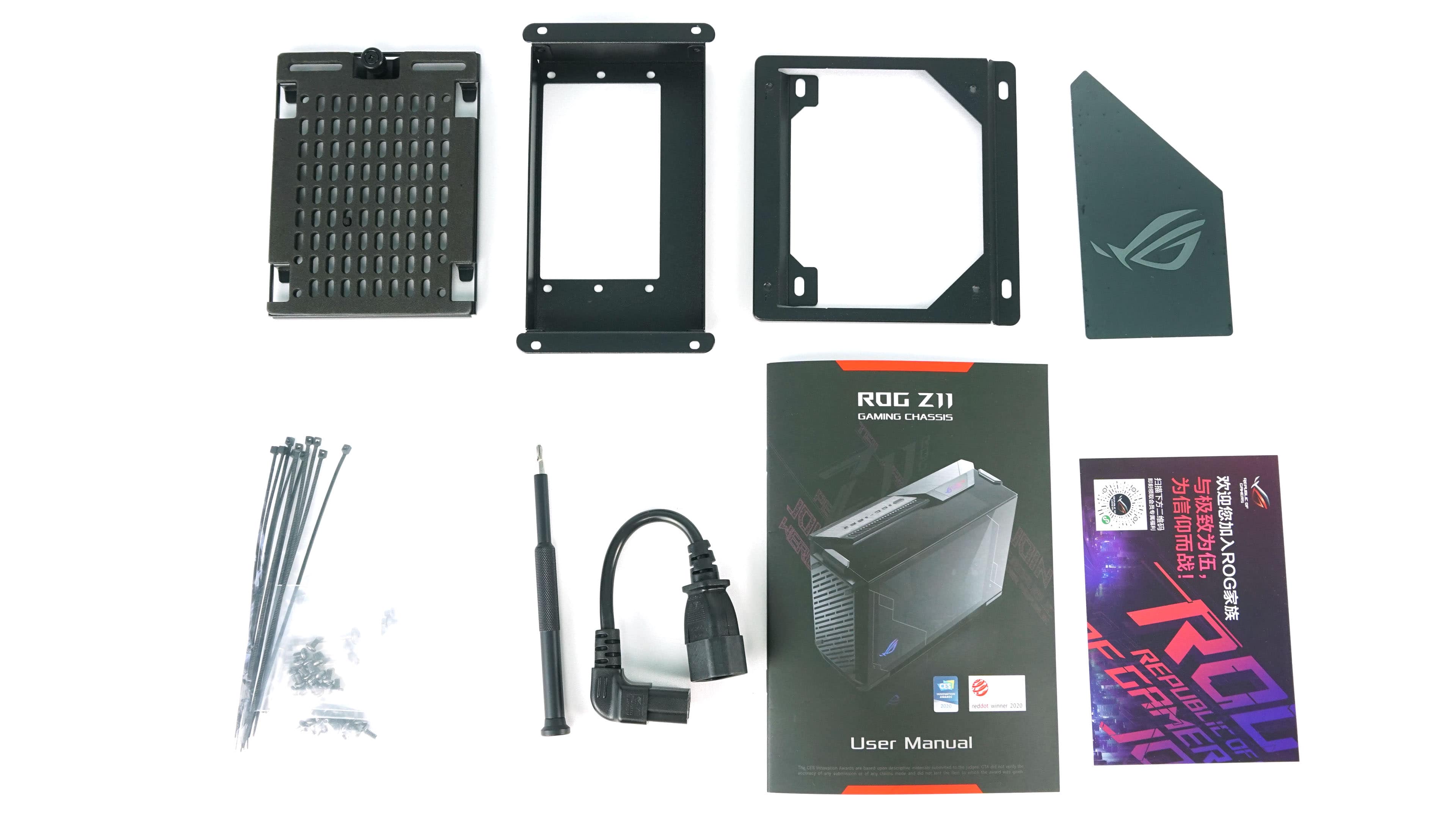
In addition to the documentation, the accessories also include a screwdriver, screws, tapes for cable management, SSD adapters, a power supply and replaceable logo.
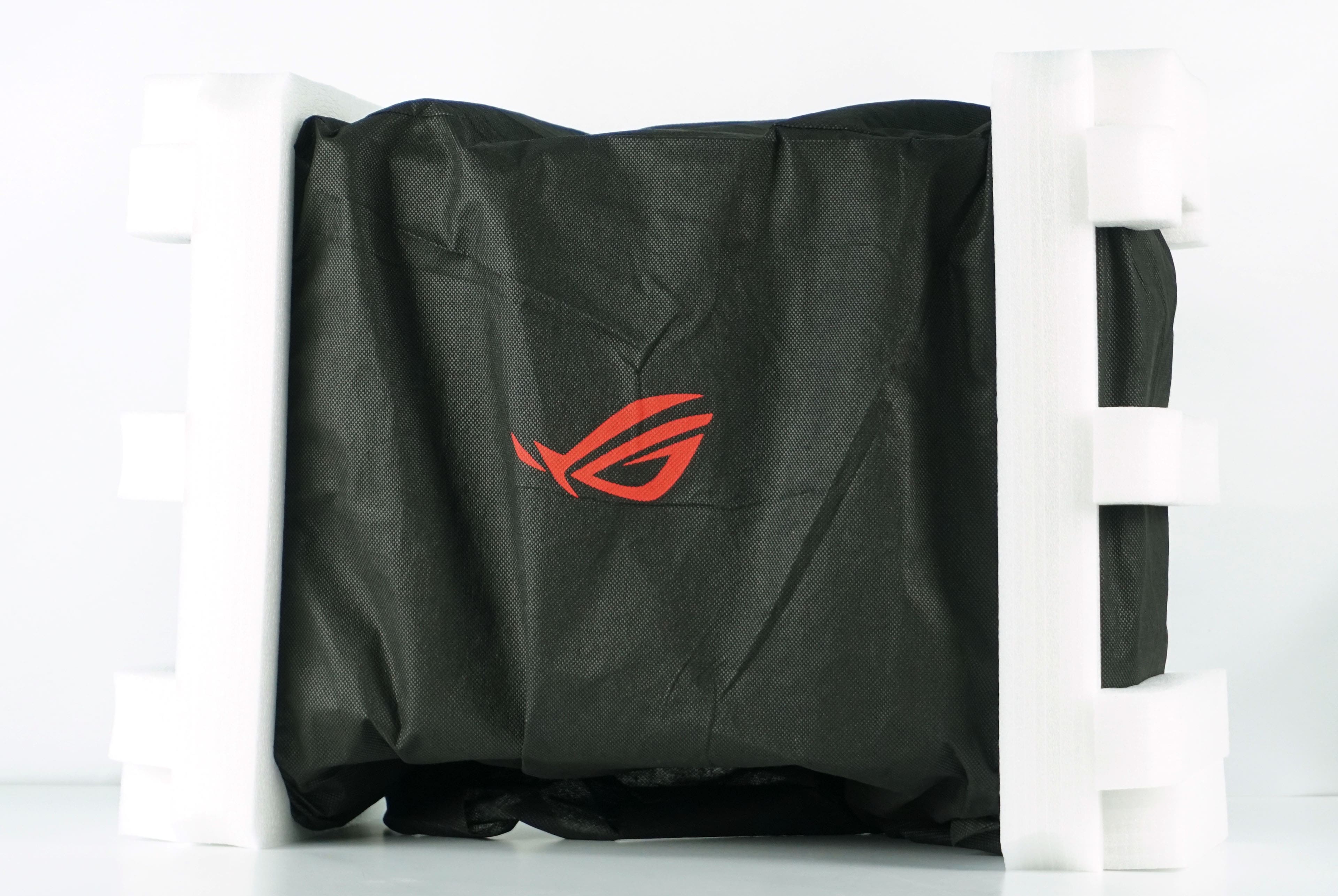
The box is very well protected to prevent damage during transport.
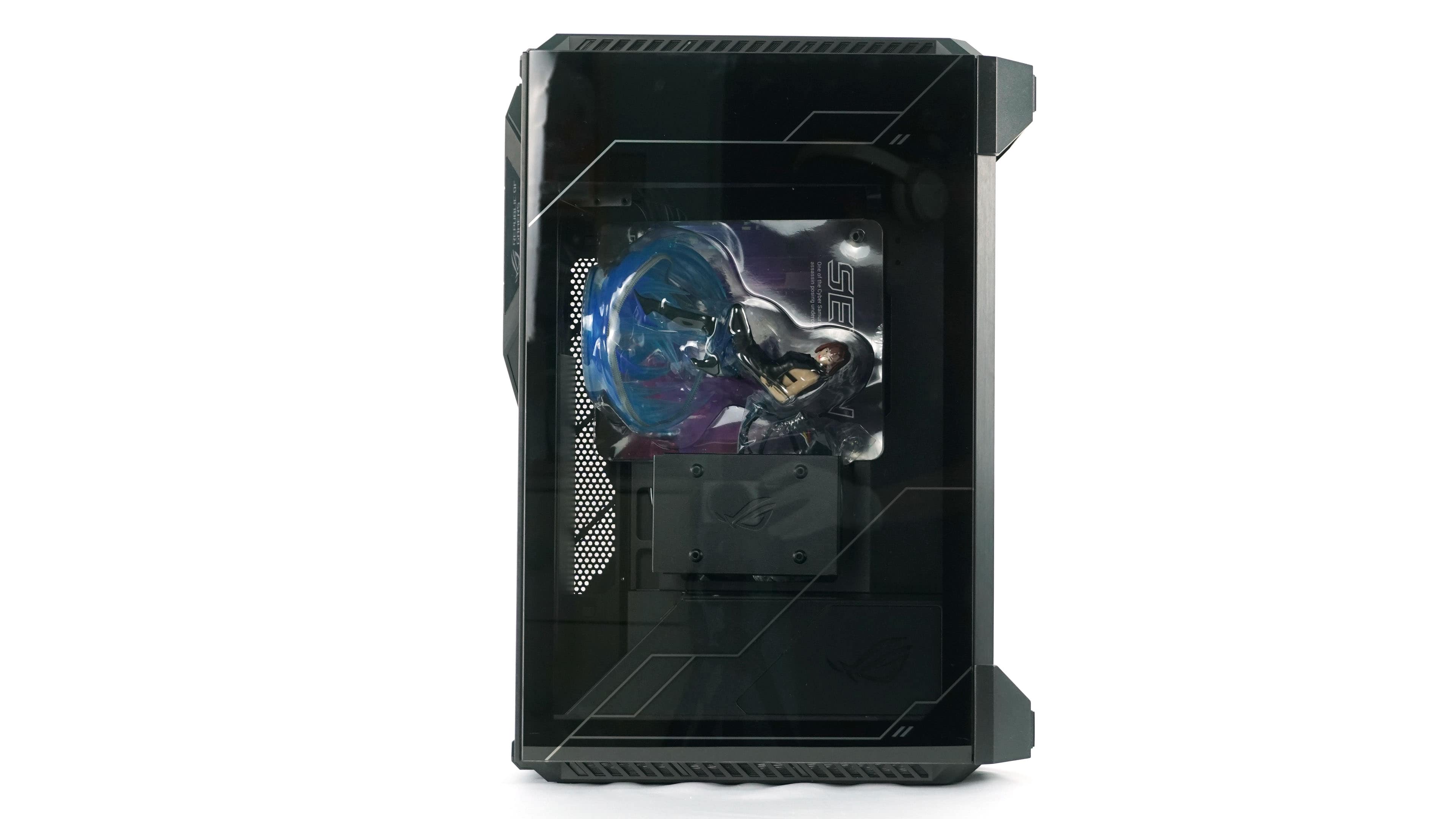
After removing all packaging and foam fillings, you will get the first view of the case in both vertical and horizontal position.
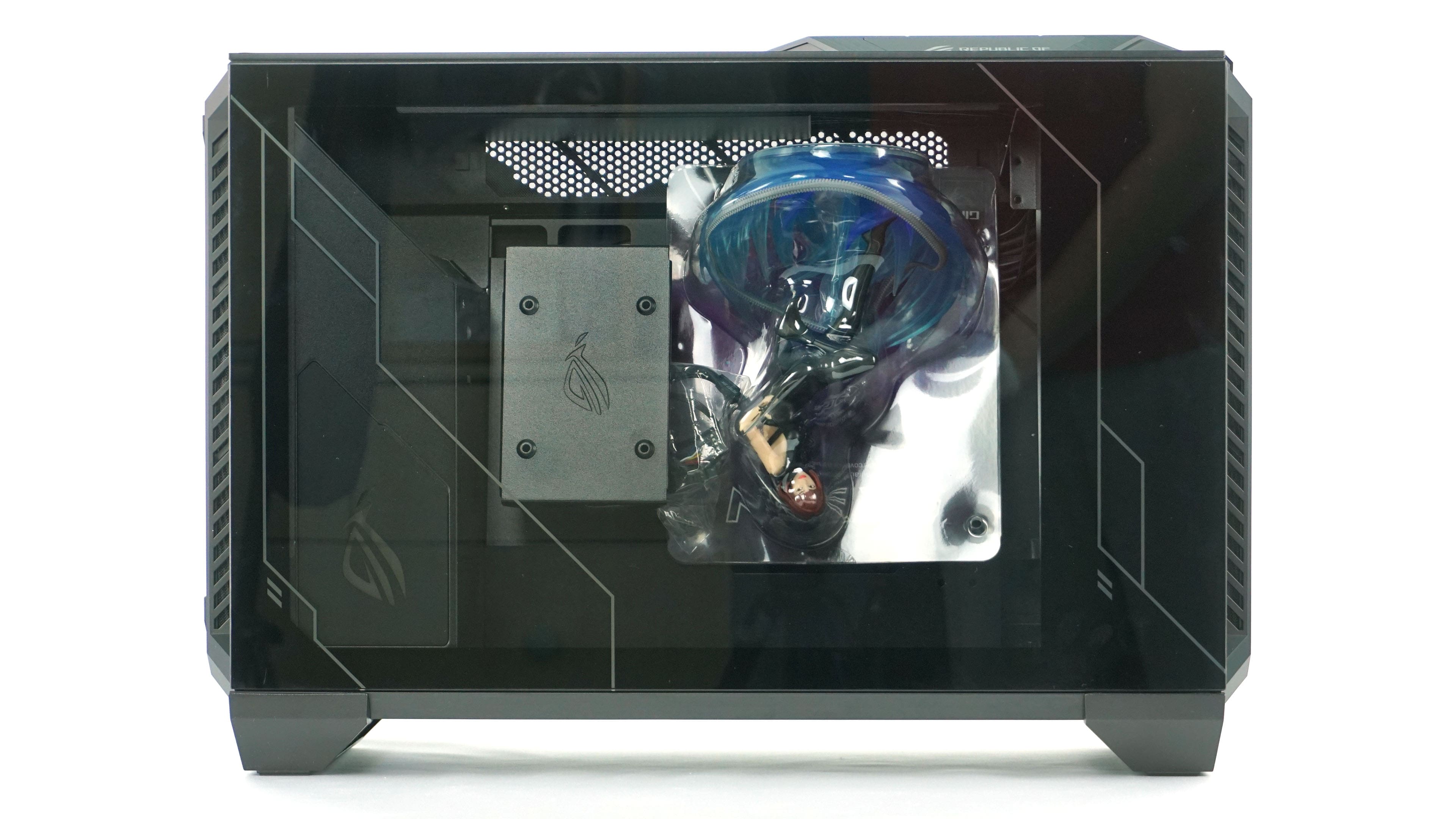
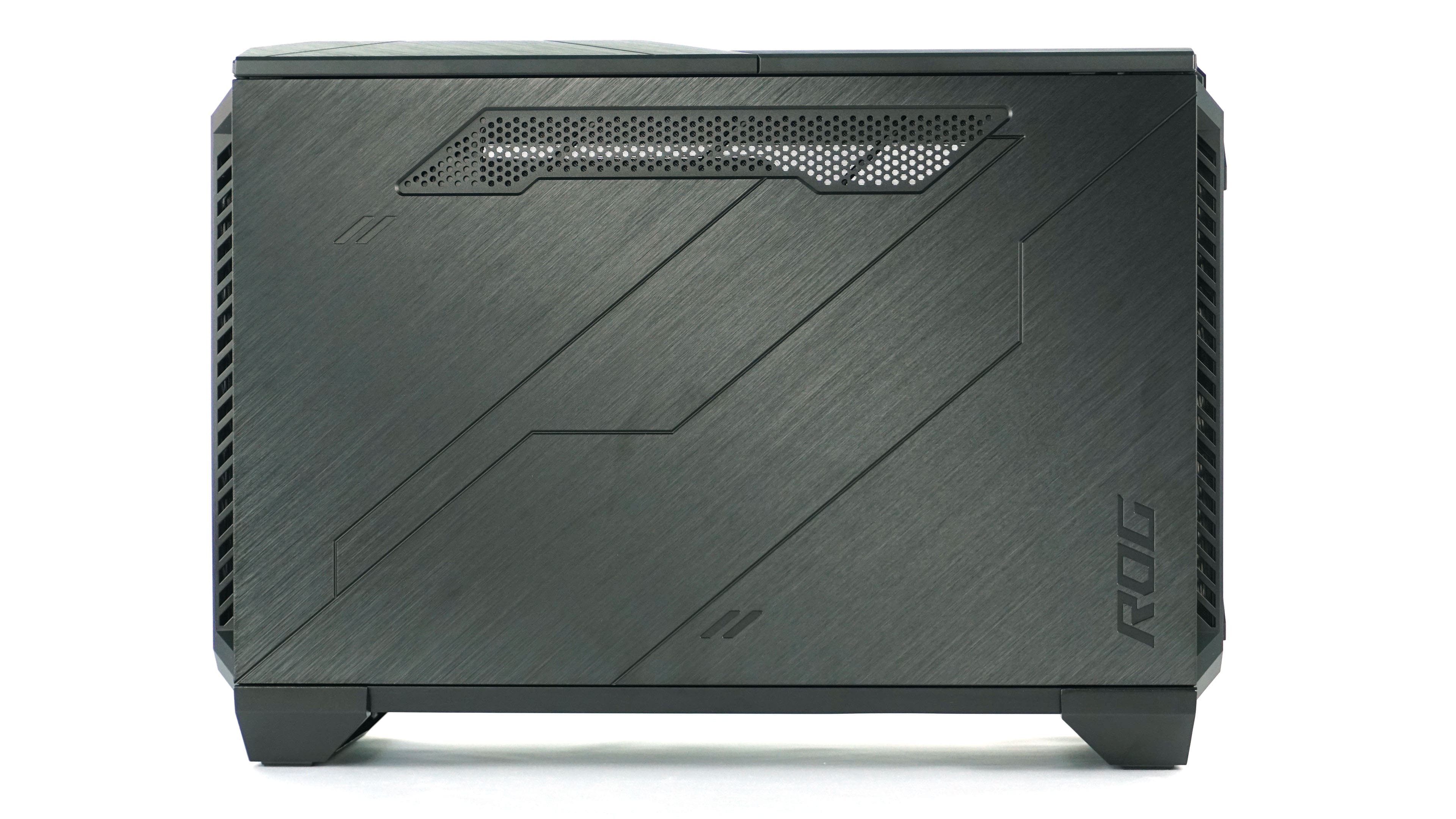
In order to get inside the case, it is first necessary to remove the side covers, which are attached by a clip and a hinge. Press the clip to release the panel and remove it.

The glass and metal side panels are both screwed into and, in addition, they have pins that get locked in the frame of the case. When you change its positioning, you really don’t have to worry about them falling out.
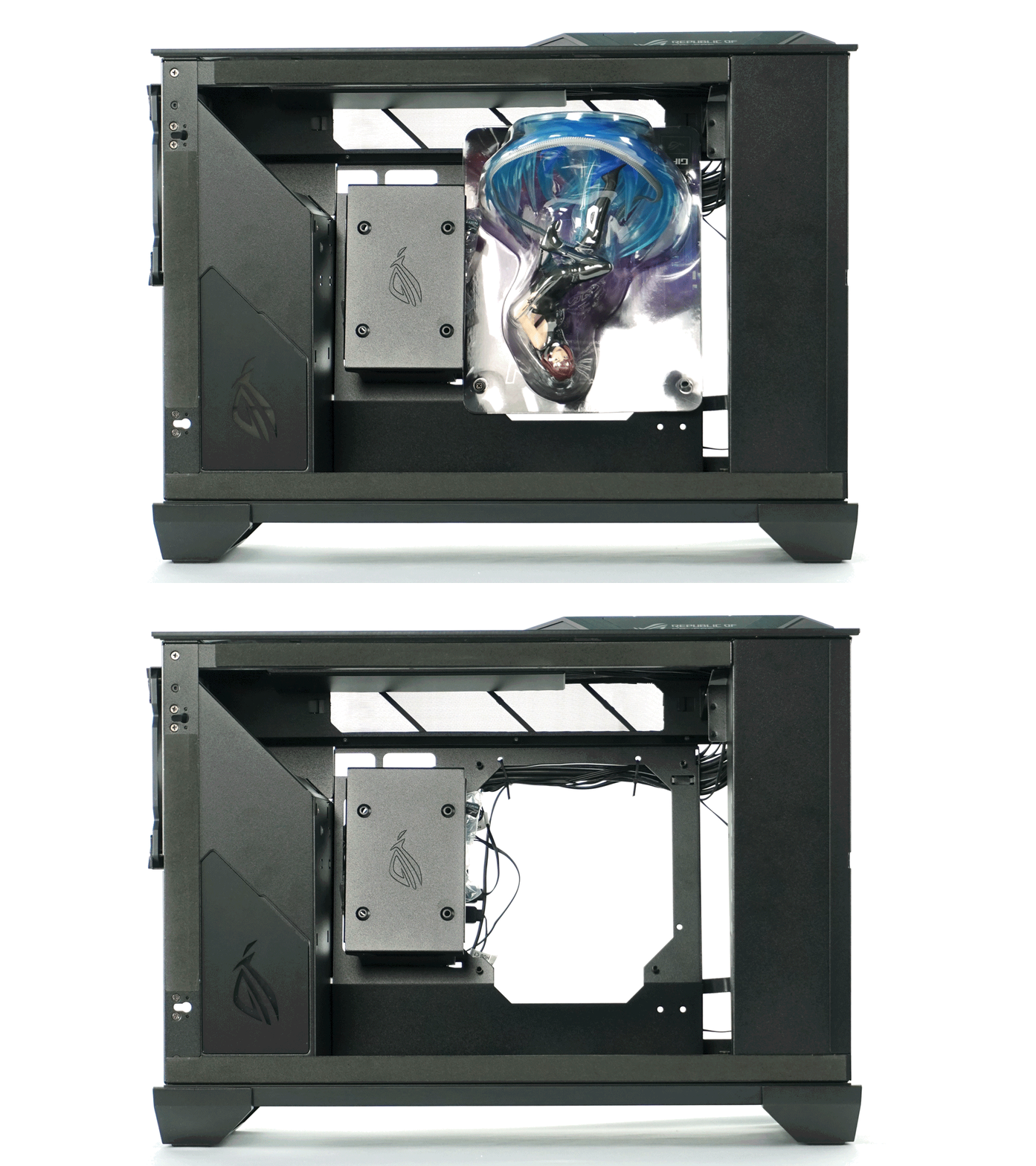
Inside the case, for a limited number of Z11 cases, there is also a collector figure of the killer SE7EN. It is attached to the motherboard tray for mini-ITX and mini-DTX motherboards.
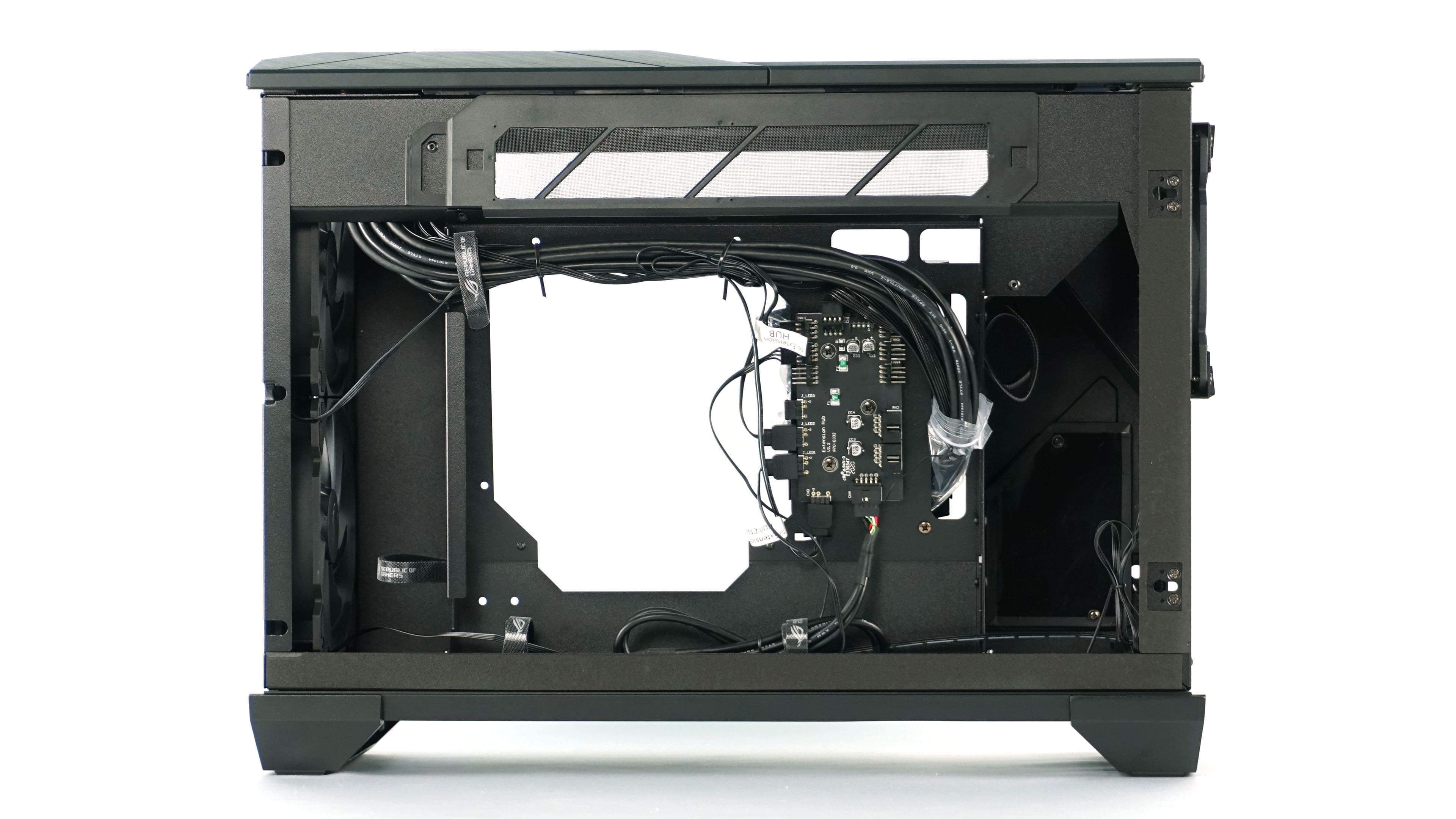
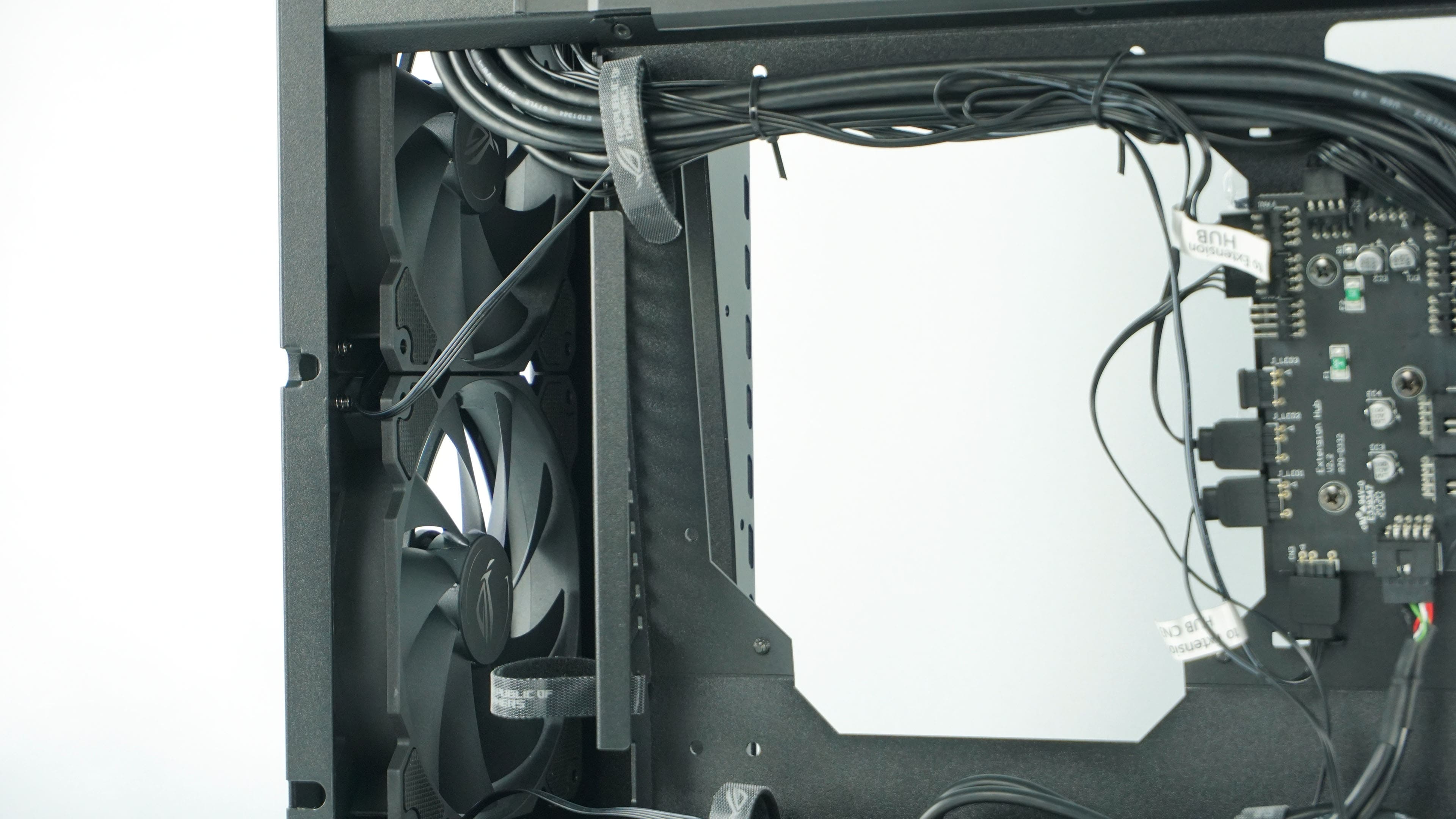
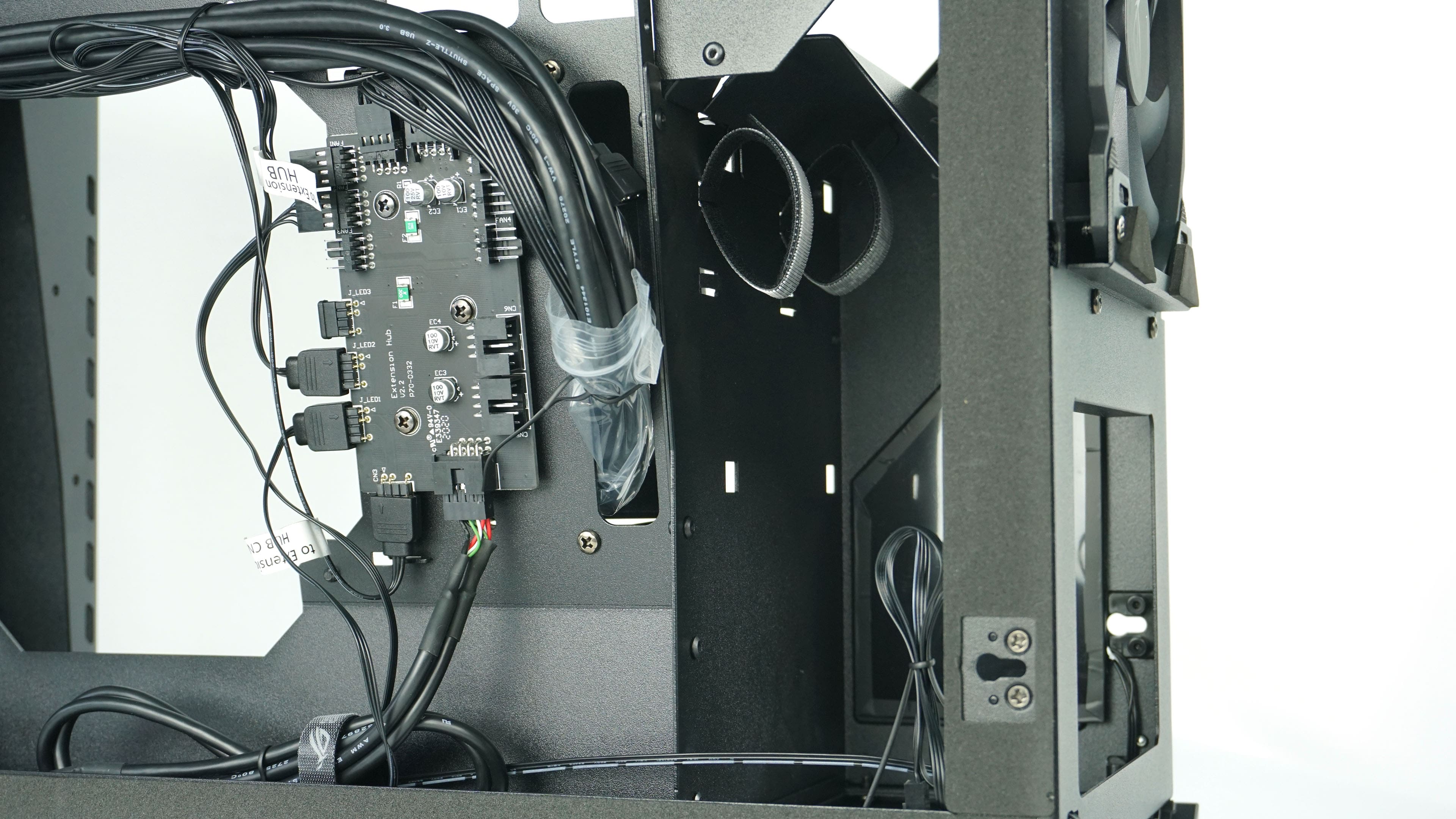
From the back of the motherboard you can see pre-wired cabling and a USB/RGB hub for fans and backlighting.

Next to the position on the motherboard, there is also a cabling cover, which also serves as a slot for an SSD. Looking to the right, you can see a pair of exhaust fans.
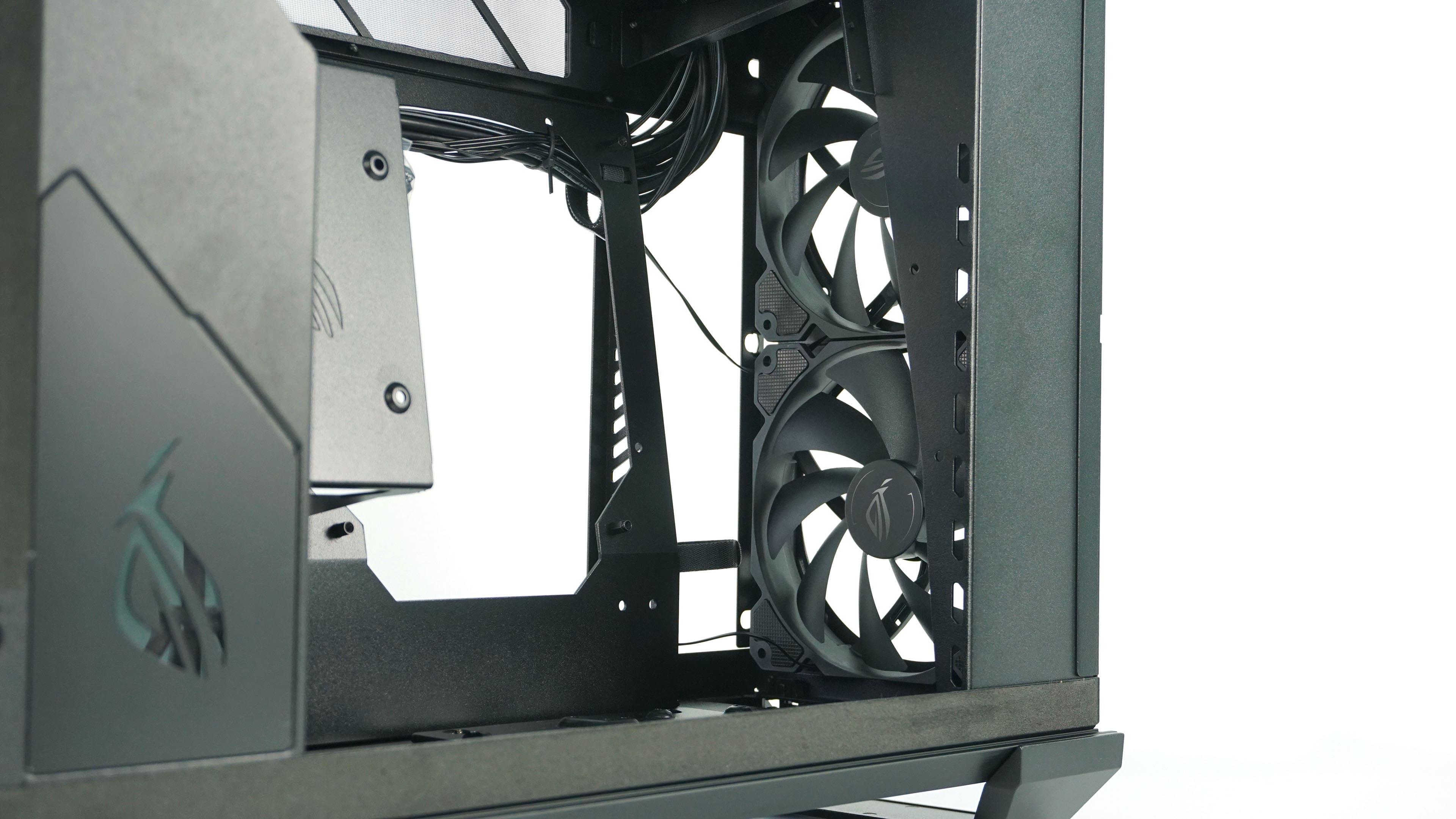
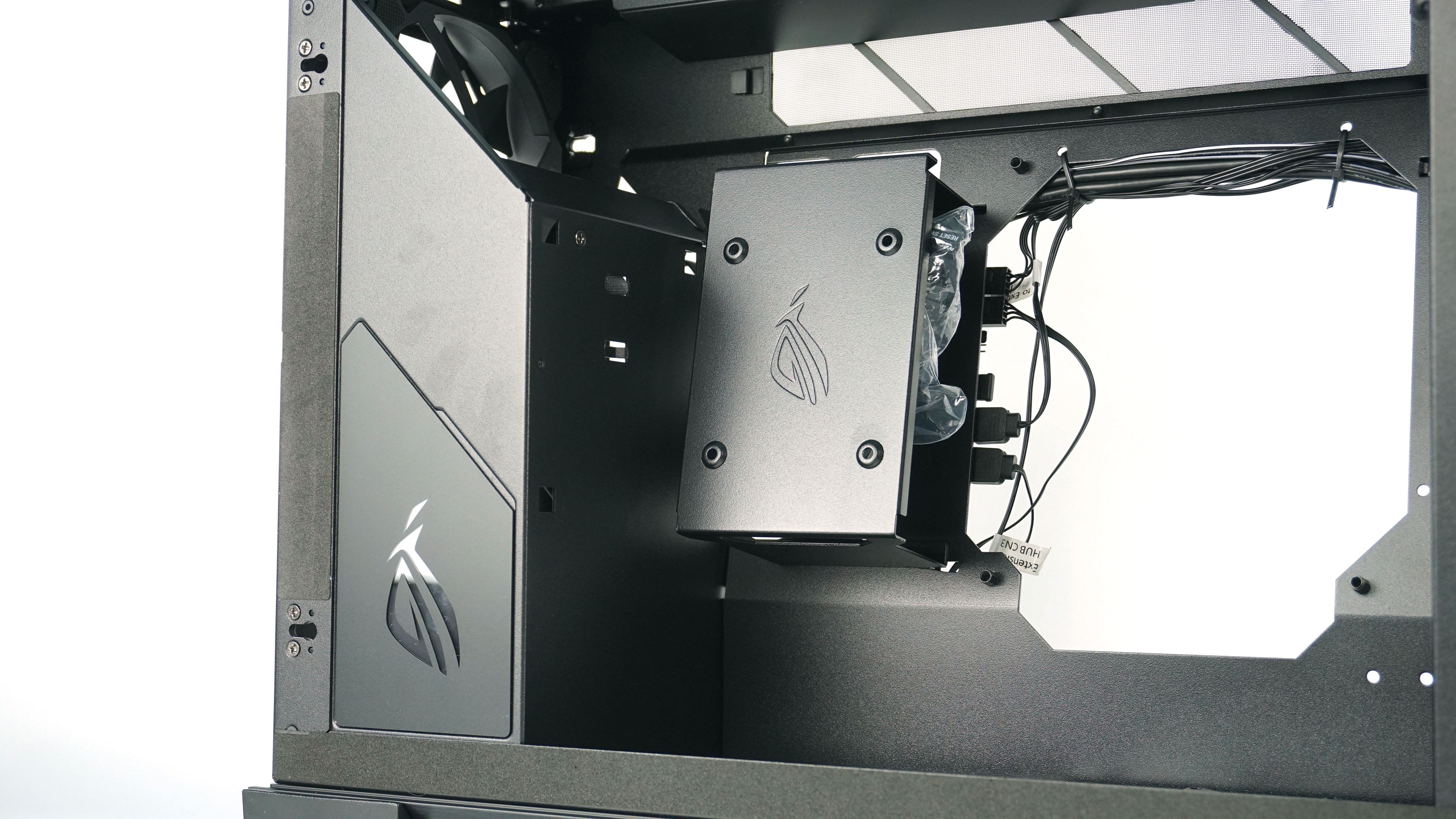
In the lower part of the case there is a perforation for ventilation as well as a removable cover with another position for an SSD. Looking upwards shows the glass side panel, but also the cabling and ventilation of the graphics card.

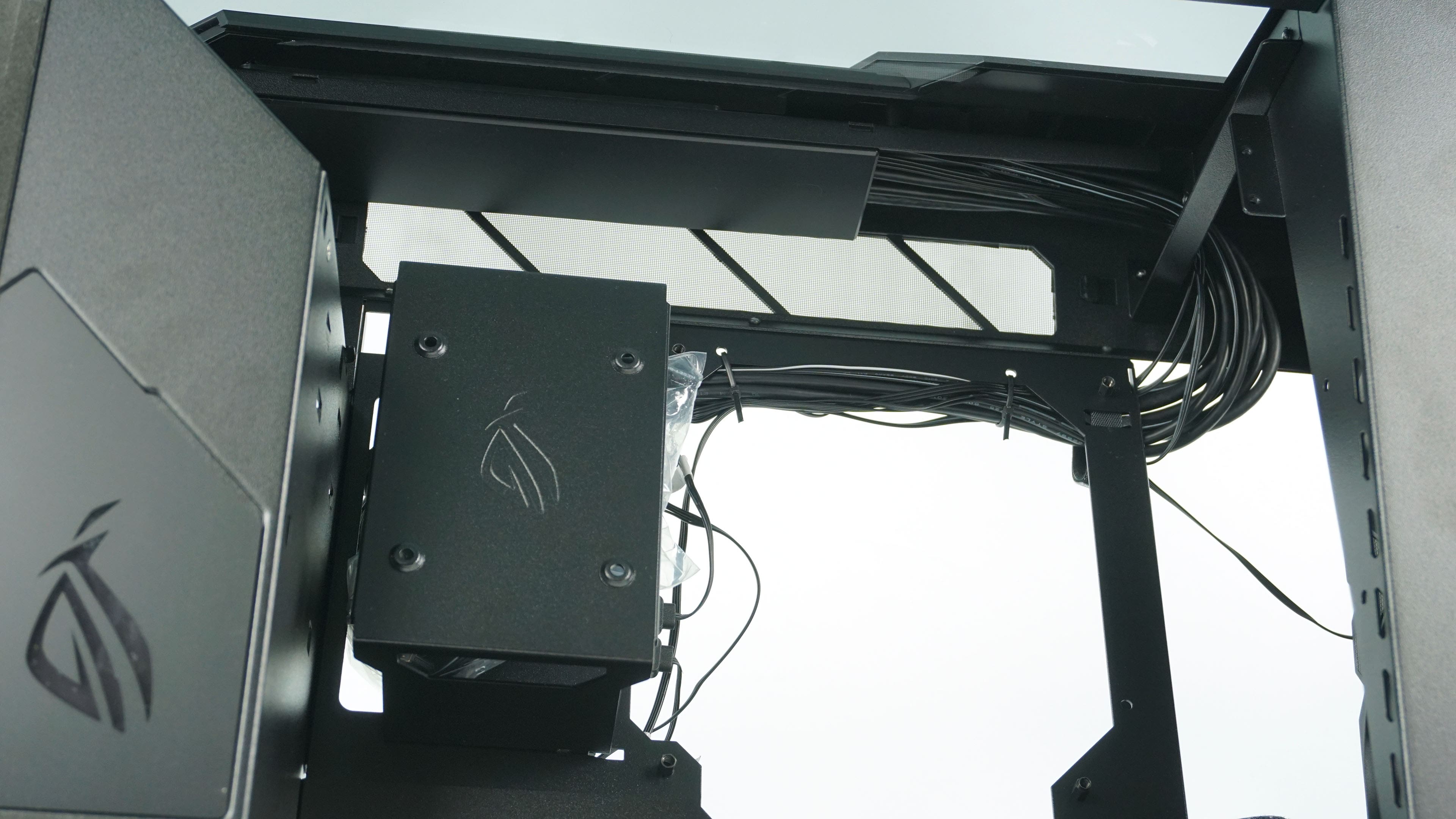
The top and bottom have several interesting features. The bottom has the already mentioned ventilation under the motherboard, but also an opening for the power supply and on the right there is an opening for cabling from the motherboard and graphics card. The upper part is a combination of glass and metal, through which you can see the inside of the case and specifically the graphics card in all its beauty.
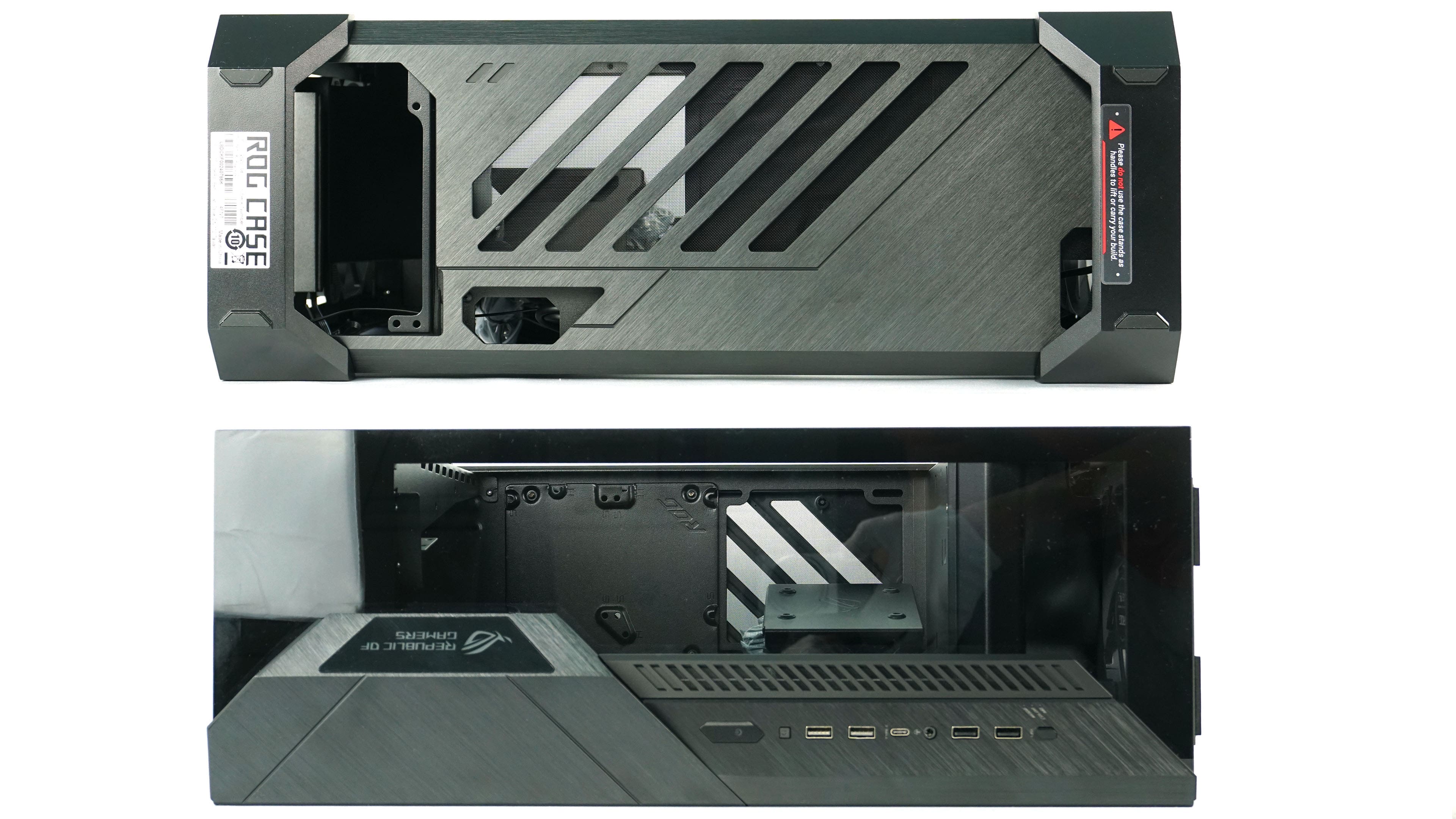
The port selection is good with four USB type A slots, of which two are USB 2.0 and two are 5 Gb USB 3.2 gen 1. There is also a modern 10 Gb USB-C. The power and reset buttons are a matter of course, but there is also a button to select the RGB backlight mode.

The bottom feet are only held by clips in four corners and one screw. On the feet, you can see a warning that you don’t grab and hold them when moving the case, which is easier said than done. In reality, the manipulation of the case is relatively complicated, as it is nowhere to be grabbed.

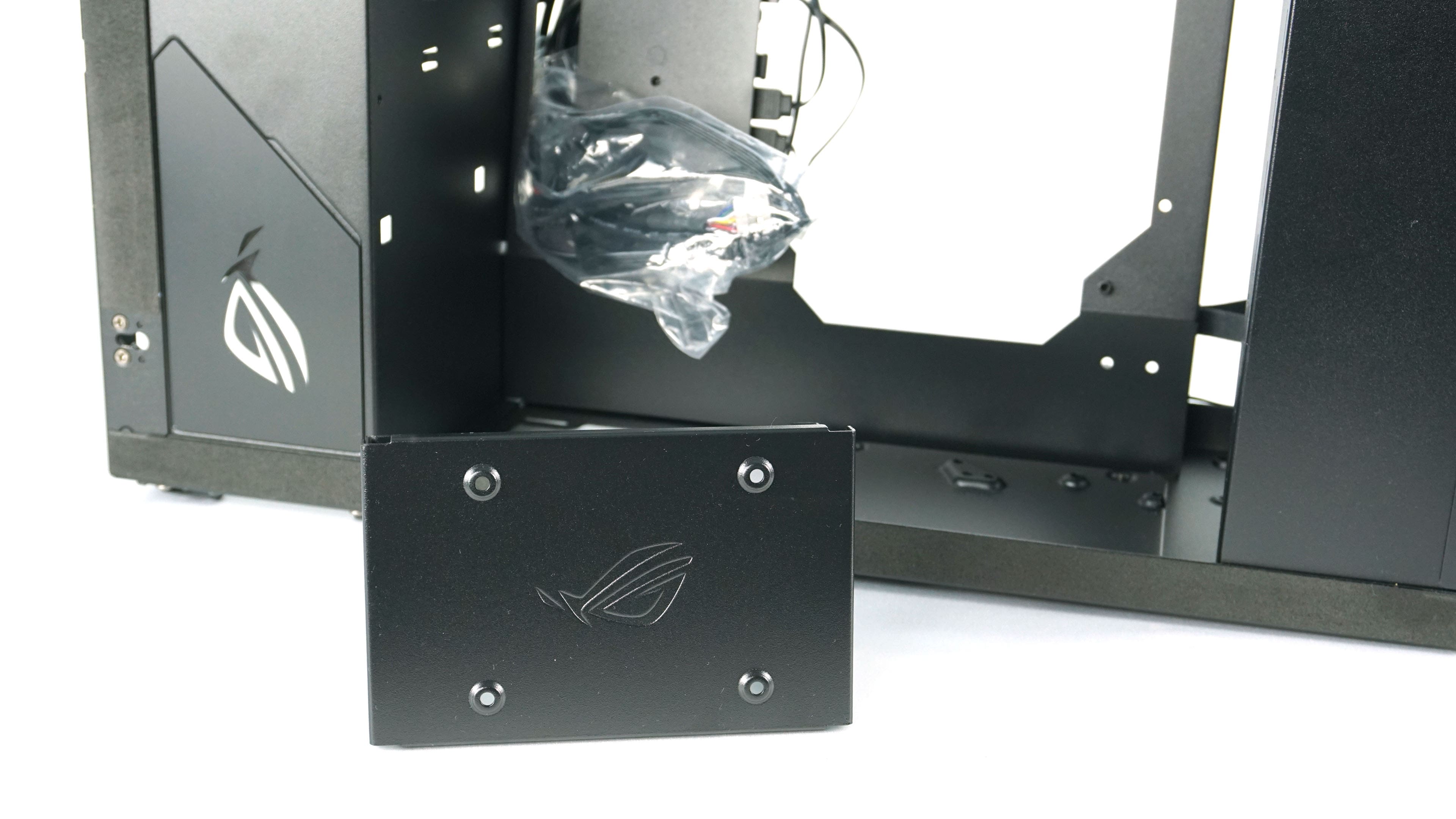
The cabling cover, which also serves as an SSD slot, can be easily removed for easier motherboard installation.
In the next part, we will look at the process of installing the components and the final builds with air as well as liquid AIO coolers.





