Asus ROG Strix Flare II Animate: Switches? Whichever wherever

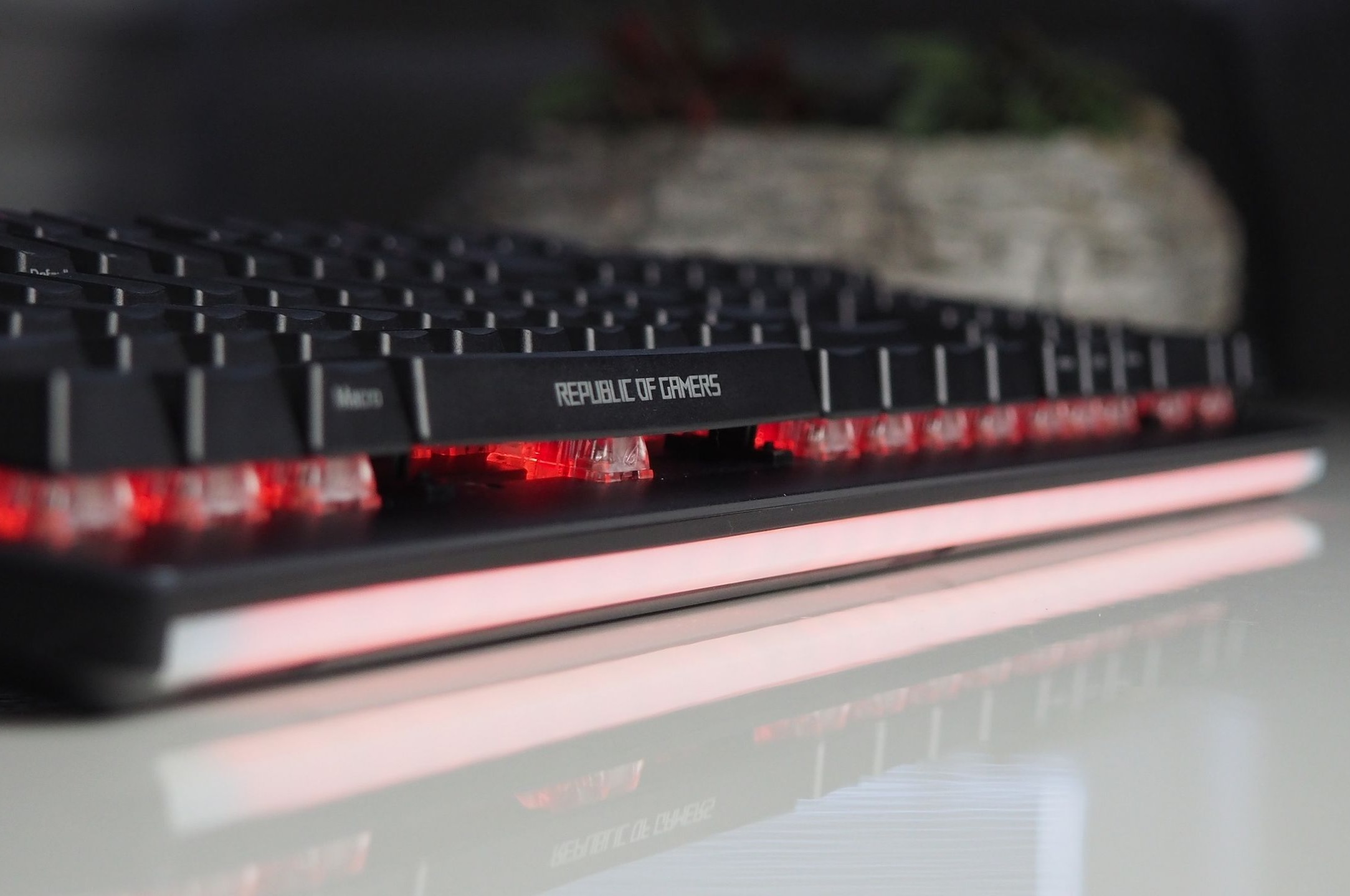
Interchangeable mechanical switches, which can be combined in different ways, and an LED display with text personalisation options make the ROG Strix Flare II Animate a rather special keyboard. Like most more expensive models, it has a proper (and comfortable) wrist rest. Overall, not too much has been skimped on here, the build is sturdy, and with this keyboard as well Asus has bypassed third-party switches and used its own.

Support application

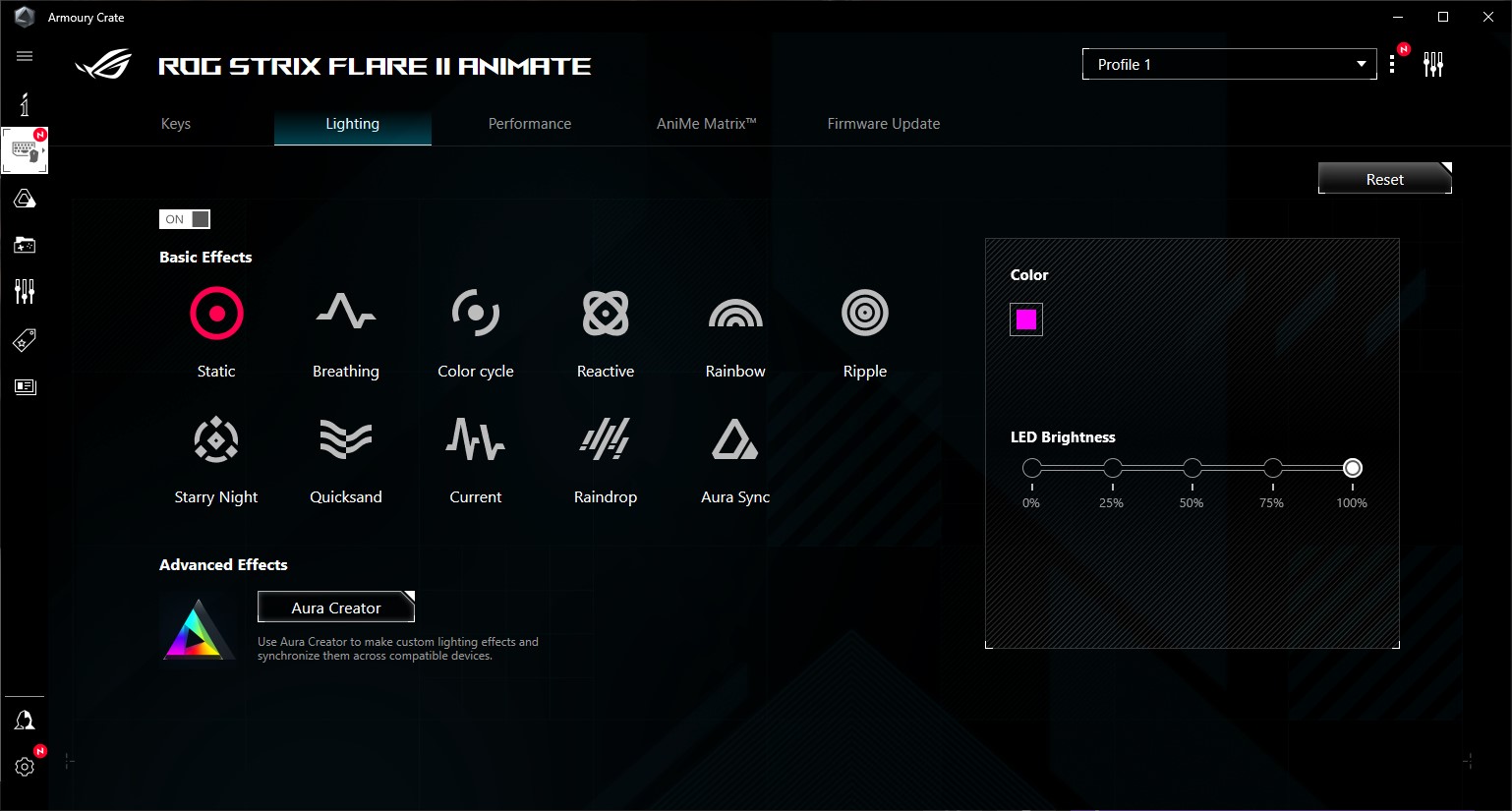
You can customize the keyboard configuration in detail in the Armoury Crate app. It’s a bit cluttered at first, but with time you’ll be able to nimbly click through to the exact settings you need. Transitions between hardware settings are accompanied by half-second to one-second delays in loading. But worst of all, it won’t let you change keyboard settings unless you have updated hardware. Why should I bother with this when I need to adjust something and I can do the update later?!
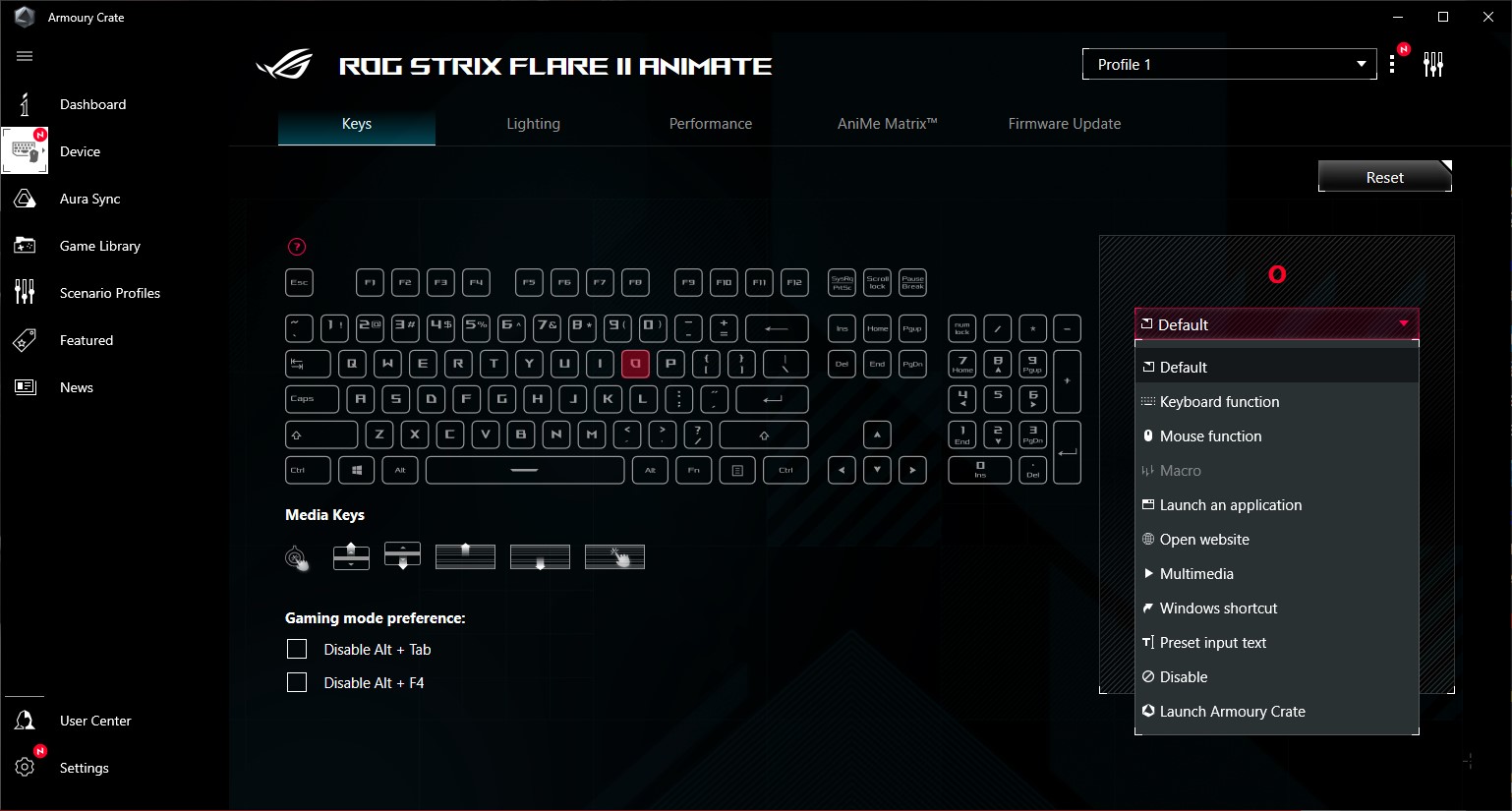
You can save remapped keys in up to six different keyboard profiles
You can choose from ten different backlight modes
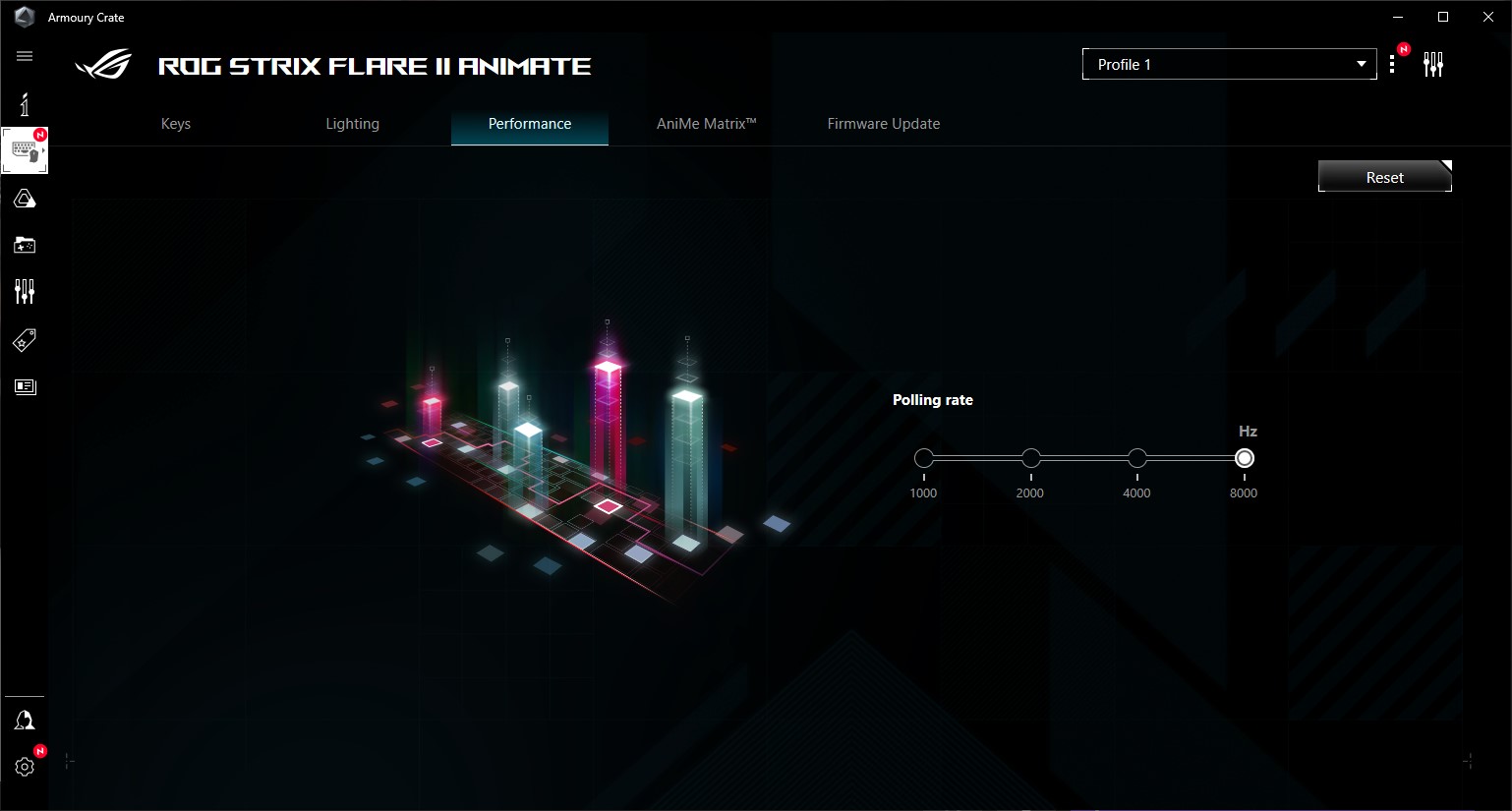
The keyboard has a refresh rate (pooling rate) of up to 8000 Hz. The response time, according to Asus, should be only 0.125 ms
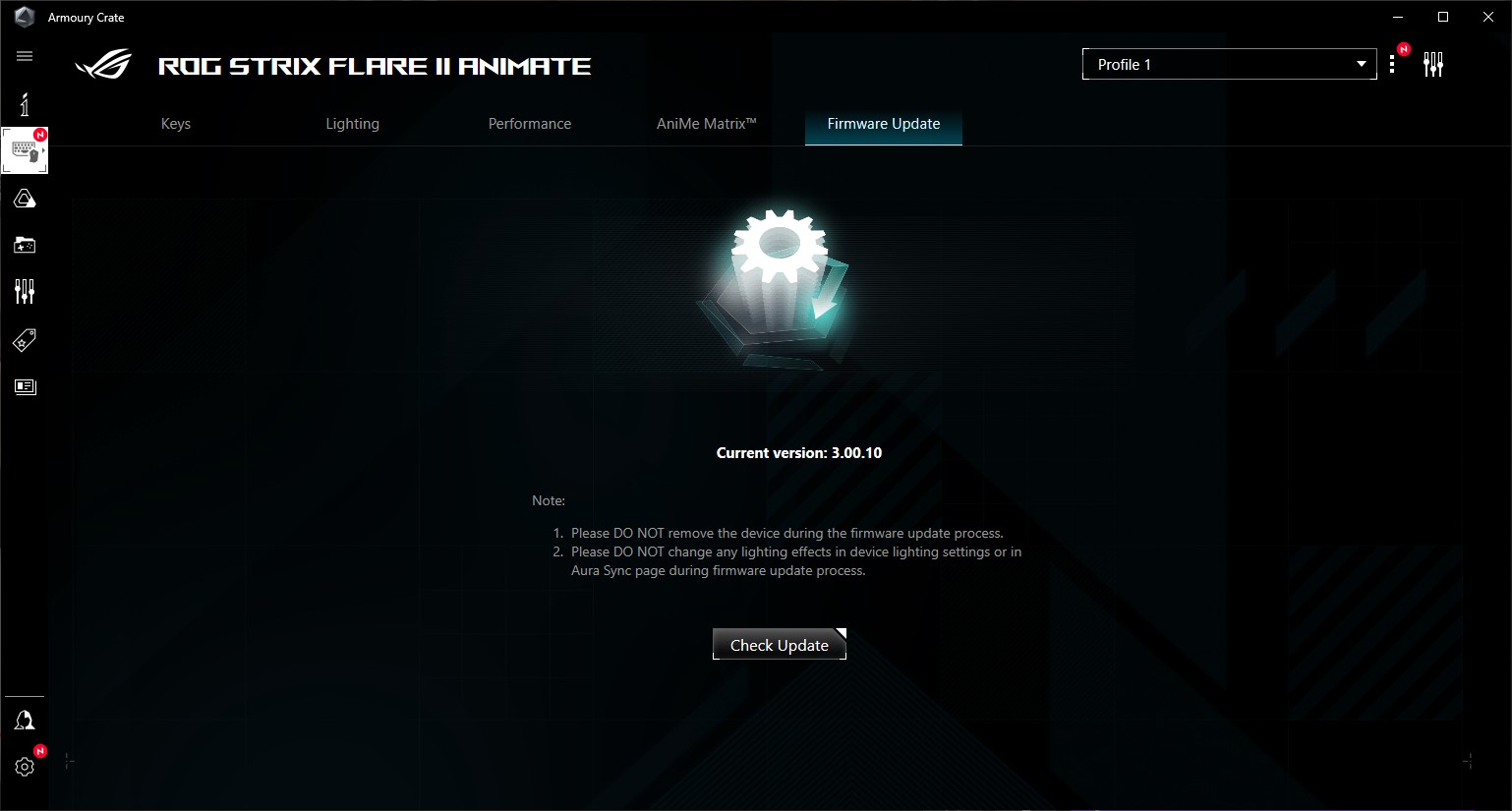
New firmware available? Update (it)
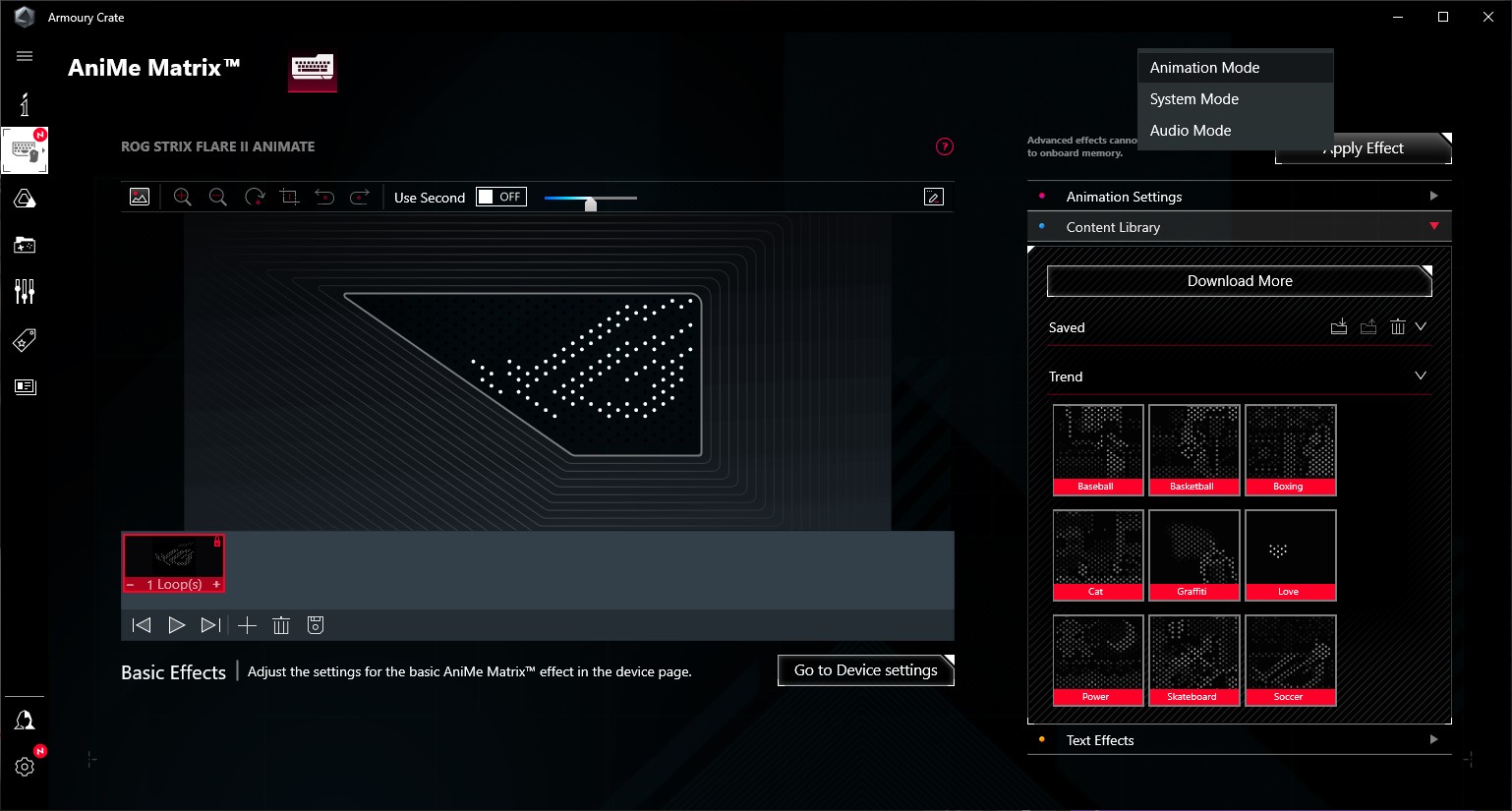
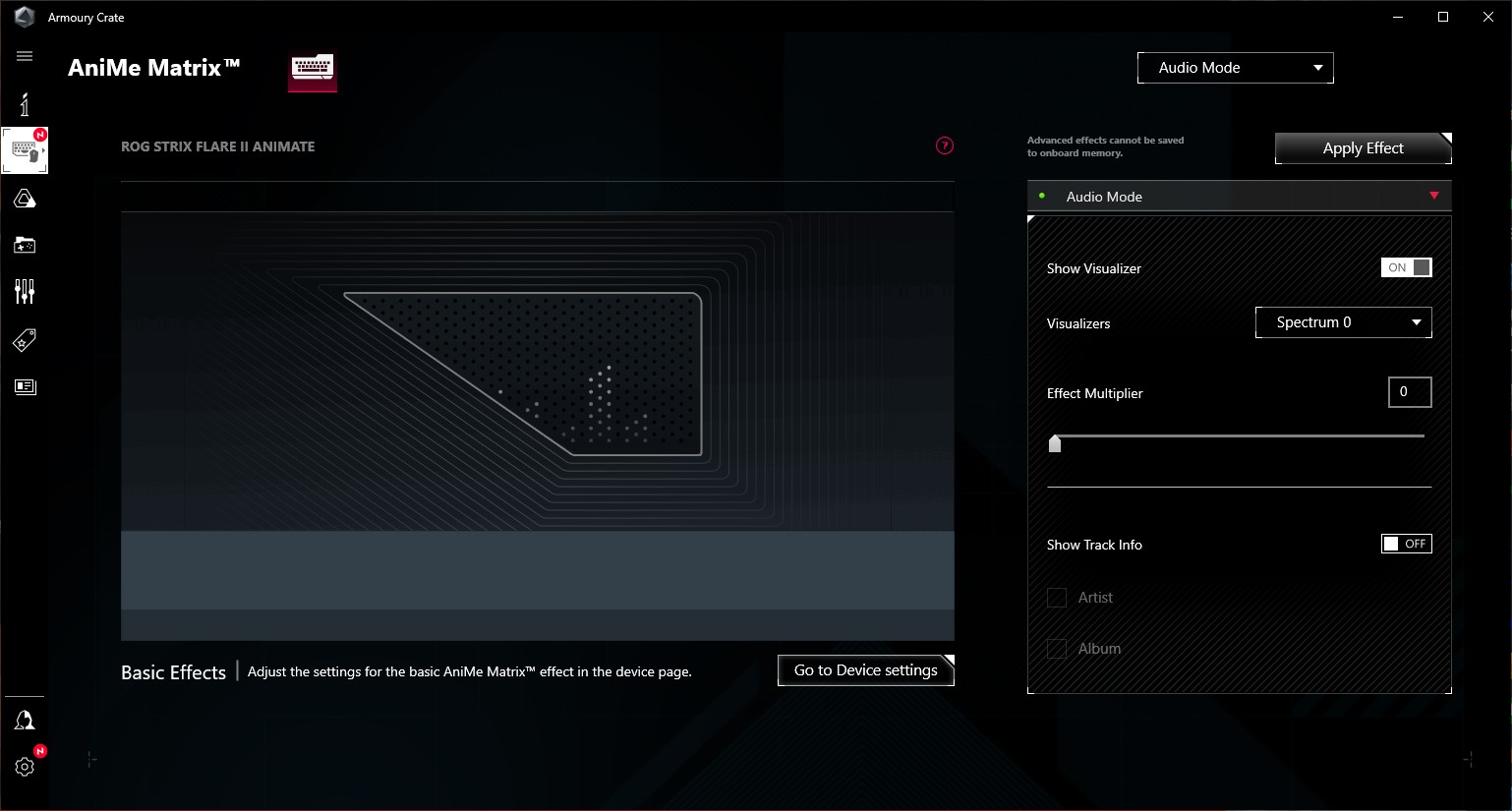
Advanced display settings are on a separate tab
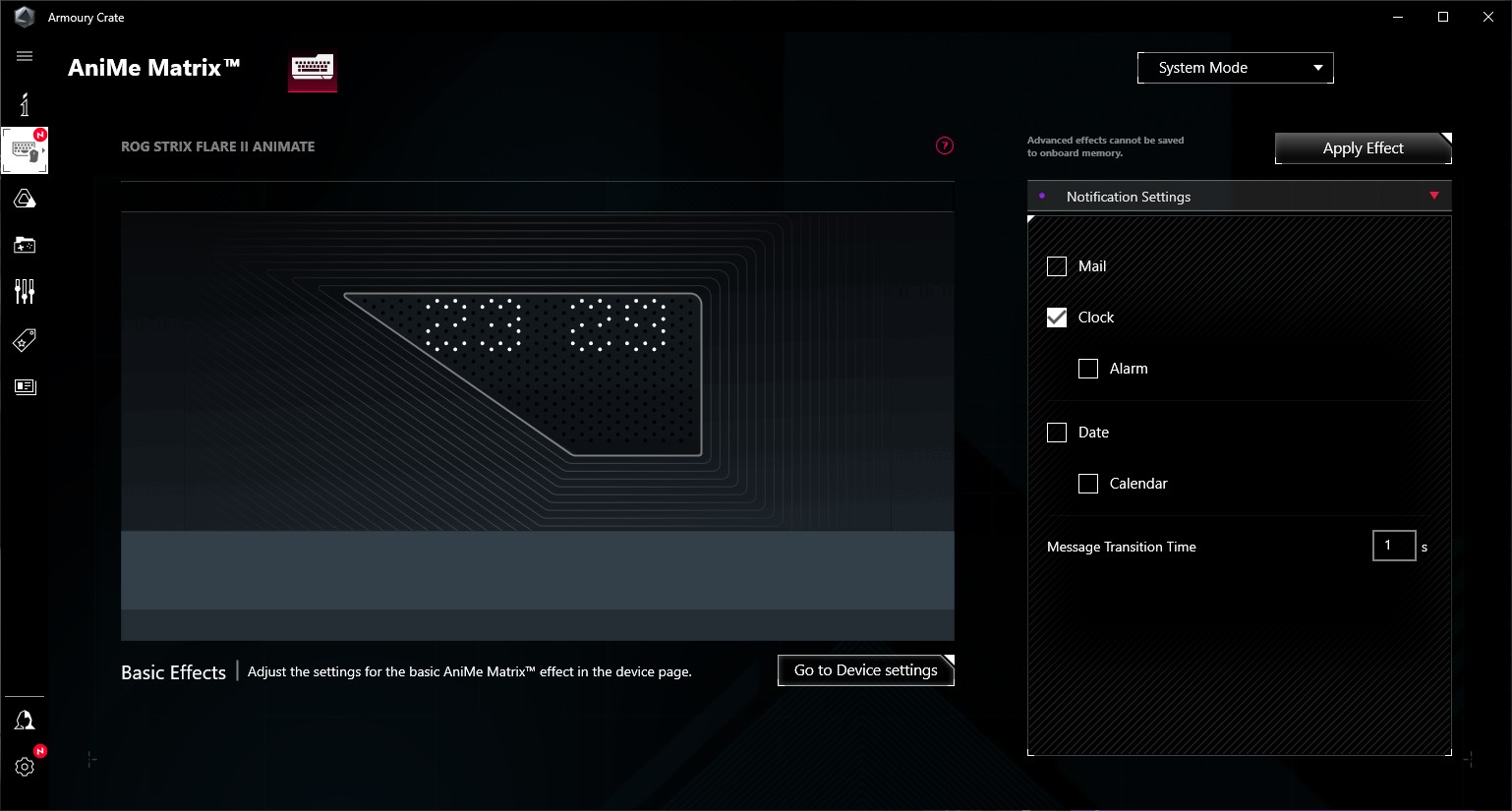
System options that the display will show you
For music lovers, it also offers audiovisual enhancements
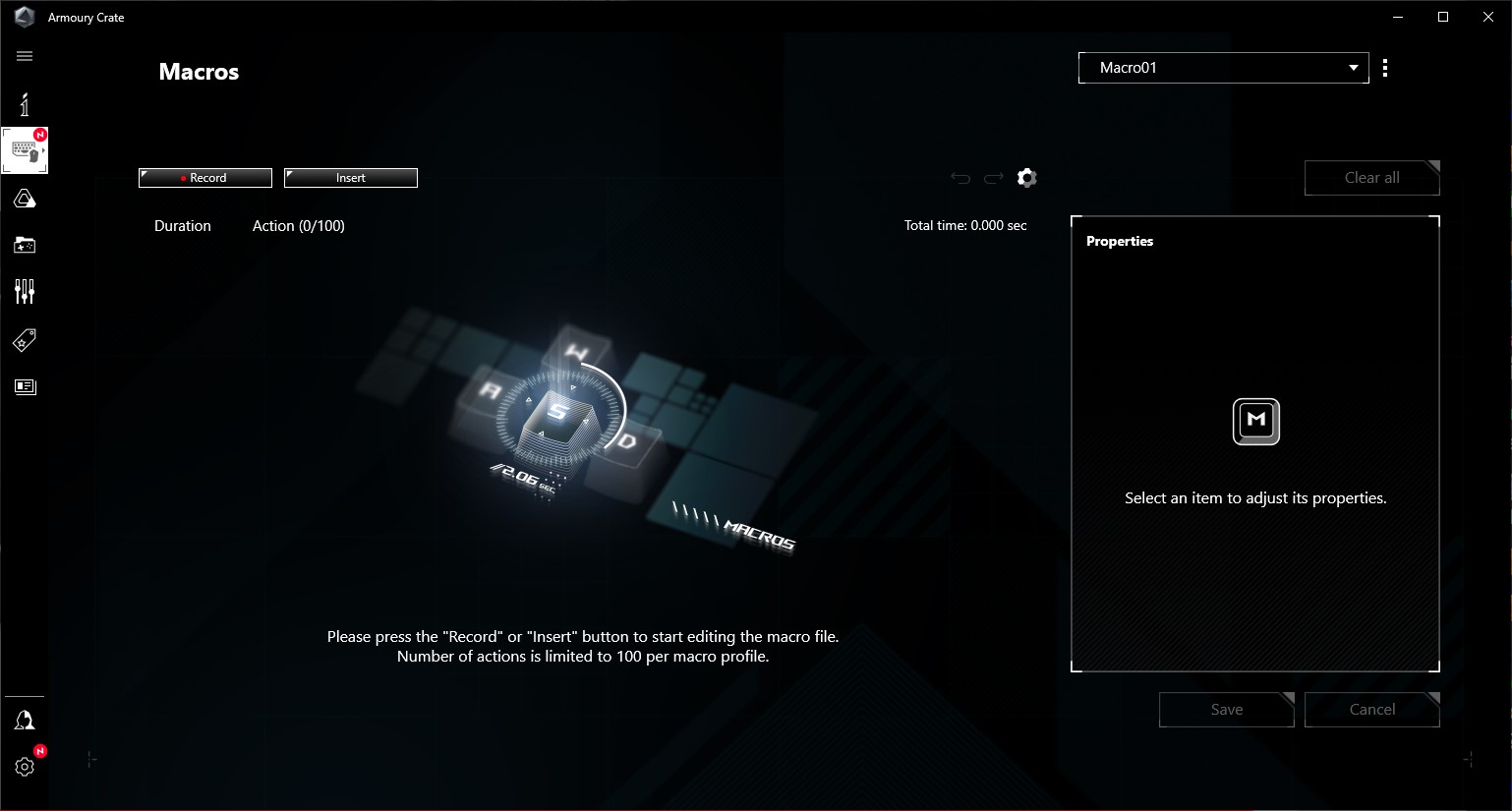
Separate tab for managing and creating macros


The most interesting (and craziest) Asus hardware at Computex

The Computex tradeshow this year seems to involve various anniversaries for many companies. In the case of Asus, the company is celebrating 20 years of its “premium” gaming brand, ROG. We visited the booth Asus has at the trade show as well and will show you some of the new hardware the company brought to its booth—because of this anniversary, much of it is quite extraordinary and forms a celebratory lineup called ROG Edition 20. Read more “The most interesting (and craziest) Asus hardware at Computex” »

Asus ROG Equalizer: Robust 12+4pin connectors that don’t burn?

Failures of the 12V‑2×6 power cable (formerly 12VHPWR) have become the scourge of recent GPU generations. Especially for Nvidia cards pushing this power standard, but also for a few Radeon models using these connectors. Various attempts to work around or mitigate the risks have popped up; this time, Asus is introducing the Equalizer special‑purpose cable for its power supplies, that aim to prevent connector melting in several ways. Read more “Asus ROG Equalizer: Robust 12+4pin connectors that don’t burn?” »

Asus ProArt PF120: The most efficient fan at low noise level

It wants to go head‑to‑head with the Phanteks T30-120 fan, while also having a slight edge in every respect. That’s Asus’s marketing—and now comes reality in HWCooling’s in‑depth analysis. The ProArt PF120 fans are truly something exceptional and worth paying attention to. High cooling efficiency and elegant daisy‑chaining are just the beginning. The overall design of Asus’s fans is impressive. Read more “Asus ProArt PF120: The most efficient fan at low noise level” »

Leave a Reply

Your email address will not be published. Required fields are marked *