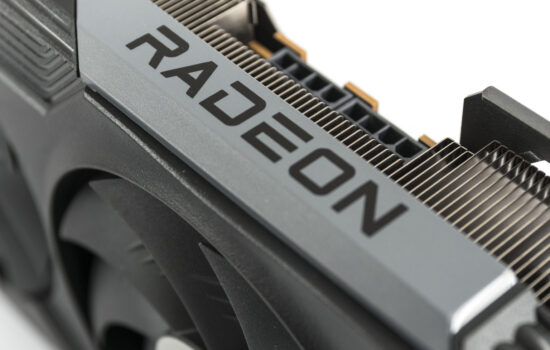
At the top of Asus’ new Radeon lineup is the TUF Gaming Radeon RX 9060 XT 16GB GDDR6 OC Edition. A large cooler with three fans, combined with a smaller, more power-efficient GPU, allows the card to deliver excellent cooling and low noise levels. It’s one of the quietest and best-performing RX 9060 XT models available. The only downside is its price, which reaches the level of entry-level GeForce RTX 5060 Ti 16GB cards.
Cyberpunk 2077, native resolution tests
Ultra, RT Ultra and RT Overdrive settings
The first set of tests compares performance in native resolution using various anti-aliasing techniques. Traditional aliasing falls slightly behind in image quality compared to FSR or DLSS in native resolution, i.e., Native AA or DLAA modes.
The image quality varies between anti-aliasing methods, with DLSS currently offering the highest quality, although it’s exclusive to GeForce cards. GeForce owners have no real reason to choose anything other than DLSS. To compare GeForce cards with Radeons, however, all cards are also tested with FSR.
For weaker cards, we include tests at Ultra settings without ray tracing, and for more powerful cards, we also run RT Ultra and RT Overdrive with path tracing.
Global settings Ultra
The lower, Ultra settings are tested mainly for older cards. On high-end cards, performance is bottlenecked by the CPU, so the performance increase doesn’t reflect raw GPU performance. Ray tracing is not used, and DLSS isn’t necessary either.
1920 × 1080
2560 × 1440
3840 × 2160
Global settings RT Ultra
The RT Ultra setting uses hybrid ray tracing – a combination of rasterization and ray-traced effects – and is suitable for comparing the performance of the latest generation cards.
1920 × 1080
2560 × 1440
3840 × 2160
Global settings RT Overdrive
RT Overdrive employs path tracing, using full ray tracing to render scenes. On GeForce cards, DLAA with transformers is used.
1920 × 1080
2560 × 1440
3840 × 2160
⠀