Following the analysis of details, we now move on to the test results. These demonstrate that Fractal Design’s Momentum fans truly deliver. Just how well is ultimately up to each of you to judge. One factor is the aerodynamic design of the fans, another is the overall airflow design of the case, and yet another is the specific components being cooled. What we can conclude, however, is that the Meshify 3 XL is suitable even for the most demanding builds.
Testing methodology
How much does system cooling affect overall heat buildup in a PC build? That’s the first question we aim to answer in every case test. We analyze thermal performance across a range of noise levels – starting with a near-silent “31 dBA” mode, moving through very low (“33 dBA”), still low (“36 dBA”), moderately low (“39 dBA”), then scaling up to medium (“42 dBA”), high (“45 dBA”), and maximum performance profiles. These higher modes naturally bring increased noise levels, but for some users the boost in cooling performance may justify it.
Not every case comes equipped with fans suited for each of these modes. Some lack slow-spinning, low-noise fans; others don’t support high-speed models, which makes it impossible to test them under high-performance conditions.

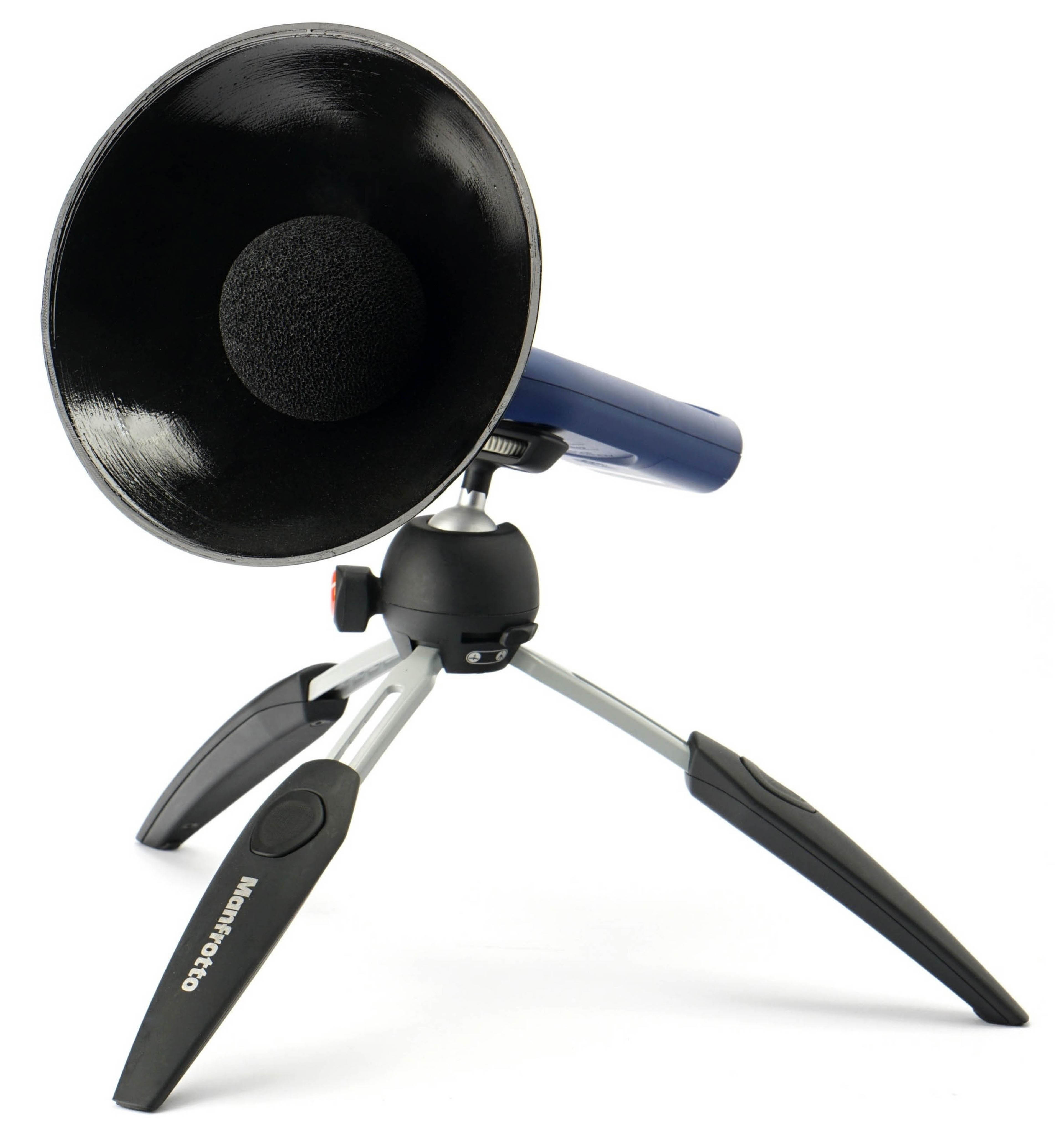
We measure noise from the left diagonal side of the case. The sound meter (Reed R8080) or microphone (miniDSP UMIK-1) is placed 30 cm from the front-left corner of the chassis at a 45° horizontal and 30° vertical angle. To improve signal resolution, we use a parabolic collar. Once a case is tuned to a target noise level, its acoustic profile is analyzed in TrueRTA at a resolution of 1/24 octave – this helps us identify specific tonal peaks or resonance issues that might contribute to an unpleasant acoustic signature.

Noise measurements reflect only the sound of the case fans. The CPU and GPU coolers are excluded – they remain inactive throughout testing to eliminate interference. We use Noctua NH-L9i-17xx chromax.black and NH-D12L chromax.black CPU coolers, depending on compatibility with each chassis.

Typically, the smaller Noctua NH-L9i-17xx is used for SFF cases, but in most cases there will be an effort made to use the NH-D12L chromax.black model. This in order to help maintain consistency across results in a large database. Many cases are optimized for AIO liquid coolers, with default fan configurations favoring intake-heavy airflow. The idea is that radiator fans handle exhaust. We avoid this due to the high variability in radiator aerodynamics, and instead stick to standardized air coolers. All testing uses Thermal Hero Quantum thermal paste, reapplied regularly to avoid results drifting due to aging paste. Similarly, all cooling hardware is kept meticulously dust-free to ensure consistent long-term conditions.

For cases with more intake fans than exhaust, we supplement the default configuration with an alternate layout simulating neutral or positive pressure, depending on the scenario. This configuration is always clearly noted in the charts using a “X+Y” format, where the first number denotes intake fans and the second exhaust (e.g. “1+2”).
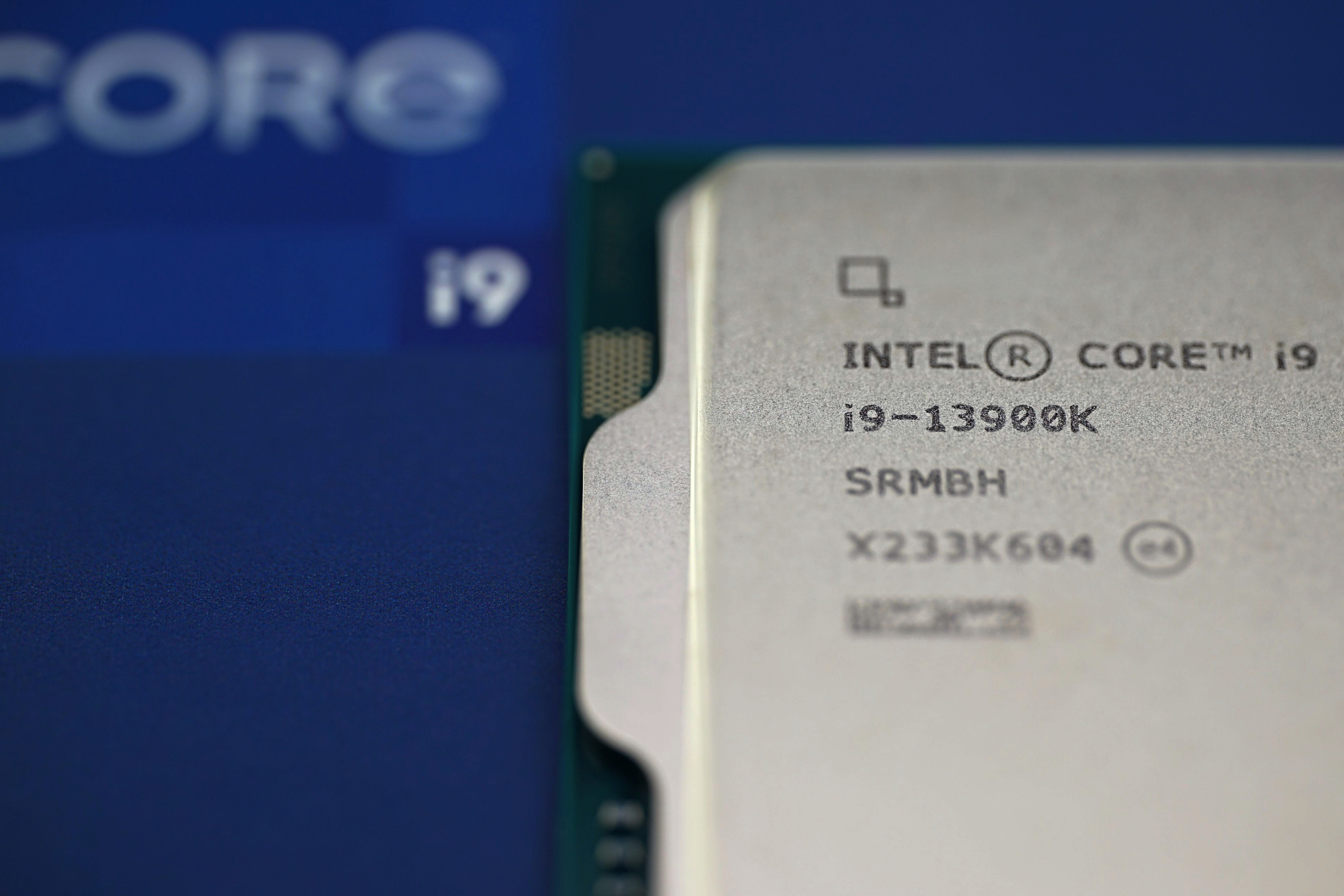
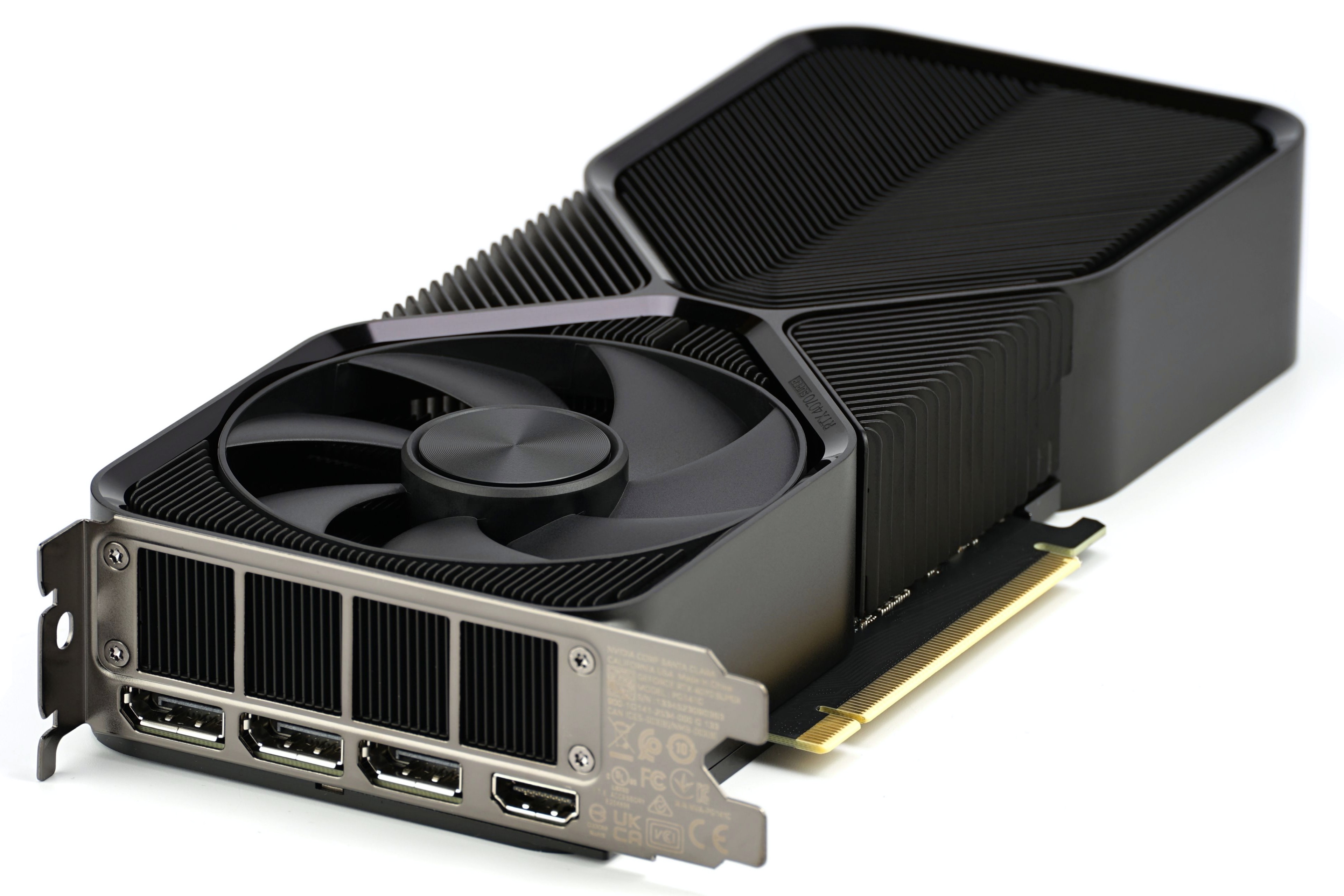
The main heat-generating components are an Intel Core i9-13900K (E-cores disabled) and an Nvidia GeForce RTX 4070 Super FE with fixed fan speeds at 12 V. CPU fans also run at a fixed 12 V. PWM fans are regulated using the Noctua NA-FC1 controller; 3-pin fans are voltage-controlled with a Gophert CPS-3205 lab power supply.
Processor power is set for long-term stability, even in poorly cooled cases – around 75 W with the NH-L9i-17xx and ~150 W with the NH-D12L. If cooling performance fails to maintain the expected power consumption, the test is deemed invalid and excluded from graphs (the respective data bar is left blank).
Power stability is monitored at the EPS connector. The PSU used is the Seasonic Focus SGX-750 (SFX format, 12VHPWR cable), selected to ensure consistency across all cases, even those that support ATX PSUs. The motherboard is a Mini-ITX Asus ROG Strix B760-I Gaming WiFi (BIOS v1663) to guarantee fit in even the most compact builds. RAM is DDR5 Patriot Viper Venom (2× 16 GB, 6000 MHz/CL36), and storage is handled by a Gigabyte Aorus Gen5 10000 (2 TB) SSD with a finned heatsink, ensuring good scaling of SSD cooling with varying levels of airflow.


SSD stress testing is performed via CrystalDiskMark (looped sequential read/write), while the CPU is loaded in Cinebench R23, and the GPU in the Shadow of the Tomb Raider menu. If the case allows vertical GPU mounting and includes a PCIe ×16 riser, we test the graphics card in both standard and vertical orientation. All tests run sequentially for 600 seconds each, with 10-minute cooldown intervals between modes to return temperatures to baseline.
From the internal sensor logs collected in HWiNFO (v8.10-5520), we chart the following: average peak temperature of CPU P-cores, VRM (Vcore and Thermistor), chipset, SSD, GPU core, and its memory.
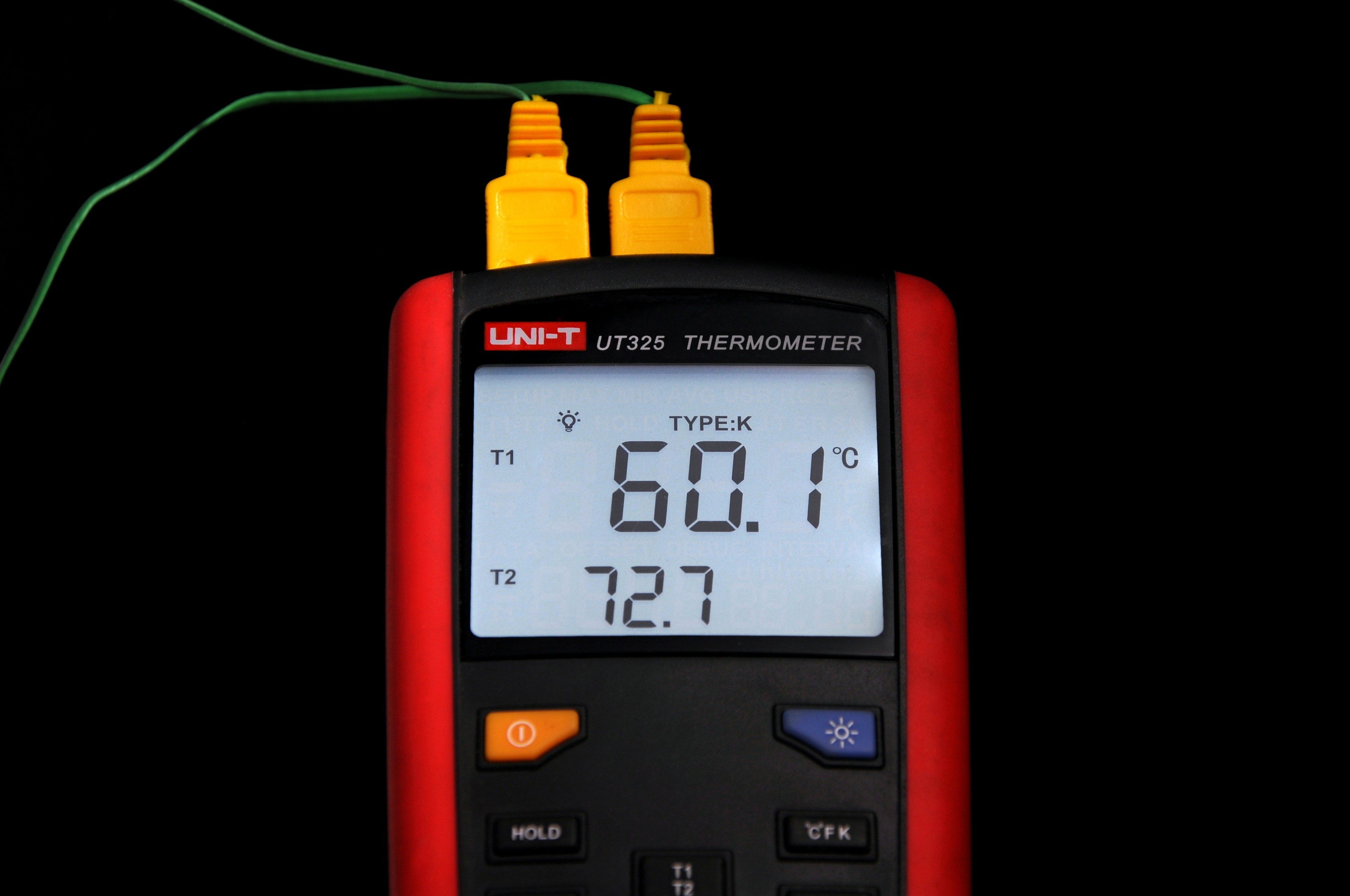
Ambient intake temperature is strictly controlled between 21.0–21.1 °C, monitored with a calibrated UNI-T UT325 thermometer. Its second probe is placed at the exhaust, and this temperature is also logged and charted.
From the standard benchmarks not related to cooling or acoustics, we also measure maximum sequential read and write speeds via USB ports (connected to the Asus ROG Strix B760-I Gaming WiFi motherboard) on each case’s front I/O panel. Testing is performed in CrystalDiskMark using an external WD Black P50 SSD. The resulting transfer speed in MB/s is calculated as the arithmetic mean of three passes. Ports faster than 10 Gbps are limited by the test motherboard’s USB 3.2 Gen 2 support.
Extra tests of vibration…
While tuning fan noise levels, we also monitor chassis vibration using a 3-axis vibrometer – only on outer surfaces where the probe can reach while the case is fully assembled. Test points include front and rear panels (often fan-mounted) and areas around sliding dust filters, where rattling or resonance can occur.

The vibrometer provides readings in mm/s per axis, but we simplify this to a single 3D vector magnitude. Note that subtle fan vibrations – like those measured in dedicated fan reviews – are below the threshold of our chassis testing equipment. For that reason, we only summarize vibration data in qualitative terms at the end of each graph section. It’s a rough guide, but helpful for identifying potentially egregious issues.
… and HDD noise suppression

For cases with internal 3.5″ drive bays, we assess how well the chassis dampens HDD noise – specifically using a WD Gold HDD (WD4004FRYZ). This includes both idle spindle hum and active random-access seeks (512B blocks), which are typically louder. During this test, the HDD is the only active noise source.