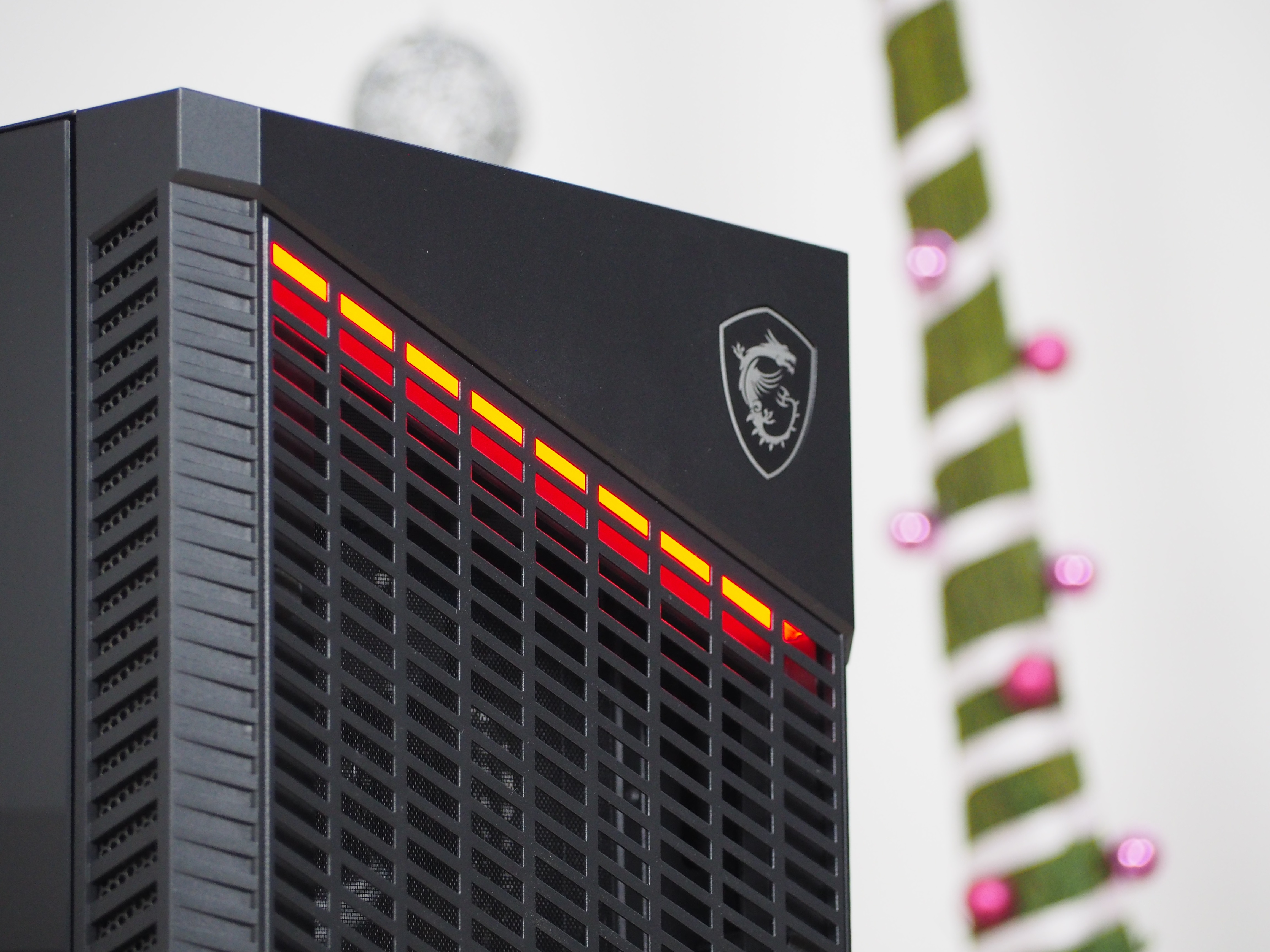
Velox 100Ps are some of MSI’s newest cases. In the Airflow variant (Velox 100P Airflow), it has a heavily perforated front, which is something we are interested in at HWCooling. The case is one of the more expensive midi-towers and doesn’t lack tempered glass or ARGB lighting. Naturally, though, our tests were mainly considering the design, equipment and cooling, since this Velox has the Airflow in its name.
… Inside without compromise though
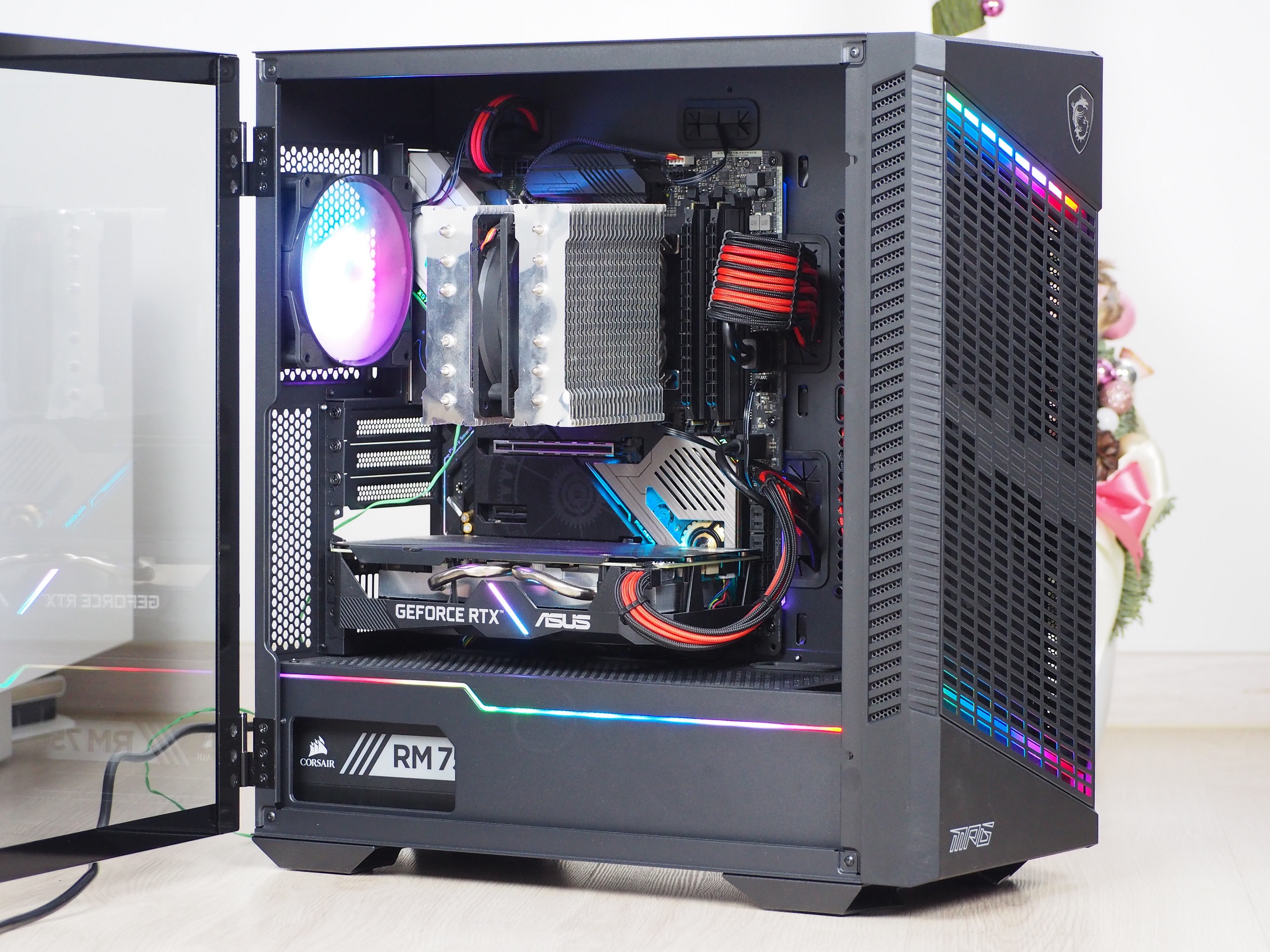
The case is ready for hardware of any size and volume without limitations, for example, you can fit even E-ATX size motherboards. These are held by a 0.7 mm thick tray, which is slightly more than the standard 0.6 mm average. Along with the motherboard, it will also hold a tower-shaped CPU cooler up to 175 mm in size, giving you almost unlimited options in choice. Up to 380 mm long graphics cards can be accommodated in the case, which means you won’t have to limit your choice of cards either. To the right of the tray you can place the aforementioned 120/240 mm water cooling radiator or two 120 mm fans. The downside is having to uninstall the fans in the front on the intake, so this position is more for the water cooling radiator rather than the fans themselves.

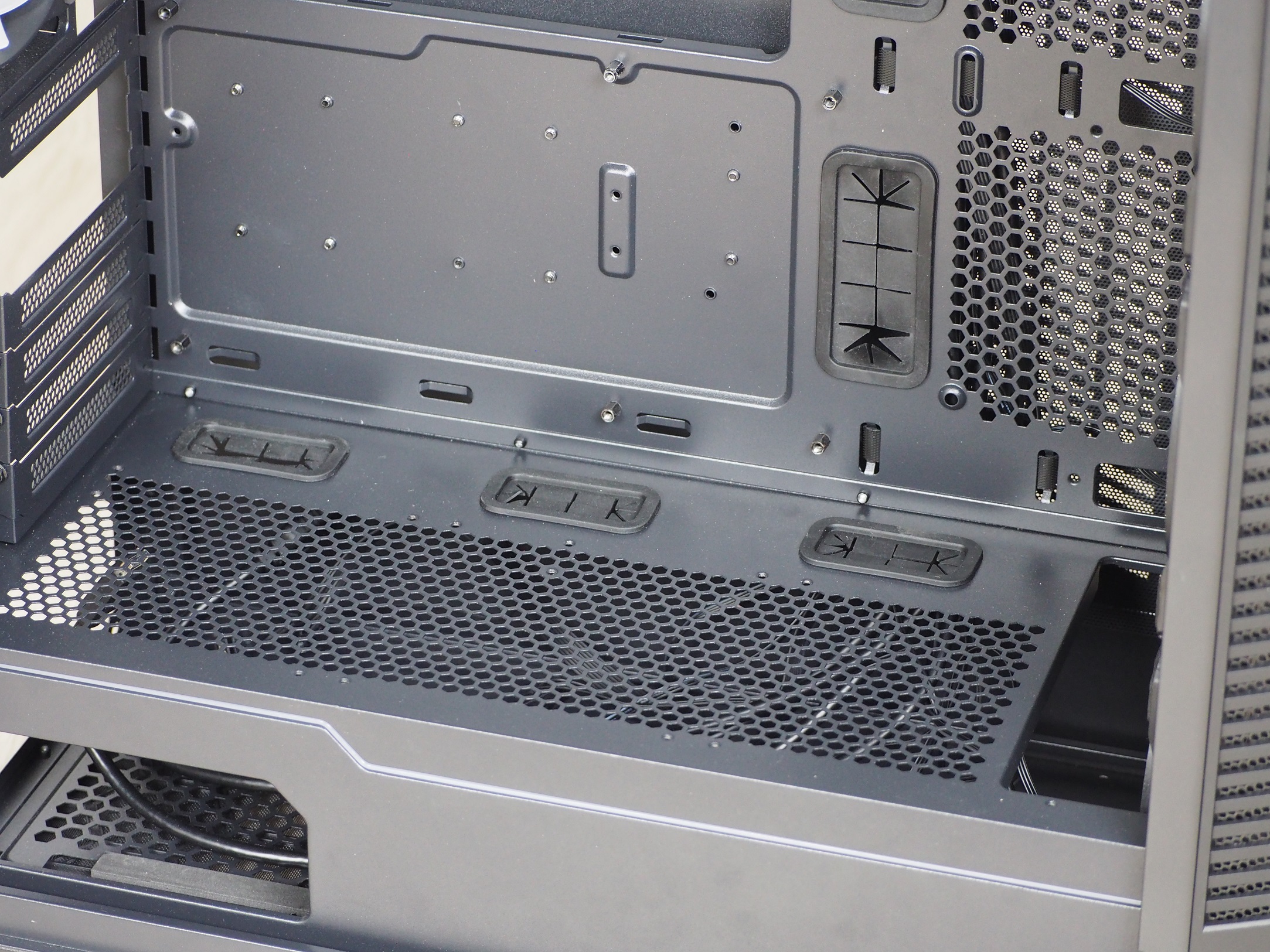
All grommets for wiring are fitted with rubber caps. These hold them in place stably. The top of the tunnel is perforated, which in combination with the bottom fan on the intake gives a better possibility to “breathe” especially for 3.5″ drives and graphics card, if you have it placed in a lower PCI Express slot.
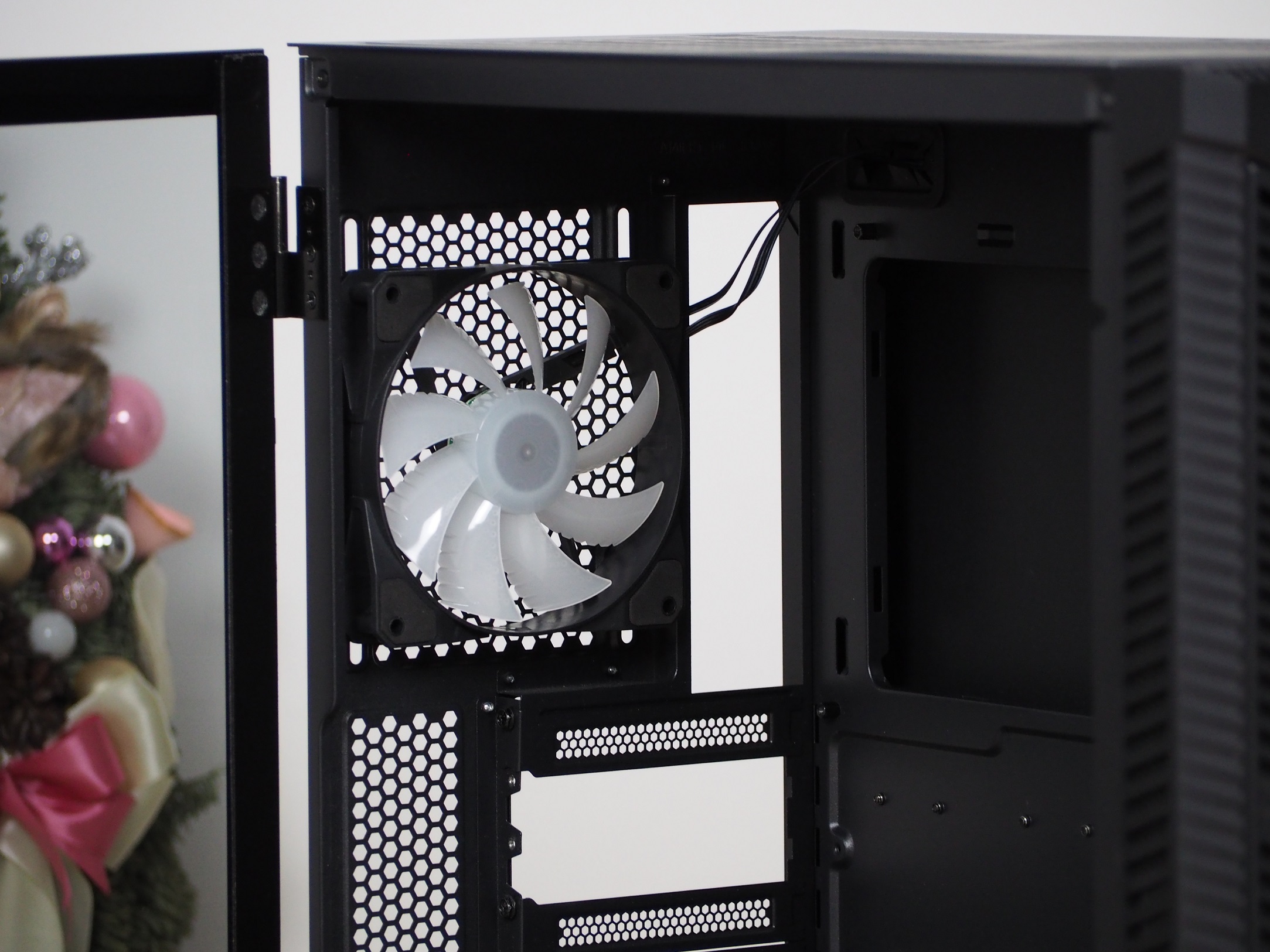
The fan on the exhaust is also unspecified, with the same parameters as those on the intake. The only difference is that this one has RGB LED backlighting. Both types remind me of the ones from the MSI Forge 100M case, where the fans also had ribbing.
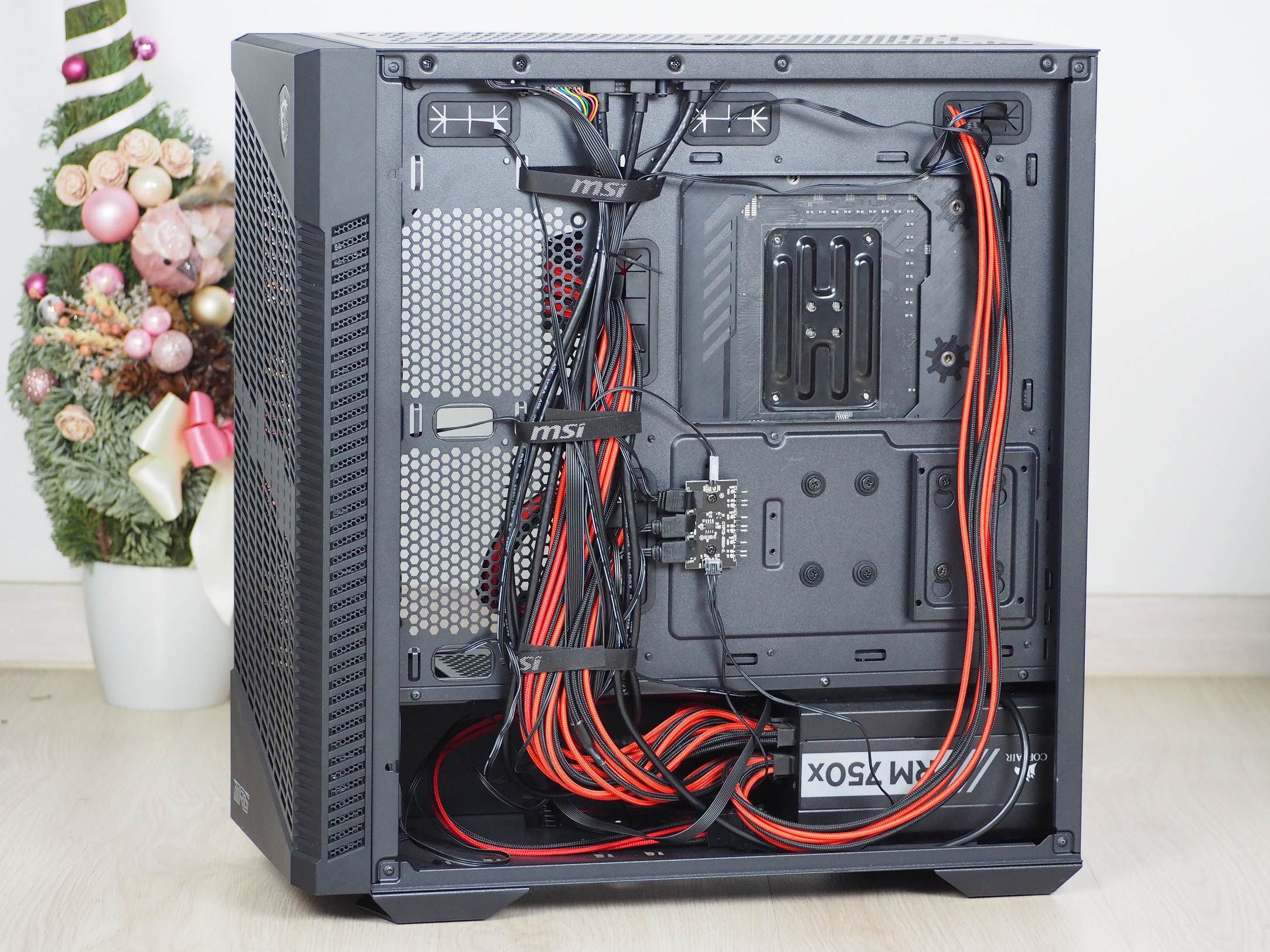
The back side of the interior is deprived in the photo by one bracket for 2.5″ storage out of two and also by a compartment in the tunnel for two 3.5″ HDDs – this is because it is a showcase sample. They are supplied as standard with the case. For cable management, you have three pieces of Velcro pull-tabs. The other 10 positions are free for additional cable fixing. The hub for the ARGB lighting is mounted tightly next to the cable grommet, which can make it more difficult to handle when fitting. However, for a case in the high end price range, I also miss having the power supply for the fans directly in the hub.

The actual cable management was not difficult, there was plenty of space, 23 mm to be exact. This is despite the additional cables for the front panel backlight, tunnel trim and fan on the exhaust. The whole thing is powered by a SATA cable.
Like the cable management, the mounting and connecting of the hardware was also seamless. Even the backlighting didn’t conjure up the feeling of a more premium case.