


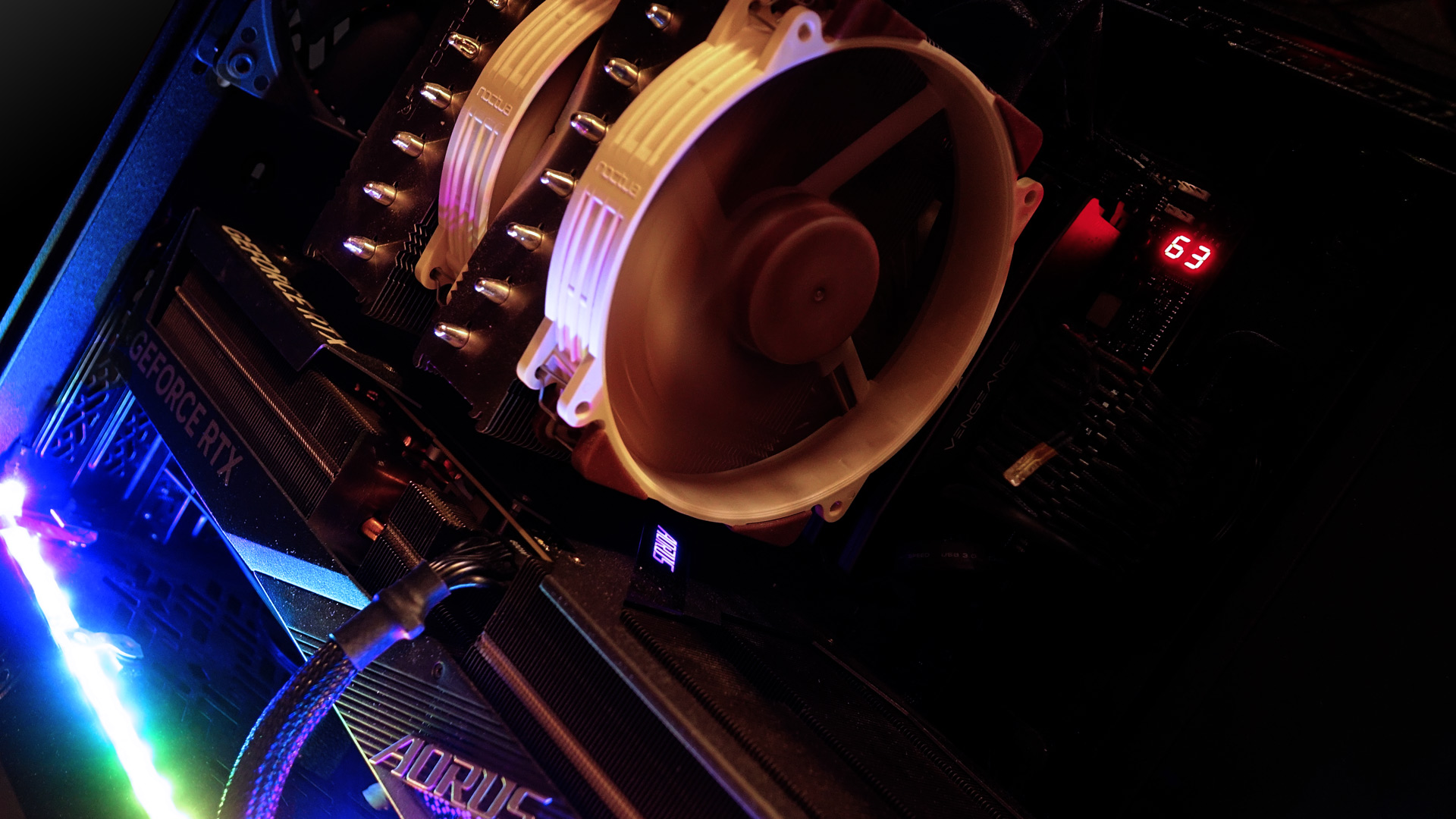
While building a PC, most people are satisfied when the computer works, performs as expected and remains reasonably quiet. Unless you’re one of those who care more about the journey than the destination, you probably haven’t spent much time tinkering with system cooling. That’s where we come in. We’ll test what makes sense to address and what doesn’t, and how it impacts computer’s performance and behavior.
Even in case reviews that include tests of operating characteristics, you won’t usually find out how the whole build will behave if you change the system cooling configuration. They are usually limited to some basic scenario, because you simply can’t test everything in a case test. The options for fan positions are many and the combinations of hardware you can put in the case are countless. Add to that automatic or manual control settings and different performance modes, and you can come up with enough combinations to write a novel.
For quite some time now, I’ve wanted to devote a few articles to air cooling in a computer build that would go a bit more in depth. Although I have put together the necessary components several times, it hasn’t happened yet. I didn’t have the capacity to approach cooling comprehensively while keeping it quick, simple, and easy to understand. And even when I tried to discuss with someone how to approach such testing, everyone had a different opinion.
It is not easy to figure out where to start and under what conditions to test. For example, there’s a scenario in which you set the CPU and graphics card performance and cooling to fixed values and just play around with the system fans. But I don’t want to do that, because you won’t encounter much of that approach in practice. Most of the time, you leave the clock speeds and cooling of the CPU and graphics card to automatic control.
It is precisely because of the performance and cooling control that the computer behaves as a complete system, where one thing influences the other and everything is related to everything else. These days, the performance and heat that components give off vary depending on how well coolers handle their work. If they keep the temperature of the CPU or graphics card at reasonable levels, there is little drop in performance as it warms up, but consumption remains high and with that comes a lot of waste heat. Conversely, if the cooling is inadequate, the regulation can reduce the performance of the graphics card, processor or drive noticeably. With this, their consumption will also decrease and less heat will be emitted.
You can find countless tips and guaranteed instructions on how to best solve cooling in discussions. Lots of people don’t do it at all, the more responsible builders usually go the way of some compromise. They’ll add a fan where they think it should be, tweak the control settings so it doesn’t make too much noise, run some tests to see if something is getting too hot, but few people want to waste a lot of time doing that. Because of the need to let everything warm up until the temperatures stabilize, each measurement takes a long time as well. And there are more than enough values to measure and check.
Therefore, I would like to pursue the things you probably wouldn’t do, test all sorts of things and rather answer the “what happens if….” questions. We’ll build a test platform for this and look at various modifications to the system cooling. We’ll test how the whole system will be affected by the changes we make to the build. There’s too much to test for one article. I also can’t sit down and dedicate a month or two to one test where everything is then put together. It wouldn’t be very clear and digestible on the web anyway.
We’ll be using the variable case Meshify 2 from Fractal Design for testing, which allows us to try out more stuff than a regular case. We’ll approach this more as a series of irregular articles revolving around one test build, where we’ll make incremental changes and see how they play out in practice.
It’s going to be a long journey, I’ll almost certainly have to intersperse the articles with tests of graphics cards that are close to launch. Therefore, I will design the testing so that the articles make sense on their own. I don’t want to keep you waiting for more tests with a resolution. I’m not even perfectly clear on which way we’ll go, what we’ll encounter and what we’ll try.
It also won’t be easy to get the results on the web so that someone other than me can navigate them. Still, I’m going to take a chance and hope that it will eventually turn out to be a more detailed guide on what to pay attention to when improving cooling, what to avoid and what not to worry about. And if it doesn’t, I guess it won’t be a terrible thing either.
Enough with the introduction, let’s take a look at what we’ll be testing with.
⠀



