


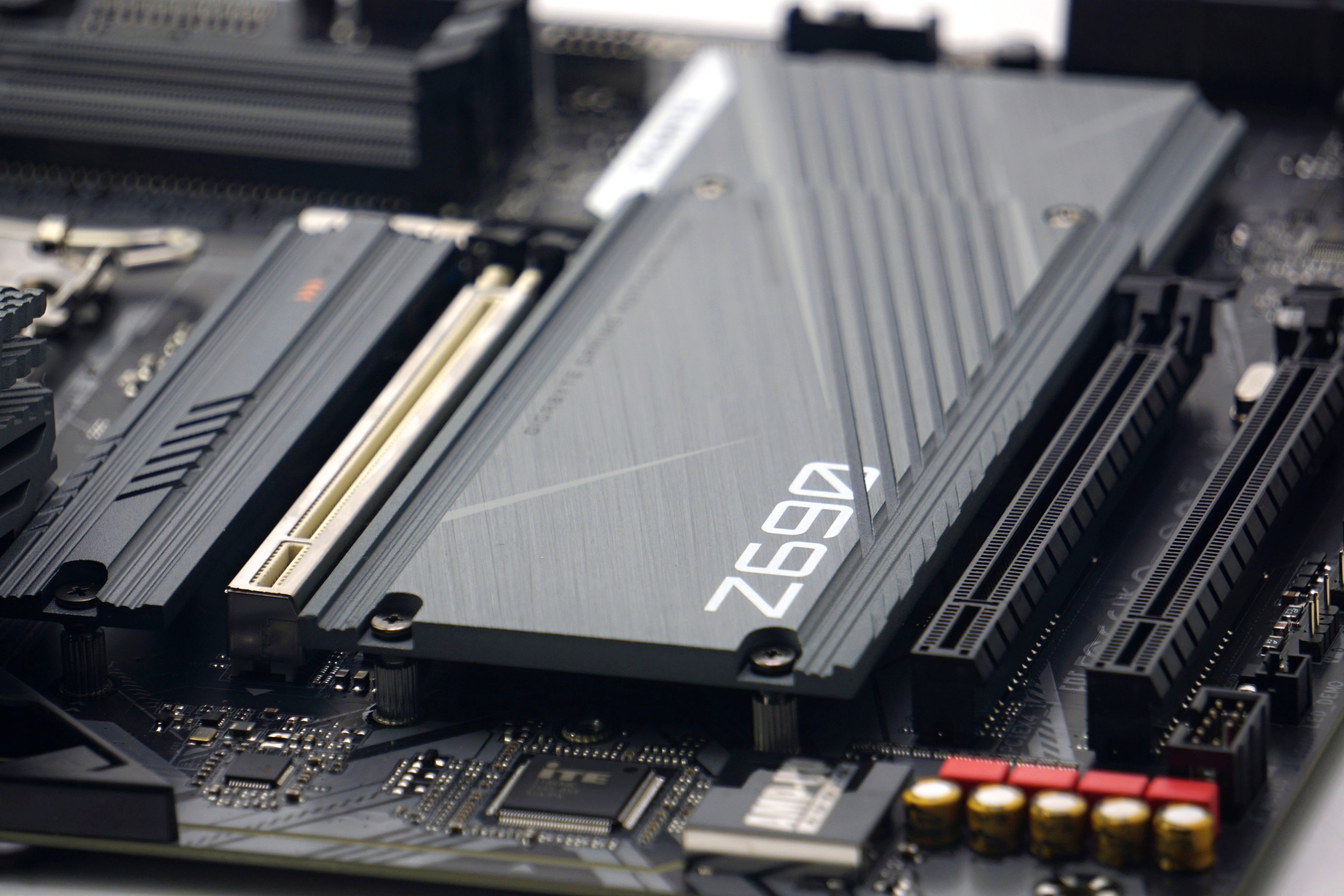
Over time, we have tested ten motherboards with Intel B660 and Z690 chipsets in great detail. From more than 5000 different measurements, we can thus confidently deny some speculations that are usually spread on the Internet from the ignorance of the authors of articles or comments (in discussions). But this is natural. The less substantial the reviews are, the more fertile ground they create for various confusions.
An examination full of new knowledge
According to our research, nobody is really doing in-depth motherboard tests. The reason for this is quite simple – to test a motherboard from all perspectives is an extreme amount of work that readers (or in the context of videos, viewers) won’t appreciate – “they are not interested”. Motherboard test views are some of the lowest among components. In proportion to the time spent, from the editors’ point of view, this would be time wasted that could be spent more productively.
The lower popularity of motherboard tests (not only in our country, but worldwide and historically) is certainly due to several reasons. One, and probably the main one, is that it is not a topic that would divide people into several camps, where some people are fans of one or another brand and regardless of the test results they stand by it, they feel the need to shout their opinions to the world and in short they create a certain buzz. This happens typically with processors and graphics cards.
Motherboards do not arouse much “passion”, that is, unless flames from burning voltage regulators appear in preview photos. But even this is artificially created interest, usually based on ill-conceived methodologies, where processors that are too powerful are used to test cheap motherboards. And yet those “bad” motherboards don’t expect to run with 300W Core i9s, but are perfectly designed for, say, 65W Core i5s.

Motherboard tests are also quite difficult to understand, as long as they are done correctly. And the many obscurities that surround them don’t help either. We do try to set them straight with detailed analyses, but let’s say the “generalities” in motherboard subtests don’t stand out that much and deserve attention in a separate article. We group the individual findings and generally valid conclusions thematically, by chapter – one topic, one chapter. The biggest “issues” are discussed in these chapters.
But then there are also a few things that we didn’t target from the beginning (of the motherboard tests) and only started to show up over time. For example, the different quality of PWM control on motherboards. We only picked this up in the Gigabyte Z690 Gaming X DDR4 test, where too high speeds were being achieved in basic tests of the connectors on the system fans with the Noctua NF-A12x25 PWM. Higher than on other motherboards.

After testing the 10 more motherboards, we will surely come across other things that remain “under wraps” for the time being. With that we hope that even these, unattractive tests, are of value to you. We’ll certainly stick with them and we share the sentiment that sometimes you have to do things that don’t pay off, as long as they make sense. Now, on to the important stuff (on the next pages of the article).





Thanks for the article, quite interesting.
I wonder how much of a difference makes where the M.2 SSD is installed. I ask because the topmost slot is right above the GPU which under stress produces a lot of heat.
Would having the SSD on the lower slot make it considerably cooler?
https://www.hwcooling.net/en/what-s-the-best-position-for-your-ssd-m-2-en/ 🙂
Thanks. Those results make sense.