Current PC hardware is already very energy efficient. Each new generation usually promises higher performance, lower power draw with corresponding cooling requirements. This trend is leading to the growing popularity of compact PC builds. However, these rigs face little space for coolers. How big trade-offs need to be made with CPU cooling in these builds? Does a small cooler necessarily mean high temperatures and noise?
Small but handy
Very popular SFF cases today include, for example, the Ncase M1 Mark VI or the Louqe Ghost S1 Mark III. Personally, I’m also quite looking forward to the Cooler Master NR200 which I’m planning for my next build with water cooling. But back to the Louqe Ghost S1 which I consider to be a very attractive SFF case and which I am only discouraged from acquiring by the extremely high purchase price. This case perfectly fits older Noctua NH-L12. However, this cooler is difficult to find today because it has been replaced by the newer NH-L12S. But it will not fit into the Louqe Ghost S1, because it is 4 millimeters higher than its predecessor. Recently, the renewed version of the NH-L12 with the nickname Ghost S1 Edition was released. I also requested the current NH-L12S model for this cooler and added NH-C14S to this pair. I used the NH-C14 for some time in the Streacom DA2 case, where it fit almost perfectly (after a minor modification with a Dremel milling machine). The trio of Noctua coolers, starring namely NH-C14S, NH-L12S and NH-L12 Ghost S1 Edition, will be introduced today.
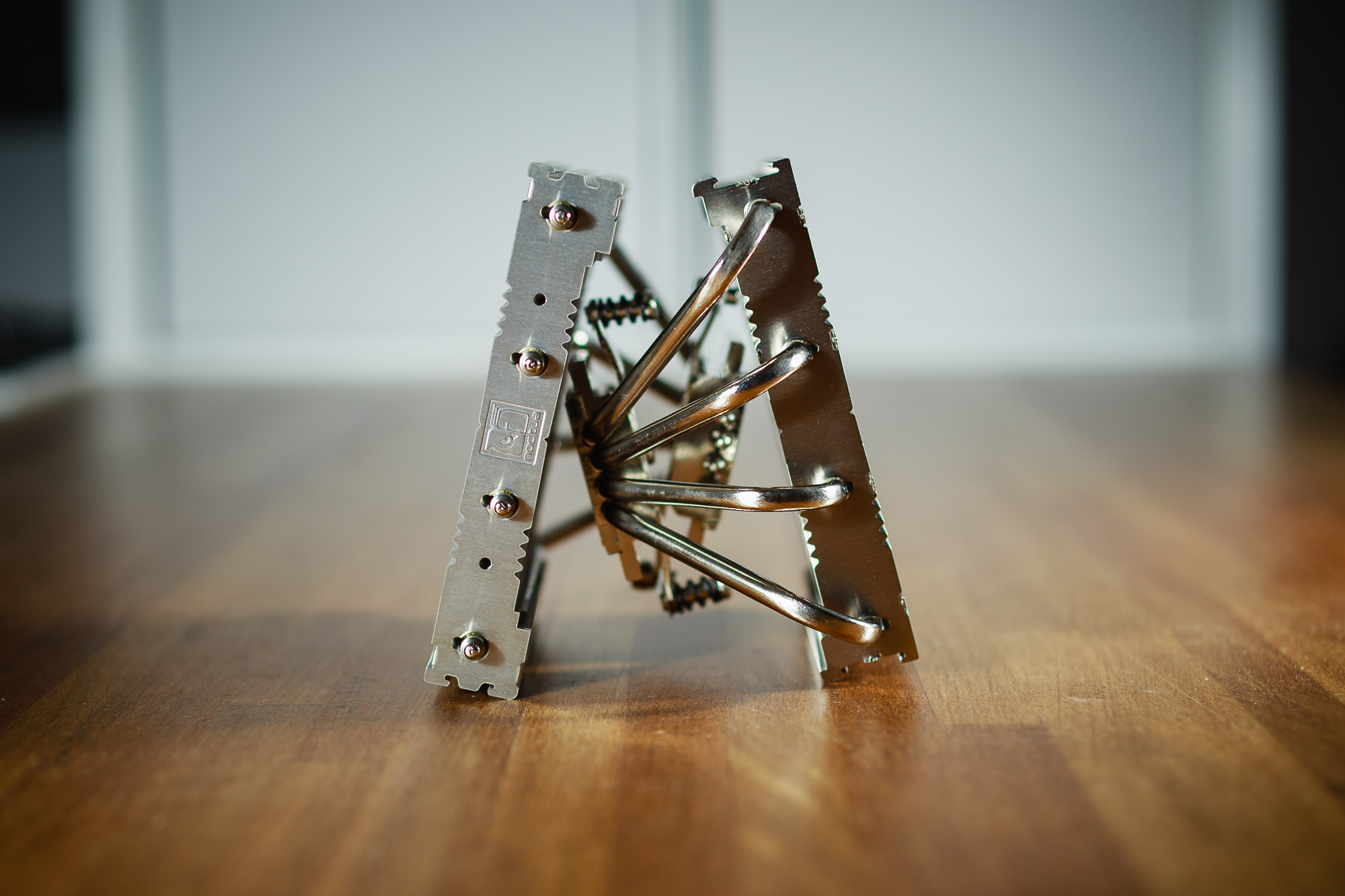
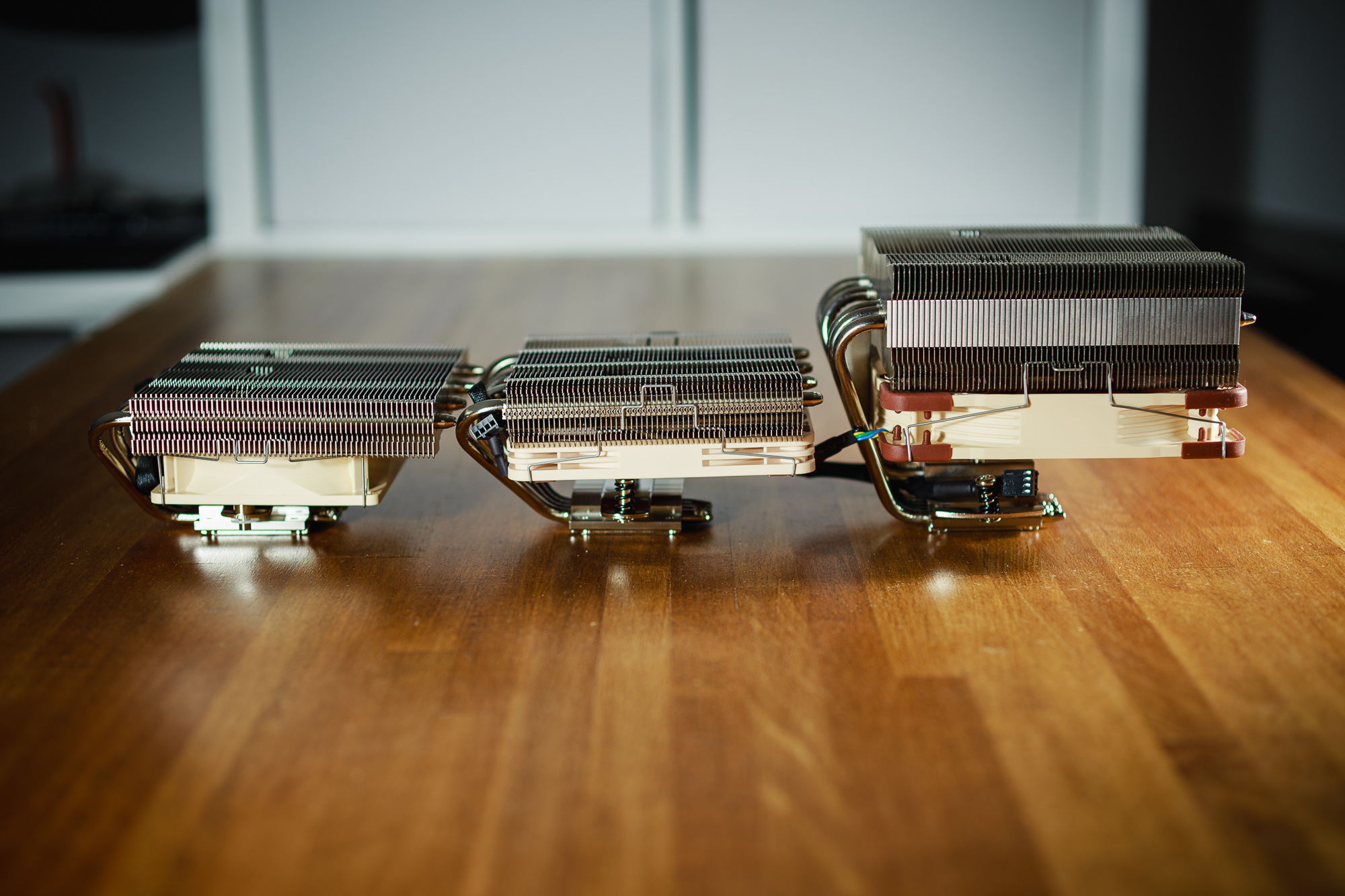
As you can see from the table and from the photos below, the NH-C14S is not such a low cooler. It can be described as low-profile only with one eye shut. However, if its fan is placed under the heatsink, its total height is 115 millimeters. It is therefore still significantly lower than most conventional tower coolers. Nevertheless, its overall dimensions are not negligible and should be taken into account when choosing a suitable combination of cooler and case.
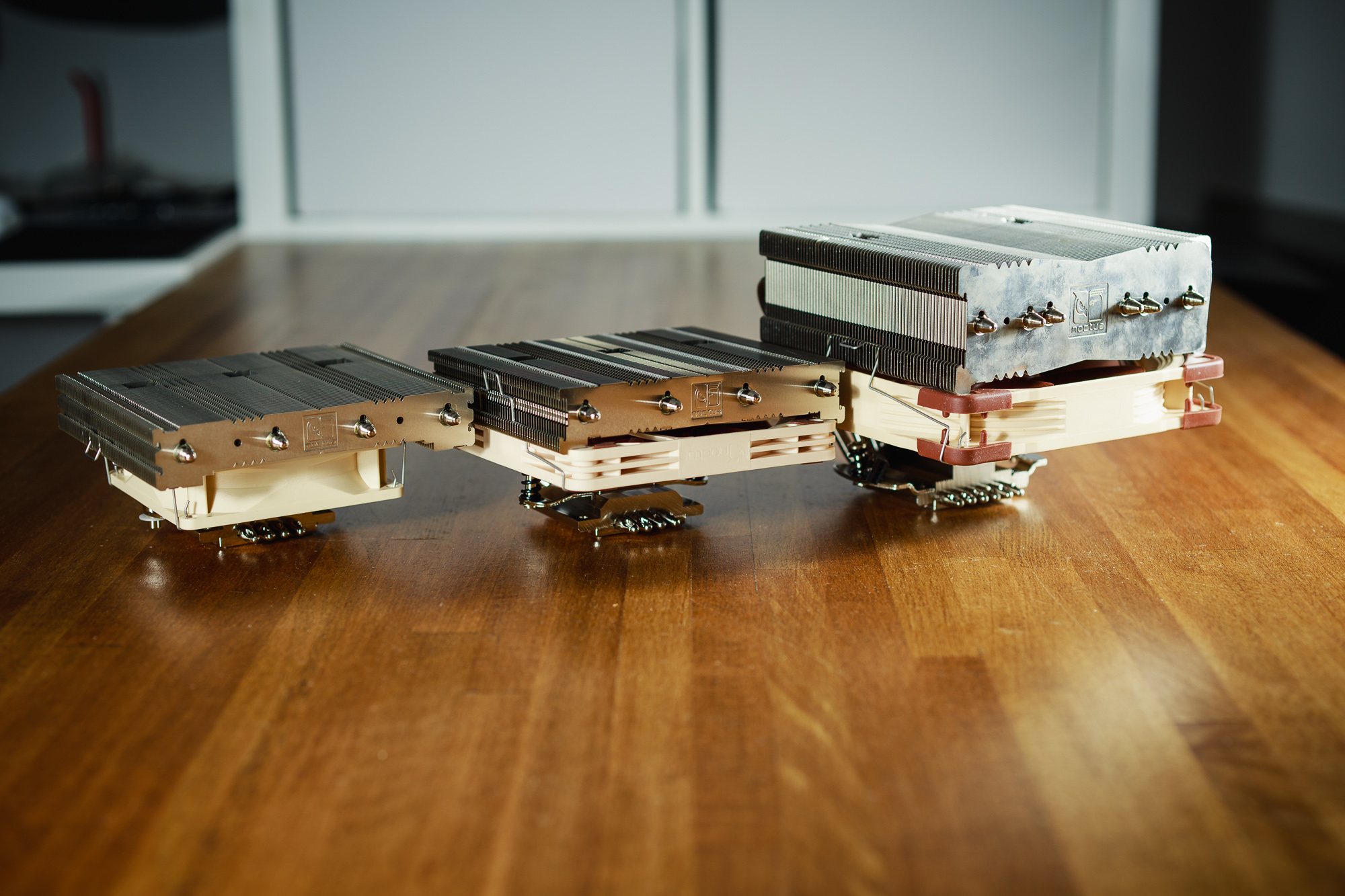
However, the two remaining coolers next to the NH-C14S look like dwarfs. The NH-L12S cooler together with the NH-L12 Ghost S1 Edition are very similar in size. But while the NH-L12 Ghost S1 Edition does not have a problem using RAM up to 48 millimeters high, the NH-L12S is limited to 35 millimeters. That is, if you place the fan under the heatsink. This is also the reason why the NH-L12S is overall a tad higher than the previous NH-L12 version. The culprit is a 120 mm fan that is already interfering with the DIMM slots next to the processor socket. Despite the small height of the NF-A12x15 fan used (fifteen millimeters instead of the usual twenty-five), the fan still almost touched the low Corsair LPX memory sticks in the test machine. Out of curiosity, I also wanted to try the NH-L12 cooler with the NF-A12x15 fan. Unfortunately, this fan could not be attached to the heatsink. The fins on the NH-L12 have a slightly different shape of the edges and the clips from the L12S cooler did not fit there. In addition, the entire heatsink did not even fit on the motherboard because the fan collided with the RAM modules. The clamping mechanism also differs, the NH-L12S (pictured below right) uses a newer type of spring screws.
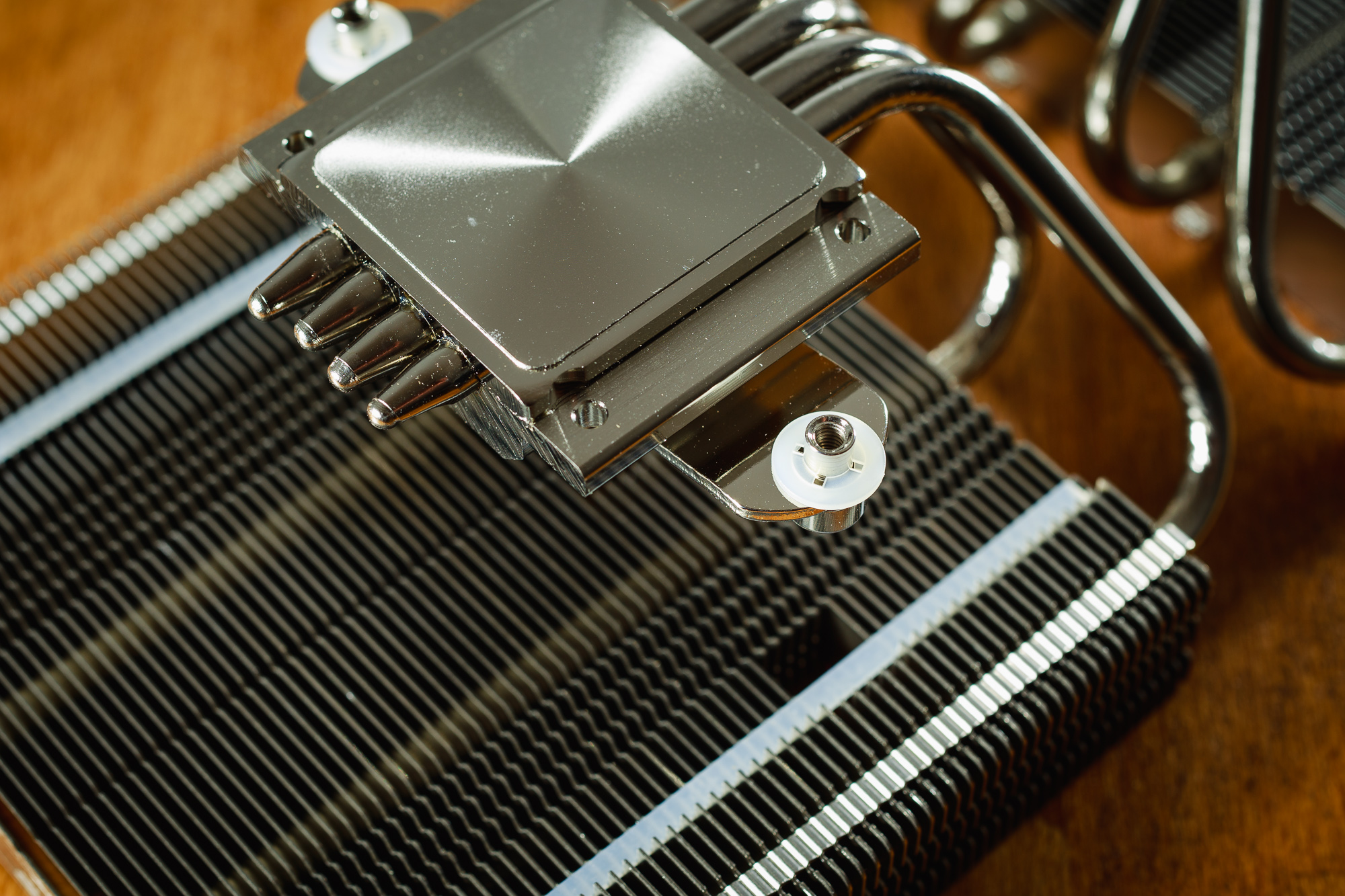

I’m a little disappointed that the NH-L12 Ghost S1 Edition doesn’t use the more modern NF-A9 PWM fan instead of the used NF-B9 PWM. The NF-A9 PWM variant offers a higher value of maximum speed, which of course also offers a better air flow and significantly higher static pressure. It is also equipped with more modern SSO2 bearings and also has an improved frame design with anti-vibration pads. Every detail can play a role in such a small heatsink. As a consolation, you will find a higher-quality NT-H2 thermal paste in the packaging of this cooler, which I would personally like to see with every newly released Noctua cooler.
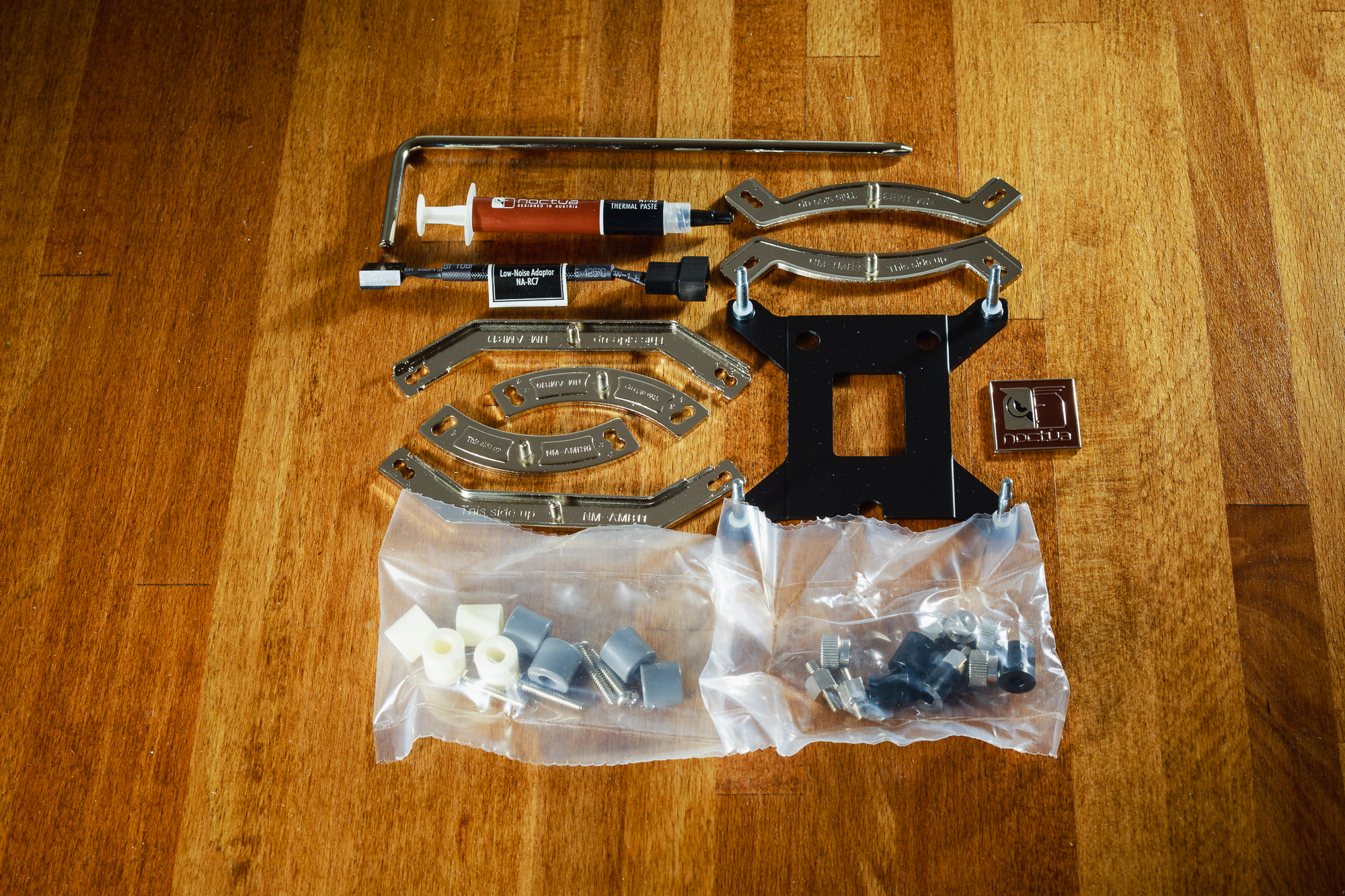
The packaging of all coolers is practically identical to all other Noctua coolers. That is, the SecuFirm2 mounting kit for attaching coolers to all current sockets (except Threadripper). Attaching the cooler to the processor is a piece of cake with this set, and I can hardly imagine any dramatic improvements. You will also find a low-noise adapter, and the NH-C14S also has a splitter cable for two fans. Furthermore, a typical screwdriver, a tube of thermal paste, clips for attaching fans (two sets for the NH-C14S), a metal sticker with the manufacturer’s logo and finally a user manual with clear installation instructions.
| Cooler | Noctua NH-C14S | Noctua NH-L12S | Noctua NH-L12 GS1E | |
| Noctua U12A | ||||
| Supported sockets | Supported sockets | Intel LGA 115x, LGA 1200, LGA 20xx; AMD AM2 – AM4, FM2/2+ | ||
| Height | Height | 115/142 mm | 70/86 mm | 66 mm |
| Width | Width | 140 mm | 125 mm | 128 mm |
| Depth with fan | Depth with fan | 163 mm | 146 mm | 150 mm |
| Weight | Weight | 1015 g | 550 g | 500 g |
| Maximum RAM height | Maximum RAM height | 43/70 mm | 35/48 mm | 48 mm |
| MSRP | MSRP | 70 eur/1856 CZK | 46 EUR/1220 CZK | 49 EUR/1299 CZK |
| Fan | NF-A14 PWM | NF-A12x15 PWM | NF-B9 PWM |
| Bearing | SSO2 | SSO2 | SSO |
| Maximum speed | 1500 RPM | 1850 RPM | 1600 RPM |
| Minimum speed | 300 RPM | 450 RPM | 300 RPM |
| Maximum airflow | 140.2 m3/hr | 94.2 m3/hr | 64.3 m3/hr |
| Static pressure | 2.08 mm H2O | 1.53 mm H2O | 1.61 mm H2O |
| Noise level | 24.6 dBA | 23.9 dBA | 17.6 dBA |