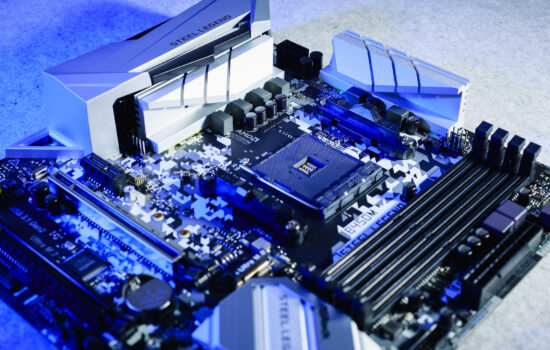
MSI’s Carbon series motherboards are among the most feature-packed not only within the company’s lineup, but overall. Similar to the variant (MPG X870E Carbon WiFi) for AMD, the model for Intel LGA 1851 platform – MPG Z890 Carbon WiFi – is also packed with headers and ports. From this detailed analysis, you’ll also learn how this motherboard performs across hundreds of different tests.
Conclusion
Definitely one of the most “powerful” motherboards you can get for Intel Arrow Lake processors. The VRM temperatures admittedly don’t look all that appealing and are relatively higher despite the extremely robust VRM, but that’s because power management is vastly oversized in the factory settings – the CPU Lite Load is up to “Mode 17” with the Core Ultra 9 285K with Core Ultra 9. Reducing this value will quickly lead to lower temperatures, with associated lower power consumption.
The default power consumption under load is quite high, and the high temperature of the CPU cores naturally corresponds to it. However, this is where there is a lot of room for tweaking with the prospect of more attractive results. With a lower-power CPU model, the preset options can look different, with nice results immediately after booting up, without the need for additional tuning. The MPG Z890 Carbon WiFi, of course, is a board where more user intervention in settings is expected.
Once power limits are set, the efficiency is already quite nice and can be even nicer if you help it in the detailed power management settings. The VRM is characterized by above-standard efficiency, but it needs a bit of tweaking to achieve such a goal. If you don’t do that, expect higher power consumption, higher temperatures, but because of the higher CPU core clock speeds, there will be some reward in the form of really high compute performance. Our tests don’t remember faster multithreaded rendering than on the MPG Z890 Carbon WiFi. It’s a quid pro quo.
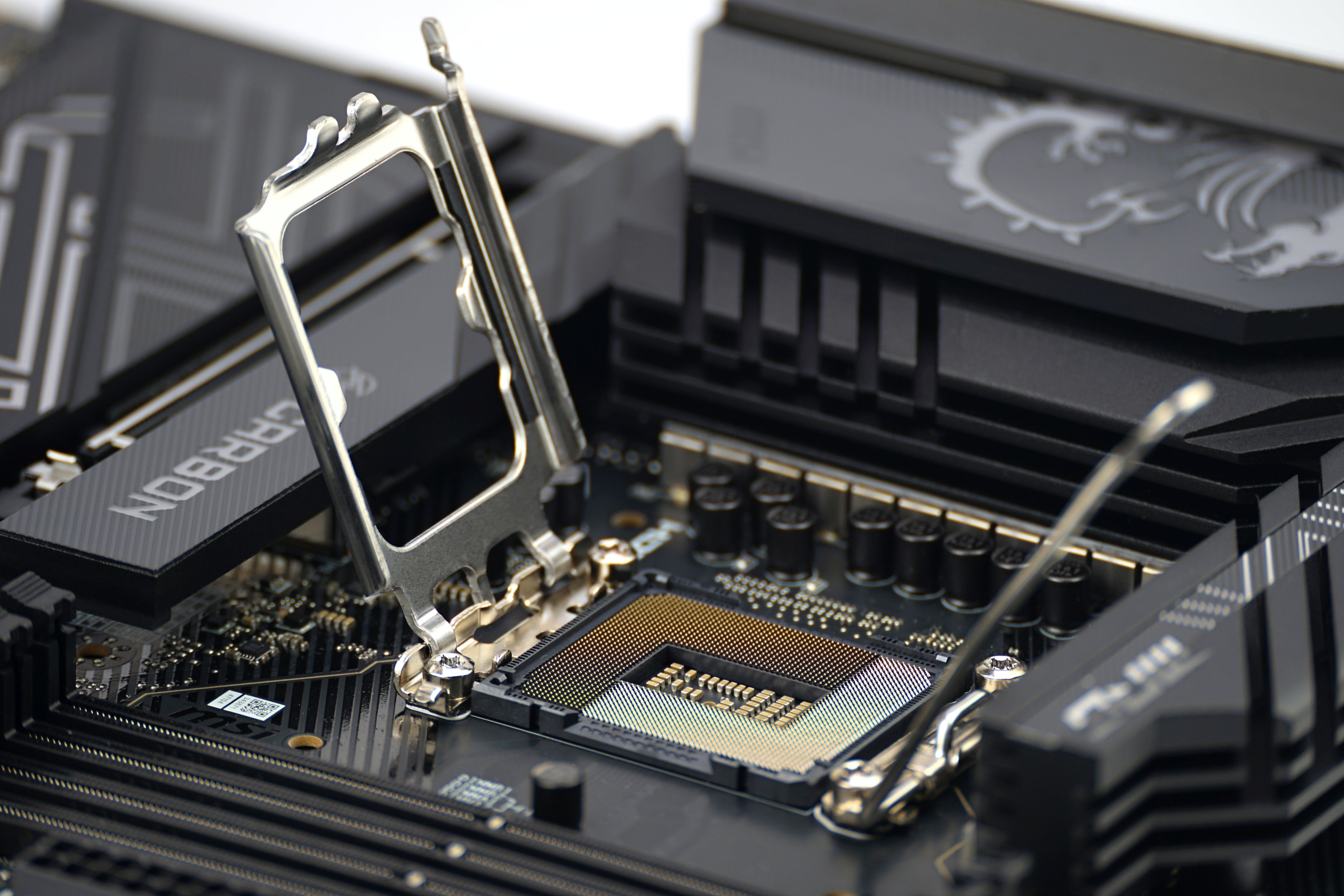
Not only a proper VRM, but also proper equipment – that’s what the MPG Z890 Carbon WiFi motherboard is characterized by. As many as five M.2 SSD slots, over twenty USB ports (their speeds are measured here) or two network adapters, where the faster one is 5-gigabit (confirmed in tests). On top of that, two PCIe 5.0 slots. The second is only a 8-lane one, but in both cases we can note that these are forward-looking solutions. GeForce RTX 5000 GPUs with PCIe 5.0 support are around the corner, and SSDs taking advantage of higher bandwidth (PCI Express 5.0) are already available.
Two M.2 slots are also reserved for PCIe 5.0 (NVMe) SSDs.The dual internal USB 3.2 gen. 1 connectors, which don’t appear much on cheaper motherboards, are also worth praising. It’s just a pity that the SATA ports are again only four in number. But such configuration seems to be based on surveys that indicate that the target customer category does not usually require more inch storage with SATA (III) interface support.
Sure, the MPG Z890 Carbon WiFi isn’t a motherboard for everyone. It’s expensive, and significantly cheaper models, such as the MAG Z890 Tomahawk WiFi or the competing Z890 Aorus Elite WiFi7, will also do a good job in a typical gaming PC. There are more options. With the MPG Z890 Carbon WiFi though, one can’t help but appreciate its added value in the form of those features mentioned above.
English translation and edit by Jozef Dudáš
| MSI MPG Z890 Carbon WiFi |
| + Very powerful 23-phase power delivery (VRM)... |
| + ... can handle even a Core Ultra 9 285K without power limits |
| + Option to manually overclock the CPU by changing the multiplier |
| + As many as five fast (four-lane) M.2 SSD slots... |
| + ... and up to thirteen fast USB (incl. USB 4) connectors on the rear I/O panel |
| + Overall, a rich selection of internal and external connectors |
| + Extremely detailed fan management options |
| + Handy mechanisms for (de)mounting both graphics cards and SSD coolers |
| + Fast Ethernet connection in both directions... |
| + ... with two network adapters (2.5 + 5 Gb connection) |
| - Weaker efficiency in factory settings. May not always apply * |
| - Only four SATA connectors |
| Suggested retail price: 543 EUR |
* Applies to the configuration with BIOS v1.A30 and Intel Core Ultra 9 285K processor.
Some of the tested boards are also available in the Datacomp e-store

Special thanks also to Blackmagic Design (for the license to DaVinci Resolve Studio) and Topaz Labs (for the licenses to DeNoise AI, Gigapixel AI and Sharpen AI)