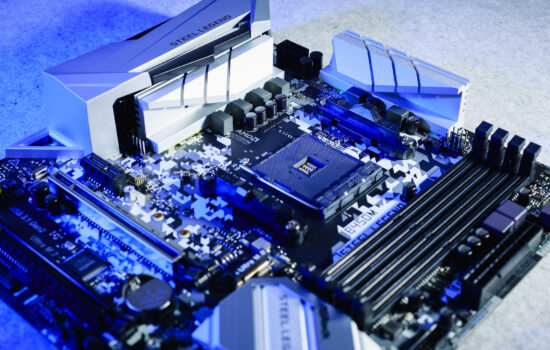
MSI’s Carbon series motherboards are among the most feature-packed not only within the company’s lineup, but overall. Similar to the variant (MPG X870E Carbon WiFi) for AMD, the model for Intel LGA 1851 platform – MPG Z890 Carbon WiFi – is also packed with headers and ports. From this detailed analysis, you’ll also learn how this motherboard performs across hundreds of different tests.
What it looks like in the BIOS
We said it last time, we’ll say it again – the GUI has undergone a significant transformation between generations. It may be new even on older boards now, but at the time of the MAG Z790 Tomahawk Max WiFi tests you can see the Click BIOS 5 in a completely different visual form, as seen in the screenshots below.
The EZ Mode home screen already includes, among other things, the option to select preset performance profiles or a button to reprogram the “Smart” button. It came up in the previous chapter. In the factory settings, it has the role of an LED switch, but you can functionally change it, if necessary, to reset or Safe Boost. It’s up to you…


The tests are run traditionally with the Intel Core Ultra 9 285K processor, for which the details are on the card below. The BIOS version 1.A30 (with microcode 112) used is the latest version available at the time the motherboard was tested.

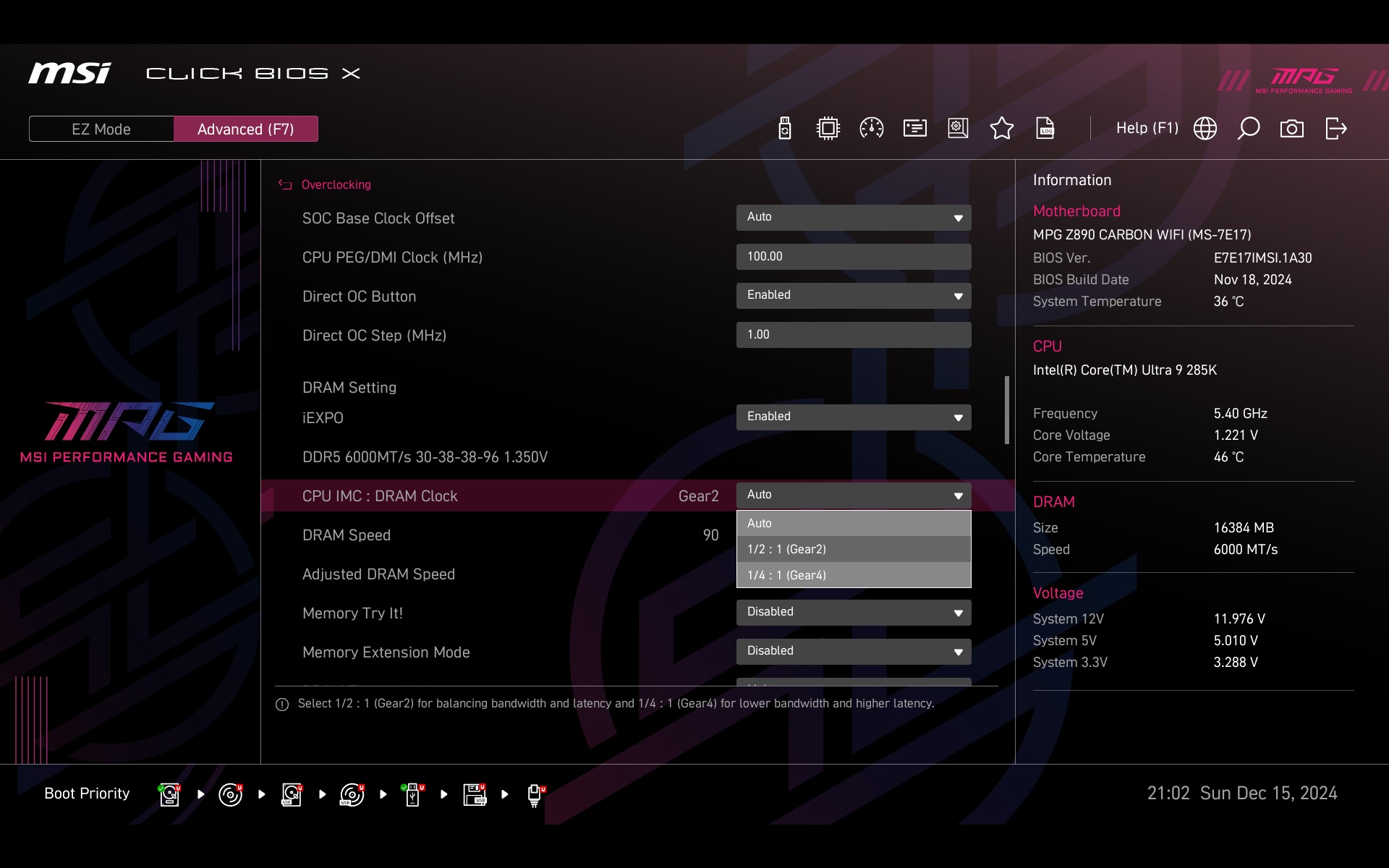
If you don’t enable the memory profile in EZ Mode, it is also possible in the advanced settings (you can go to those by pressing F7), where you can also adjust the memory controller bandwidth. You can also force DRAM bandwidth outside of XMP/EXPO. And of course then go into the advanced memory timing settings as well. But only go into these advanced settings if you know what you’re doing.


The basic power management (power and current limits) can be done within the preset profiles in four levels (Intel Default Settings, MSI Performance Setting, MSI Extreme Setting and MSI Unlimited Setting) or manually by entering the exact values. We set these to 125W for long-term load. The preset profiles have a lower limit (PL1) of 250 W. But, of course, a motherboard with such a robust power delivery is very well built for high loads. Don’t expect super-efficient or super low-power operation, however. This can be achieved by manual tuning.


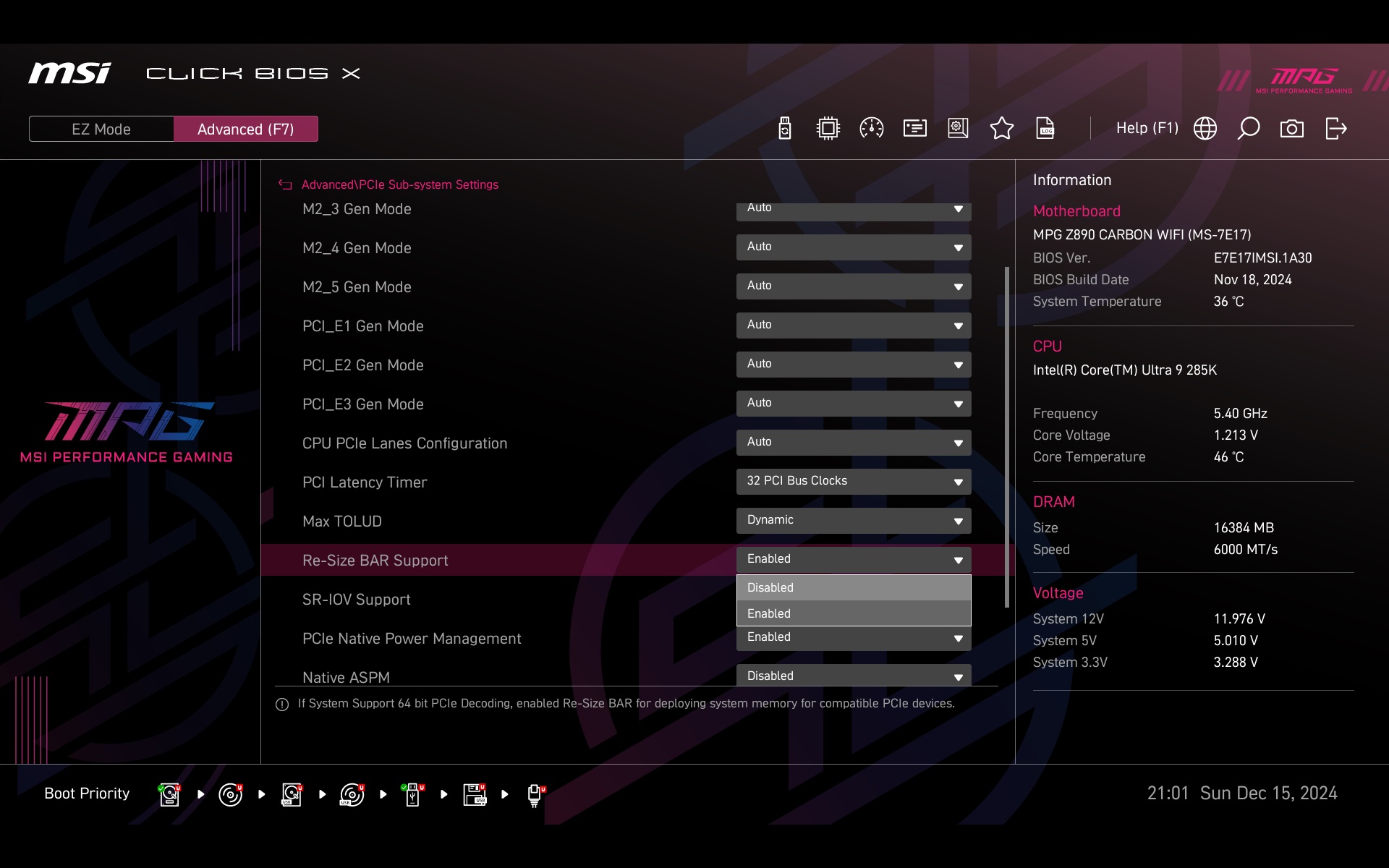
ReSizable BAR? Yes, in case you want to disable it, you can – Advanced\PCIe Sub-system Settings.
The Hardware Monitor for fan management is more detailed than it used to be. Mainly because of the ability to enter numeric inputs into a table where you enter next to each other what temperature should be assigned what PWM duty cycle (in percent) or how high voltage (in volts), in case you are interested in linear voltage speed control.

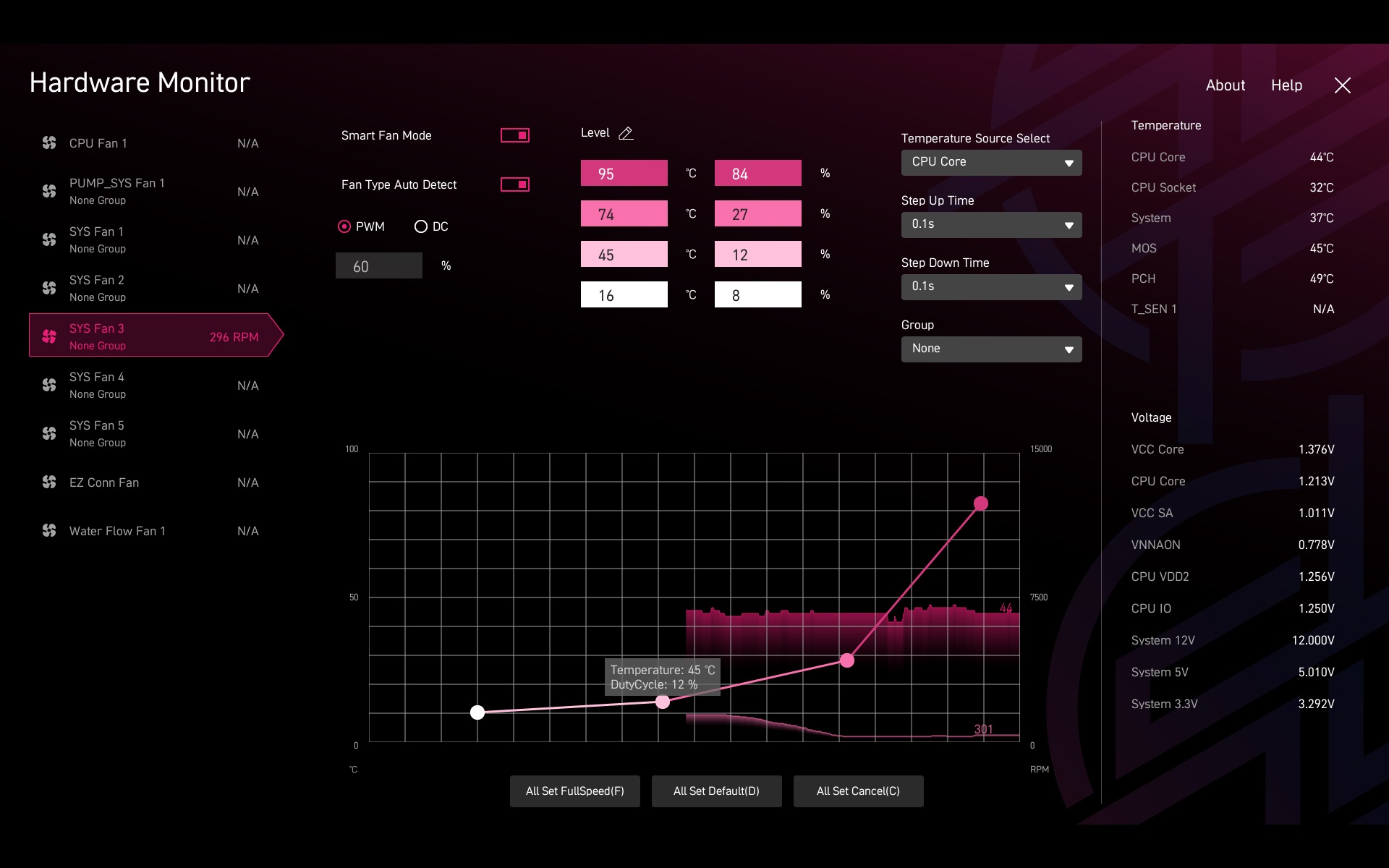
The curve development can depend on different temperature sources, there are up to six of them. With the sixth sensor (T_SEN 1) being for an optional probe. Instead of the temperature of the hottest CPU core, it sometimes makes sense to have a MOS sensor somewhere in the VRM area, for example, as a guideline.