


The TUF GeForce RTX 5070 Ti has a heatsink large enough to mount 140 mm fans. Swapping them is easy: remove a few screws and lift off the shroud with stock fans without breaking the warranty seal. We’ll use that to try a niche option—the low-profile 140 mm Arctic P14 Slim PWM PST. The card gets wider but keeps a reasonable height and, at similar temperatures, runs way quieter.
When it comes to high-performance graphics cards with high power consumption, manufacturers primarily run into cooling limitations. The biggest problem is often height. When motherboard standards were created, no one imagined that computers would one day contain cards with a power draw exceeding 500 W, and they didn’t consider whether there would be space for their cooling.
Today’s cards, however, need a large fin surface area and sufficient airflow for quiet cooling. But there isn’t much space for a cooler inside the case. Manufacturers therefore usually combine a tall heatsink with low-profile fans. But when you want to replace these low-profile fans with different ones, you immediately run into several problems. Most standard PC fans have a height of 25 mm, which would turn a three-slot card into a four-slot card. If you don’t want the card to grow in height, the selection of low-profile models is rather limited.
Today we’ll look at one of the more readily available low-profile fan models. It will be the larger 140mm Arctic P14 Slim PWM PST, so I will test it on the larger Asus TUF RTX 5070 Ti, on which I have already tried three deshroud variants:
with a pair of Noctua NF-A12x25 fans:

with a trio of low-profile Noctua NF-A12x15 fans:
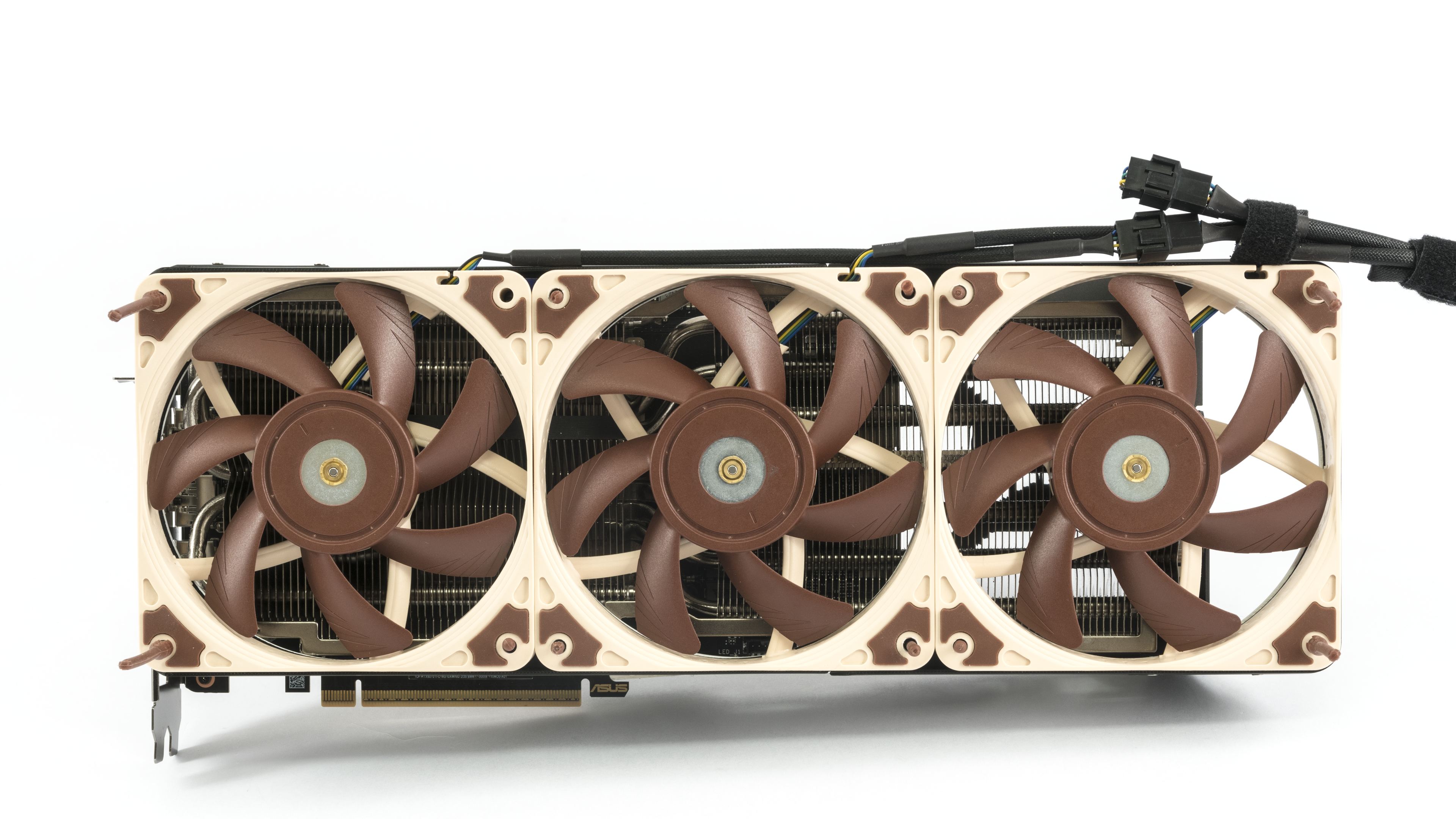
and with a trio of low-profile Arctic P12 Slim PWM PST fans:

You won’t find their results in today’s comparison. I only measured them with automatic fan control; today we will look at the cooler’s temperatures and noise across the entire operational range of fan speeds.

Arctic P14 Slim PWM PST
Fans from the Arctic P14 Slim series are among 140mm fans with an attractive price. There are several revisions. The first one had traditional blades. Later, a second revision appeared with a ring around the blade tips. Arctic now has a third revision on the market, and that’s the one I’ll cover today. You can’t tell them apart by the product code in stores—each one uses the same P/N, ACFAN00268A. The only way to distinguish the last revision is the “Rev. 3” marking on the box label.


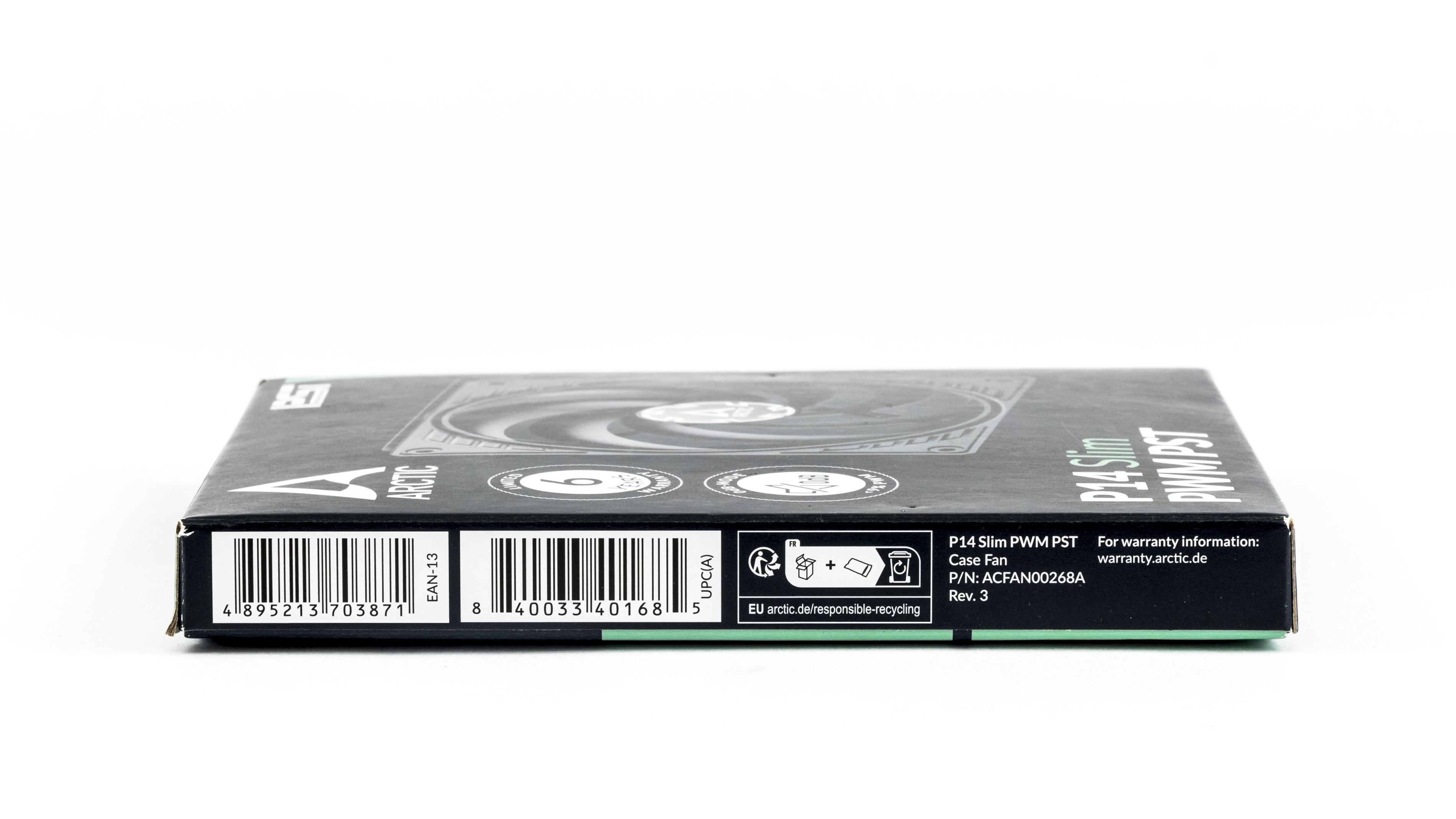

An advantage is that this is the PWM variant with the PST suffix—meaning a version that doesn’t just have a standard four-pin connector at the end, but a splitter right away, allowing you to daisy-chain the fans. The PWM signal is then duplicated from the first splitter to the next one. All fans on the same branch then maintain similar speeds.


The accessories also include four screws with 6-32 UNC thread, which are typically used to attach the fans to water-cooling radiators, and four classic, wide self-tapping screws for fan mounts.
The TUF RTX 5070 Ti is too short even for three 120mm fans, so attempting to use three 140mm fans is pointless. When you opt for two 140mm fans, each one covers a larger portion of the heatsink’s fin stack.

Today we will test just the bare frame without a covered fin stack and with a temporary mounting solution. We will again connect the fans to the Corsair Commander Pro controller and control them via the Fan Control application.

Arctic also supplies screws for plastic and screws of a length suitable for fans with a height of 16 mm. If you prefer anti-vibration pins, most of them are only designed for the classic 25 mm thickness. In one of the previous tests, I solved this with spacers. But there is also a universal solution—Noctua offers silicone pins that are “compatible” with fans of all common heights up to 25 mm.


In the following chapters, we will first look at how the card performed with cooling across the entire operational speed range with its stock fans, and subsequently at the results with the Arctic P14 Slim fans.
⠀


