We owe you the second part of the tests for Zephyrus Duo. In addition to encryption, encoding, tests of memory and SSDs, this article provides detailed performance evaluation under Nvidia OptiX interface, display measurements, and most importantly, an in-depth analysis of operational characteristics. Heating, power and clock management are captured for the first time in detailed flowcharts across all modes (Turbo, Performance and Silent).
Gamut, brightness and deviation
We measured the image properties of the display using the Datacolor Spyder5Elite probe. It is a 15.6″ IPS display with a 4K resolution in a 16:9 aspect ratio (3840 × 2160 px) and 60 Hz. It can also boast of 100% AdobeRGB coverage or Pantone Validated certification. It does not even lack G-Sync. This panel is the highest in offer and is focused mainly on graphic artists, designers, etc. For players, a 300 Hz Full HD panel will be more suitable.
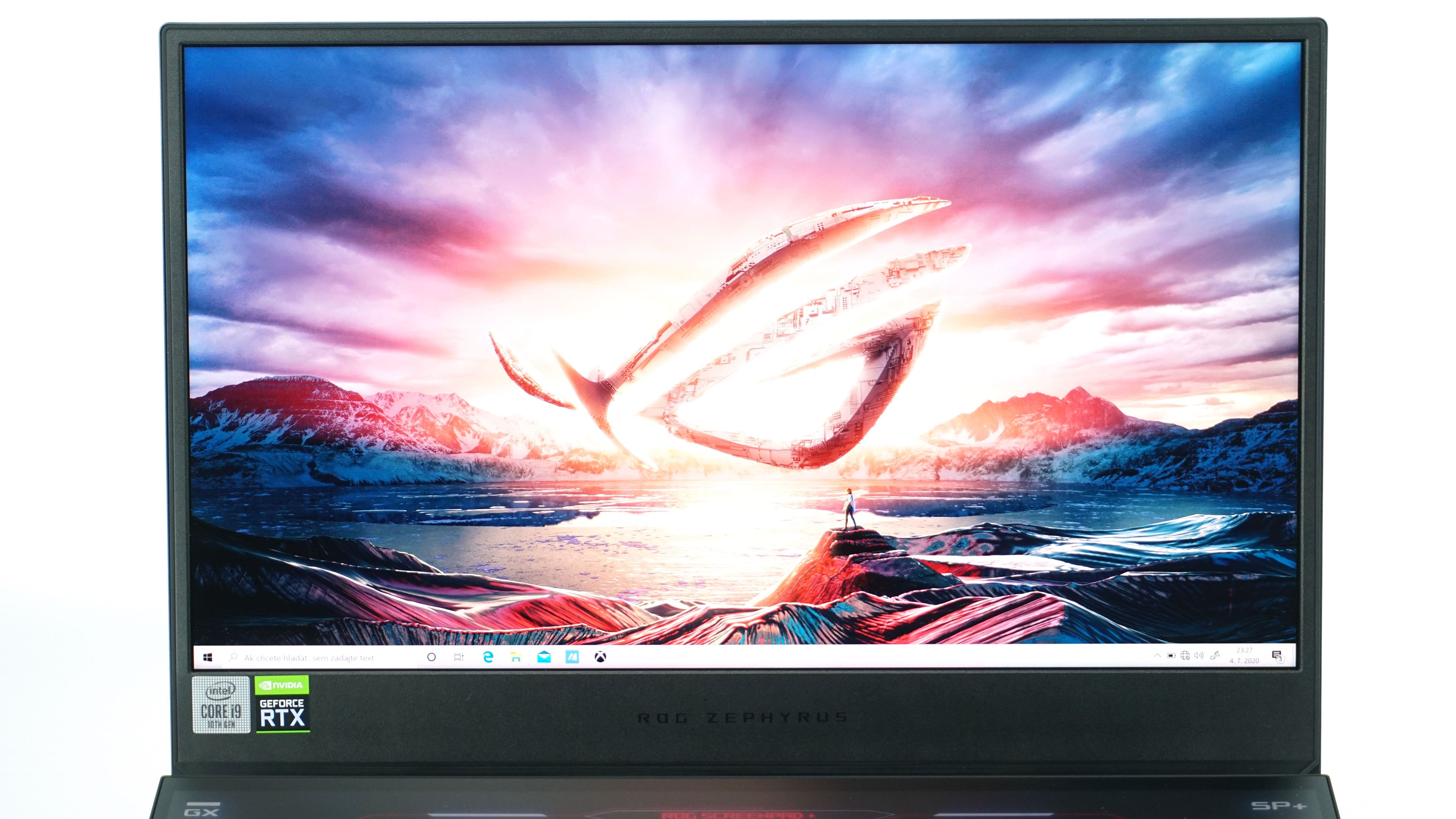
The display pleases with thin frames on three sides, although the lower bezel is relatively large, due to the square shape of the notebook. 4K resolution is extremely sharp at 15 inches and even impractical for normal use. However, designers and graphic artists will certainly appreciate the sharpness of the image. High definition will also be a big tax on fps if you want to play in native resolution.
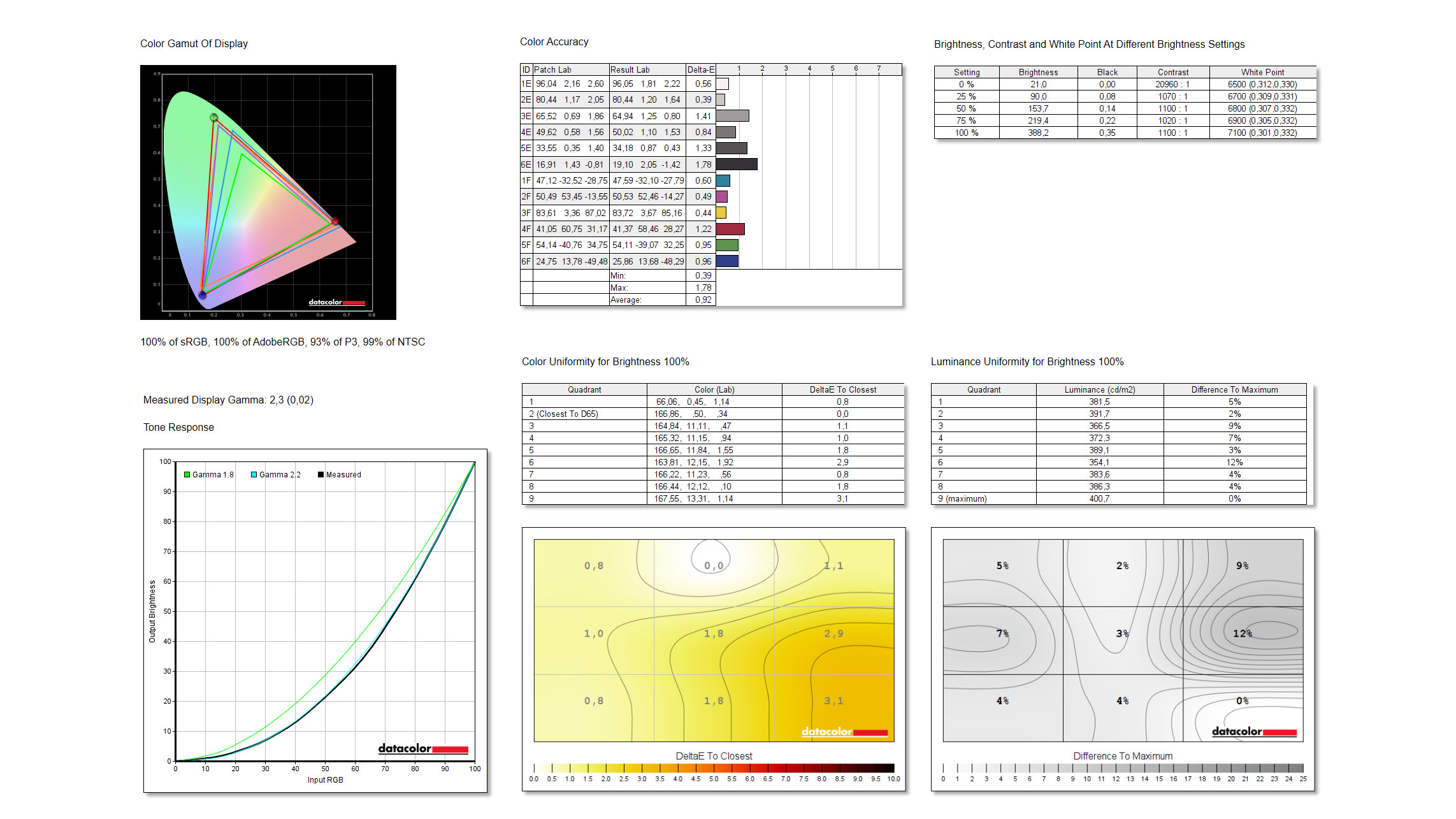
Although the 4K display is not entirely suitable for gamers, it cannot be denied that it is really great. 100% AdobeRGB coverage has been confirmed thus more than 100% sRGB is expected. Thanks to the probe, we also know about 93% DCI-P3 and 99% NTSC. Gamma is at level 2.3 with a small deviation and the maximum brightness attacks the limit of 400 nits. The uniformity of the display, whether of colors or backlighting, is also very good, with only small deviations in the right part of the tested piece. We measured great values in color deviation or accuracy. Delta-E has an average value of 0.92 and a maximum of only 1.78. These are really great parameters, because Delta-E under 2 is rated as an ideal value for design work.
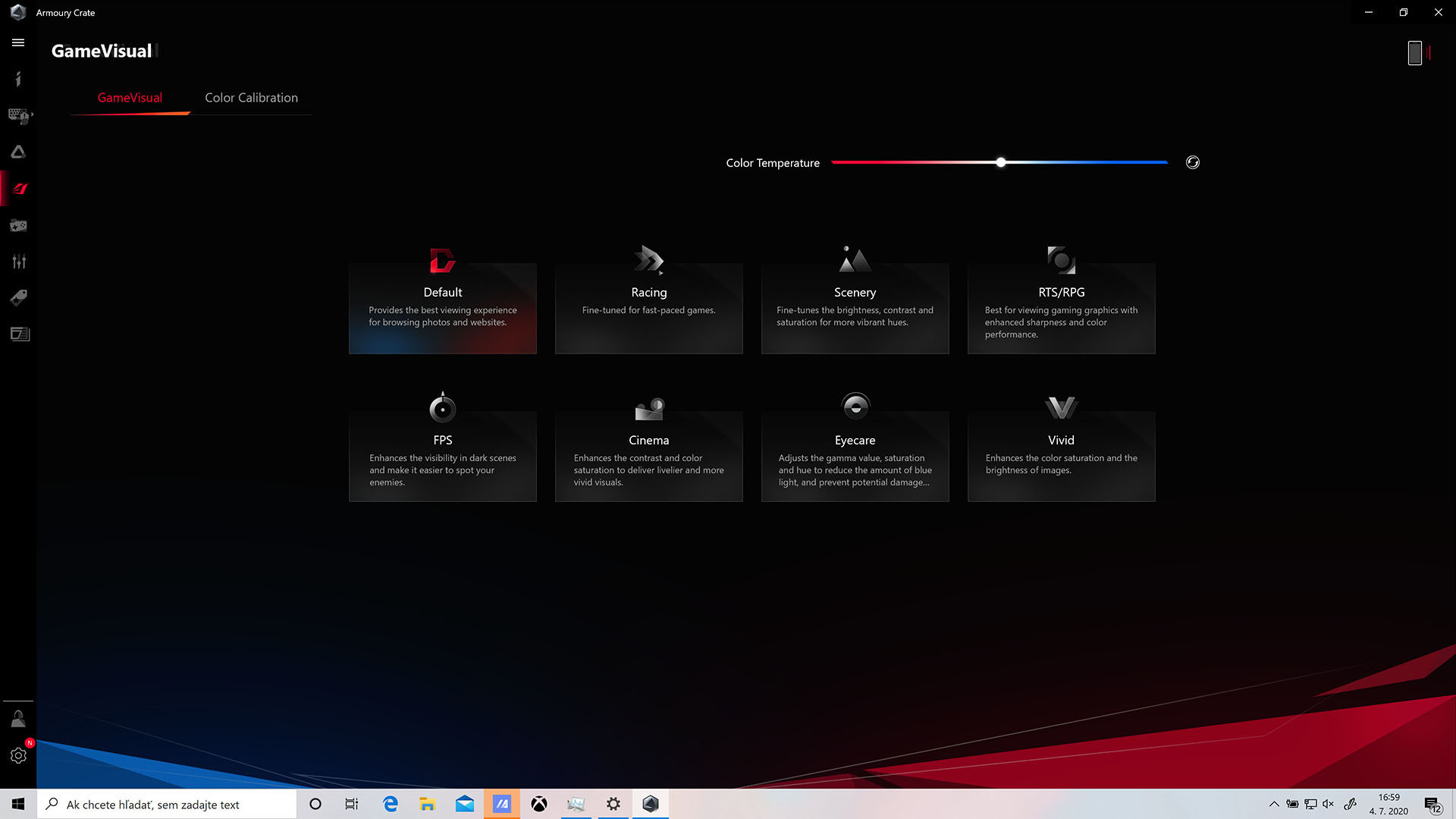
The ROG GameVisual application is used to control the display, where you can switch between several modes or adjust the color parameters accordingly.