The GeForce RTX 5060 and 8 GB RTX 5060 Ti have come under the heaviest fire in Nvidia’s new RTX 50 series. Still, many customers go for them – whether by choice or budget. If you’re among them, pay attention: Gigabyte’s RTX 5060 Gaming OC doesn’t try to impress with lighting effects, but for a small extra cost, it offers excellent performance thanks to a large heatsink allowing unobstructed airflow through half of the card.
The card comes equipped with a compact dual-slot cooler and three fans. The shroud is primarily black plastic, accented with gray elements and a translucent sliding cover along the side. The fans blow downward over the heatsink’s transverse fin array.
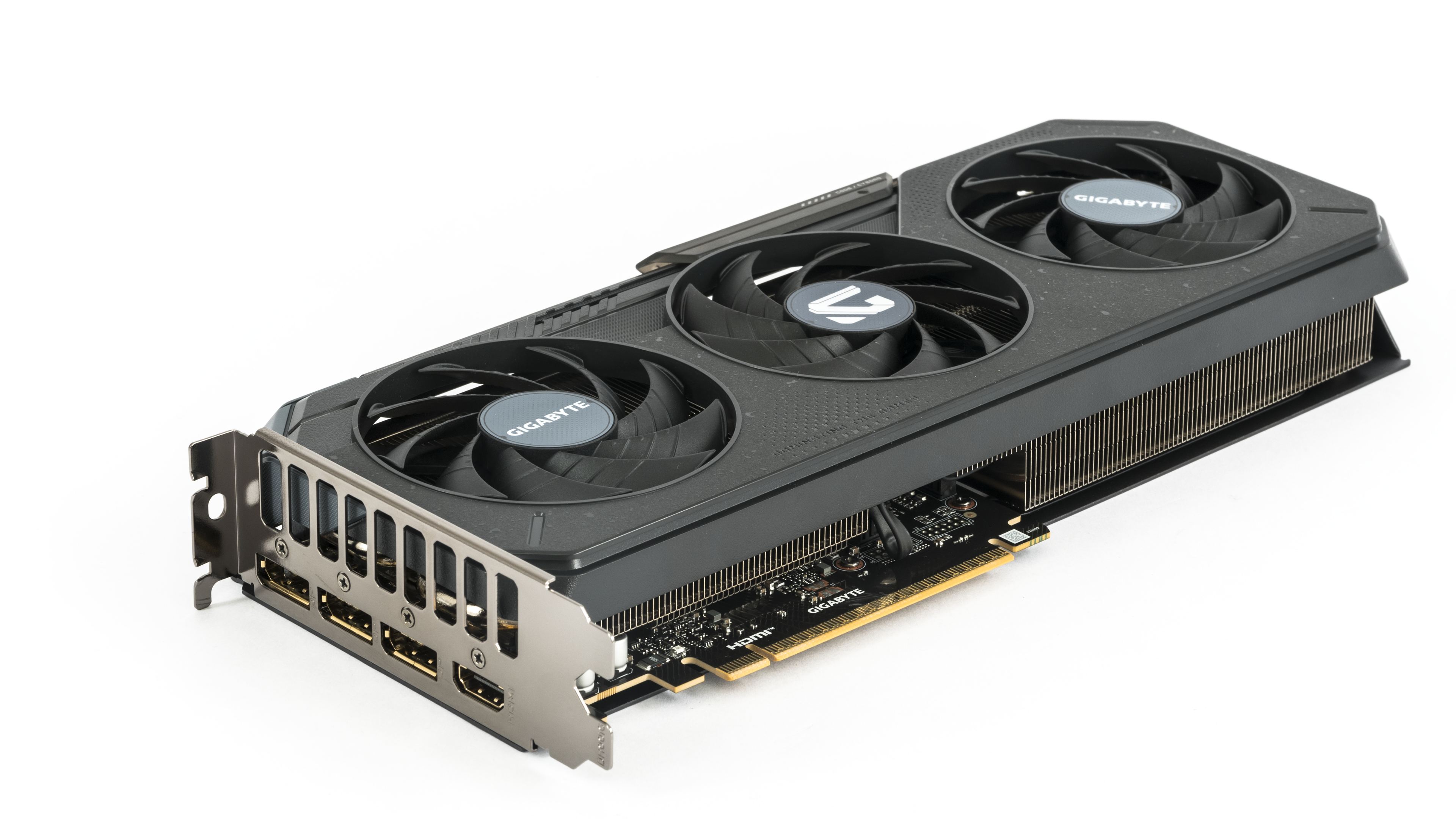
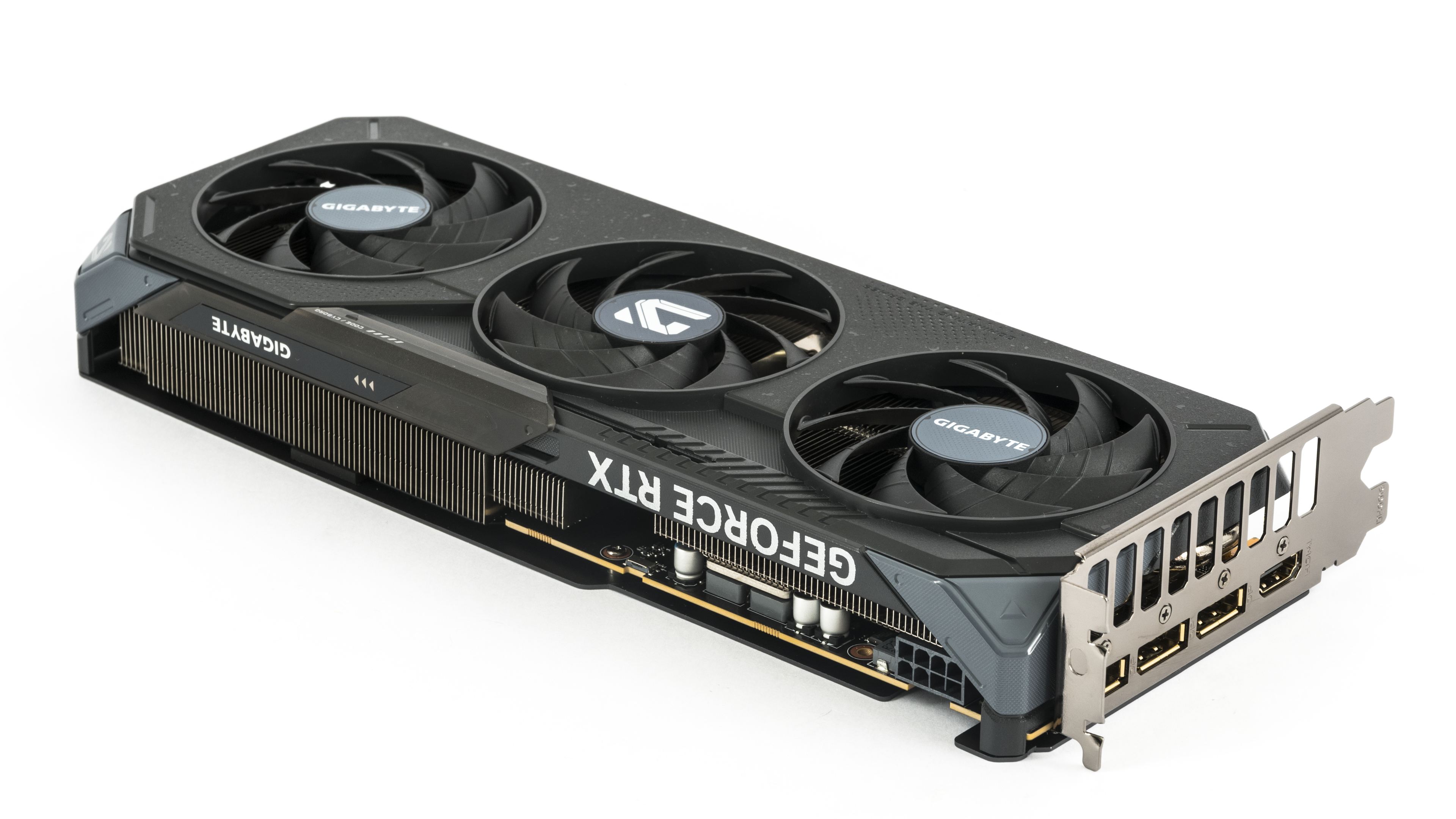

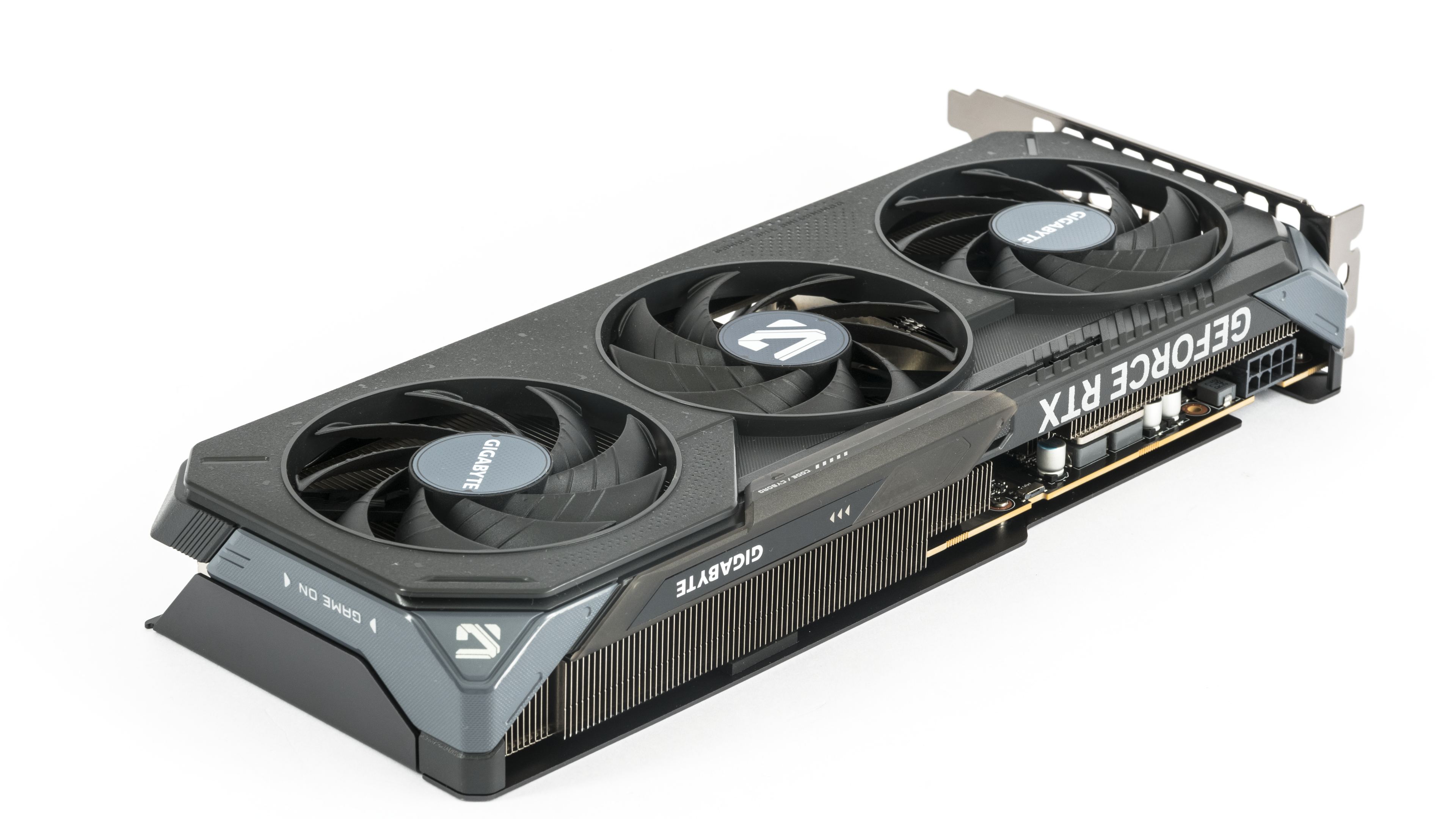
Unlike the RTX 5050 Gaming OC, which had a plastic backplate, the RTX 5060 Gaming OC features a traditional metal one.
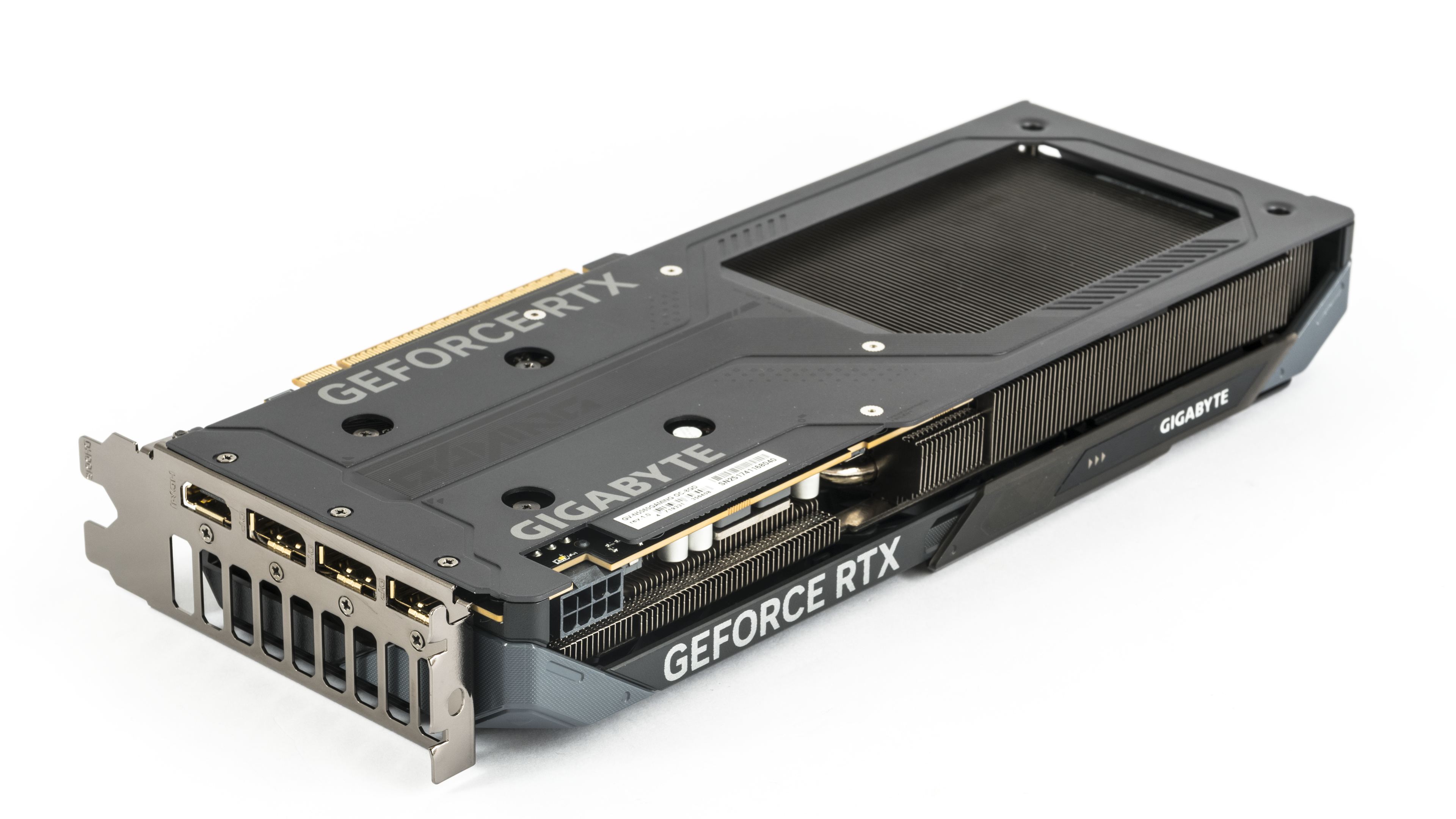

One detail stood out to me—the RTX 5050 had thermal gel beneath the backplate to transfer heat into the plastic shroud. For the RTX 5060, which has a metal backplate where that approach would make more sense, the gel is no longer present.

From above, it’s clear that the fin array allows air to pass freely beneath the entire rear fan and half of the middle one. The middle fan spins in the opposite direction to the outer two, so where the impeller blades meet, they push air in the same direction rather than colliding. This reduces turbulence, minimizing RPM fluctuations, and making the cooler’s noise output more consistent.
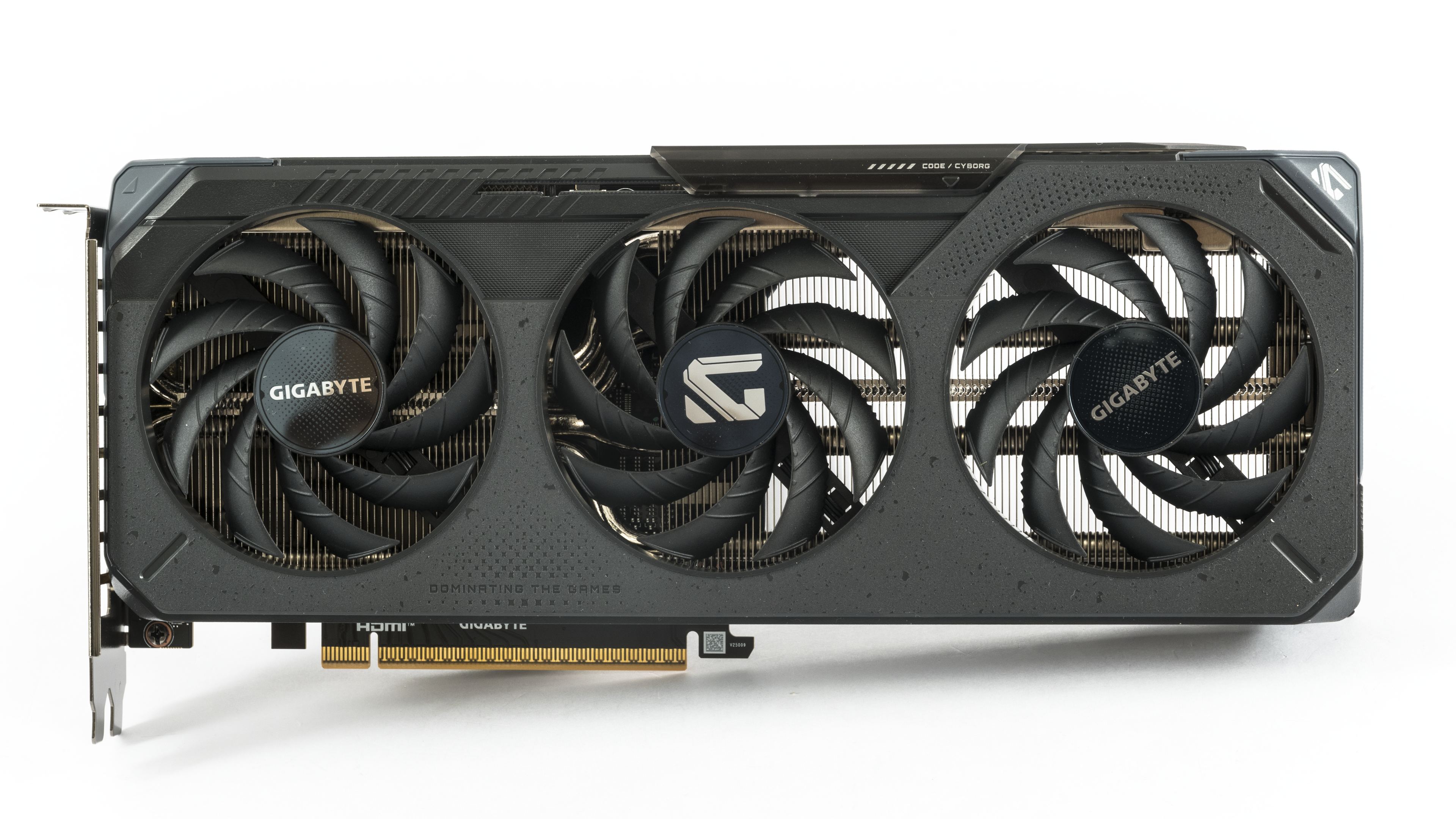
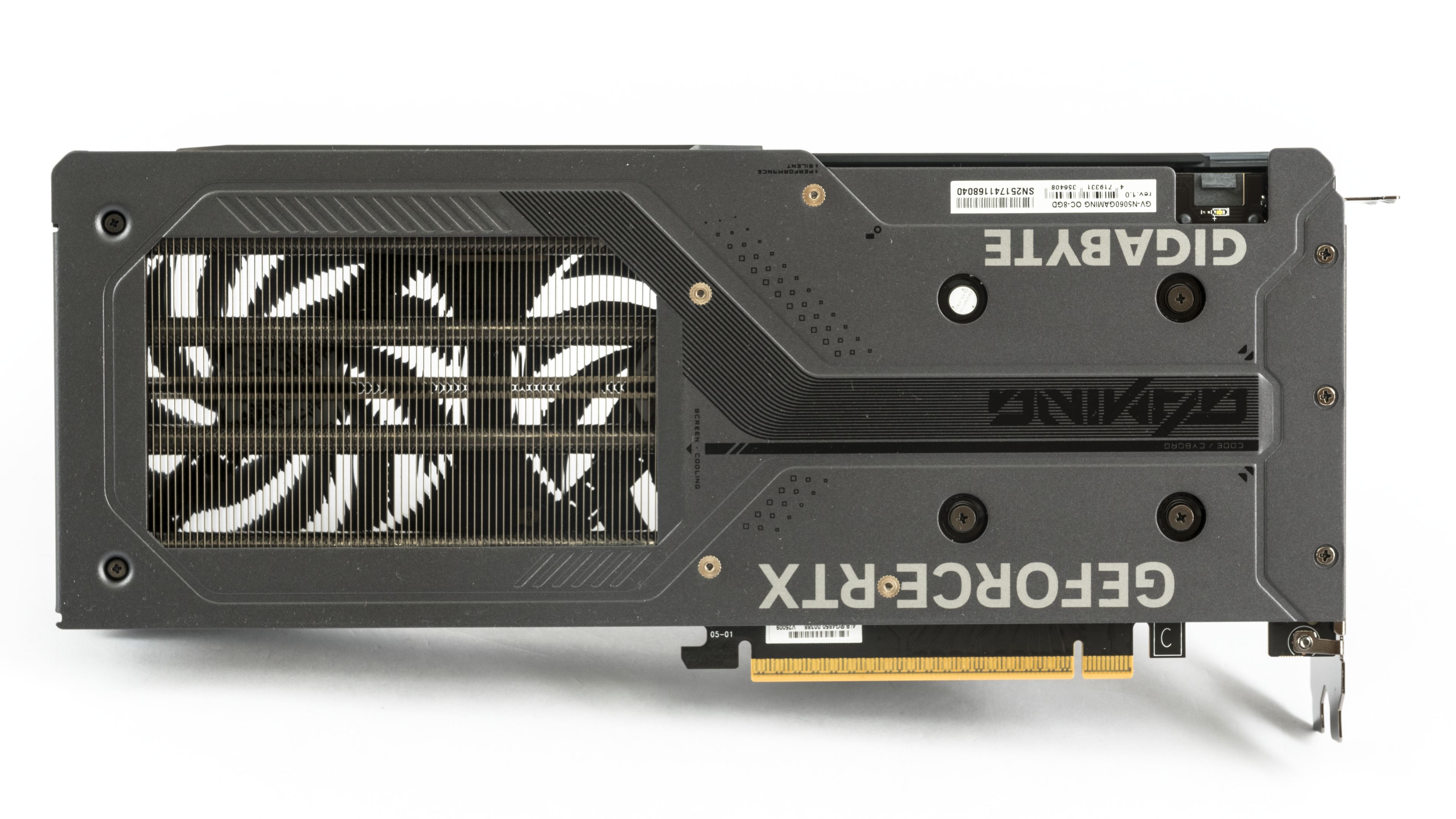
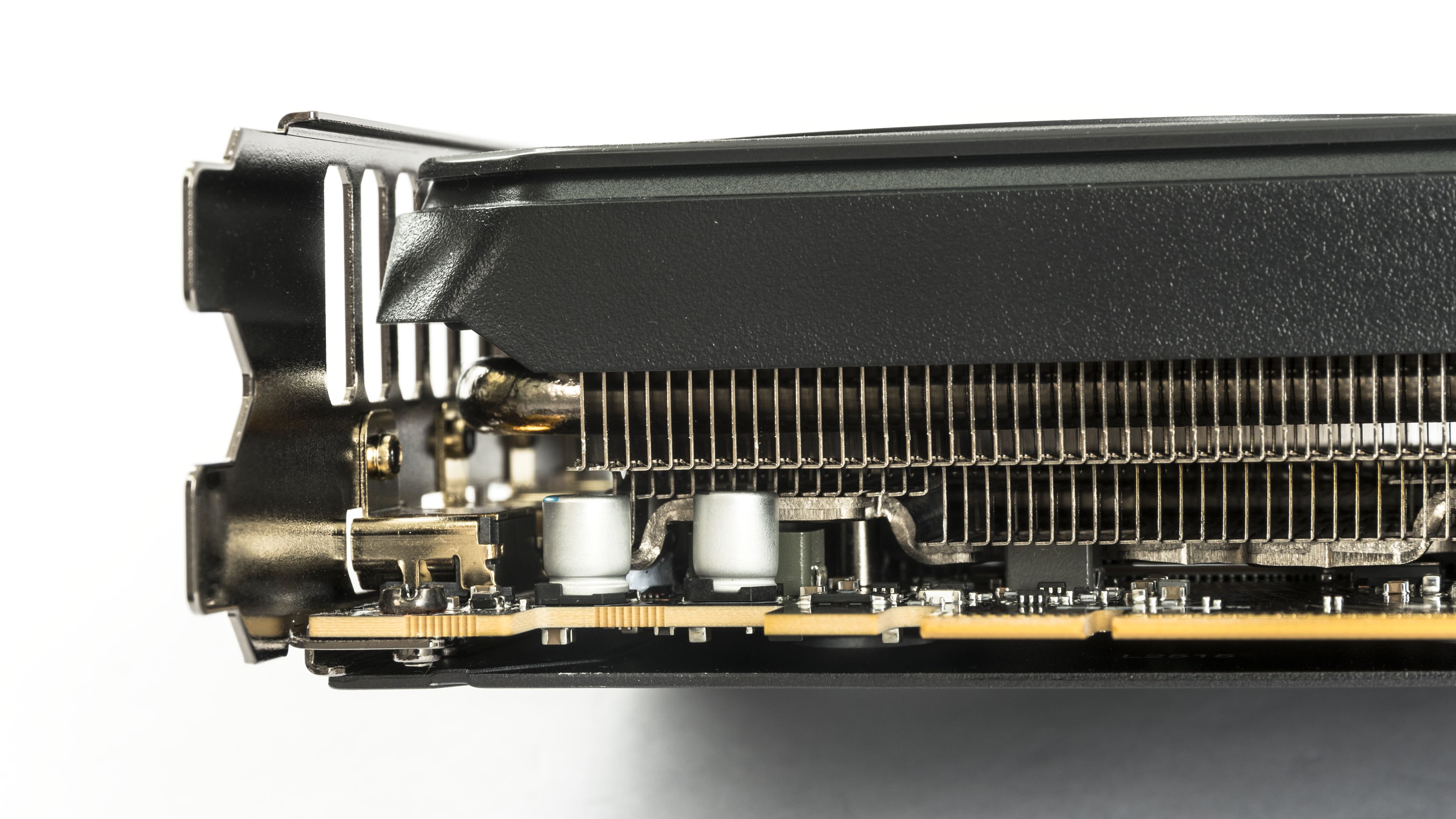
Compared to the RTX 5050, the heatsink has more heatpipes and is split into two blocks. At the rear of the PCB, you can see the fins extending below the PCB line, close to the backplate. Despite the cooler’s modest height, Gigabyte managed to fill most of the space beneath the shroud with a fin array—and that translates to better cooling performance.
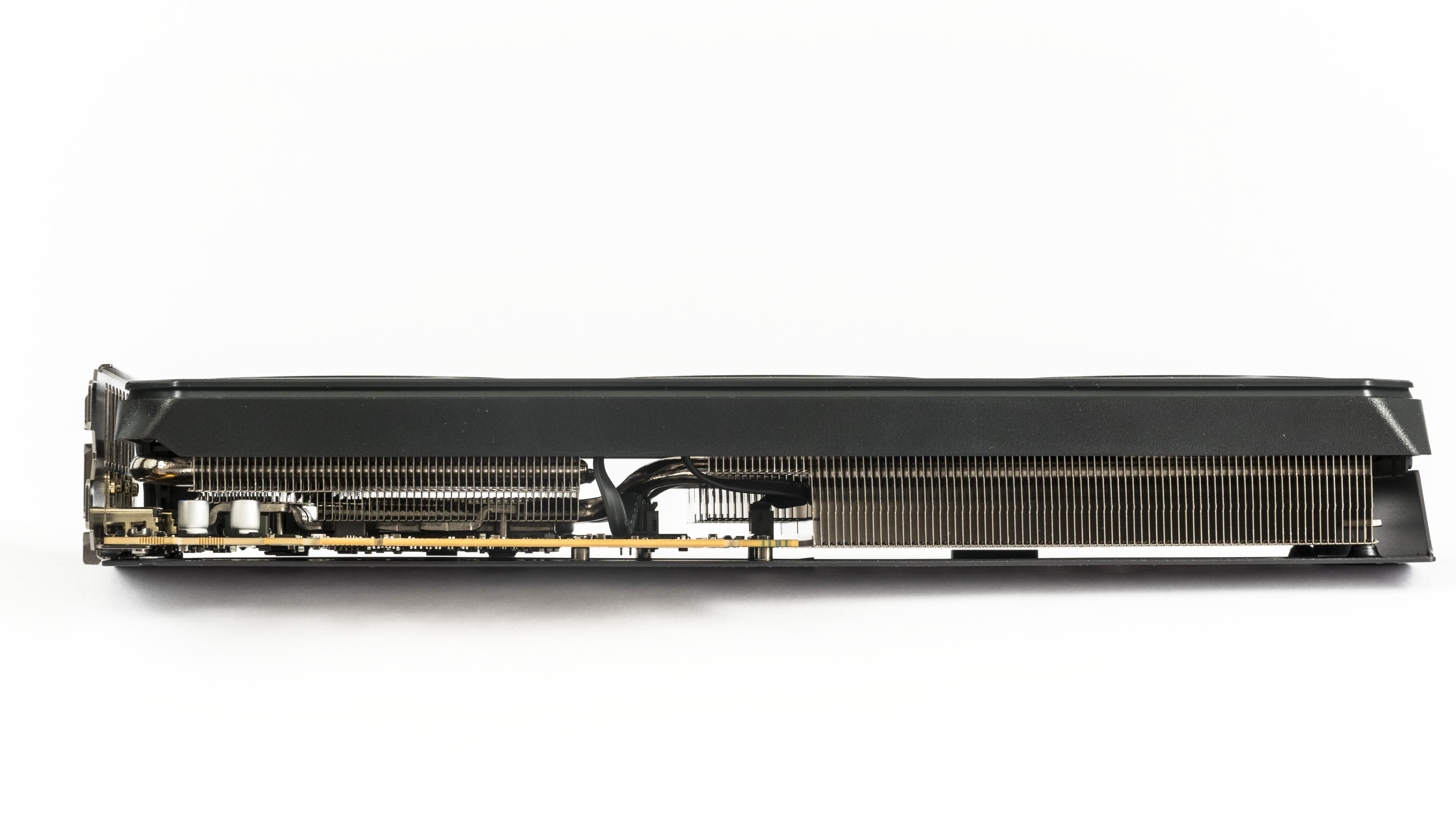
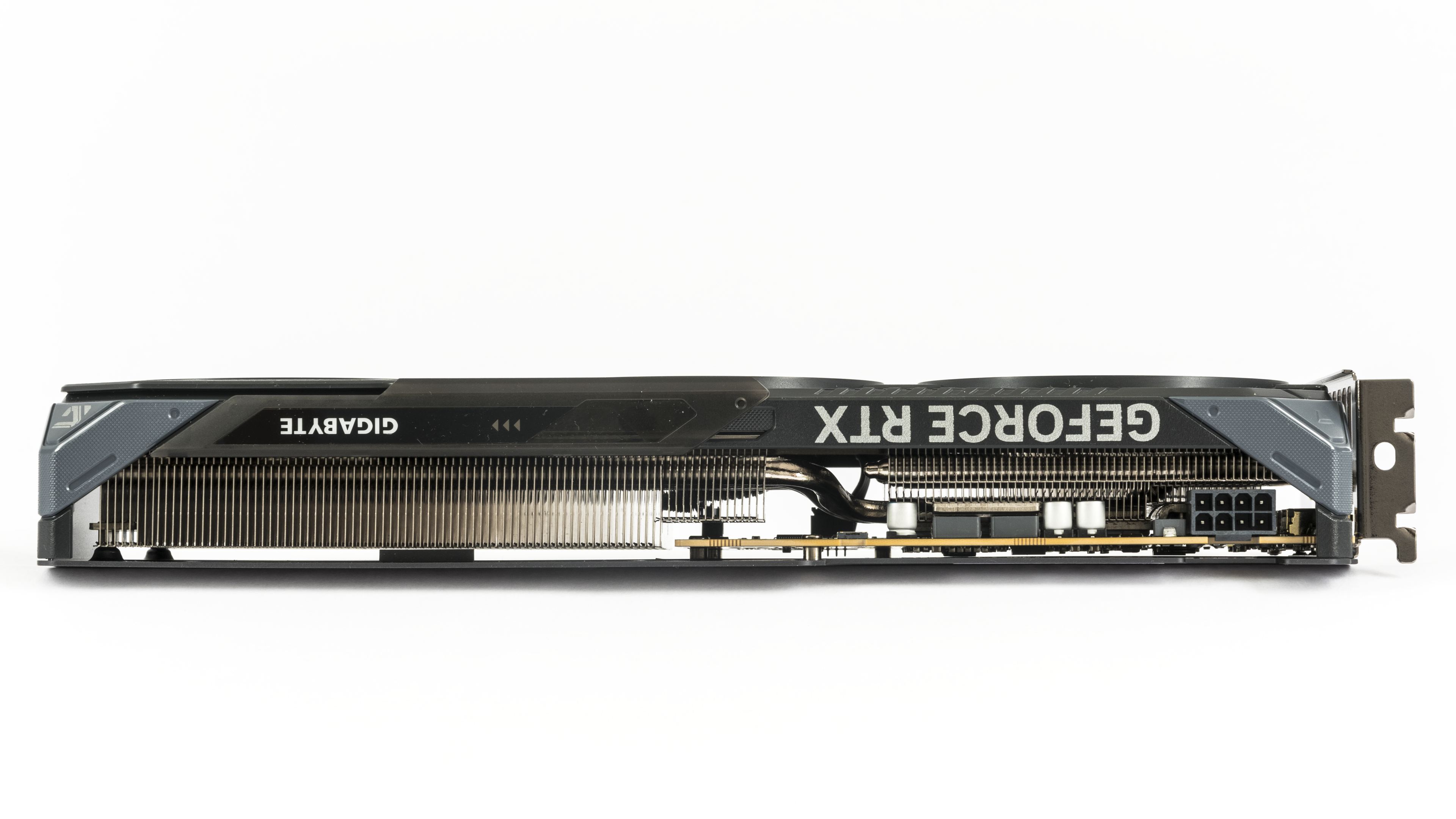
The cooler doesn’t extend beyond the two-slot bracket height, but leaving a third slot empty is advisable to ensure better airflow to the fans. A small half-height expansion card directly below it shouldn’t cause issues, as the rear half of the card is mostly an open heatsink.
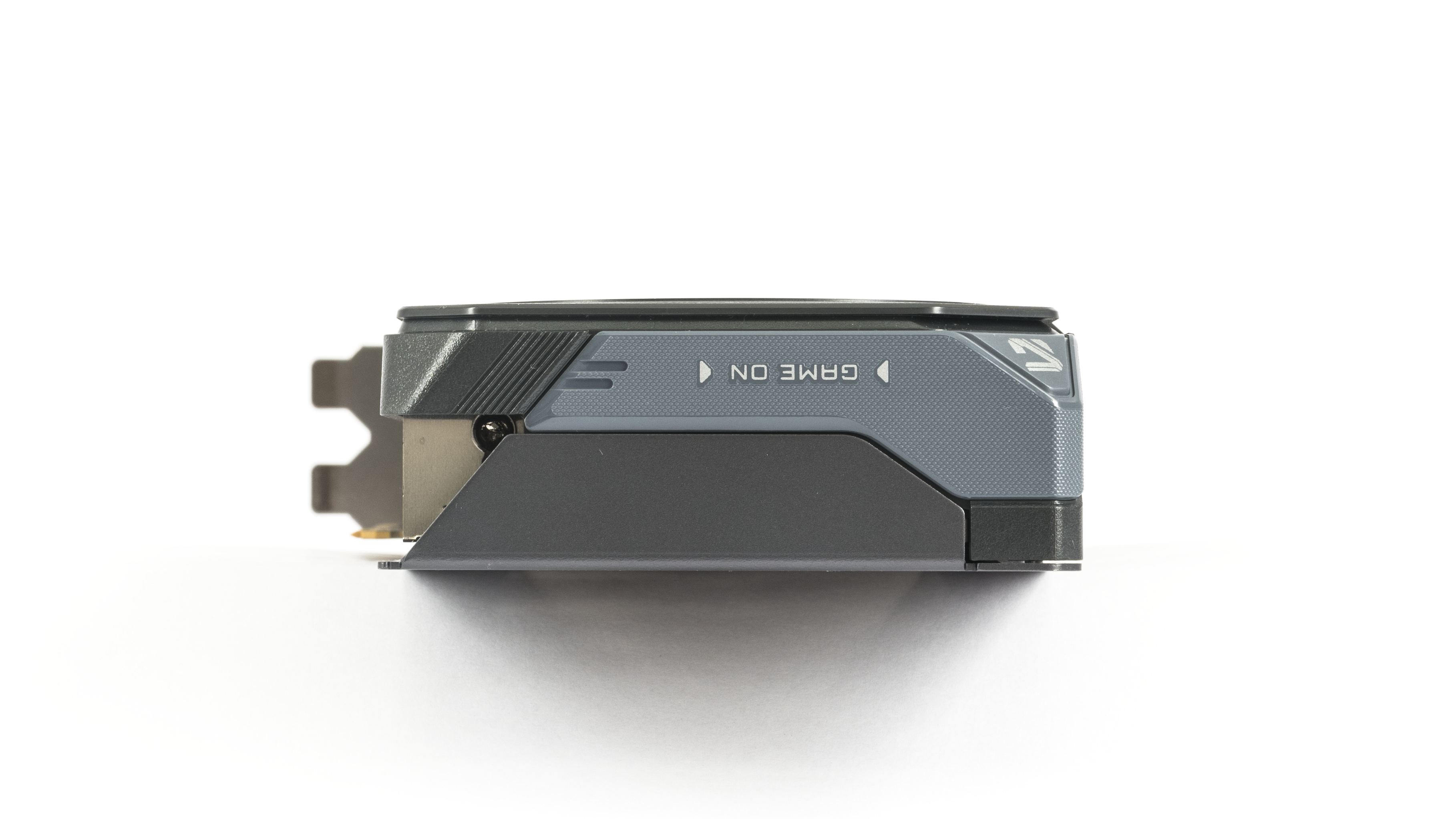
The cooler also features a sliding cover, similar to other Gigabyte cards with this design. By adjusting the cover, you can choose whether the card displays a glowing light strip or the Gigabyte logo.
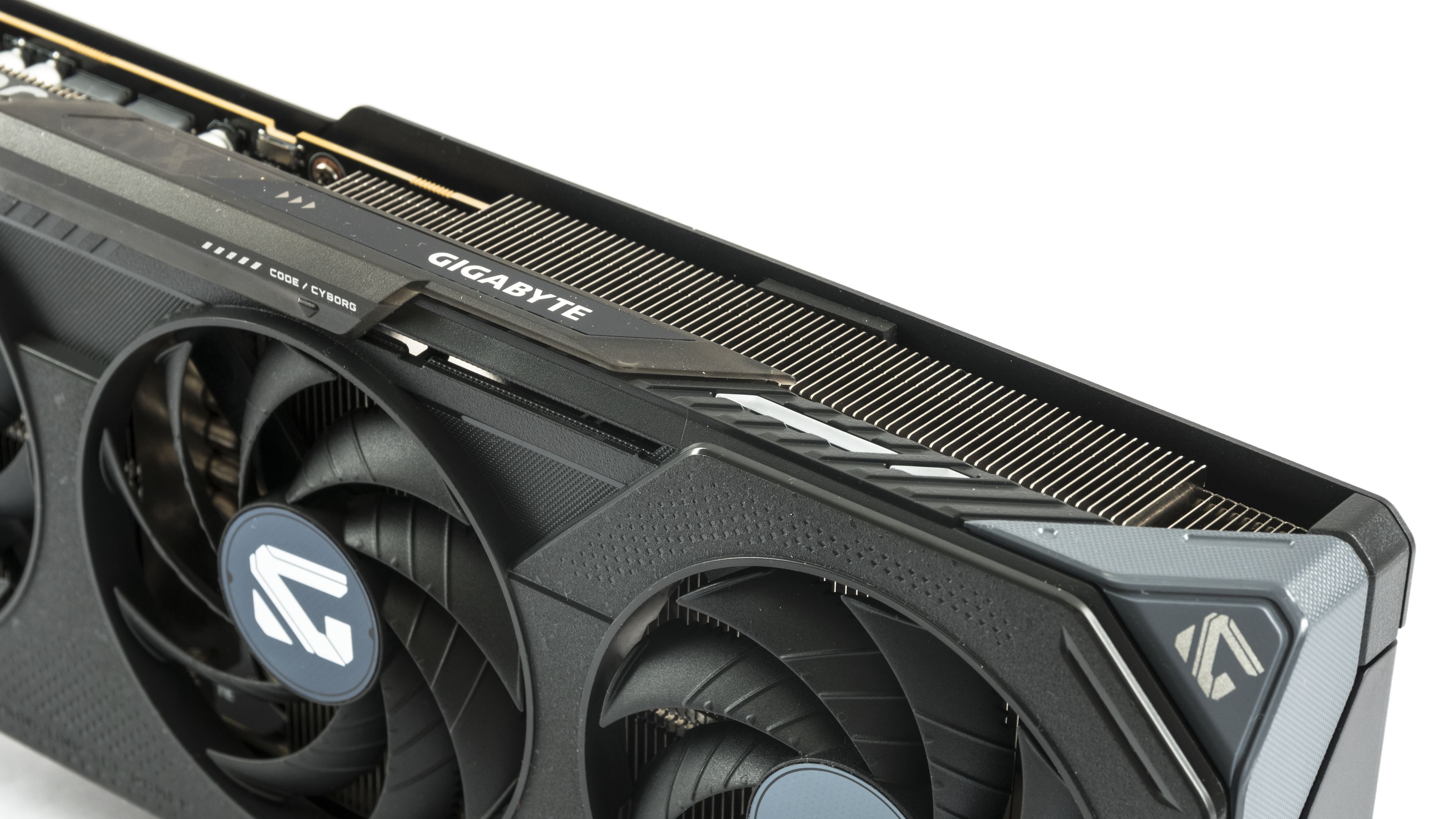

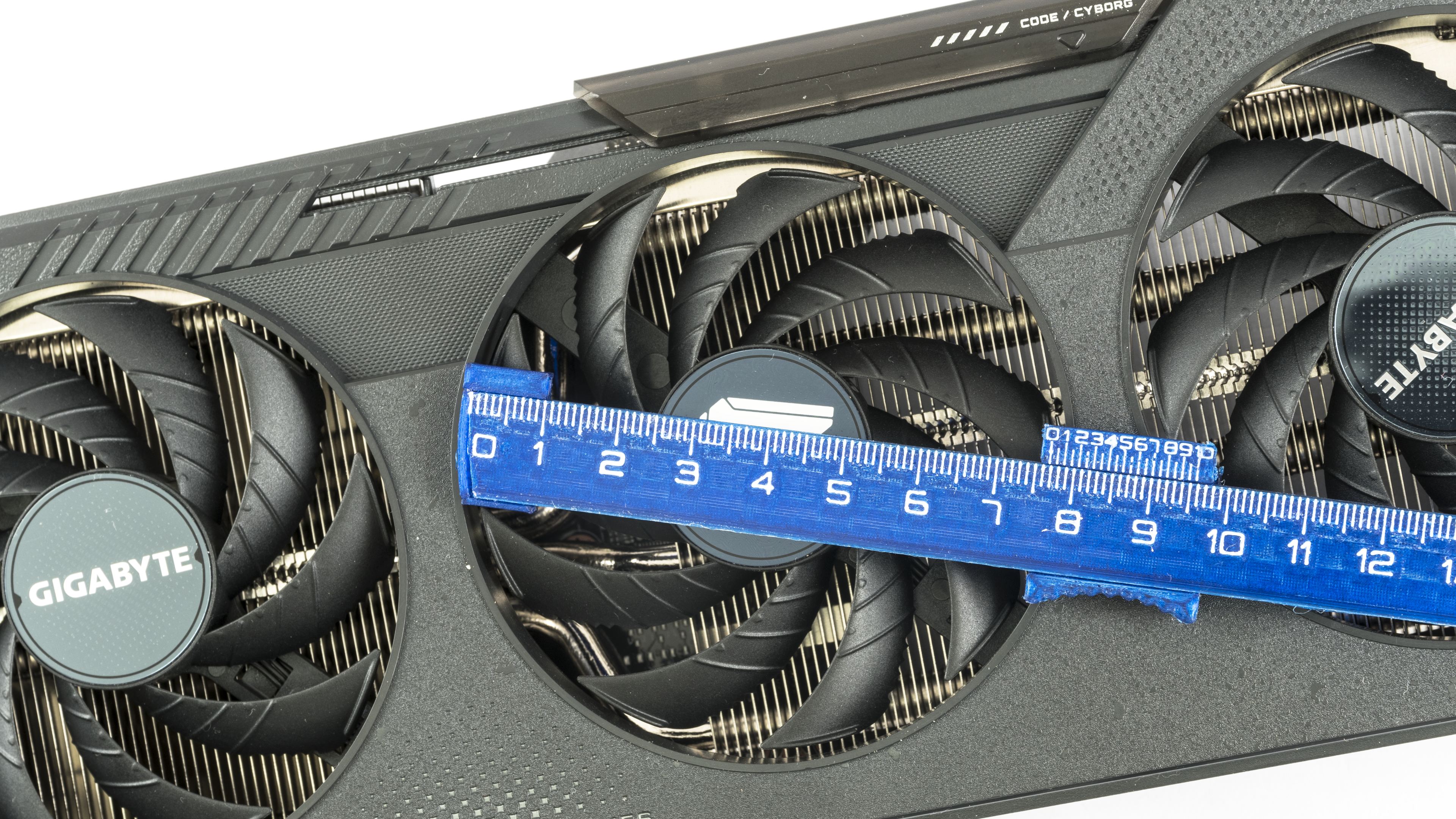
The impellers are just 77 mm in diameter and about 7–8 mm tall, with slim blades. To achieve the same airflow as fans with larger blade surfaces, they need to spin faster. However, the cooler is not as loud as the higher fan speeds might suggest.

A close-up shows cooling on the MOSFETs and coils in the power delivery section.
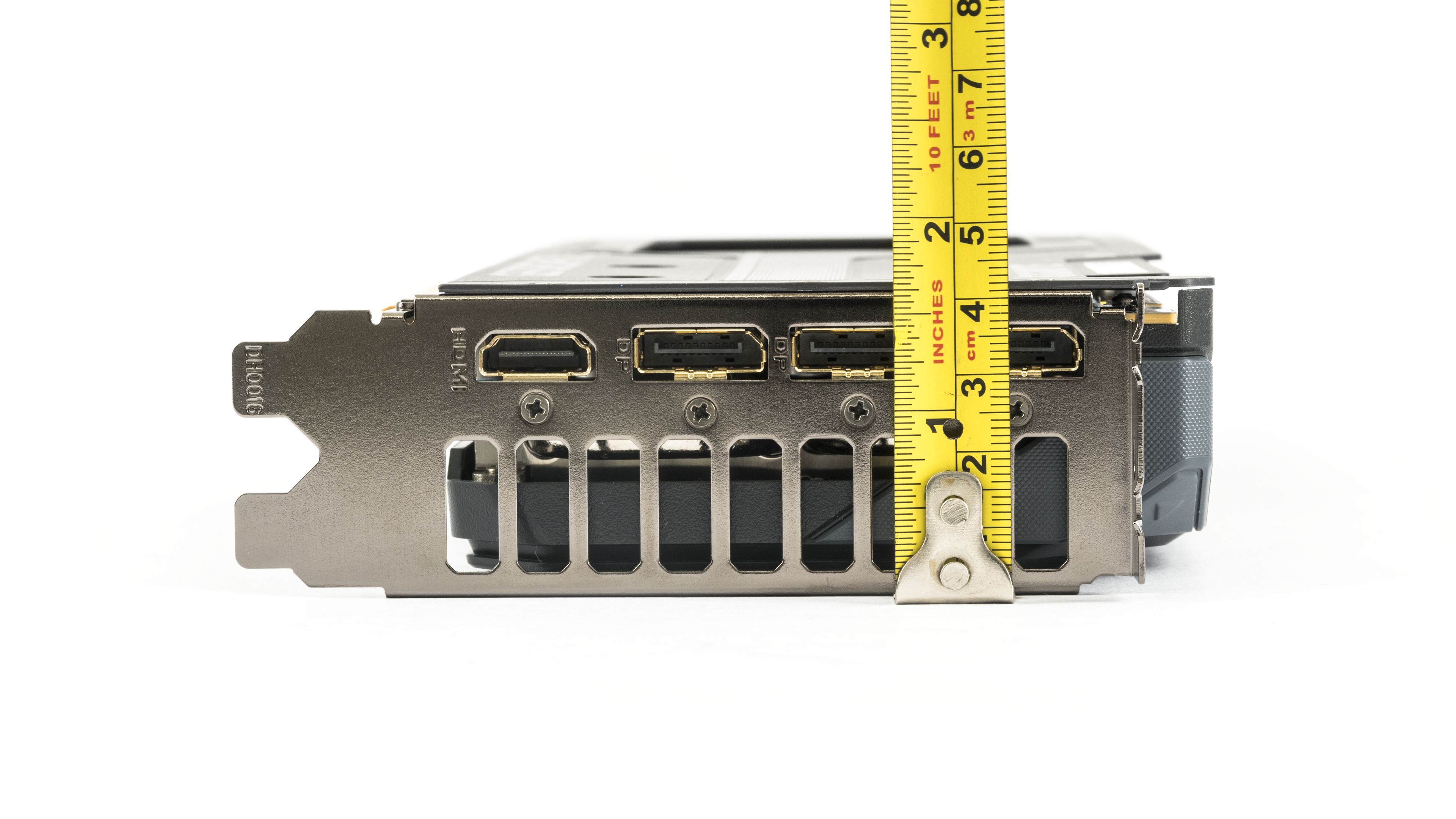
The card is about 28.2 mm long. It extends roughly a centimeter beyond the bracket in width—keep in mind the power cable adds more. The height is just over 4 cm.


Compared to the RTX 5050, the weight is up by about 66 g, now at 777 g. This is mostly due to the additional copper heatpipes and the metal backplate replacing the plastic one.

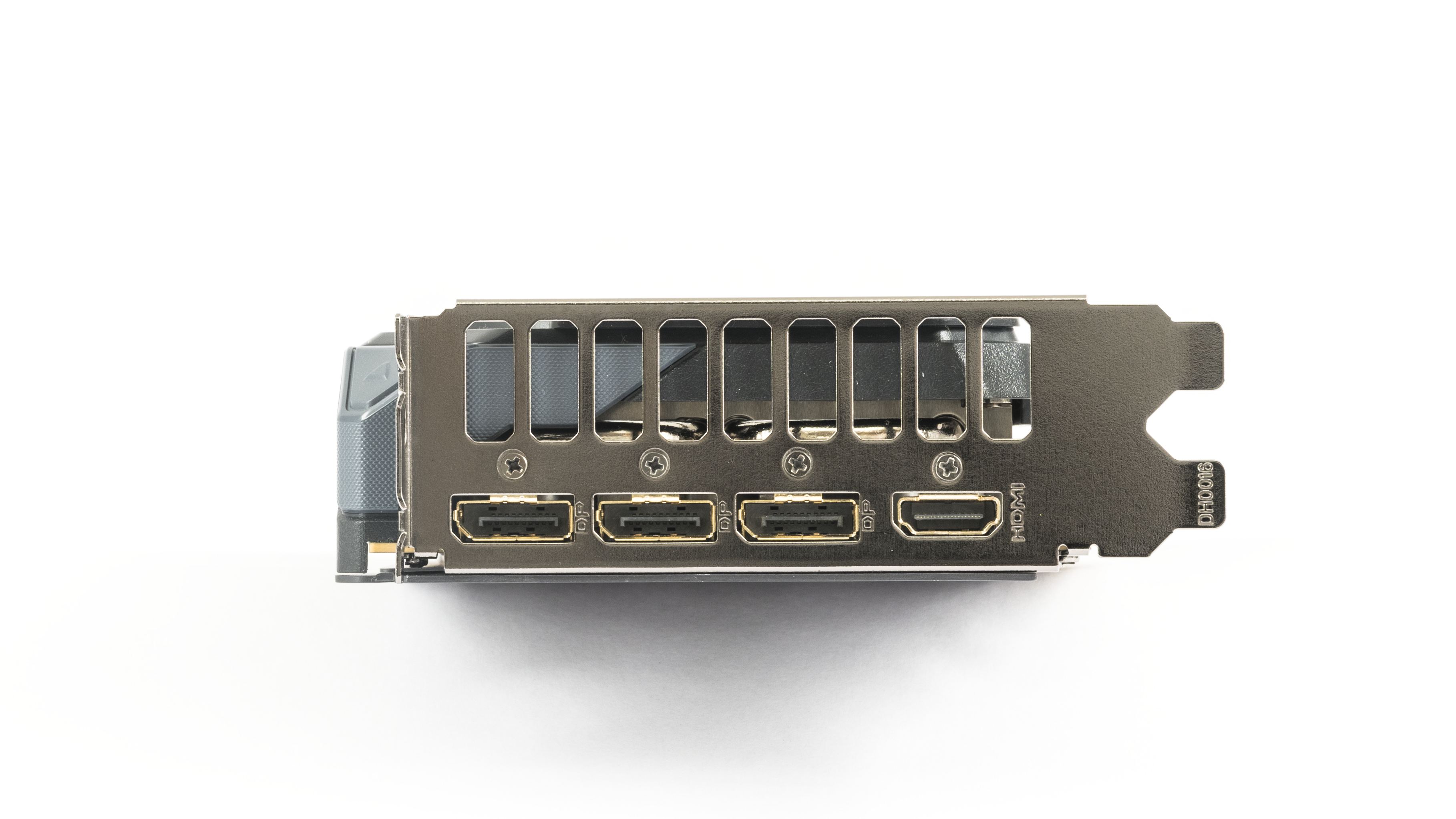
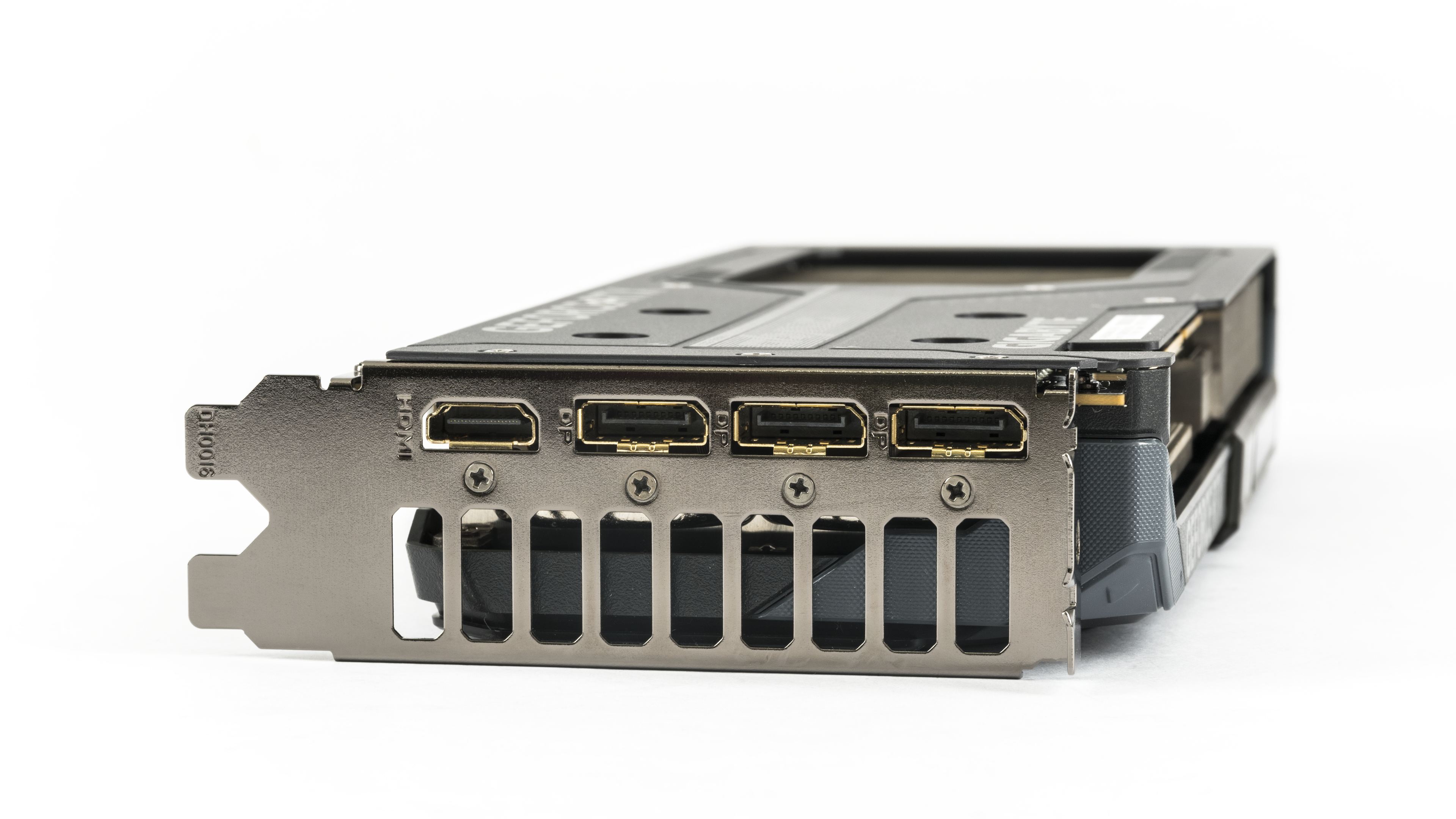
The I/O bracket features the typical GeForce display output configuration—three DisplayPort 2.1b connectors with UHBR20 and one HDMI 2.1b.
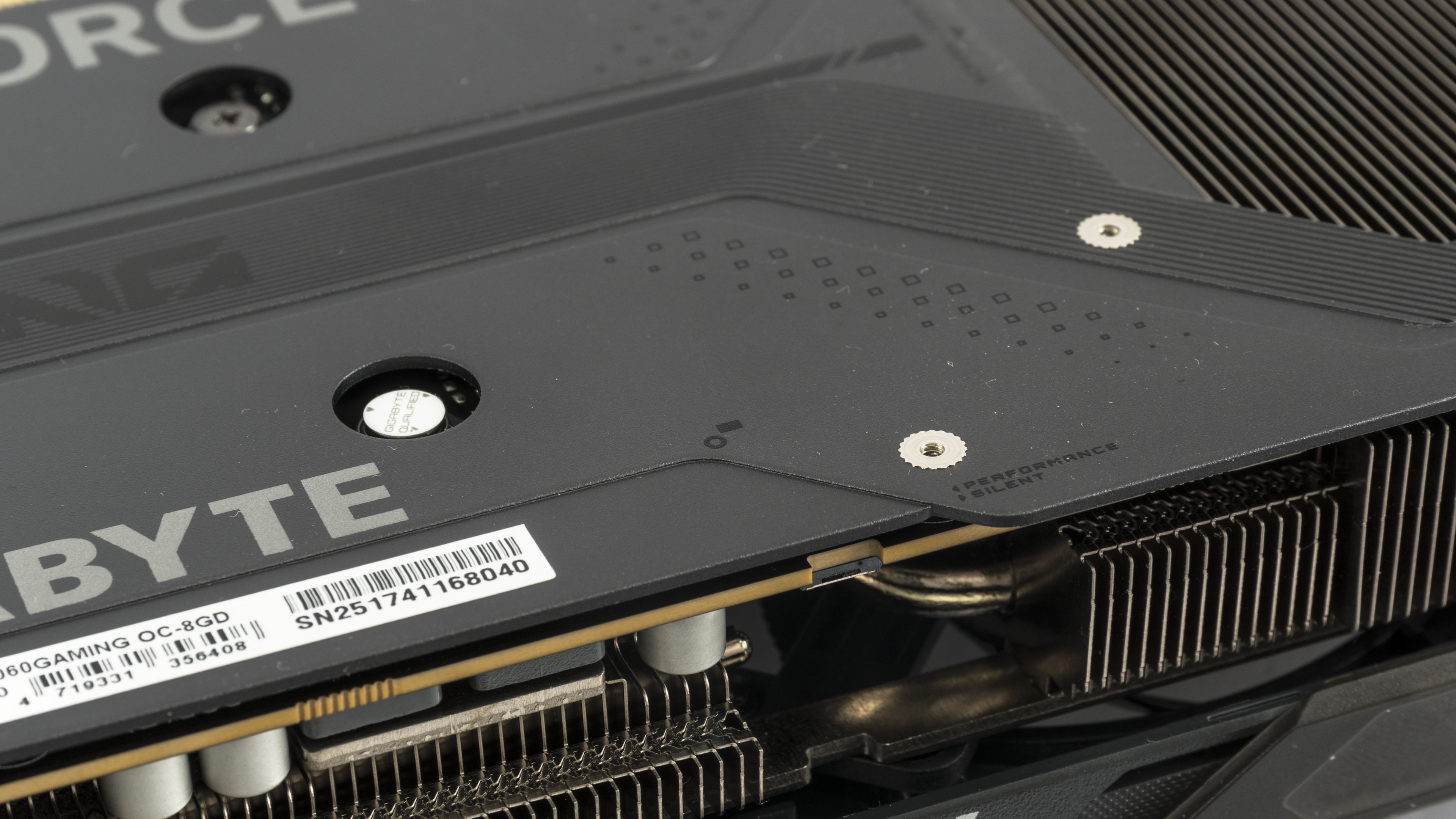
The RTX 5060 Gaming OC includes a dual BIOS switch located around the center of the PCB. If you can’t spot it in the photos, your eyes aren’t deceiving you—someone managed to break it off on our test unit.
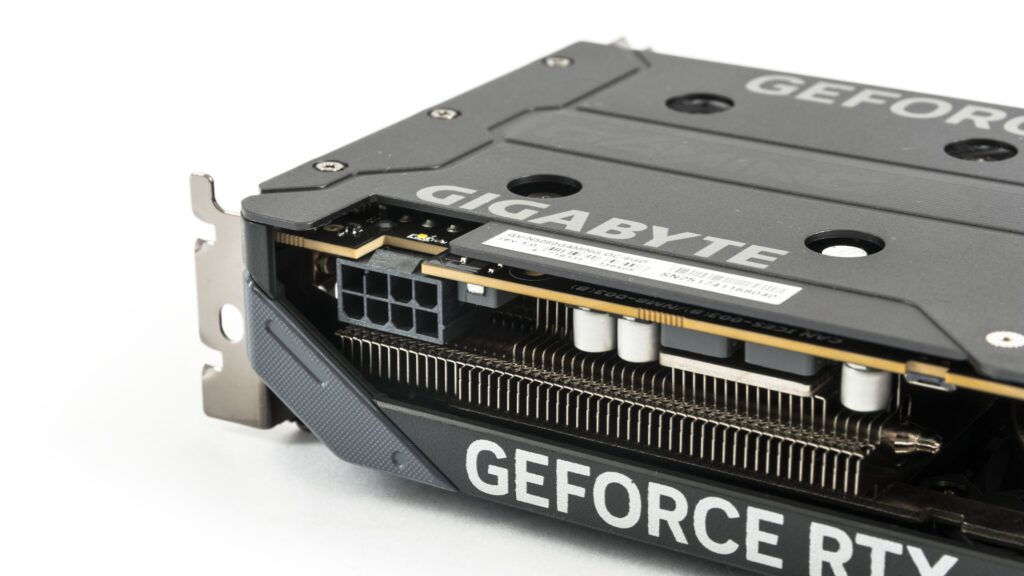
Power is supplied via a standard 8-pin connector with the latch facing upward. Next to it is a diagnostic LED indicating potential power issues. Some users might dislike the unusual placement—right behind the bracket—but it’s arguably more practical for cable management if routed along the back of the case, rather than across a 30 cm card.
We’ve covered the design, now let’s take a look at the test build and test results.
⠀