




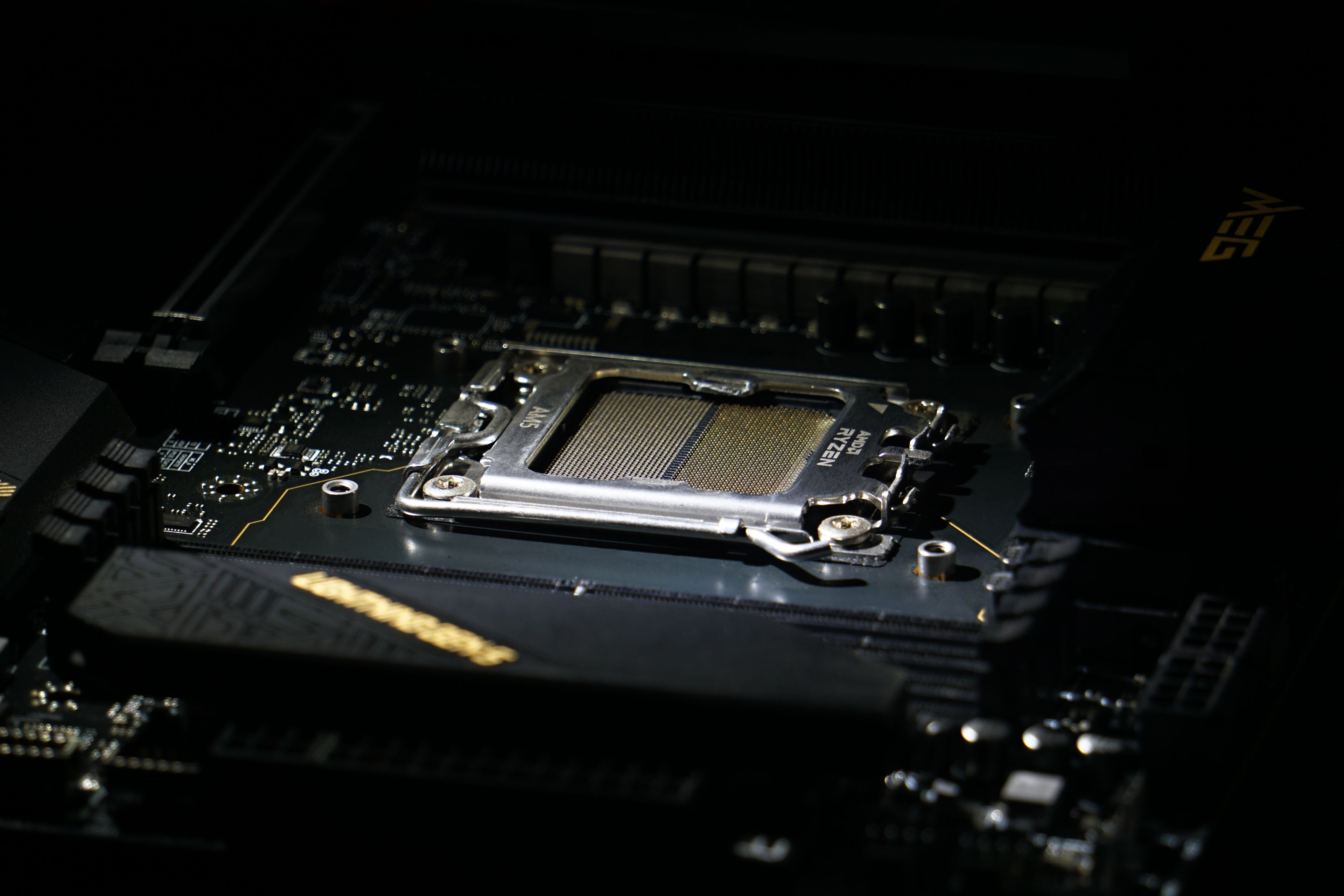
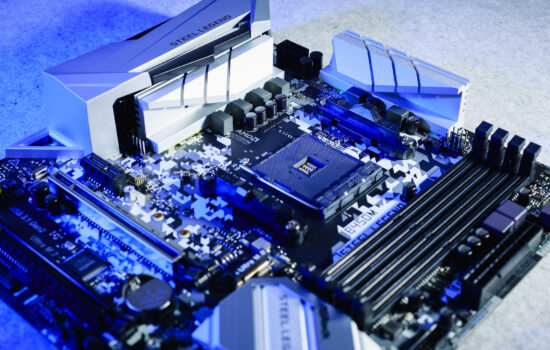
We haven’t tested modern motherboards for AMD platforms so far and all attention has been paid to boards with Intel chipsets. That will change now, at least for a while – more AMD X670(E) and B650(E) boards will be added to the tests, but the bar will be set high. We’re starting with MSI’s top-of-the-line MEG X670E Ace motherboard, which won’t be beaten by any other board “just like that”.
What it looks like in the BIOS
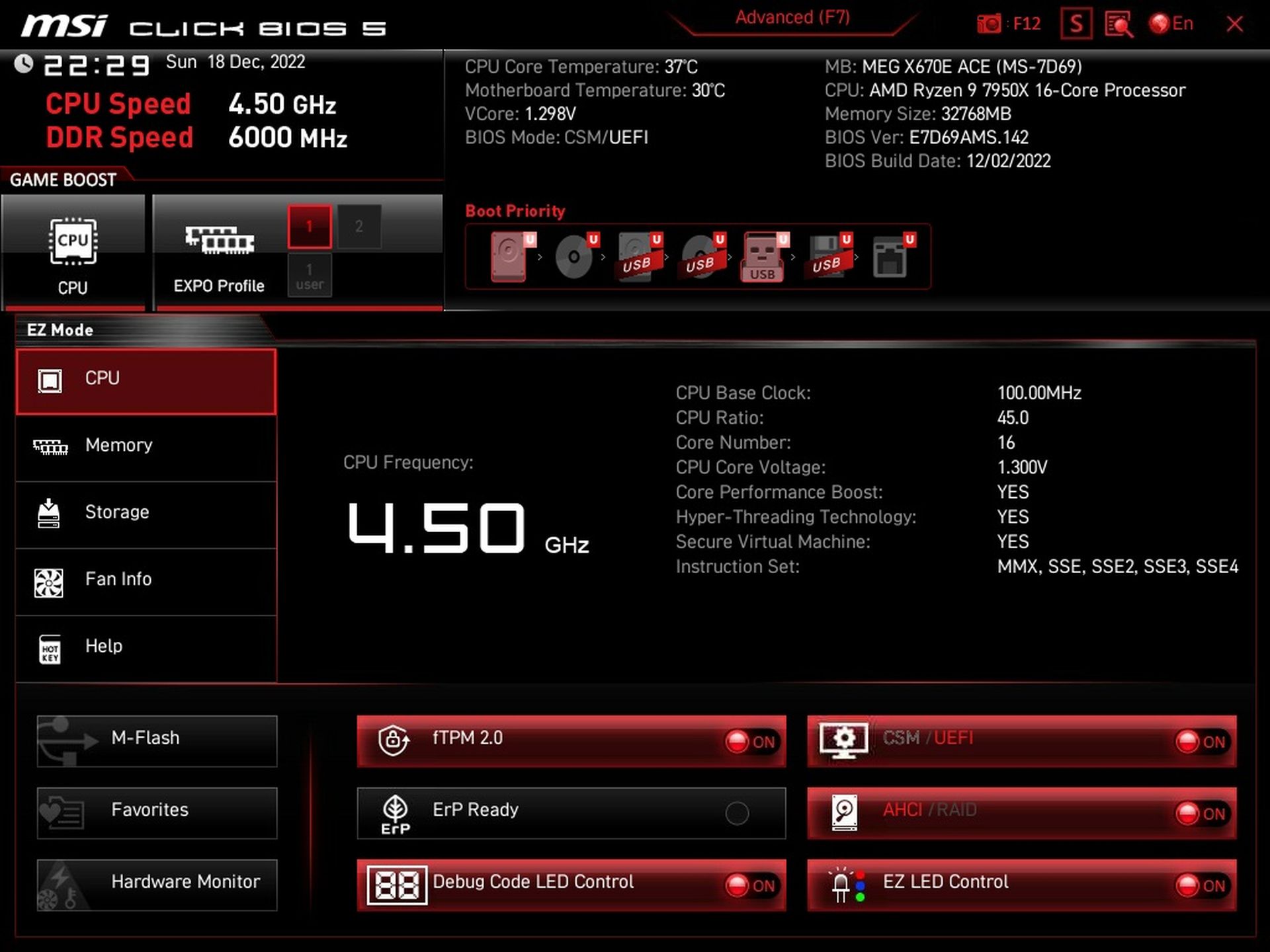
The UEFI start screen is probably not particularly surprising. The “EZ Mode” layout doesn’t change much from generation to generation. There is a fairly comprehensive overview of all components. Some details you can’t see right away, without your intervention, and you have to click through the tabs on the left (Memory, Storage, Fan Info, … the CPU tab is the default) to see the details.
From the EZ Mode environment it is possible to activate EXPO for memory (similar to XMP), force Game Boost for higher CPU clock speeds under gaming load and with one of the buttons you can turn off the segmented POST display, which can be distracting for some.

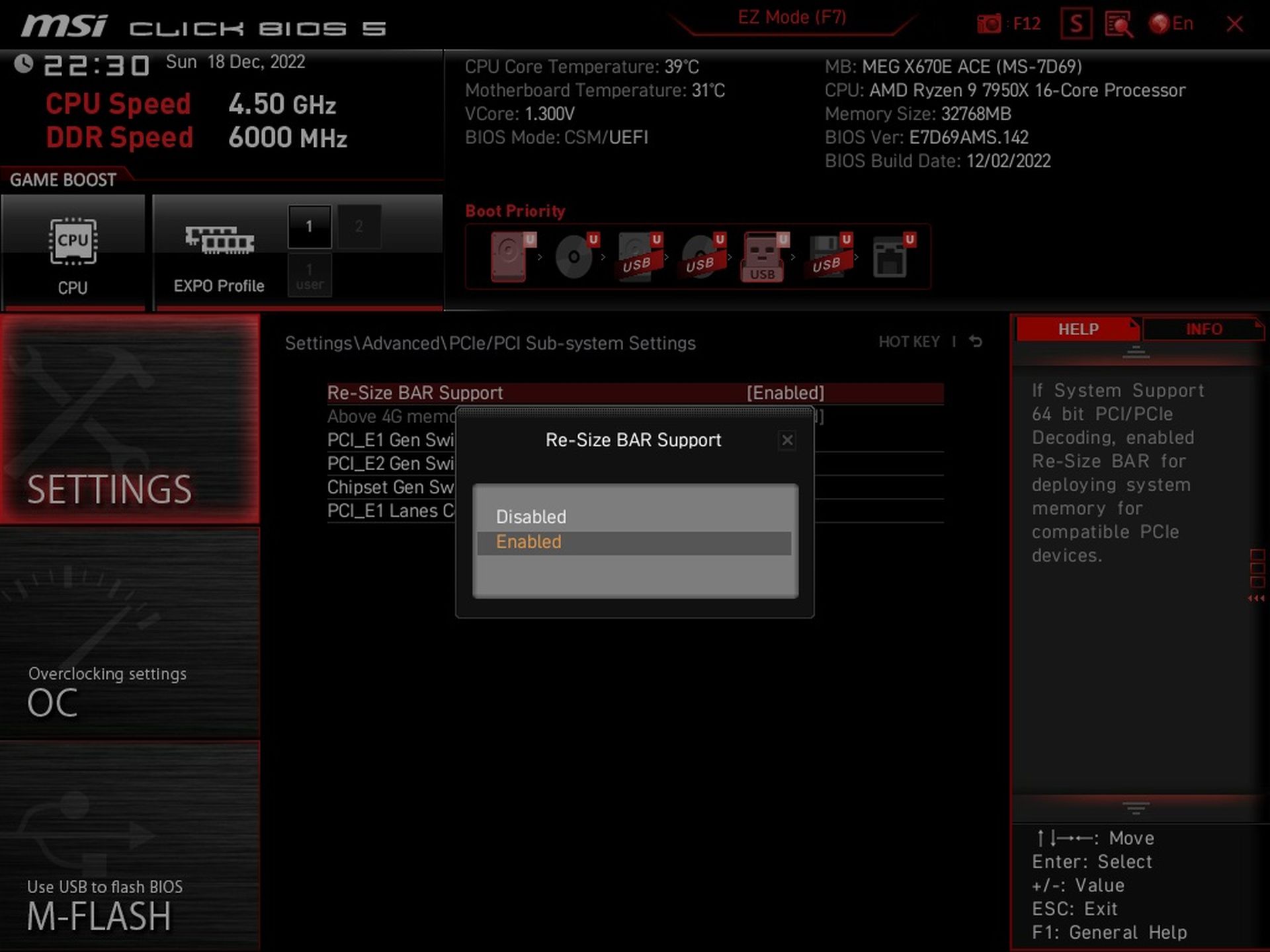
But for Resizable BAR management, you have to go into more advanced settings. Thus, if you want to disable ReBAR for some reason (for example, because it reduces performance in your application), it is enabled in the default settings. Now we are already in advanced mode, the Settings tab.
Advanced settings around power supply management, clock speeds and such are already in the “OC” tab. If you can keep it cool, then at different intensities with different limits, you can overclock the processor via PBO.
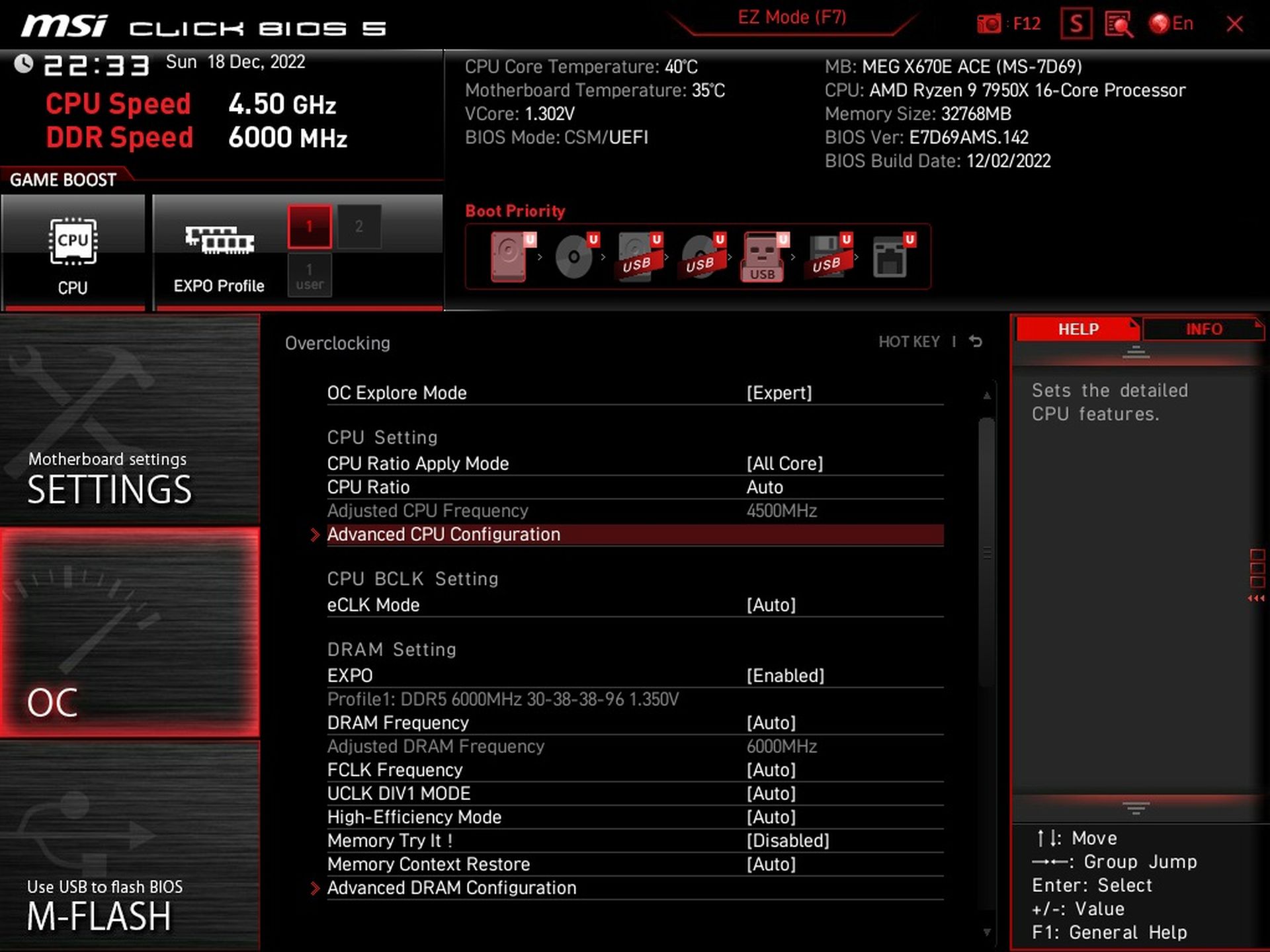

But more than increasing CPU clock speeds, reducing the TDP is popular in the context of more powerful processors, where the PPT is still 230 W at the original 170 W. At a TDP of 105 W, the PPT (+35 %) is only 142 W, i.e. at the level of the previous generation of AMD processors (Ryzen 5000, Vermeer). This is how we set it for the reduced power mode, in the charts with the “Eco” label. Such a load, by the way, also roughly corresponds to the Ryzen 7 7700X and Ryzen 5 7600X processors, which have a TDP of 105 W with a PPT of 142 W.

However, you can also limit the PPT manually to exactly what you need (also taking into account the cooling system’s capabilities). To adjust the LLC you need to go into the detailed settings of the power delivery (DigiALL Power tab), where you can also set the critical temperature of the VRM, at which the system will probably crash into a black screen.
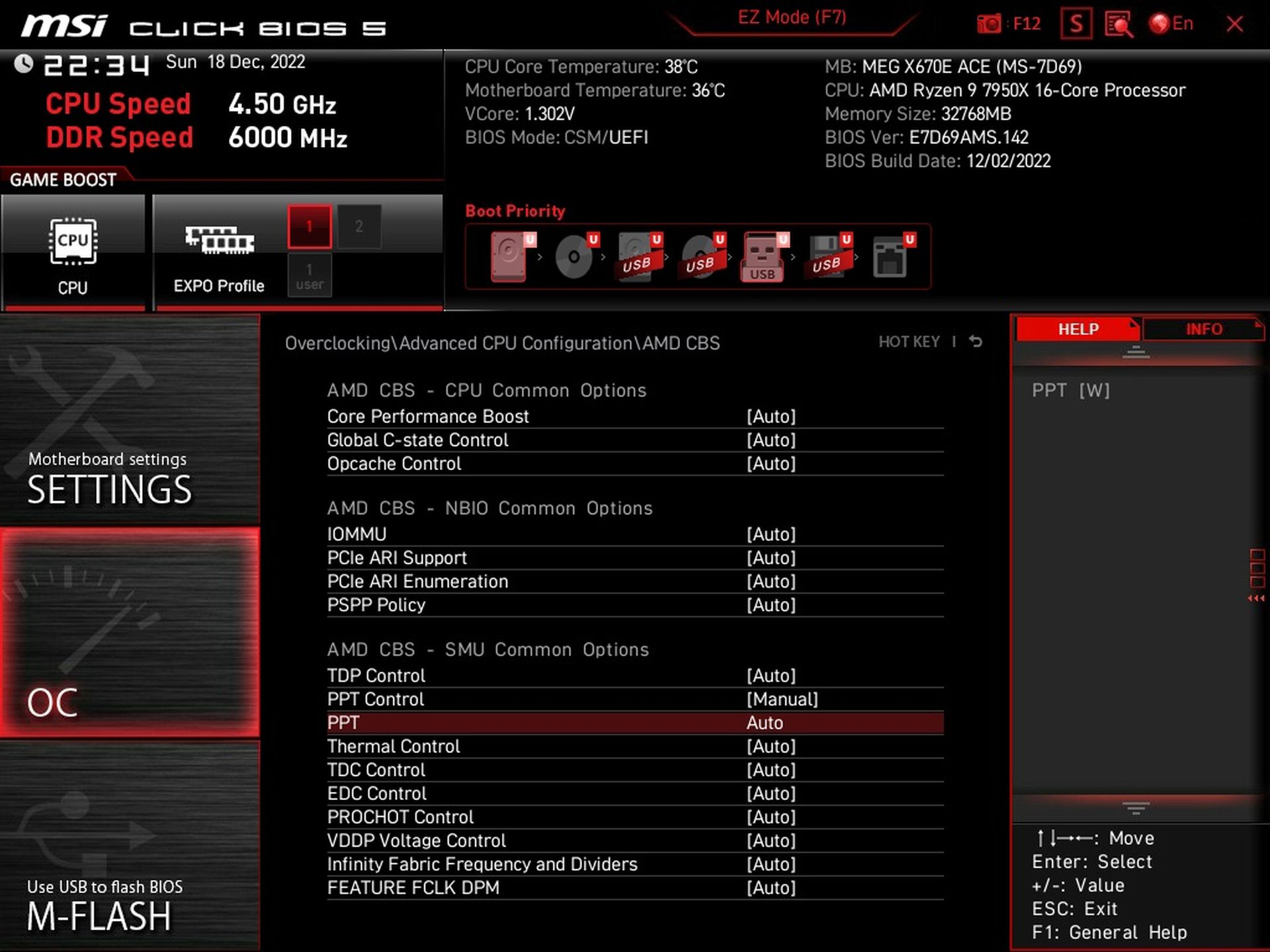
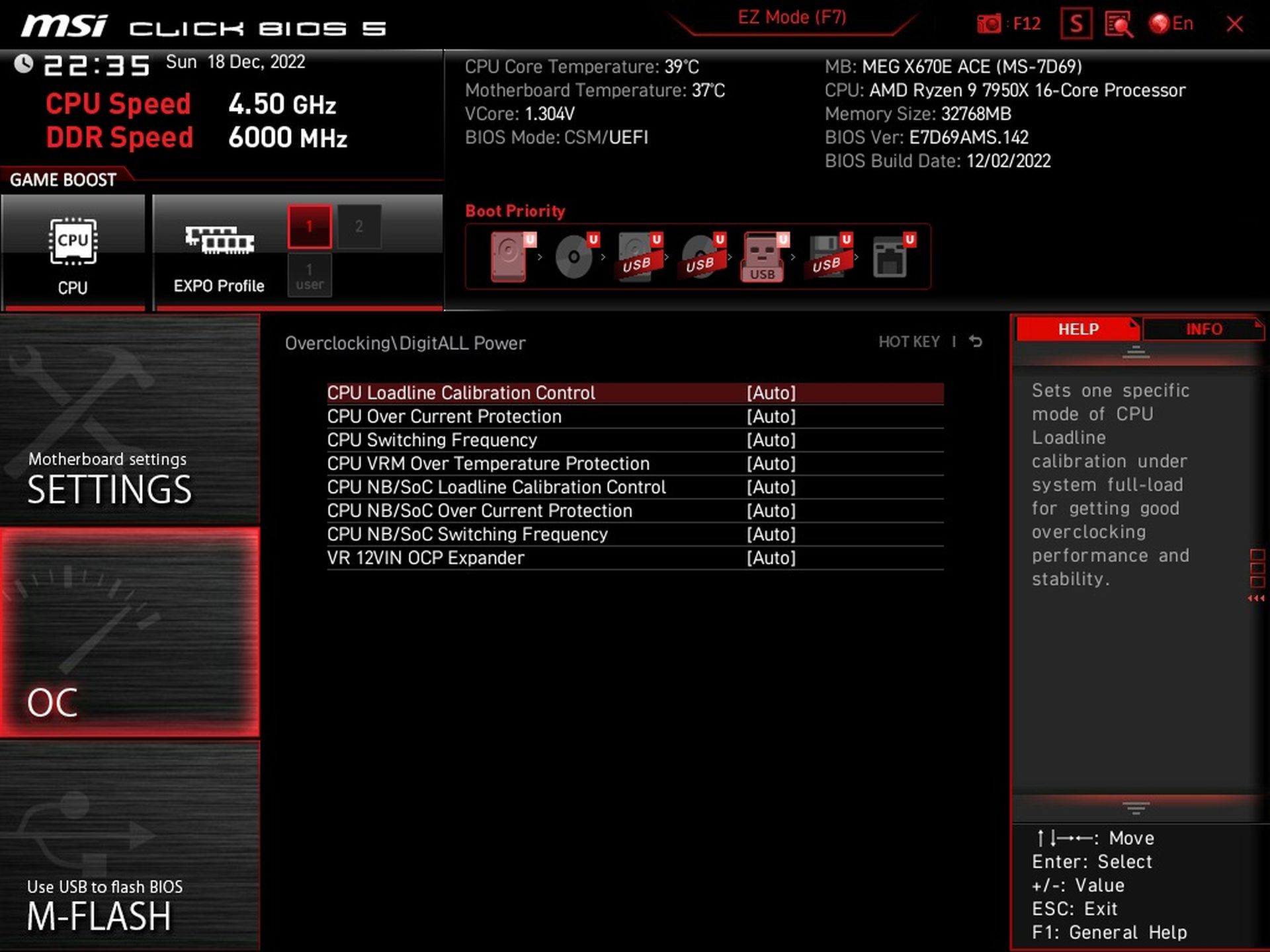
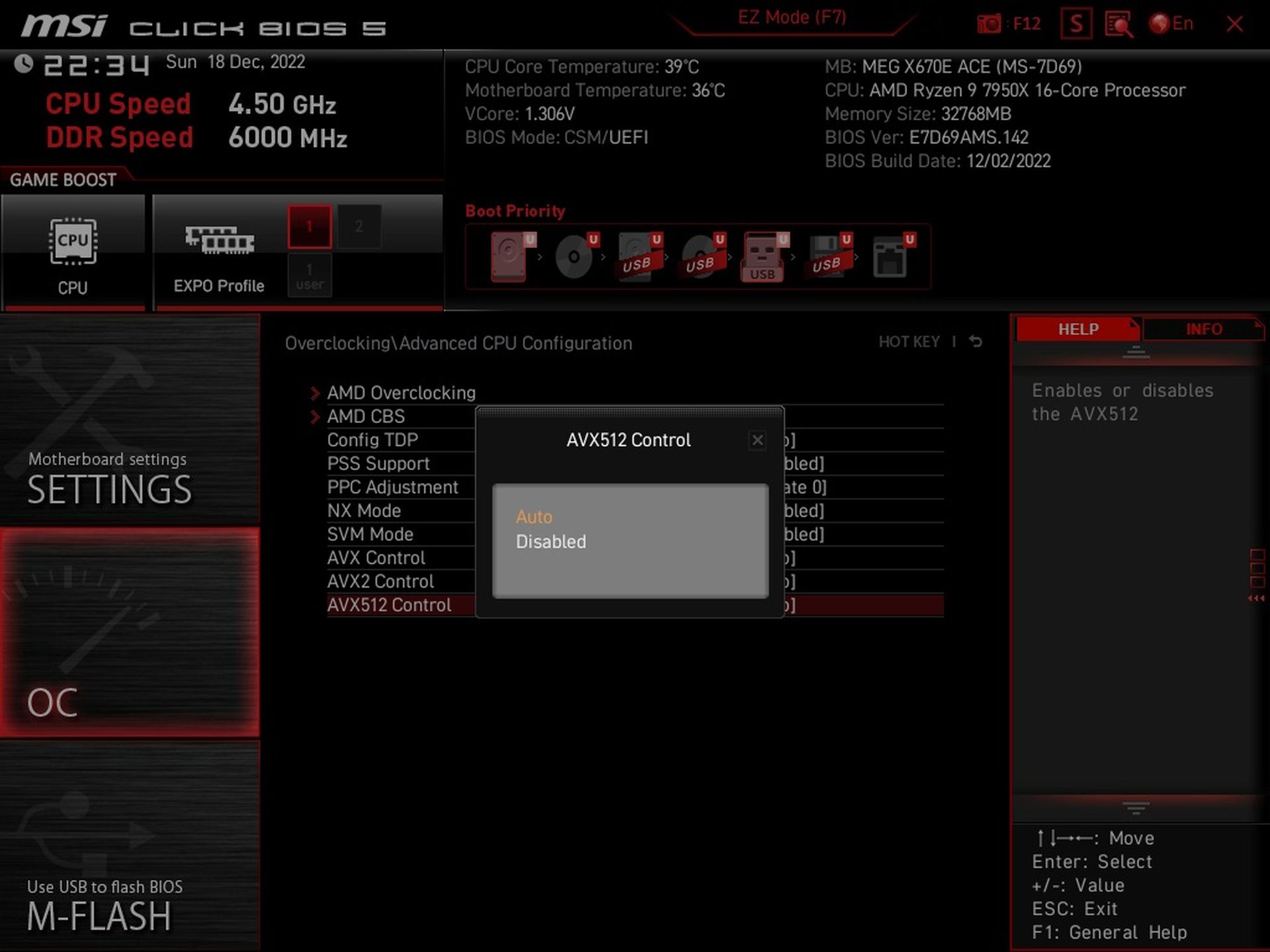
One of the features that MSI added to the BIOS over time (after the release of this board) is AVX instruction management. These can be disabled (including AVX-512) so that supported applications do not use them. The performance achieved will naturally be lower (significantly so in AI Topaz Labs applications, for example), but apparently there are enough situations where users are happy to eliminate the rather inefficient implementation of these instructions in most cases (and thus reduce both power draw and temperature).

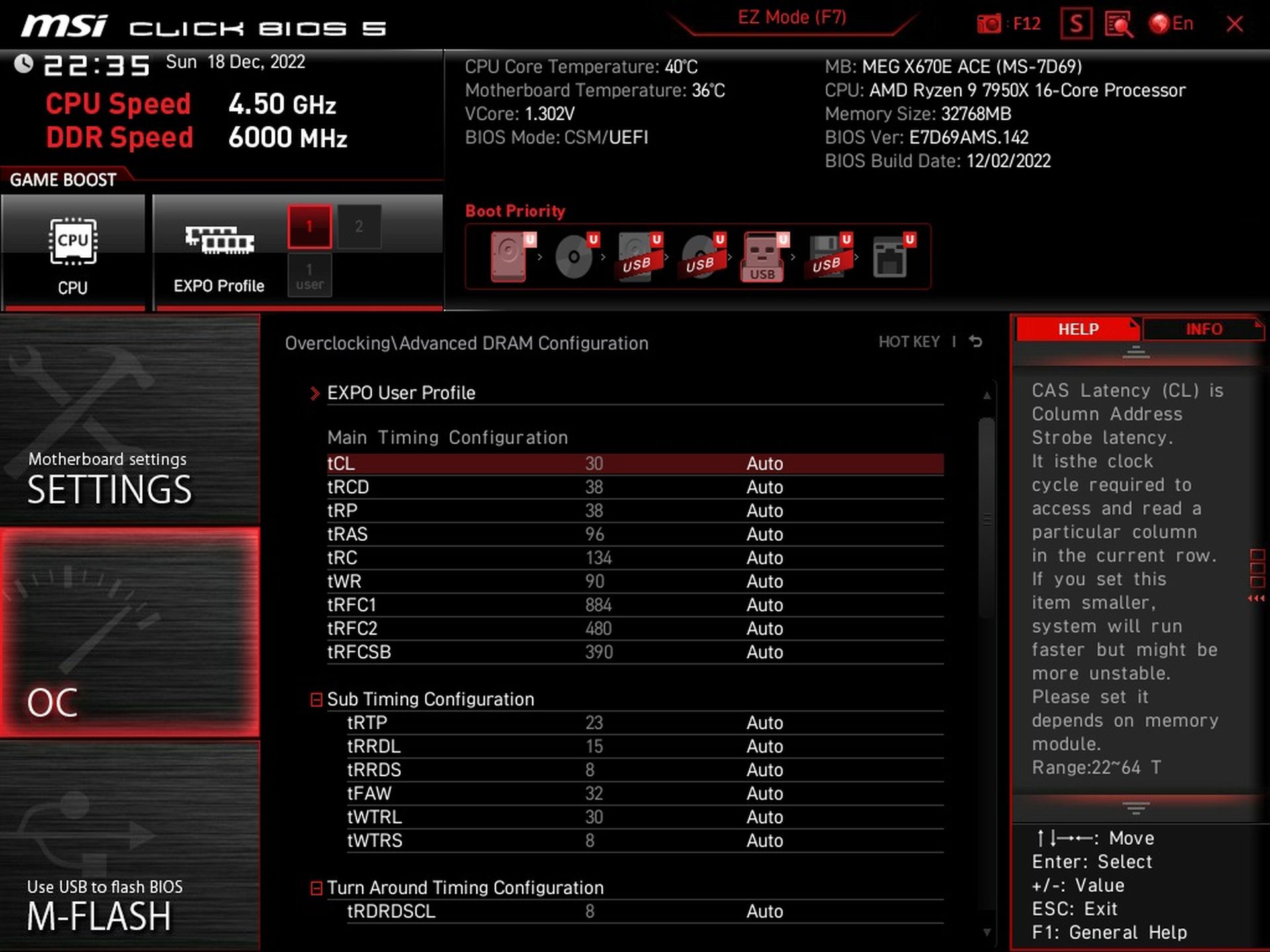
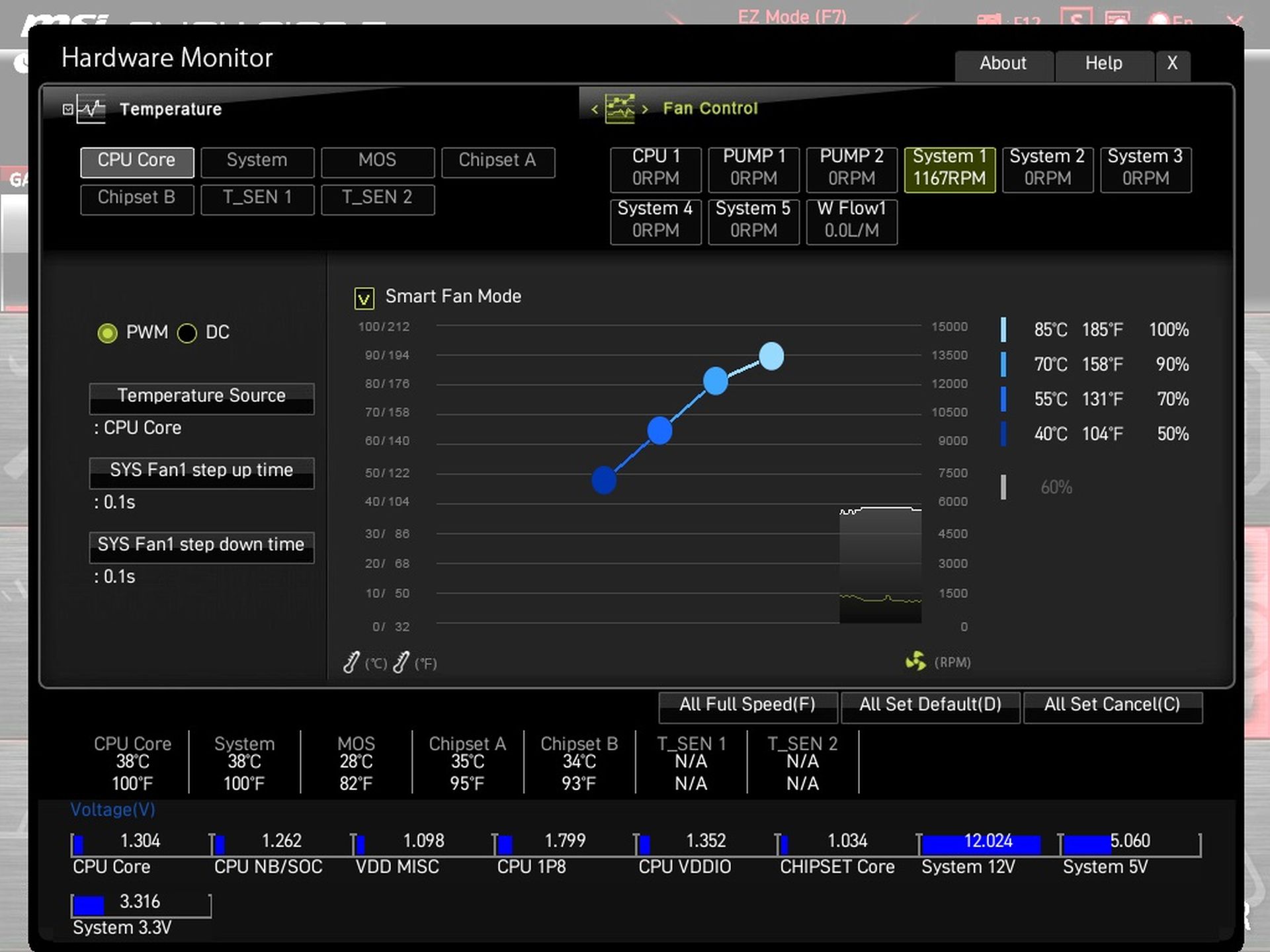
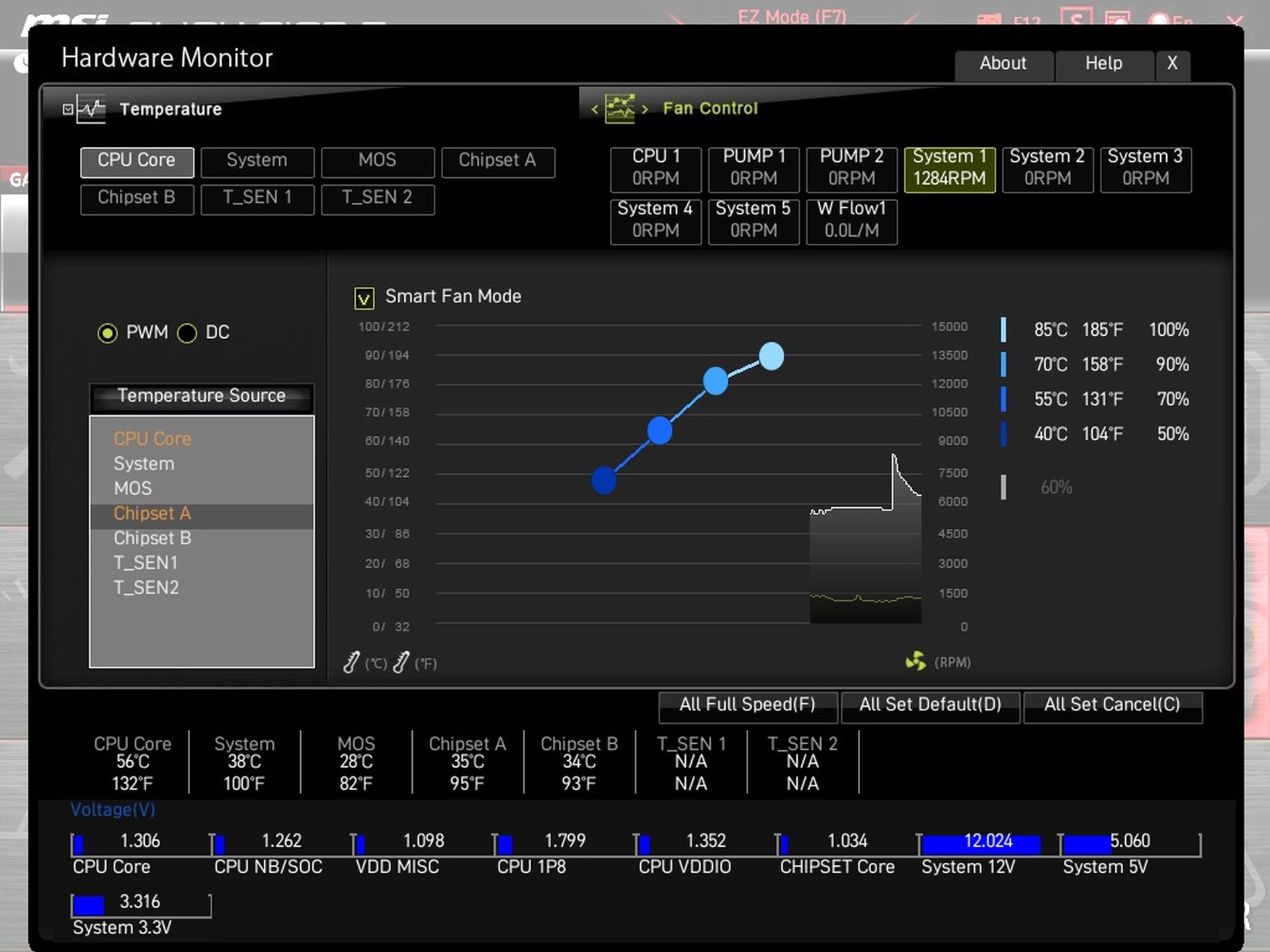
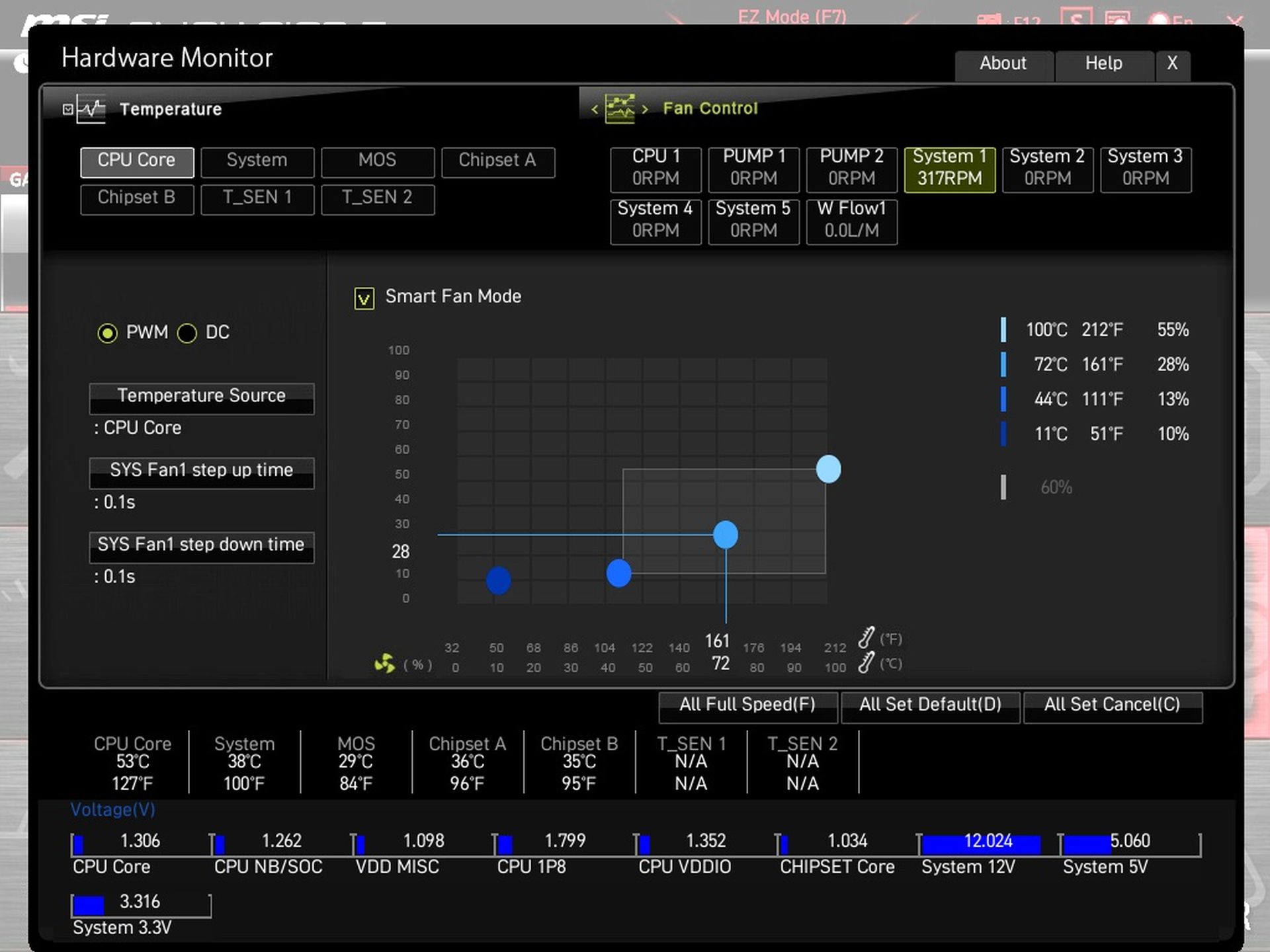
The “Hardware Monitor” interface is one of the most advanced there is. Up to seven different temperature sources can be assigned to the eight connectors with individual setting of the development curves. Among the sensors there are also two positions for installing optional thermocouples, which can be found in the motherboard accessories.




I enjoyed reading this from start to finish. The real-world examples regarding Free Image to Video were very helpful.
The article is an in-depth analysis of a motherboard. The application you mentioned does not appear in it at all. 🙂