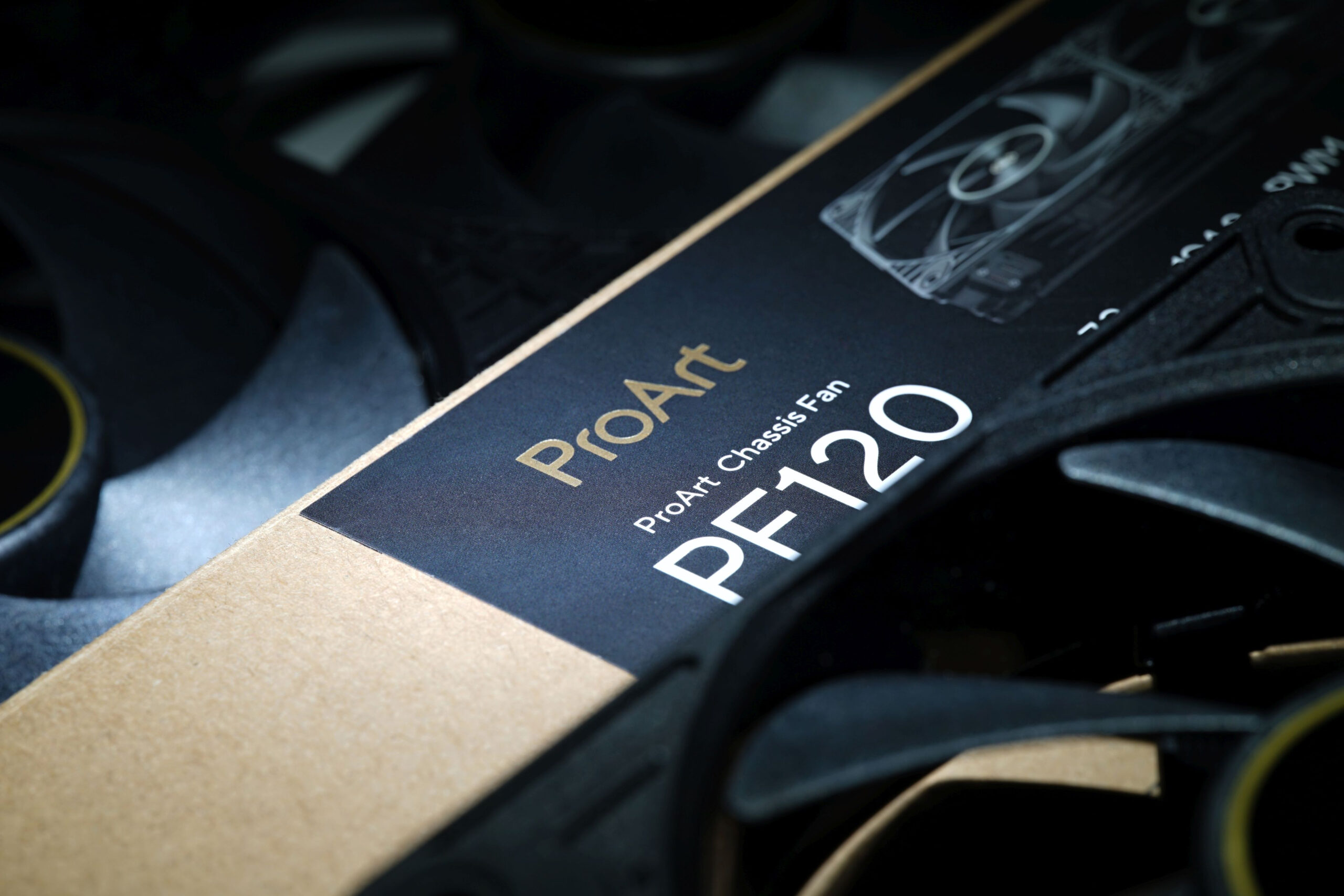
It wants to go head‑to‑head with the Phanteks T30-120 fan, while also having a slight edge in every respect. That’s Asus’s marketing—and now comes reality in HWCooling’s in‑depth analysis. The ProArt PF120 fans are truly something exceptional and worth paying attention to. High cooling efficiency and elegant daisy‑chaining are just the beginning. The overall design of Asus’s fans is impressive.
Once again, but “better.” If you focus on high‑end fans, you’ll find that Asus has already been active in this segment—ROG Strix XF120. This time (with the ProArt PF120), Asus has changed and refined many things. It’s not about belonging to a different ProArt product group (the fan makes sense even if you’re not building a workstation for creative workloads). What’s different here above all is the blade geometry, but also many other elements that we’ll break down throughout the analysis.

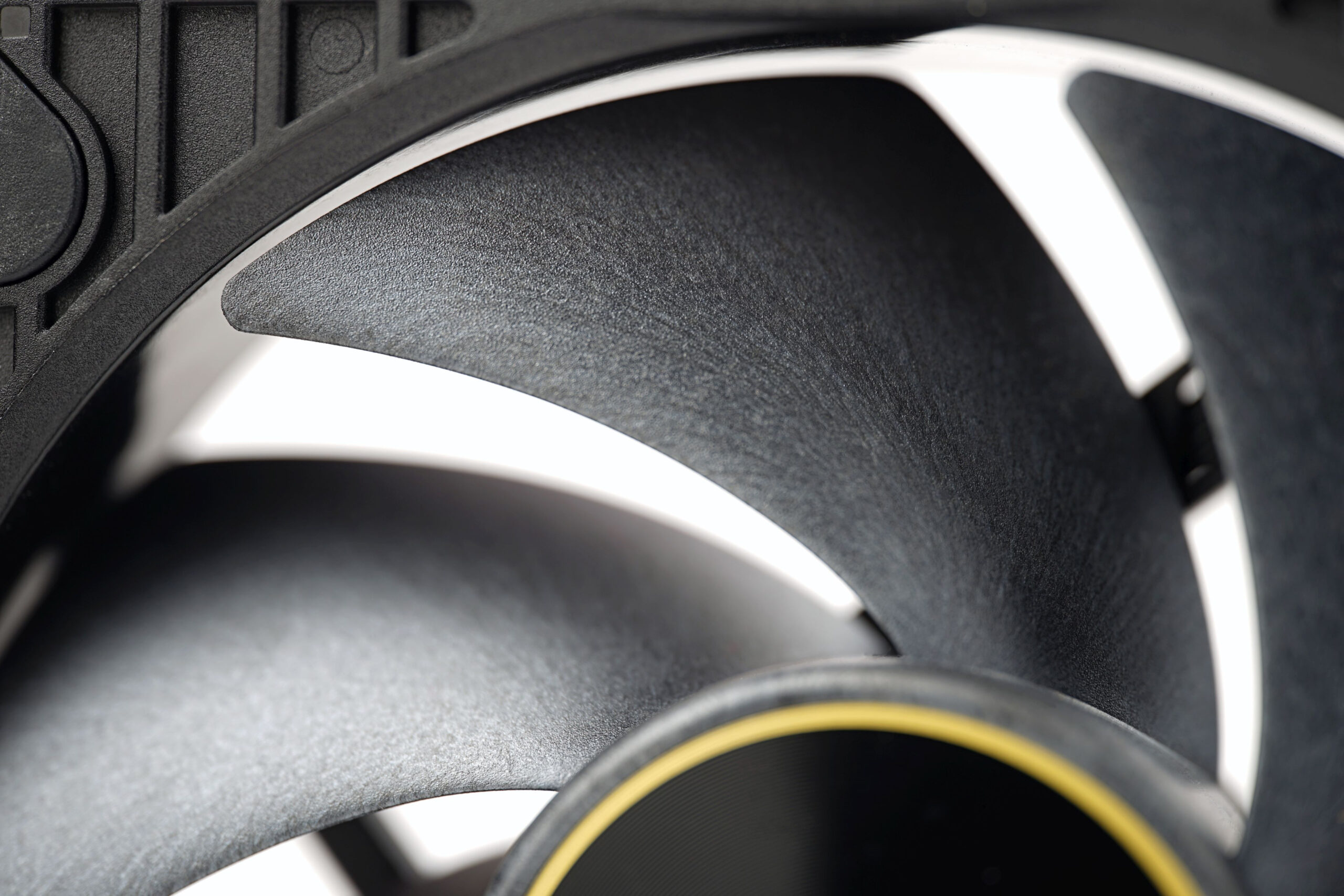
When it comes to blade shape, these define more prominently curved leading edges. There are seven blades in total, with a large surface area, which also reduces the spacing between them—minimizing dead space and maximizing static pressure. Static pressure is further increased by the unusually thick 28 mm fan profile. That’s less than the Phanteks T30‑120 (30 mm), but more than the usual 25 mm. Asus uses this 28 mm thickness even on cheaper TUF (TF120 and TR120) and Prime (MR120 ARGB) models. So within the brand, this isn’t unusual, but compared to many competing fans it’s an advantage—though potentially also a disadvantage, depending on your perspective.
From a “performance” standpoint (especially concerning obstacles), a thicker profile earns the fan extra points, but at the cost of worse compatibility with surrounding components. A thicker fan increases the likelihood of collisions (for example with the motherboard when mounted on a liquid cooler radiator in the top position of a PC case). But if that doesn’t happen in your setup, it’s nothing to worry about.
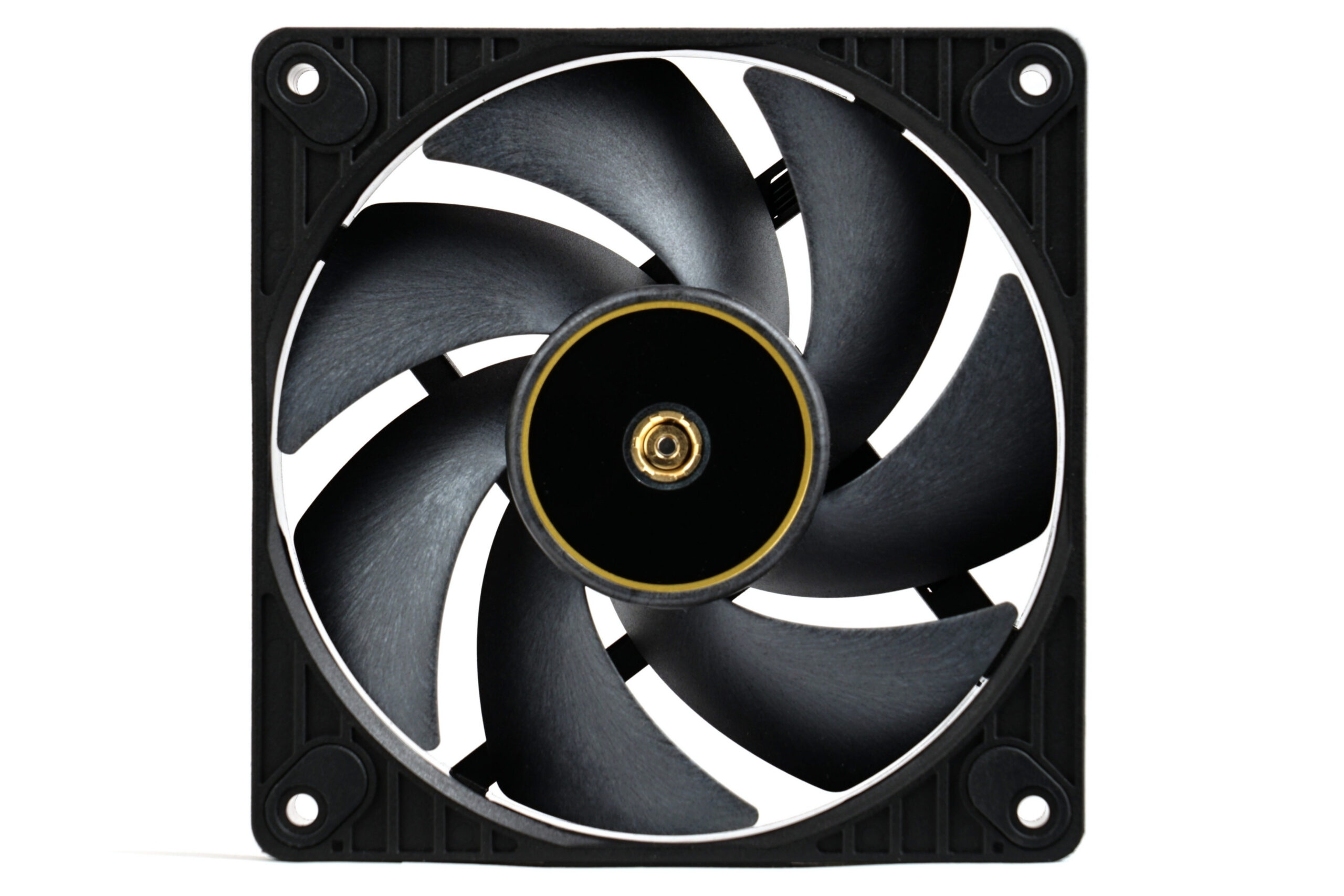
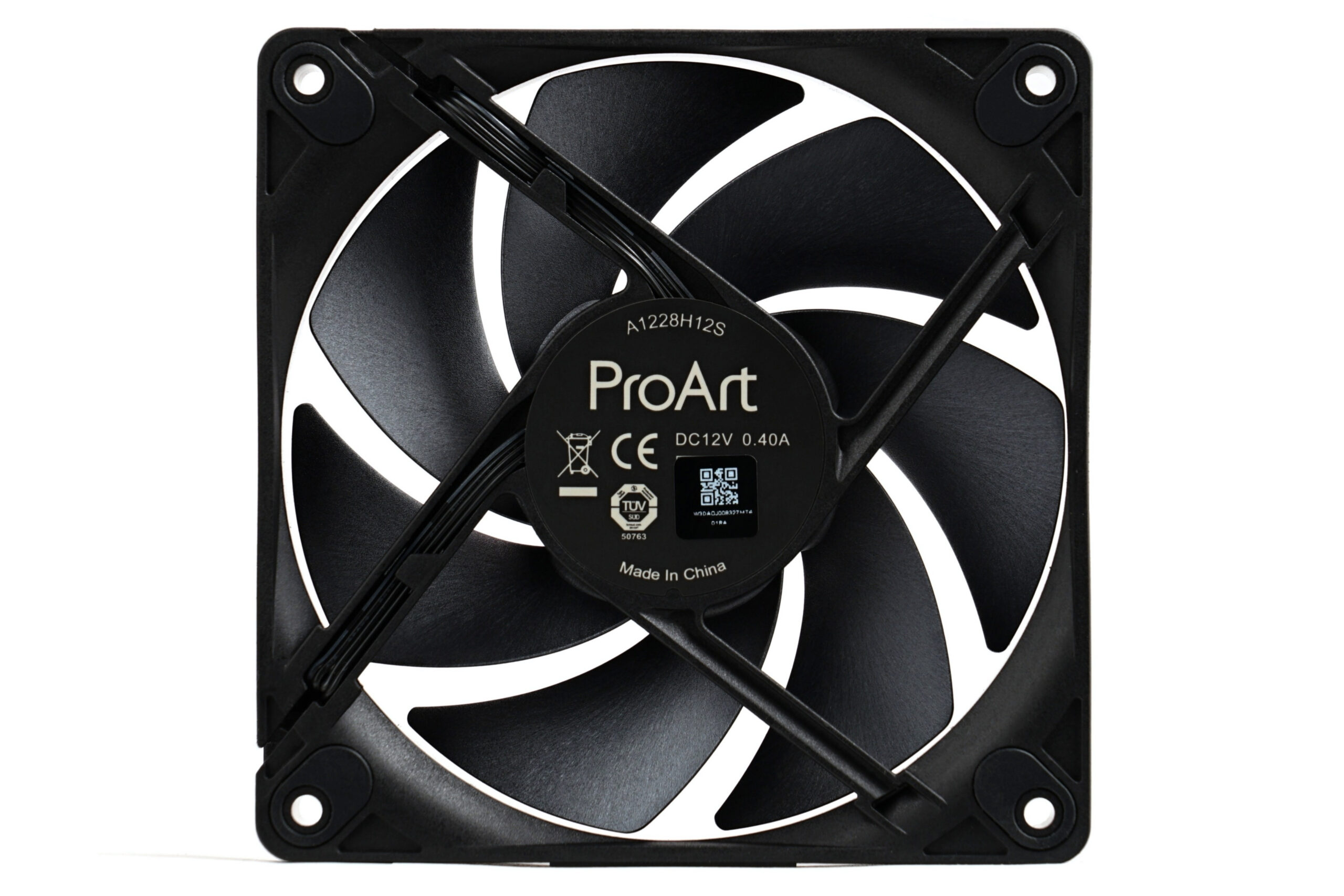
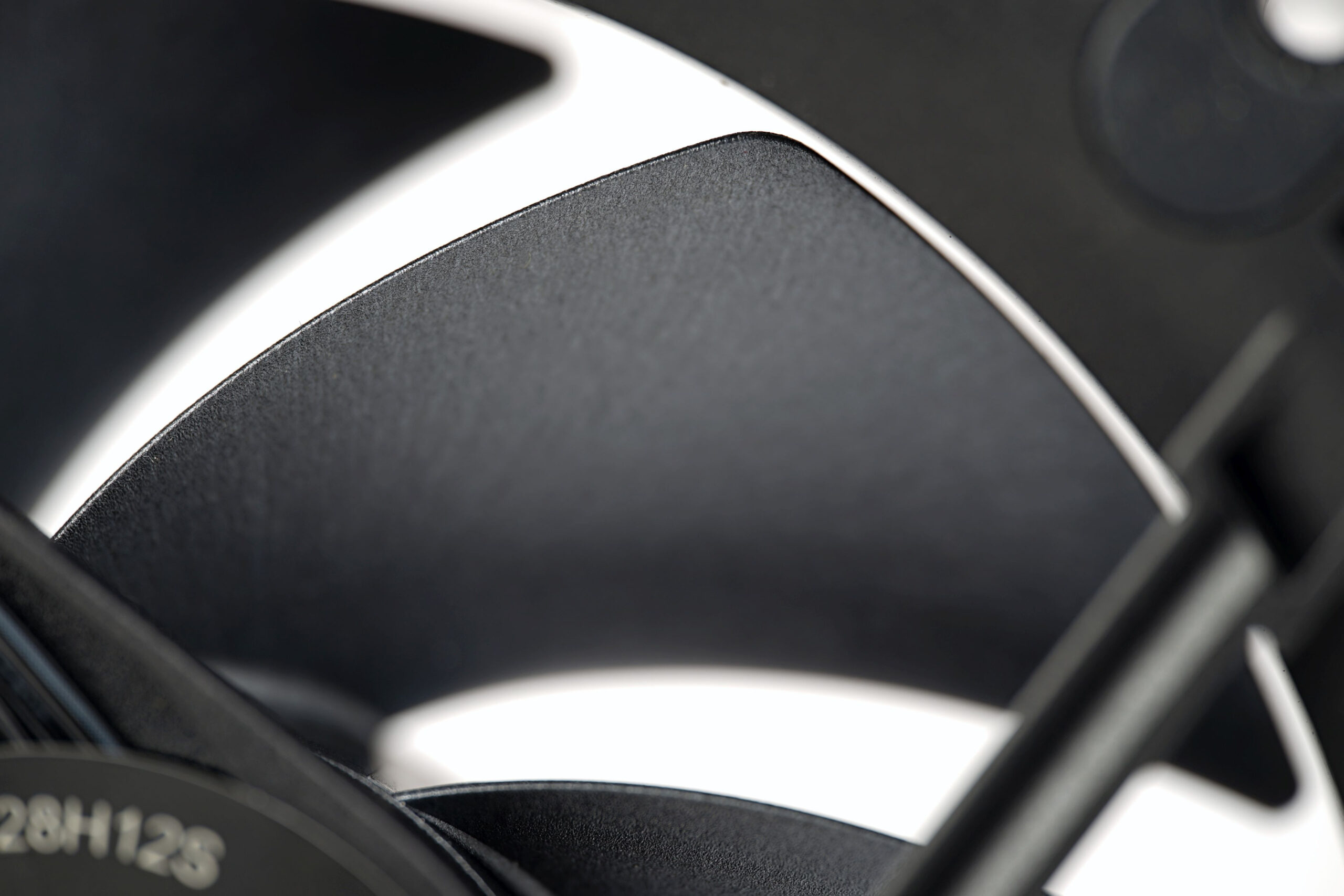
The blade edges are smooth, including the trailing edges. Asus has avoided micro‑optimizations you may know from Noctua fans. We can say the foundation here is something that could be described as “brute force.” These elements are designed well and efficiently, with the goal of achieving the highest possible airflow at the lowest possible noise. The material used for the impeller is, incidentally, liquid‑crystal polymer (LCP).
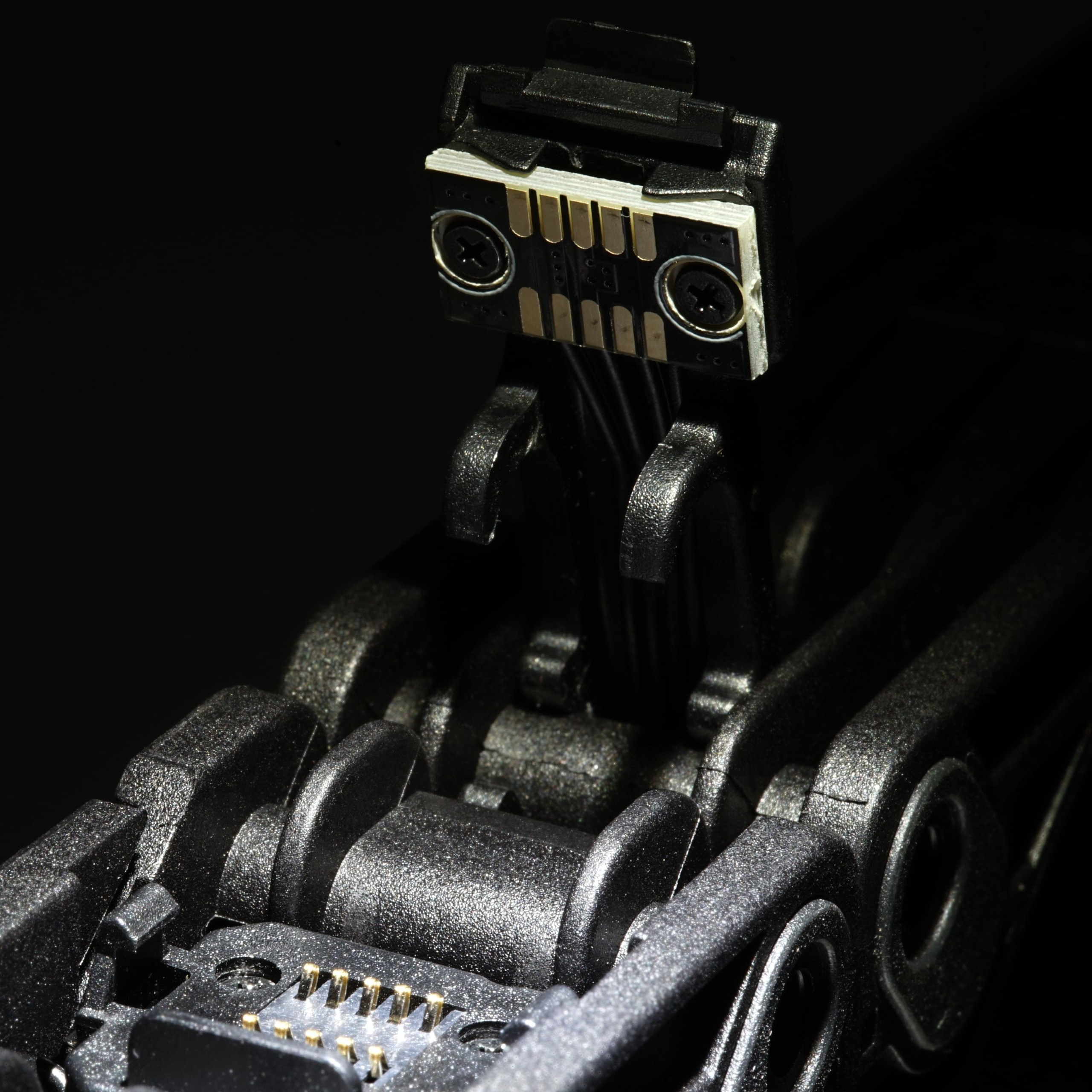
For the most elegant fan‑to‑fan connection, there are contacts built into the frame—both for powering the fan itself and for daisy‑chaining to another fan. Asus designed this purely mechanically: one fan snaps into the next using small wings, which—unlike magnets—don’t significantly bulk up the frame (which would reduce space for the blades and impeller overall). Mechanical durability is excellent—everything holds firmly, “like nailed in place.”
The cable used to connect the fan to the motherboard or a hub—simply to the device through which it will be controlled—is quite long. It reaches half a meter. As with other high‑speed fans, we must note that the motor output is truly high, and with three such fans connected to a single header, the current draw (especially at startup) can significantly exceed 1 A, which many headers are designed for.
For completeness, the Asus ProArt PF120 is a 120 mm fan, and detailed specifications are traditionally in the table in the next chapter. Among key features, Asus also mentions a 3‑phase torque design (with six motor poles). The bearings are FDB—fluid dynamic. The MTBF/MTTF value is unknown; Asus does not specify it.
Please note: The article continues in the following chapters.