





Motherboards with AMD X870 chipsets are already in stores. Unlike the older models designed for the AM5 platform, also compatible with Ryzen 9000 processors, X870 motherboards must support the USB4 interface, and there are more minor changes. We start our analysis of motherboards with the new AMD chipsets with the Asus model – the TUF Gaming X870 Plus WiFi. The mid-range also has a strong VRM.
What it looks like in the BIOS
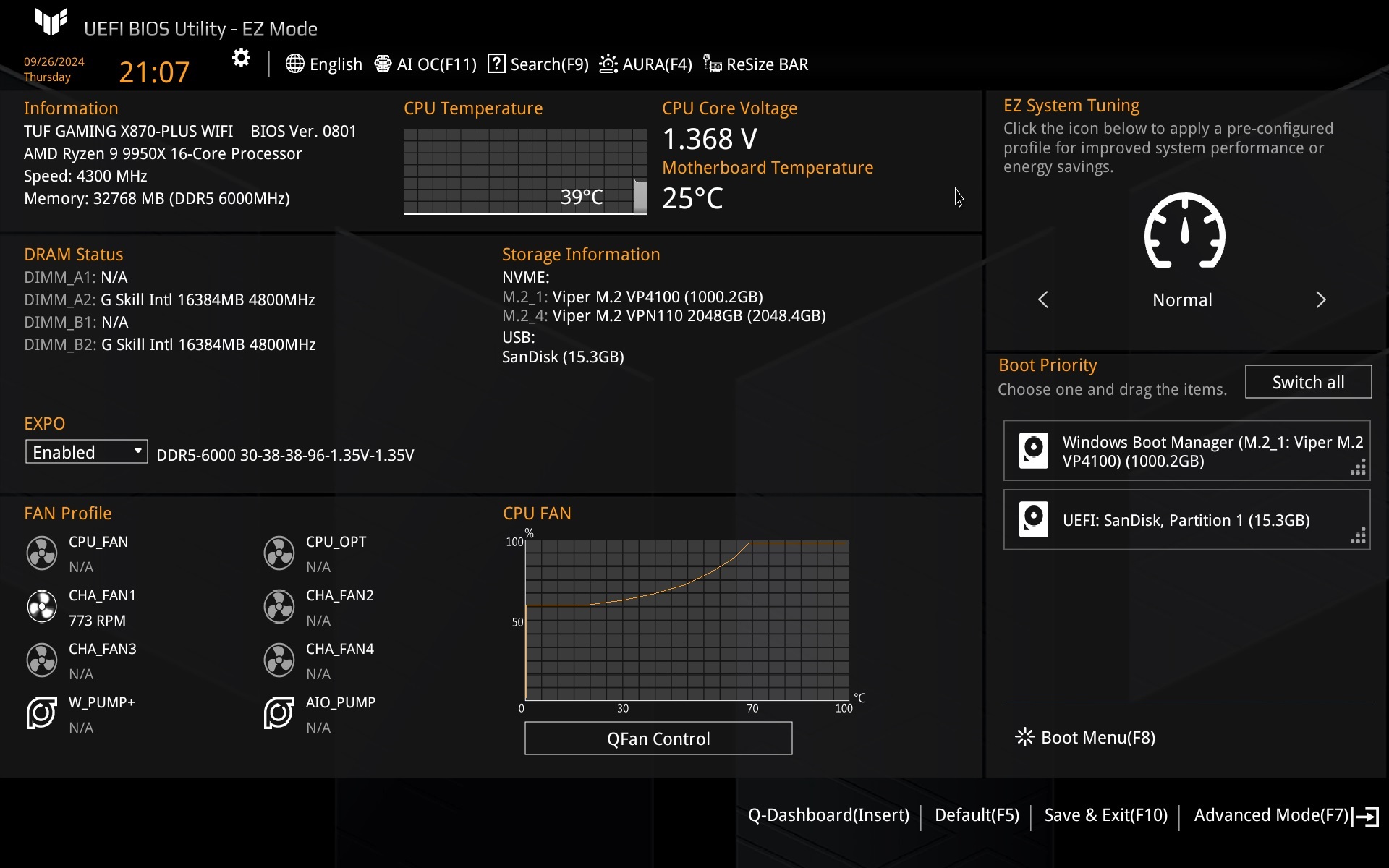
The EZ Mode graphical interface is exactly as you may remember it from years past. Several segments with various indicators are logically well separated. Everything is intuitive and clear. From the EZ Mode, you get a quick overview of, for example, the current CPU temperature, the clock speeds of its cores, you can enable an EXPO memory profile or go to QFan to manage the fans. The navigation on the top bar also includes a button to (de)activate ResizableBAR.
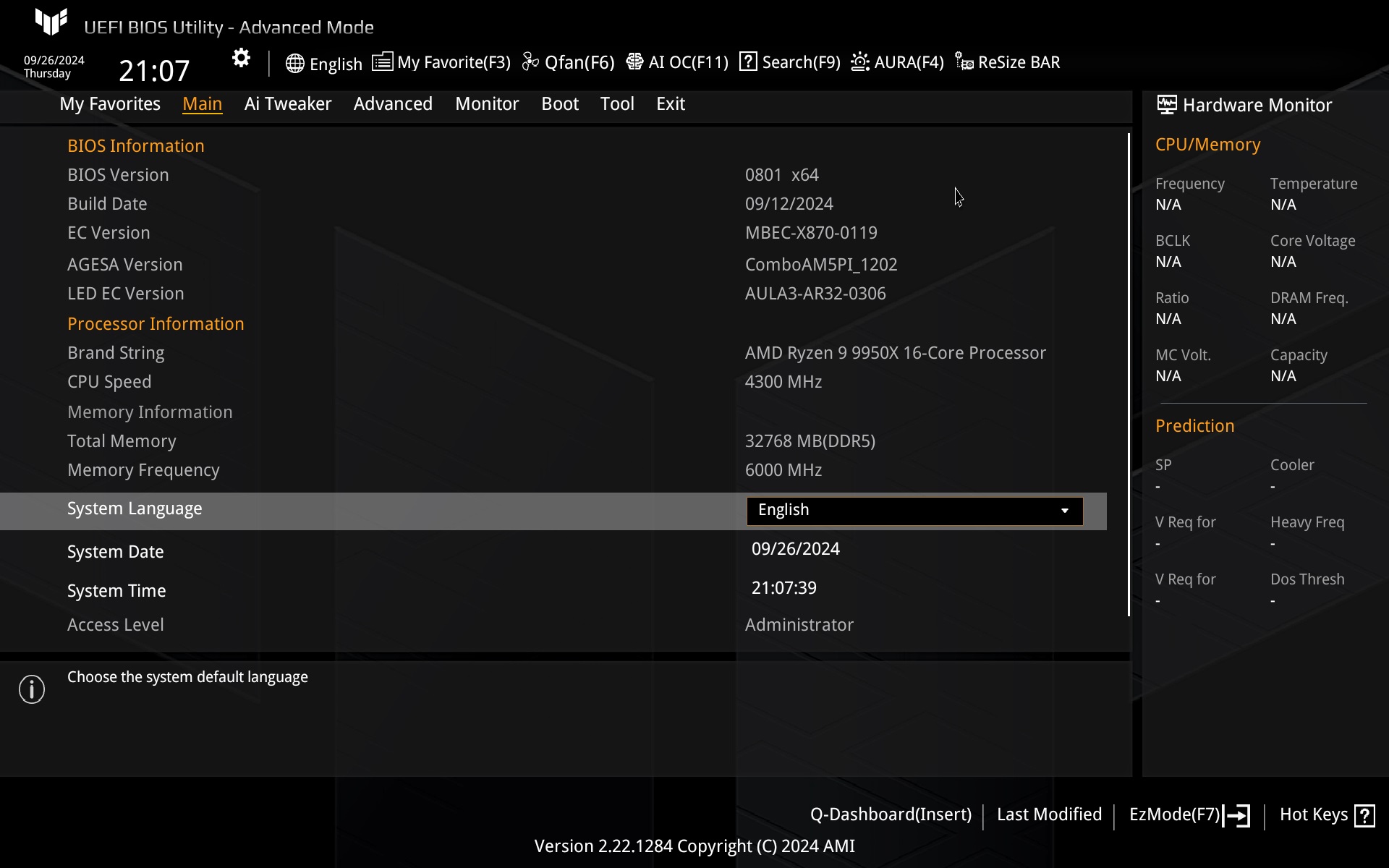
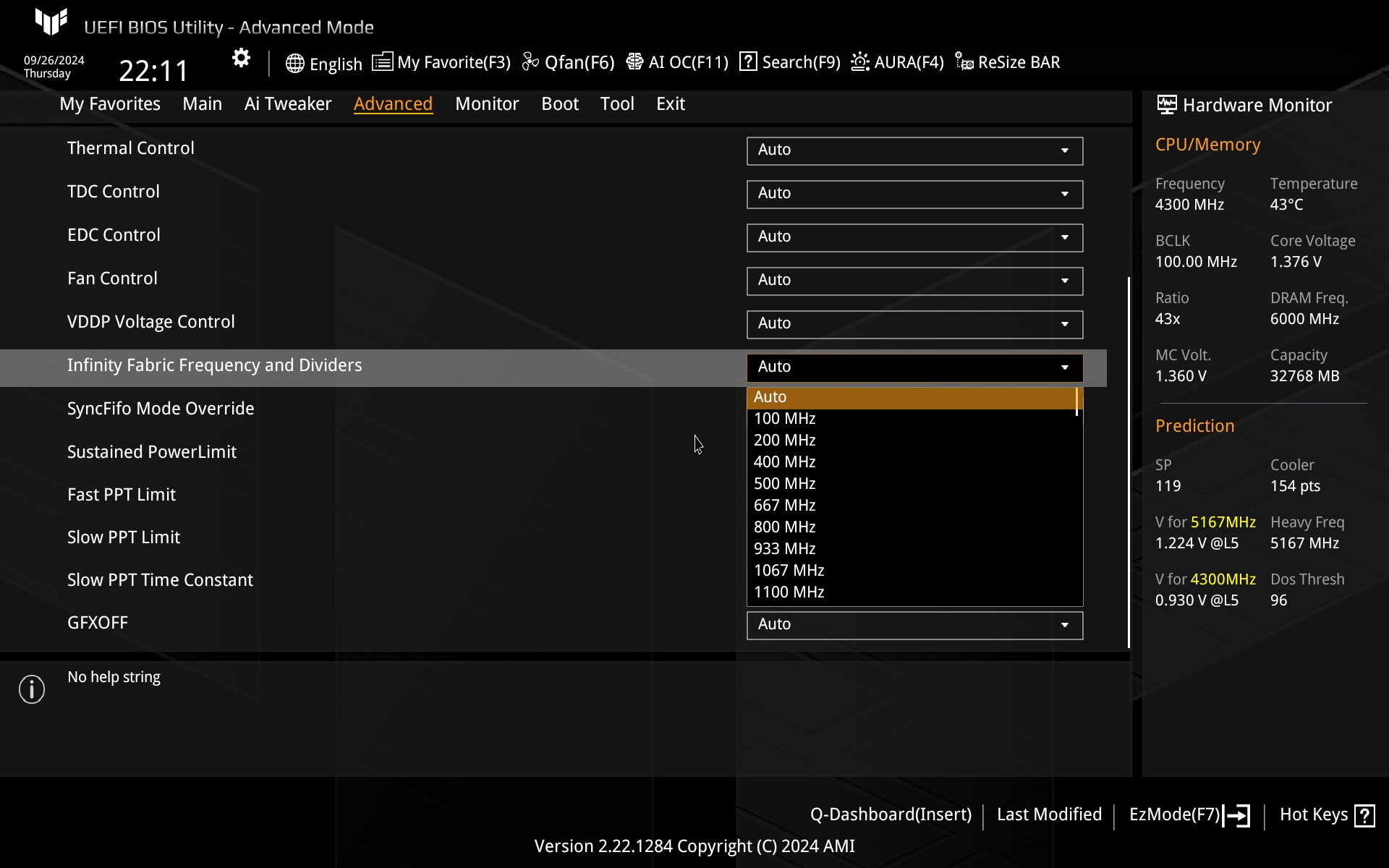
Press F7 to enter advanced mode. You can also activate AMD EXPO in the My Favorites tab. To change the Infinity Fabric clock speed, you need to go to the Advanced tab.

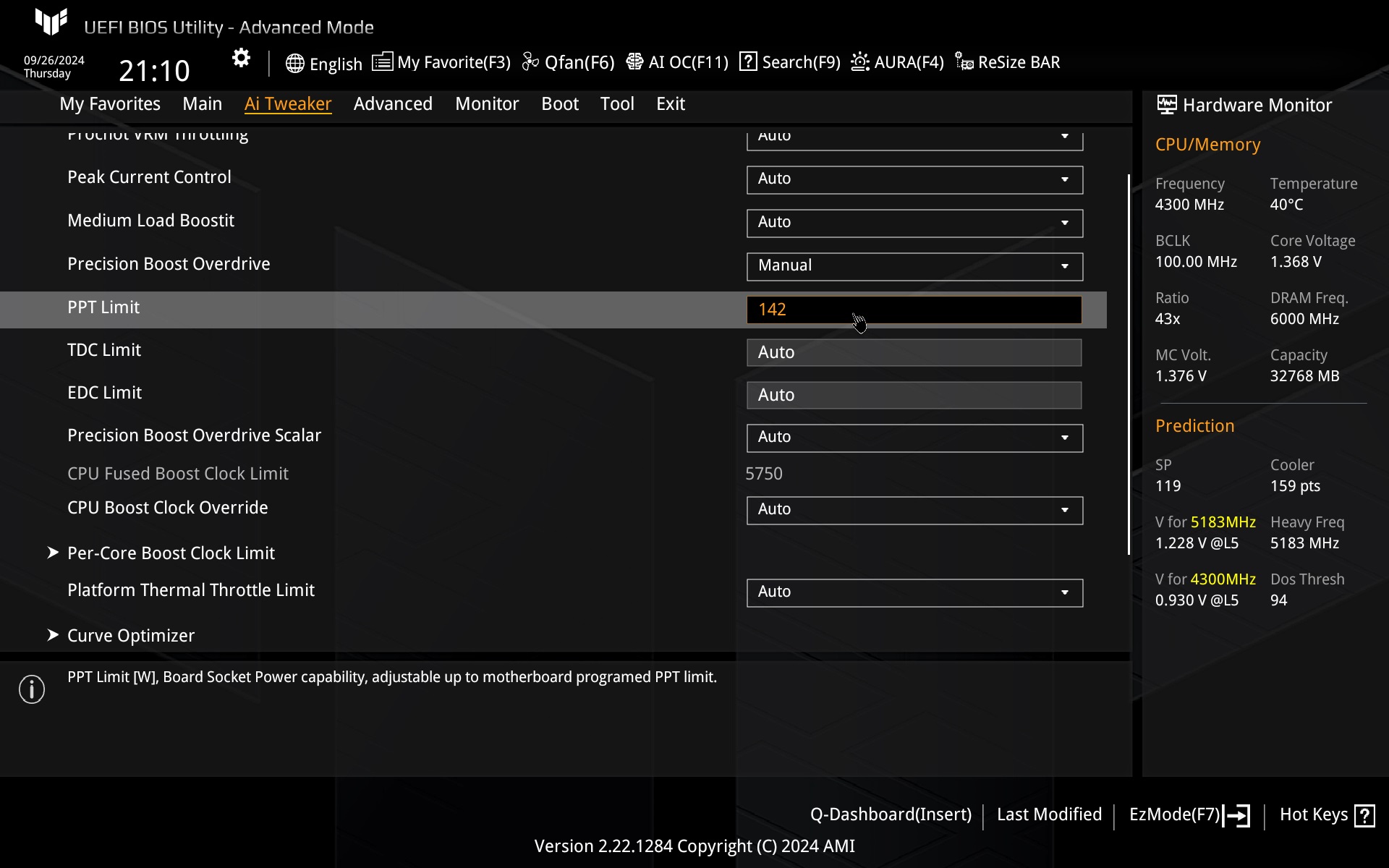
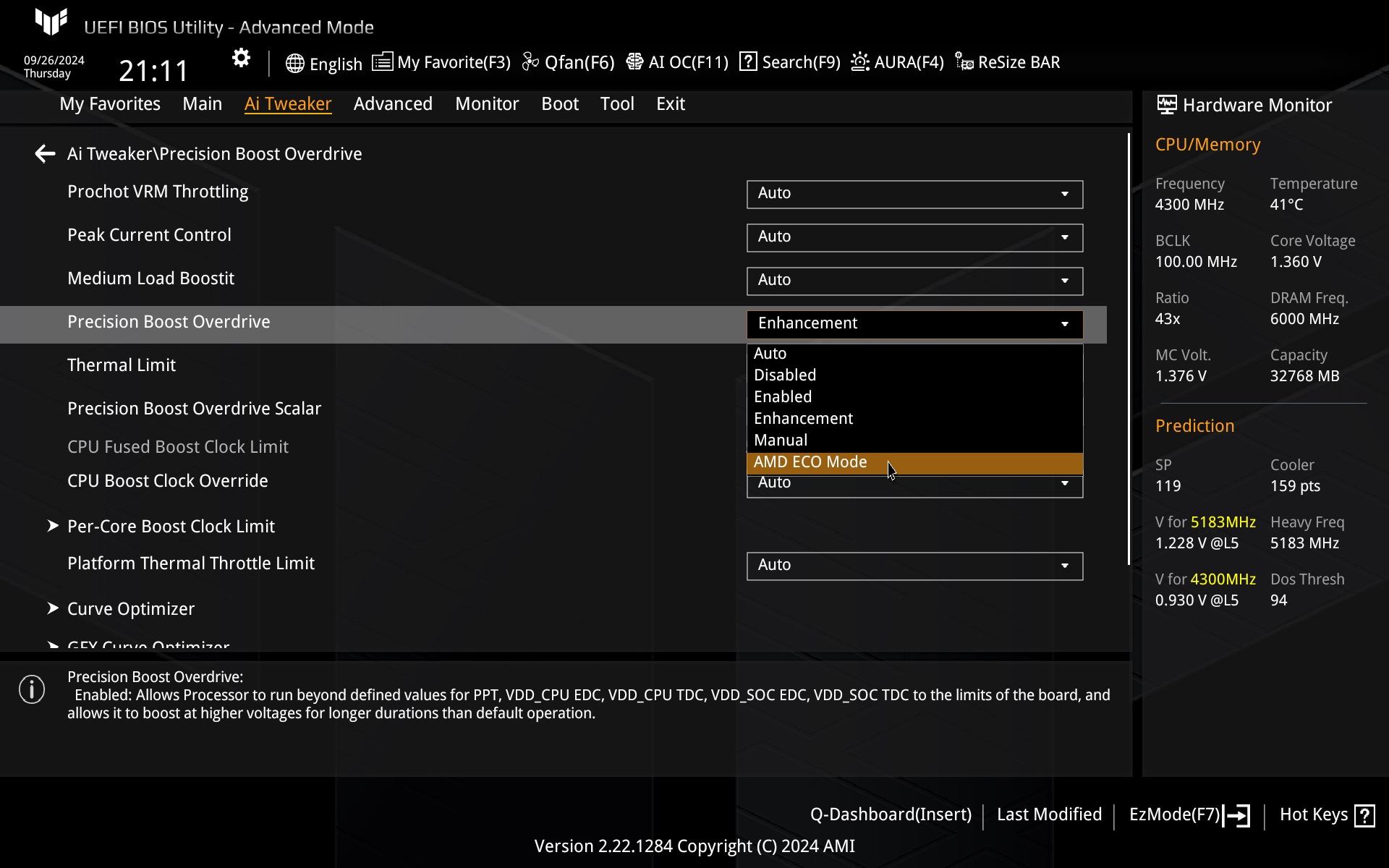
The power limits are set in the Ai Tweaker tab where you can enter the exact values of the PPT, TDC and EDC limits or then activate for example the power saving mode via PCO (also Ai Tweaker tab), where there is also an AMD Eco Mode. In the case of the test processor, it limits the TDP to 105 W (with a PPT of 142 W). TDP reduction is then also possible via the Advanced tab, where Eco Mode is an option. The latter is disabled by default.

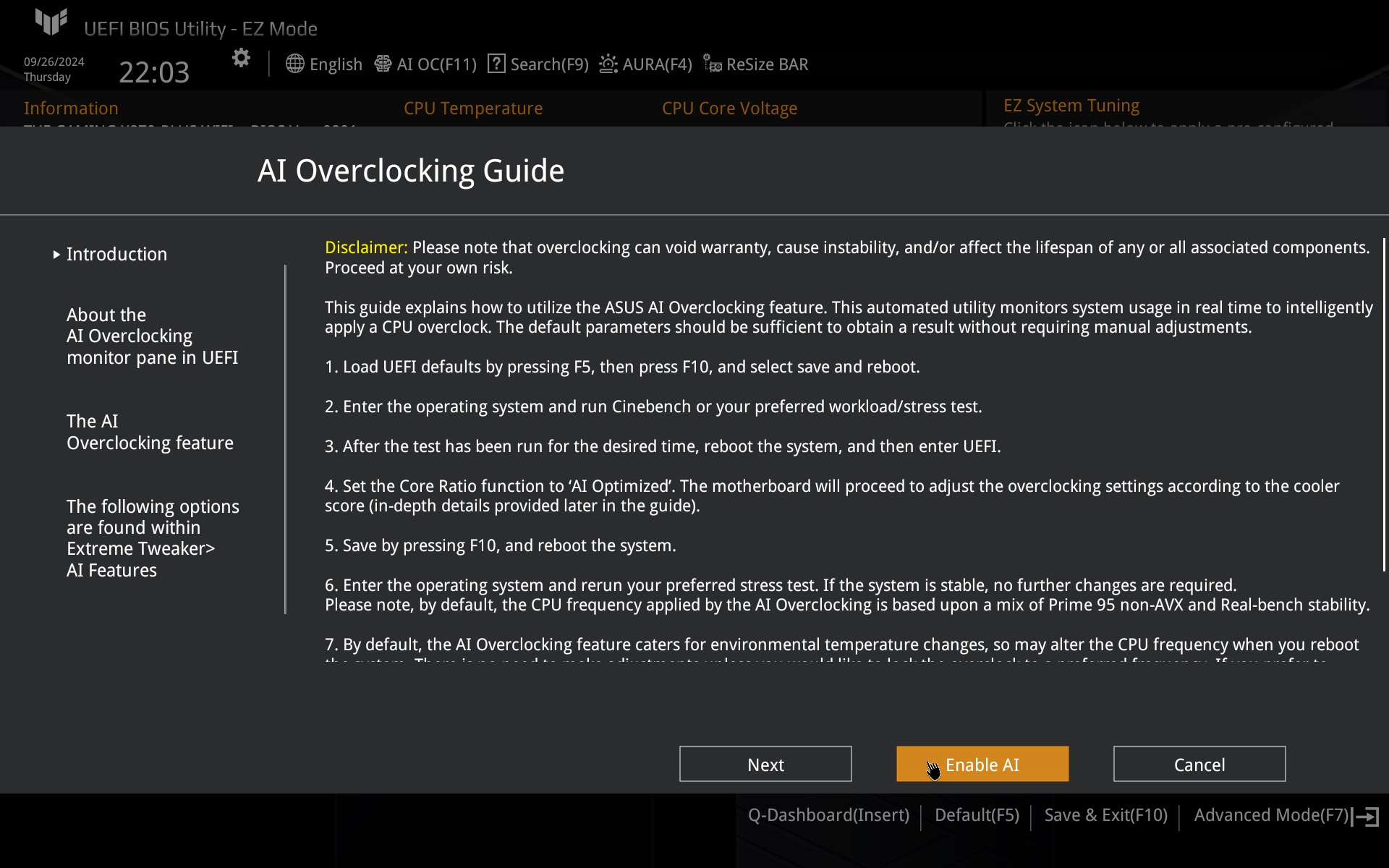
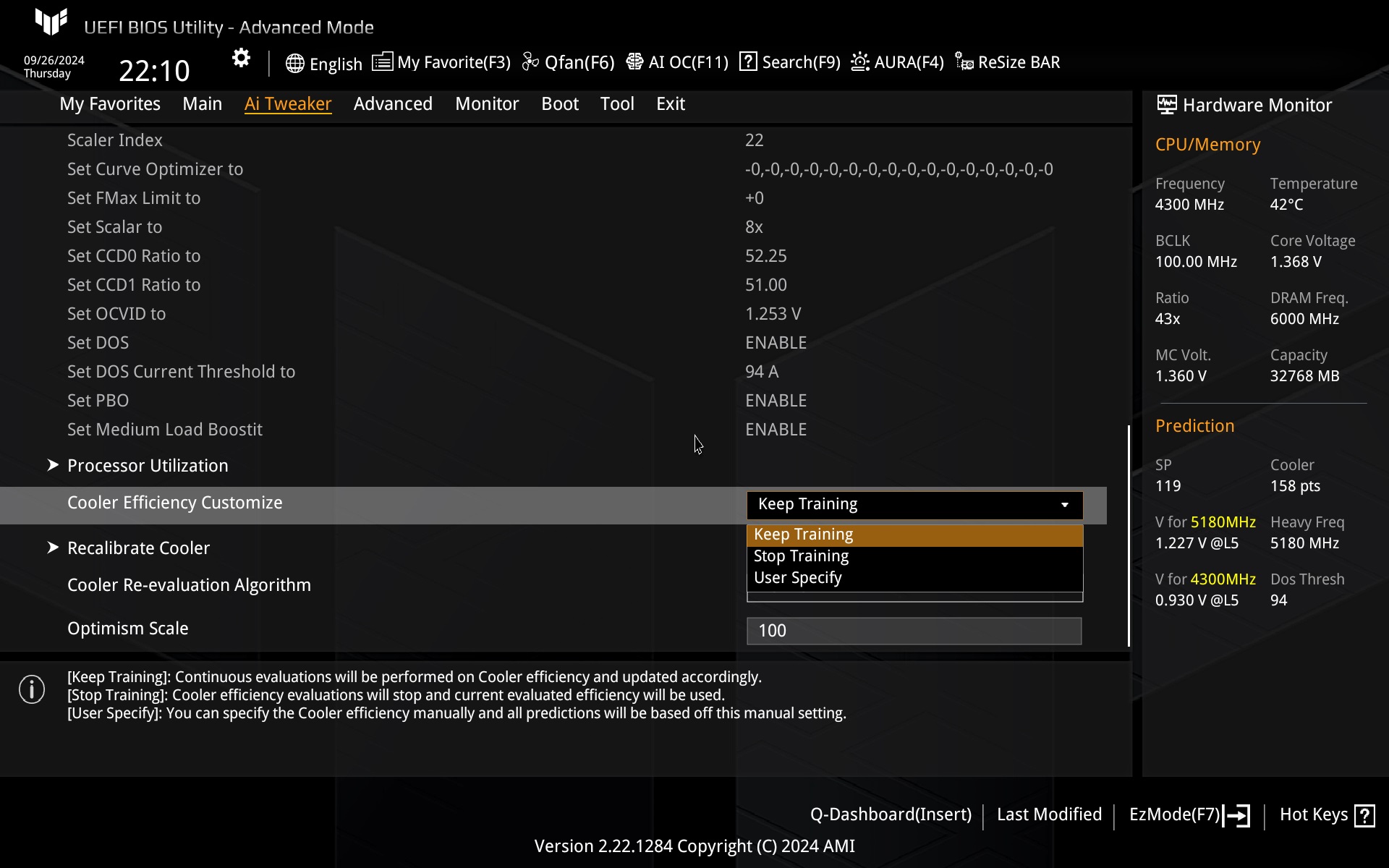
The TUF Gaming X870 Plus WiFi board also supports “Ai Overclocking” with the ability to train options according to available cooling performance.
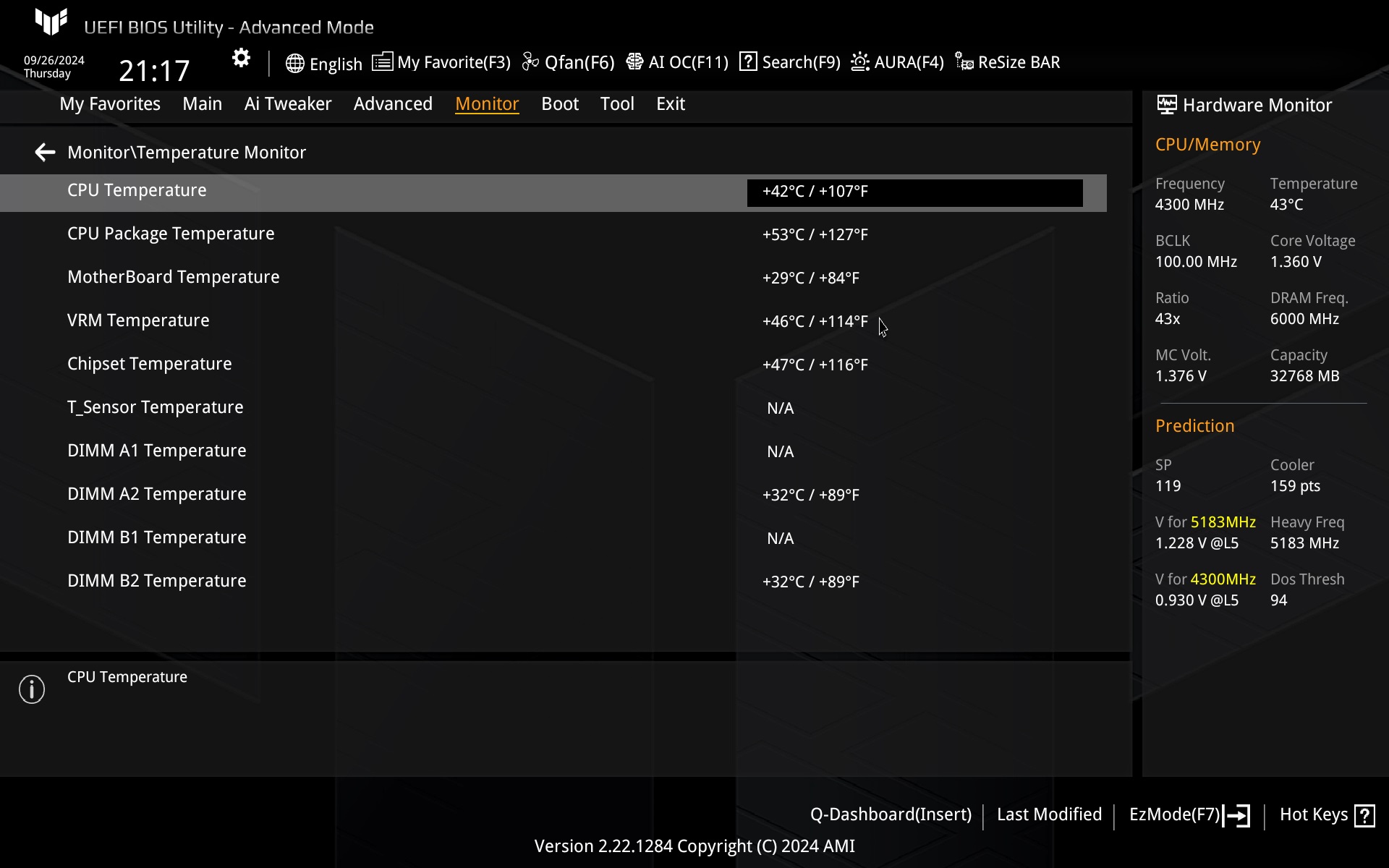
Among the temperature sensors, there are six locations from which the board can acquire data. Five of these are connected (including the VRM sensor), one (T_Sensor) is optional.
Traditionally, the speed of the connected fans can be linked to some of the temperature sources, and there has been one big change in the setup. The old way is that you assign a temperature source to a particular fan header on the Monitor tab, outside of QFan with a 2D graph.
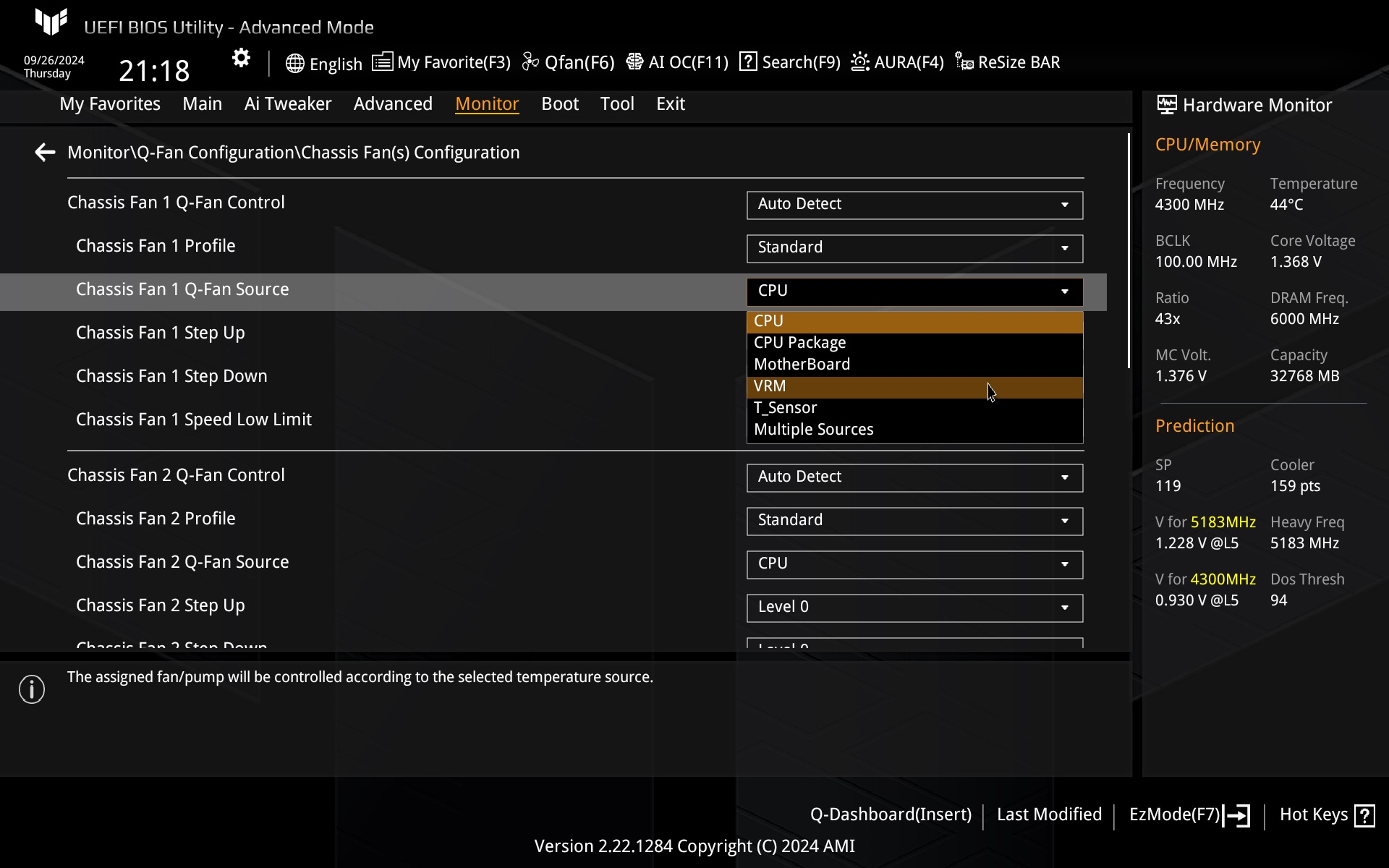
But now it is possible to set everything in the QFan graphical interface, something we used to complain about with Asus boards in the past. But what was missing is here now. First of all, you can assign a specific temperature source to a specific header right here, and the graph can also be constructed by numerically entering the input/output temperatures and PWM duty cycle in the table, in addition to the drag and drop method. The whole thing resembles the interface that has been proprietary to Gigabyte for years. But for Asus, on the ROG Strix B760-I Gaming WiFi board, it still looked this limited, with no advanced tuning options back in June 2024.
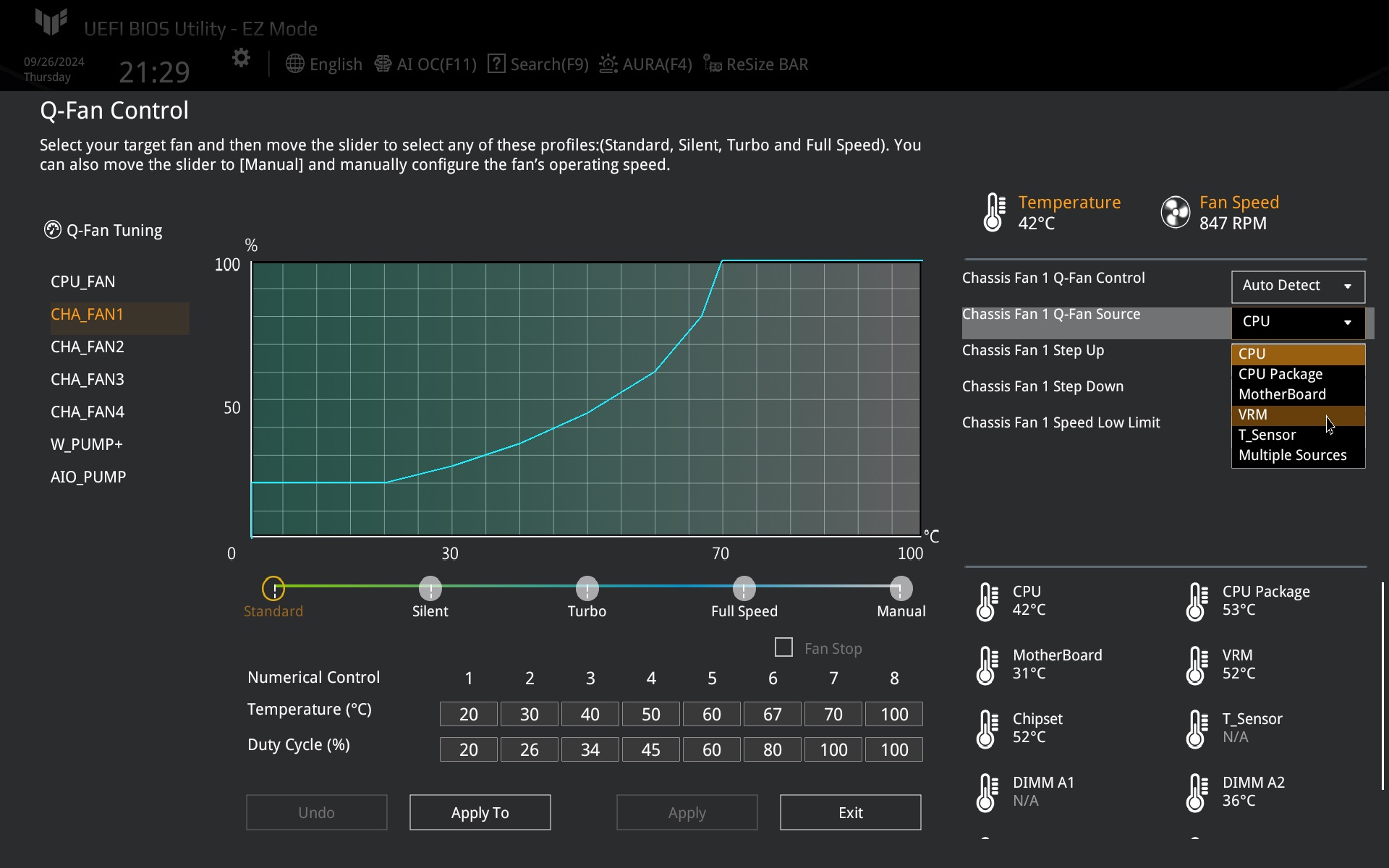
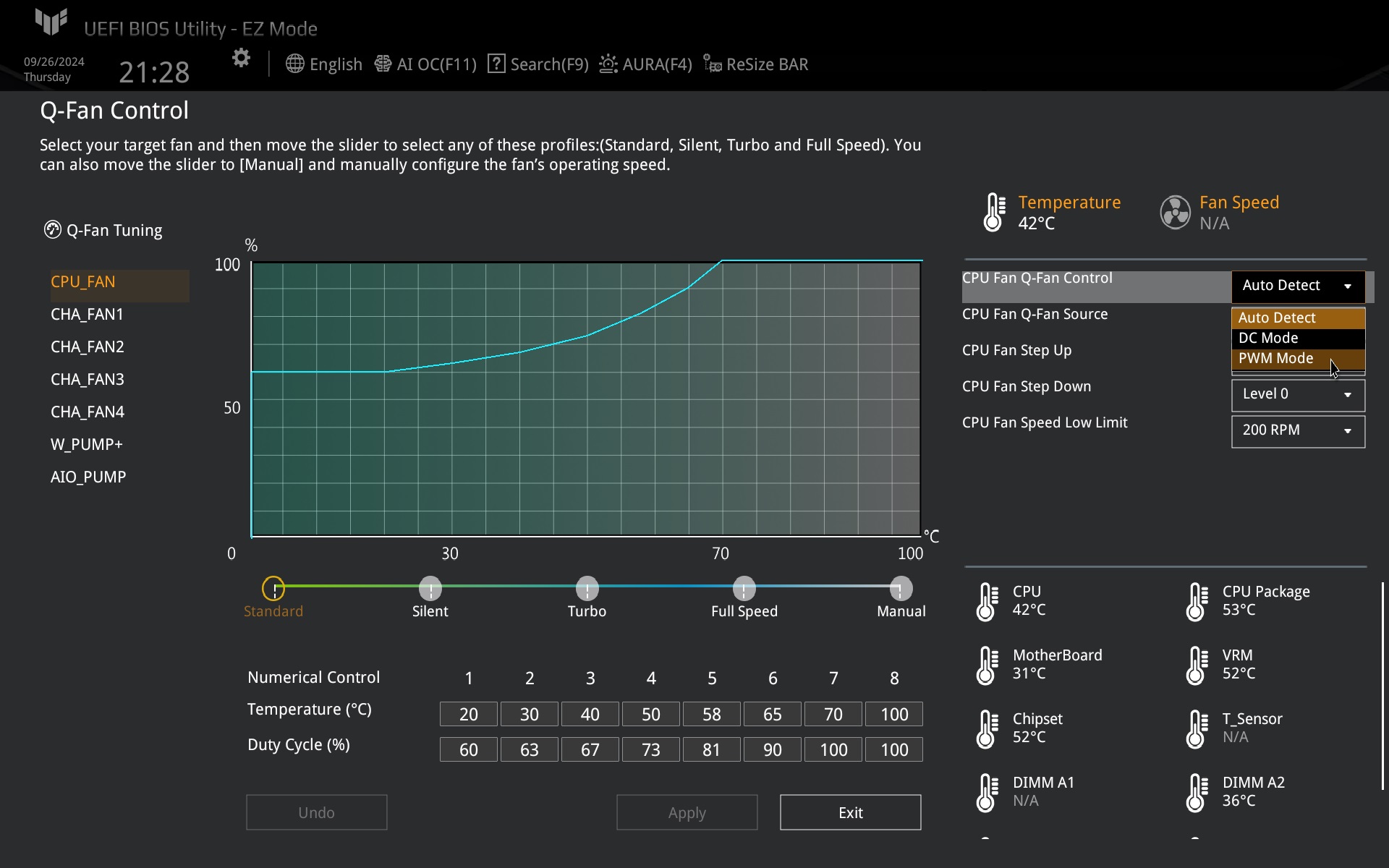
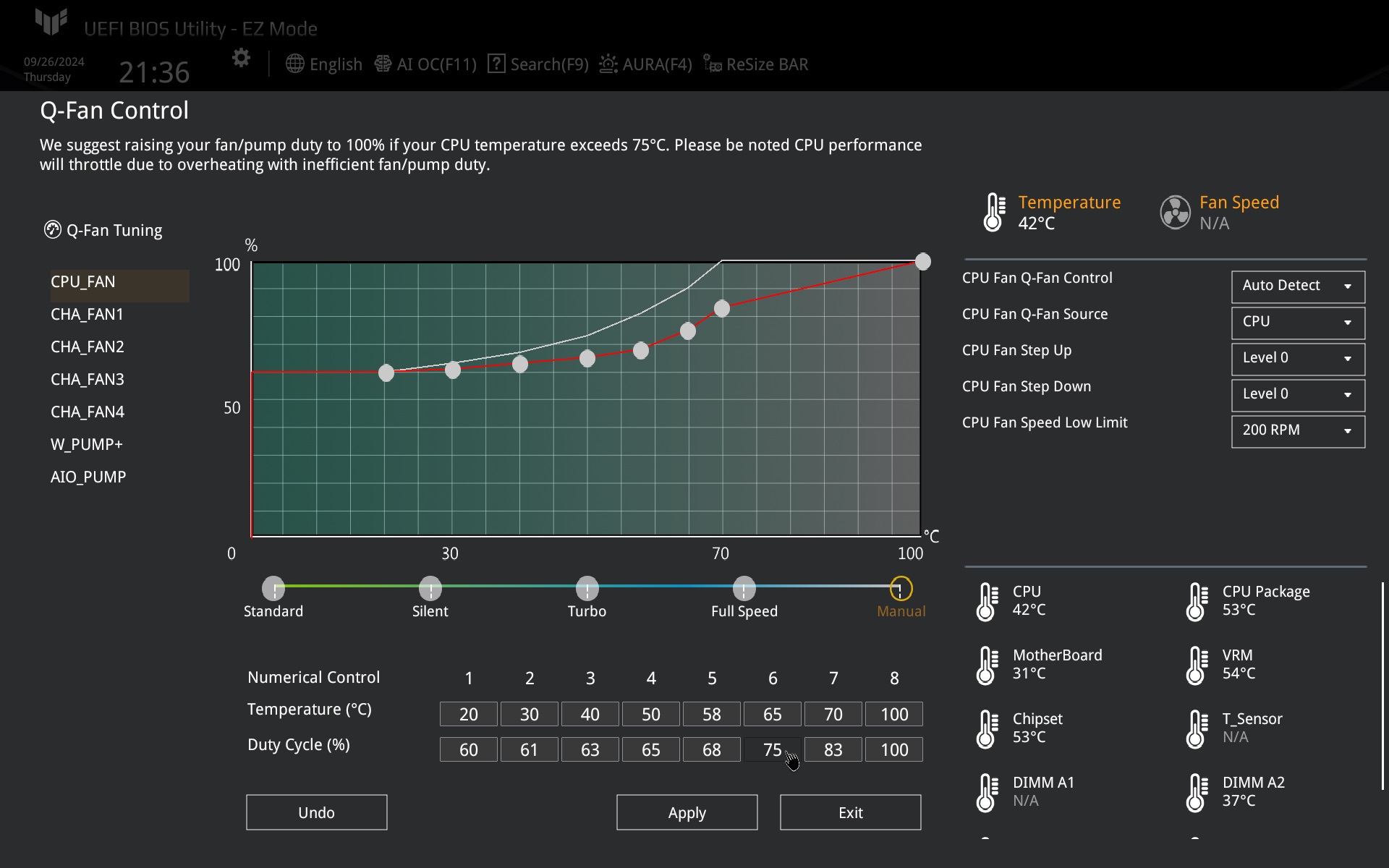
The BIOS used is v0801, which, compared to the previous one, should reduce the latency between chipsets/CCDs of the processor (also applies to the test model Ryzen 9 9950X).






