When the RTX 5060 Ti launched, we tested one of Gigabyte’s cheaper Eagle models. Today we’re looking at the better-equipped RTX 5060 Ti Gaming OC from the same manufacturer. It uses a larger cooler and is quieter at the same temperatures. The price uplift over the base models is modest, and prices across brands are nearly identical. Even so, it faces stiff competition from Radeons, which are highly attractive alternatives.
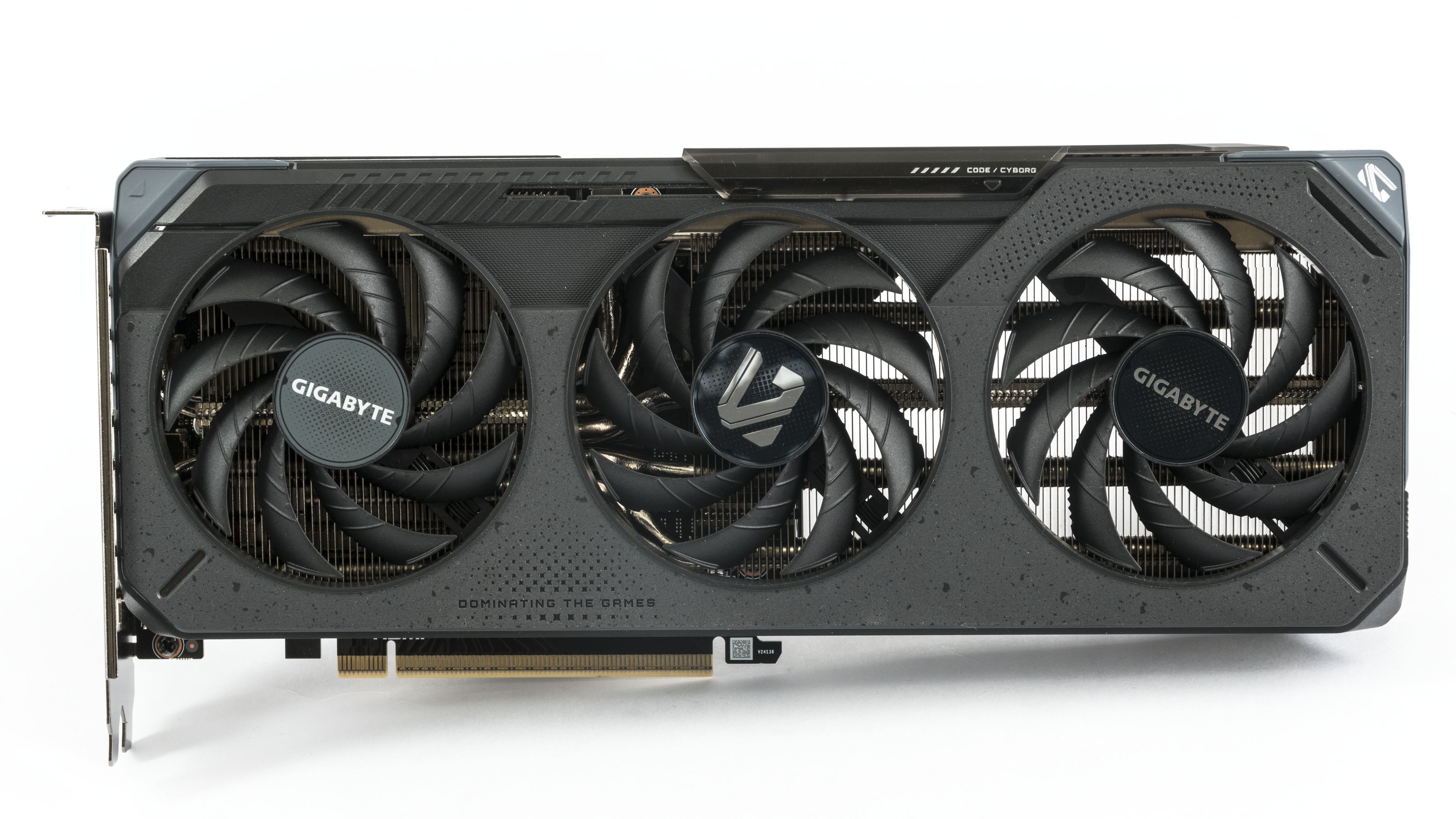
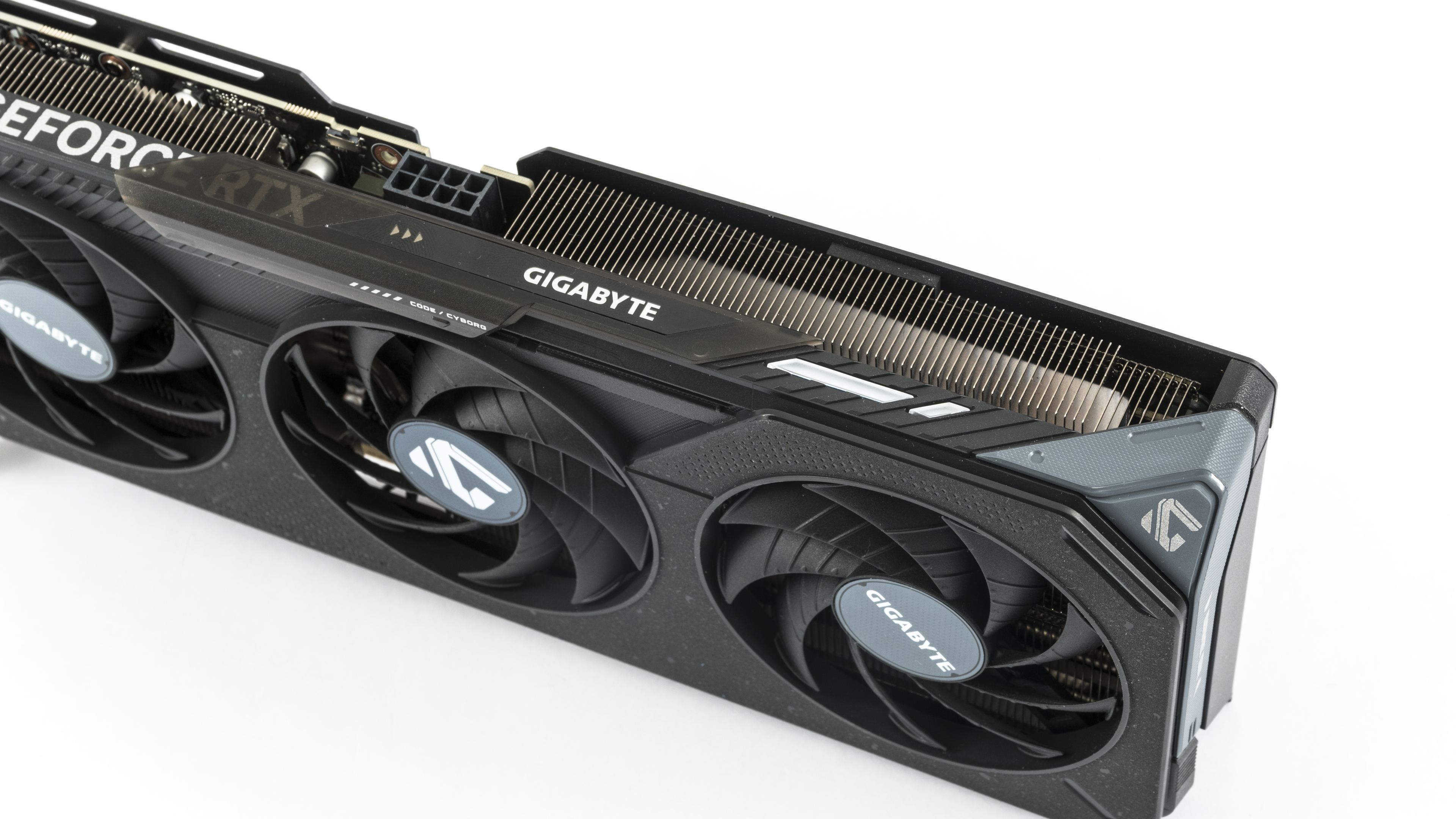
The card is equipped with a dual-slot cooler with three fans blowing down onto a heatsink with transverse fins. The cooler shroud combines several types of plastics. The base is made of black plastic, complemented by gray elements, and the sliding cover is made of dark translucent plastic.
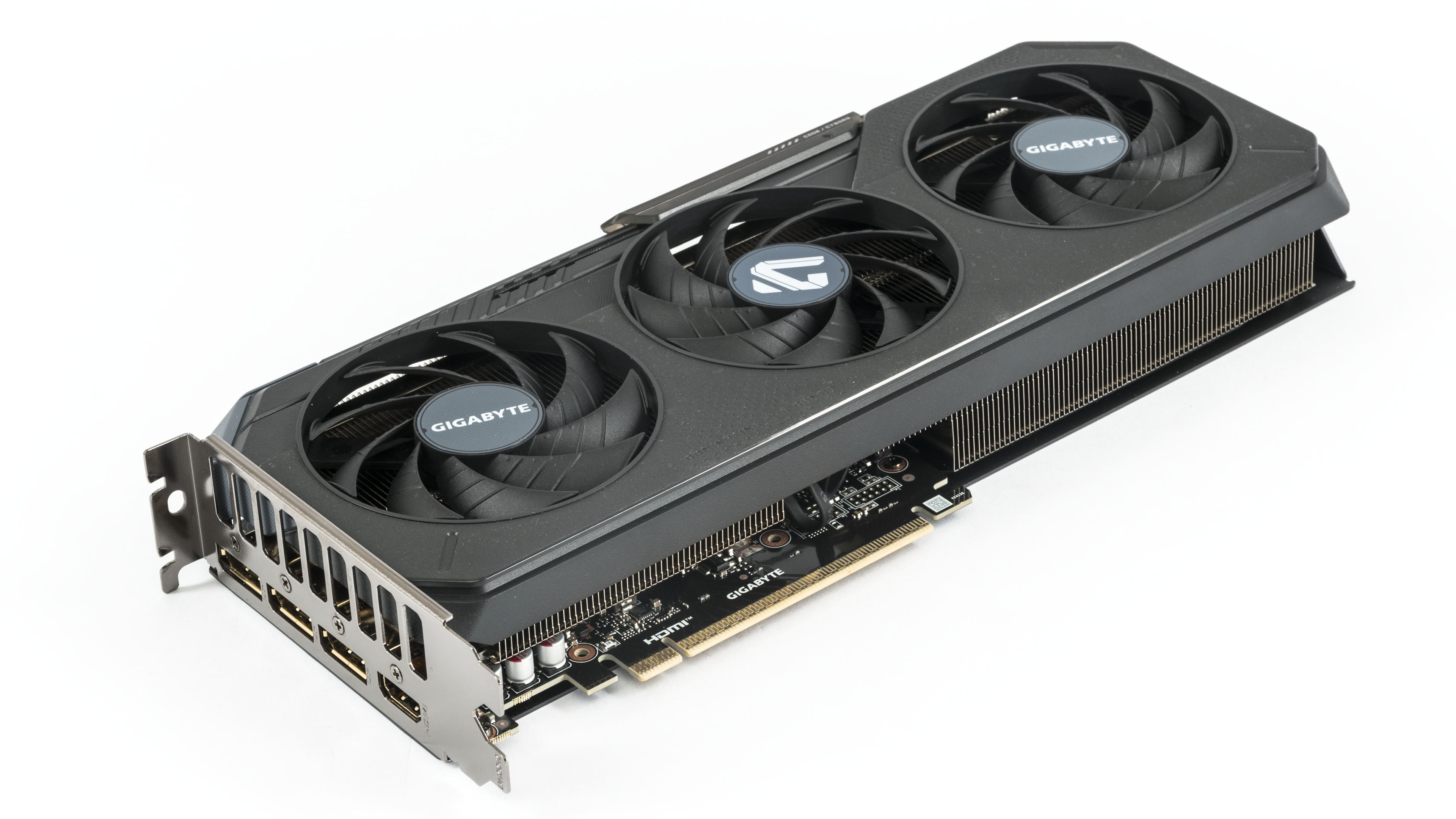

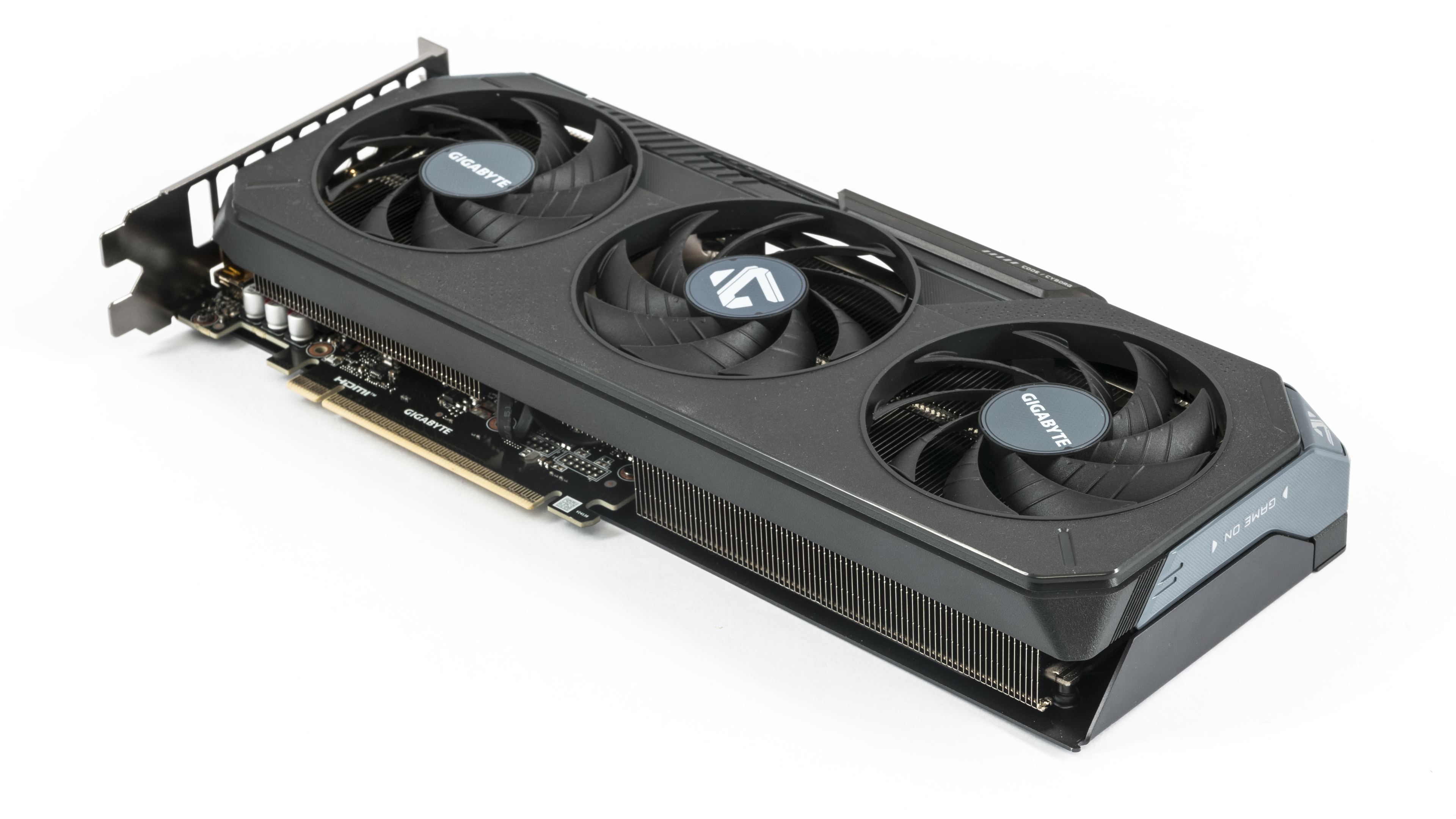
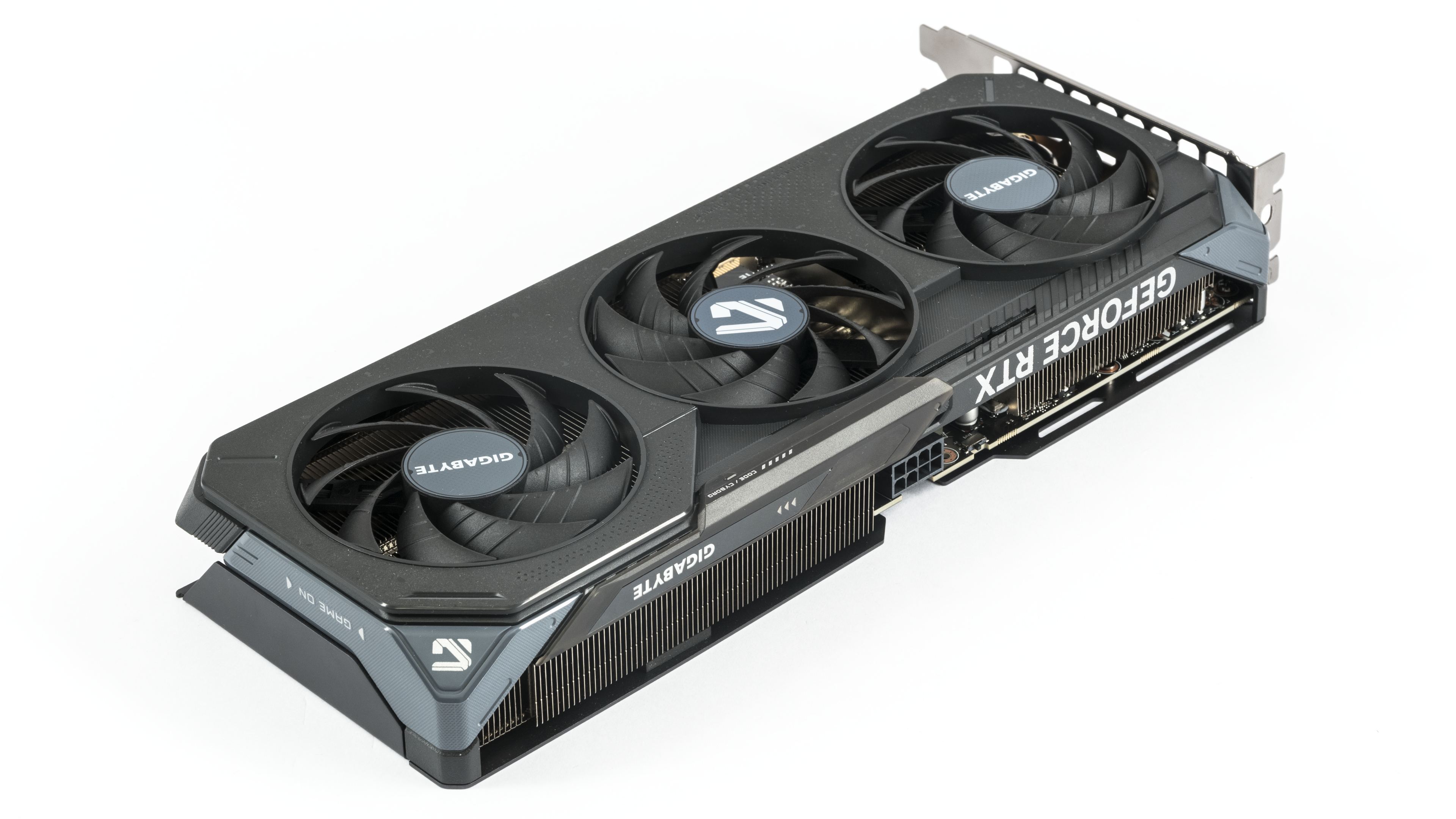
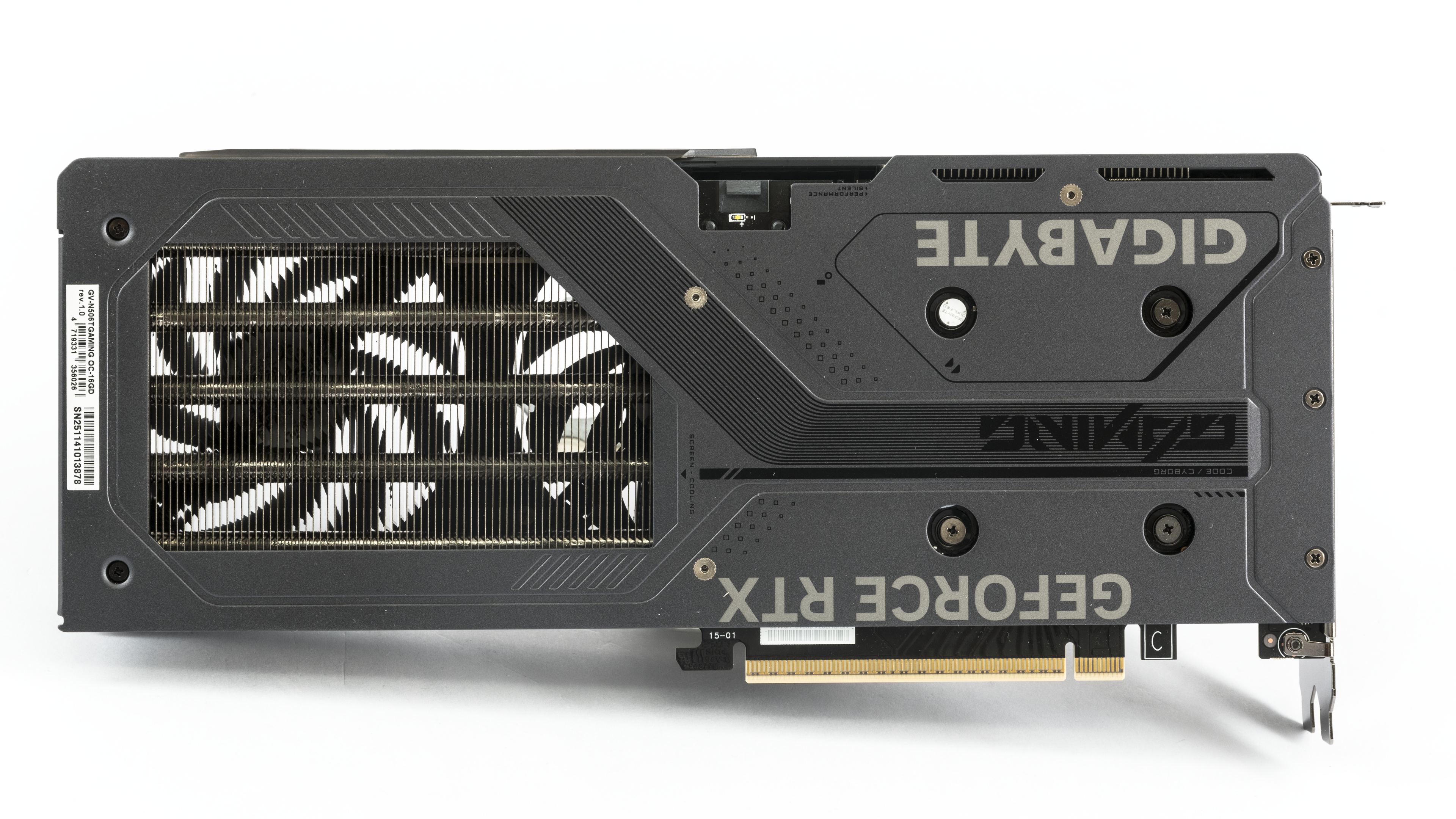
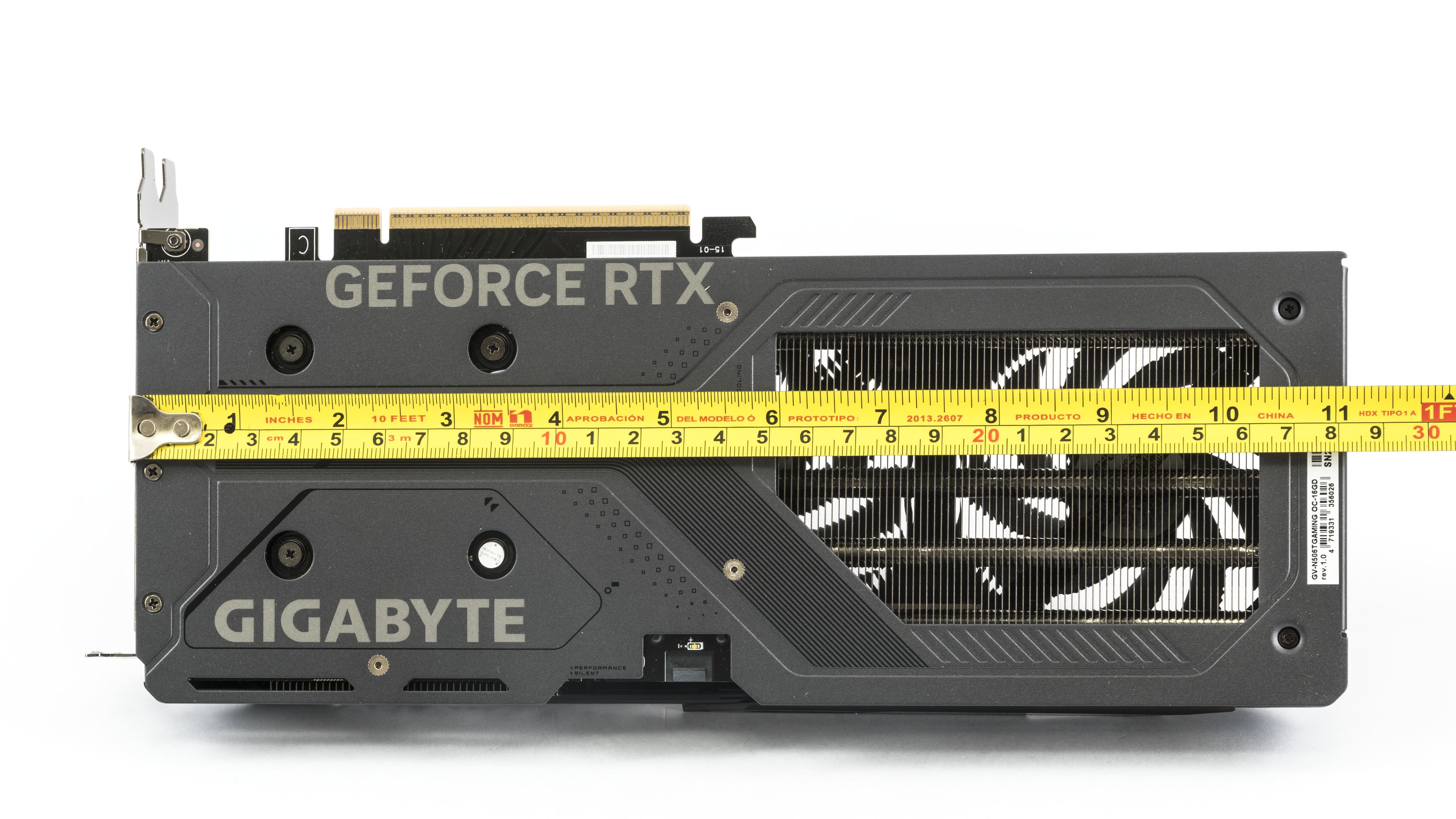
The backplate on the rear side of the card is metal. The opening through which part of the heated air can flow above the card takes up nearly half the card.
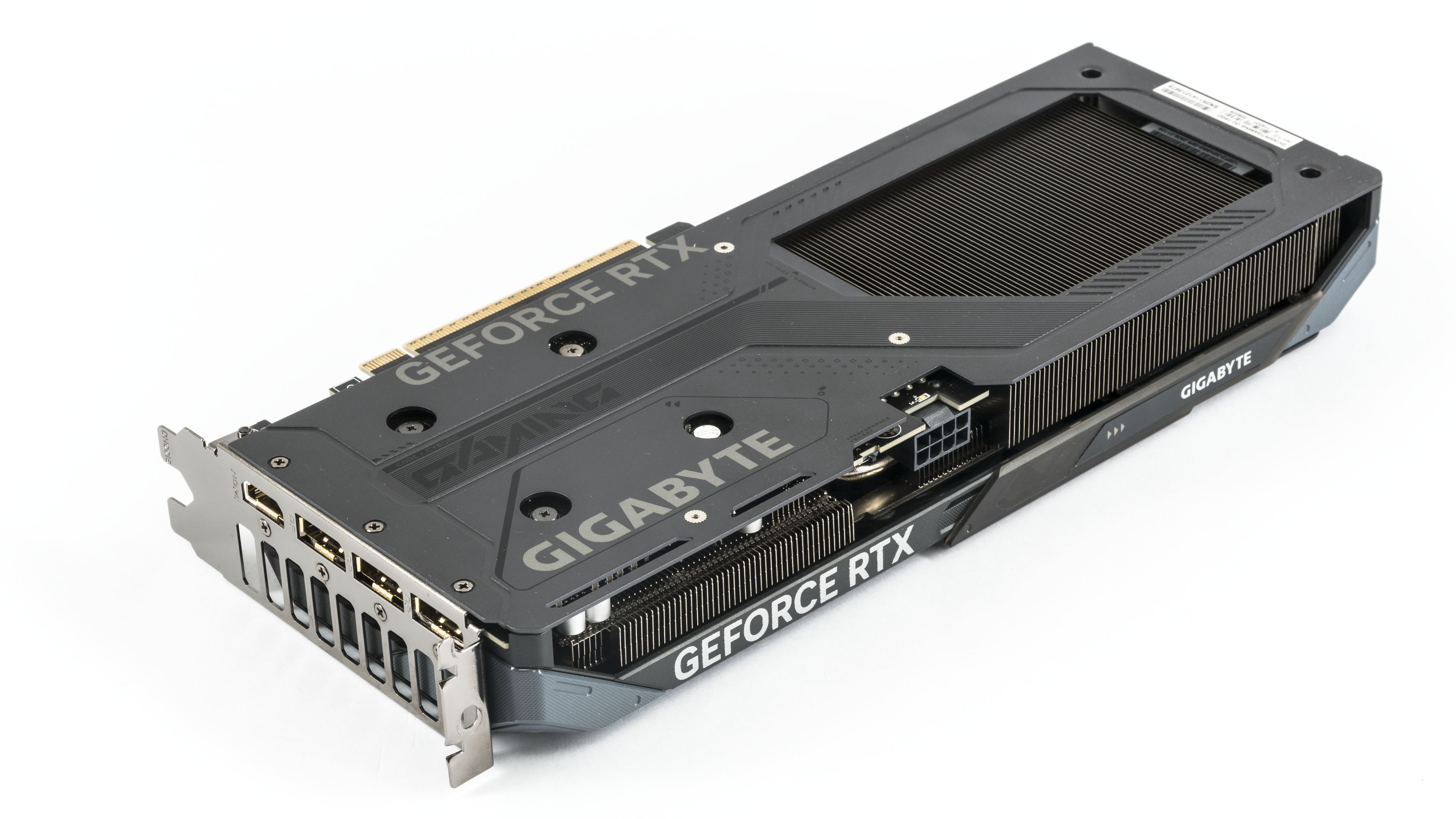

From the top it is clear that the fin stack is freely pass-through not only under the rear fan but also partly under the middle one. The middle fan is counter-rotating. Thanks to this, the fan blades at the point where they meet don’t push against each other but drive air in the same direction. As a result, the fan tone does not fluctuate, it is more even and less distracting.
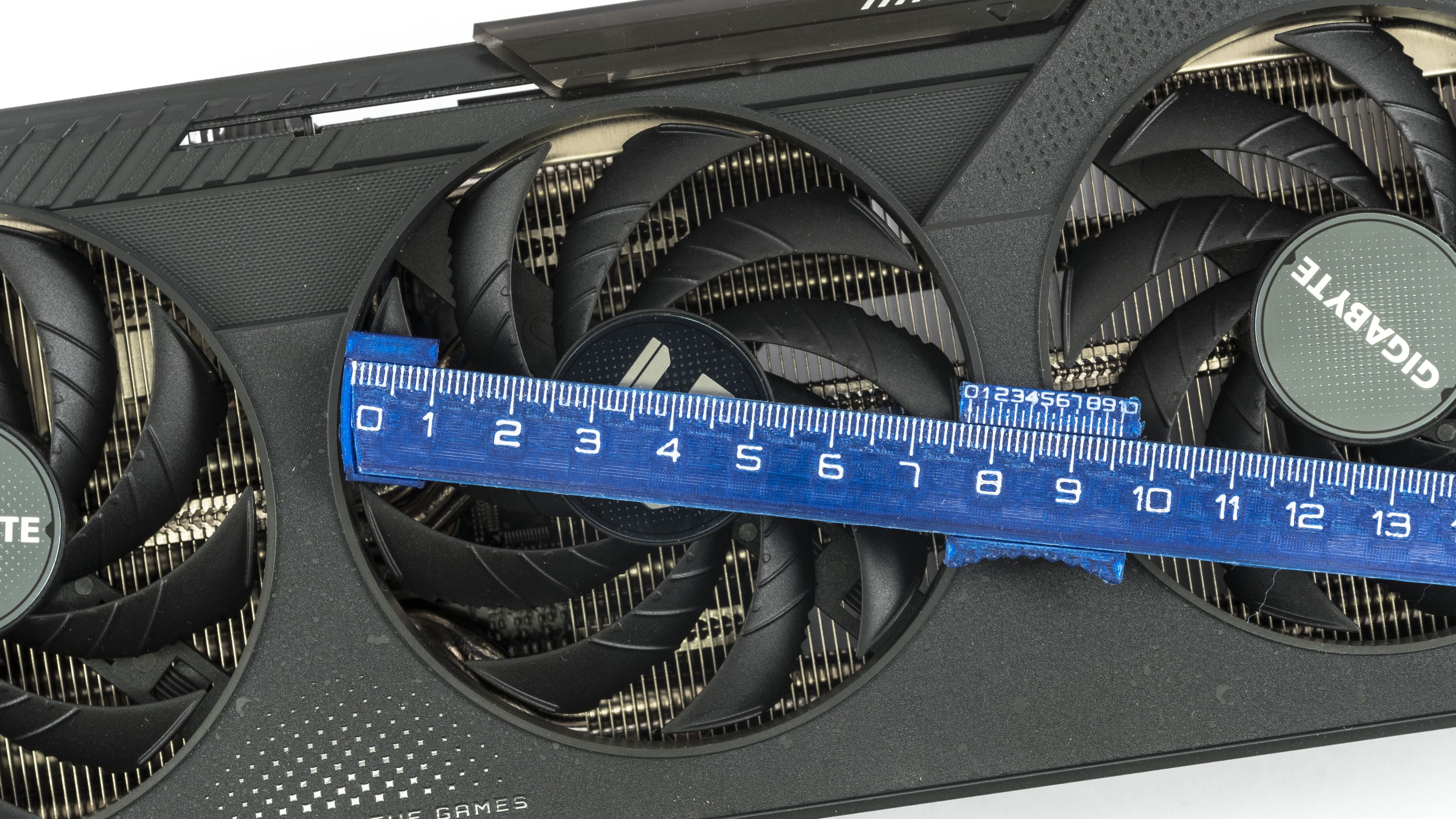
The fan impellers have a diameter of 7.6 cm and a height of just over 7 mm. With such thin blades, they won’t be as noisy as the working RPMs might suggest.

The heatsink with transverse fins fills most of the space under the shroud. In the rear part of the heatsink, which extends past the PCB, the fins are lengthened closer to the backplate. Between the PCB and the metal backplate, you can see thermal pads that help conduct heat away from the hottest components on the card.


That the card belongs among the lighter ones is also suggested by the absence of screw threads for fastening the card to the rear side of the shroud.
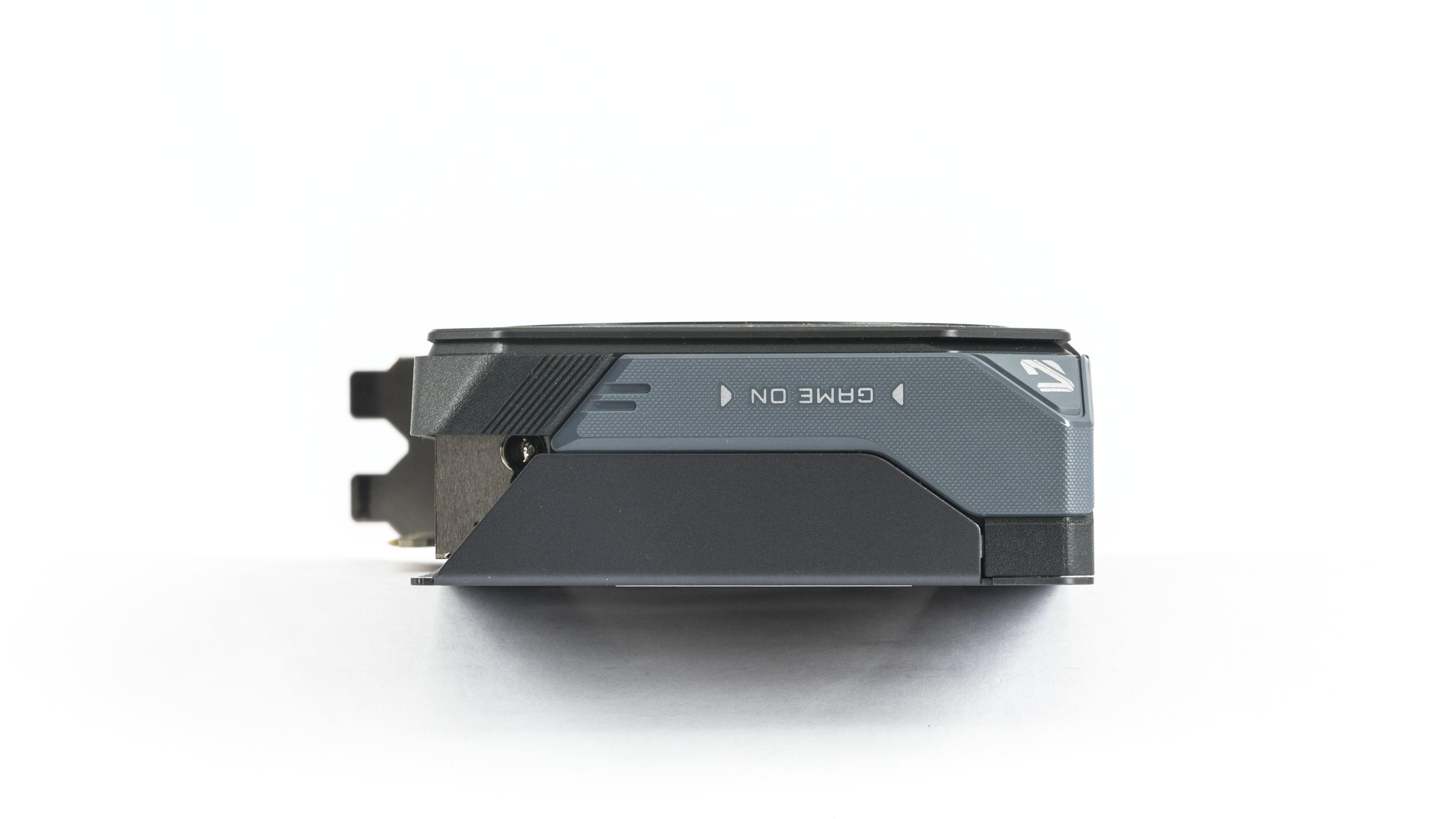
Detail below shows the gap between the capacitors with cooling for the MOSFETs and the coils on the power stage. They are cooled directly by the large heatsink via thermal pads.

Below is a detail of the sliding cover—you can choose whether the side of the card will display a colored strip or the Gigabyte logo. The color and brightness of the lighting can be adjusted via software.

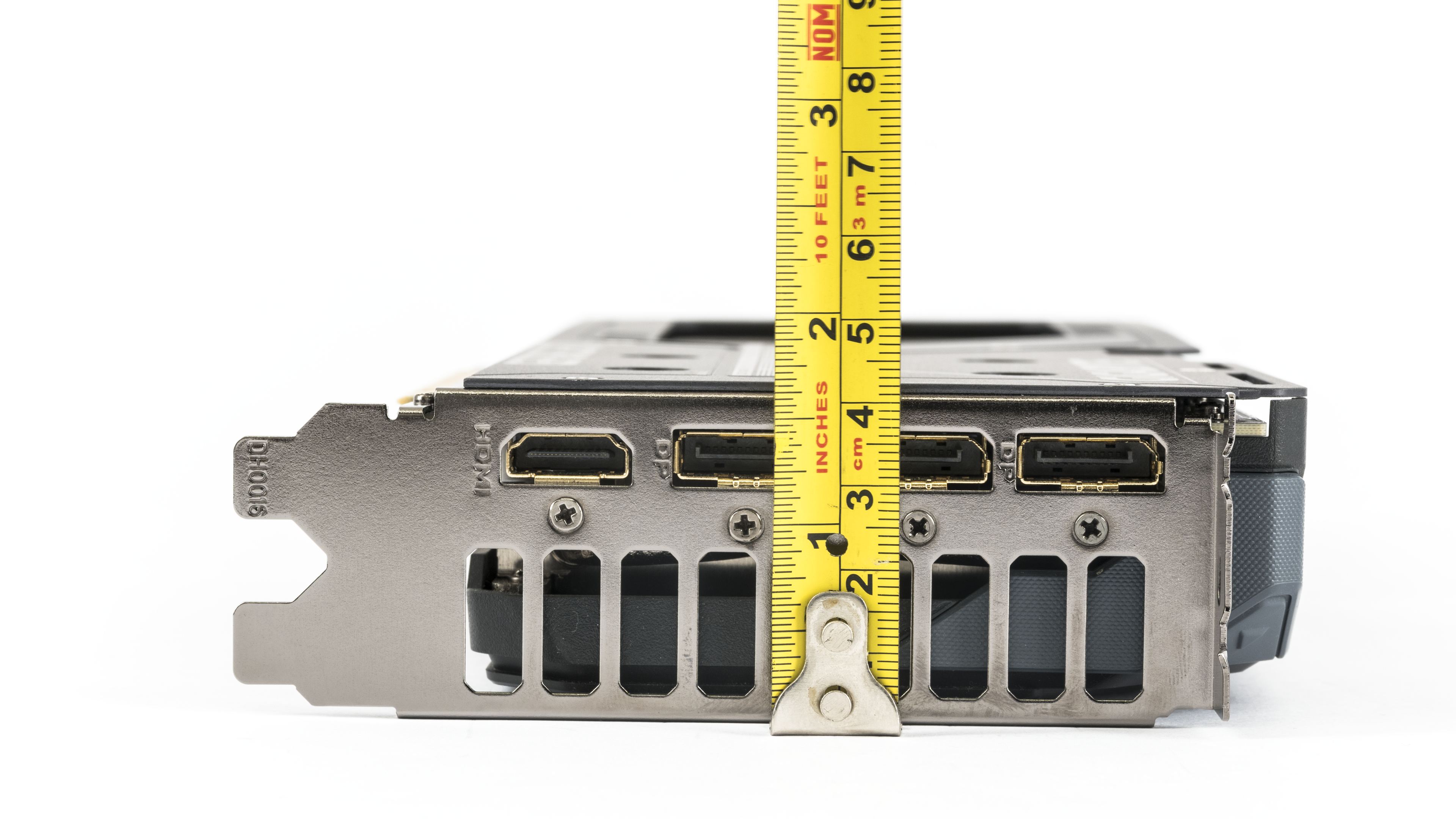
The card length from the bracket is slightly over 28 cm. From the edge of the bracket, the cooler extends past the PCB by only 1.2 cm. With a height of 4.2 cm, the card takes up the space of two slots.

The card’s weight is just under 800 grams.

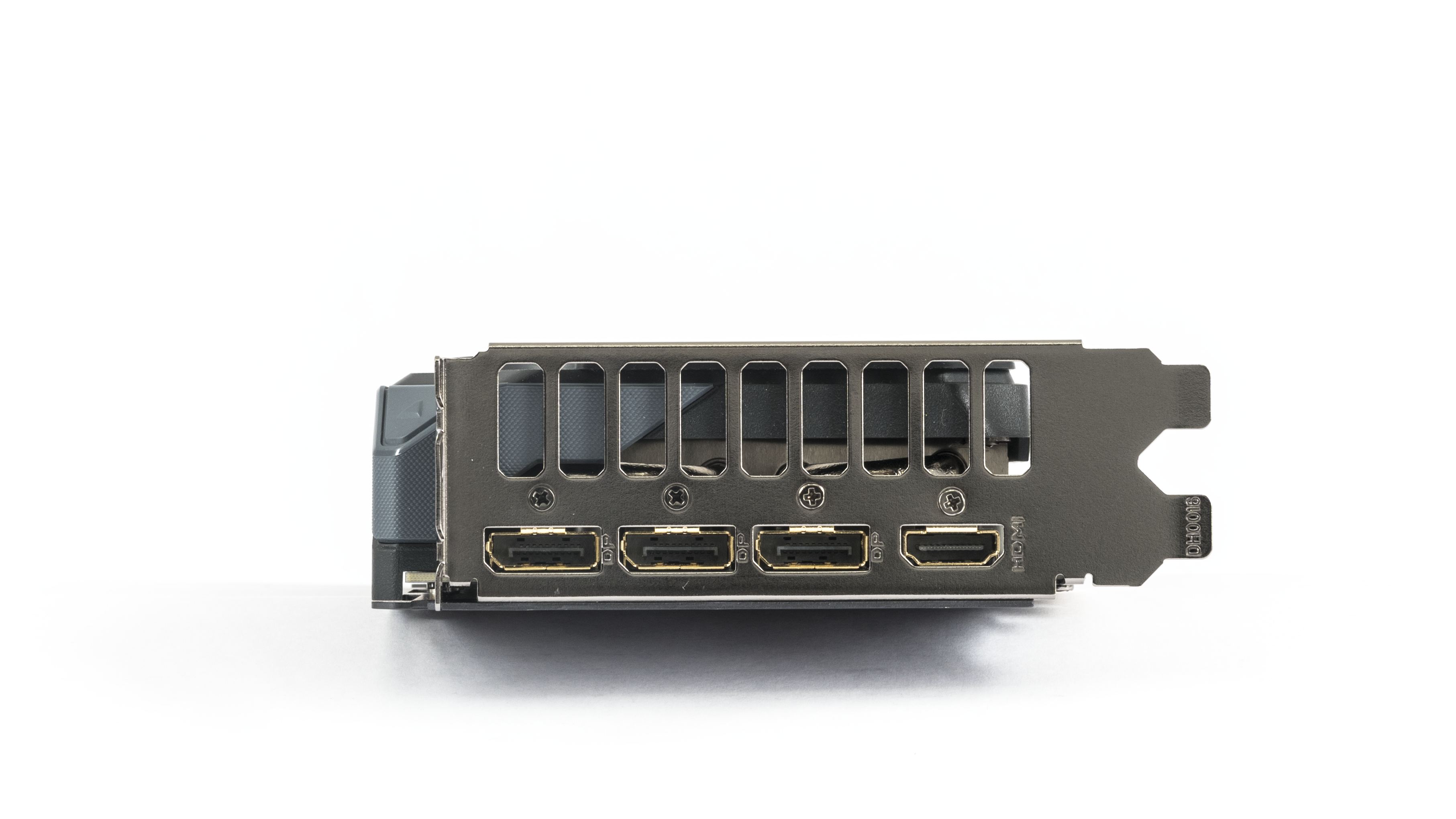
For GeForce cards, the standard equipment usually consists of three DisplayPort 2.1b connectors with UHBR20 and one HDMI 2.1b. The Gigabyte card follows this unwritten standard.

For auxiliary power, a standard eight-pin connector is used. It is oriented with the latch facing up. Above it there is also a diagnostic LED indicating power issues. To its left is the BIOS switch, letting you select Silent or Performance mode, with Performance as the default.

We’ve covered the card’s design, now let’s move on to the test build and results.
⠀