When the RTX 5060 Ti launched, we tested one of Gigabyte’s cheaper Eagle models. Today we’re looking at the better-equipped RTX 5060 Ti Gaming OC from the same manufacturer. It uses a larger cooler and is quieter at the same temperatures. The price uplift over the base models is modest, and prices across brands are nearly identical. Even so, it faces stiff competition from Radeons, which are highly attractive alternatives.
A detailed description of the new technologies brought by Nvidia’s new graphics cards has been compiled by Jan Olšan in the article Blackwell: GeForce RTX 5000 architecture and innovations. It introduces the individual graphics chips Nvidia is using in the new cards, the new GDDR7 memory type, and also covers changes in cache memory, GPU compute units, updates to shaders and tensor cores, as well as improved compute units for ray tracing. The new generation of GeForce also brings support for new standards such as DisplayPort 2.1b and PCI Express 5.0.
With the new generation of cards, DLSS capabilities are evolving as well. It now supports Multi Frame Generation, which allows the generation of up to three intermediate frames, and introduces Nvidia Reflex 2, the second generation of its latency-reduction technology. This includes Frame Warp, which adjusts object and camera motion in rendered frames based on the player’s most recent input device movement data received just before the already rendered frame is displayed. A more detailed explanation can be found in the aforementioned article.
The specifications and suggested prices of the RTX 5060 Ti and RTX 5060 have already been presented in the article GeForce RTX 5060 and 5060 Ti are here: Specs, pricing, availability. Here, we’ll just briefly summarize—the RTX 5060 Ti is equipped with the smallest chip so far based on the Blackwell architecture, designated GB206. It has a die size of 181 mm² and 21 billion transistors. The core contains 4608 stream processors, 144 texture mapping units, and 48 raster units, along with 36 RT cores and 144 tensor cores. The base clock speed of the GPU is 2407 MHz, with a boost of 2572 MHz, and the power limit is set at 180 W. It comes in variants with either 8 or 16 GB of GDDR7 memory, connected via a 128-bit bus. The memory speed is 28 Gb/s, and the total memory bandwidth is 448.0 GB/s.
The first to hit the market are the 16GB variants of the RTX 5060 Ti, followed a few days later by the lighter 8GB versions of the RTX 5060 Ti and 8GB RTX 5060. The reason Nvidia prefers reviews of the 16GB version is clear—in several memory-intensive games, 8GB cards suffer from performance drops at ultra settings due to insufficient memory. Precisely because these games can showcase the benefits of greater memory, they are overrepresented in benchmarks compared to their share of the gaming market and significantly influence the overall evaluation.
Memory also runs out on 8GB GeForce cards in some games when path tracing, DLSS, and frame generation are combined. However, frame generation combined with demanding ray tracing is exactly what Nvidia highlights as the main advantage over previous-generation GeForce cards—and if these features can’t be used, the generational leap isn’t as apparent.
Testing the Gigabyte GeForce RTX 5060 Ti Gaming OC 16GB rev. 1.0 (GV-N506TGAMING OC 16GD)
Gigabyte offers an almost unbelievable number of models: 8GB and 16GB variants from the Windforce, Windforce Max, Eagle, Eagle Max, Gaming, Aero, and Aorus RTX 5060 Ti Elite lines. Some come in black and white versions, they differ in the number of fans and even in the length of the slot. For the 16GB variant, prices vary within a range of about 60 EUR, and the better-equipped models differ from the cheaper ones only by a few dozen EUR, so their prices overlap across stores. Therefore, choose more according to features than price.
With a starting price of around 500 EUR and its feature set, the tested model from the Gaming OC line sits roughly in the middle of Gigabyte’s lineup.

The card has two BIOSes—default Performance and Silent. Clock speed, power limit, and other parameters do not differ, the only difference is in the cooling regulation settings. In Silent mode, at the same temperatures, the fans run at lower RPM than in Gaming mode. As a result, power consumption rises slightly, and with the card running at the power limit, the GPU clocks are reduced a little as consumption grows.
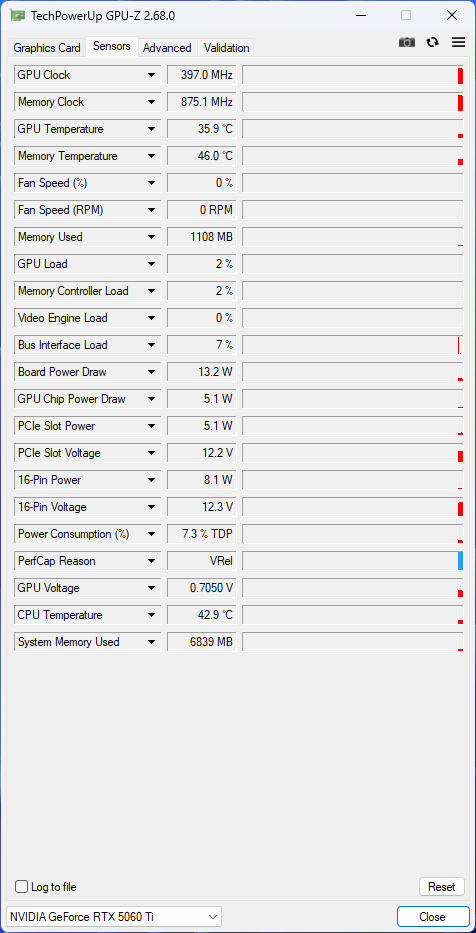
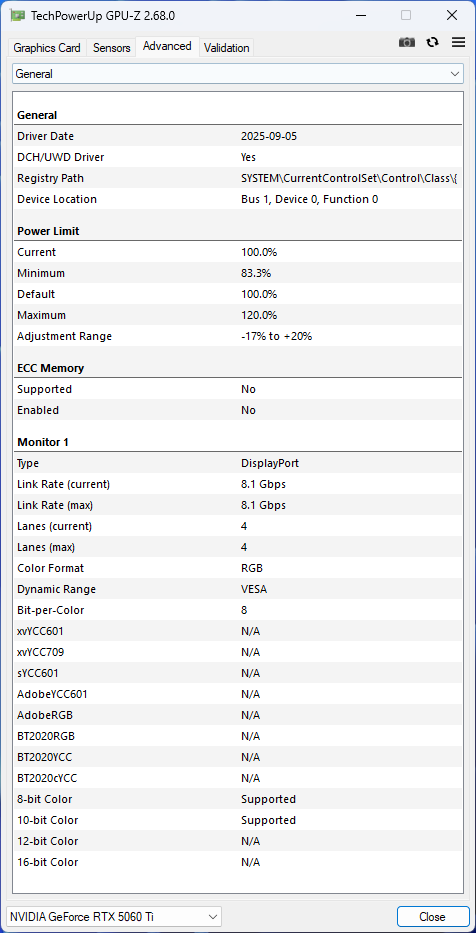
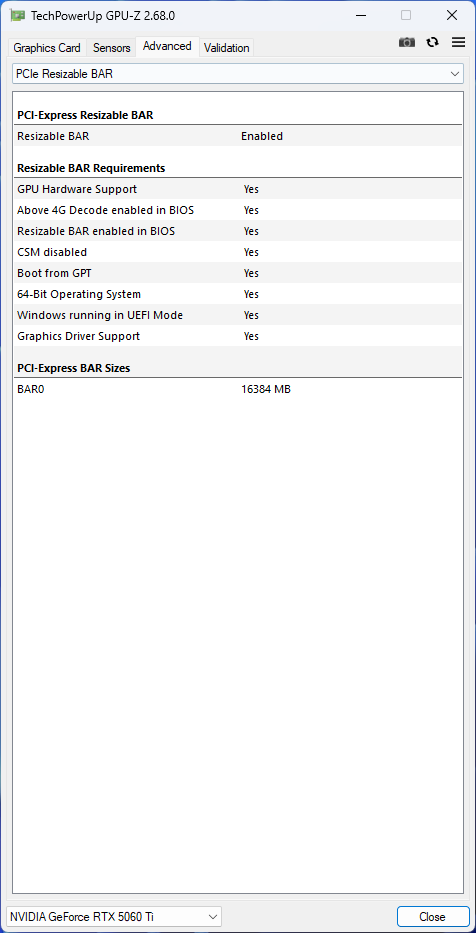
From the model designation it is already clear that the card is factory overclocked. The typical clock speed specified by the manufacturer in the BIOS is slightly increased from the reference 2572 MHz to 2647 MHz. The power limit is at the reference 180 W; it can be reduced by up to 17% down to 150 W, or raised by up to 20% to 216 W. The first set of screenshots belongs to the Performance BIOS.
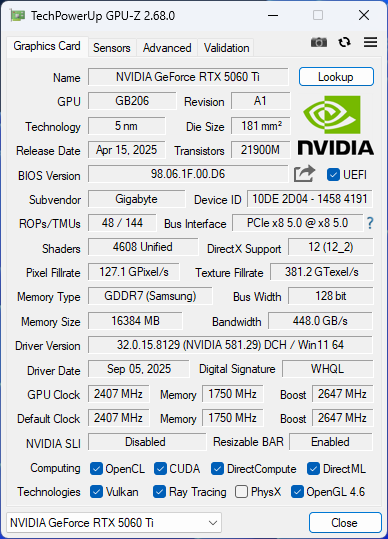
In GPU-Z monitoring, there are only the usual data like on other models. No extra sensors, rather the opposite—while most GeForce cards have their fans connected to two headers, on this model you can only monitor one, and RPMs are regulated for all simultaneously.
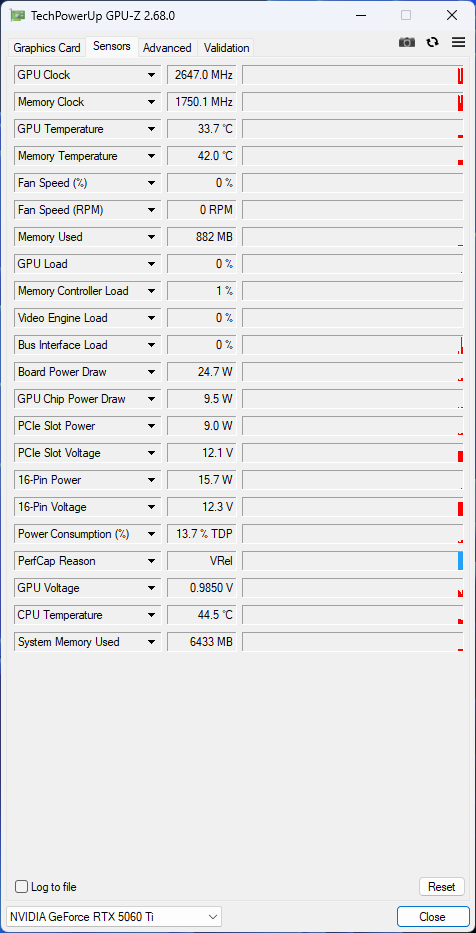
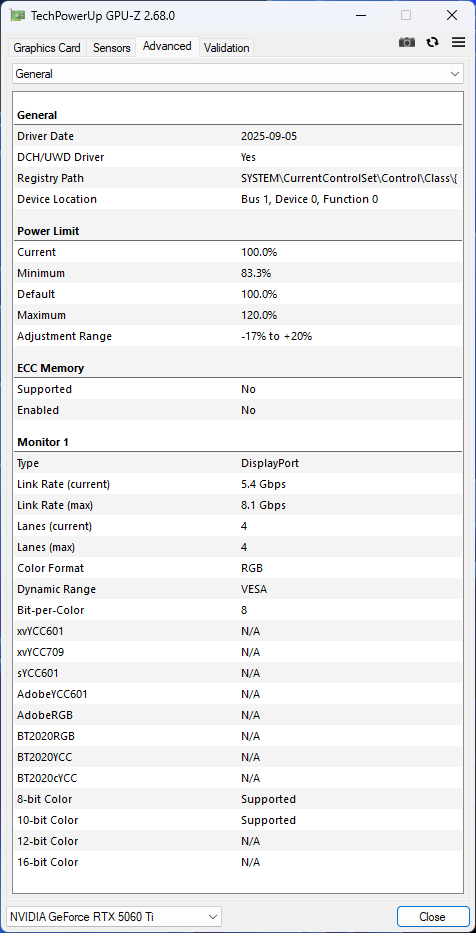
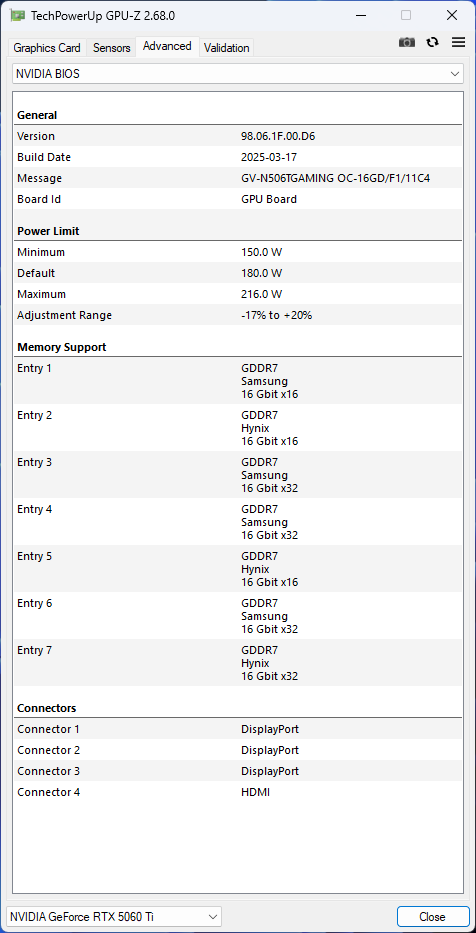

The next set of screenshots shows the values stored in the Silent BIOS. In GPU-Z, the only visible difference is in the BIOS version label, in practice it differs in the fan speed regulation curve depending on temperature, which is stored in the BIOS.
Differences in performance are smaller than in noise levels, so for performance tests we’ll switch to Silent mode. We’ll measure operating characteristics on both BIOSes.


The application HWiNFO can extract the most information from monitoring most cards. The list of sensors that were available on the tested card in the latest version of the application can be seen in the screenshot below.

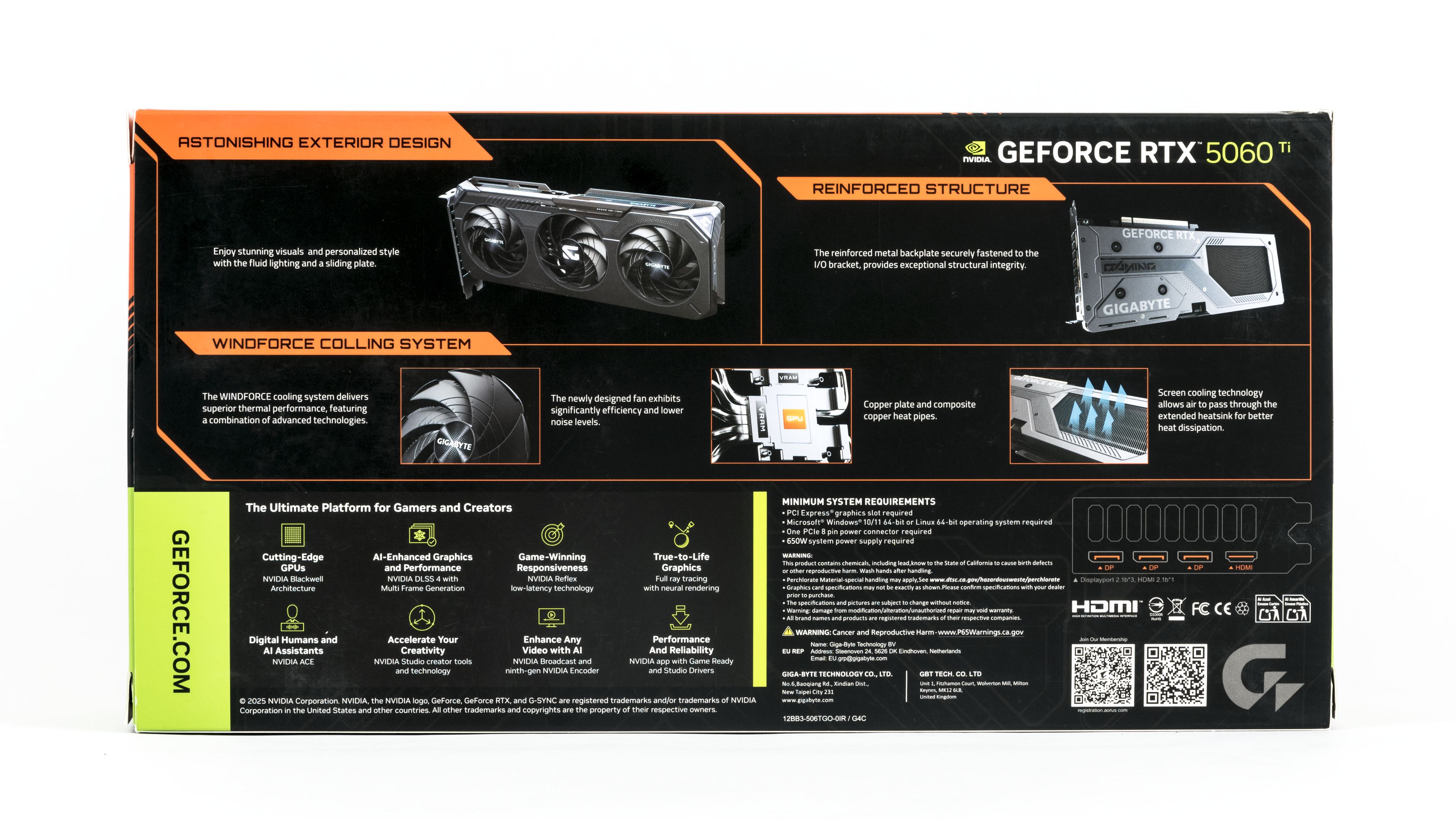
On the back of the package, the manufacturer presents the features and technologies used by the card. From cheaper product lines you cannot expect any luxurious extras. The first spot is dedicated to the design with a sliding cover above the ARGB lighting. Then the manufacturer highlights Windforce cooling with three newly designed fans offering higher efficiency and lower noise, reinforced construction with a metal backplate fixed to the bracket, and a large pass-through opening behind the heatsink at the back of the card. It also mentions the copper base of the cooler with composite heatpipes.
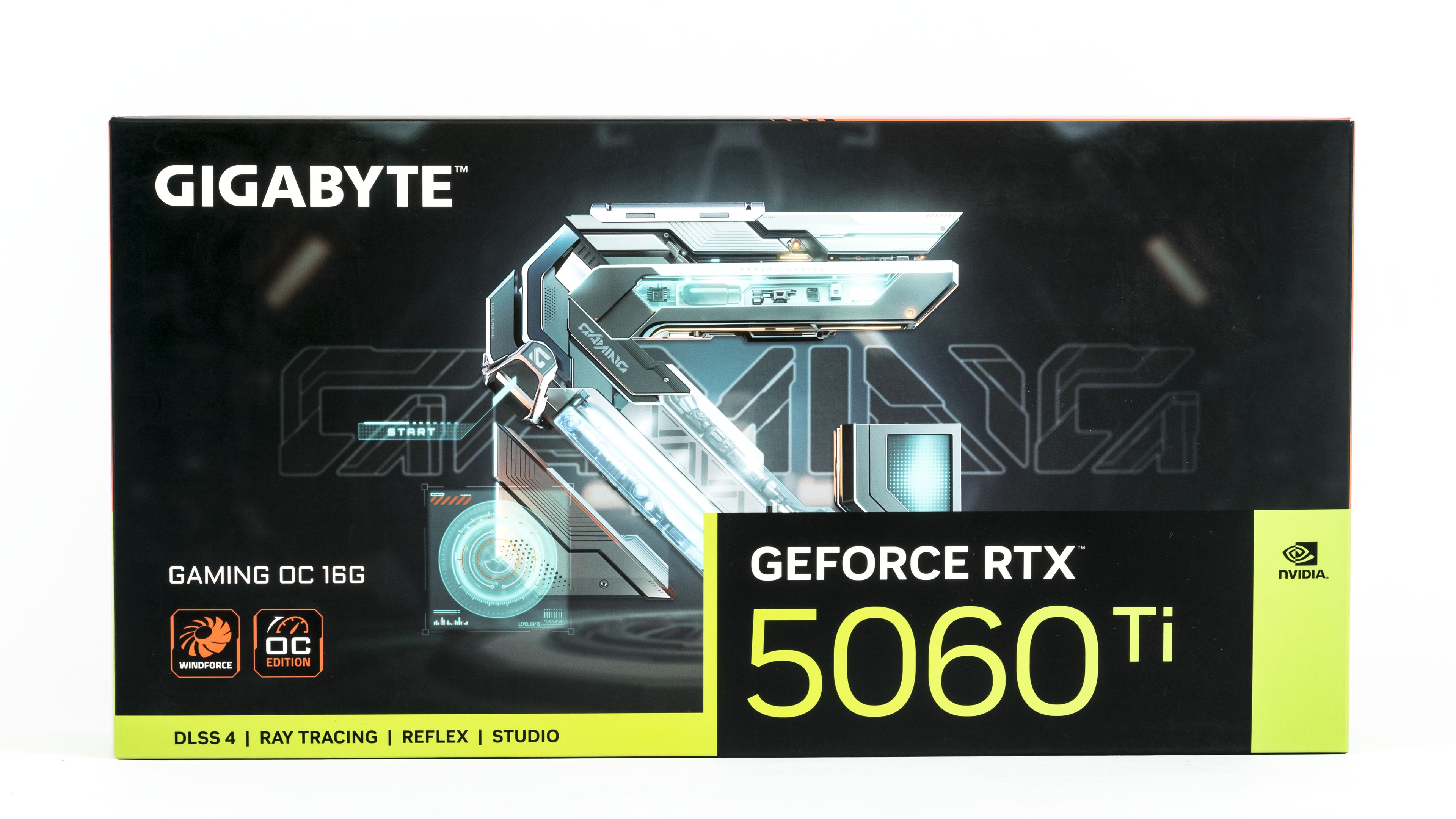
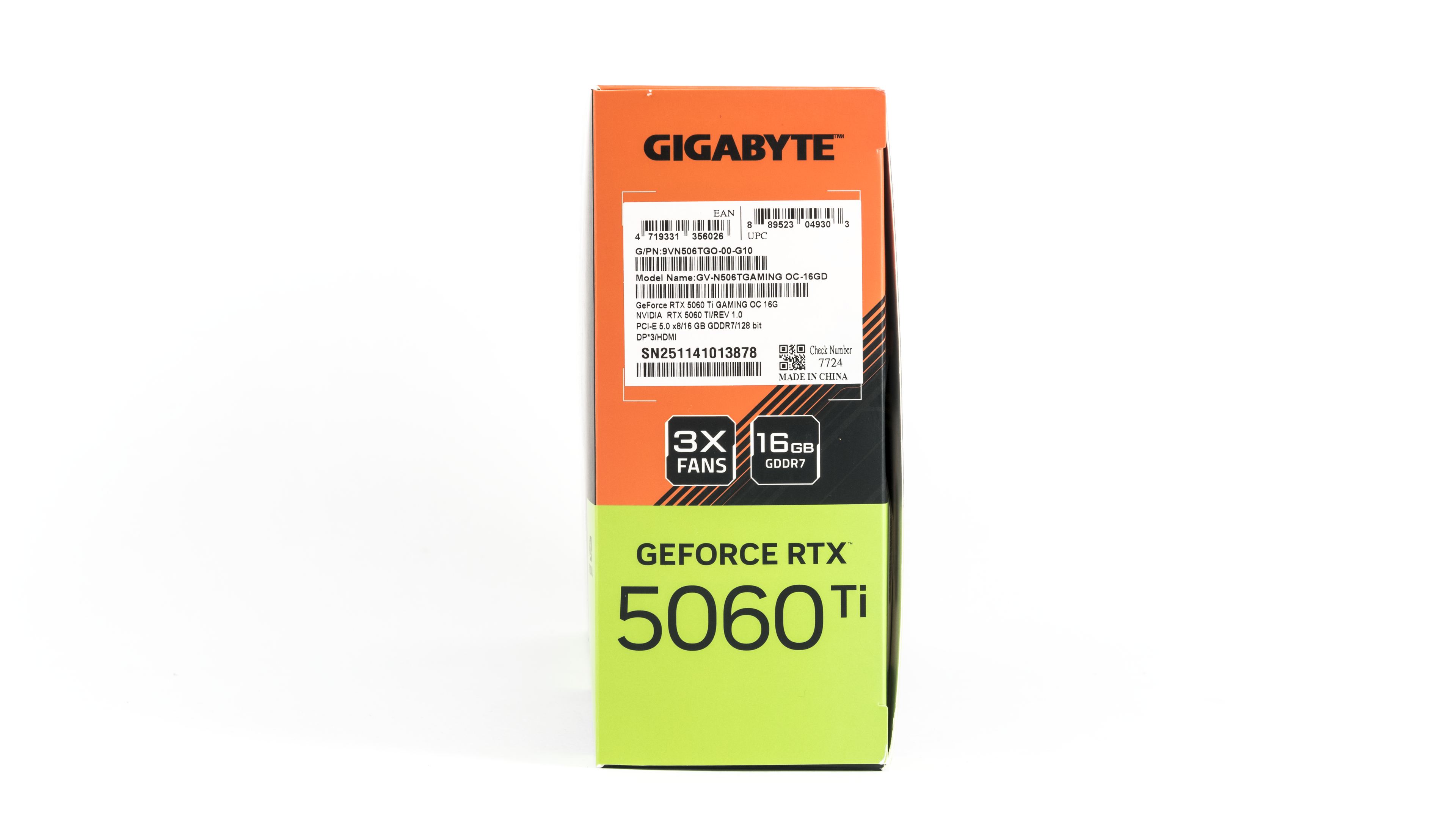
The accessories include only a brief power guide. For auxiliary power, a standard eight-pin connector is used, so no adapter is needed. The card’s weight does not require a support bracket, as long as you avoid bumps when handling the PC.

We’ll look at the card’s design in the following chapter.
⠀