


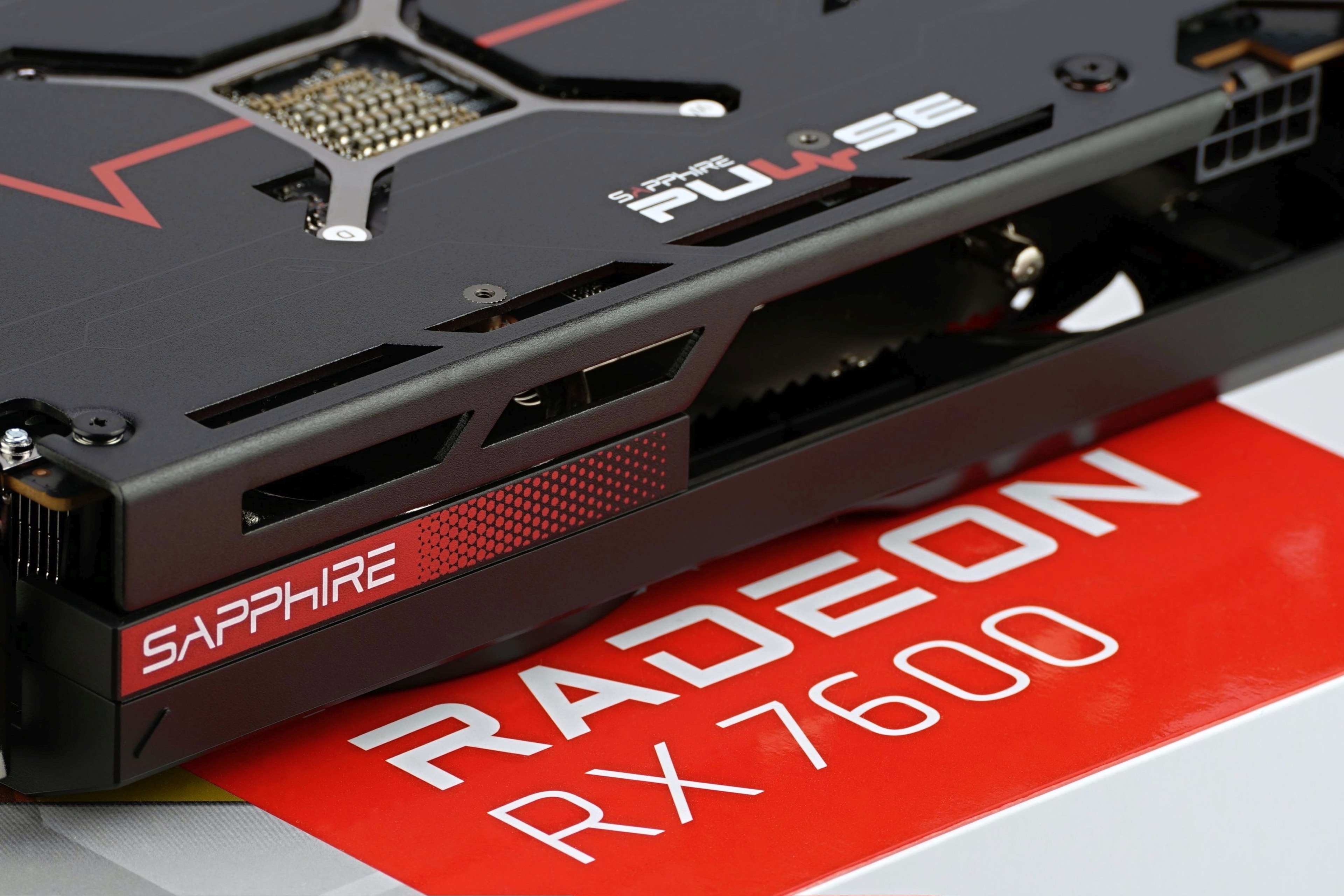
AMD has also upgraded the lower-end Radeons, and the RX 7600 with RDNA 3 architecture represents a really cheap graphics card. All things considered, it’s fair to say that, at least until the arrival of the GeForce RTX 4060, it’s the best value you can get for Full HD gaming. And did you know that the RX 7600 also dominates in simpler workstation environments that benefit from GPU performance?
Gaming tests
The largest sample of tests is from games. This is quite natural given that GeForce and Radeons, i.e. cards primarily intended for gaming use, will mostly be tested.
We chose the test games primarily to ensure the balance between the titles better optimized for the GPU of one manufacturer (AMD) or the other one (Nvidia). But we also took into account the popularity of the titles so that you could find your own results in the charts. Emphasis was also placed on genre diversity. Games such as RTS, FPS, TPS, car racing as well as a flight simulator, traditional RPG and sports games are represented by the most played football game. You can find a list of test games in the library of chapters (9–32), with each game having its own chapter, sometimes even two (chapters) for the best possible clarity, but this has its good reason, which we will share with you in the following text.
Before we start the gaming tests, each graphics card will pass the tests in 3D Mark to warm up to operating temperature. That’s good synthetics to start with.
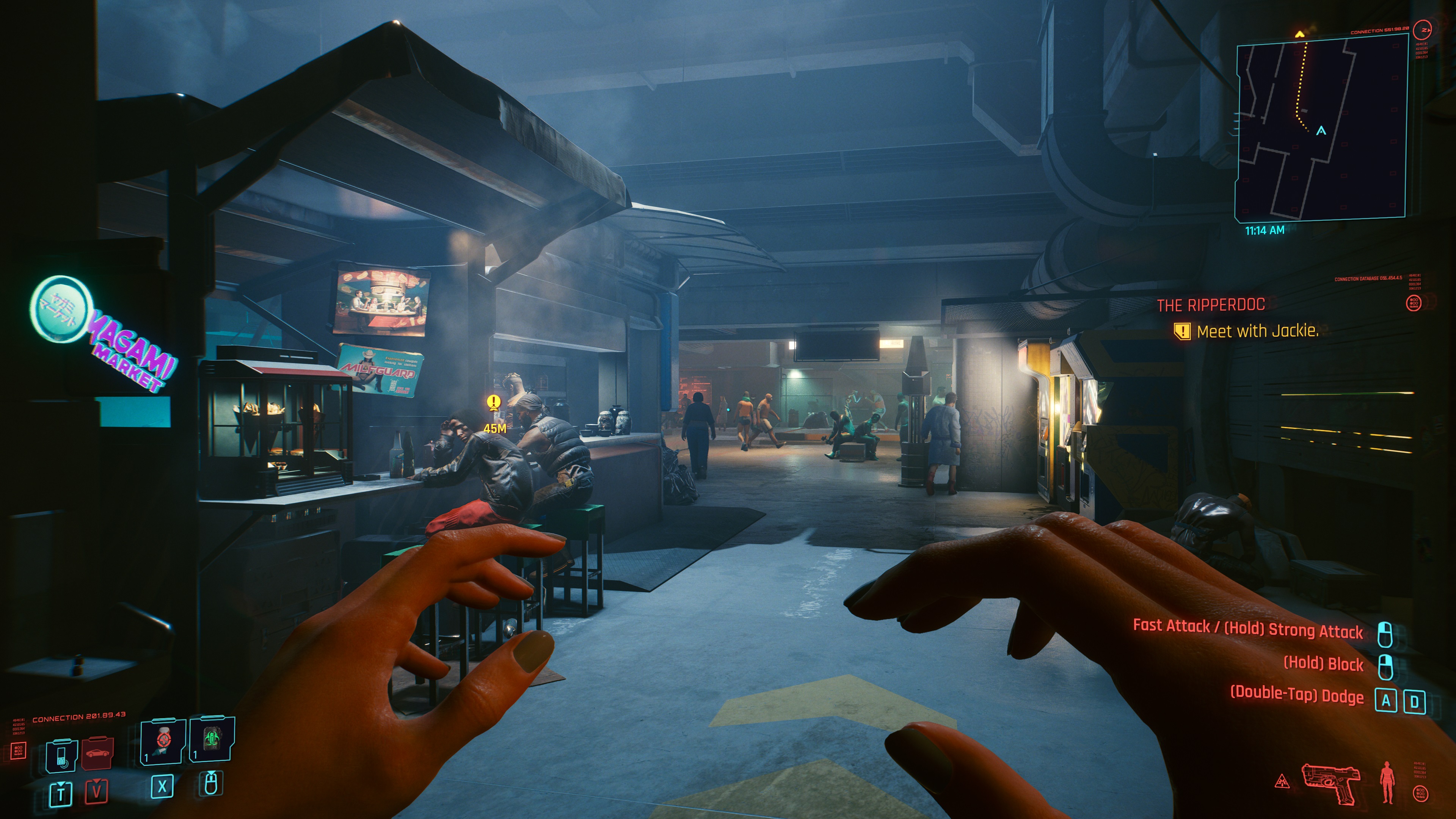
We’re testing performance in games across three resolutions with an aspect ratio of 16:9 – FHD (1920 × 1080 px), QHD (2560 × 1440 px) and UHD (3840 × 2160 px) and always with the highest graphic settings, which can be set the same on all current GeForce and Radeon graphics cards. We turned off proprietary settings for the objectivity of the conclusions, and the settings with ray-tracing graphics are tested separately, as lower class GPUs do not support them. You will find their results in the complementary chapters. In addition to native ray-tracing, also after deploying Nvidia DLSS (2.0) and AMD FidelityFX CAS.
If the game has a built-in benchmark, we use that one (the only exception is Forza Horizon 4, where due to its instability – it used to crash here and there – we drive on our track), in other cases the measurements take place on the games’ own scenes. From those we capture the times of consecutive frames in tables (CSV) via OCAT, which FLAT interprets into intelligible fps speech. Both of these applications are from the workshop of colleagues from the gpureport.cz magazine. In addition to the average frame rate, we also write the minimum in the graphs. That contributes significantly to the overall gaming experience. For the highest possible accuracy, all measurements are repeated three times and the final results form their average value.
Computational tests
Testing the graphics card comprehensively, even in terms of computing power, is more difficult than drawing conclusions from the gaming environment. Just because such tests are usually associated with expensive software that you don’t just buy for the editorial office. On the other hand, we’ve found ways to bring the available computing performance to you. On the one hand, thanks to well-built benchmarks, on the other hand, there are also some freely available and at the same time relevant applications, and thirdly, we have invested something in the paid ones.
The tests begin with ComputeBench, which computes various simulations (including game graphics). Then we move on to the popular SPECviewperf benchmark (2020), which integrates partial operations from popular 2D and 3D applications, including 3Ds max and SolidWorks. Details on this test package can be found at spec.org. From the same team also comes SPECworkstation 3, where GPU acceleration is in the Caffe and Folding@Home tests. You can also find the results of the LuxMark 3.1 3D render in the graphs, and the remarkable GPGPU theoretical test also includes AIDA64 with FLOPS, IOPS and memory speed measurements.
For obvious reasons, 3D rendering makes the largest portion of the tests. This is also the case, for example, in the Blender practical tests (2.91). In addition to Cycles, we will also test the cards in Eevee and radeon ProRender renderers (let AMD have a related test, as most are optimized for Nvidia cards with proprietary CUDA and OptiX frameworks). Of course, an add-on for V-ray would also be interesting, but at the moment the editorial office can’t afford it, we may manage to get a “press” license in time, though, we’ll see. We want to expand application tests in the future. Definitely with some advanced AI testing (we haven’t come up with a reasonable way yet), including noise reduction (there would be some ideas already, but we haven’t incorporated those due to time constraints).

Graphics cards can also be tested well in photo editing. To get an idea of the performance in the popular Photoshop, we’re using a script in PugetBench, which simulates real work with various filters. Among them are those that use GPU acceleration. A comprehensive benchmark suggesting the performance of raster and vector graphics is then also used in alternative Affinity Photo. In Lightroom, there are remarkable color corrections (Enhance Details) of raw uncompressed photos. We apply these in batches to a 1 GB archive. All of these tasks can be accelerated by both GeForce and Radeon.
From another perspective, there are decryption tests in Hashcat with a selection of AES, MD5, NTLMv2, SHA1, SHA2-256/512 and WPA-EAPOL-PBKDF2 ciphers. Finally, in the OBS and XSplit broadcast applications, we measure how much the game performance will be reduced while recording. It is no longer provided by shaders, but by coders (AMD VCE and Nvidia Nvenc). These tests show how much spare performance each card has for typical online streaming.
There are, of course, more hardware acceleration options, typically for video editing and conversion. However, this is purely in the hands of encoders, which are always the same within one generation of cards from one manufacturer, so there is no point in testing them on every graphics card. It is different across generations and tests of this type will sooner or later appear. Just fine-tuning the metric is left, where the output will always have the same bitrate and pixel match. This is important for objective comparisons, because the encoder of one company/card may be faster in a particular profile with the same settings, but at the expense of the lower quality that another encoder has (but may not have, it’s just an example).
Update: As of November 18, 2022, we are testing all graphics cards only in Resizable BAR active mode. There are three reasons why we will not continue with measurements without ReBAR.
The main reason is that new motherboards starting with Intel Z790 and AMD X670(E) chipset models already have it enabled, which wasn’t the case before, and the PCIe settings required ReBAR to be enabled manually. So those who don’t turn it off will be running with ReBAR active, which is a good thing from a gaming perspective where it adds performance. This is perhaps to some extent because Intel graphics cards without ReBAR don’t seem to behave correctly, and there will probably be more and more graphics cards that count on it in the future. You already know the number two reason for ReBAR-only tests.
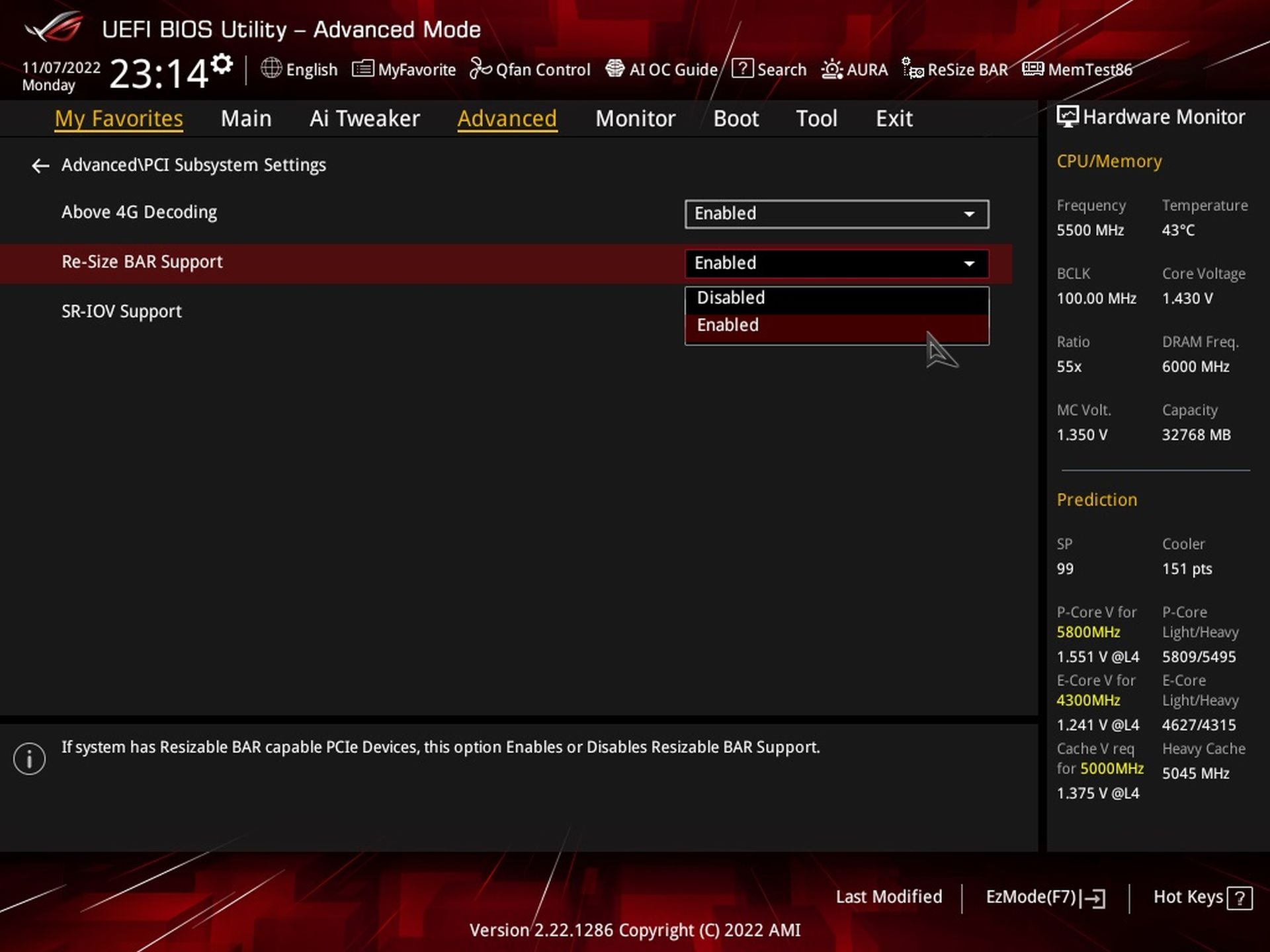
Finally, it is also true that testing all tests twice (with and without ReBAR) with triple repeatability is extremely time consuming. However, it is still true what we have argued many times – a platform with ReBAR is less stable when it comes to measurement results. Over time, some things may change in the debugging process (from driver to driver) and may not “make sense” when compared to each other. So when you see somewhere that in other tests a slower card outperforms a more powerful one in some particular case, remember these words.
The disadvantage of measurements with active ReBAR is, in short, that all comparison tests may not always be perfectly consistent. And it is possible that there will continue to be cases where ReBAR reduces performance rather than adding to it. These are things to be reckoned with when studying results. This applies not only to our tests, but to the tests of all the others who do not retest all the older models in comparison with every new graphics card tested.





Typical loud coil whine from Sapphire. I have a different view on the 7600 though. For me, this GPU underdelivers at 300 euros. The efficiency improvement over Navi 3 is not great. It may look OK vs insanely overclocked 6650XT, but vs 6600XT the picture will be different. It’s a mere 6nm, unlike the much more efficient 5+6nm 7900XT and XTX. When the 4060 non-Ti with identical performance (or maybe -2%) is out at 330 euros, it will be a much better buy with its 100-105W power draw in games, no crazy hotspot temps, and drivers that can be trusted. Both of them are quite bad for new titles with 8GB of VRAM and their performance is disappointing vs the last gen at the MSRP, but the 4060 can at least brag about a huge efficiency jump over the last gen. The 7600 is basically an uninspiring 6650 XT refresh in 6nm.
When it comes to gaming performance, yes the RX 7600’s efficiency is indeed equal to that of the RX 6600 XT.
To the price: It is also in my interest to have everything as cheap and high quality as possible, but I admit that I don’t understand what the problem is with RX 7600. Apart from the slightly cheaper Radeon RX 6650 XT (with many disadvantages compared to the RX 7600), the RX 7600 still has a comparable price/performance ratio. The moment the RX 6000 series ceases to exist on the market, only the RTX 4060 will be in a similar price class, which at a similar speed and at the same time significantly lower power draw will be, of course, technically more attractive, but also a more expensive option. For the casual gamer, who is more concerned with price/performance ratio than lower power draw and lower noise, there is nothing better than the RX 7600 in the end.
I don’t want to get into an opinion dispute with anyone, everyone takes different things into account when evaluating a graphics card, so we always try to test as many as possible… but the media image about how the Radeon RX 7600 is not worth it at all and how it’s garbage is far-fetched and seems really unfair to me.