SilentiumPC presents the Fluctus 120 PWM as its very best fan. But, to beat the whirring Sigma Pro 120 PWM and the obviously sketchy Sigma Pro Corona RGB 120 is relatively simple. The company’s marketing, however, talks about psychoacoustic optimizations. And while there’s no reason to smirk (psychoacoustics is a legitimate scientific field), there were some imperfections that the Poles didn’t avoid.
After the SilentiumPC Fera 5 cooler debut, we got the impression that the Fluctus 120 PWM fan could be amazing. That’s because the Fera 5 cooler as a whole works great and definitely has a higher cooling performance than we expected. Now what deserves more credit? The heatsink or the fan? Neither is obviously a bottleneck, and if the designers have really taken the trouble, the two will work best together. That said, with a different fan, the heatsink will perform worse and the same goes for the fan. It may not excel on a different heatsink either.
In order to achieve the full potential and maximum efficiency of a cooling system (whether it is a cooler or a case), the individual parts must be optimized with respect to the whole. Within the scope of this article, it is probably unnecessary to elaborate further and it would be better to discuss the Fluctus 120 PWM fan as a standalone unit that can be used for a custom radiator or to replace an inferior fan in a case or to enhance system cooling. That’s because the Fluctus 120 PWM can also be purchased separately.
| Brand and model of fan | Paper specicifations * | Price [EUR] | ||||||||
| Format (and thickness) in mm | Connecting | Speed [rpm] | Airflow [m3/h] | Static pressure [mm H2O] | Noise level [dBA] | Bearings | MTBF [h] | |||
| Motor | RGB LED | |||||||||
| SilentiumPC Fluctus 120 PWM | 120 (25) | 4-pin (PWM) | N/A | 300–1800 | N/A | N/A | N/A | fluid | 100 000 | 12 |
| MSI MEG Silent Gale P12 | 120 (25) | 4-pin (PWM) | N/A | 0–2000 | 95.48 | 2.21 | 22.7 | hydrodynamic | 50 000 | 31 |
| Asus ROG Strix XF120 | 120 (25) | 4-pin (PWM) | N/A | 1800 | 106.19 | 3.07 | 22.5 | „MagLev“ | 400 000 | 23 |
| Akasa Vegas X7 | 120 (25) | 4-pin (PWM) | 4-pin (12 V) | 1200 | 71.19 | N/A | 23.2 | fluid | 40 000 | 11 |
| Reeven Coldwing 12 | 120 (25) | 4-pin (PWM) | N/A | 300–1500 | 37.54–112.64 | 0.17–1.65 | 6.5–30.4 | sleeve | 30 000 | 12 |
| Reeven Kiran | 120 (25) | 4-pin (PWM) | shared | 400–1500 | 110.10 | 2.95 | 33.6 | fluid | 120 000 | 17 |
| SilentiumPC Sigma Pro 120 PWM | 120 (25) | 4-pin (PWM) | N/A | 500–1600 | 79.00 | N/A | 15.0 | hydraulic | 50 000 | 7 |
| SilentiumPC Sigma Pro Corona RGB 120 | 120 (25) | 4-pin (PWM) | 4-pin (12 V) | 1500 | 56.58 | N/A | N/A | hydraulic | 50 000 | 12 |
| SilverStone SST-AP121 | 120 (25) | 3-pin (DC) | N/A | 1500 | 60.08 | 1.71 | 22.4 | fluid | 50 000 | 18 |
| SilverStone SST-FQ121 | 120 (25) | 7-pin (PWM) | N/A | 1000–1800 | 114.68 | 0.54–1.82 | 16.4–24.0 | PCF (fluid) | 150 000 | 20 |
| Xigmatek XLF-F1256 | 120 (25) | 3-pin (DC) | N/A | 1500 | 103.64 | N/A | 20.0 | „long-life“ | 50 000 | 16 |
* When reading performance values, a certain amount of tolerance must always be taken into account. For maximum speeds, ±10 % is usually quoted, minimum speeds can vary considerably more from piece to piece, sometimes manufacturers will overlap by as much as ±50 %. This must then also be adequately taken into account for air flow, static pressure and noise levels. If only one value is given in a table entry, this means that it always refers to the situation at maximum speed, which is achieved at 12 V or 100 % PWM intensity. The manufacturer does not disclose the lower limit of the performance specifications in its materials in that case. The price in the last column is always approximate.
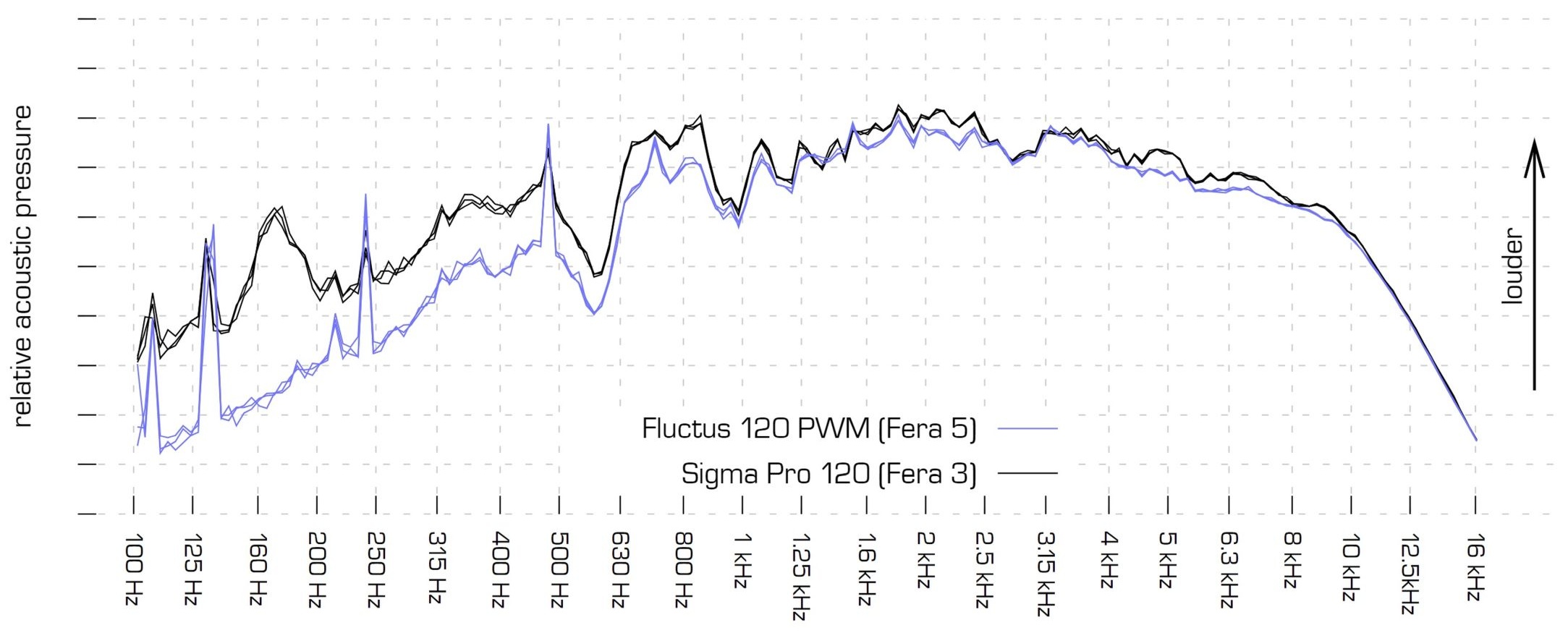
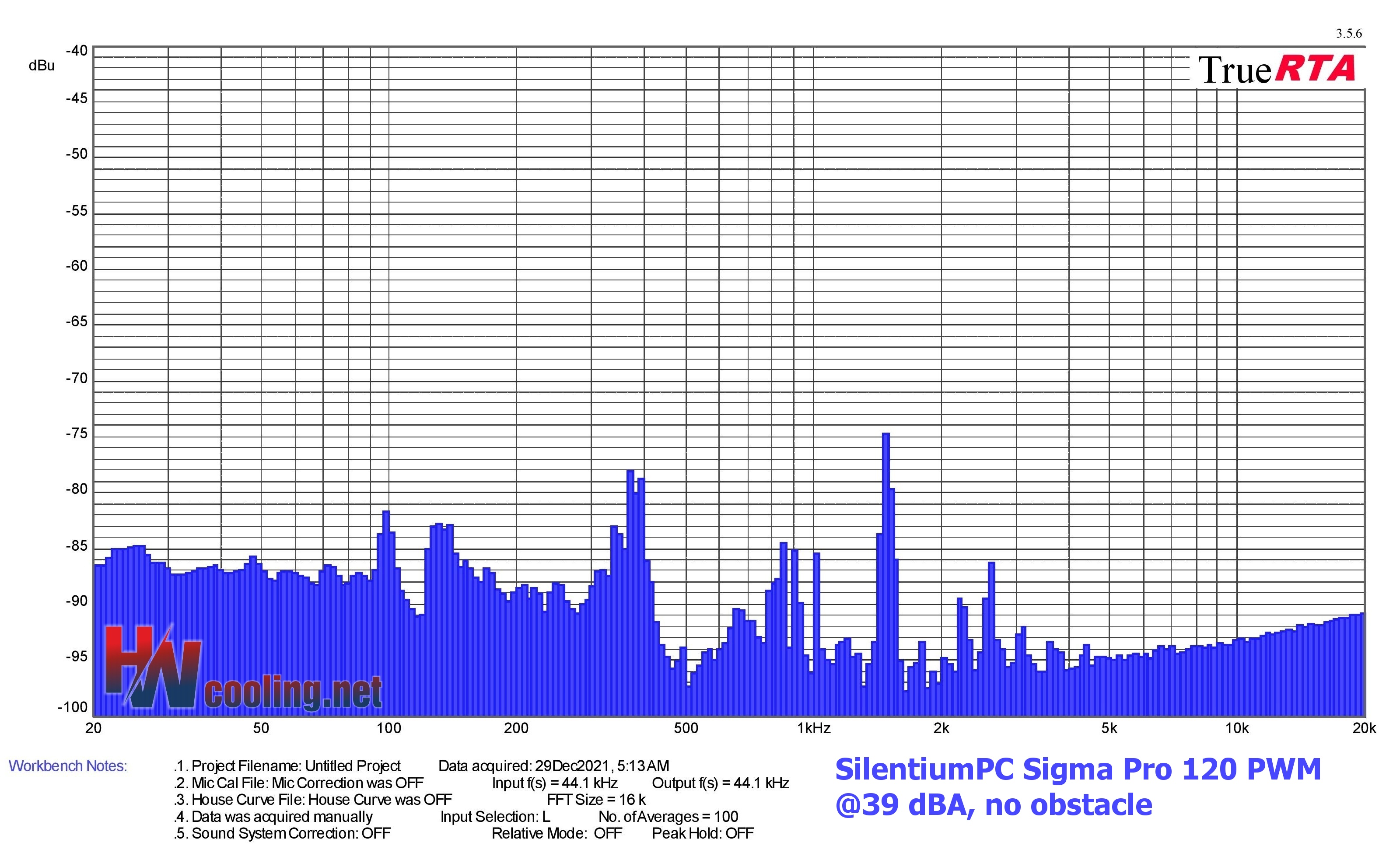
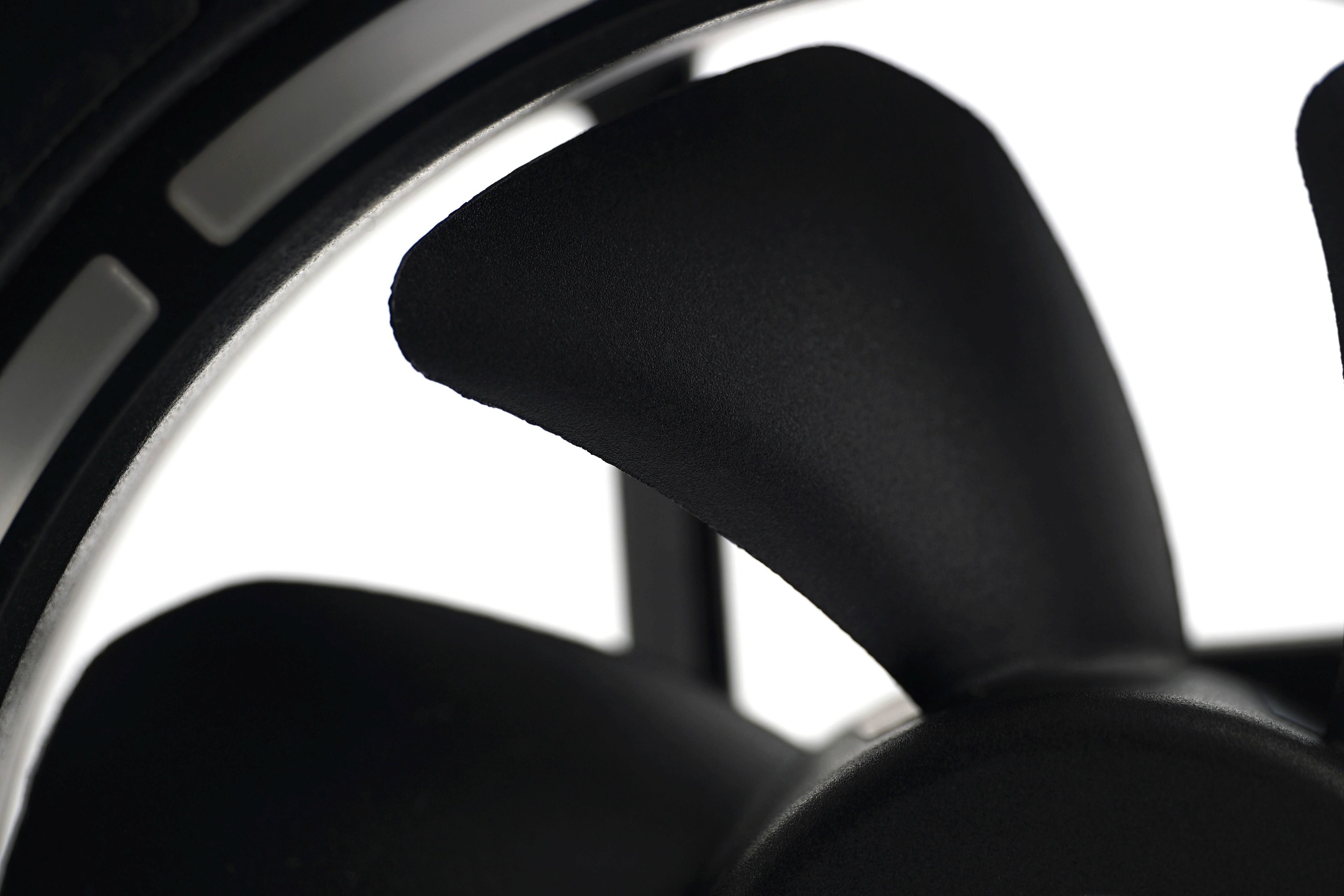
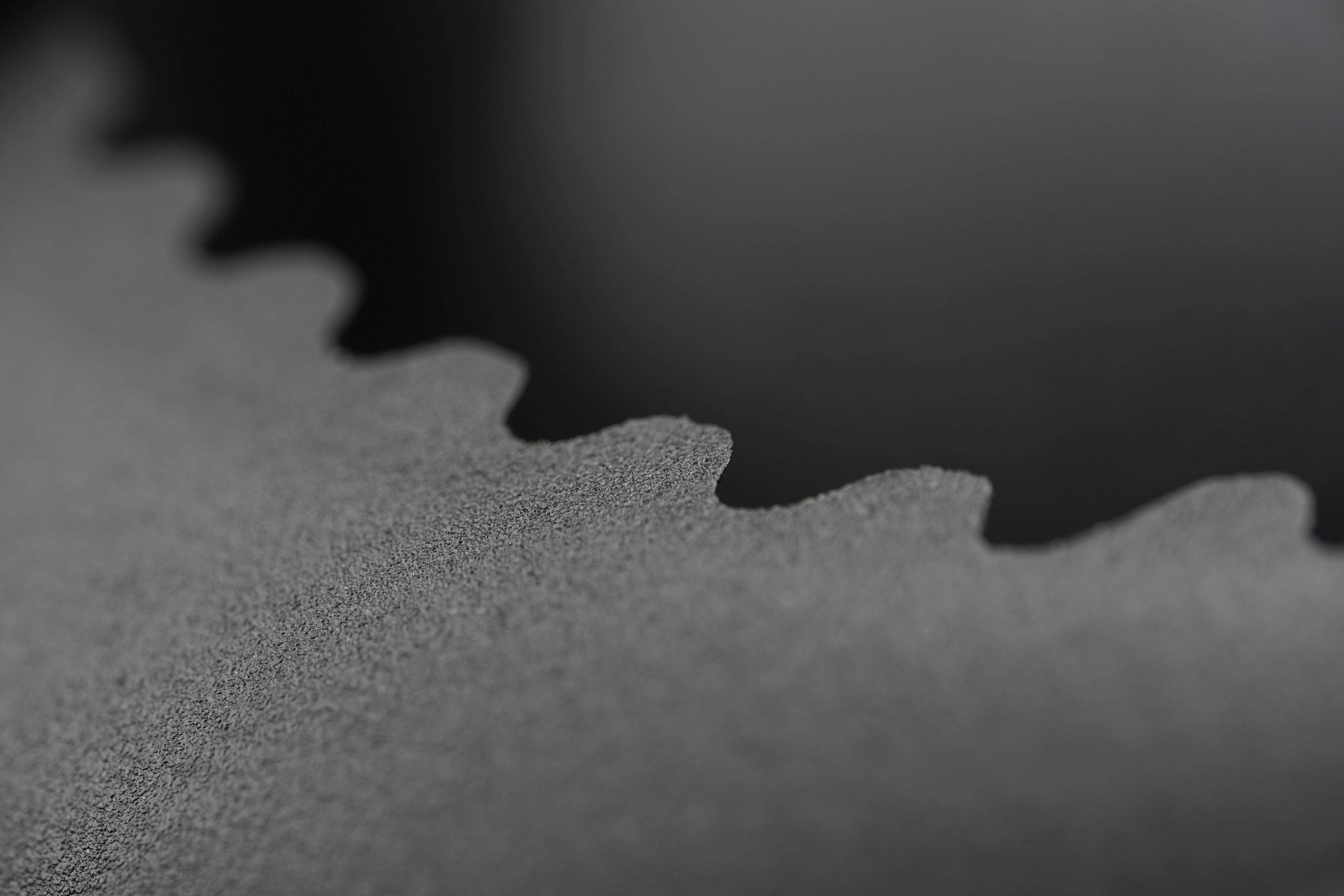
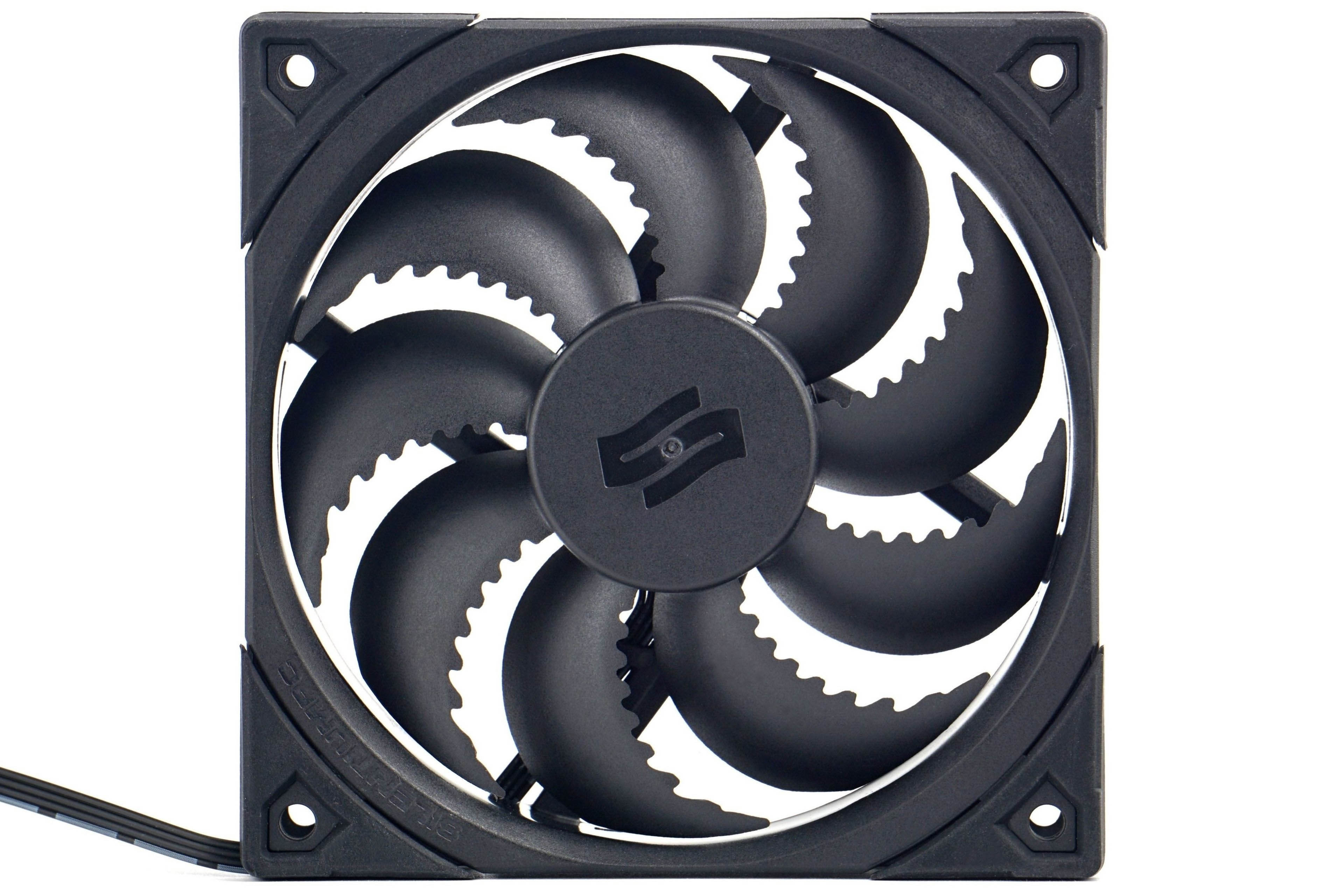
The characteristic feature of the fan are the serrated, non-current edges of the blades. This shape is supposed to contribute to noise reduction, among other things, and is, as SilentiumPC puts it, the “heart” of psychoacoustic optimizations. SPC partnered with Synergy Cooling for the tuning. No need to dissect this any more, and what’s more, public details and “know-how” on this do not exist. The only thing SilentiumPC has to offer is a spectrograph capturing relative noise levels at specific frequencies compared to the older Sigma Pro 120 PWM fan. You know this one from our tests too, and you know that the annoying growl (in the spectrograph it’s that peak at 1480 Hz) You know this one from our tests too, and you know that the annoying growl could not be regulated even to the lowest two standardized noise levels.
The fan blades are traditionally axial, have sharp tips and are also characterized by a relatively pronounced curve on the shorter side, giving them a larger footprint. The quality of workmanship is decent and edge scratches like on the Sigma Pro Corona RGB 120 aren’t going to be found here.

There are rubber pads in the corners on both sides to dampen vibrations. However, the material used is harder than on most other fans. It can’t be described as hard at roughly 50 shore, but it could have been softer for more effective vibration damping.
You won’t find any other anti-vibration mounts (typically rubber spikes) in the package. However, the included accessories include rather remarkable self-tapping screws. Compared to the regular ones, they have a gentler thread pitch, which makes the mounting pleasantly smooth and it takes considerably less force than normal to cut the thread. This is quite a rarity that other manufacturers (including Noctua) could take inspiration from.
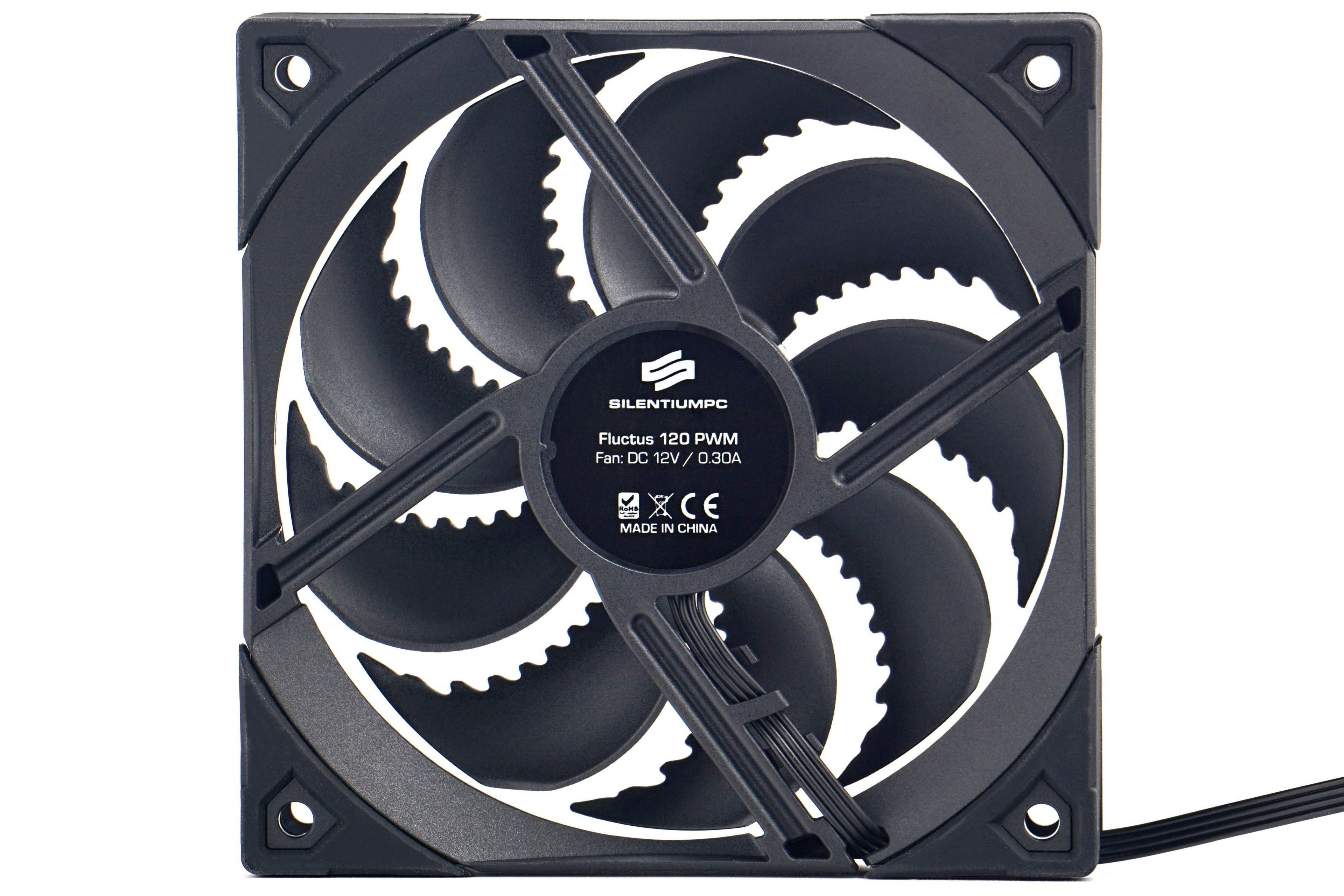
From the back of the fan, it is worth paying attention to the information about the motor power. Despite the fact that its casing is only of average size (41 mm in diameter), the power output is listed as 3.6 W. And we can confirm this. Operating power draw is, naturally, significantly lower. At most 2 W. But even that is half as much as more expensive fans with lower friction bearings (so less force is required) at similar speeds. The Fluctus 120 PWM has fluid bearings, which we’ll look at more closely in a themed article. The claimed mean time between failures for this fan is quite long, 100,000 hours.

The fan cable is terminated conveniently, with two connectors. One is typically for connecting the fan itself, and the other for connecting a second one in series. On some motherboards there are indeed two CPU_fan connectors for the case of multi-fan coolers, but this is a better solution. If only because of the synchronization and uniform PWM signal.
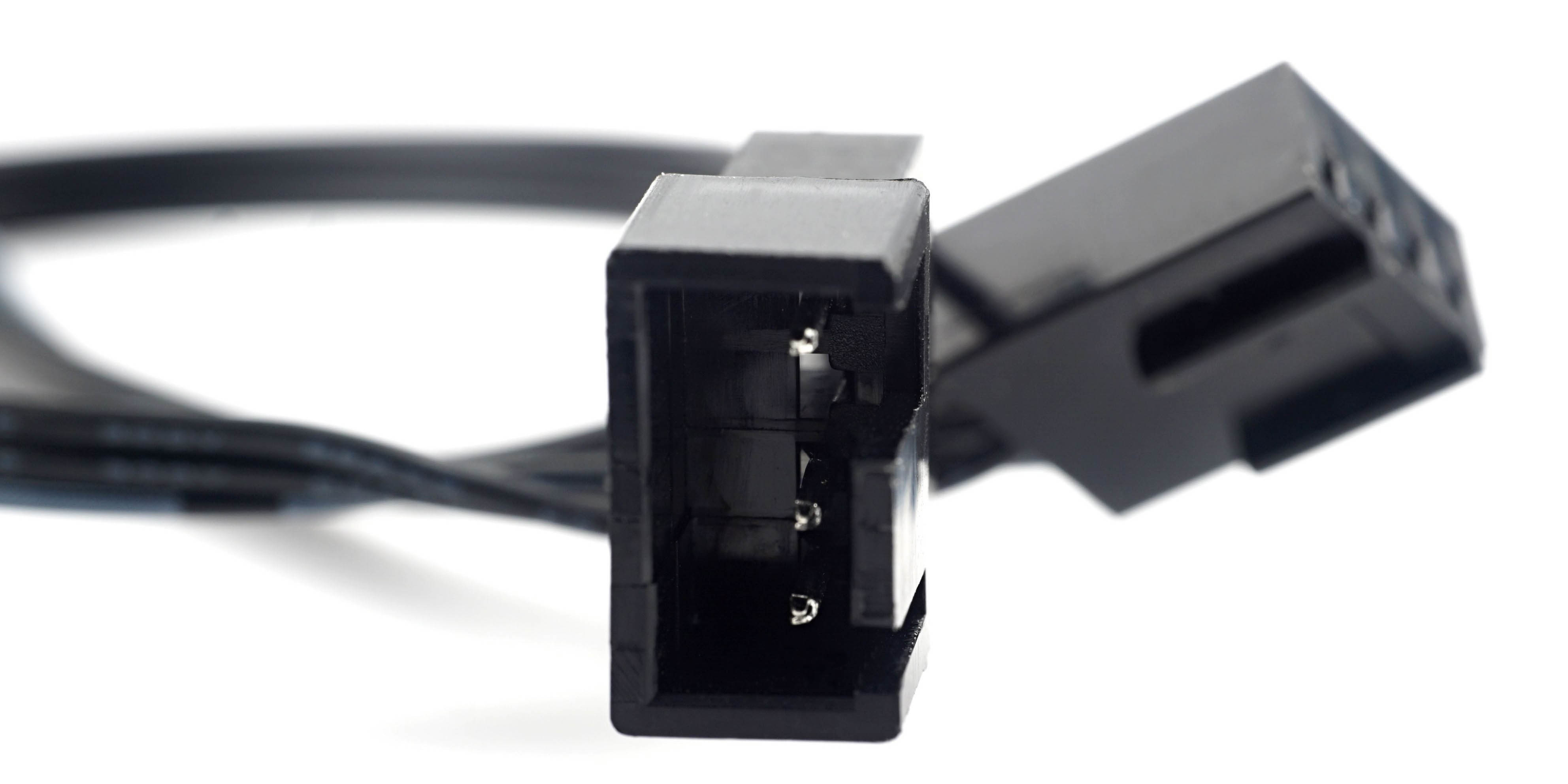
However, the connector to connect to the motherboard is on a relatively short cable. Its 22 cm after installing the fan on the case, may not be enough. Therefore, a 40 cm extension cable is included. This is just the right length even for when you want to run the cable behind the motherboard as part of precise cable management.
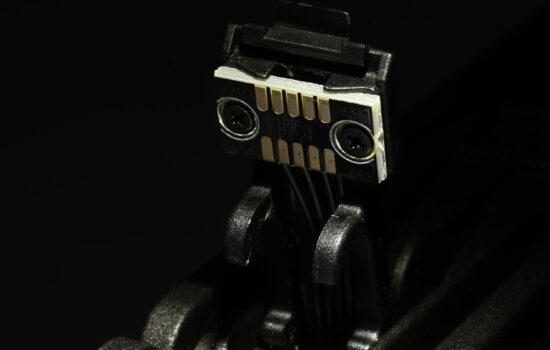
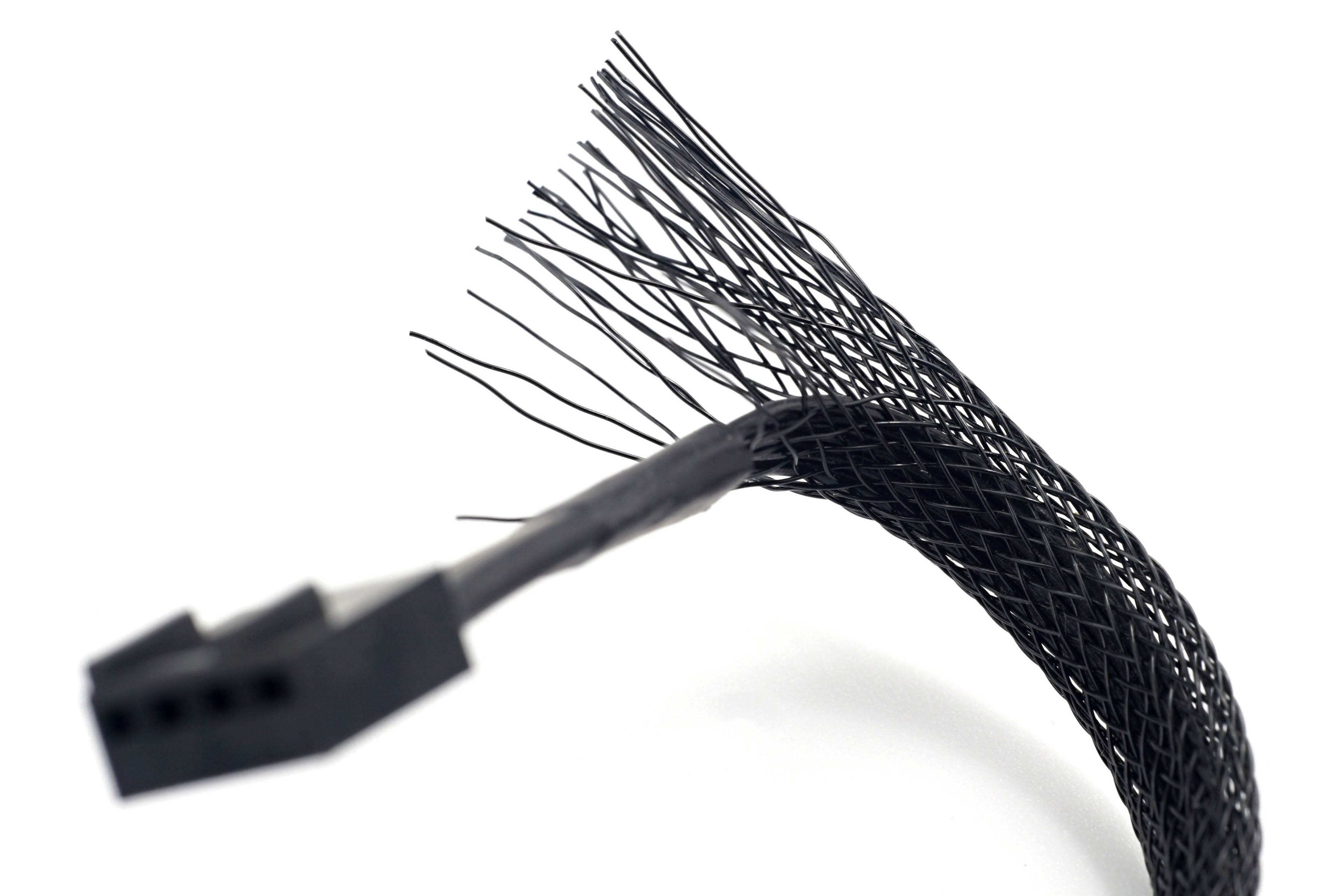
The individual wires are routed nicely next to each other, the cable is flat, but unlike the Sigma Pro 120 PWM without the mesh. That’s probably also because SilentiumPC had a problem with fraying, they couldn’t fit it properly under the shrink wrap, as you can see in this photo. But these are minor details that can be digested. What is important are the measurements in the following chapters, on the basis of which we will finally pronounce our final verdict on the Fluctus 120 PWM Pro.