


We don’t typically disassemble graphics cards in our reviews—and for good reason. Once you take one apart, it’s hard to get it to behave exactly like it did in its original state, especially after replacing the factory thermal paste. With manufacturers who don’t skimp on thermal paste, repasting may not bring any improvement at all. In detailed measurements, we’ll look at how different paste and mounting pressure affect the card’s behavior.
Unlike some other cards, the TUF RTX 5070 Ti is quite user-friendly for tinkerers. You can remove just the card’s outer shroud if you only want to replace the fans. Once the cooler shroud is off, the backplate and heatsink can be dismounted separately. Here’s what the heatsink looks like from above after removing the shroud:

To remove the shroud, you need to unscrew the screws in the bracket and along the perimeter of the backplate. It’s easy to identify which ones—the shroud has standoffs leading to the PCB at those spots.
The heatsink is held in place by four spring-loaded screws around the GPU and two larger-head screws located behind the PCB. These are accessible from the outside and go through the backplate. The backplate itself is attached from the top with three screws, which are accessible even without removing the heatsink.
On the inside of the backplate, you’ll notice thermal pads under the power delivery circuitry and memory chips.

The rear part of the PCB—even with the cooler still attached—is much shorter than the heatsink. You can also spot another thermal pad above the auxiliary power connector.

Once you loosen the four screws securing the heatsink clamp, you can remove the entire heatsink. It’s adhered not just by the thermal paste on the GPU, but also by pads on the MOSFETs and memory chips. You’ll need to gently tug and give them a moment to release.
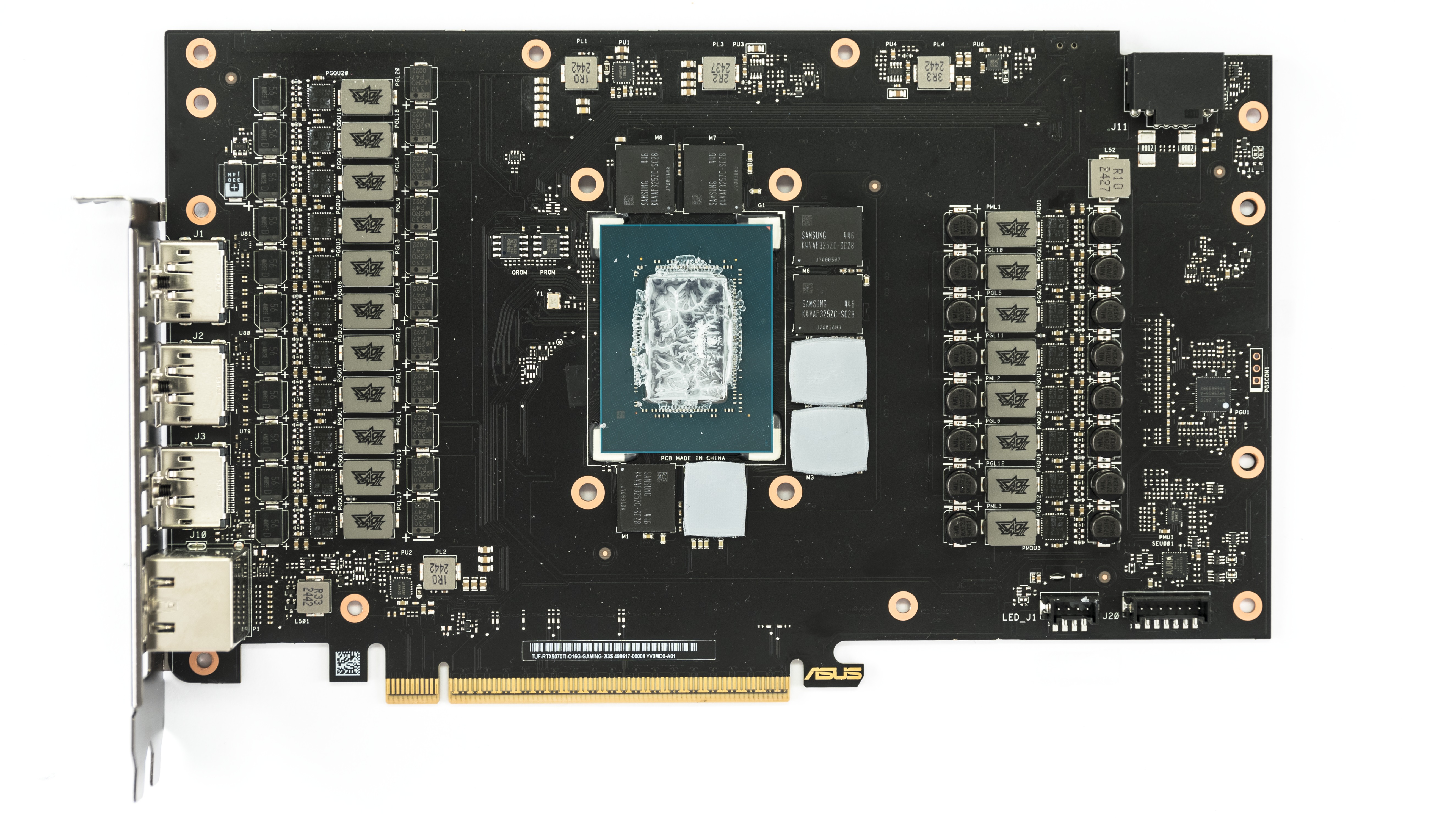
In the following photos, you can already see the likely cause of the degraded performance—the previous installer went overboard with the paste. Too much was squeezed out around the die, spilling past the surrounding capacitors and forming a dried-up lump off-center.

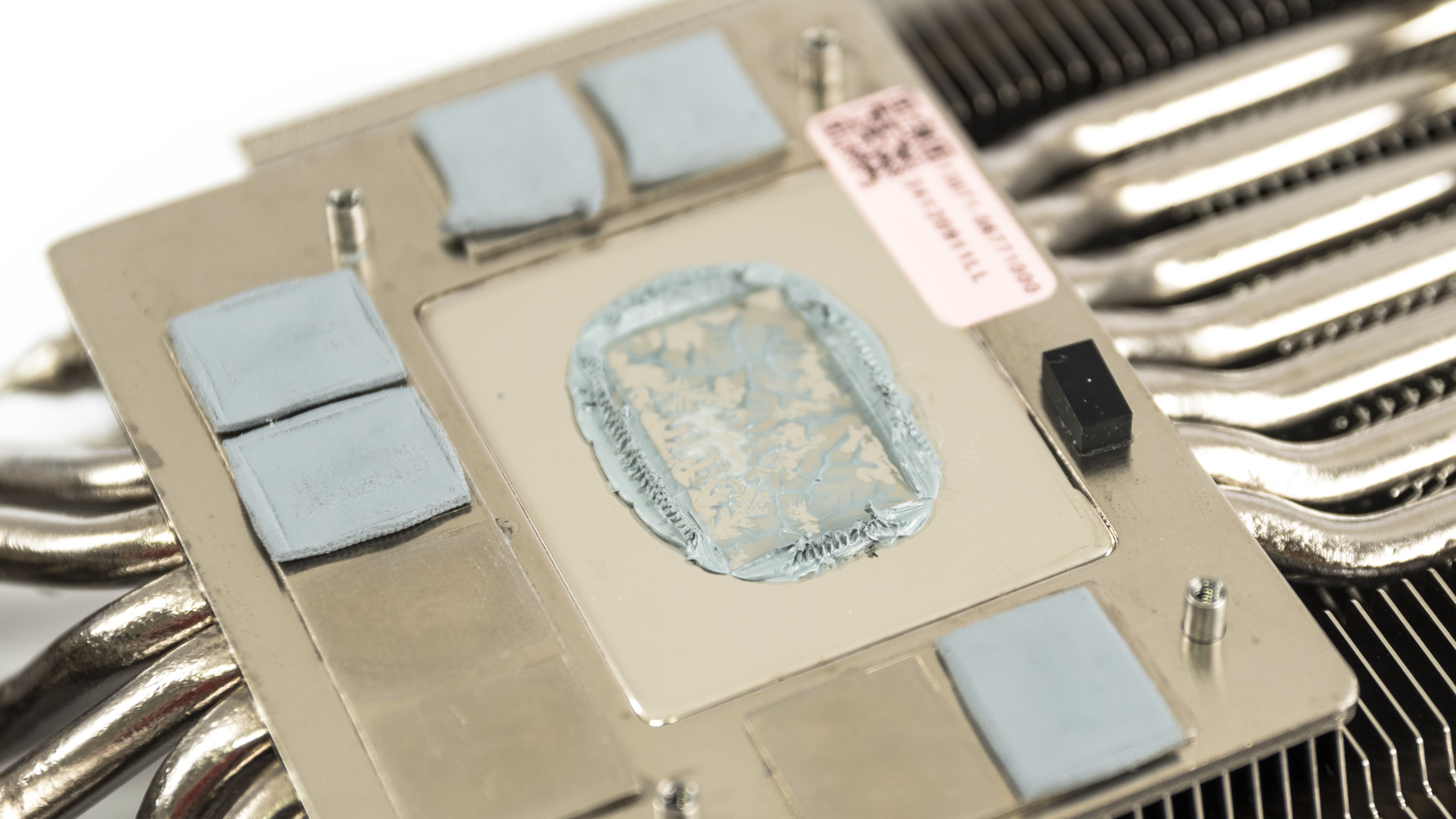
Well then, let’s clean it up, gather the pads from the memory chips, and move on to repasting on the next page.
By the way, if you were ever into heatsink lapping, you’d be thrilled with the cold plate on heatsinks of Asus cards with MaxContact.
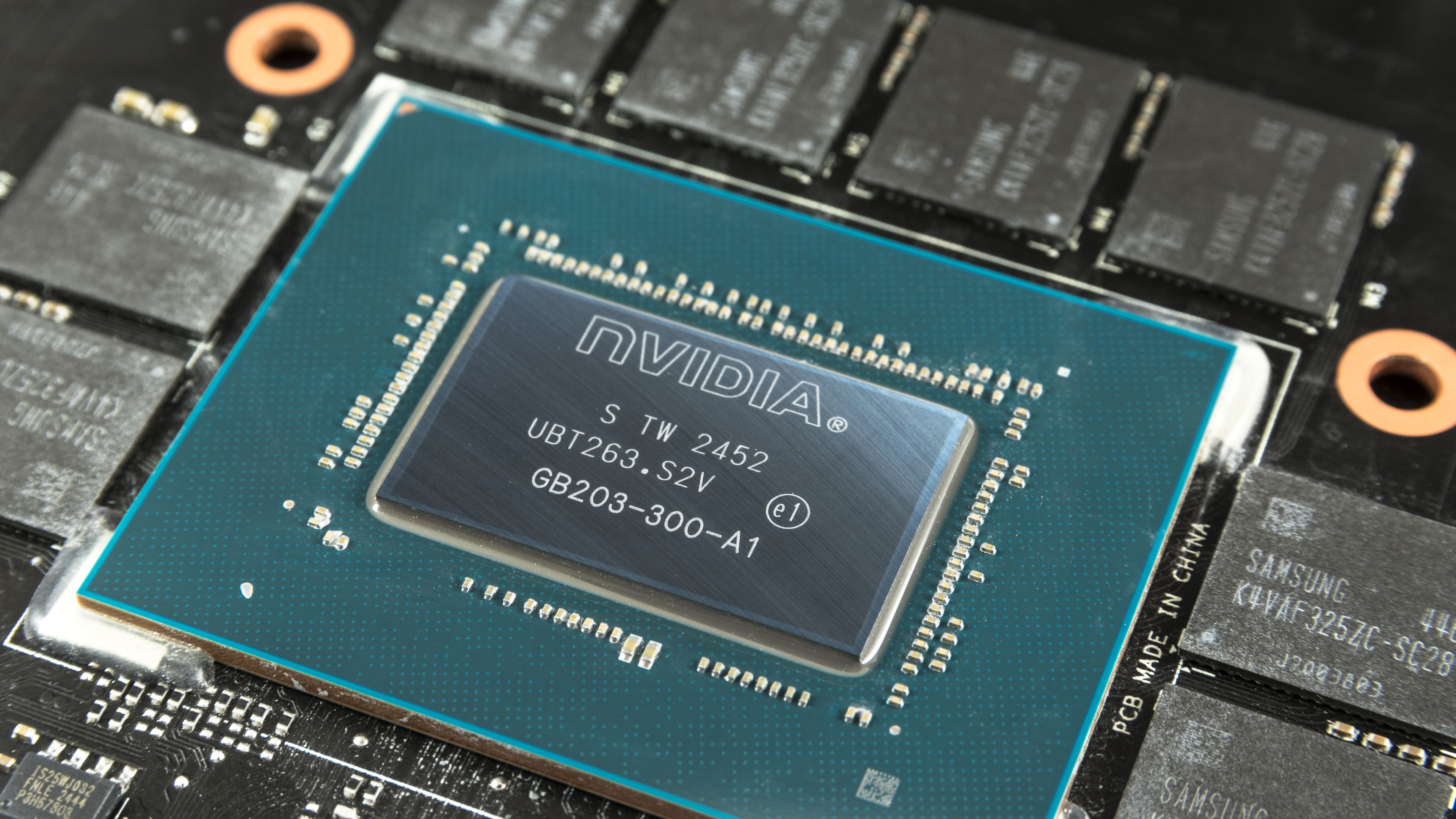

⠀




Very interesting article. I believe more and more manufacturers have moved to using quality thermal interfaces, so your results (slightly worse than stock after repasting) isn’t that surprising.
Based on what I know, a popular material they use are phase-change thermal pads like the Honeywell PTM7950, which performs excellently on low mounting pressure/direct die applications, and are very resistant to the pump-out effect which causes deterioration of performance long-term. Regular thermal paste meant for CPUs can suffer from pump-out pretty quickly.
Didn’t Asus use phase change material? Why did your card have paste on it?
Sure. I received two units of the same graphics card for review. One had already been disassembled by a YouTuber, who replaced the original phase-change thermal pad with thermal paste. That card performed worse than expected—and worse than the unit that still had the original thermal pad—so I tried to fix it by reapplying thermal paste.
It is better now but still doesn’t match the other unit’s operating performance, but I’m not sure how much of that comes down to the silicon lottery.