





The prices of the top-tier GeForce RTX 5090 cards are extremely high, so for most gamers, the GeForce RTX 5080 is likely the fastest graphics card they’re seriously considering. With no real alternatives nearby, the price range for the RTX 5080 varies widely. Premium models are pricey, and if you want more than a budget model, you’ll likely end up with a card like the TUF GeForce RTX 5080. Apparently, it should’ve been cheaper, but it’s still a safe bet.
The card is equipped with a cooler featuring three fans. The shroud is made of metallic-gray plastic and reinforced with a metal plate at the top. The fans, which have dual ball bearings, blow air down onto a large heatsink with transverse fins.
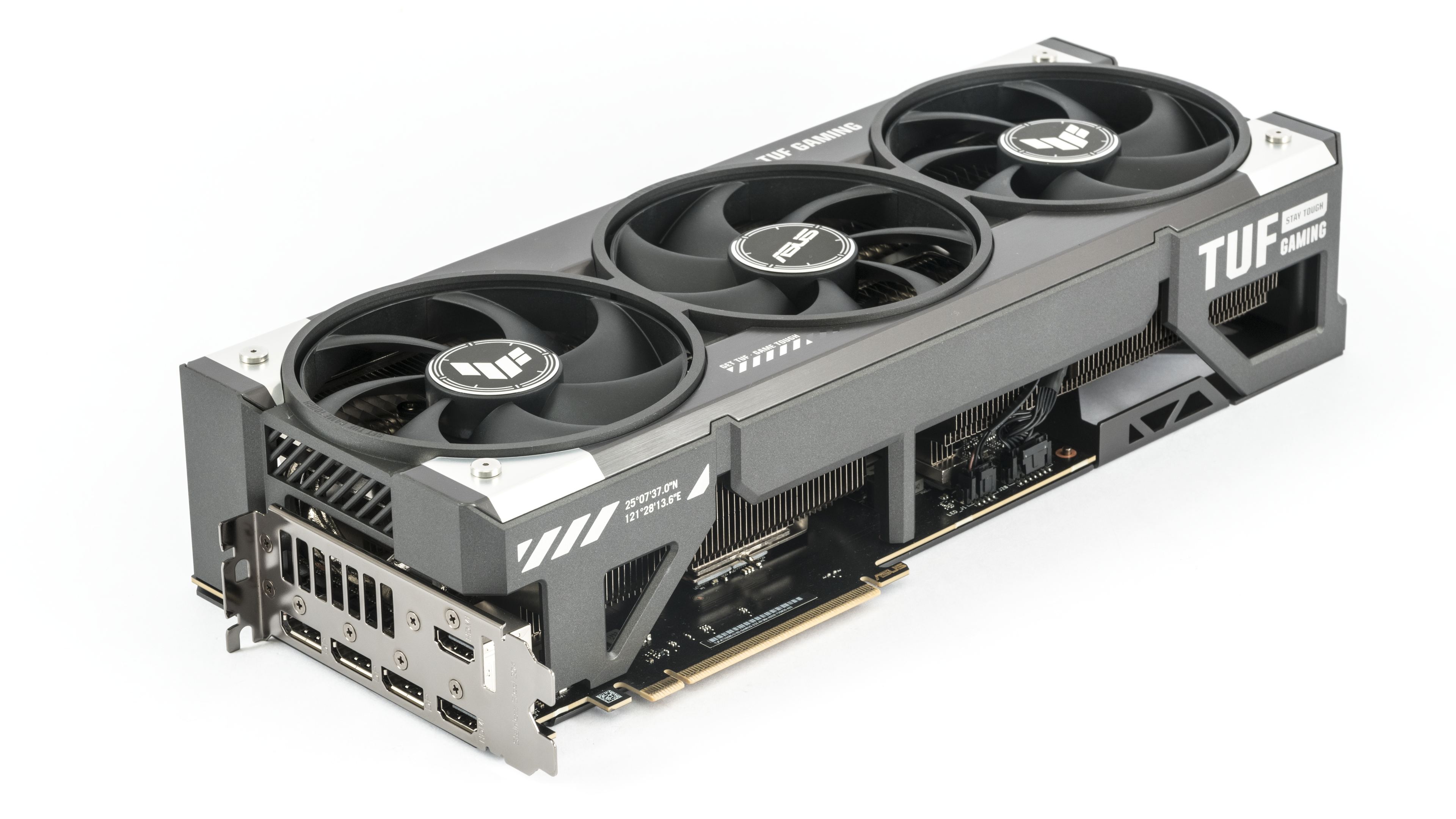
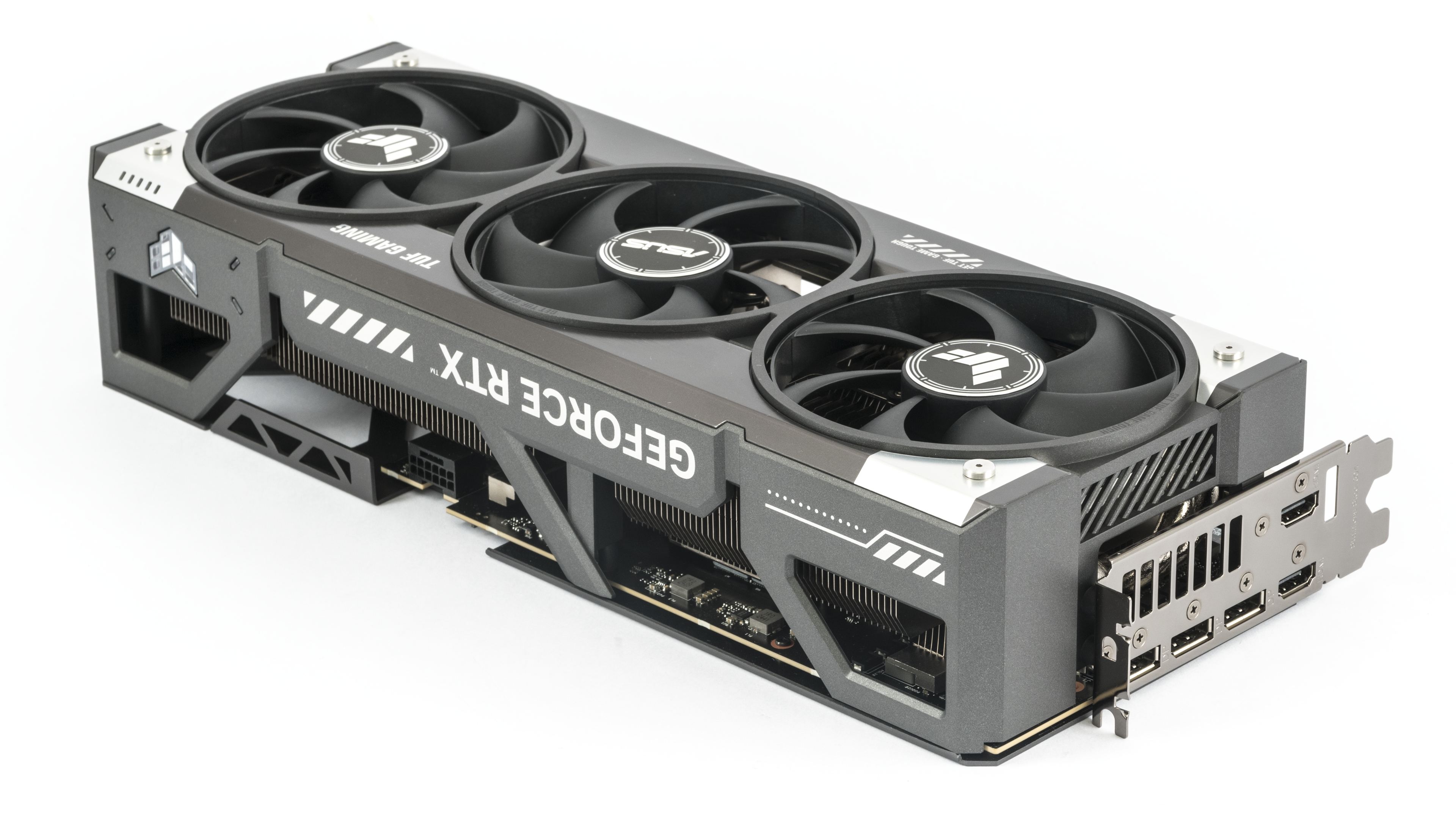
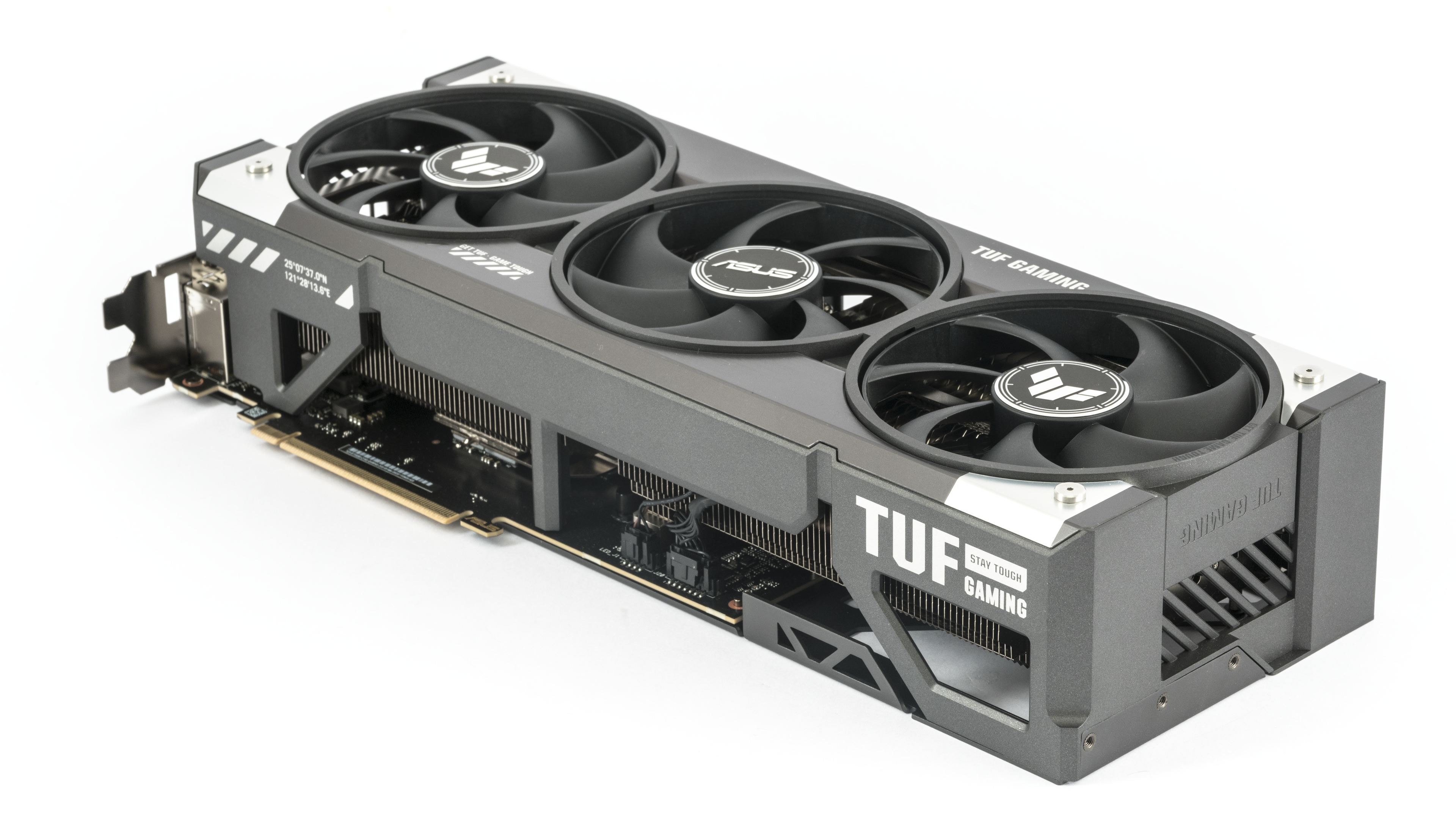
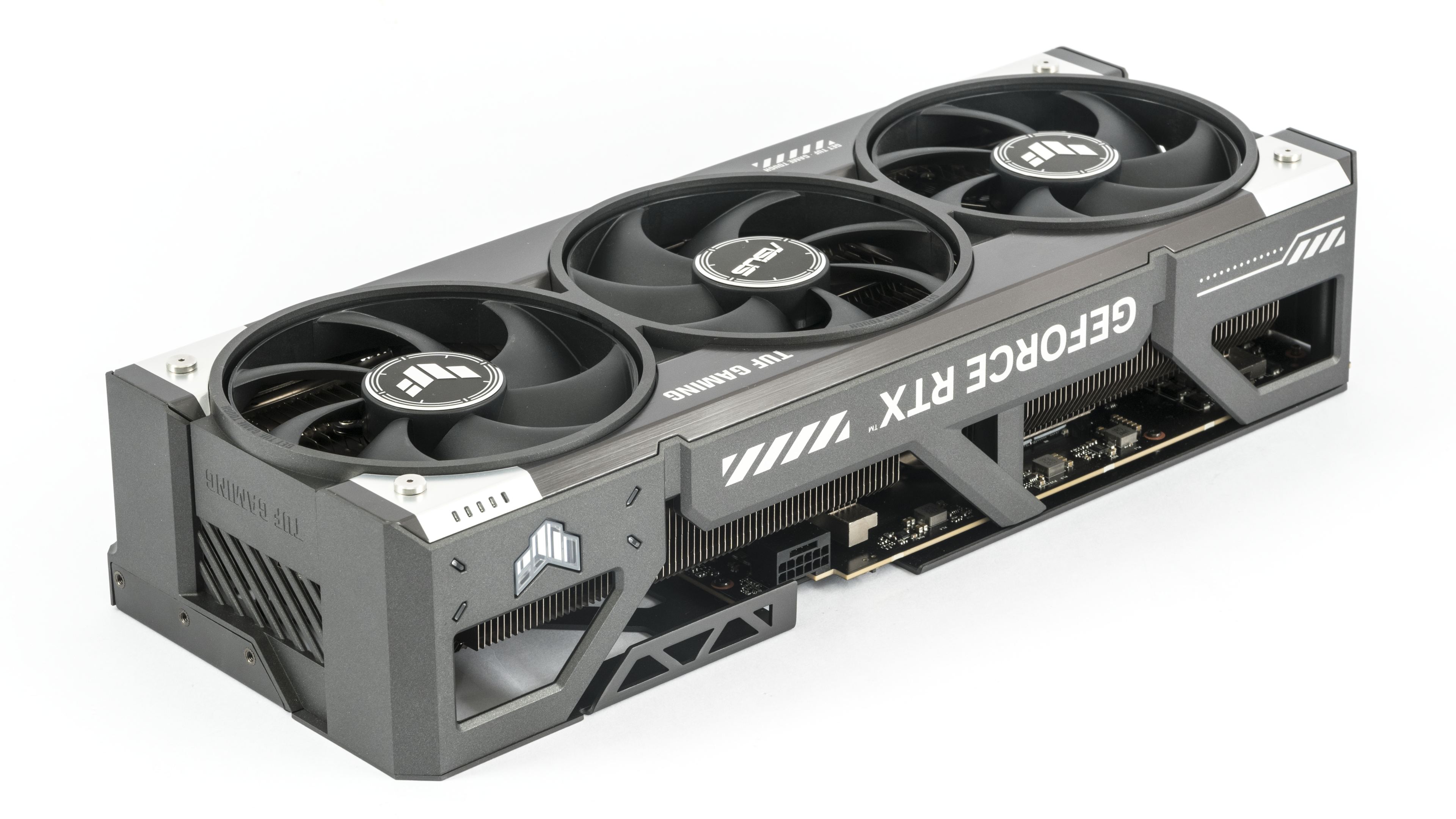
The back side of the PCB is covered by a metal backplate. Its most interesting feature is the colorful print resembling embossed metal, which appears genuinely contoured from many angles. A subtle ARGB LED-lit TUF logo is placed on the rear side of the shroud.
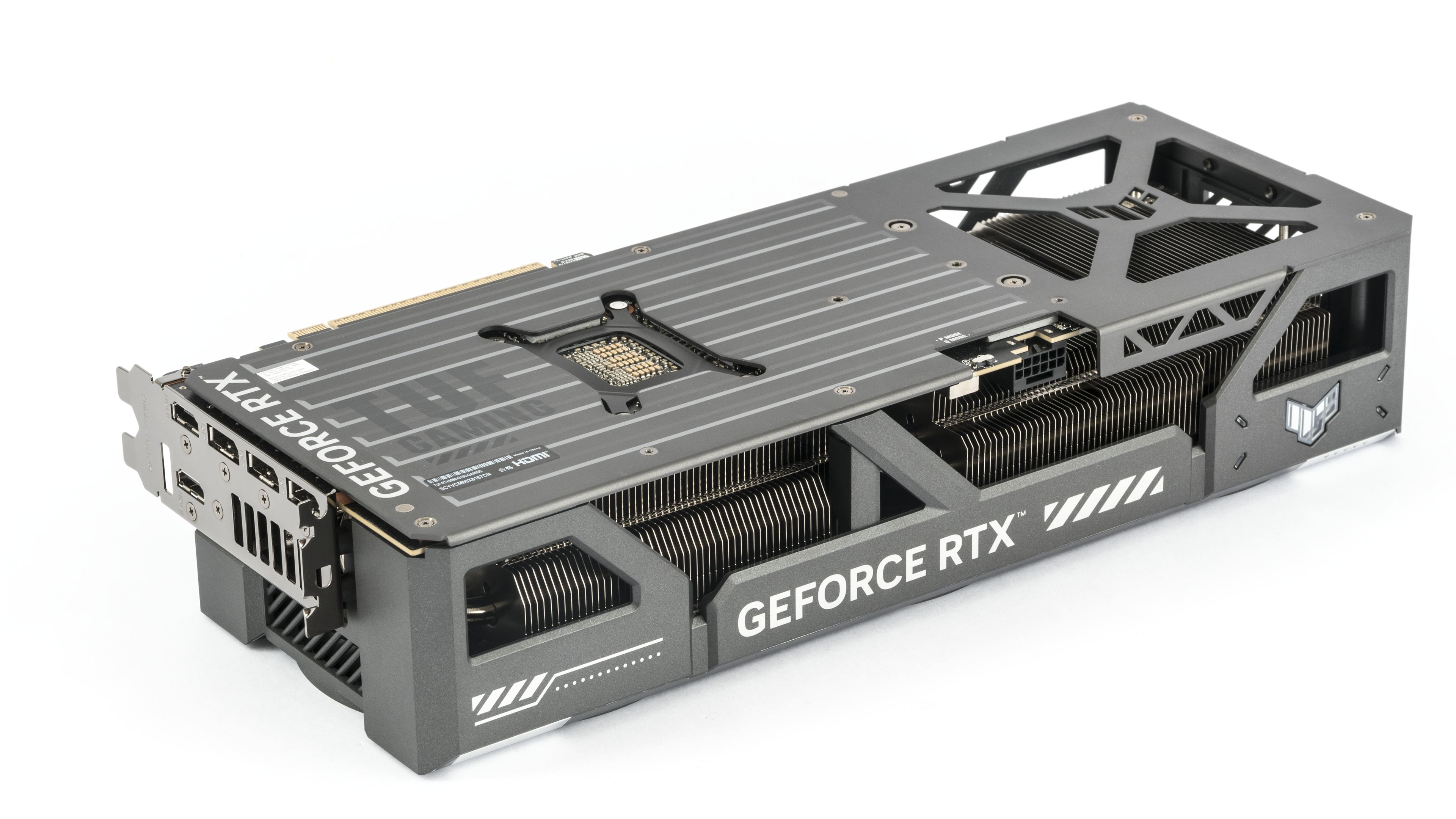
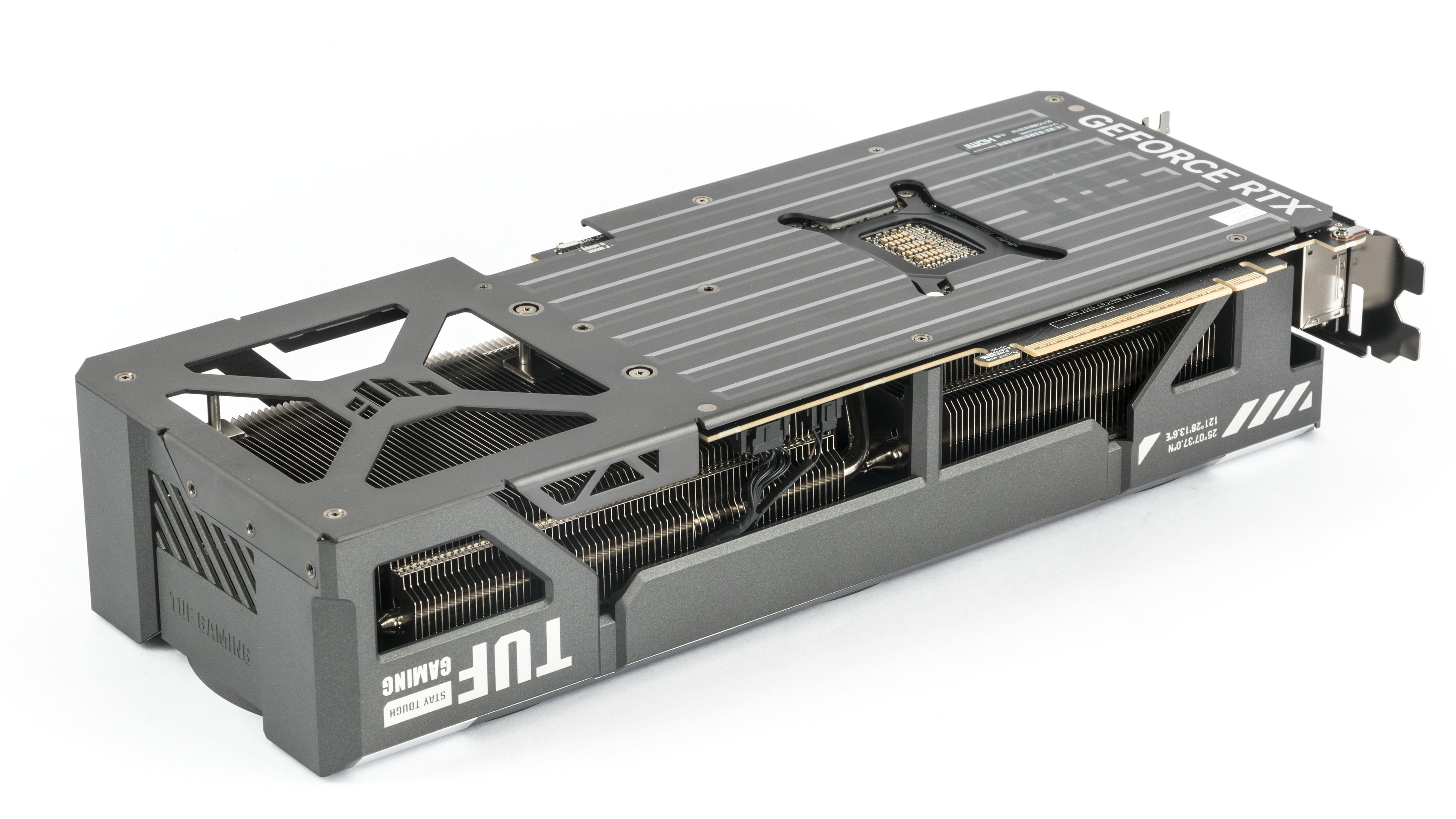
From the top, you can see that the heatsink is fully pass-through beneath the rear fan. The middle fan spins in the opposite direction. This design means the blades of neighboring impellers don’t push against each other, but rather direct air the same way. This results in less fluctuation in fan RPMs and a more balanced acoustic profile.
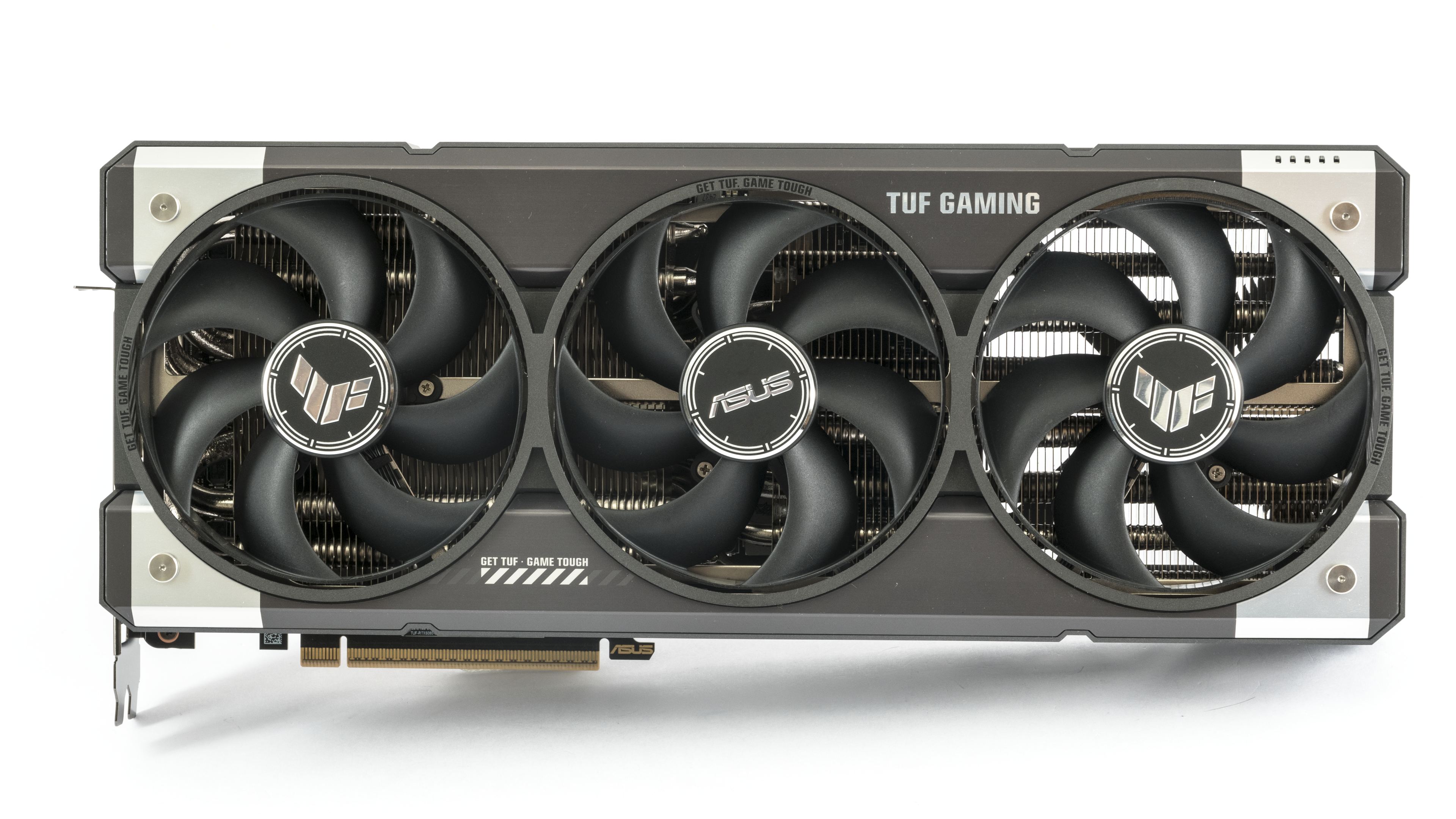
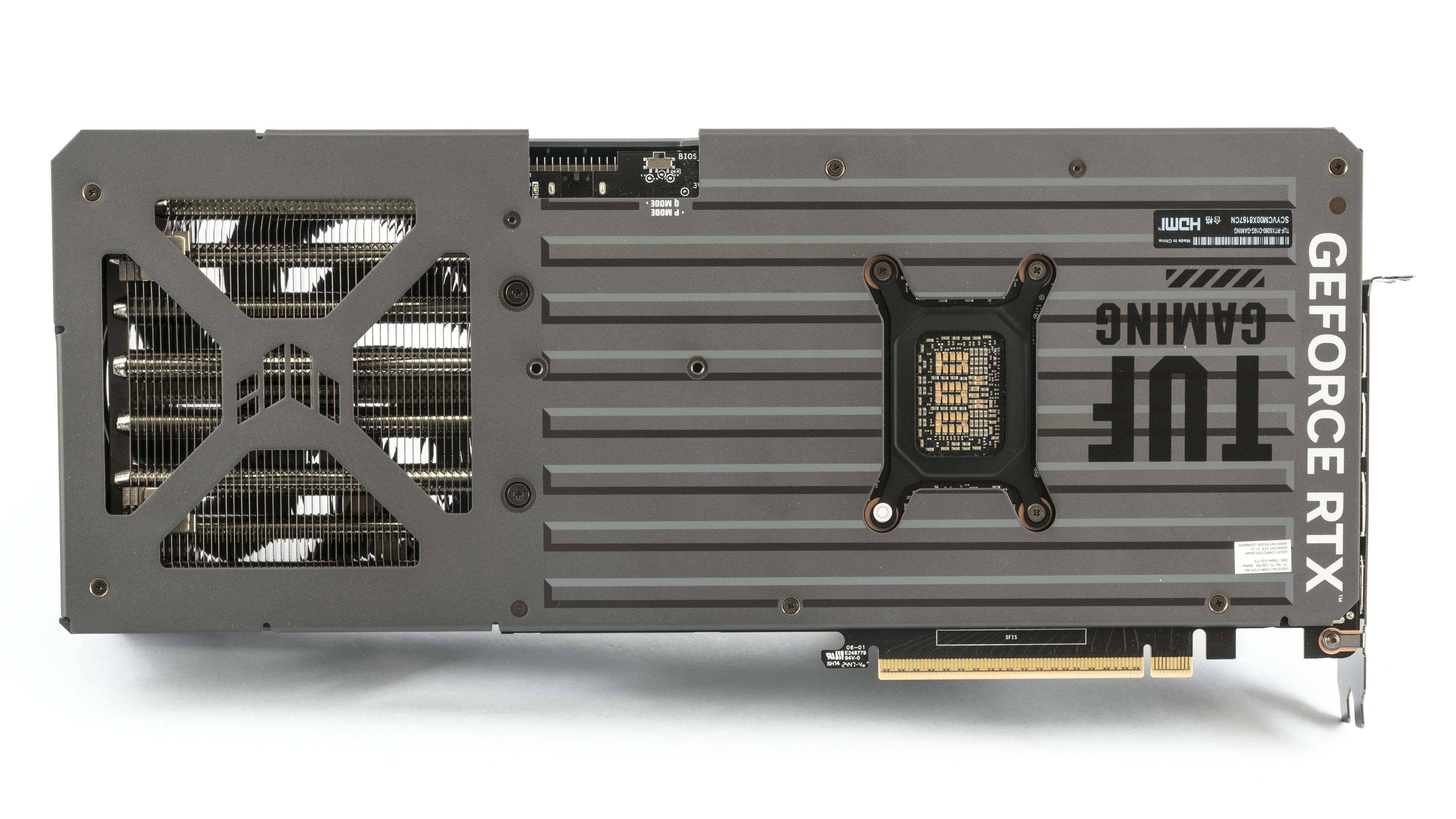
The space under the shroud is airy, yet still massive and fills most of the volume beneath the cover.
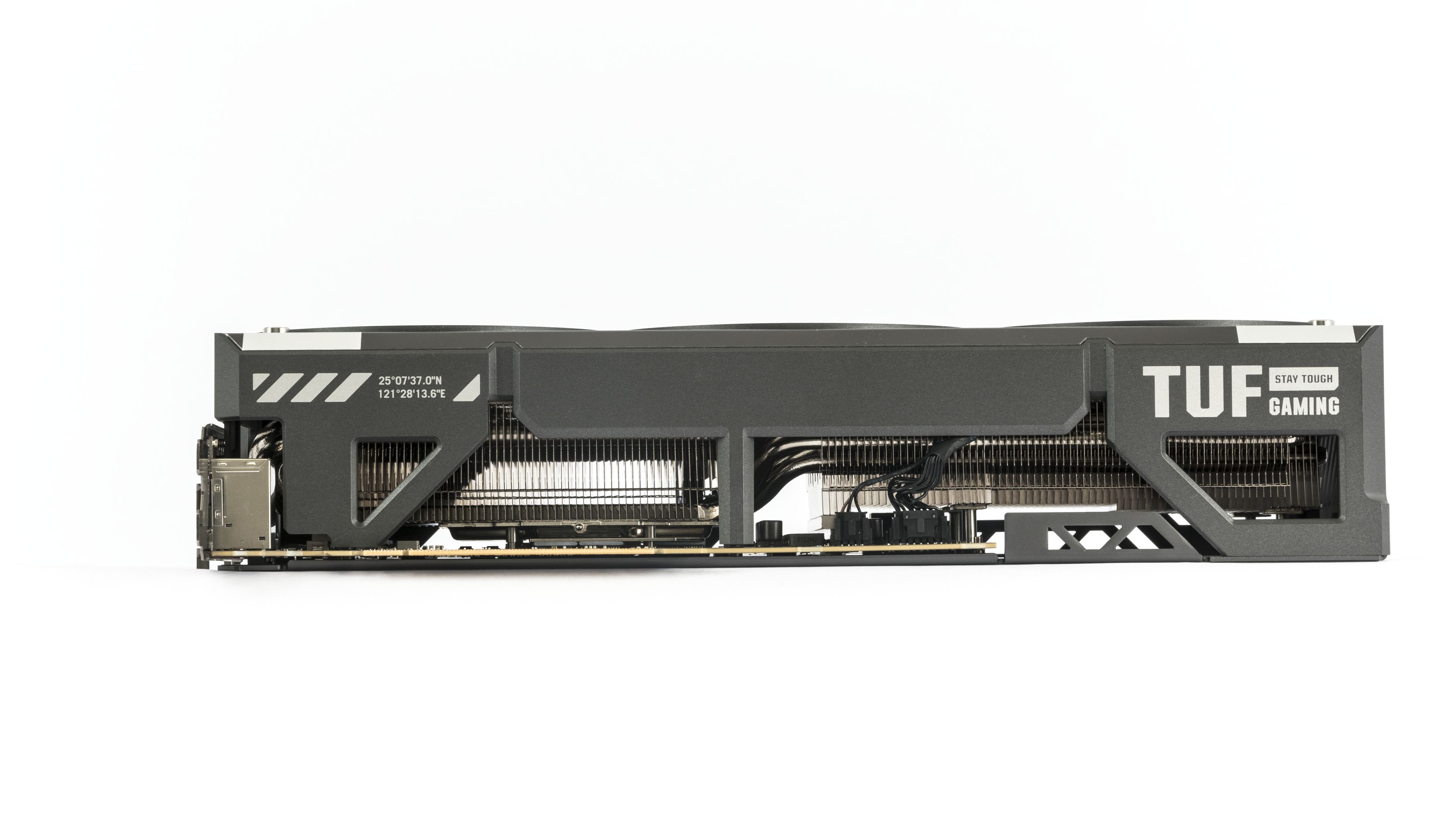
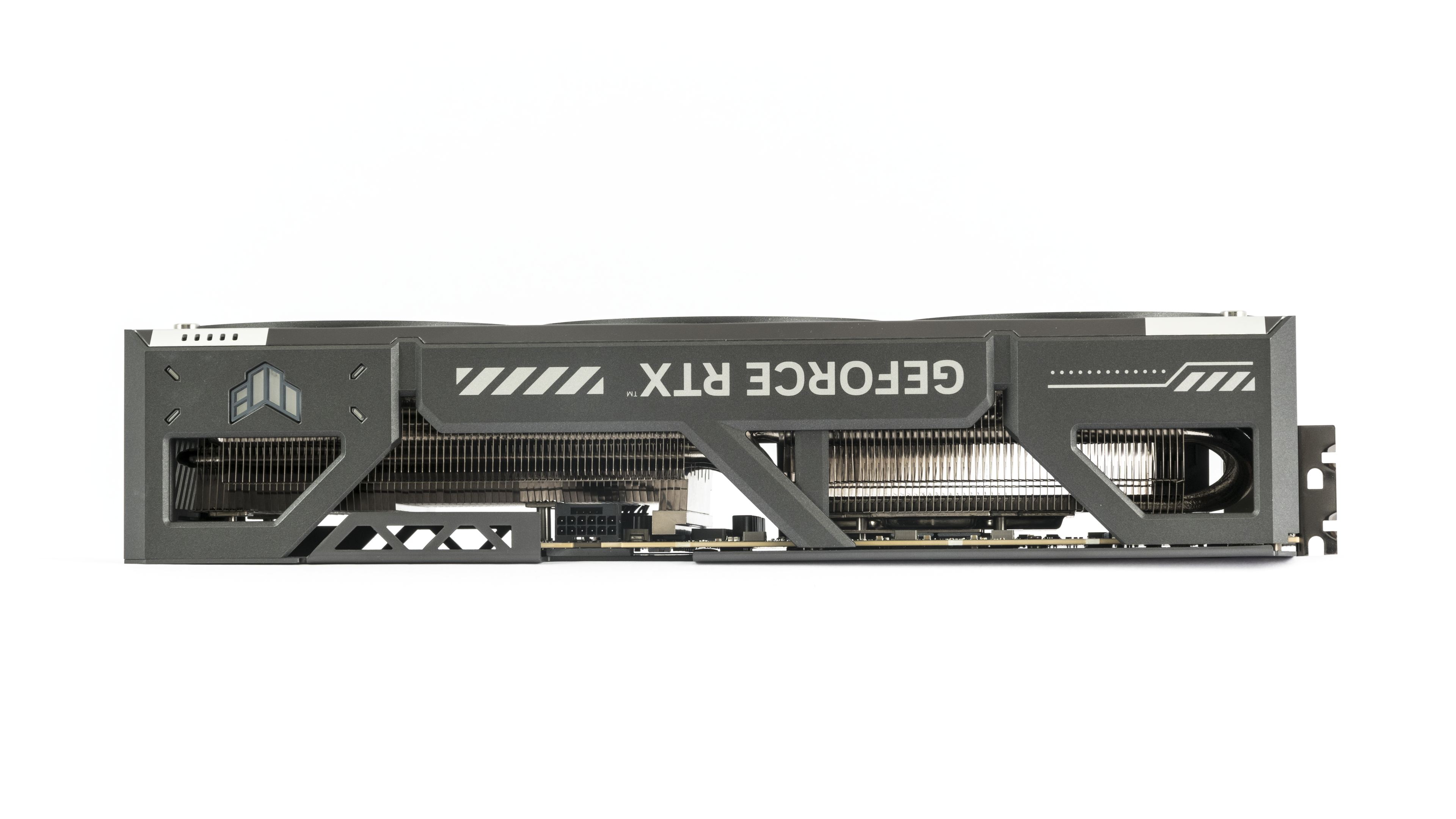
The cooler doesn’t fit within a triple-slot space – you’ll need four. There are mounting holes on the backplate for securing the card. Especially if you plan on occasionally lifting or moving the PC, it’s advisable to use them to secure the heavy card to the case.
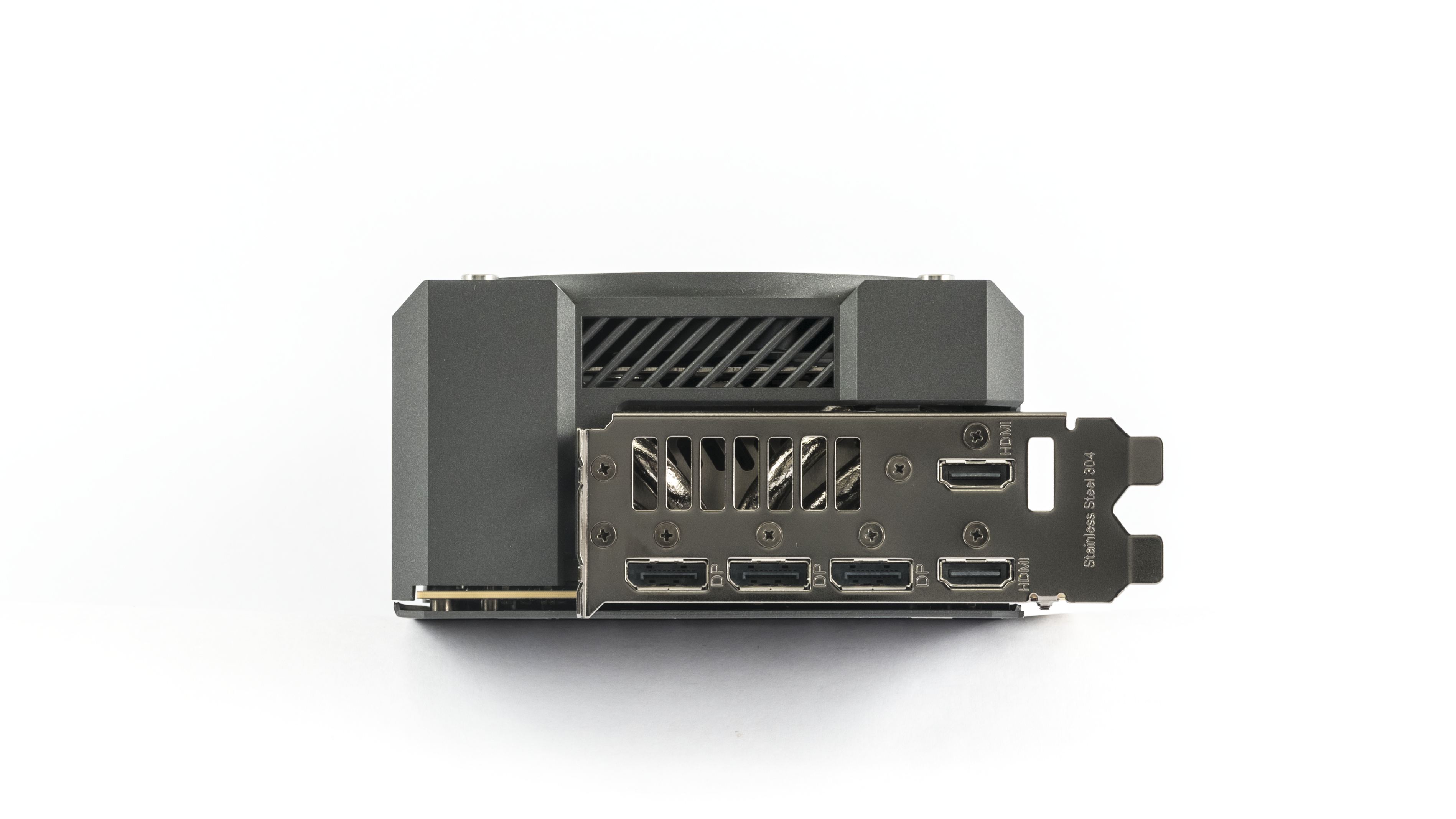
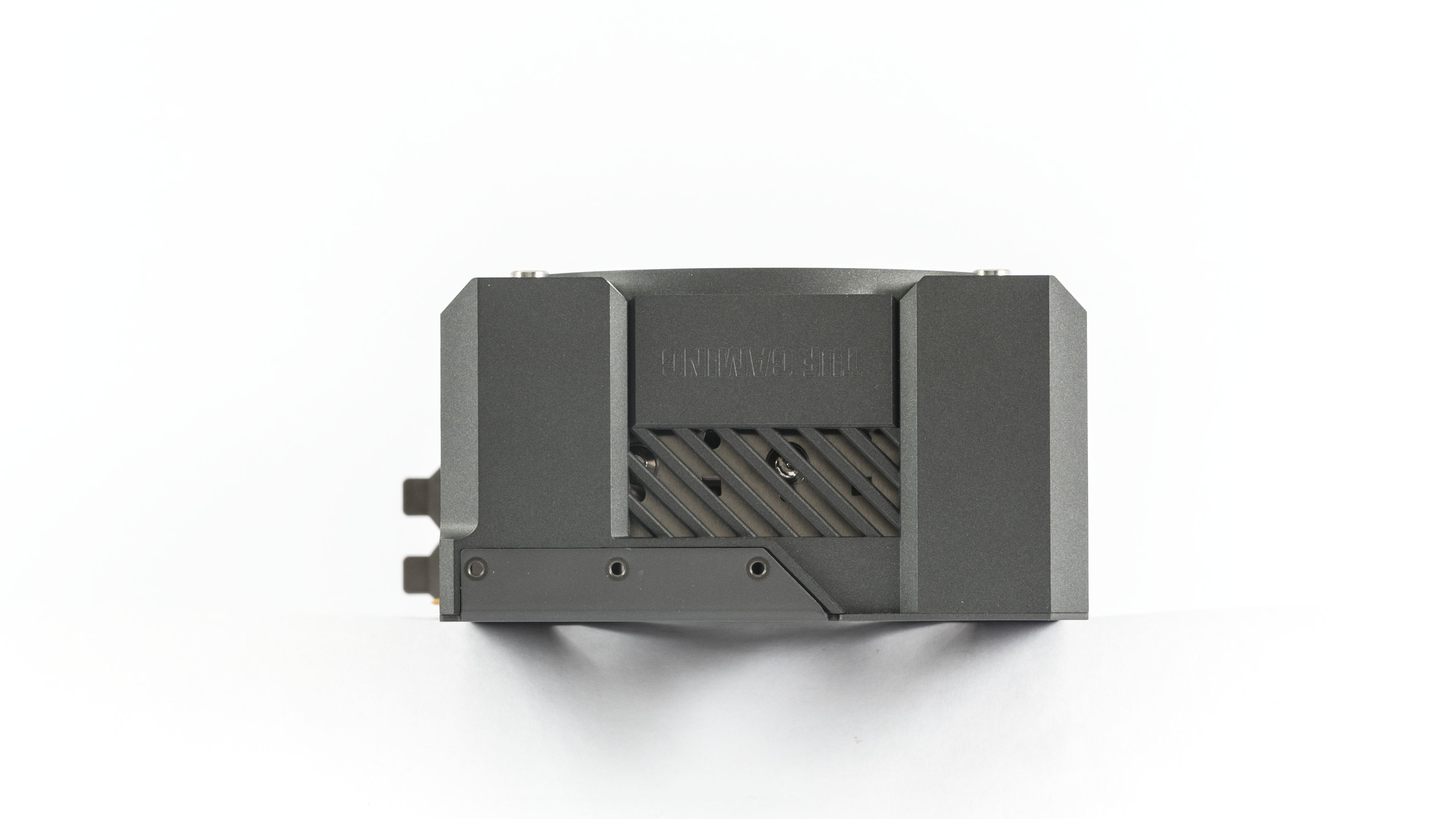
The cooler shroud can be removed without detaching the heatsink; simply unscrew the screws on the bracket and six smaller screws along the backplate’s perimeter.

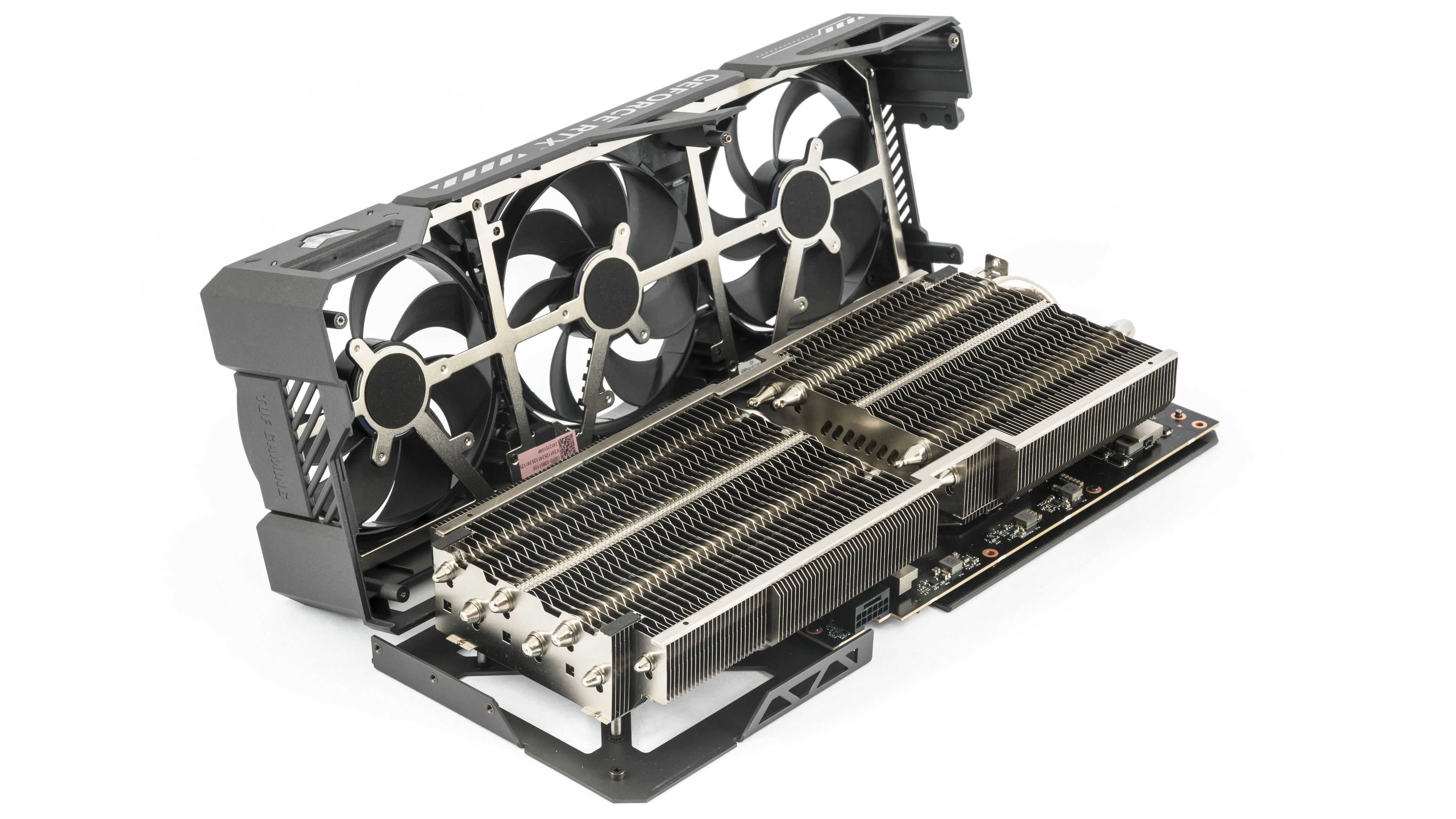
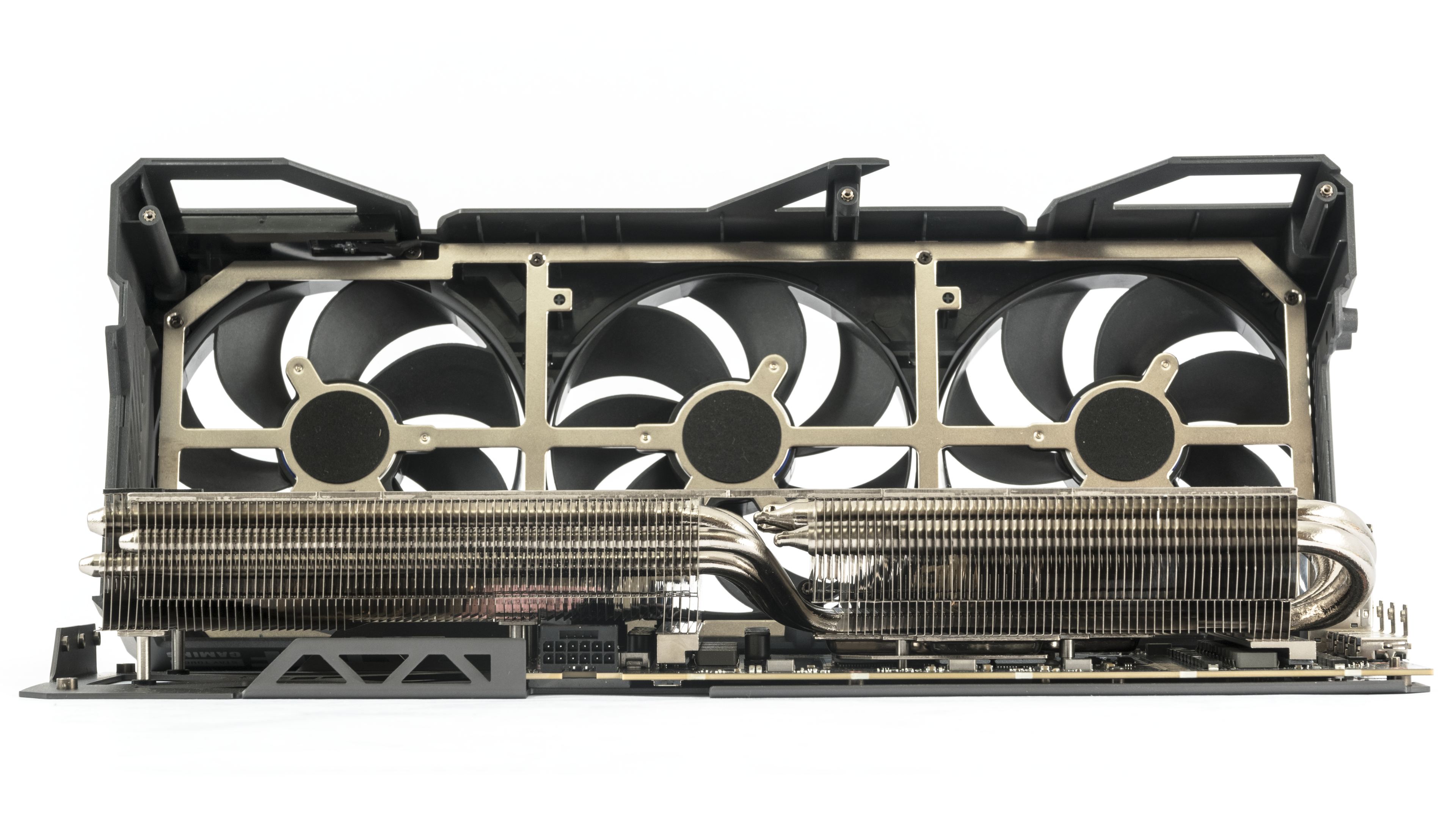
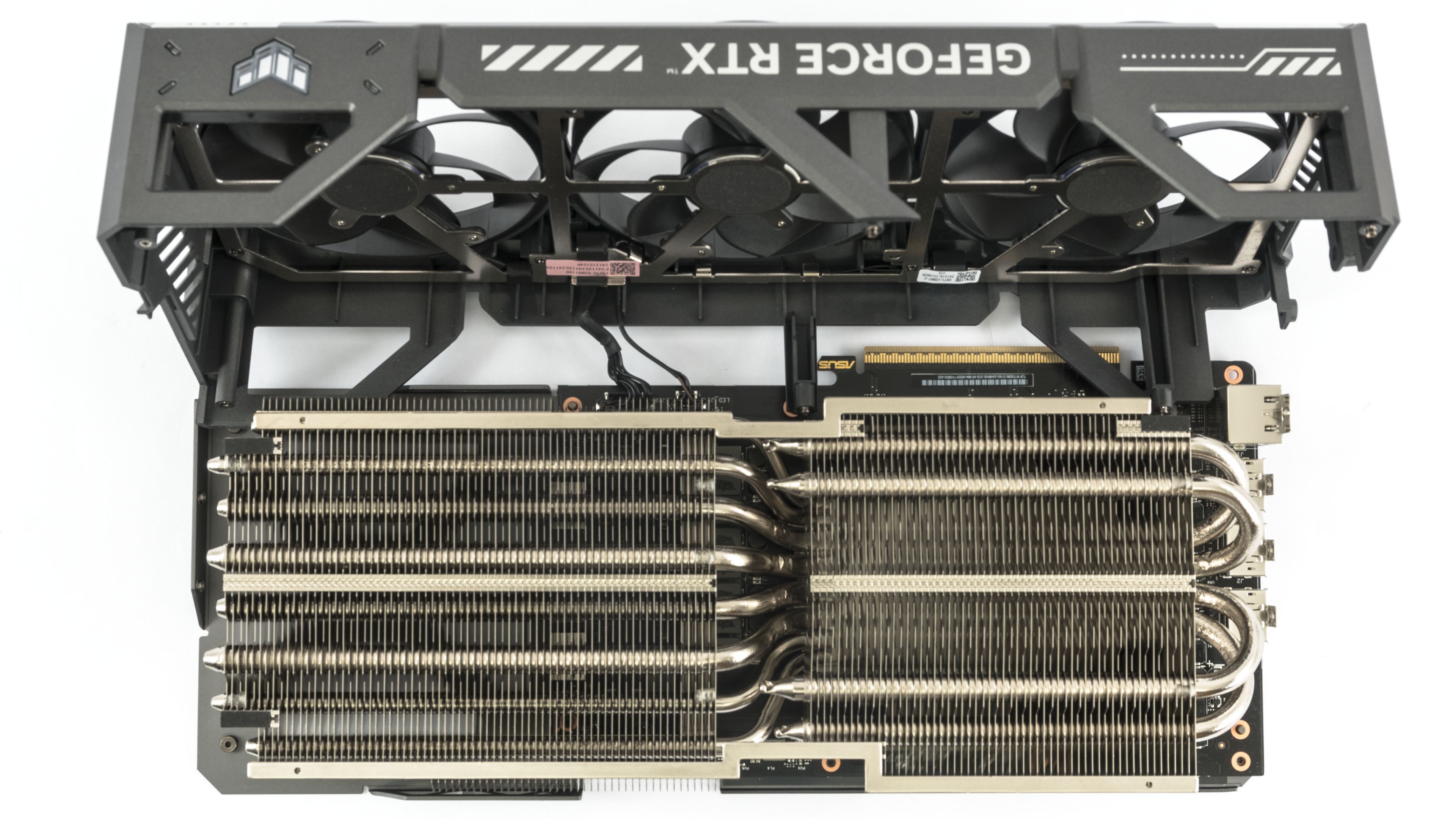
Close-up shots show the cooling solution for the MOSFETs on the power delivery. Heat from the MOSFETs is conducted via thermal pads to the base of the large heatsink.
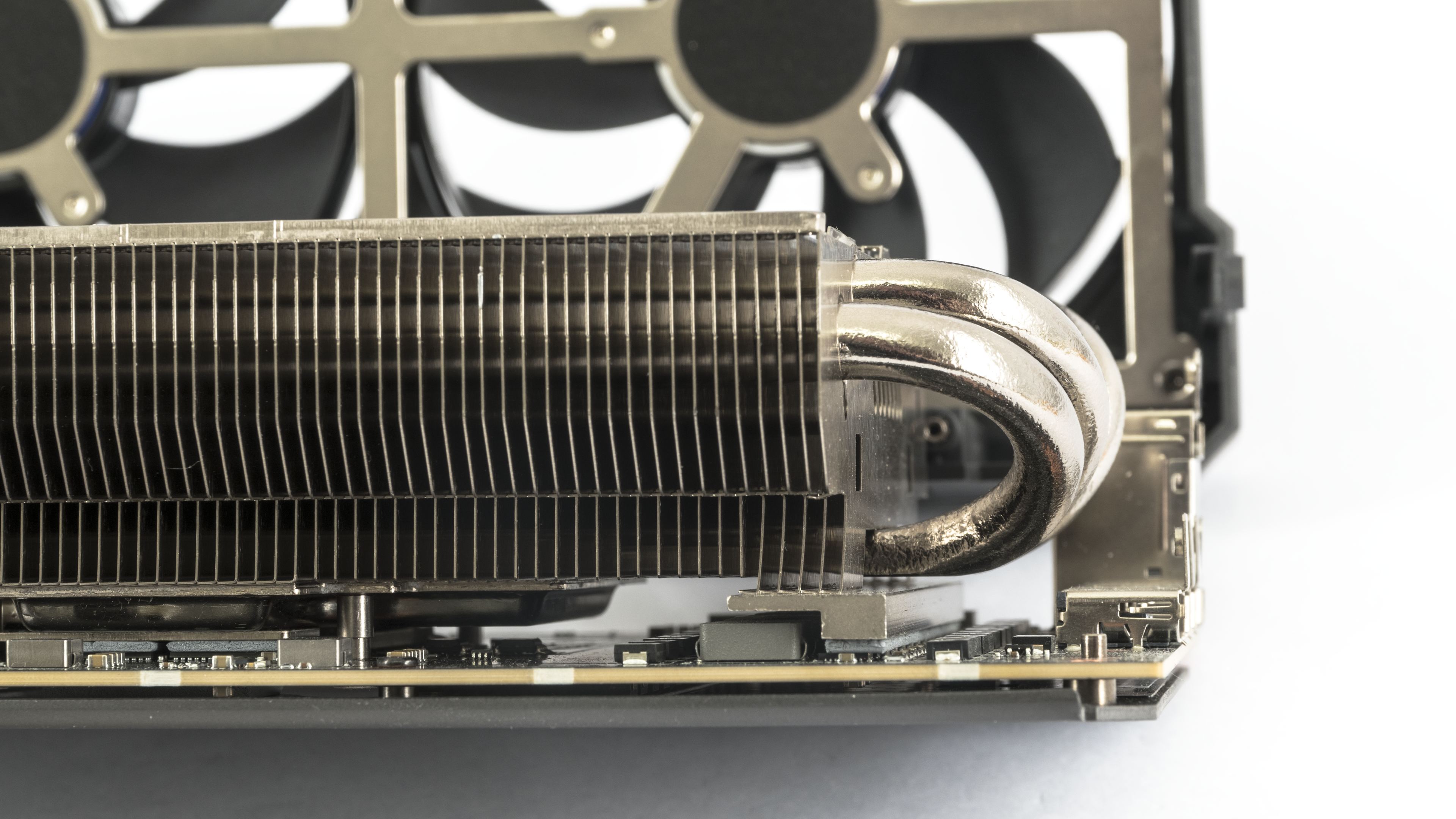

Just like everything else on the card, the fans are large – the impellers are 10.4 cm in diameter and 12 mm in height.
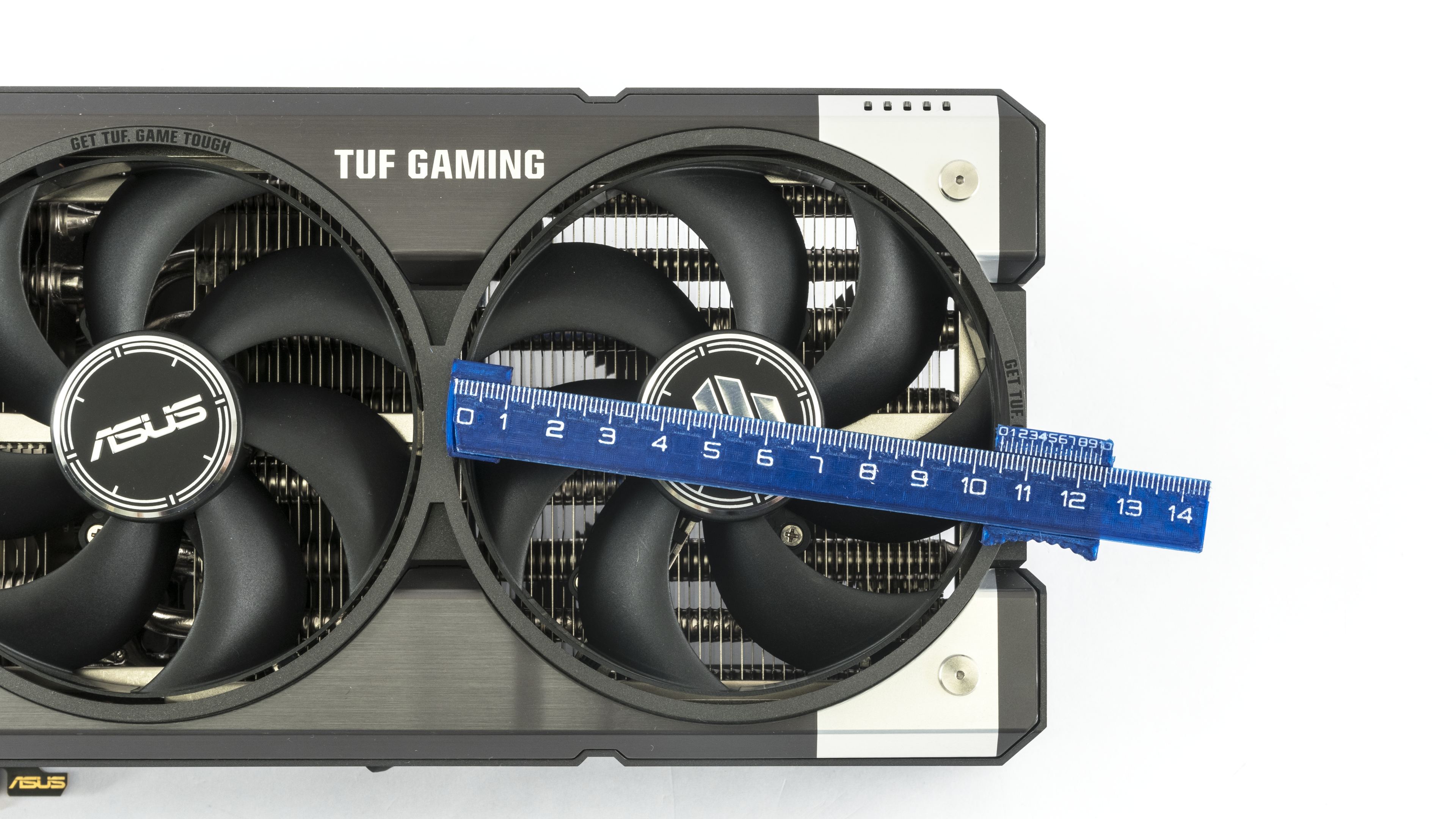
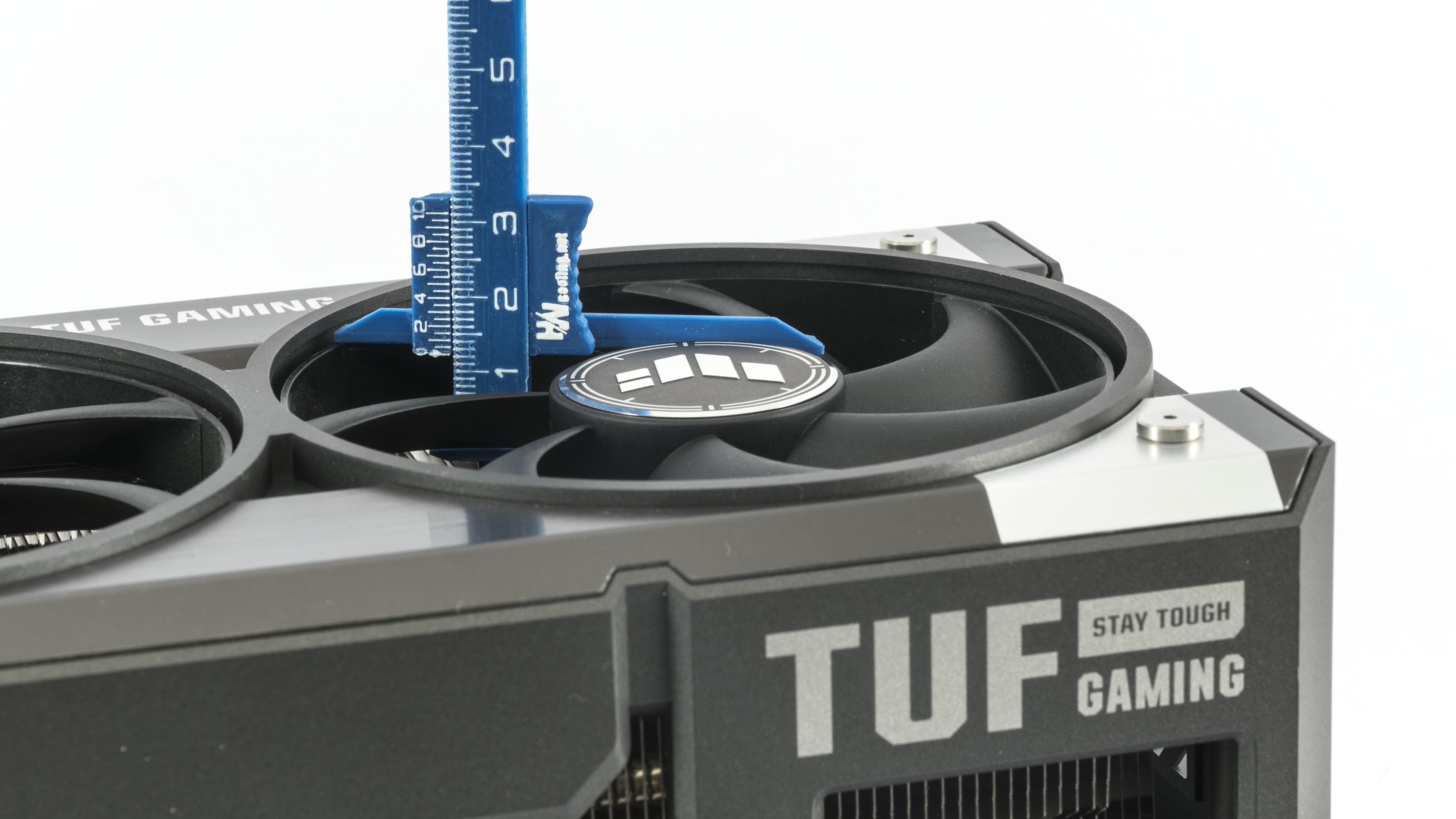
The card’s length from the bracket is about 35 cm. It extends 4 cm beyond the bracket in width and measures roughly 7 cm in height, occupying up to the fourth slot space.
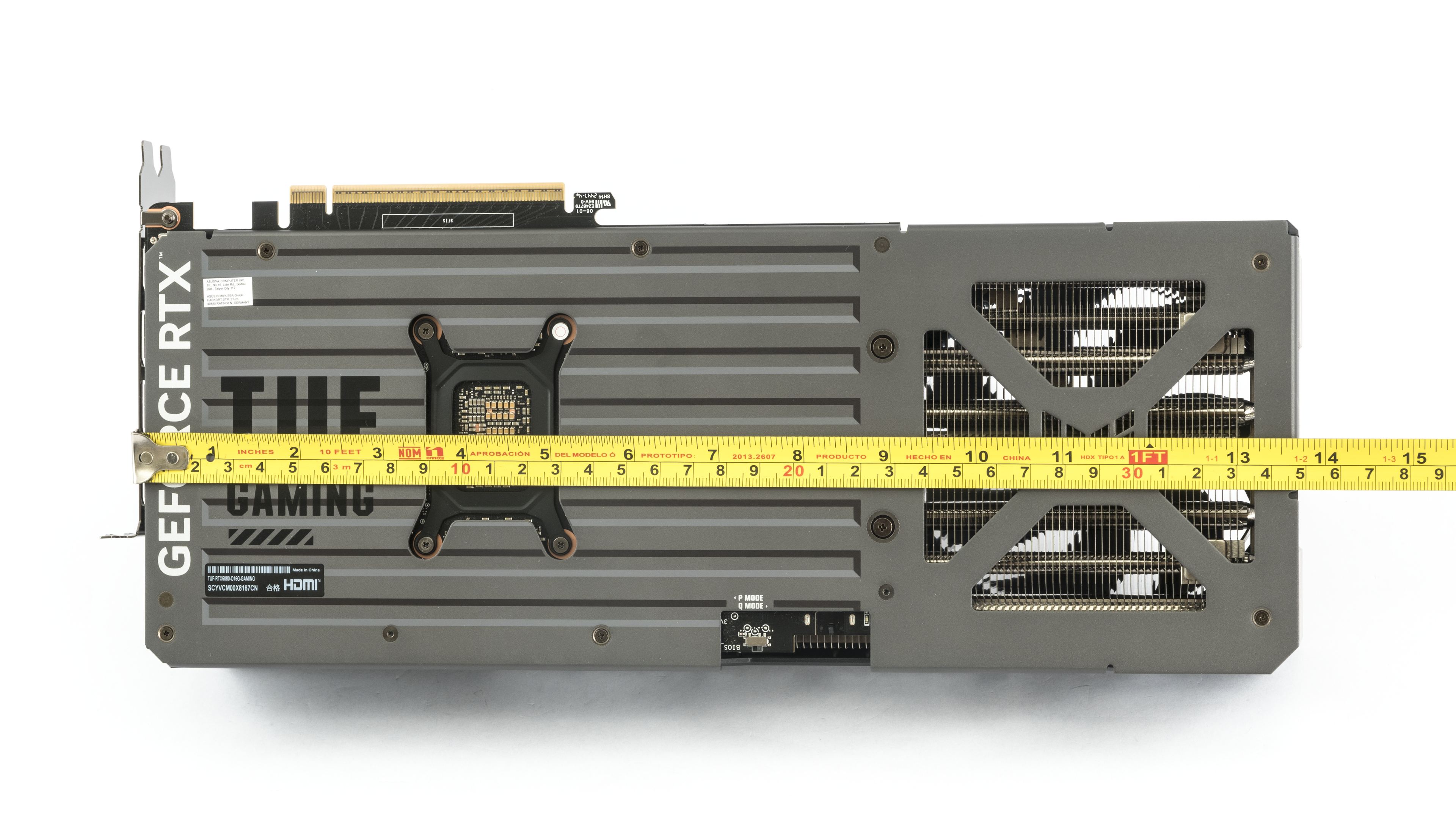
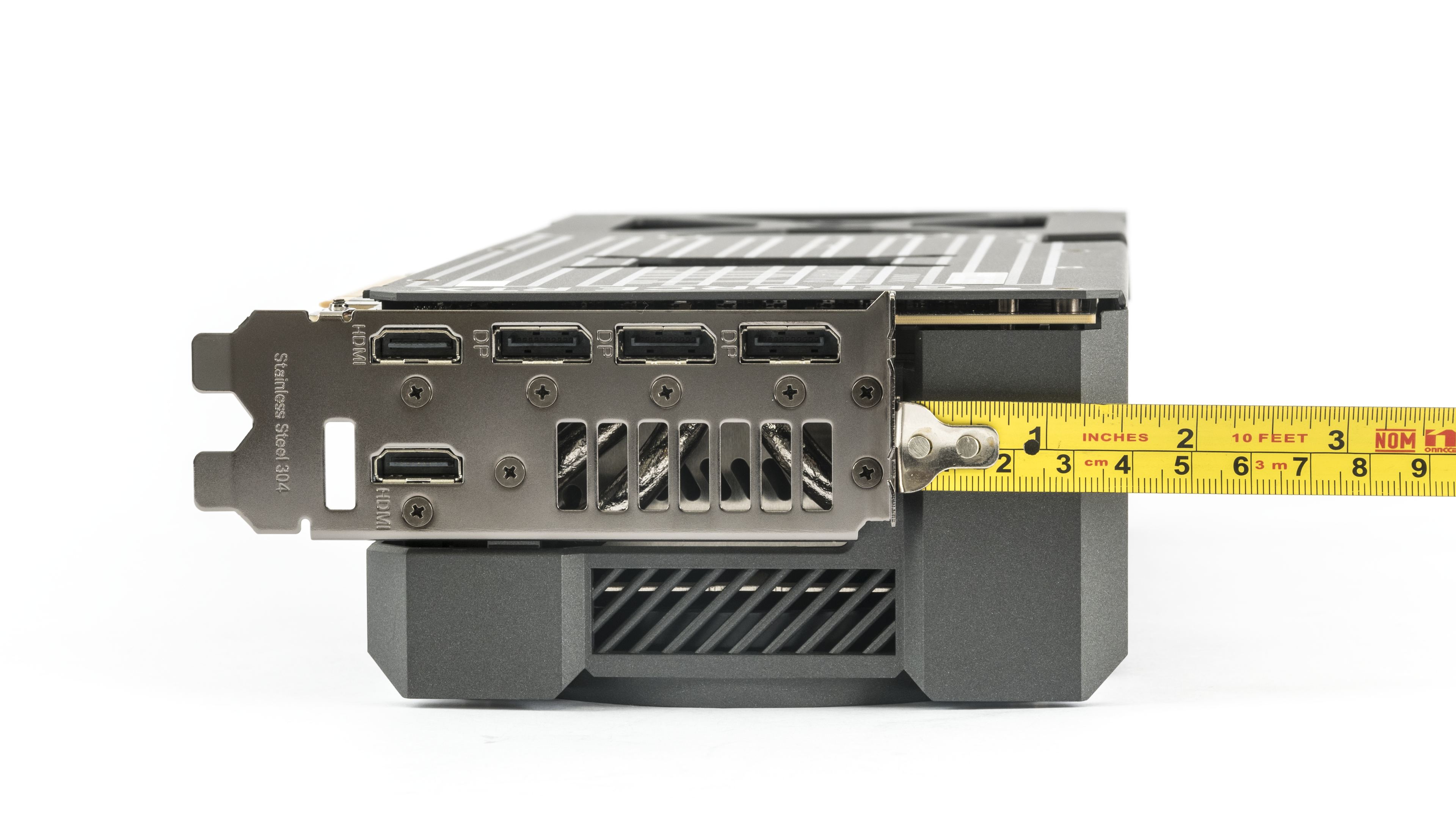

The card weighs 1956 g, making it one of the heavier models. It’s a good idea to support it with the included bracket.

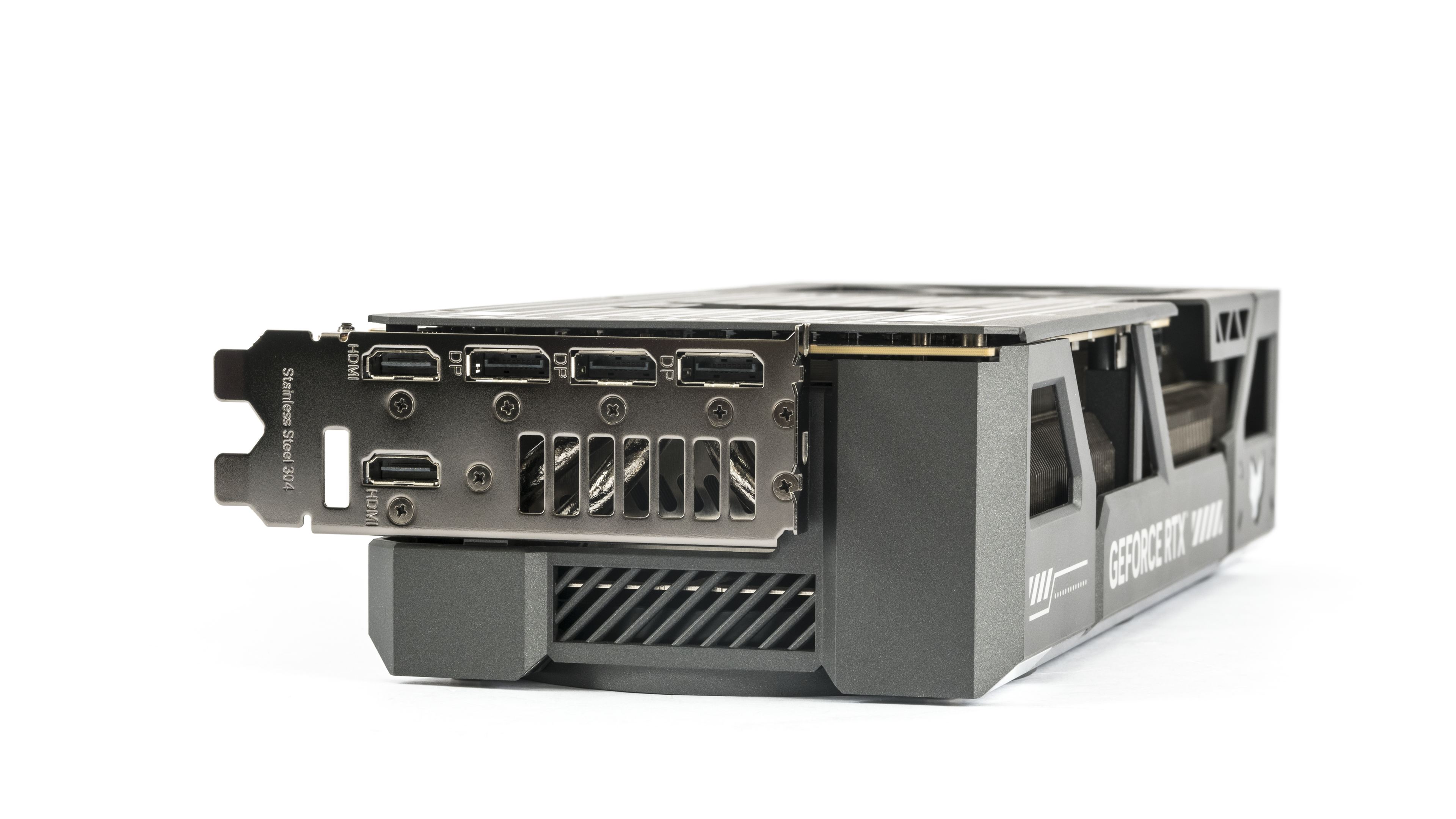
Standard GeForce configurations usually include three DisplayPort 2.1b outputs and one HDMI 2.1b. Asus adds a second HDMI port. It’s not intended for running five monitors simultaneously, but to avoid needing adapters. At most, four outputs can operate concurrently.
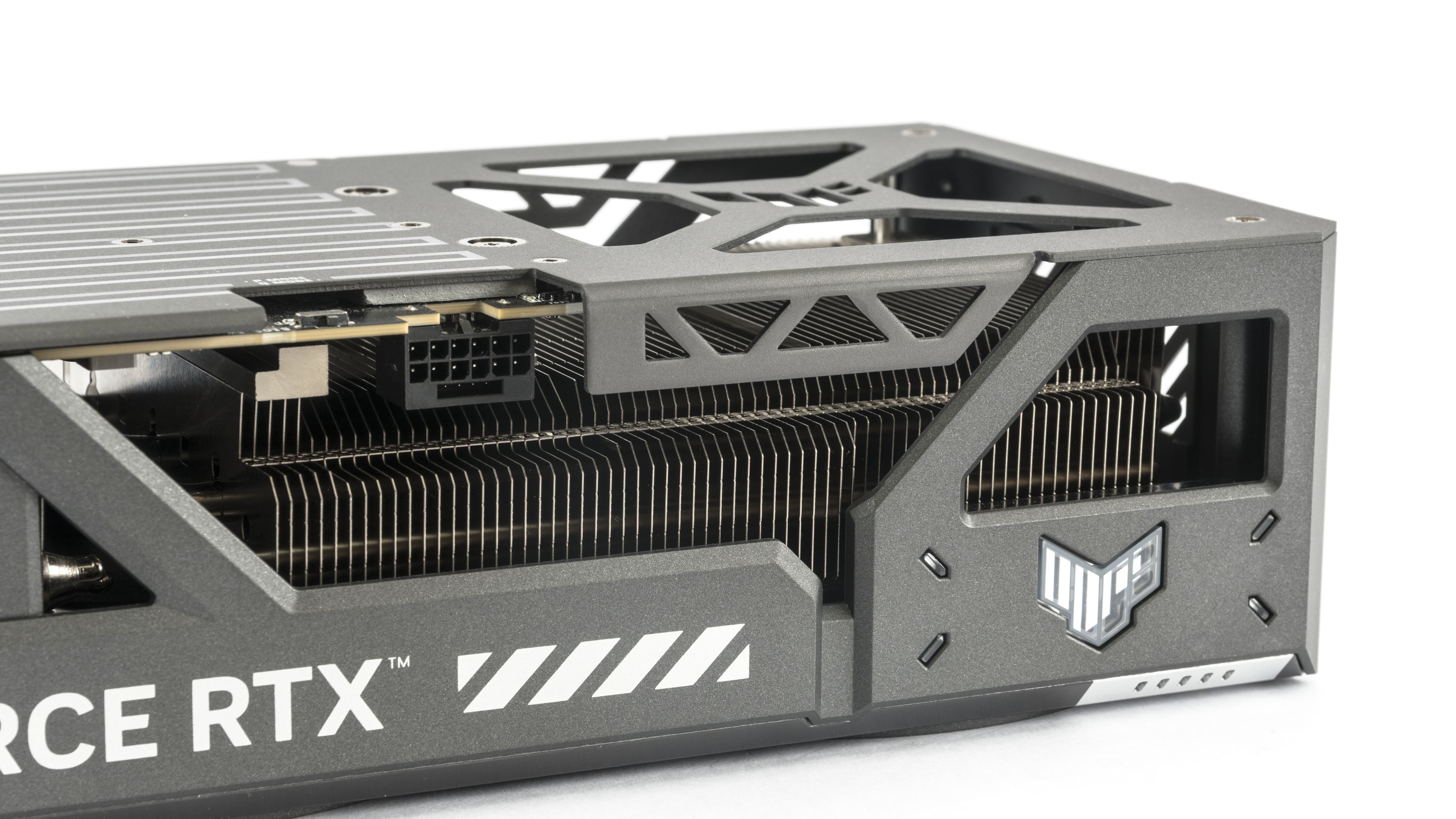
For auxiliary power, a 12V-2×6 connector is used, oriented with the latch facing upwards. It’s accompanied by a thermal pad and a diagnostic LED, which should indicate power issues. This is more for signaling if the connector is unplugged or if there’s an issue with the small sense pins. It likely won’t detect whether 20 A is flowing through a single wire.
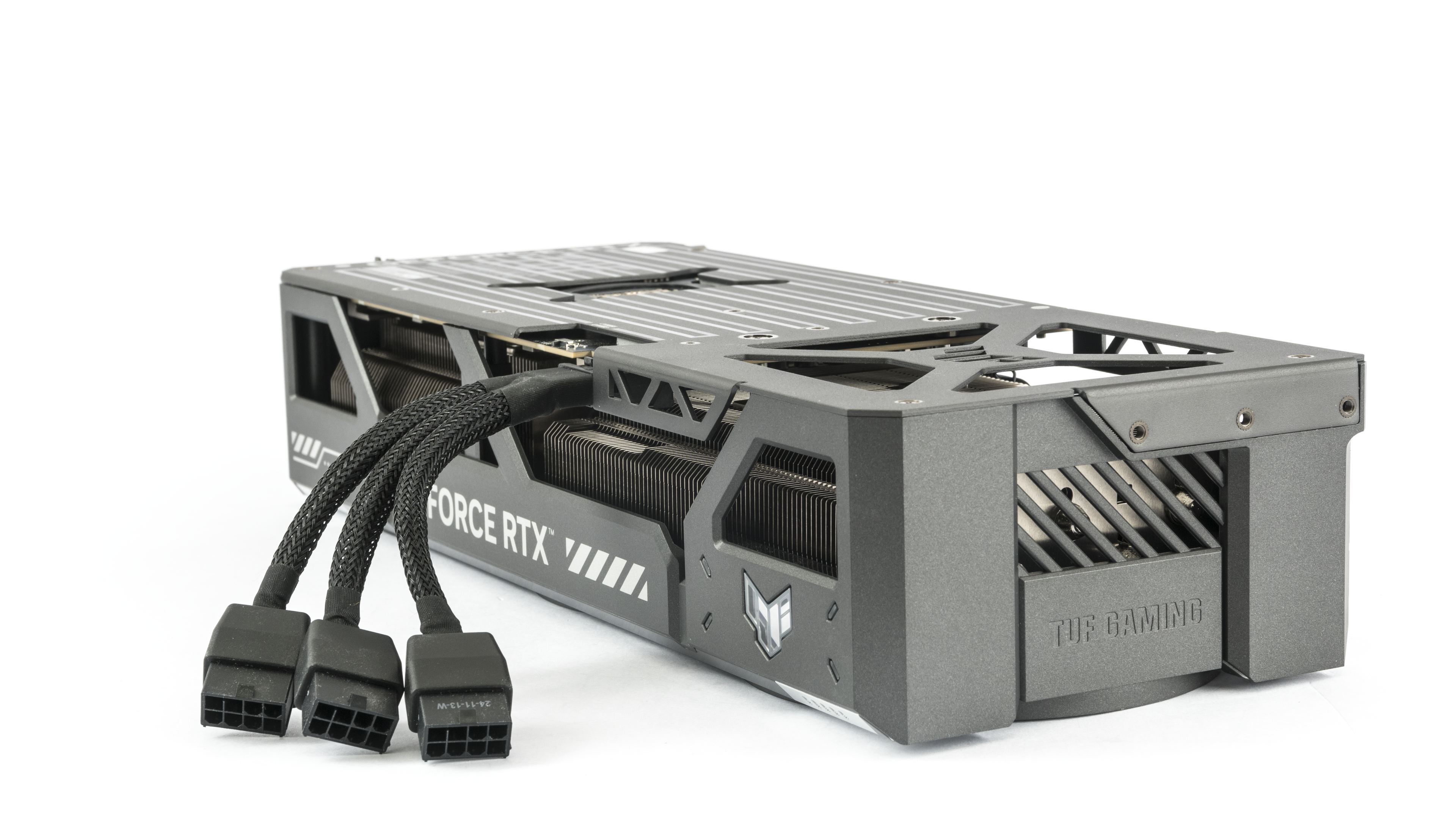
You can use the included adapter to connect the card via three standard 8-pin connectors.
We’ve covered the design, now let’s take a look at the test build and test results.
⠀





