





Gigabyte has put together a fan that combines ARGB LEDs, clever daisy chaining using connectors in the frame, and very good results on radiators. All of that for an attractive price. The design of the Aorus EZ Chain Fan 120 Ice seems to be optimized for use on radiators in particular. In fact, these are the cheapest ARGB fans with daisy chaining and this kind of efficiency that we’ve ever tested.
Measuring the intensity (and power draw) of lighting
Modern fans often include lighting. This is no longer a “cooling” parameter, but for some users the presence of (A)RGB LEDs is important. Therefore, we also measure how intense this lighting is in our tests. These tests are the only ones that take place externally, outside the wind tunnel.
We record the luminosity of the fans in a chamber with reflective walls. This internal arrangement is important to increase the resolution for us to measure anything at all with lower luminosity fans. But also so that the readings do not blend together and it is obvious which fan is emitting more light and which one less.
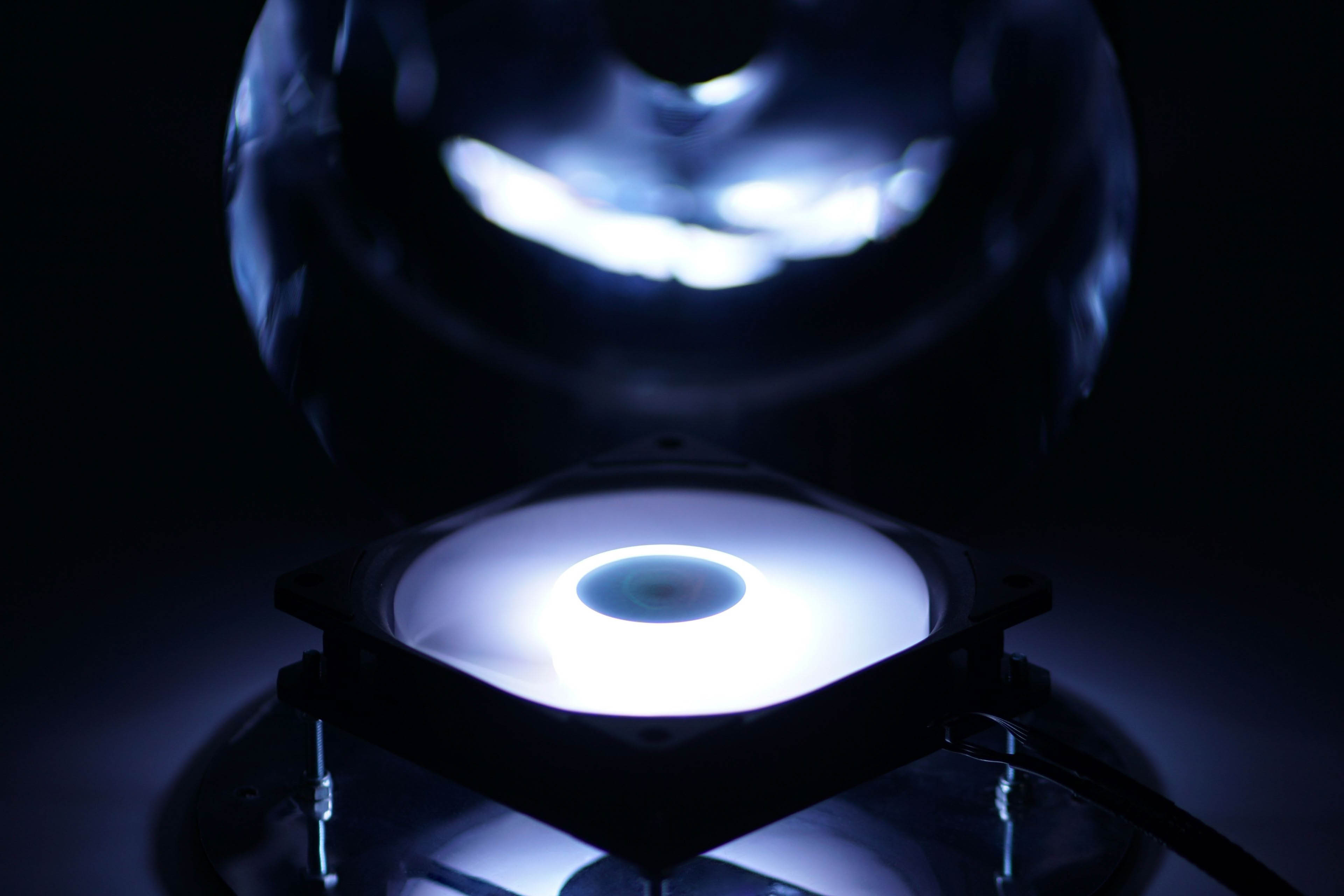
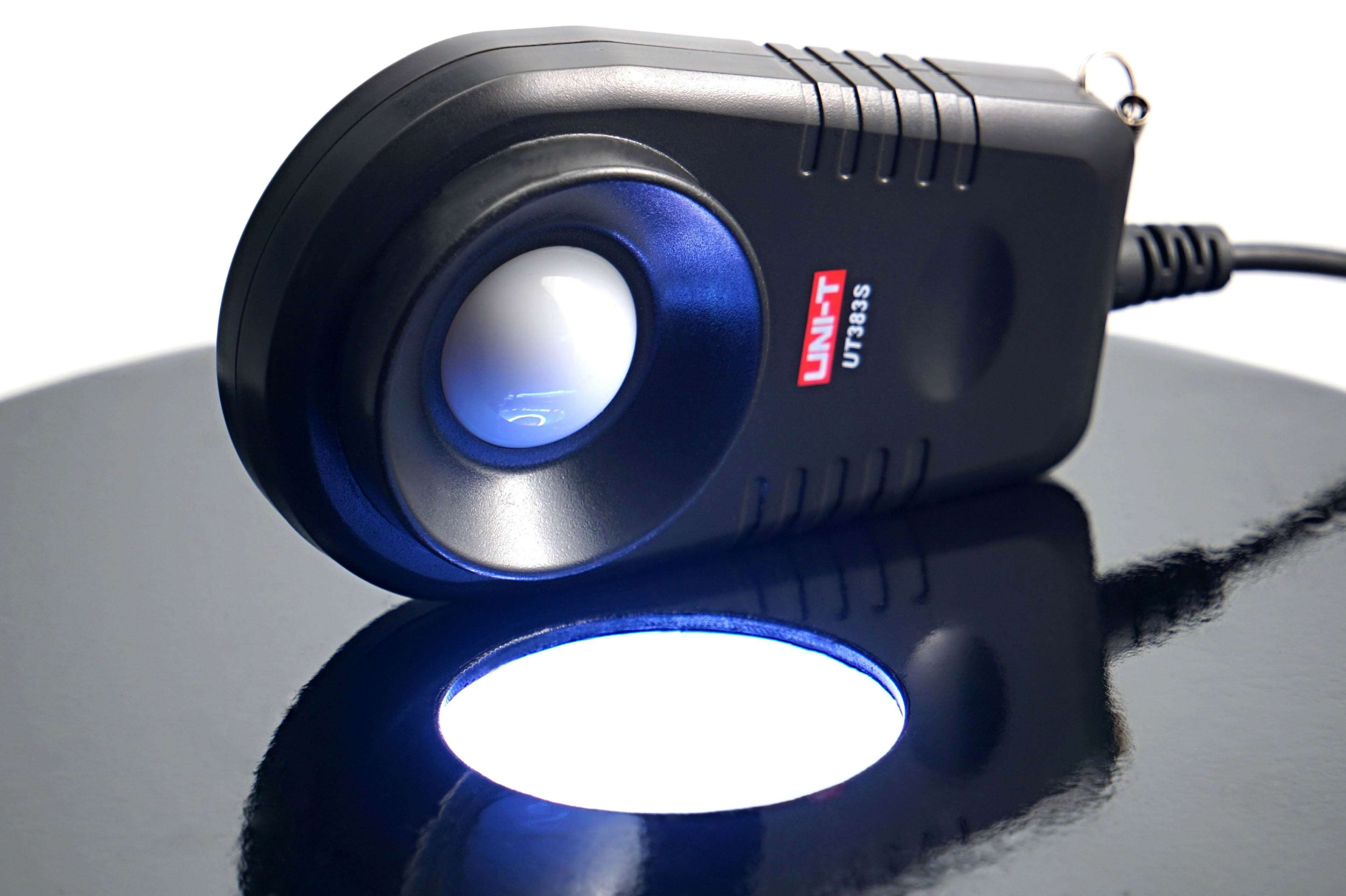
The illumination intensity is measured in the horizontal position of the fan, above which is the lux meter sensor (UNI-T UT383S). This is centered on the illumination intensity sensing chamber.
The illumination is controlled via an IR controller and the hue is set to RGB level 255, 255, 255 (white). We record the brightness at maximum and minimum intensity. According to this, you can easily see if the brightness is high enough, but conversely also if the lower level is low enough for you.
In addition to the brightness intensity, we also measure the power draw that it requires. This is again through the shunt, which is between the Gophert CPS-3205 power supply and the (A)RGB LED driver. After this we get a reading of the lighting power draw. In the graphs we show it separately, but also in sum with the motor power draw as the total maximum fan power.




While I understand the need to trim down the length of the charts, I miss being able to directly compare between 120 and 140 mm fans in one chart.
Perhaps an article can be made that updates every time a new fan review is posted, that includes all up-to-date charts for all fan formats? This will also make sharing the fan test results easier – the link will always lead to the latest data. Well, at least it would be the stop-gap solution before a proper database is created. Alternatively, add a filter option into the charts that let you toggle some data on or off, though I am not sure how feasible it is.
Another suggestion is to embed the links to the reviews of each fan into the charts themselves.
Thank you for your feedback on this matter. 🙂
We thought about how to do it and whether to do it at all – the separation of 120 mm from 140 mm format fans. In the end, we approached it like this, and maybe it would be a good compromise to release at some intervals (always at the end of the year) a complete database of the results, where both formats are included in one graph?
You have some good ideas about filtering, but here we encounter the limited possibilities of the interactive graphs we use. They are very outdated in their core and while it would be useful to completely rewrite (and modernize) them, unfortunately we don’t have the capacity to do that at the moment.