


So, we have results for a Thermalright fan. While the first attempt (or second, if we count the now-discontinued model X-Silent 120) didn’t quite hit the mark, it’s probably fair to say that this is a more attractive option than the Scythe Kaze Flex II 120. Yes, these two fans are being directly compared because they share an unusual trait – they spin in the “reverse” direction, from left to right. And as you know, most fans spin the other way…
33 dBA or 33 dBA
The noise level, given as a single dBA value, is good for quick reference, but it doesn’t give you an idea of exactly what the sound sounds like. That’s because it averages a mix of noise levels of all frequencies of sound. One fan may disturb you more than the other, even though they both reach exactly the same dBA, yet each is characterized by different dominant (louder) frequencies. To analyze thoroughly with an idea of the “color” of the sound, it is essential to record and assess noise levels across the entire spectrum of frequencies that we perceive.

We already do this in graphics card tests, and we’ll do it for fans too, where it makes even more sense. Using the UMIK-1 miniDSP microphone and TrueRTA’s mode-specific, fixed dBA application, we also measure which frequencies contribute more and which contribute less to the sound. The monitored frequency range is 20-20,000 Hz, which we’ll work with at a fine resolution of 1/24 octave. In it, noise levels from 20 Hz to 20 000 Hz are captured at up to 240 frequencies.
The information captured in the spectrograph is a bit more than we will need for clear fan comparisons. While you’ll always find a complete spectrograph in the tests, we’ll only work with the dominant frequencies (and their noise intensities) in the low, mid, and high bands in the comparison tables and charts. The low frequency band is represented by 20–200 Hz, the medium by 201–2000 Hz and the high by 2001–20 000 Hz. From each of these three bands, we select the dominant frequency, i.e. the loudest one, which contributes most to the composition of the sound.
To the dominant frequency we also give the intensity of its noise. However, in this case it is in a different decibel scale than those you are used to from noise meter measurements. Instead of dBA, we have dBu. This is a finer scale, which is additionally expressed negatively. Be careful of this when studying the results – a noise intensity of -70 dBu is higher than -75 dBu. We discussed this in more detail in the article Get familiar with measuring the frequency response of sound.
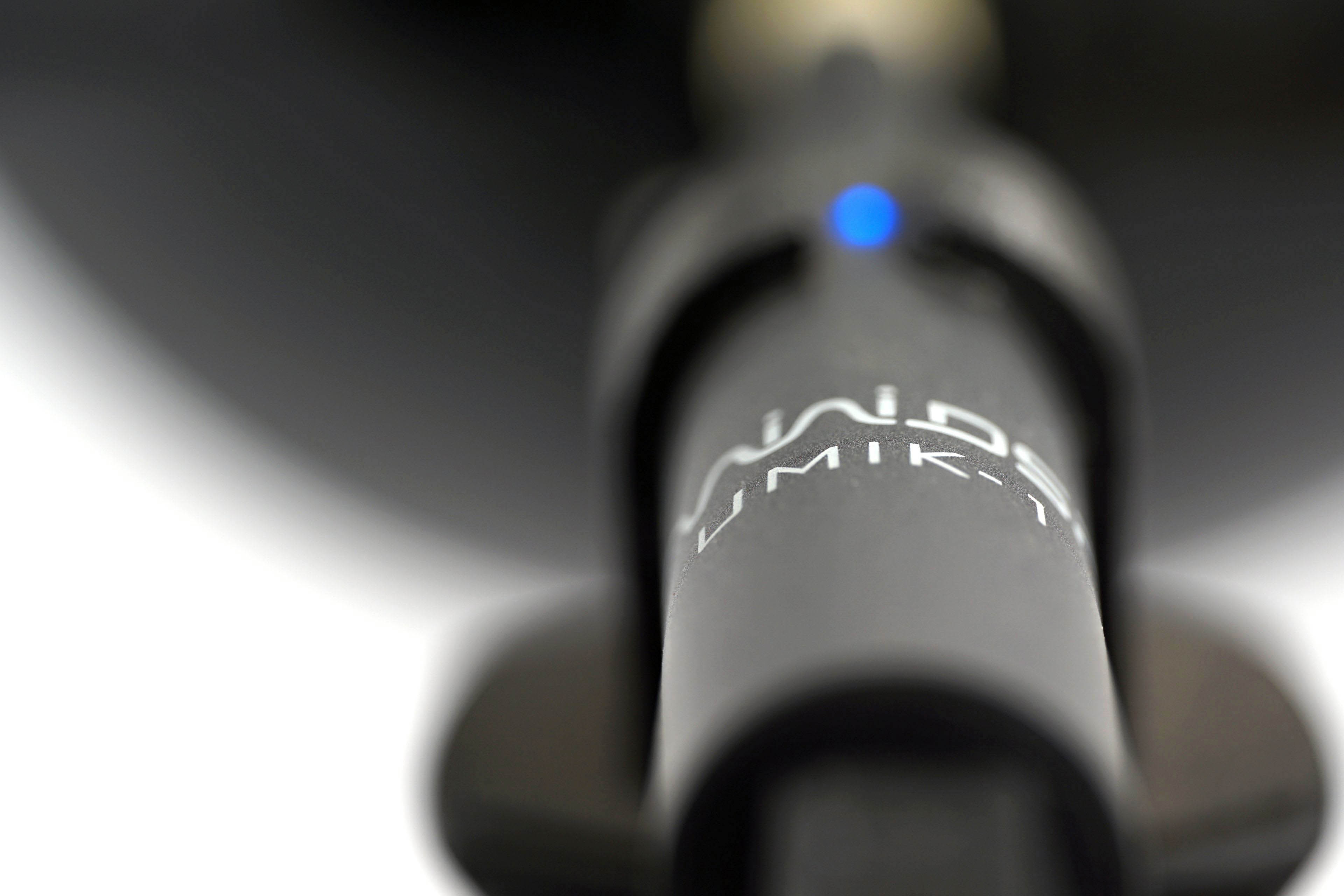
Strict acoustic safeguards are required to ensure that these measurements can be carried out with satisfactory repeatability at all. We use acoustic panels to measure the same values at all frequencies across repeated measurements. These ensure that the sound is always reflected equally to the microphone regardless of the distribution of other objects we have in the testlab. The baseline noise level before each measurement is also naturally the same. The room in which we measure is soundproofed.
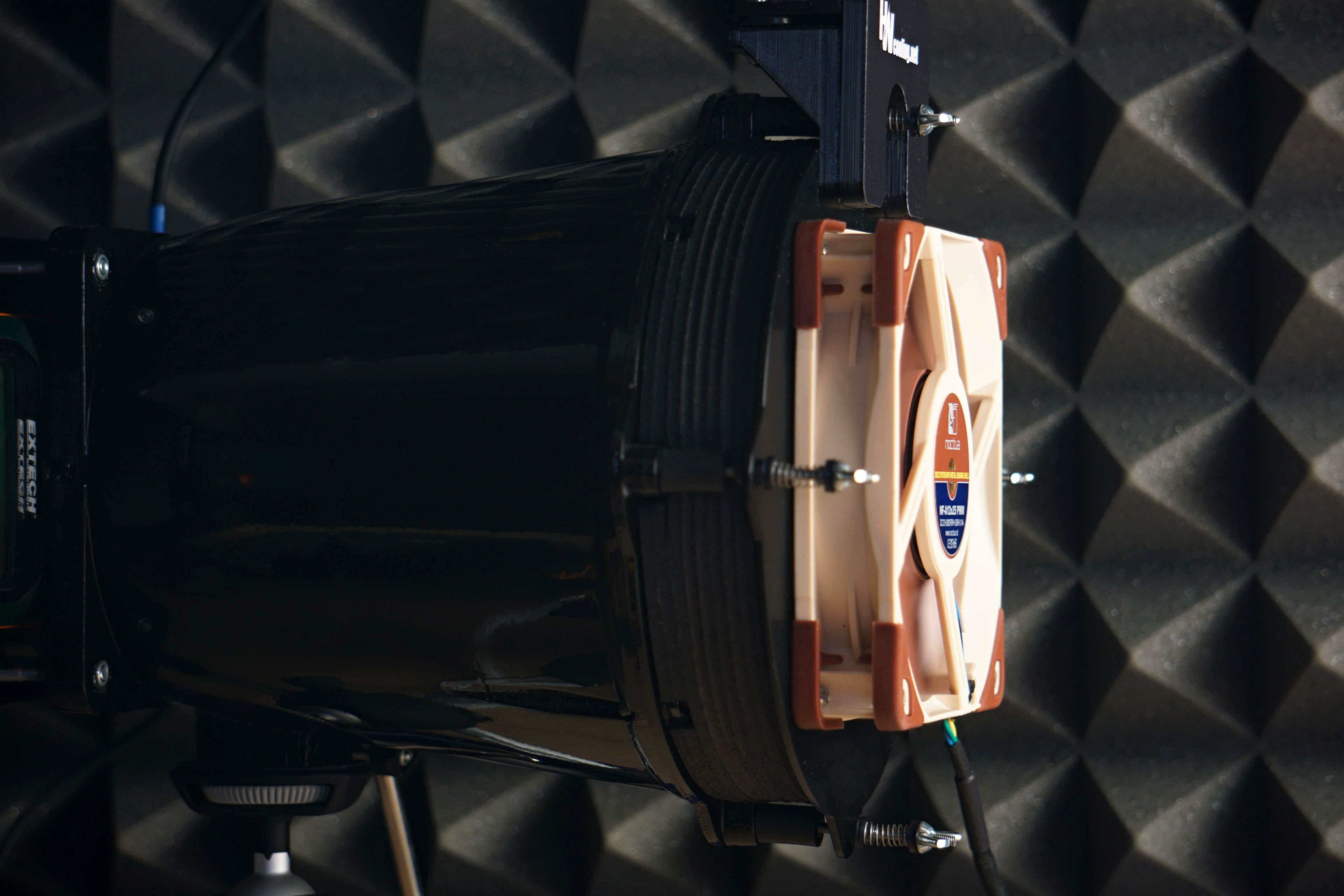
Like the noise meter, the microphone has a parabolic collar to increase resolution. The latter is specially in this case not only to amplify but also to filter out the noises that occur whether we want them or not behind the microphone. We are talking about the physical activity of the user (tester). Without this addition, human breathing, for example, would also be picked up by the spectrograph. However, this is successfully reflected off the microphone sensor by the back (convex) side of the collar. As a result, the spectrogram only contains information about the sound emitted by the fan itself.




A potentially huge problem for this fan is its longevity. I’ve seen quite a number of reports of them failing in large numbers only after a few months of usage, presumably due to bearing failure. Have you seen any signs of this happening on your units?
Even when ignoring this issue, I don’t see it being particularly competitive vs fans like Endorfy Stratus and Arctic P12. While airflow per price vs no obstacles is high, but the value decreases greatly if you look at airflow per price vs radiators, for example.
Even though I cannot assess longevity, I can assess the ratio of airflow to price. And especially when it comes to the ratio airflow to price on radiators, this ratio speaks in favor of the TL-C12C compared to the Stratus. The P12 is from another world, nothing can be compared to it 😀 . Moreover, I counted with the price that Ľubo states in the specification (in €). If we took the price of a three-pack even the P12 would sweat.
Every dBA lvl – https://imgur.com/bhNPXyJ
Average – https://imgur.com/G8EmutF
I would say that overall the TL-C12C is quite comparable to the Stratus (except for the lifespan, which I can’t assess). 😉
Here are the current best prices from geizhals.de (19-6-2025, 9:30 am)
https://imgur.com/ppoJbo2
Yes, the price of the TL-C12C in the triple pack is extremely attractive. However, I assume that a fan hub will not be included in the standard accessories, as is sometimes the case with more expensive models. Here it will probably rely on the possibility of daisy-chaining and connecting all three fans to one header on the motherboard or case (if the case has its own hub). 🙂
You’re right, I was not aware of the fact that the triple pack is priced so low. If C12C works well long term, I can see them being quite attractive.
Good point. Unfortunately, we cannot assess lifespan. I’ve played around with the idea of creating some form of methodology based on “accelerated aging”, but under our conditions, that would not be easy… Recently, my colleague and I talked about fluid dynamic bearings and yes, the quality level can vary. This is also reflected in the wide range of MTBF/MTTF values… so yes, in the case of the TL-C12C, it’s probably a bit weaker here, but that probably also applies to the Stratus 120 PWM fans. Those are also low-end, but aerodynamically excellent, and I think both deserve the Smart Buy! award (the fans). Arctic P12, as Bufo points out, is “from another world”, but we should keep in mind that this might not be the case for much longer. It depends on how long Arctic continues to sell and supply them to third-party retailers. 🙂
According to this source, the “S-FDB” aka “Stably-Fluid Dynamic Bearing” is just a rifle bearing with a 20k hr MTTF… That could explain the poor longevity.
https://en.namu.wiki/w/Thermalright/%EC%BF%A8%EB%A7%81%ED%8C%AC
Thanks for the clarification. You’re right — not all FDBs are created equal. That’s also why the range of MTBF values (with FDB) is so wide. 🙂
as one fictional character said 😉
Bearing is bearing.
Rifle, Fluid, Hydro …
Makes no difference.
The degree is arbitrary.
The definition’s blurred.
or something like that … 😀
(message for Ľubo…you don’t have to resolve the differences…this is just for relief) 😀
Just want to say THANK YOU! This info doesn’t show up anywhere nor prominently in search engine results when researching lifetime of these Thermalright fans. Now it also makes sense why the E12B V3 model stops after 4 seconds on max RPM when the power is cut. With an Arctic P14 I saw it’s over 12 seconds. Makes sense now. Feeling pretty disappointed how misleading Thermalright is with the “FDB” claim…